How we make this list: we compare pricing pages, product documentation and public user reviews. Ratings come from G2, Capterra or Trustpilot, with the date we checked them.
Key takeaways
- Figma is the centre of gravity for product design: multiplayer editing, prototyping, and developer handoff in one file, at $16 per editor per month for Professional.
- Miro owns the earlier stage of the work: workshops, journey mapping, and planning on an infinite canvas, with paid plans from a reported $8 per member per month.
- FigJam, Figma's whiteboard, and Whimsical cover lighter collaboration; Sketch remains the Mac native alternative with a loyal base.
- Framer collapses design and publishing for marketing sites, and Penpot is the open source option for teams that want to host their own design tool.
- Count editors, not viewers, when you price: every tool here gives viewing away and charges for the people who create.
Quick comparison
| Tool | Best for | Starting price | Free plan |
|---|
 Figma Figma | Product design teams | $16 per editor per month | Yes |
 Miro Miro | Workshops and planning | $8 per member per month | Yes |
 FigJam FigJam | Whiteboarding inside Figma | $5 per editor per month | Yes |
 Sketch Sketch | Mac native design teams | $10 per editor per month | No |
 Framer Framer | Designing and publishing sites | $10 per month | Yes |
 Penpot Penpot | Open source, self hosted design | Free | Yes |
 Canva Canva | Non designer collaboration | Free | Yes |
 Whimsical Whimsical | Fast flows and wireframes | $10 per editor per month | Yes |
Is your product missing or out of date?
We review this list regularly. Vendors can request a listing, send updated pricing or ask about featured placement.
#1Figma
Best for: Product design teams4.7/5 on
G2 (1,593 reviews, checked Oct 2026)
Visit figma.com
Starting price$16 per editor per month
Free planYes
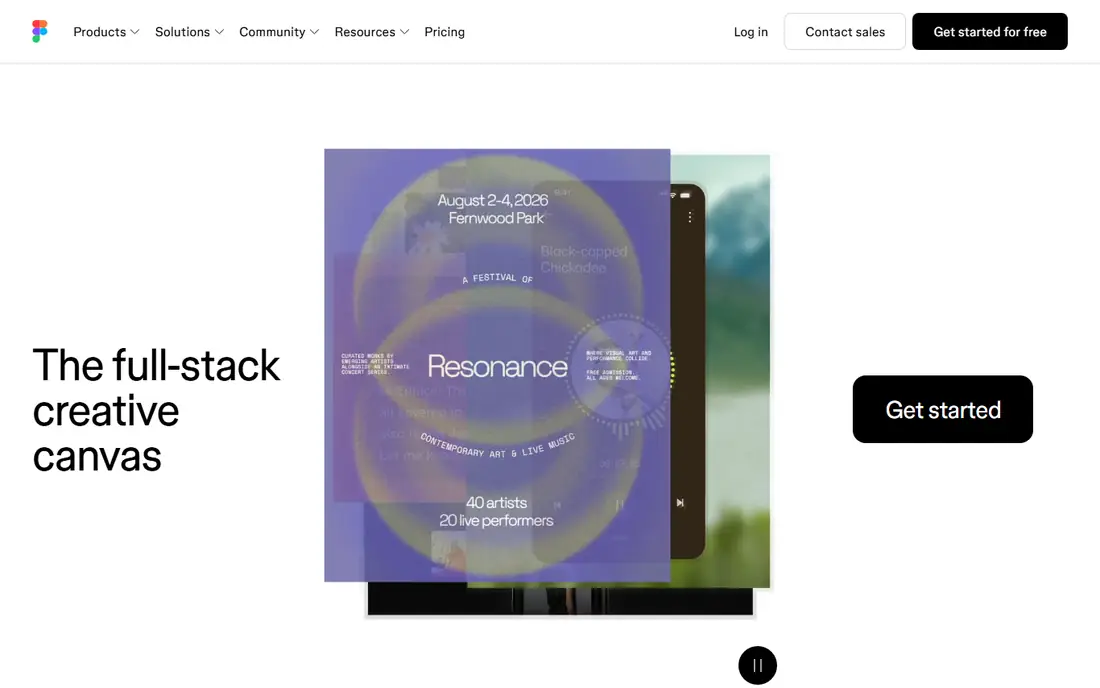
Figma is where product design happens: designers, PMs, and engineers in one file, commenting on live work, with a component system that lets a design team of five operate like twenty. Professional pricing at $16 per editor per month on annual billing, with free viewing, is the market's reference deal.
The trade off is centrality against cost creep and dependence. Everything in Figma is convenient enough that leaving gets harder yearly. Figma fits any team designing software products, which is why it is the first name in this category.
What we like- Multiplayer editing set the standard everyone copies
- Components, variables, and libraries scale design systems
- Dev Mode handles handoff inside the same file
- Free tier, Professional at $16 per editor per month
Watch out for- Per editor pricing adds up across a big org
- Performance strains on giant files
- The platform now bundles AI and other products into seat decisions
#2Miro
Best for: Workshops and planning4.6/5 on
G2 (13,631 reviews, checked Oct 2026)
Visit miro.com
Starting price$8 per member per month
Free planYes

Miro is where design work is decided before it is drawn: discovery workshops, journey maps, service blueprints, and the planning rituals around them, with stakeholders who will never open Figma participating happily. Its template library is the facilitator's shortcut.
The trade off is breadth of participation against design depth. Final interfaces do not belong here. Miro fits product and design teams that run collaborative discovery, and the wider organisations whose workshops feed design.
What we like- The infinite canvas standard for workshops, mapping, and planning
- Huge template library for every facilitation format
- Integrations with the whole work stack
- Free plan, paid from a reported $8 per member per month
Watch out for- Not a design tool for production files
- Boards sprawl without ownership habits
- Per member pricing for a tool everyone touches gets large
#3FigJam
Best for: Whiteboarding inside Figma4.5/5 on
G2 (465 reviews, checked Oct 2026)
Visit figma.com
Starting price$5 per editor per month
Free planYes
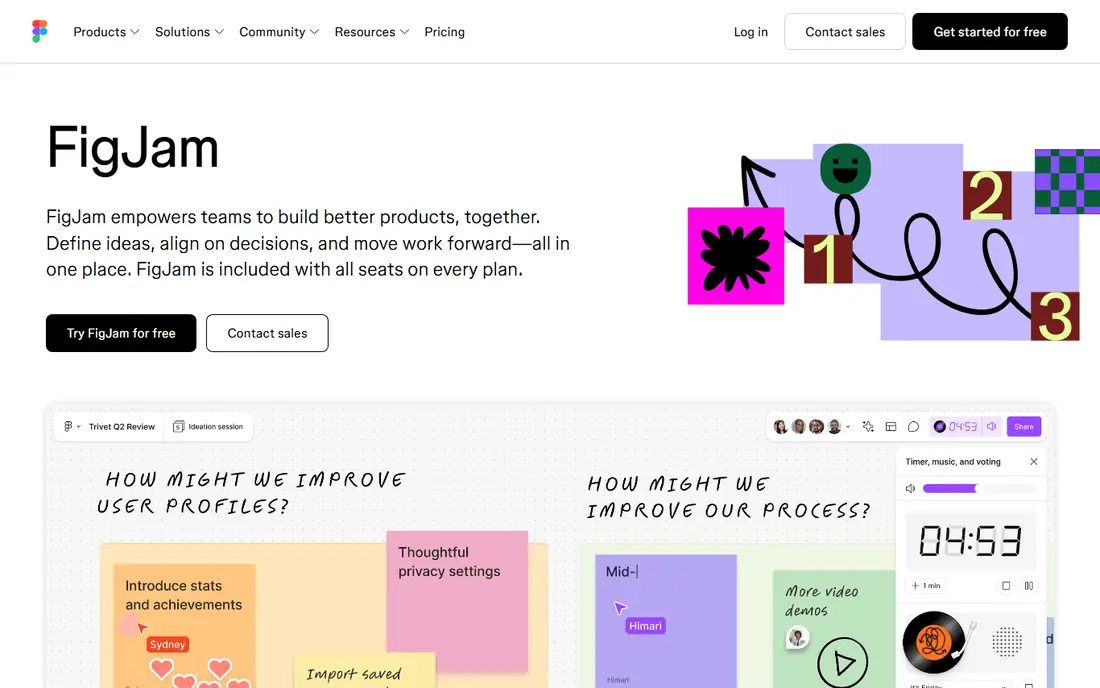
FigJam is Figma's answer to Miro for teams already paying Figma: brainstorming, diagramming, and meeting boards one tab from the design files, with the same multiplayer feel. For design led teams it removes a separate whiteboard subscription.
The trade off is convenience against workshop depth. Dedicated facilitators still prefer Miro's range. FigJam fits Figma first teams whose whiteboarding is an extension of design work rather than a company wide ritual platform.
What we like- Whiteboard that lives beside your Figma files with the same sharing model
- Stamps, widgets, and facilitation basics without ceremony
- Cheap at a reported $5 per editor per month standalone
- Included in many Figma plans
Watch out for- Lighter facilitation features than Miro
- One more seat type to track
- Value depends on being in the Figma estate
#4Sketch
Best for: Mac native design teams4.5/5 on
G2 (1,227 reviews, checked Oct 2026)
Visit sketch.com
Starting price$10 per editor per month
Free planNo
Sketch was the tool that defined modern UI design before Figma moved it to the browser, and it remains a beautifully made Mac application with collaboration, libraries, and version history added since. Teams that kept it cite speed, file ownership, and a calmer pricing model at a reported $10 per editor per month.
The trade off is craft against gravity. New designers learn Figma, plugins launch for Figma, and clients ask for Figma links. Sketch fits established Mac based design teams whose workflow already runs on it and who value local files.
What we like- A refined Mac application with decades of craft in interface design
- Real time collaboration and shared libraries added over recent years
- $10 per editor per month reported for the standard plan
- Files stored your way, including locally
Watch out for- Mac only design app in a cross platform world
- Ecosystem and hiring pool have shifted to Figma
- Prototyping and handoff are thinner
#5Framer
Best for: Designing and publishing sites4.5/5 on
G2 (144 reviews, checked Oct 2026)
Visit framer.com
Starting price$10 per month
Free planYes
Framer removes the handoff for marketing sites entirely: the designed page is the shipped page, with hosting, CMS, and animation handled. Design teams use it to own landing pages end to end without a development queue.
The trade off is scope: Framer publishes websites, and product interfaces are not websites. Framer fits marketing and brand design teams that ship web pages weekly and want design and publishing under one subscription from a reported $10 per month.
What we like- Design on a canvas and publish a real, fast website from it
- Animation and interaction tools designers love
- CMS built in for marketing content
- Site plans reported from $10 per month
Watch out for- A website tool, not a product design system
- Large sites hit plan and CMS limits
- Handing a Framer site to developers means the site stays in Framer
#6Penpot
Best for: Open source, self hosted design4.5/5 on
G2 (10 reviews, checked Oct 2026)
Visit penpot.app
Starting priceFree
Free planYes
Penpot is the credible open source design platform: a browser based, multiplayer tool with components, libraries, and prototyping that a product team can genuinely run on, free as a hosted service or self hosted for full control. Design teams under data residency or budget constraints take it seriously for a reason.
The trade off is freedom against ecosystem. Everything around the tool, hiring, plugins, community files, is smaller. Penpot fits teams that prioritise openness and hosting control, and public sector or privacy sensitive organisations.
What we like- Open source and free, hosted by Penpot or self hosted on your own servers
- Real design and prototyping features with shared libraries
- Web based multiplayer like the commercial leaders
- Design tokens and developer friendly outputs
Watch out for- Smaller ecosystem and plugin world
- Polish and performance trail Figma
- Self hosting means your team owns the uptime
#7Canva
Best for: Non designer collaboration4.7/5 on
G2 (7,678 reviews, checked Oct 2026)
Visit canva.com
Starting priceFree
Free planYes
Canva is the collaboration tool for everyone who is not a designer: marketing, sales, and operations produce on brand assets from templates the design team controls, commenting and editing together without a design application. Its free plan is where most small companies start.
The trade off is access against depth. Canva fits organisations where design collaboration means many hands on brand content, while the product design team works in Figma beside it.
What we like- The whole company can design inside brand kits and locked templates
- Real time collaboration on social, decks, and documents
- Enormous asset library
- Free tier is genuinely useful, with paid plans above
Watch out for- Not a product design tool: no components, no design system depth
- File organisation strains at scale
- Exports vary in production quality by type
#8Whimsical
Best for: Fast flows and wireframes4.6/5 on
G2 (189 reviews, checked Oct 2026)
Visit whimsical.com
Starting price$10 per editor per month
Free planYes
Whimsical does a few collaborative formats, flowcharts, wireframes, sticky boards, mind maps, at a speed and tidiness the big canvases never match. A PM can sketch the onboarding flow in the meeting where it is decided.
The trade off is focus against range, accepted knowingly. Whimsical fits product teams that think in flows and want the thinking visible in minutes, not a second design platform.
What we like- The fastest flowcharts, wireframes, and mind maps in the category
- Boards load instantly and stay tidy
- Loved by PMs for quick product thinking
- Reported from $10 per editor per month
Watch out for- Deliberately limited: no high fidelity design
- Smaller company and slower feature pace
- Overlaps FigJam and Miro for many teams
How we chose
We compared the tools design teams actually collaborate in, separating production design (Figma, Sketch, Penpot) from the workshop and thinking canvases (Miro, FigJam, Whimsical) and the adjacent publishers (Framer, Canva), because comparing them as one blob misleads. Pricing was recorded from vendor pages in October 2026, and every figure here is an editor or member rate, since viewing is free nearly everywhere. Adobe XD was deliberately excluded: Adobe sells it only inside bundles in maintenance mode, as noted in our research, and recommending it to a new team would be poor advice. InVision, once a leader in this category, shut down and is not listed.
Map your work before the tools: production interface design, workshops and discovery, marketing pages, and everyday brand content are four jobs, and most teams need two tools, not one and not four. The common stable pairing is Figma for product design plus Miro or FigJam for workshops, with Canva underneath for the rest of the company. Price with real editor counts: list every person who will create, including PMs who sketch in FigJam and marketers in Canva, because seat maths is where design budgets surprise. Test the handoff, not the canvas: put a real file through Dev Mode or your equivalent with the engineers who will build from it, since collaboration that ends at the design team's door is a screenshot with comments. Finally, weigh file gravity: libraries, plugins, and community resources concentrate around Figma, and choosing against that gravity, as Sketch and Penpot teams do, should be a deliberate decision with a reason, such as file ownership or hosting control, that you can state in one sentence.
Frequently asked questions
Is Figma really worth it over free tools?
For product design, the gap is the ecosystem: components, Dev Mode handoff, plugins, and the fact that every designer you hire already knows it. Penpot covers the core honourably for free, and a small team with hosting reasons can run on it, but most software teams find Figma's $16 per editor cheap against salaries.
Do we need Miro if we have FigJam?
Only if workshops are a company habit beyond the design team. FigJam covers design led whiteboarding well. Miro earns its separate bill when facilitators across the company run structured sessions with its templates and integrations weekly.
Can Canva replace a design tool?
It replaces the queue for routine brand content, which is valuable, and it cannot replace product design: no components, no variables, no developer handoff. Most companies run Canva for the many and Figma for the product team.
What happened to InVision and Adobe XD?
InVision shut down at the end of 2024 after Figma took its market. Adobe XD sits in maintenance mode, sold only with Adobe bundles and receiving no real development. Neither belongs on a new team's shortlist, which is why neither is listed here.
How much do design tools cost a ten person team?
Roughly: Figma Professional for five editors is $80 per month, Miro for ten members a reported $80, and tools like Whimsical or FigJam add $5 to $10 per active editor. Most ten person product teams land between $100 and $300 per month across the stack.
Should design files live in the cloud or locally?
Cloud multiplayer is the collaboration standard and the reason Figma won. Local first matters to teams with data residency duties or file ownership principles, which is Sketch's and self hosted Penpot's ground. Choose based on your constraints, not nostalgia.
Sources we checked (0)
Is your product missing or out of date?
We review this list regularly. Vendors can request a listing, send updated pricing or ask about featured placement.

Shihab Mia · Founder, Rankite
Shihab has 5+ years in B2B and SaaS SEO. He writes Rankite's software buying guides from pricing pages, documentation and public user reviews. More about Shihab.