How we make this list: we compare pricing pages, product documentation and public user reviews. Ratings come from G2, Capterra or Trustpilot, with the date we checked them.
Key takeaways
- Storylane is the broadest starting point, with screenshot, HTML and video demos plus hubs for buyers in one workspace.
- Navattic suits teams that want HTML demos as the core format, with a free Starter plan covering one demo.
- Walnut and Consensus are the enterprise picks, with personalization and stakeholder analytics that justify quote based pricing.
- Budget teams should start with Supademo, Guideflow or Arcade, where free plans let you publish a real demo before paying.
- HTML capture, sandbox demos and single sign-on are often gated to higher tiers, so check which plan includes the format you actually need.
Quick comparison
| Tool | Best for | Starting price | Free plan |
|---|
 Storylane Storylane | Marketing and sales demo hubs | $40 per user/month (billed annually) | Yes |
 Navattic Navattic | HTML product demos | See website | Yes |
 Walnut Walnut | Enterprise sales personalization | $575 per month (billed annually) | No |
 Supademo Supademo | Low cost tours and onboarding | $38 per creator/month (billed annually) | Yes |
 Arcade Arcade | Polished screenshot demos and video | $42.50 per user/month (billed annually) | Yes |
 Guideflow Guideflow | Low cost guided tours | $35 per month (billed annually) | Yes |
 HowdyGo HowdyGo | Flat priced HTML demos | $159 per month | Free trial (14 days) |
 Consensus Consensus | Video led buying group demos | See website | No |
Is your product missing or out of date?
We review this list regularly. Vendors can request a listing, send updated pricing or ask about featured placement.
The best demo automation software
#1Storylane
Best for: Marketing and sales demo hubs4.7/5 on
G2 (1,625 reviews, checked Oct 2026)
Visit storylane.io
Starting price$40 per user/month (billed annually)
Free planYes
Storylane covers more demo formats than most rivals, and that breadth is the reason it leads this list. A product marketer can build a screenshot tour for a landing page, a sales rep can share an HTML demo for a live call, and a customer success manager can group onboarding tours into a hub. Analytics show which steps buyers complete and where they stop, which gives the team a concrete list of tours to fix rather than a vague sense that a demo is weak.
The pricing structure needs a careful read before you commit. Starter at $40 per user per month billed annually covers screenshot demos, while HTML editing starts on Growth at $500 per month. Sandbox demos sit on Enterprise, and single sign-on requires Premium. Small teams that only need screenshot tours can stay cheap, but teams buying Storylane mainly for HTML should budget for Growth from the start.
What we like- Screenshot, HTML and video demos in one editor
- Demo hubs group tours for buyers
- Strong analytics on steps and drop off
Watch out for- HTML editing starts on the Growth plan
- Per seat pricing grows with larger teams
#2Navattic
Best for: HTML product demos4.8/5 on
G2 (1,125 reviews, checked Oct 2026)
Visit navattic.com
Starting priceSee website
Free planYes
Navattic built its reputation on HTML demos that feel like the real product rather than a slide deck of screenshots. Captured flows stay clickable, data can be edited to match a prospect, and the AI Copilot drafts demos from product screens to cut the first build time. Launchpad adds a sales layer, letting reps share demos before and after live calls and see which accounts engage.
The main drawback is pricing transparency. Paid plans are billed annually but prices are not published, so budgeting requires a sales conversation. The free Starter plan is still useful for a first evaluation, since it includes one demo and the core capture workflow. Teams that already run on LangChain style stacks or heavy HTML needs will get the most from Navattic, while teams that want a public price list may prefer Storylane or Guideflow.
What we like- Mature HTML capture with AI Copilot
- Launchpad supports sales follow up
- Free Starter plan includes one demo
Watch out for- Paid plan prices are not public
- Sandbox and single sign-on start on higher tiers
#3Walnut
Best for: Enterprise sales personalization4.5/5 on
G2 (150 reviews, checked Oct 2026)
Visit walnut.io
Starting price$575 per month (billed annually)
Free planNo
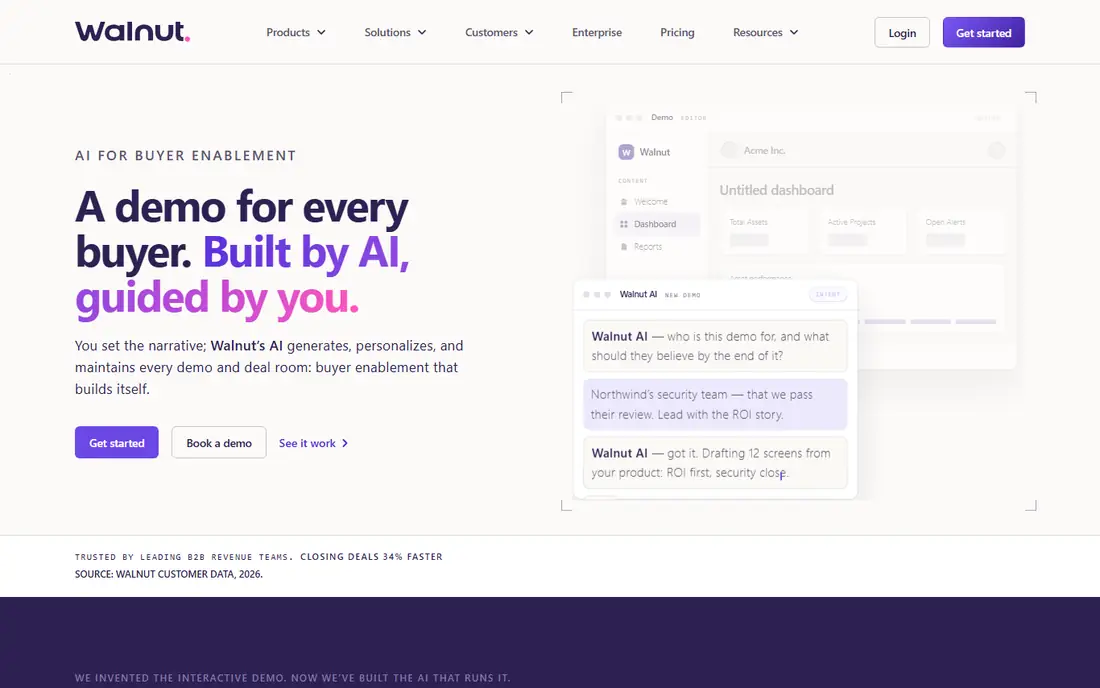
Walnut is aimed squarely at sales led organizations that personalize every demo for a named account. Reps can swap in a prospect logo, industry wording and realistic data without rebuilding the flow, and AI Mode drafts a demo from a short brief for review. Playlists sequence several demos into one guided path, and deal rooms collect demos, documents and next steps in a single link a champion can forward internally.
That power comes with enterprise pricing and process. Ignite starts at $575 per month billed annually, Accelerate at $1,550 per month adds sandbox demos, and there is no free plan to try before talking to sales. Smaller teams will find the entry price hard to justify, but for a presales team running dozens of personalized demos a month, the time saved on rebuilds is the point of the purchase.
What we like- In demo data editing for personalization
- AI Mode drafts demos from a brief
- Deal rooms and playlists for buying groups
Watch out for- No self serve free plan
- Sandbox demos start on the higher Accelerate plan
#4Supademo
Best for: Low cost tours and onboarding4.7/5 on
G2 (653 reviews, checked Oct 2026)
Visit supademo.com
Starting price$38 per creator/month (billed annually)
Free planYes
Supademo is the budget pick that still covers the full journey from website visitor to trained customer. The same workspace holds interactive demos, step by step guides, video exports and AI demo agents that answer buyer questions around the clock. Training teams get an extra benefit in SCORM export, which lets completion tracking flow into a learning management system.
The trade off is format gating that mirrors its larger rivals. Screenshot tours are cheap and fast, but HTML demos and sandbox environments require higher tiers. For a solo marketer or a small team that mainly needs website tours and onboarding guides, the Scale plan at $38 per creator per month billed annually is hard to beat. Larger presales teams that need HTML as the default should compare Growth pricing before settling.
What we like- Low entry price with a generous free tier
- Demos, guides and AI agents in one workspace
- SCORM support for training use
Watch out for- HTML demos start on higher plans
- Sandbox demos are gated to Growth
#5Arcade
Best for: Polished screenshot demos and video4.6/5 on
G2 (181 reviews, checked Oct 2026)
Visit arcade.software
Starting price$42.50 per user/month (billed annually)
Free planYes
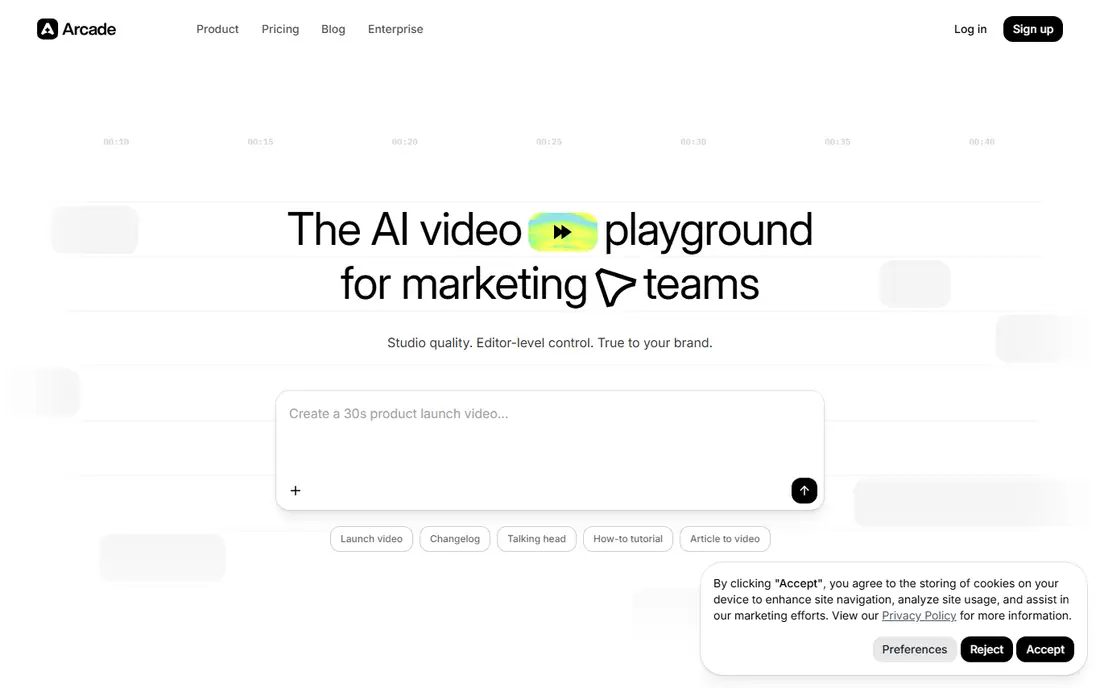
Arcade started as a screenshot demo tool and has grown into an AI video tool for marketing teams, with capture, editing and publishing in one flow. A single recording can become a click through demo, an MP4 or a GIF, which helps a marketing team reuse one asset across a landing page, a social post and a sales email. AI voiceovers remove the need for a recording session for every small update.
Presales teams should note the limits. HTML capture sits on Enterprise, and native Salesforce, single sign-on and role based access are also Enterprise features. Growth at $42.50 per user per month billed annually is a fair price for design led marketing teams that value polish and speed, but teams that need deep HTML interaction or enterprise controls will need to budget higher or look at Storylane and Navattic.
What we like- Fast recording to publish workflow
- AI voiceovers and polished exports
- Free plan for trying the core editor
Watch out for- HTML capture is limited to Enterprise
- Video led focus suits marketing more than presales
#6Guideflow
Best for: Low cost guided tours5.0/5 on
G2 (142 reviews, checked Oct 2026)
Visit guideflow.com
Starting price$35 per month (billed annually)
Free planYes
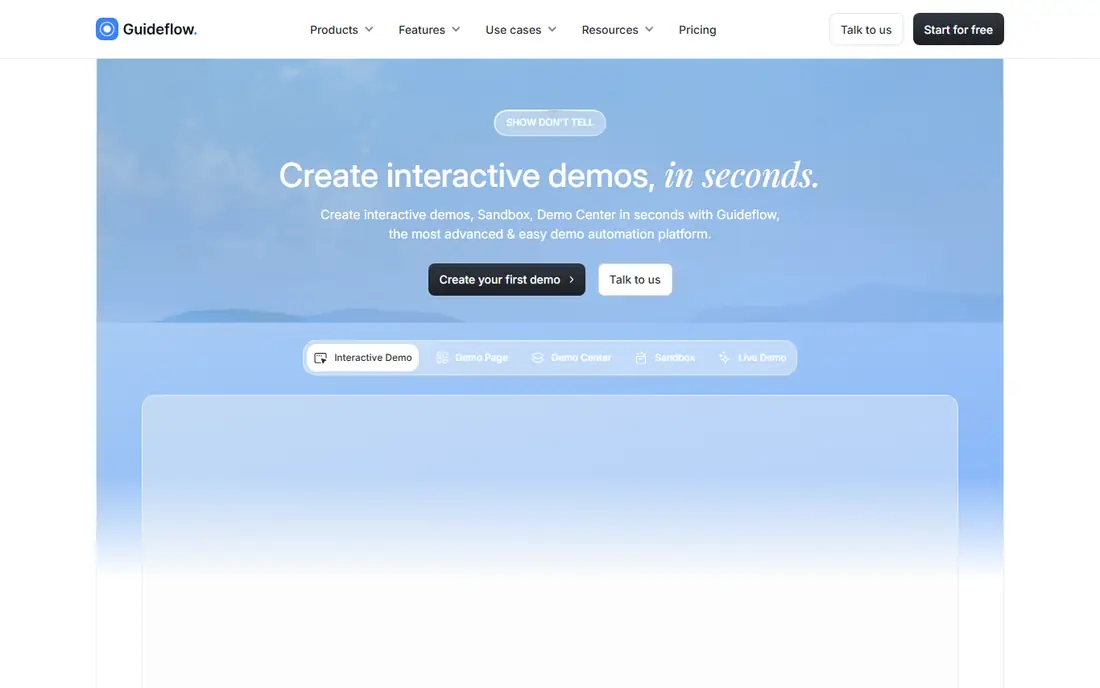
Guideflow gives small teams the most granular price ladder in this list. Solo starts at $35 per month billed annually, and the range runs up through Growth at $499 per month, Advanced at $1,499 per month and Enterprise from $2,999 per month. That ladder lets a team start cheap on screenshot and mobile tours and step up only when a specific format becomes necessary.
The catch is the same gating pattern seen elsewhere. HTML capture does not start until Growth, and sandbox demos wait until Advanced. A product team that only needs guided tours for onboarding and documentation will be happy on Solo, and the free plan is enough to confirm the editor fits. Teams buying mainly for HTML should treat $499 per month as the real entry price, not $35.
What we like- Five tiers from a $35 Solo plan upward
- Screenshot, mobile and HTML formats
- Sandbox demos on the Advanced plan
Watch out for- HTML capture starts at the $499 per month Growth plan
- Smaller vendor with less enterprise depth
#7HowdyGo
Best for: Flat priced HTML demos5.0/5 on
G2 (30 reviews, checked Oct 2026)
Visit howdygo.com
Starting price$159 per month
Free planFree trial (14 days)
HowdyGo stands out for one simple reason: flat pricing. Starter at $159 per month, Pro at $399 per month and Enterprise on request all include unlimited users, which removes the per seat math that makes other tools expensive as a team grows. HTML demos are included from the entry plan, and editing works like slides rather than a video timeline, so swapping a screen does not force a rebuild of the whole demo.
Starter is deliberately limited, with no analytics or integrations, so teams that need CRM reporting should plan for Pro. There is no free plan, only a 14 day trial, which is shorter than the free tiers elsewhere. For a small team with many demo creators but a modest budget, the flat model can still be the cheapest route to real HTML demos.
What we like- Flat pricing with unlimited users on every plan
- HTML demos from the entry plan
- Slide style editing without a video timeline
Watch out for- No analytics or integrations on Starter
- Single sign-on only on Enterprise
#8Consensus
Best for: Video led buying group demos4.7/5 on
G2 (1,885 reviews, checked Oct 2026)
Visit goconsensus.com
Starting priceSee website
Free planNo
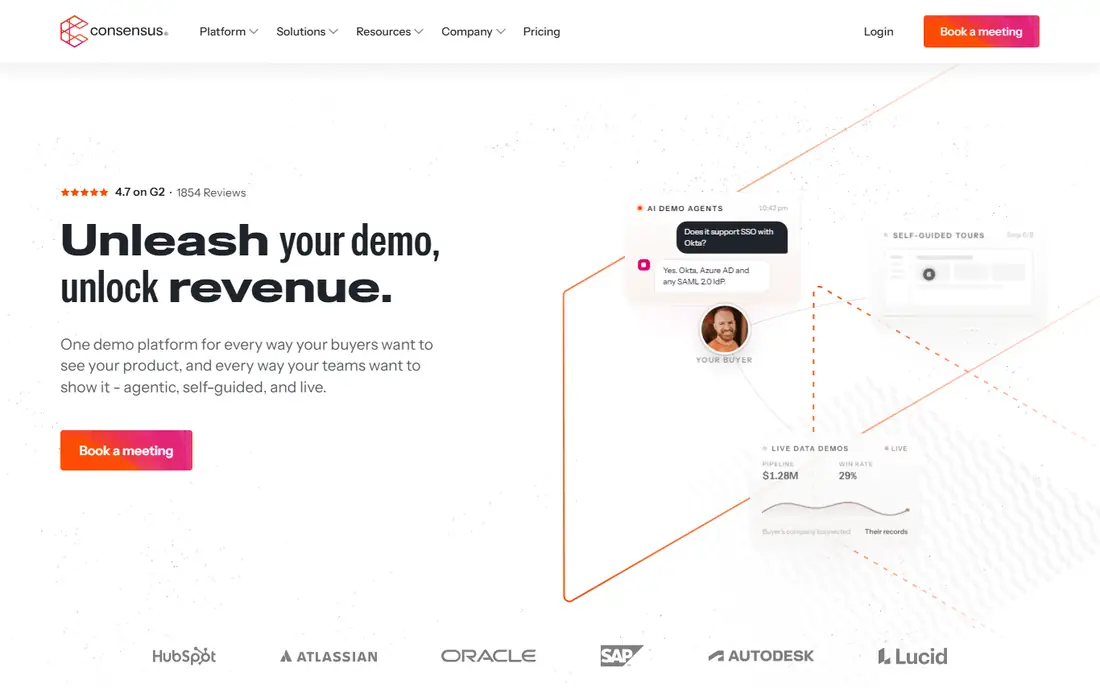
Consensus takes a different angle from the HTML first tools. Its core is video led demos that a buying group can watch on its own schedule, paired with Demolytics analytics that show which stakeholders engaged and what they cared about. Live demos sit alongside the self guided content, so a rep can move from an automated tour to a live call without switching platforms.
Enterprise buyers with many stakeholders will appreciate that visibility, especially when a deal stalls because an unknown approver never saw the demo. The drawbacks are practical: pricing is quote based on per user licenses, there is no free plan, and buyers who want to click through a product themselves may find video less convincing than an HTML demo. Consensus fits best when the buying committee, not a single user, is the audience.
What we like- Video demos with stakeholder analytics
- Live demo support alongside self guided tours
- Strong fit for complex enterprise deals
Watch out for- No published pricing or free plan
- Video first format can feel passive for hands on buyers
How we chose
We compared vendor pricing pages, product documentation and public reviews on G2 and Capterra, and we checked each homepage to confirm the product exists and matches its name. We favored tools that cover real demo automation work (guided tours, HTML capture, sandbox demos or video demos with analytics) over generic screen recorders, and we mixed market leaders with smaller vendors that offer lower entry prices. Prices reflect published pages and comparison sources checked in October 2026, and quote based tools are marked See website rather than given an invented figure.
What to check before you buy
Start with the format your buyers actually need. Screenshot tours are fast to build and cheap to run, and they suit website embeds and onboarding guides. HTML demos feel closer to the real product and suit sales follow up, but they cost more and often sit on higher tiers. Sandbox demos let buyers try a working copy with realistic data, and they matter most for complex products where a tour alone will not convince a technical evaluator.
Match the plan to the format
Read the pricing page for format gates before you compare headline prices. A $35 or $40 entry plan can look cheap until you learn that HTML editing, sandbox environments or single sign-on require a plan several times that price. List the formats and security features you need, then find the cheapest plan on each vendor that includes all of them. That comparison, not the starter price, is the real cost.
Count creators, not just viewers
Most tools charge per creator seat while viewers are free, but the definition of a creator varies. Some vendors count anyone who edits, others count anyone with a paid login. Map your actual editors (product marketing, presales, customer success) and check whether flat pricing like HowdyGo beats per seat pricing at your headcount. Also confirm what happens to published demos if you downgrade, since losing embeds on a landing page is a costly surprise.
Run a real demo, not a toy example
Build one demo from your own product during the trial, share it with a colleague who has never seen the product, and watch where they hesitate. Check editing speed when a screen changes, since products ship weekly and a demo that takes a day to update will go stale. Confirm analytics show step completion and viewer identity in a form your CRM can use, and confirm export and data deletion options before you publish customer facing content.
Frequently asked questions
What is demo automation software?
Demo automation software lets teams create interactive product demos that buyers can explore without a live call or a booked meeting. It covers screenshot tours, clickable HTML demos, sandbox environments and video demos, plus sharing, personalization and analytics. The goal is to let buyers reach a confident decision faster while giving sellers visibility into what each account actually viewed.
Do I need HTML demos or are screenshot tours enough?
Screenshot tours are enough for simple products, onboarding guides and website embeds where the message matters more than interaction. HTML demos are better when buyers need to click through real workflows, test settings or judge depth before talking to sales. If your product has complex configuration, budget for a tool and plan that includes HTML from the start.
How much does demo automation software cost?
Entry prices in this list range from $35 per month for Guideflow Solo to $575 per month for Walnut Ignite, with several tools offering free plans. The real cost depends on which plan includes your required format, how many creators you need and whether security features like single sign-on are gated. Quote based tools like Navattic and Consensus require a sales conversation for an exact figure.
Can small teams use enterprise demo tools?
Small teams can use them, but the value depends on volume. A team publishing one demo a quarter will get more from a free plan or a low cost tool than from an enterprise platform. Enterprise tools earn their price when a presales team personalizes dozens of demos a month, needs sandbox environments or must prove stakeholder engagement to move large deals forward.
What integrations matter most?
CRM integration matters most for sales teams, since demo engagement should flow into Salesforce or HubSpot and inform follow up. Marketing teams should check website embed options, form capture and analytics connections. Support and onboarding teams benefit from help center embeds, learning management exports and Slack alerts when a customer completes a tour.
How long does it take to build a first demo?
A simple screenshot tour can be captured, edited and published in under an hour on most tools in this list. HTML demos take longer, especially the first time, because data editing and branching need review. Personalized demos for named accounts add review time on top of build time, so plan a day for a polished first version and faster turnaround once templates exist.
Sources we checked (8)
- https://www.storylane.io/pricing
- https://www.navattic.com/pricing
- https://www.walnut.io/pricing
- https://www.supademo.com/pricing
- https://www.arcade.software/pricing
- https://www.guideflow.com/pricing
- https://www.howdygo.com/pricing
- https://www.goconsensus.com/pricing
Is your product missing or out of date?
We review this list regularly. Vendors can request a listing, send updated pricing or ask about featured placement.

Shihab Mia · Founder, Rankite
Shihab has 5+ years in B2B and SaaS SEO. He writes Rankite's software buying guides from pricing pages, documentation and public user reviews. More about Shihab.