How we make this list: we compare pricing pages, product documentation and public user reviews. Ratings come from G2, Capterra or Trustpilot, with the date we checked them.
Key takeaways
- The cheapest real starting points: Freshsales ($9/user/month) and Copper ($9/seat/month) on annual billing, plus HubSpot's free tier for teams of two.
- Salesforce ($25/user/month Starter) and HubSpot are the platforms you grow into; Pipedrive ($14/user/month) and Close ($35/user/month Essentials) are the tools sales teams actually enjoy opening.
- Watch the fine print: monday.com enforces a 3-seat minimum ($36/month floor), HubSpot charges $1,500 onboarding on Professional, and Close's headline plans exclude call/SMS usage.
- If your team lives in Gmail, Copper and Streak remove the "another app to check" problem entirely.
Quick comparison
| Tool | Best for | Starting price | Free plan |
|---|
 Salesforce Sales Cloud Salesforce Sales Cloud | Teams that want the industry-standard CRM platform | $25/user/month (Starter Suite) | Free trial (30 days) |
 HubSpot Sales Hub HubSpot Sales Hub | Teams that want to start free and grow into the platform | $15/seat/month (Starter, monthly billing) | Yes (free tools for up to 2 seats) |
 Pipedrive Pipedrive | Sales teams that care about pipeline velocity above all | $14/user/month (Essential, annual billing) | Free trial (14 days) |
 Close Close | Inside sales teams that live on calls, email and SMS | $9/user/month (Solo, annual billing) | Free trial (14 days) |
 monday Sales CRM monday Sales CRM | Teams that want the CRM molded around their exact process | $12/seat/month (Basic, annual billing) | Free trial (14 days) |
 Freshsales Freshsales | Budget teams that want AI features without enterprise prices | $9/user/month (Growth, annual billing) | Yes (free plan for up to 3 users; 21-day trial on paid plans) |
 Insightly Insightly | Teams that sell the deal and then deliver the project | $29/user/month (Plus, annual billing) | Free trial (14 days) |
 Copper Copper | Sales teams that run their day inside Google Workspace | $9/seat/month (Starter, annual billing) | Free trial (14 days) |
 Streak Streak | Solo operators and small teams that refuse to leave Gmail | $49/user/month (Pro, annual billing) | Free trial (14 days; free tier covers email tools only) |
Is your product missing or out of date?
We review this list regularly. Vendors can request a listing, send updated pricing or ask about featured placement.
The best deal management software
Maya runs a 12-person software company. Her reps track deals in a shared spreadsheet, follow-ups live in individual inboxes, and nobody can answer the simplest question: which deals will close this month? She does not need "a CRM strategy." She needs every deal visible in one pipeline, every follow-up assigned, and a forecast she can defend. These nine tools cover the real deal-management market in 2026, from the free tier she could start today to the enterprise platform she might need at 200 people.
#1
Salesforce Sales Cloud
Best for: Teams that want the industry-standard CRM platform
Visit salesforce.com
Starting price$25/user/month (Starter Suite)
Free planFree trial (30 days)
Salesforce is the default answer, and defaults have gravity. Sales Cloud (now sold under the Agentforce Sales banner) handles the full deal cycle: lead capture, pipeline stages, forecasting, quotes and reporting, with AI scoring layered on at higher tiers. The $25 Starter Suite gives small teams the core objects with Gmail and Outlook integration, which is enough to run a real pipeline.
The honest cost is not the license. Reviewers consistently say implementation, customization and AppExchange add-ons are where Salesforce budgets double, and the jump from Starter ($25) to Pro ($100) to Enterprise ($165+) is steep. Buy it when you need the platform: deep customization, a large team, or an industry with specific compliance needs. For a 12-person team with a standard sales process, it is usually more than required.
What we like- The deepest ecosystem: AppExchange apps, consultants and integrations for everything
- Scales from 10 users to 10,000 without replatforming
- Starter Suite covers leads, accounts, contacts and opportunities at $25
Watch out for- Real deployments usually need implementation help, which costs extra
- Paid plans effectively require annual commitments, and the per-user price climbs fast past Starter
#2
HubSpot Sales Hub
Best for: Teams that want to start free and grow into the platform
Visit hubspot.com
Starting price$15/seat/month (Starter, monthly billing)
Free planYes (free tools for up to 2 seats)
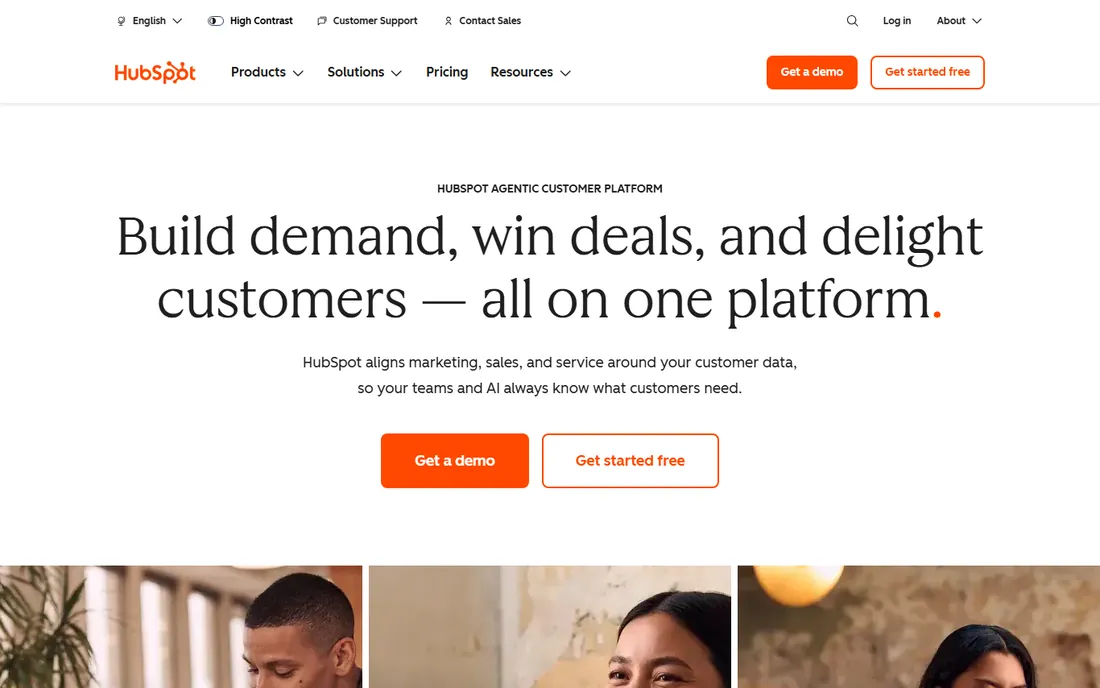
HubSpot is the only CRM on this list you can start using for free this afternoon. The free tools cover contact management, one pipeline, email tracking and meeting links for up to two seats, which is enough for a founder-led sales motion. Paid Starter at $15 per seat per month (monthly billing; less annually) adds more pipelines, simple automation and calling.
The pricing cliff deserves attention. Professional at $90 per seat per month requires a 5-seat minimum on annual billing plus $1,500 in mandatory onboarding, so the real floor is about $500 per month before you get sequences, forecasting and custom reports. HubSpot's seat model also distinguishes core seats from sales seats, so audit who actually needs a paid seat. Start free, upgrade deliberately, and know exactly which feature is forcing each jump.
What we like- The free tier is genuinely usable: contacts, a deal pipeline, email tracking and meeting scheduling at $0
- One shared data model across sales, marketing and service hubs
- No onboarding fee on Starter
Watch out for- The Starter-to-Professional jump is brutal ($15 to $90 per seat plus a mandatory $1,500 onboarding fee)
- Advanced automation, forecasting and custom reporting all sit behind that jump
#3
Pipedrive
Best for: Sales teams that care about pipeline velocity above all
Visit pipedrive.com
Starting price$14/user/month (Essential, annual billing)
Free planFree trial (14 days)
Pipedrive is built for one job: moving deals down a pipeline. The kanban view, activity reminders and deal-focused design make it the tool reps open without being nagged, and setup genuinely takes under an hour. Essential at $14 per user per month (annual) covers pipelines, contacts, deals and basic reports; most functioning sales teams land on Advanced ($34) or Professional ($49) for email sync, automation and forecasting.
Price the add-ons before you commit. LeadBooster, Web Visitors and Campaigns are sold separately, and reviewers note the real monthly cost often runs 50 to 100 percent above the base plan. Pipedrive fits outbound and SMB sales teams that want speed and simplicity; it fits less well when marketing automation or deep custom reporting is the requirement.
What we like- The clearest visual pipeline in the category
- Activity-based selling keeps reps focused on next actions
- 500-plus integrations and 100,000-plus companies on the platform
Watch out for- No free plan, only a 14-day trial
- Useful capabilities (lead boosting, web visitors, campaigns) are paid add-ons that inflate the real bill
- Reporting depth trails Salesforce and HubSpot
#4
Close
Best for: Inside sales teams that live on calls, email and SMS
Visit close.com
Starting price$9/user/month (Solo, annual billing)
Free planFree trial (14 days)
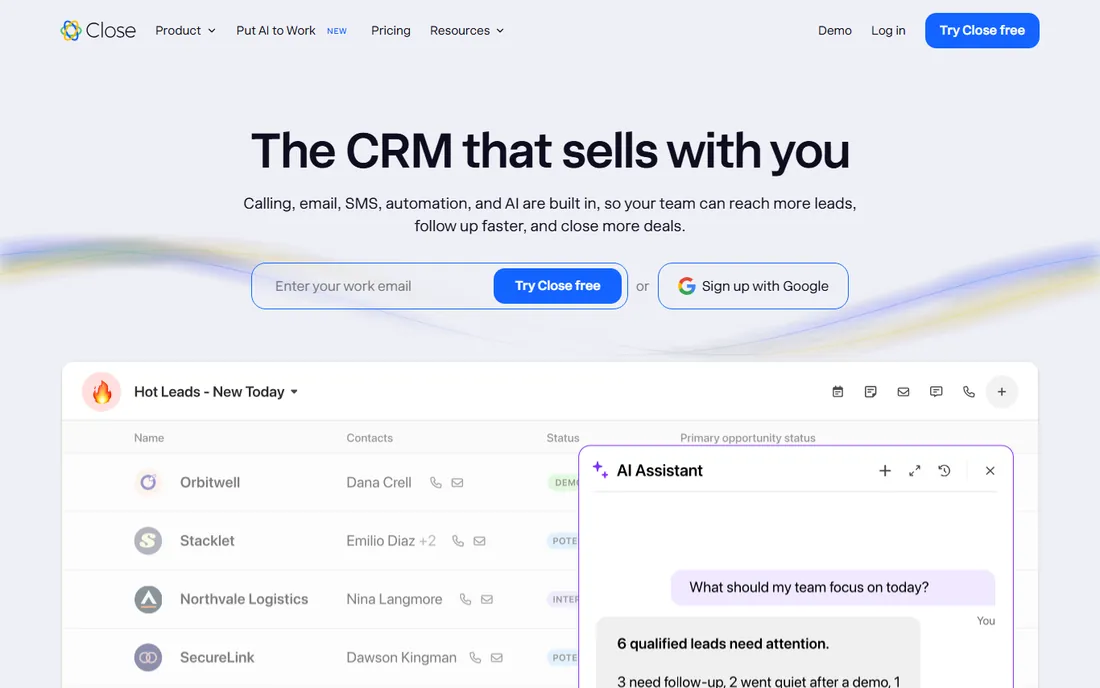
Close is the CRM for teams that live on the phone. Every plan includes built-in calling, SMS and email, so a rep can call, text and follow up without leaving the record. The 2026 pricing restructure brought a $9 Solo plan (one user, 10,000 leads) and a $35 Essentials tier for small teams, with Growth at $99 adding automation and the power dialer. The company reports 11,500-plus sales teams on the platform.
Do the usage math. The seat price excludes call minutes and SMS, which matters for heavy prospecting teams, and the features that make Close special (power dialer, predictive dialer, advanced permissions) climb the tier ladder fast. If your team makes 20-plus calls a day, the built-in telephony usually replaces a separate dialer subscription and the math works. If nobody calls, you are paying for a phone system you will not use.
What we like- Built-in calling, SMS and email mean no separate phone system
- 2026 plans start at $9 for solo users with Essentials at $35
- AI assistant (Chloe) calls leads within minutes and logs transcripts automatically
Watch out for- Calling and SMS usage sits outside the seat price, so high-volume teams pay more
- Workflow automation and the power dialer require the $99 Growth tier
- No free plan
#5
monday Sales CRM
Best for: Teams that want the CRM molded around their exact process
Visit monday.com
Starting price$12/seat/month (Basic, annual billing)
Free planFree trial (14 days)
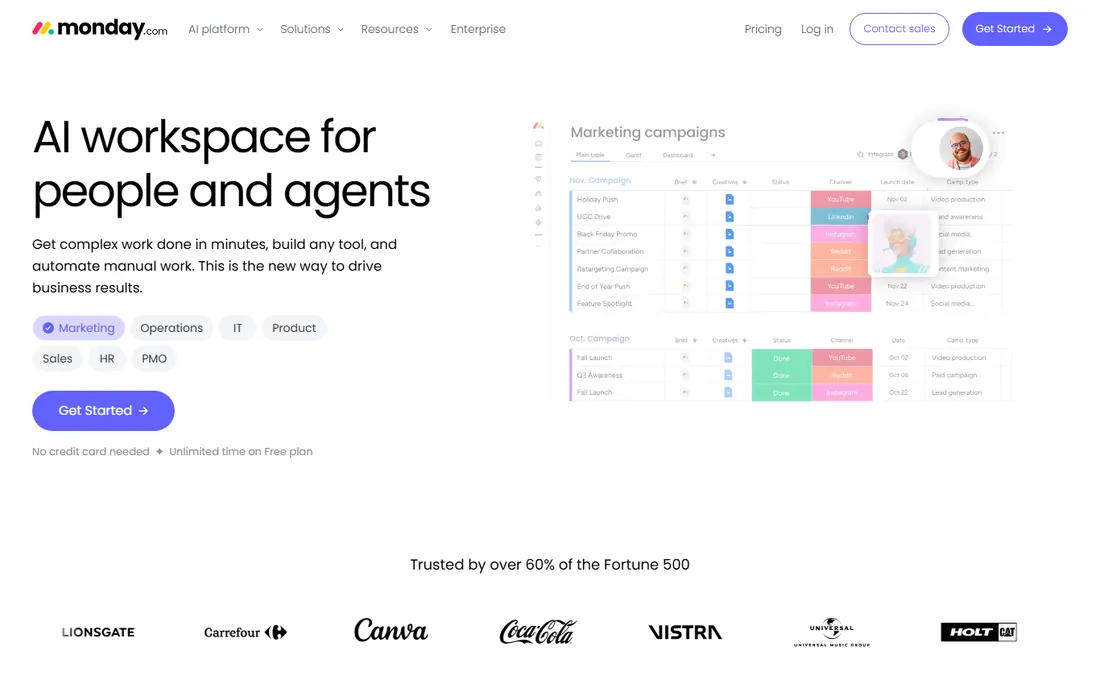
monday Sales CRM is the flexible one. Built on the monday.com Work OS, it lets you reshape pipelines, stages, automations and dashboards around the way your team actually sells instead of adopting the vendor's default process. Basic at $12 per seat per month (annual) covers unlimited pipelines, contacts and boards; Standard ($17) adds email integration and automation; Pro ($28) adds forecasting, sequences and quotes.
The seat math is the catch. Every plan requires at least 3 seats and sells in fixed buckets, so small teams pay for capacity they do not have: one person costs $36 per month on annual billing. It suits teams with a non-standard sales process that needs custom stages and heavy automation; it punishes solo operators and tiny teams on price.
What we like- Extremely flexible: pipelines, automations and dashboards reshape around any sales motion
- No-code automation (250 actions on Standard, 25,000 on Pro)
- 14-day trial with no credit card
Watch out for- Mandatory 3-seat minimum means the real floor is $36 per month, not $12
- Seats sell in buckets, so a 4-person team buys 5
- Contact and automation caps push growing teams up-tier fast
#6
Freshsales
Best for: Budget teams that want AI features without enterprise prices
Visit freshworks.com
Starting price$9/user/month (Growth, annual billing)
Free planYes (free plan for up to 3 users; 21-day trial on paid plans)
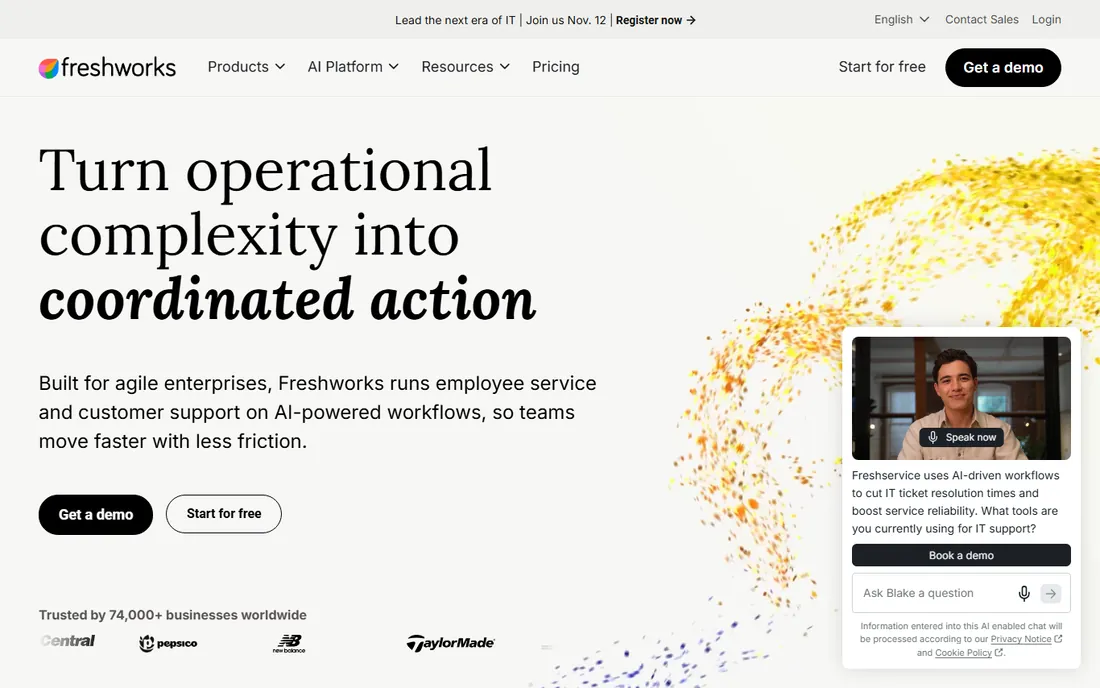
Freshsales is the value pick for teams that want modern features at a small-team price. The Growth plan at $9 per user per month (annual) includes visual pipelines, Freddy AI lead scoring, built-in phone and email, and workflow automation, which is a combination competitors charge two to four times more for. The free plan covers up to 3 users, and paid plans carry a 21-day trial.
Watch the add-on structure. Branded documents (CPQ) run $19 per user per month extra, Freddy AI agents are metered separately, and marketing contacts scale the price. Freshworks reports 67,000-plus customers across its products. It fits SMB sales teams that want AI-assisted selling on a budget; it fits less well when you need the integration marketplace depth of Salesforce or HubSpot.
What we like- The lowest entry price with real features: Growth at $9 includes pipeline management, Freddy AI and automation
- A free plan for up to 3 users
- 21-day trial with no credit card
Watch out for- Freddy AI agents and CPQ documents are paid add-ons
- The interface and ecosystem are thinner than HubSpot's
- Marketing contacts and advanced AI scale the bill
#7
Insightly
Best for: Teams that sell the deal and then deliver the project
Visit insightly.com
Starting price$29/user/month (Plus, annual billing)
Free planFree trial (14 days)
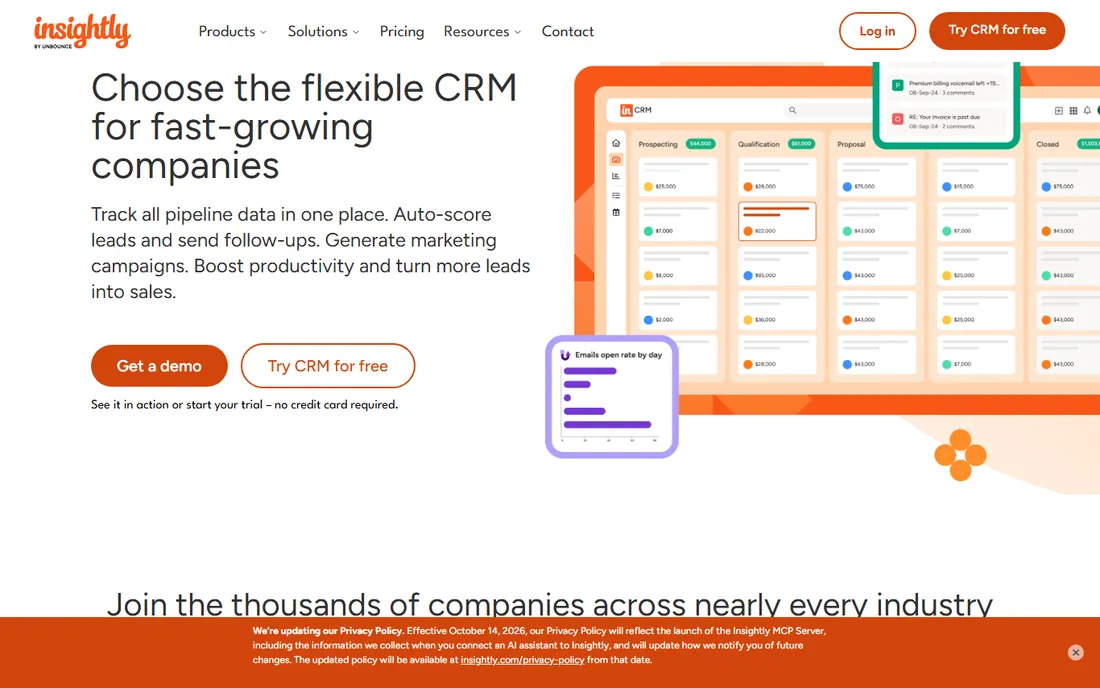
Insightly is two tools in one, and that is the whole pitch. Deals flow into projects inside the same system: the rep closes the opportunity, delivery picks up the tasks, milestones and handoffs without re-entering data. Plus at $29 per user per month (annual) covers lead and opportunity management, automated emails, Kanban views and built-in dashboards; Professional ($49) adds routing and custom objects.
The constraints are structural. Every plan is annual-only, there is no free tier, and the project features, while convenient, sit a level below dedicated PM tools. It suits service businesses, agencies and consultants where the handoff from sales to delivery is the daily workflow; pure sales teams get more pipeline for less money elsewhere.
What we like- CRM plus native project management in one system: close the deal, kick off delivery without switching tools
- Plus at $29 includes pipelines, automation and BI dashboards
- Strong Google Workspace and Microsoft integrations
Watch out for- All plans bill annually with no monthly option
- No free plan
- Dashboard customization is limited on lower tiers and reviewers report performance strain with large contact databases
#8
Copper
Best for: Sales teams that run their day inside Google Workspace
Visit copper.com
Starting price$9/seat/month (Starter, annual billing)
Free planFree trial (14 days)
Copper is for the team that lives in Gmail. It sits inside Google Workspace and auto-captures contacts, email threads, meetings and files into CRM records, which removes the data-entry tax that kills CRM adoption. Reps manage pipelines from the Gmail sidebar. Starter at $9 per seat per month (annual) is contacts-only; Basic at $23 adds pipelines and projects; Professional ($59) adds workflow automation.
The honest framing: you are buying the Gmail integration, so the value collapses outside Google Workspace. It is also priced per seat with no free tier, and marketing features ride on a third-party add-on. For Google-first SMBs, consultancies and agencies, the zero-training adoption is the reason to choose it. For everyone else, it is an expensive address book.
What we like- Native Google Workspace integration: emails, calendar events and Drive files flow into records automatically
- The only CRM Google officially recommends for Workspace
- 30,000-plus companies, minimal learning curve
Watch out for- Starter at $9 is contacts-only with no pipelines
- Real pipeline features start at Basic ($23)
- Google-only, so Microsoft shops should look elsewhere
- No free plan
#9
Streak
Best for: Solo operators and small teams that refuse to leave Gmail
Visit streak.com
Starting price$49/user/month (Pro, annual billing)
Free planFree trial (14 days; free tier covers email tools only)
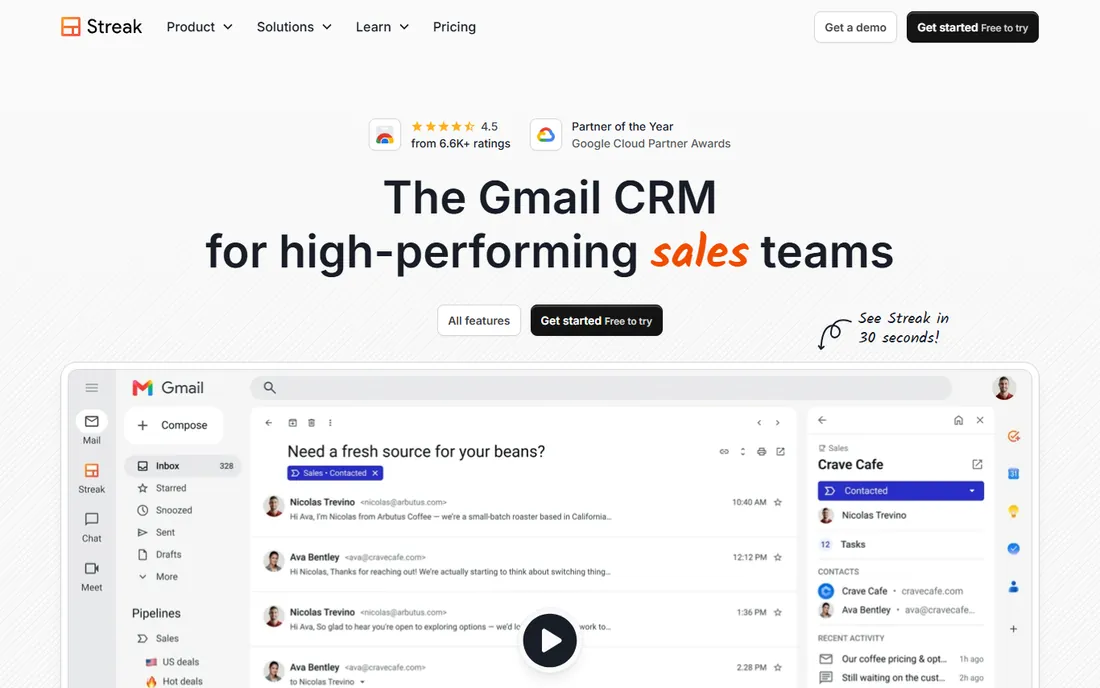
Streak does not ask you to open another app. It turns Gmail into the CRM: pipelines render as spreadsheet-like views inside the inbox, emails get tagged to deals automatically, and mail merge, snippets and tracking ride along. Paid plans include unlimited contacts, pipelines and records, with Pro at $49 per user per month (annual) and Pro+ at $69 adding automation and advanced dashboards.
The pricing needs a clear read. The free tier covers email power tools but not CRM pipelines, so budget for Pro from the start if pipelines are the point. At $49 per seat it costs more than Pipedrive or Copper while doing less outside Gmail. It fits founders, freelancers and tiny teams whose entire workflow is the inbox; growing sales teams usually outgrow it within a year or two.
What we like- The CRM lives entirely inside Gmail: pipelines, mail merge, snippets and tracking with no tab switching
- Unlimited contacts, pipelines and records on paid plans
- AI data entry and magic columns keep records current
Watch out for- The free tier excludes CRM pipelines entirely, so "free Streak" is not a free CRM
- Pro at $49 is expensive per seat for what is still a lightweight CRM
- Reporting and automation depth trail dedicated platforms
The per-seat math that decides your bill
CRM pricing pages show per-seat numbers that quietly assume things. Run the real math for a 5-person team on annual billing: Freshsales Growth $45, Copper Basic $115, Pipedrive Essential $70, Close Essentials $175, monday Basic $180 (the 3-seat minimum does not bite at 5, but bucket pricing might), Insightly Plus $145, HubSpot Starter $75 (monthly billing; less on annual promos), Streak Pro $245, Salesforce Starter $125.
Then add what the seat price excludes. HubSpot Professional demands a $1,500 onboarding fee and a 5-seat minimum. Close's plans exclude call and SMS usage. Pipedrive's add-ons (lead boosting, campaigns, web visitors) stack quickly. Salesforce's implementation is a separate project. And monday's bucket pricing means a 4-person team buys 5 seats. The cheapest per-seat number on this list is rarely the cheapest invoice; model your headcount, your billing term and the add-ons you will actually buy.
What to look for before you buy deal management software
Four checks separate a CRM your team uses from one they avoid.
Pipeline fit, not feature count
Every tool here manages deals, but the daily experience differs enormously. Pipedrive and Streak optimize for pipeline velocity: open it, see the next action, move the deal. Salesforce and HubSpot optimize for the whole revenue operation: marketing, service and reporting in one data model. Match the tool to the motion: high-velocity outbound needs speed (Pipedrive, Close); consultative sales with long cycles needs context and reporting (HubSpot, Salesforce).
Where your team already works
Adoption is the entire game. If the team lives in Gmail, Copper and Streak win on day one because there is nothing new to open. If they live on the phone, Close's built-in dialer removes a subscription and a tab. If they live in spreadsheets, monday's flexibility eases the transition. A CRM with a 20 percent adoption rate is worthless at any price.
The real cost of communication features
"Built-in calling" is not one thing. Close includes the dialer but meters minutes and texts. HubSpot includes calling on Starter with its own usage limits. Pipedrive and Salesforce integrate with third-party telephony instead. If your team makes dozens of calls daily, get the usage rates in writing and compare against a standalone dialer before assuming bundled is cheaper.
Data ownership and exit terms
Deals are your company's memory. Confirm you can export contacts, deal histories, emails and custom fields in standard formats, and check what happens to your data if you cancel. Month-to-month options exist (HubSpot Starter, Freshsales monthly billing); Salesforce and Insightly lean annual. Never sign an annual CRM contract before running one full sales cycle on a trial.
How we chose
We started with the searches buyers run: deal management software, sales CRM, pipeline management software and CRM for small business. For each candidate we opened the vendor's homepage, checked pricing against the vendor's own pricing materials and public reviews on G2 and Capterra, and compared pipeline design, communication features, integrations and team-size fit. Prices shown were live on vendor pages or corroborated by multiple 2026 sources; where only a custom quote exists we would have written "See website."
Frequently asked questions
How much does deal management software cost?
For a 5-person team on annual billing: Freshsales $45/month, Pipedrive $70, HubSpot Starter around $75, Salesforce Starter $125, Insightly $145, Close Essentials $175, monday Basic $180, Copper Basic $115, Streak Pro $245. Add onboarding fees (HubSpot Professional: $1,500), usage charges (Close calls/SMS) and add-ons before comparing.
What is the difference between a CRM and deal management software?
Deal management is the pipeline half of CRM: tracking opportunities from first contact to closed-won. Full CRMs add contact management, marketing, service and reporting around it. Every tool on this list does both to some degree; the pure pipeline players (Pipedrive, Streak) just do less of the rest.
Is HubSpot really free?
The free tools are real: contacts, a deal pipeline, email tracking and meeting scheduling for up to two seats at $0. It is enough for founder-led sales. The limits arrive with growth: more pipelines, automation, sequences and forecasting require Starter ($15/seat/month) and then Professional ($90/seat/month plus $1,500 onboarding).
Do I need built-in calling?
If your team makes 20-plus outbound calls a day, yes: Close's built-in dialer, SMS and automatic logging usually replace a separate phone subscription and keep every call attached to the deal record. Below that volume, click-to-call integrations (Pipedrive, HubSpot) are fine and cheaper.
Can I migrate from spreadsheets?
Yes, and every tool here imports CSVs. The migration risk is not the import but the process: define your pipeline stages before importing, clean duplicates, and assign an owner per deal. Pipedrive and monday offer the gentlest path because their pipeline views map directly onto spreadsheet thinking.
Which deal management tool fits a 5-person sales team?
Pipedrive ($70/month) for pipeline speed, HubSpot Starter ($75/month) for the growth path, or Close Essentials ($175/month) if the team lives on calls. Google Workspace teams should trial Copper; Gmail-only solo operators should trial Streak. Run the trial with real deals, not sample data.
Sources we checked (13)
- https://salesforce.com/
- https://hubspot.com/pricing/sales
- https://www.pipedrive.com/
- https://close.com
- https://www.monday.com
- https://freshworks.com/
- https://insightly.com/
- https://copper.com/
- https://streak.com/
- https://start.streak.com/pricing
- https://blog.hubspot.com/sales/hubspot-sales-hub-pricing
- https://www.g2.com/categories/crm
- https://www.capterra.com/crm-software/
Is your product missing or out of date?
We review this list regularly. Vendors can request a listing, send updated pricing or ask about featured placement.

Shihab Mia · Founder, Rankite
Shihab has 5+ years in B2B and SaaS SEO. He writes Rankite's software buying guides from pricing pages, documentation and public user reviews. More about Shihab.