How we make this list: we compare pricing pages, product documentation and public user reviews. Rankite is independent; if a vendor ever pays for a featured spot, that listing is clearly labeled Partner.
Key takeaways
- Wasabi and Backblaze B2 are the cheapest way to park large amounts of data, at $7.99 and $6.95 per TB per month, with no charges for data you download.
- Dropbox Business and Box are the best fit when people need to collaborate on files daily, with Dropbox starting at $15 per user per month.
- Tresorit, Sync.com, and pCloud are the privacy-first picks, all offering zero-knowledge or end-to-end encryption that even the vendor cannot break.
- IDrive is the budget backup pick for offices with many devices, with a free 10 GB tier to try before paying.
- Egnyte suits companies with compliance needs and multiple locations, though its starting price of $22 per user per month is the highest here.
Quick comparison
| Tool | Best for | Starting price | Free plan |
|---|
 Wasabi Wasabi | predictable-priced object storage | $7.99 per TB/month | Free trial (30 days) |
 Backblaze B2 Backblaze B2 | cheap cloud storage for backups and apps | $6.95 per TB/month | Yes (10 GB free tier) |
 Dropbox Business Dropbox Business | teams that live in shared folders | $15 per user/month (billed annually) | Free trial |
 Box Box | regulated industries needing file compliance | From $5 per user/month | Free trial |
 Egnyte Egnyte | file governance across offices | From $22 per user/month | Free trial |
 pCloud Business pCloud Business | simple encrypted team file storage | See website | Free trial (30 days) |
 Sync.com Sync.com | zero-knowledge sharing for small teams | See website | Yes (5 GB free tier) |
 Tresorit Tresorit | end-to-end encrypted business file storage | See website | Free trial |
 IDrive IDrive | backup for many devices on a budget | See website | Yes (10 GB free tier) |
Is your product missing or out of date?
We review this list regularly. Vendors can request a listing, send updated pricing or ask about featured placement.
The best data storage software
Starting price$7.99 per TB/month
Free planFree trial (30 days)
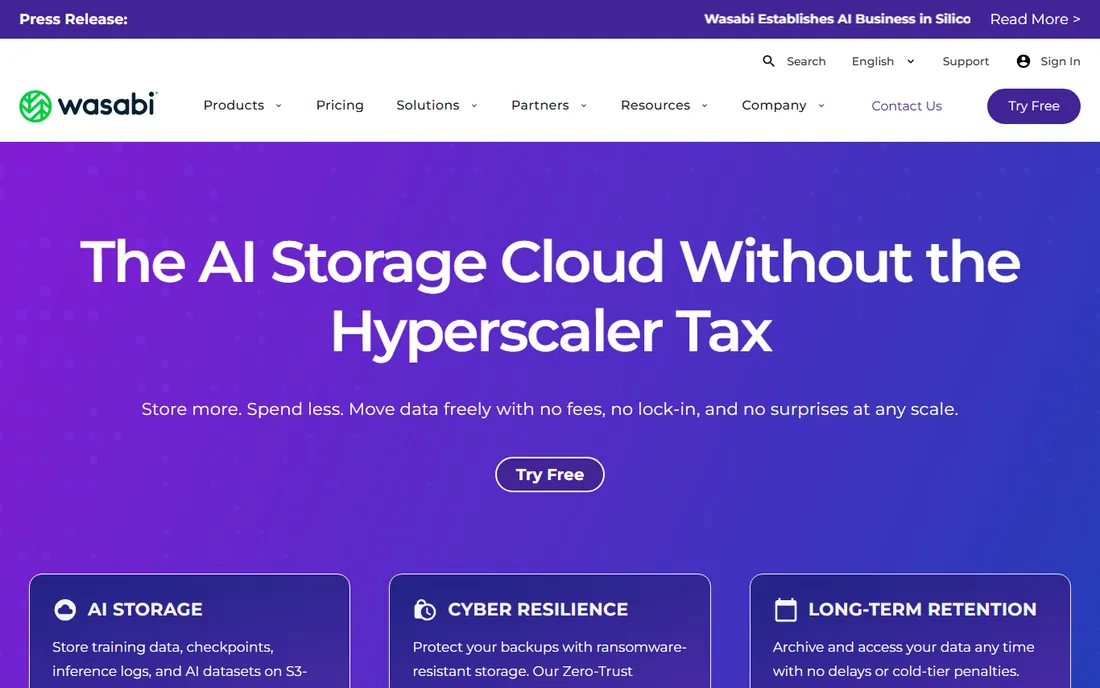
Wasabi was built for one thing: storing huge amounts of data at a flat price. The S3-compatible API means most tools that already talk to Amazon S3 work with Wasabi with little change, which is why backup vendors and media companies use it as archive storage. For an SMB with terabytes of finished projects, video, or backups, the math is hard to beat.
The weak point is flexibility. Wasabi is not a place your team opens files from every day, and its 90-day minimum storage policy means deleting data early still costs you. It fits best as the cold and warm archive layer sitting behind whatever your team uses daily.
What we like- No egress or API request fees
- Pricing far below the big hyperscalers
- S3-compatible API that works with common backup tools
Watch out for- 90-day minimum retention policy applies to deleted data
- No built-in file sync client for end users
Starting price$6.95 per TB/month
Free planYes (10 GB free tier)
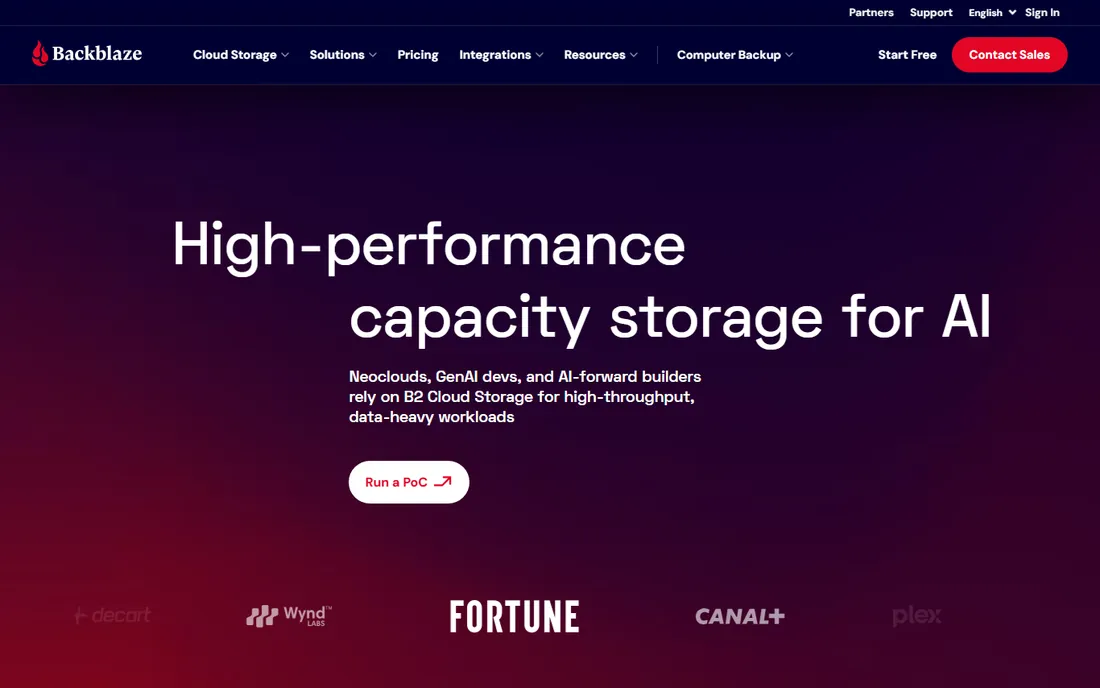
Backblaze started as a consumer backup company and turned its storage infrastructure into B2, a developer-friendly object store. At $6.95 per TB per month with no egress charges up to a generous monthly allowance, it undercuts nearly every competitor for raw storage. NAS devices from Synology and QNAP connect to it directly, which makes off-site backup setup straightforward.
Small teams should know this is infrastructure, not a file-sharing app. There is no polished desktop sync experience, and managing buckets feels technical if you have never touched cloud storage. Used as the back end for backups and archives, it is excellent value.
What we like- The lowest per-TB price on this list
- Free tier gives 10 GB without a card
- Wide integrations with backup and NAS tools
Watch out for- Support is mostly self-serve on lower tiers
- Fewer regions than the big cloud providers
Starting price$15 per user/month (billed annually)
Free planFree trial
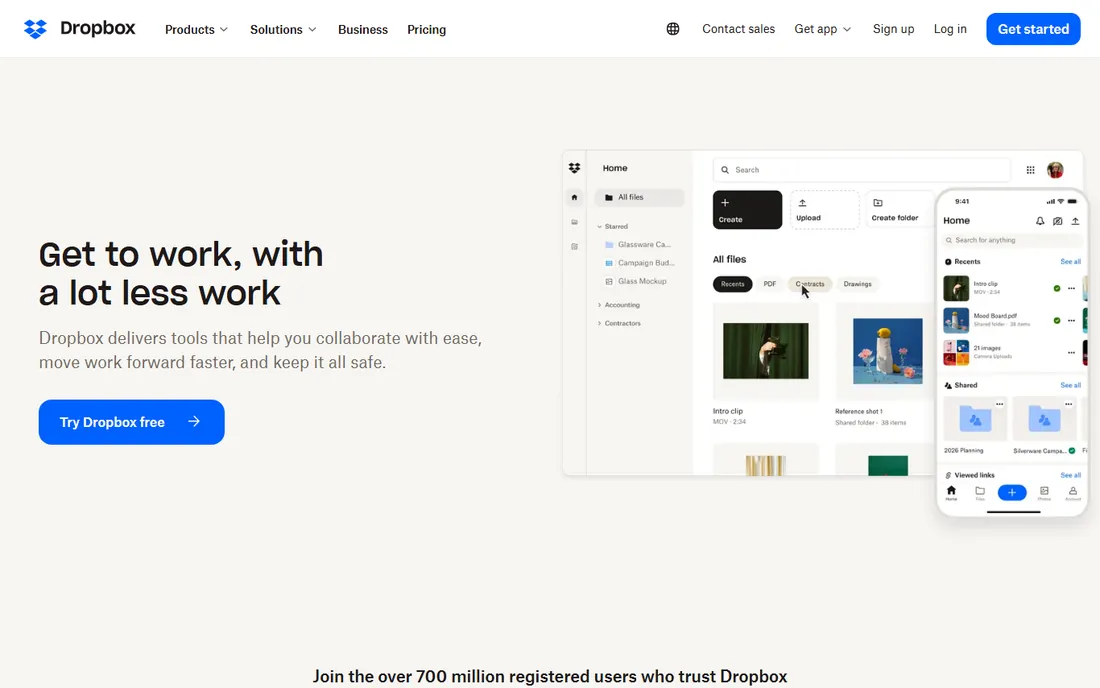
Dropbox remains the reference point for team file sync. Files appear on every device quickly, conflict handling is mature, and almost every business app you use already integrates with it. The Standard plan at $15 per user per month includes 5 TB of pooled storage, which suits most offices under 50 people.
The honest downside is price at scale. Per-user billing punishes teams that need storage for many people but modest usage each, and the cheaper plans cap both storage and admin controls. If your team already lives in Dropbox folders, switching rarely pays. If you are starting fresh, compare it against Box and pCloud first.
What we like- Sync that simply works across devices
- Huge ecosystem of third-party integrations
- Easy sharing links with passwords and expiry
Watch out for- Storage limits on lower plans can feel tight
- Costs add up fast as headcount grows
#4
Box
Best for: regulated industries needing file compliance
Visit box.com
Starting priceFrom $5 per user/month
Free planFree trial
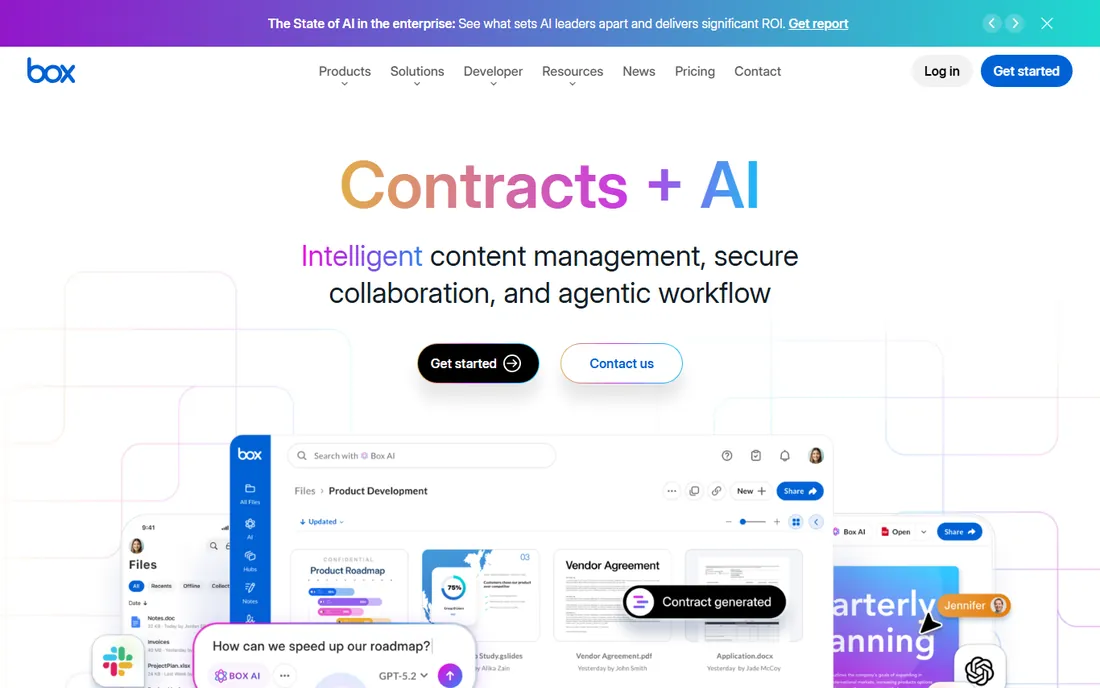
Box positioned itself as the enterprise-grade alternative to Dropbox, and its compliance story is the reason to choose it. HIPAA, FINRA, and similar certifications come standard, which matters for legal, healthcare, and financial firms that cannot treat file storage casually. Admin controls over sharing, retention, and access are genuinely thorough.
Day-to-day usability lags behind Dropbox slightly. Sync is reliable but the web interface shows its age, and the entry plan's storage allowance is modest. Companies that need audit trails and policy controls more than a slick client will be happy here.
What we like- Strong compliance certifications out of the box
- Granular permission controls
- Good governance features on mid-tier plans
Watch out for- Interface feels dated next to Dropbox
- Lower plans limit storage per user
Starting priceFrom $22 per user/month
Free planFree trial
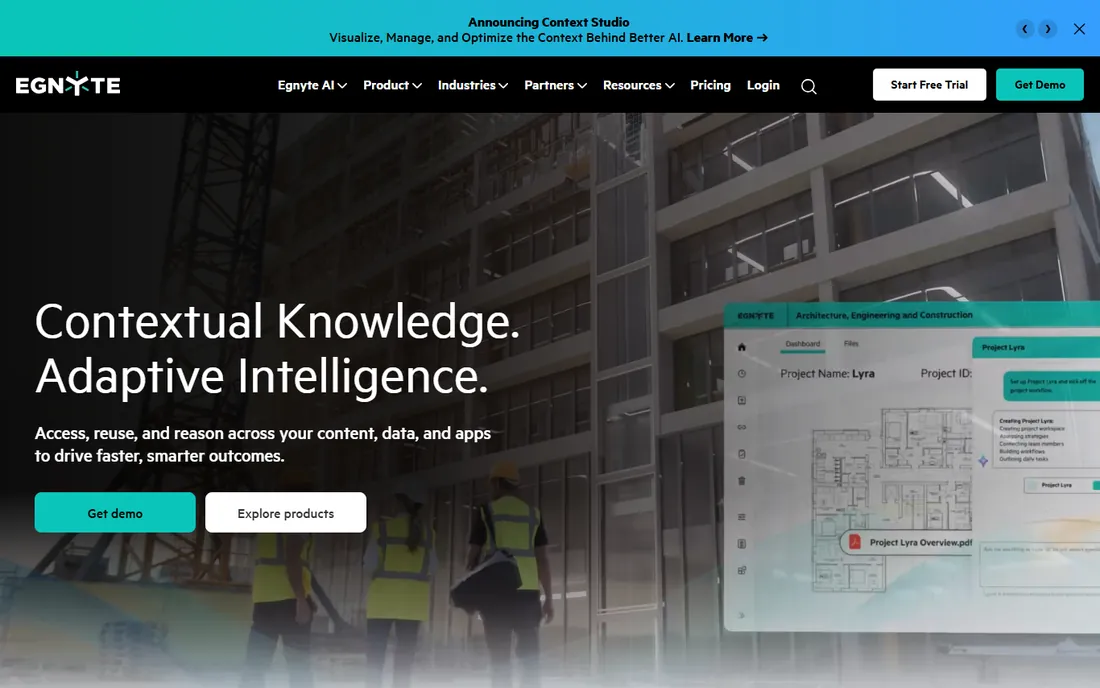
Egnyte blends cloud file sharing with serious data governance. It tracks where files live, who touched them, and flags unusual activity, which is why mid-size companies with compliance obligations pick it over plain sync tools. The platform also handles large files and design workflows better than most.
That capability costs money and attention. At $22 per user per month to start, it is the most expensive option here, and configuring its policies is real admin work. Small teams without compliance pressure will find it overkill. Companies in regulated sectors with multiple locations get their money's worth.
What we like- Strong governance and compliance tooling
- Works well across multiple offices and devices
- Good ransomware detection features
Watch out for- The priciest starting point on this list
- Setup takes more admin effort than simpler tools
Starting priceSee website
Free planFree trial (30 days)
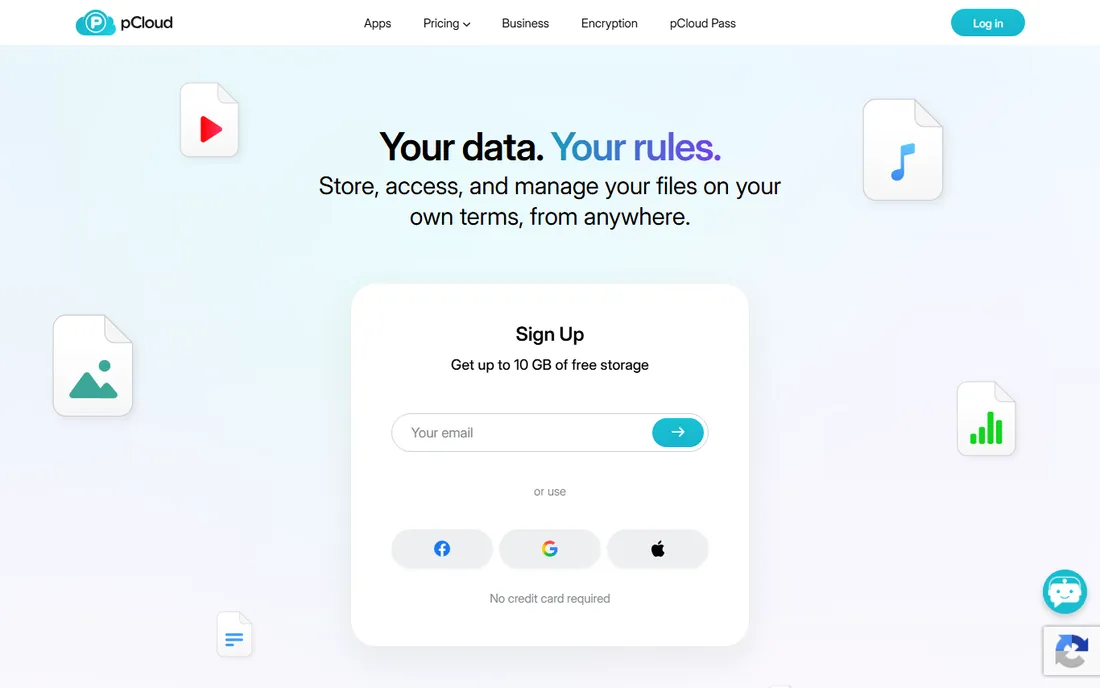
pCloud is the quiet Swiss option that keeps winning over users tired of the big American clouds. The apps are fast, the web player handles media well, and you can choose EU-based servers for data residency comfort. Its Crypto folder add-on gives client-side encryption for your most sensitive files.
The Business tier details are frustratingly hard to pin down on the site, which is why the price says "See website" here. Plan on contacting sales for a team quote. For personal use, pCloud sells lifetime plans, but businesses should evaluate the per-user Business plans on features rather than assume lifetime pricing applies.
What we like- Optional client-side encryption add-on
- Servers available in the EU
- Clean, fast interface across platforms
Watch out for- Business pricing is not published on the site
- Crypto encryption costs extra
#7
Sync.com
Best for: zero-knowledge sharing for small teams
Visit sync.com
Starting priceSee website
Free planYes (5 GB free tier)
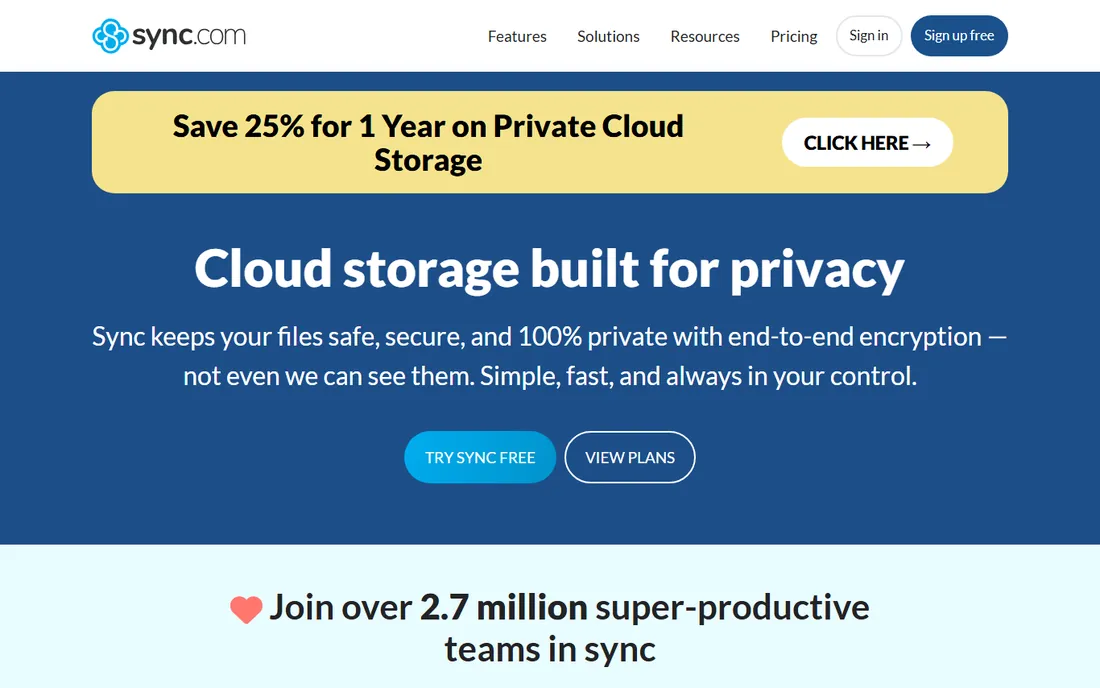
Sync.com makes a simple promise: your files are encrypted before they leave your device, and Sync cannot read them. That zero-knowledge design applies even to the free 5 GB tier, which is rare. It is a Canadian company, which appeals to buyers who want their data outside US jurisdiction.
The trade-off is ecosystem. You will not find the hundreds of integrations Dropbox offers, and heavy video or design files sync more slowly. For a small team that wants private file sharing without complexity, it is one of the easiest choices to make.
What we like- Zero-knowledge encryption on all plans including free
- Canadian jurisdiction with strong privacy laws
- Simple per-user pricing
Watch out for- Fewer integrations than Dropbox or Box
- Sync can be slower with very large files
Starting priceSee website
Free planFree trial
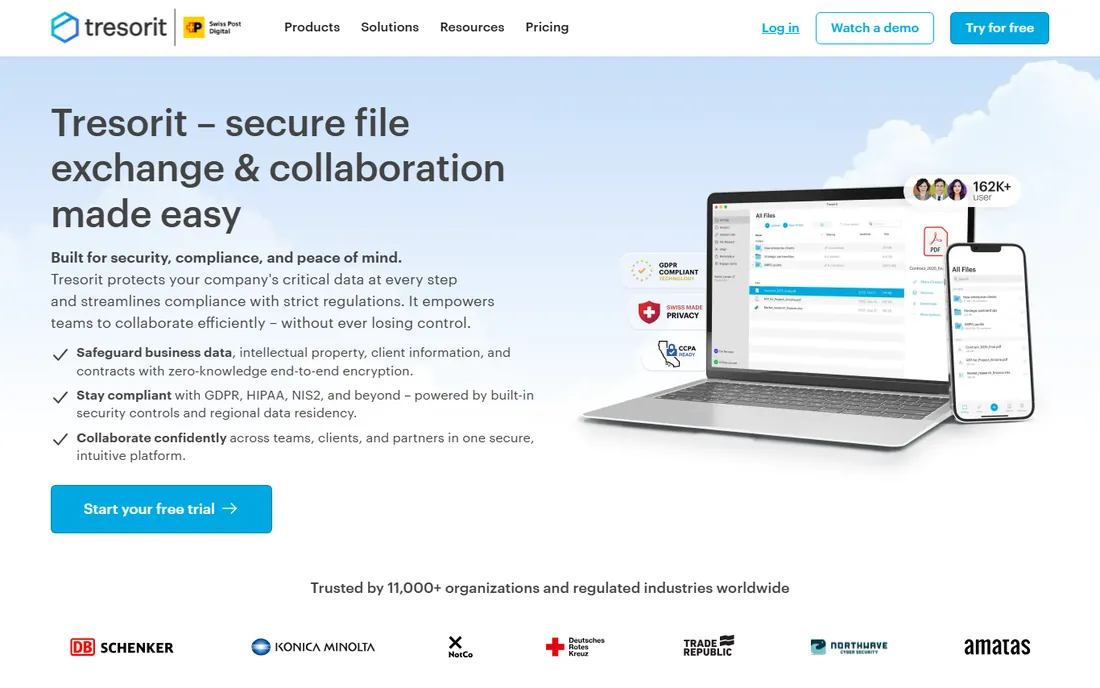
Tresorit is the choice when security is the headline requirement rather than a checkbox. Every file is end-to-end encrypted, sharing links support passwords and expiry, and the Swiss base adds legal distance from foreign data requests. It is popular with law firms, consultancies, and healthcare-adjacent businesses.
Expect to pay more than Dropbox or pCloud for comparable storage, and check pricing on the site since plans changed over time. The integration list is shorter than the big names, but for security-first buyers that is usually an acceptable trade.
What we like- End-to-end encryption by default for everything
- Swiss-based with strong data protection
- Secure file sharing with granular controls
Watch out for- Premium pricing compared to mainstream options
- Smaller integration ecosystem
Starting priceSee website
Free planYes (10 GB free tier)
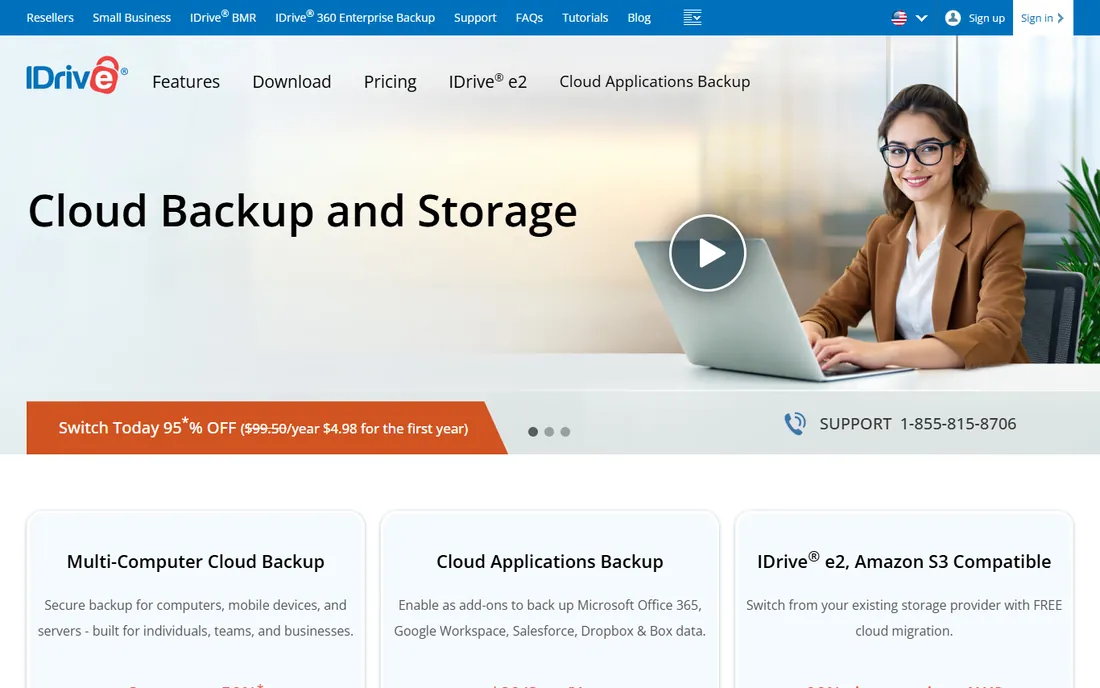
IDrive is backup software first, not file sync, and that distinction matters. One account covers PCs, Macs, phones, servers, and NAS devices, which makes it cheap insurance for an office full of hardware. The 10 GB free tier lets you test real backups before spending anything.
The desktop and web apps are functional rather than beautiful, and large restores take patience. But for the core job, keeping a copy of everything somewhere safe, IDrive delivers strong value. Pair it with a sync tool like Dropbox for daily work and you have both bases covered.
What we like- Backs up unlimited devices on one account
- 10 GB free tier is genuinely useful
- Supports servers, NAS, and mobile devices
Watch out for- Interface feels cluttered
- Restore speeds are average
How we chose
We started with the vendor's own pricing pages and product documentation, reading plan details, storage limits, and free tier terms directly from each company. We cross-checked feature claims against public reviews on G2 and Capterra and discussions on Reddit's sysadmin and small business communities, looking for patterns in complaints about sync reliability, support quality, and billing surprises.
We weighted the list toward tools that fit US small and mid-size companies: clear pricing, reasonable admin effort, and features that matter at 10 to 200 seats. We excluded enterprise-only platforms with no published pricing and consumer tools without real business plans. We did not run hands-on tests; this ranking reflects documented features, published prices, and aggregated user feedback.
What to check before you pay for storage
Storage pricing looks simple until the bill arrives. Start with how you will actually use the tool. File sync pricing is per user, so count everyone who needs an account, including part-timers and contractors. Object storage is per terabyte, so measure your real data, then add 30 percent for growth. Backup tools often charge per device or per account, which changes the math for hardware-heavy offices.
Egress fees are the classic trap. Some providers charge you every time you download your own data, which turns a cheap archive into an expensive one the day you need a full restore. Wasabi and Backblaze B2 charge nothing for downloads, which is a major reason they top the value picks. Always read the fine print on download and API request fees before committing terabytes.
Security questions to ask every vendor: is encryption on by default, who holds the keys, and where do the servers sit. Zero-knowledge tools like Sync.com and Tresorit cannot read your files even if asked, which is the strongest posture available. If your industry has compliance rules, confirm the specific certifications in writing rather than trusting a marketing badge.
Finally, test the free tier or trial with real files before migrating. Sync speed, conflict handling, and the mobile apps only reveal themselves under daily use. A two-week trial with your actual folder structure tells you more than any feature list.
Object storage vs. file storage: know the difference
These two get confused constantly, and buying the wrong one wastes money. File storage, like Dropbox or Box, presents your data as folders and files that open directly in apps. Your team double-clicks a spreadsheet and it opens. That convenience is what per-user pricing pays for.
Object storage, like Wasabi or Backblaze B2, stores data as objects in buckets accessed through software. Humans rarely touch it directly. Instead, backup programs, websites, and apps read and write to it. It costs a fraction of file storage per terabyte because it skips the sync clients, previews, and collaboration layers.
Most SMBs need both. Daily work lives in a file sync tool. Backups, archives, and application data live in object storage. IDrive sits in a third category, backup software, which automates the copying but still needs somewhere to put the copies. Understanding which layer each product serves keeps you from paying file-sync prices for archive data.
Frequently asked questions
How much cloud storage does a small business need?
Start by measuring what you have today, then add room to grow. A typical 20-person office with documents and email needs 1 to 5 TB. Add video, design files, or engineering data and 10 to 50 TB is common. Object storage for archives can easily reach hundreds of terabytes. Audit your current usage before buying, since most companies overestimate by buying the biggest plan first.
Is free cloud storage enough for a business?
Free tiers work for testing and for tiny teams with light needs. Sync.com's 5 GB and IDrive's 10 GB free plans are real, usable products. But free plans lack admin controls, audit logs, and support SLAs that businesses rely on. Once more than a few people depend on the storage, a paid plan is the responsible choice.
What is the cheapest way to store large amounts of data?
Object storage from Backblaze B2 at $6.95 per TB per month or Wasabi at $7.99 per TB per month is the cheapest reputable option, and neither charges for downloads. For comparison, the big hyperscalers often cost three to five times more once you include egress fees. These services suit backups and archives rather than daily file work.
Should I use backup software or file sync for protecting my data?
Use both, because they solve different problems. File sync keeps current work available on every device and makes collaboration easy, but a deleted or ransomware-encrypted file syncs everywhere instantly. Backup software keeps versioned, separate copies on a schedule, so you can recover from mistakes and attacks. IDrive or a B2-backed backup plus a sync tool is a common SMB setup.
How do I move from one storage provider to another?
Plan the migration in stages. First, inventory what lives where and who owns it. Second, run both systems in parallel while you copy data, verifying checksums on large transfers. Third, switch the team over on a quiet day and keep the old system read-only for 30 to 90 days as a safety net. Most providers offer migration tools or partner services for large moves.
Is my data safe with zero-knowledge encryption?
Zero-knowledge encryption means the provider cannot decrypt your files because it never holds your keys. That protects against breaches at the vendor and most legal requests for content. The trade-off is that password recovery is impossible; lose your password and your data is gone. Keep recovery keys in a safe place, ideally with two trusted people holding copies.
Sources we checked (9)
- https://wasabi.com/pricing
- https://www.backblaze.com/cloud-storage/pricing
- https://www.dropbox.com/business
- https://www.box.com/pricing
- https://egnyte.com/pricing
- https://www.pcloud.com/business
- https://www.sync.com/
- https://tresorit.com/
- https://idrive.com/
Is your product missing or out of date?
We review this list regularly. Vendors can request a listing, send updated pricing or ask about featured placement.

Shihab Mia · Founder, Rankite
Shihab has spent more than a decade helping SaaS and e-commerce brands grow through search. He writes Rankite's software buying guides from pricing pages, documentation and public user reviews. More about Shihab.