How we make this list: we compare pricing pages, product documentation and public user reviews. Ratings come from G2, Capterra or Trustpilot, with the date we checked them.
Key takeaways
- UiPath and Automation Anywhere suit enterprises that need document, web, and system extraction inside a wider automation program.
- Apify and Bright Data suit teams that need web scraping at scale, with proxies and scheduling built in.
- Octoparse and ParseHub suit non-developers who need point-and-click extraction without writing code.
- Extraction legality and site terms matter: respect robots rules, terms of service, and rate limits, or accounts and access get blocked.
Quick comparison
| Tool | Best for | Starting price | Free plan |
|---|
 UiPath UiPath | Enterprise document and web extraction | See website | Free trial |
 Automation Anywhere Automation Anywhere | Enterprise automation with extraction | See website | Free trial |
 Apify Apify | Web scraping at scale | See website | Yes |
 Bright Data Bright Data | Scraping with proxy infrastructure | See website | Free trial |
 Octoparse Octoparse | No-code web extraction | See website | Yes |
 ParseHub ParseHub | Visual web scraping | See website | Yes |
 Import.io Import.io | Managed web data extraction | See website | Free trial |
 Diffbot Diffbot | AI-powered web extraction APIs | See website | Free trial |
Is your product missing or out of date?
We review this list regularly. Vendors can request a listing, send updated pricing or ask about featured placement.
#1UiPath
Best for: Enterprise document and web extraction4.6/5 on
G2 (7,734 reviews, checked Oct 2026)
Visit uipath.com
Starting priceSee website
Free planFree trial
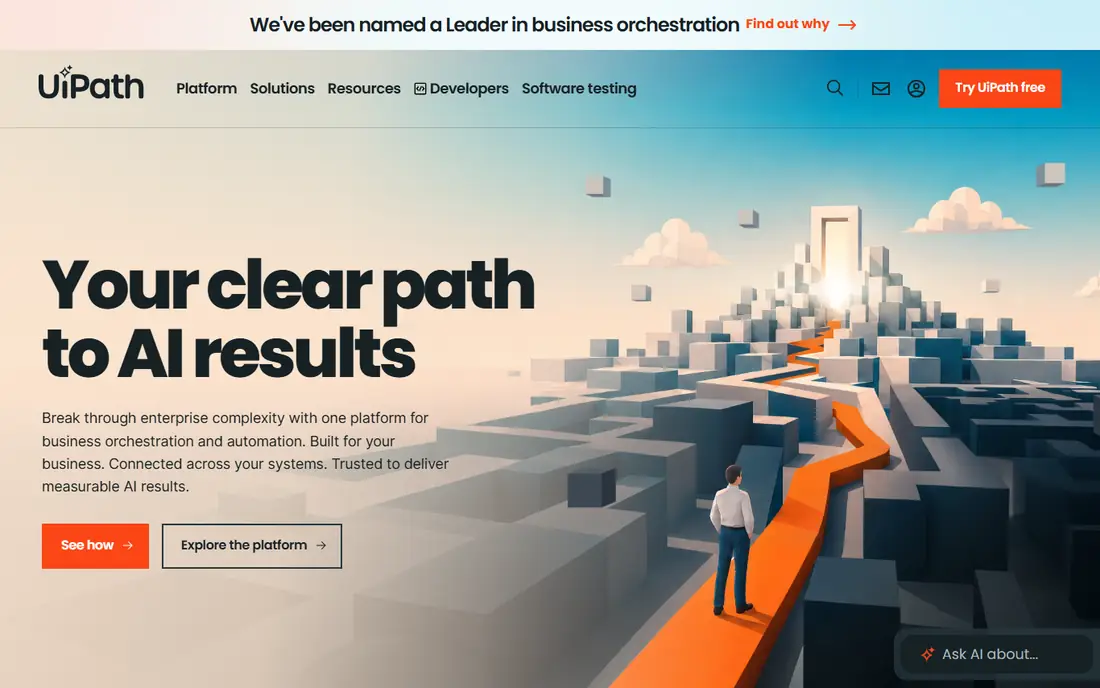
UiPath's Document Understanding extracts structured data from PDFs, invoices, forms, and emails, feeding it into wider robotic process automation workflows. That combination suits enterprises that need extraction plus downstream processing: approvals, system entry, and exception handling in one governed platform. Its AI Center adds machine learning models for document types that rules alone cannot handle.
Pricing and complexity are enterprise-grade, and simple web scraping jobs do not need a full RPA platform. UiPath fits organizations with document-heavy processes and an automation program behind them, not teams that only need a few web pages scraped.
What we like- Document Understanding for PDFs and forms
- Broad automation platform
- Strong governance
Watch out for- Enterprise pricing and complexity
- Overkill for simple scraping
Starting priceSee website
Free planFree trial
Automation Anywhere pairs document extraction with a cloud-native automation platform, using AI models to read invoices, receipts, and forms, then route results into business systems. Its control room gives IT governance over bots, credentials, and schedules, which matters in regulated companies. Prebuilt document models shorten setup for common document types.
Like UiPath, it is priced and built for enterprise programs, and advanced document models need training data and tuning. Automation Anywhere fits enterprises that want document extraction governed like IT software, with audit trails and role-based access.
What we like- Document Automation with AI
- Cloud-native platform
- Strong controls
Watch out for- Enterprise pricing
- Learning curve for advanced document models
#3Apify
Best for: Web scraping at scale4.7/5 on
G2 (669 reviews, checked Oct 2026)
Visit apify.com
Starting priceSee website
Free planYes
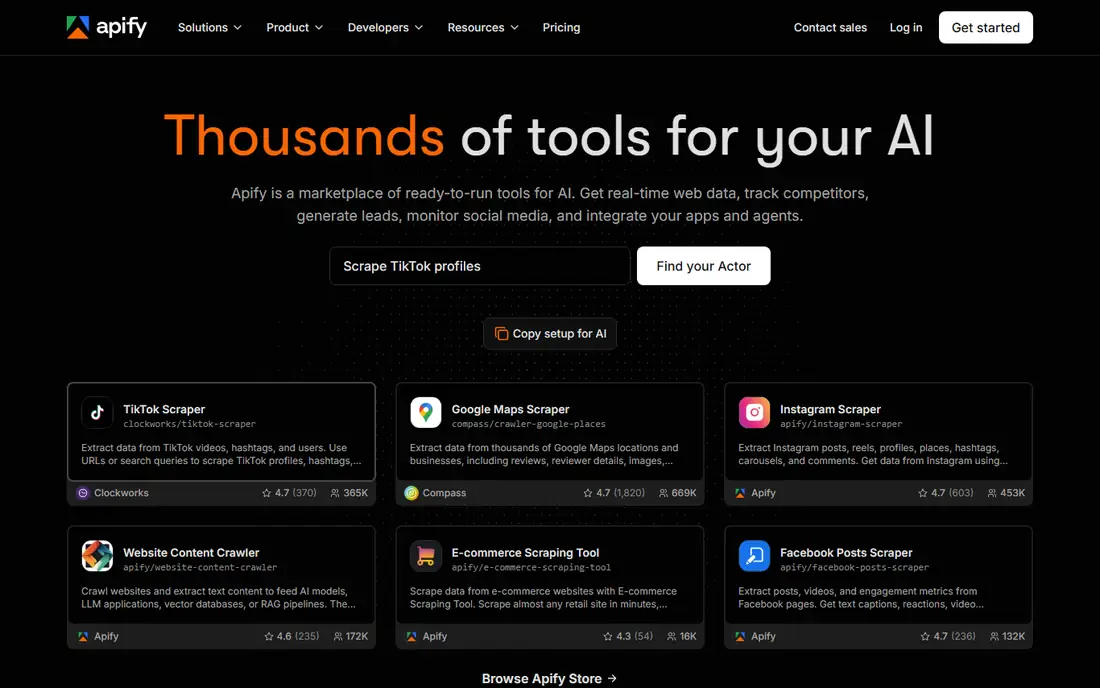
Apify is a cloud platform for web scraping and automation, with a library of ready-made actors for common sites plus the ability to build custom scrapers in JavaScript or Python. Scheduling, proxies, data storage, and API access come built in, so teams can run extraction jobs continuously without managing servers. A free tier lets small projects start without a card.
Custom actors need coding skill, and compute costs scale with job size and frequency. Apify also offers a marketplace where developers sell ready-made actors, which shortens setup for common targets. Apify fits developers and data teams that need reliable, scheduled web extraction at scale, with infrastructure handled by the platform.
What we like- Large actor library
- Scheduling and proxies
- Pay-per-use options
Watch out for- Learning curve for custom actors
- Costs scale with compute
#4Bright Data
Best for: Scraping with proxy infrastructure4.6/5 on
G2 (272 reviews, checked Oct 2026)
Visit brightdata.com
Starting priceSee website
Free planFree trial
Bright Data combines one of the largest proxy networks with scraping browsers, datasets, and APIs, which solves the hardest part of large-scale extraction: access without blocks. Its infrastructure handles IP rotation, browser fingerprinting, and CAPTCHA challenges, letting teams focus on data rather than evasion engineering. Prebuilt datasets cover common public data needs without any scraping.
Pricing is premium and complex, based on bandwidth, requests, and features, so budgeting needs care. Compliance also needs attention: Bright Data's tools are powerful, and users remain responsible for respecting site terms and applicable law. It fits teams with serious, large-scale public web data needs and the budget to match.
What we like- Huge proxy network
- Scraping browsers
- Datasets and APIs
Watch out for- Premium pricing
- Complex pricing model
- Needs care on compliance
#5Octoparse
Best for: No-code web extraction4.8/5 on
G2 (52 reviews, checked Oct 2026)
Visit octoparse.com
Starting priceSee website
Free planYes
Octoparse lets non-developers build scrapers by clicking elements on a page, with templates for common sites and cloud runs for scheduled jobs. That visual approach opens extraction to analysts and marketers who cannot code, and its free tier covers small projects. Export to spreadsheets, databases, and APIs keeps data usable downstream.
The builder runs as a Windows app, which limits Mac and Linux users to cloud options, and advanced logic such as loops and logins sits on paid tiers. Octoparse also provides an API and webhook delivery, so extracted data can flow into other tools without manual downloads. Octoparse fits non-technical teams that need regular web data without hiring developers, for lists, prices, and catalogs.
What we like- Point-and-click extraction
- Templates for common sites
- Cloud runs
Watch out for- Windows app for building
- Advanced logic needs paid tiers
#6ParseHub
Best for: Visual web scraping4.3/5 on
G2 (10 reviews, checked Oct 2026)
Visit parsehub.com
Starting priceSee website
Free planYes
ParseHub is a visual scraper that handles JavaScript-heavy sites, infinite scroll, and login flows through point-and-click selection. Its free tier covers small projects with limited pages, and paid tiers add cloud runs, faster extraction, and API access. Analysts use it for research, price tracking, and lead lists without writing code.
It runs as a desktop app, and very large jobs run slower than cloud-native platforms like Apify. ParseHub also supports scheduled runs on paid tiers, so recurring research jobs can refresh without manual reruns. ParseHub fits researchers and small teams that need reliable extraction from dynamic sites, with a free tier that proves value before paying.
What we like- Visual point-and-click
- Handles JavaScript sites
- Free tier
Watch out for- Desktop app
- Slower for very large jobs
- Paid tiers for scale
Starting priceSee website
Free planFree trial
Import.io offers web data extraction as a platform plus a managed service, where its team can build and maintain extractors for customers. AI-assisted extraction adapts to site changes, and enterprise support covers data quality and delivery. That managed option suits companies that need data reliably but lack in-house scraping skill.
Pricing is quote-based, and the self-serve experience is thinner than Apify's or Octoparse's. Import.io also supports scheduled delivery to cloud storage and databases, keeping downstream pipelines fed without manual exports. Import.io fits companies that want web data as a delivered service, with quality and maintenance handled by the vendor rather than internal developers.
What we like- Managed service option
- AI-assisted extraction
- Enterprise support
Watch out for- Quote-based pricing
- Less self-serve than Apify or Octoparse
#8Diffbot
Best for: AI-powered web extraction APIs4.9/5 on
G2 (29 reviews, checked Oct 2026)
Visit diffbot.com
Starting priceSee website
Free planFree trial
Diffbot's APIs extract articles, products, discussions, and structured data from web pages automatically, using machine learning rather than per-site configuration. Send a URL and get structured JSON back, which suits applications that need data from many different sites without maintaining a scraper per site. Its knowledge graph links entities across the web.
API pricing scales with volume, and teams lose the fine control that custom scrapers offer over edge cases. Diffbot also enriches extracted pages with entity and relationship data, which suits research and knowledge applications more than simple list building. Diffbot fits developers building products that need structured web data from diverse sources, without the maintenance burden of site-specific scrapers.
What we like- Automatic extraction APIs
- Knowledge graph
- No per-site configuration
Watch out for- API pricing scales with volume
- Less control than custom scrapers
How we chose
We compared pricing pages, product documentation, and public user reviews for data extraction tools that are actively sold in 2026. We favored tools with real extraction capability, current availability, and a clear fit for automation, whether document, web, or API-based. We checked pricing models carefully, since usage-based and enterprise models differ sharply, and we left out tools that no longer sell a current product.
Respect the source, or lose access
Extraction sits in a legal and practical gray zone that buyers must handle carefully. Many sites prohibit scraping in their terms of service, and aggressive extraction triggers blocks, CAPTCHAs, and legal notices. The safe approach is narrow: extract public data you have a right to use, respect robots directives and rate limits, use official APIs where they exist, and never extract personal data, copyrighted content, or login-gated material without clear permission.
Design for site changes
Websites change layouts constantly, which breaks brittle selectors. Favor tools with automatic adaptation, monitor job success rates daily, and alert on sudden drops rather than discovering them weeks later. Keep extraction logic separate from downstream processing, so a broken scraper does not corrupt your database.
Validate extracted data before automating on it
Extracted data feeds decisions, prices, and customer records, so errors propagate fast. Add validation rules: expected formats, ranges, and completeness checks on every field, with failed records quarantined for review. Sample-check output against source pages regularly, especially after site redesigns.
Keep credentials out of extraction jobs
Extraction jobs often need logins, API keys, or database credentials, and storing them in plain job configs is a common breach path. Use a secrets manager or the platform's credential vault, rotate credentials regularly, and limit each job's access to the minimum it needs. Audit who can view and edit jobs, since an extraction job with broad access is a powerful insider tool.
Choose the right extraction layer
Document extraction, web scraping, and API extraction solve different problems, and mixing them up wastes money. Use document tools for PDFs and forms, web scrapers for public pages without APIs, and official APIs whenever a site offers one. An RPA platform for a simple price list is overkill, just as a visual scraper is the wrong tool for a million-page crawl.
Frequently asked questions
Is web scraping legal?
It depends on jurisdiction, site terms, and what data is extracted. Public, non-personal data scraped respectfully is often lawful, but terms violations, personal data, copyrighted content, and circumventing access controls create legal risk. Get legal advice for large or sensitive projects rather than assuming legality.
Do I need proxies for web scraping?
For small, polite jobs, usually not. For large-scale or frequent scraping, proxies reduce blocks by distributing requests across addresses. Use reputable proxy providers, respect rate limits even with proxies, and never use proxies to evade an explicit ban.
What is the difference between RPA extraction and web scraping?
RPA extraction pulls data from documents and systems as part of a business workflow, with governance and downstream processing. Web scraping pulls data from public web pages, usually for research or monitoring. Enterprises often need both, in different tools.
Can non-developers build scrapers?
Yes, with Octoparse or ParseHub, which use point-and-click selection and templates. Complex sites with logins, pagination, and dynamic content still benefit from developer help, and very large jobs usually need a cloud platform like Apify.
How do I handle websites that change often?
Use tools with automatic adaptation, monitor success rates daily, and keep selectors as general as possible. Budget maintenance time: a scraper is not a one-time build, and sites that change monthly need ongoing attention.
Sources we checked (8)
- https://www.uipath.com
- https://www.automationanywhere.com
- https://apify.com
- https://brightdata.com
- https://www.octoparse.com
- https://www.parsehub.com
- https://www.import.io
- https://www.diffbot.com
Is your product missing or out of date?
We review this list regularly. Vendors can request a listing, send updated pricing or ask about featured placement.

Shihab Mia · Founder, Rankite
Shihab has 5+ years in B2B and SaaS SEO. He writes Rankite's software buying guides from pricing pages, documentation and public user reviews. More about Shihab.