How we make this list: we compare pricing pages, product documentation and public user reviews. Ratings come from G2, Capterra or Trustpilot, with the date we checked them.
What is dashboard software for SaaS companies
Dashboard software for SaaS companies turns billing, product, sales, and support data into live screens that show the numbers a subscription business runs on. The metrics that matter are different from a general business dashboard: monthly recurring revenue, churn, net revenue retention, customer acquisition cost payback, trial conversion, and expansion revenue. A good SaaS dashboard pulls these numbers straight from Stripe, HubSpot, Salesforce, and the product database, so the team stops rebuilding the same spreadsheet every Monday.
The difference from general dashboard software is the data model. A generic dashboard tool can chart anything, but a SaaS dashboard tool ships with connectors and metric definitions built for subscriptions. Databox and Klipfolio connect to the billing and CRM stack out of the box, while Metabase and Looker Studio need the team to define MRR and churn in SQL first. The choice is between speed of setup and control over the definitions. For a SaaS company, the dashboard is also a reporting surface for investors and the board, so scheduled snapshots and shareable links matter as much as the live view.
Start with where the numbers already live. If billing runs through Stripe and sales through HubSpot or Salesforce, pick a tool with native connectors for both, because manual CSV uploads break the moment the team grows. Databox, Geckoboard, and Klipfolio cover the common SaaS stack without code, while Metabase and Looker Studio suit teams with a warehouse and someone comfortable writing SQL.
Next, decide who builds and who reads. In a small SaaS team the same person often does both, so a drag-and-drop builder wins. In a larger company, analysts build and executives view, so governed metric definitions and viewer pricing matter more. Count the real cost per viewer: per-user pricing such as Power BI Pro at $14 per user per month adds up fast when the whole company needs a login, while flat-priced tools such as Geckoboard charge per dashboard and editor instead. Check the refresh rate too. A dashboard that updates once a day is fine for a board report, but an operations screen that tracks signups and trial conversions needs near real-time data. Finally, confirm the trial conversion and churn numbers match the billing system, because a dashboard that disagrees with Stripe will be ignored within a week.
What does dashboard software for SaaS companies cost in 2026
Pricing runs from free to several hundred dollars a month, and the billing model is the first thing to check. Looker Studio and self-hosted Metabase cost nothing for the software itself. Databox offers a free-forever plan and quotes paid plans through sales. Geckoboard starts at $79 per month billed annually, and Klipfolio starts at $120 per month. Power BI Pro starts at $14 per user per month, and Tableau Viewer starts at $15 per user per month. Zoho Analytics does not publish paid prices on its homepage.
The honest way to compare them is to price the same team on each. A five-person SaaS team that only needs viewers can run Looker Studio or Metabase for free, Databox on its free plan, or Geckoboard Essentials for $79 a month. The same team on Power BI Pro pays $70 a month, and on Tableau Viewer pays $75 a month, before any builder licences. Flat-priced tools win when many people only view, and per-user tools win when a few analysts build dashboards for a small audience. Always ask whether the quoted price includes the connectors the team needs, because some vendors charge extra for premium data sources.
Quick comparison
| Tool | Best for | Starting price | Free plan |
|---|
 Databox | SaaS teams that want live KPI dashboards without a data team | quote (paid plans not published on the homepage; checked 21 Nov 2026) | Yes, a free-forever plan with no credit card required |
 Geckoboard | SaaS teams that want live KPI dashboards on office screens and in Slack | From $79 per month, billed annually (checked 21 Nov 2026) | No free plan; a 14-day free trial is available |
 Klipfolio | SaaS teams with spreadsheet skills that want real-time dashboards | From $120 per month (checked 21 Nov 2026) | No free plan; a free trial is available |
 Metabase | SaaS startups and data teams that want open source dashboards | Free (self-hosted open source); Cloud from $100 per month (checked 21 Nov 2026) | Yes, the self-hosted open source edition is free |
 Zoho Analytics | SaaS companies already using Zoho apps that want full BI without the enterprise price | quote (paid prices not shown on the homepage; checked 21 Nov 2026) | No free plan; a 15-day free trial with no credit card is available |
 Microsoft Power BI | SaaS teams already living in Microsoft 365 | Free (Desktop); Pro from $14 per user per month (checked 21 Nov 2026) | Yes, Power BI Desktop is free |
 Tableau | SaaS teams that want the deepest visual analytics | Viewer from $15 per user per month; Creator about $75 per user per month (checked 21 Nov 2026) | Yes, Tableau Desktop is now free to download |
 Google Looker Studio | SaaS teams on Google Cloud that want free dashboards | Free (checked 21 Nov 2026) | Yes, Looker Studio is free |
Is your product missing or out of date?
We review this list regularly. Vendors can request a listing, send updated pricing or ask about featured placement.
#1Databox
Best for: SaaS teams that want live KPI dashboards without a data team4.4/5 on
G2 (189 reviews, checked Oct 2026)
Visit databox.com
Starting pricequote (paid plans not published on the homepage; checked 21 Nov 2026)
Free planYes, a free-forever plan with no credit card required
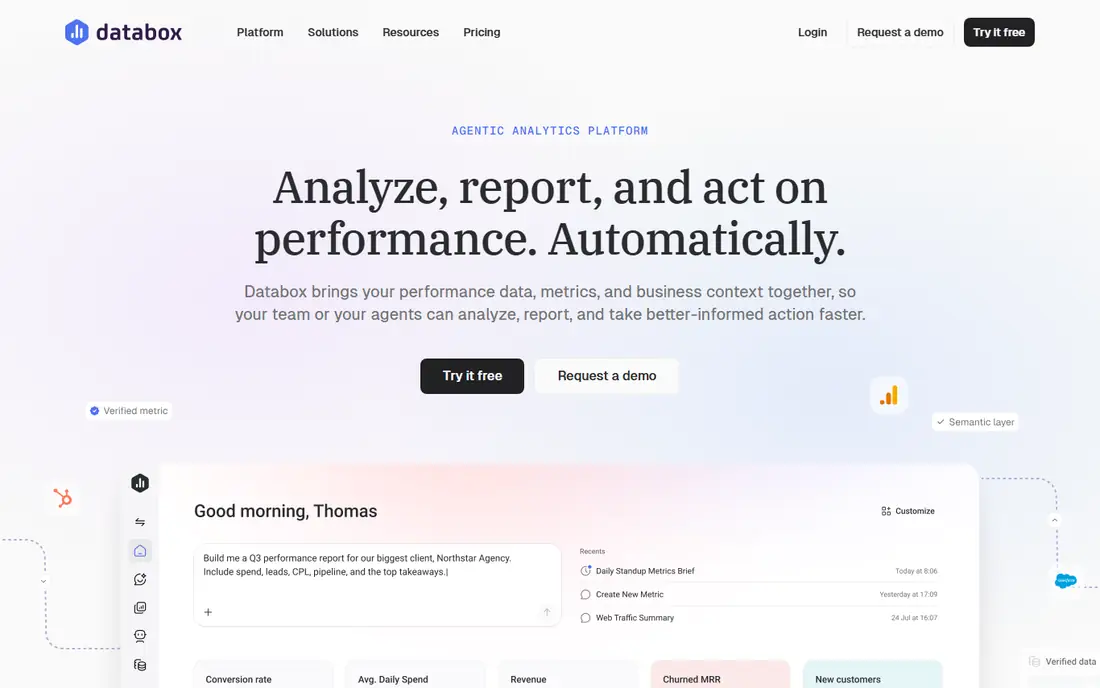
Databox built its name on the last mile of analytics: getting live KPIs in front of non-analysts without a data team. The free-forever plan covers the core use case, and the company says more than 20,000 businesses use it. A SaaS team can connect Stripe, HubSpot, Salesforce, Google Analytics, and the product database, then assemble MRR, churn, trial conversion, and pipeline dashboards in an afternoon. A September 2026 relaunch added an agentic AI analyst, scheduled routines, and MCP connectors to tools such as Jira and GitHub, so dashboards can now trigger analysis rather than only display numbers. The catch is ceiling: Databox is a performance reporting tool, not a data-modeling workbench, and teams that outgrow KPI dashboards will eventually need a BI platform alongside it.
What we like- Free-forever plan, fast setup with 100 plus native connectors, strong mobile experience, scheduled snapshots and scorecards
Watch out for- Paid pricing is not published, so budgeting requires a sales conversation, and the tool is built for KPI reporting rather than deep data modeling
#2Geckoboard
Best for: SaaS teams that want live KPI dashboards on office screens and in Slack4.3/5 on
G2 (48 reviews, checked Oct 2026)
Visit geckoboard.com
Starting priceFrom $79 per month, billed annually (checked 21 Nov 2026)
Free planNo free plan; a 14-day free trial is available
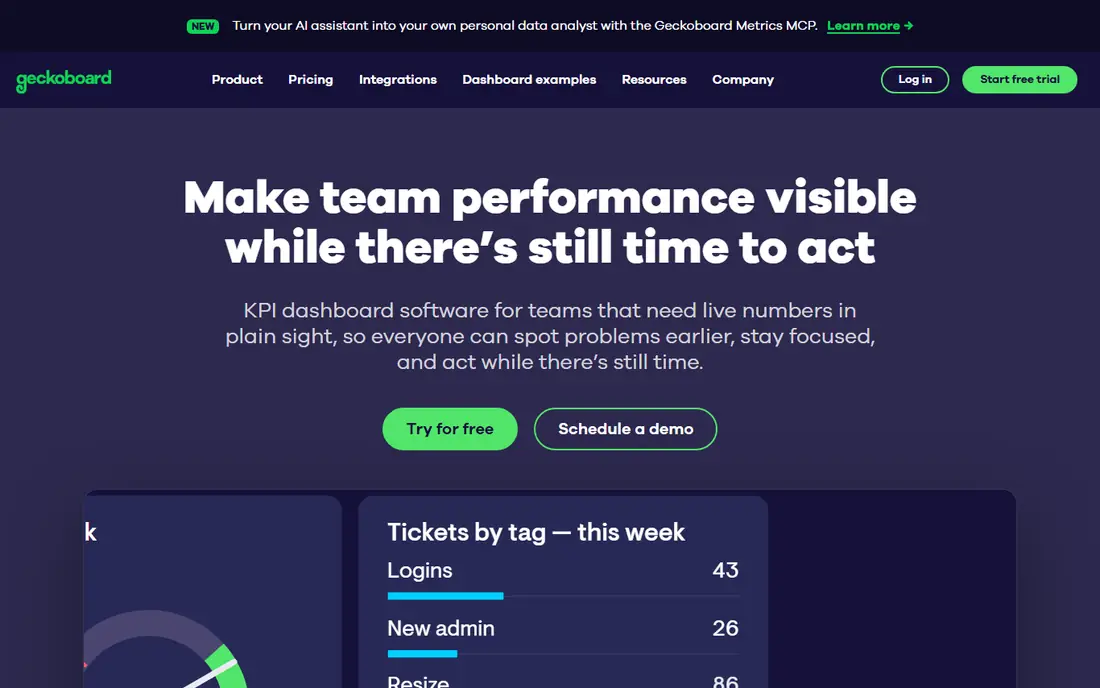
Geckoboard turns live data from business tools into real-time dashboards that teams see on office TVs, in Slack, in Microsoft Teams, and by email. Essentials starts at $79 a month billed annually and includes 2 dashboards, 1 editor, and 1 screen, with extra dashboards at $24 each and extra editors or screens at $20 each. Performance starts at $319 a month billed annually with 20 dashboards, 3 editors, and 5 screens, plus alerts and drilldowns. Viewers are unlimited on every plan, which makes it cheap for a whole SaaS company to watch the same numbers. The honest catch is rationing: every new screen costs money, so teams have to decide which metrics earn a place on the wall. Non-profits get 20 percent off.
What we like- Unlimited viewers on every plan, simple drag-and-drop builder, strong TV and Slack sharing, live data from more than 80 sources
Watch out for- Essentials covers only 2 dashboards and 1 screen before add-on fees, and extra dashboards cost $24 each per month, so the bill grows as the dashboard count grows
#3Klipfolio
Best for: SaaS teams with spreadsheet skills that want real-time dashboards4.5/5 on
G2 (254 reviews, checked Oct 2026)
Visit klipfolio.com
Starting priceFrom $120 per month (checked 21 Nov 2026)
Free planNo free plan; a free trial is available
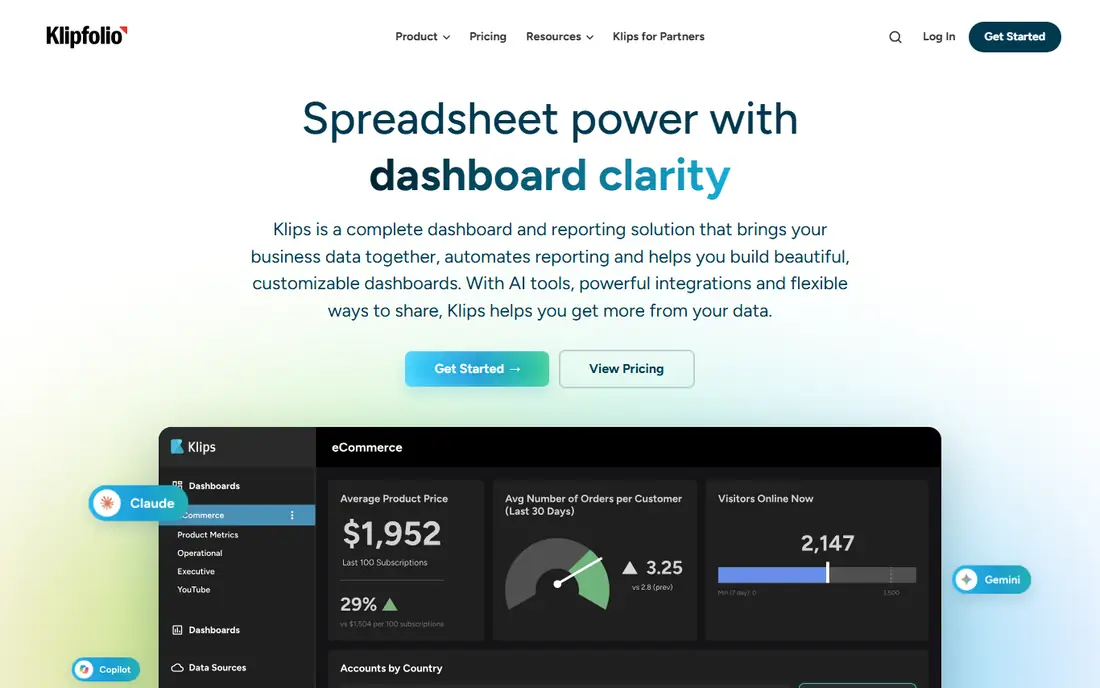
Klipfolio, now branding its product as Klips, pitches directly to spreadsheet pros: automate the data retrieval that used to need formulas and exports, and get real-time dashboards with unlimited presentation options. The homepage puts its numbers up front: more than 25,000 customers, 100,000 daily active users, and pricing starting at $120 a month. The formula-bar logic, point-and-click grouping, and filtering make it comfortable for anyone who lives in Google Sheets. A SaaS team can track MRR, churn by cohort, and support ticket volume from one screen, with data refreshed in real time. The catch is the price floor and the scope: $120 a month is reasonable for a team but steep for an individual, and Klipfolio does not try to be the governed enterprise platform that Tableau and Power BI are.
What we like- Published pricing from $120 a month, spreadsheet-like formulas data people already understand, more than 25,000 customers, real-time dashboards
Watch out for- The $120 a month starting price is real money for a solo founder, and the tool offers less enterprise governance than Tableau or Power BI
#4Metabase
Best for: SaaS startups and data teams that want open source dashboards4.4/5 on
G2 (147 reviews, checked Oct 2026)
Visit metabase.com
Starting priceFree (self-hosted open source); Cloud from $100 per month (checked 21 Nov 2026)
Free planYes, the self-hosted open source edition is free
Metabase is the rare BI tool developers genuinely recommend to each other: open source, free to self-host with a single Docker command, and simple enough that non-technical teammates can build their own dashboards. The company says more than 100,000 teams use it. A SaaS team can connect its warehouse or production database, define MRR and churn once in the query builder, and share dashboards with the whole company. Cloud Starter runs from $100 a month for five users. Recent releases add AI features on all plans, a semantic layer for trusted metrics, and embedded analytics for SaaS products that want to show dashboards to their own customers. The catch is the open source trade: the team owns hosting, upgrades, and security, and teams without anyone comfortable running infrastructure should price the cloud plans before committing.
What we like- Free forever self-hosted, simple query builder non-technical teammates can use, more than 100,000 teams use it, embedding for SaaS products
Watch out for- Self-hosting means the team owns upgrades, security, and maintenance, and SSO, advanced permissions, and white-labeling sit in paid cloud tiers
#5Zoho Analytics
Best for: SaaS companies already using Zoho apps that want full BI without the enterprise price4.2/5 on
G2 (289 reviews, checked Oct 2026)
Visit zoho.com
Starting pricequote (paid prices not shown on the homepage; checked 21 Nov 2026)
Free planNo free plan; a 15-day free trial with no credit card is available
Zoho Analytics is the value play in self-service BI: an end-to-end platform covering data connection, preparation, visualization, and collaboration, with 500 plus integrations, a drag-and-drop pipeline builder, and an AI assistant called Zia that recommends visualizations and runs predictive analysis. The homepage emphasizes low total cost of ownership: no per-connector charges, no hidden implementation fees, and cloud or on-premise deployment. For a SaaS company, especially one already using Zoho apps, the economics are compelling: one platform that handles reporting, forecasting with what-if models, and embedded analytics for customer portals. Review badges show 4.4 to 4.5 stars across Capterra, G2, and TrustRadius. The honest catch is that paid pricing is not shown on the homepage, and the interface can feel dense for a first-time dashboard builder. Patient users get a lot for the money.
What we like- More than 500 integrations and 50 plus chart types, AI assistant Zia with forecasting, cloud or on-premise deployment, strong value for Zoho shops
Watch out for- Paid pricing is not displayed on the homepage, so budgeting needs a sales conversation, and the interface packs in enough features to overwhelm a first-time dashboard builder
#6Microsoft Power BI
Best for: SaaS teams already living in Microsoft 3654.5/5 on
G2 (1,661 reviews, checked Oct 2026)
Visit microsoft.com
Starting priceFree (Desktop); Pro from $14 per user per month (checked 21 Nov 2026)
Free planYes, Power BI Desktop is free
Power BI is the default choice for Microsoft-centric organizations, and the economics explain why: Power BI Desktop is free, Pro costs $14 per user per month billed annually, and the service layers into Microsoft 365 licensing many companies already own. It connects to and visualizes data from hundreds of sources, embeds into the apps teams use daily, and now sits as the BI layer of Microsoft Fabric, the company's end-to-end analytics platform. A SaaS team can build MRR, churn, and pipeline dashboards once and share them across the company, with free training through Microsoft Learn. The platform's strength is breadth within the Microsoft ecosystem, plus embedded analytics for developers at pay-as-you-go rates. The honest catch is licensing complexity. Mixing Free, Pro, Premium per-user, and Fabric capacity SKUs confuses even experienced admins, and real collaboration beyond personal use requires paid licences.
What we like- Natural fit with Excel, Teams, and Azure, Power BI Desktop is free, part of Microsoft Fabric, sample dashboards across sales, HR, and IT
Watch out for- Licensing is famously complicated, and real collaboration beyond personal use requires paid licences
#7Tableau
Best for: SaaS teams that want the deepest visual analytics4.4/5 on
G2 (3,787 reviews, checked Oct 2026)
Visit tableau.com
Starting priceViewer from $15 per user per month; Creator about $75 per user per month (checked 21 Nov 2026)
Free planYes, Tableau Desktop is now free to download
Tableau remains the benchmark for visual analytics, and its pricing posture has softened in a buyer-friendly way: Tableau Desktop is now free to download, and the homepage pushes a free trial of the full platform. The product story has moved to agentic analytics, with a semantic layer and AI features that let people ask questions in natural language and bring dashboards into Slack, Teams, and chat tools. Drag-and-drop exploration scales from a quick chart to governed enterprise deployments, in the cloud, self-hosted, or embedded in Salesforce via Tableau Next. The community and Tableau Public provide more learning material than any competitor. The honest catch is that the free tier gets you building, but sharing at organizational scale runs on paid licences with quote-based pricing, and Tableau's real power rewards users who invest time learning it. Most SaaS teams need only a few Creator licences and more Viewers, which keeps costs manageable.
What we like- Best visual analytics, drag-and-drop exploration, huge community and learning resources, Tableau Public for sharing
Watch out for- Paid Cloud and Server pricing is quote-driven, and the full power takes training to master
Starting priceFree (checked 21 Nov 2026)
Free planYes, Looker Studio is free
Looker Studio is Google's free dashboarding tool, and for a SaaS team already on Google Cloud it is the cheapest way to get live dashboards. It connects natively to Google Analytics, BigQuery, Google Sheets, and hundreds of other sources through community connectors, and dashboards share with a link like a Google Doc. A small SaaS team can build MRR, churn, and marketing dashboards in a day with no licence cost and no seat limit, which makes it easy to give every employee a view. Templates cover the common SaaS reports, and scheduled email delivery keeps the numbers in front of stakeholders. The catch is governance: there is no semantic layer on the free tier, so two dashboards can define the same metric differently, and data blending is weaker than in paid BI tools. Support is community based, and teams that need governed metrics should look at Looker or a paid BI platform instead.
What we like- Free with no seat limit, native Google Analytics and BigQuery connections, easy sharing with a link, large template gallery
Watch out for- No governed semantic layer on the free tier, limited data blending compared with paid BI tools, and support is community based
Frequently asked questions
What is the best dashboard software for a SaaS company
There is no single best tool, because the answer depends on who builds the dashboards and where the data lives. Databox is the fastest start for a team with no data staff, Metabase is the best free route for a technical team, and Power BI is the default for Microsoft shops. A team that needs governed metrics across departments should look at Tableau or Looker, while a team that only needs KPI screens should start with Geckoboard or Databox and upgrade only when the limits bite.
How much does dashboard software cost for a SaaS company
A small SaaS team can start for free with Looker Studio, self-hosted Metabase, or Databox on its free-forever plan. Paid tools start at $79 a month for Geckoboard Essentials billed annually and $120 a month for Klipfolio. Per-user tools start at $14 per user per month for Power BI Pro and $15 per user per month for Tableau Viewer. The real cost is usually the licences for builders plus the viewers, so price the whole team, not one seat, before choosing.
Do SaaS companies need a data warehouse before buying dashboard software
Not always, but clean data makes every dashboard tool work better. Tools such as Databox, Geckoboard, and Klipfolio connect directly to Stripe, HubSpot, and Salesforce, so a team can start without a warehouse. A warehouse becomes worth the effort once the team wants to join billing, product, and support data in one place, or once two dashboards disagree on the same metric. Start with one reliable source, define MRR and churn once, and expand sources as dashboards prove useful.
What is the difference between a dashboard and a report for a SaaS company
A dashboard is a live screen that answers what is happening right now, such as today's signups, this month's MRR, and open trial conversions. A report is a scheduled snapshot that answers what happened over a period, such as the monthly board pack or the quarterly churn review. Most SaaS teams need both: dashboards for the daily standup and reports for investors and the board. Several tools in this guide do both, but the best dashboard tools are built for live viewing first.
Can dashboard software track MRR and churn automatically
Yes, if it connects to the billing system. Databox, Klipfolio, and Geckoboard read Stripe, Chargebee, and similar billing tools and can show MRR and churn without manual updates. Metabase, Looker Studio, Power BI, and Tableau need the team to define MRR and churn in SQL or in a data model first, which takes more setup but gives more control over the definitions. Whichever route a team takes, the dashboard numbers should be reconciled against the billing system every month.
Sources we checked (10)
- https://databox.com
- https://www.geckoboard.com/pricing/
- https://klipfolio.com
- https://www.metabase.com
- https://www.zoho.com/analytics/
- https://www.microsoft.com/en-us/power-platform/products/power-bi/
- https://www.tableau.com
- https://lookerstudio.google.com
- https://rankite.com/blog/best-dashboard-software
- https://rankite.com/blog/best-business-intelligence-tools
Is your product missing or out of date?
We review this list regularly. Vendors can request a listing, send updated pricing or ask about featured placement.

Shihab Mia · Founder, Rankite
Shihab has 5+ years in B2B and SaaS SEO. He writes Rankite's software buying guides from pricing pages, documentation and public user reviews. More about Shihab.