How we make this list: we compare pricing pages, product documentation and public user reviews. Rankite is independent; if a vendor ever pays for a featured spot, that listing is clearly labeled Partner.
Key takeaways
- Acronis Cyber Protect is the most complete option: imaging plus backup, security, and cloud in one platform.
- SmartDeploy and ManageEngine OS Deployer are built for IT teams deploying standardized images across many machines.
- Macrium Reflect and Paragon suit technicians who want powerful desktop imaging with fine control.
- Clonezilla remains the free standard for bare-metal cloning and mass deployment.
- Vembu, EaseUS, and Iperius cover the backup-with-imaging middle ground at accessible prices.
Quick comparison
Is your product missing or out of date?
We review this list regularly. Vendors can request a listing, send updated pricing or ask about featured placement.
The best computer imaging software
Starting priceSee website
Free planNo
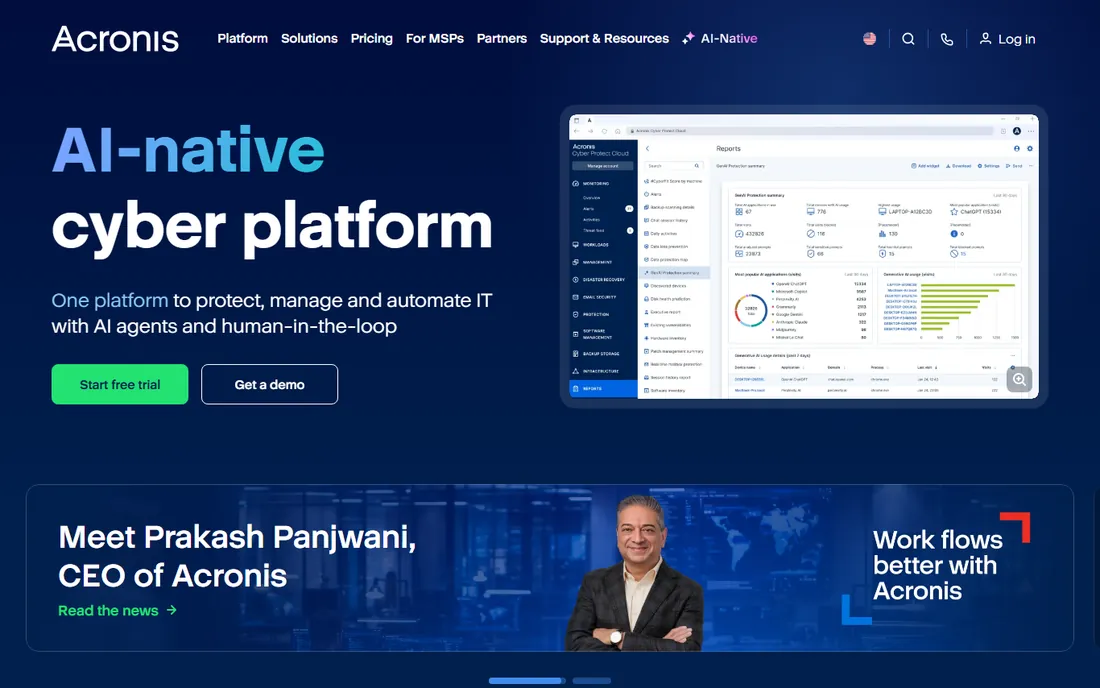
Acronis Cyber Protect goes beyond imaging into full cyber protection: disk imaging, backup, anti-malware, and endpoint management in one console. IT teams image machines, back them up on schedule, and protect them from ransomware without juggling vendors. The cloud console suits MSPs managing many clients, and local deployment works for single organizations.
The breadth brings complexity; there is a lot to configure. Pricing spans many editions and tiers, so getting the right quote takes a conversation. But for IT teams that want imaging as part of a complete protection strategy rather than a standalone chore, Acronis is the most comprehensive option.
What we like- Imaging plus backup, security, and management
- Cloud and local
- Strong for MSPs
Watch out for- Can be complex
- Pricing has many tiers
Starting priceSee website
Free planNo
Macrium Reflect is the technician's imaging tool: fast, reliable disk imaging with excellent bootable rescue media and fine-grained control over what gets imaged and how. Cloning, differential imaging, and rapid recovery work exactly as advertised. IT professionals who have used it for years trust it for critical restores.
The interface assumes technical users; this is not software for beginners. Business licensing is per workstation, which adds up for large fleets. But for technicians who image machines regularly and need it to work every time, Macrium's reliability reputation is well earned.
What we like- Fast reliable imaging
- Excellent rescue media
- Trusted by technicians
Watch out for- Interface is technical
- Business pricing per workstation
Starting priceFree (open source)
Free planYes
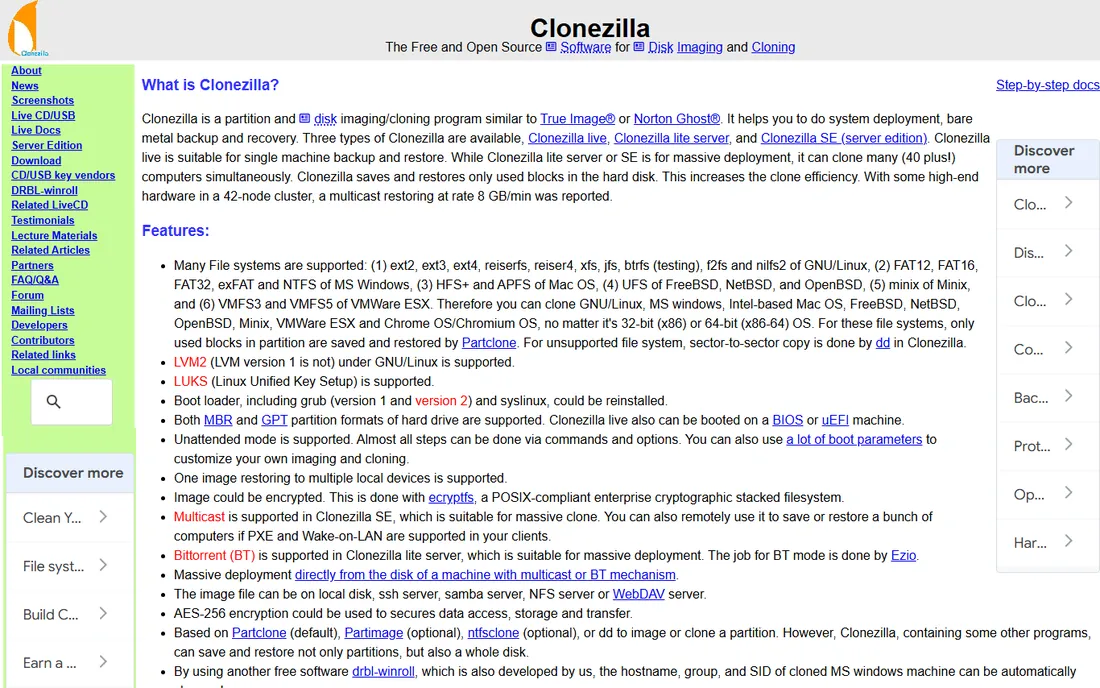
Clonezilla is the free standard for disk imaging. Boot from USB, clone a disk to an image file, restore it later; the Server Edition multicasts images to many machines simultaneously for lab and classroom deployment. It supports a wide range of filesystems and costs nothing.
The text-based interface demands technical confidence, and there is no scheduling, central dashboard, or reporting. It is a cloning tool, not a backup platform. For golden images, lab deployments, and one-off captures, Clonezilla does the core job as well as paid tools. Pair it with scheduled backup software for ongoing protection.
What we like- Completely free
- Fast cloning
- Server Edition for mass deployment
Watch out for- Text interface
- No scheduling or central management
Starting priceSee website
Free planNo
ManageEngine OS Deployer tackles the enterprise problem: getting standardized Windows (and Linux) images onto hundreds or thousands of machines with the right drivers, profiles, and applications. Centralized management, network-based deployment, and hardware-independent imaging keep large rollouts consistent.
It runs on Windows Server and expects an IT team comfortable with infrastructure software. Smaller shops will find it heavy. But for organizations doing regular hardware refreshes or managing large fleets, OS Deployer's centralized approach beats manual imaging decisively.
What we like- Centralized OS deployment
- Handles drivers and profiles
- Scales well
Watch out for- Windows Server required
- Learning curve
Starting priceSee website
Free planNo
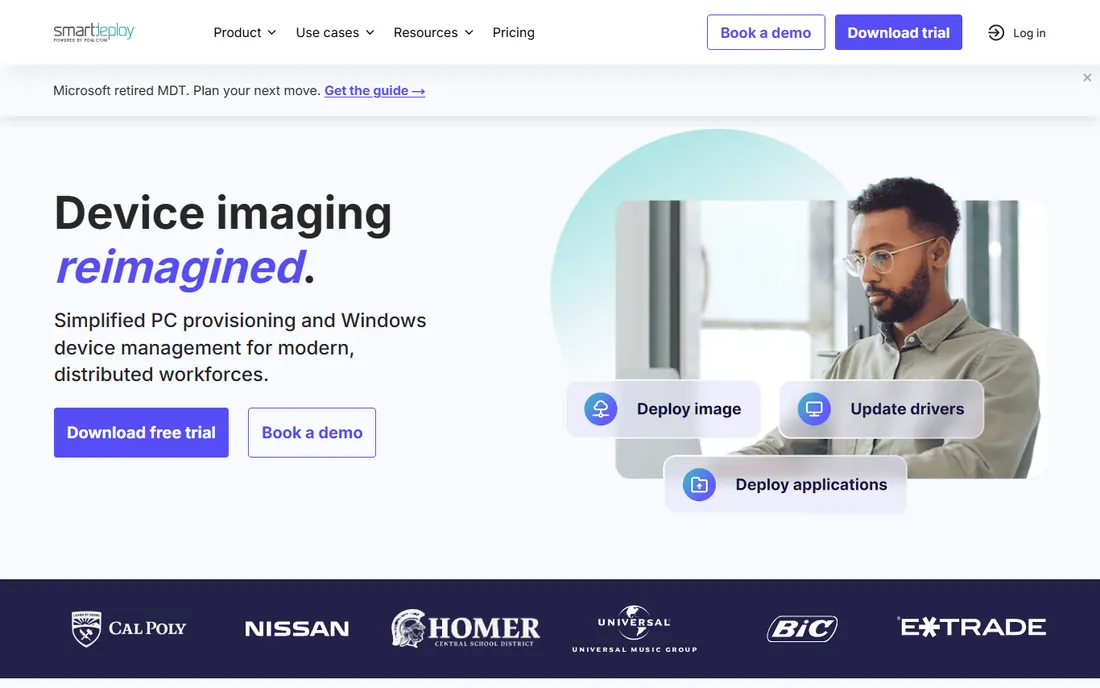
SmartDeploy's clever trick is the single golden image: one Windows image deploys to any hardware because the platform handles drivers automatically through its driver packs. IT teams stop maintaining separate images per model. Cloud deployment options suit remote and hybrid workforces.
The subscription model and deployment focus mean it is not a backup tool; pair it with backup software for ongoing protection. But for the specific job of getting Windows onto diverse hardware quickly and consistently, SmartDeploy's driver handling saves enormous technician time.
What we like- Single golden image for any hardware
- Driver management
- Cloud-friendly
Watch out for- Subscription pricing
- Less for pure backup
Starting priceSee website
Free planNo
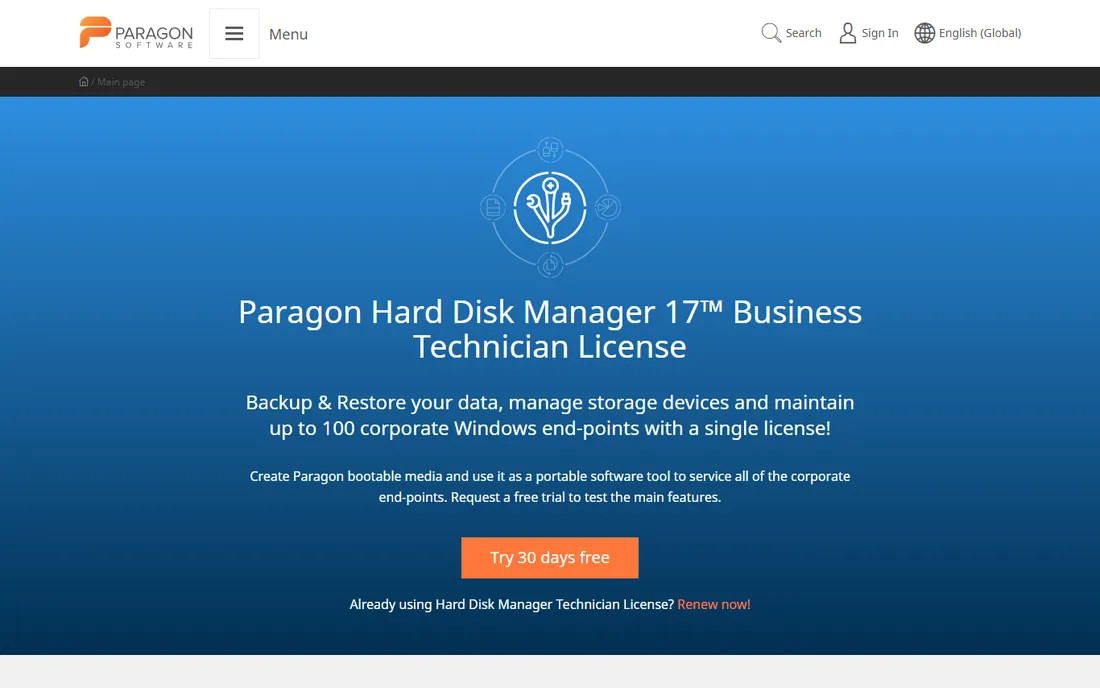
Paragon Hard Disk Manager bundles disk imaging with the partitioning tools technicians actually need: resize, migrate, wipe, and clone alongside backup and recovery. It is the Swiss-army option for desktop technicians who do a bit of everything. The software is reliable and the bundles are fairly priced.
The interface packs in a lot and can feel dense. Cloud backup integration trails the cloud-native vendors. But for technicians who want one Windows tool handling imaging, partitioning, and migration, Paragon's combination is practical and proven.
What we like- Combines partitioning and imaging
- Reliable
- Good value bundles
Watch out for- Interface is dense
- Less cloud integration
Starting priceSee website
Free planNo
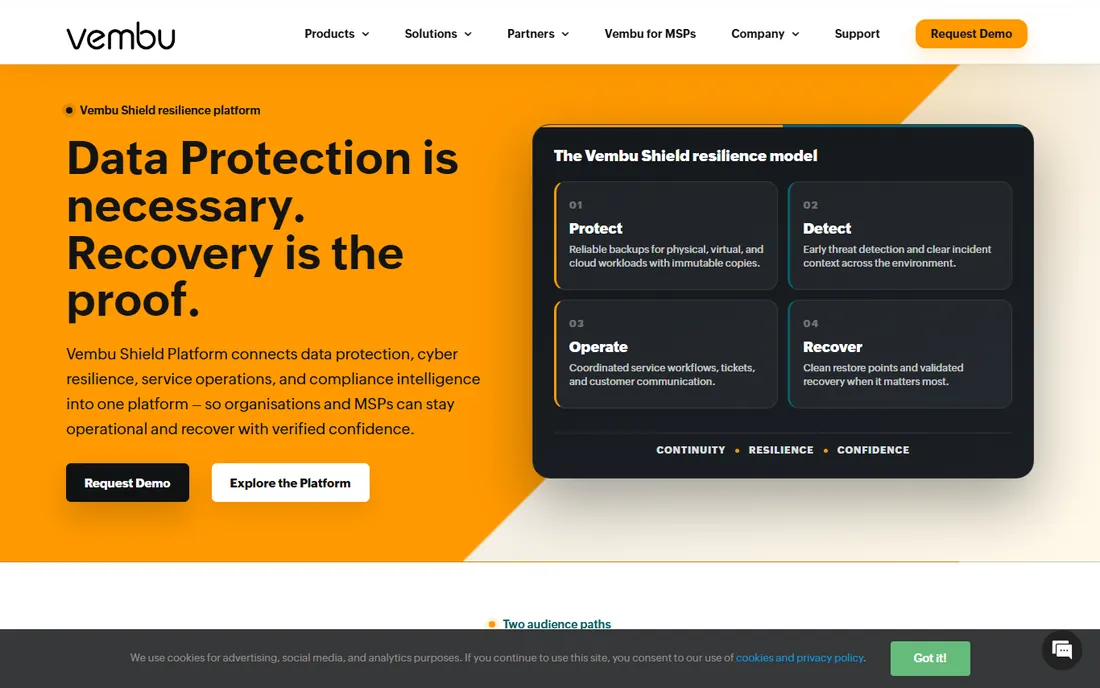
Vembu BDR Suite offers business backup with disk imaging at per-host prices that undercut the enterprise vendors significantly. Servers, workstations, and virtual environments back up to local or cloud storage with the standard features: scheduling, compression, encryption, and recovery options.
The interface and polish trail the market leaders, and the community is smaller. But the price-to-feature ratio is strong for small and mid-size businesses. If the budget does not stretch to Acronis, Vembu covers the essential imaging and backup needs competently.
What we like- Affordable per-host pricing
- Covers servers and workstations
- Decent features
Watch out for- Interface less polished
- Smaller community
Starting priceSee website
Free planYes
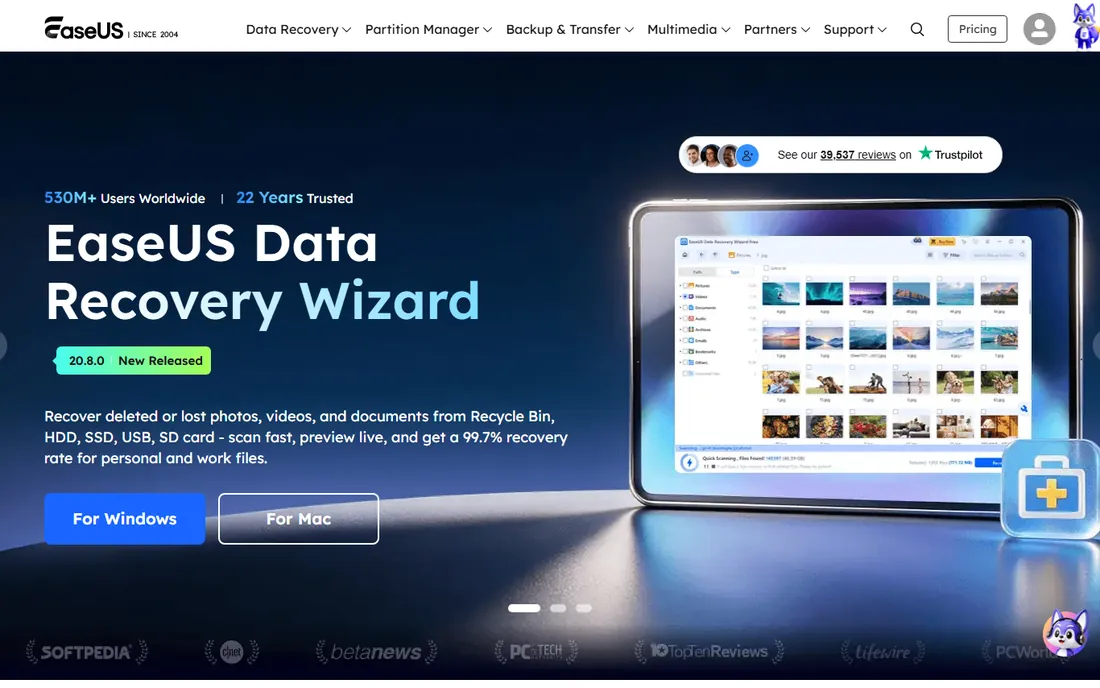
EaseUS Todo Backup is the approachable option: disk cloning, system backup, and file backup in an interface non-technical users can follow. The free tier handles basic cloning and backup, which covers home users and very small offices. Paid tiers add scheduling, Outlook backup, and business features.
Power users will find the advanced options thinner than Macrium or Acronis, and the software nudges toward upgrades. But for straightforward "clone this drive" or "back up this PC" tasks, EaseUS's simplicity is exactly right. It is the tool to recommend to non-technical people.
What we like- Very easy to use
- Free tier for basic cloning
- Good for home and small office
Watch out for- Advanced features need paid tiers
- Upsell prompts
Starting priceSee website
Free planNo
Iperius Backup is a Windows-focused backup tool with unusual destination flexibility: local, network, FTP, and all major cloud storage providers. Disk imaging, incremental backups, and database backups (SQL Server, MySQL) suit small business servers. Perpetual licensing options appeal to buyers avoiding subscriptions.
It is Windows-only and the interface prioritizes function over form. But the flexibility of where backups go, combined with straightforward licensing, makes Iperius a practical choice for Windows-centric small businesses that want control over their backup destinations.
What we like- Very flexible destinations
- Good for servers
- Perpetual licenses available
Watch out for- Windows only
- Interface is utilitarian
Imaging strategy for IT teams
The tool matters less than the strategy. Maintain a golden image per department or role, updated quarterly: OS patches, standard applications, security agents, and configurations baked in. Store images versioned and off the machines they protect. Test restores regularly; an untested image is a hope, not a plan. Separate the OS image from user data (folder redirection or cloud storage) so reimaging does not destroy work. Document the imaging process so it survives staff turnover. And remember that imaging is deployment, not backup: pair it with scheduled backups for data protection. Teams that treat imaging as a disciplined process spend far less time firefighting than teams that image ad hoc.
What to check before you buy
Bare metal versus file-level needs
Imaging captures everything including the OS; file backup captures data. Most IT teams need both: imaging for deployment and disaster recovery, file backup for ongoing protection. Tools like Acronis and Vembu do both; specialists like SmartDeploy and Clonezilla focus on imaging. Be clear which job you are buying for.
Hardware diversity
If your fleet mixes Dell, HP, and Lenovo models, driver handling decides your workload. SmartDeploy's driver packs and ManageEngine's hardware-independent imaging solve this; manual tools leave driver management to you. Count your hardware models before choosing.
Recovery speed and media
When a machine dies, recovery speed is everything. Test the bootable rescue media, measure restore times, and check whether restores work to different hardware. A beautiful backup console means nothing if the recovery process is slow or fragile. Trial the disaster scenario, not just the backup job.
Licensing model fit
Per-workstation, per-server, per-technician, and subscription models behave very differently at scale. A per-technician tool (like some SmartDeploy tiers) suits MSPs; per-workstation suits fixed fleets. Model your actual device count over three years, including growth.
How we chose
We selected disk imaging tools used by IT professionals in 2026, covering enterprise deployment, technician imaging, and backup-with-imaging. We evaluated vendor documentation, feature depth, reliability reputation, and fit for different team sizes. We excluded pure file backup tools without imaging and discontinued products. No vendor paid for placement, and we did not run lab imaging tests.
Frequently asked questions
What is the difference between disk imaging and disk cloning?
Imaging creates a compressed file containing the disk's contents, which you store and restore later, often to different hardware. Cloning copies one disk directly to another disk, typically for immediate drive replacement. Imaging suits backup and deployment; cloning suits drive upgrades. Most tools here do both.
Can I deploy one image to different hardware?
Yes, with the right tool. Hardware-independent restore (available in SmartDeploy, ManageEngine, Acronis, and others) injects the correct drivers during deployment. Basic cloning tools may produce unbootable systems on different hardware. If your fleet is diverse, verify this capability specifically.
How often should IT teams update their golden images?
Quarterly is the common practice: fresh OS patches, updated applications, and current security agents. Monthly suits fast-moving environments. Stale images waste the time savings imaging is supposed to provide, since every deployment then needs hours of updates.
Is free imaging software good enough for business?
For the imaging task itself, yes: Clonezilla clones disks as reliably as paid tools. What paid tools add is central management, scheduling, driver handling, reporting, and support. A five-person shop can run on Clonezilla; a five-hundred-person company needs the management layer. Match the tooling to the scale.
What is the 3-2-1 backup rule?
Keep three copies of important data, on two different media types, with one copy off-site. Imaging supports this: the golden image on local storage, backups on network storage, and a copy in the cloud or off-site. The rule exists because any single copy can fail, be stolen, or burn.
Sources we checked (10)
- https://www.acronis.com
- https://www.macrium.com
- https://clonezilla.org
- https://www.manageengine.com/os-deployer/
- https://www.smartdeploy.com
- https://www.paragon-software.com
- https://www.vembu.com
- https://www.easeus.com
- https://www.iperiusbackup.com
- https://www.comparitech.com/net-admin/disk-imaging-software/
Is your product missing or out of date?
We review this list regularly. Vendors can request a listing, send updated pricing or ask about featured placement.

Shihab Mia · Founder, Rankite
Shihab has spent more than a decade helping SaaS and e-commerce brands grow through search. He writes Rankite's software buying guides from pricing pages, documentation and public user reviews. More about Shihab.
 Acronis Cyber Protect
 Macrium Reflect
 Clonezilla
 ManageEngine OS Deployer
 SmartDeploy
 Paragon Hard Disk Manager
 Vembu BDR Suite
 EaseUS Todo Backup
 Iperius Backup