How we make this list: we compare pricing pages, product documentation and public user reviews. Ratings come from G2, Capterra or Trustpilot, with the date we checked them.
Key takeaways
- Most small teams need two layers: chat for daily talk and a task or docs tool for work that must not get lost.
- Slack and Teams cover chat and meetings, while Asana, monday.com, and ClickUp cover who owns what by when.
- Notion suits teams that lose decisions in chat and need a shared wiki, while Trello suits teams that want the simplest board.
- Per-user pricing adds up fast, so count every seat, including part-time staff and contractors, before choosing a paid tier.
Quick comparison
| Tool | Best for | Starting price | Free plan |
|---|
 Slack Slack | Team chat and integrations | $7.25 per user per month | Yes |
 Microsoft Teams Microsoft Teams | Microsoft 365 shops | $4 per user per month | Yes |
 Asana Asana | Structured project tracking | $10.99 per user per month | Yes |
 monday.com monday.com | Visual team planning | $9 per user per month | Yes |
 ClickUp ClickUp | All-in-one workspace | $7 per user per month | Yes |
 Trello Trello | Simple kanban boards | $5 per user per month | Yes |
 Notion Notion | Docs, wiki, and databases | $10 per user per month | Yes |
 Zoom Workplace Zoom Workplace | Meetings plus team chat | See website | Yes |
Is your product missing or out of date?
We review this list regularly. Vendors can request a listing, send updated pricing or ask about featured placement.
The best collaboration software for small business
#1Slack
Best for: Team chat and integrations4.5/5 on
G2 (39,944 reviews, checked Oct 2026)
Visit slack.com
Starting price$7.25 per user per month
Free planYes
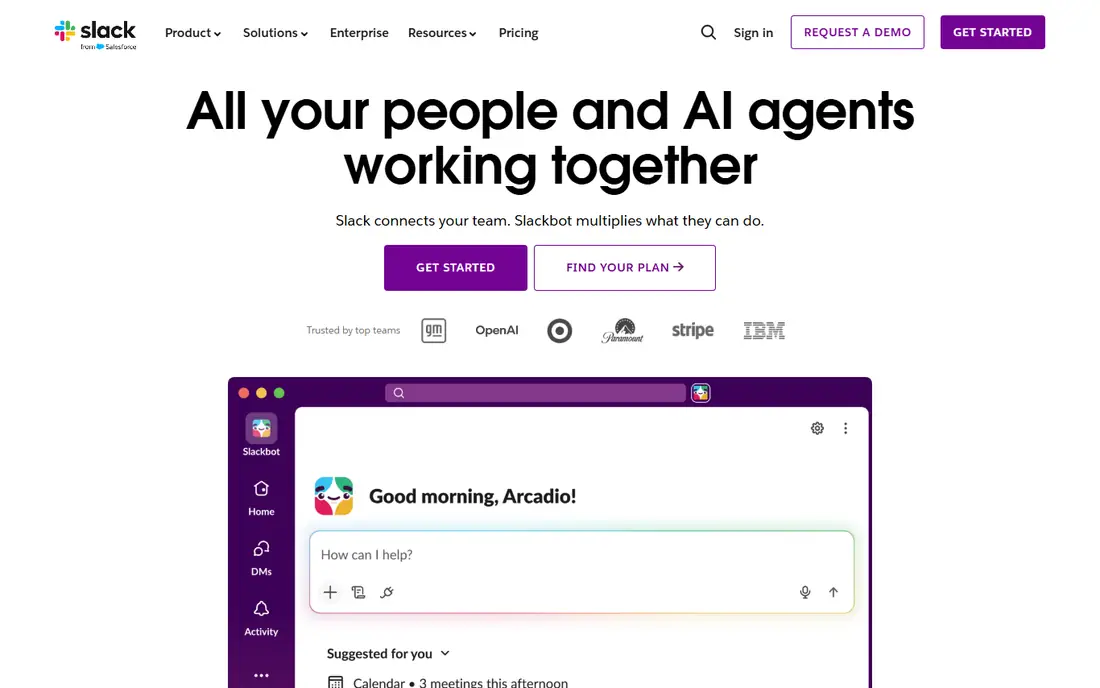
Slack organizes daily talk into channels by project, team, or topic, with threads to keep side discussions from taking over. Huddles offer quick voice and video check-ins without scheduling a full meeting, and integrations bring updates from project tools, CRMs, and file storage into the same place. For small teams spread across time zones, that shared channel history becomes the working memory of the business.
The free plan is usable for very small teams, but its 90-day message history limit pushes growing teams toward Pro. Notification habits also need management, since a busy Slack can interrupt deep work if channels are not muted thoughtfully. For teams that live in chat and use many other tools, Slack remains the most flexible hub.
What we like- Channels keep topics separate
- Thousands of integrations
- Slack Connect for outside partners
Watch out for- Free history limited to 90 days
- Message volume can distract
- Paid tiers add up for larger teams
#2Microsoft Teams
Best for: Microsoft 365 shops4.4/5 on
G2 (19,330 reviews, checked Oct 2026)
Visit microsoft.com
Starting price$4 per user per month
Free planYes
Teams makes the most sense when a small business already pays for Microsoft 365, since chat, meetings, and file collaboration come bundled with Word, Excel, and SharePoint. Moving from a chat about a document into co-editing that document is direct, and Planner boards cover basic task tracking without a second subscription. Teams Essentials at $4 per user per month is also an option for teams that do not need full Microsoft 365.
Small teams without Microsoft 365 may find Teams heavier than Slack, with more menus and admin settings than a ten-person team needs. Task management through Planner is also simpler than in dedicated tools. For Microsoft shops, Teams is the economical default, and for others it is worth trialing before committing.
What we like- Included in many Microsoft 365 plans
- Office co-authoring
- Meetings, chat, and files in one app
Watch out for- Interface feels heavy for very small teams
- Task tools are lighter than Asana
- Setup takes care
#3Asana
Best for: Structured project tracking4.4/5 on
G2 (13,930 reviews, checked Oct 2026)
Visit asana.com
Starting price$10.99 per user per month
Free planYes
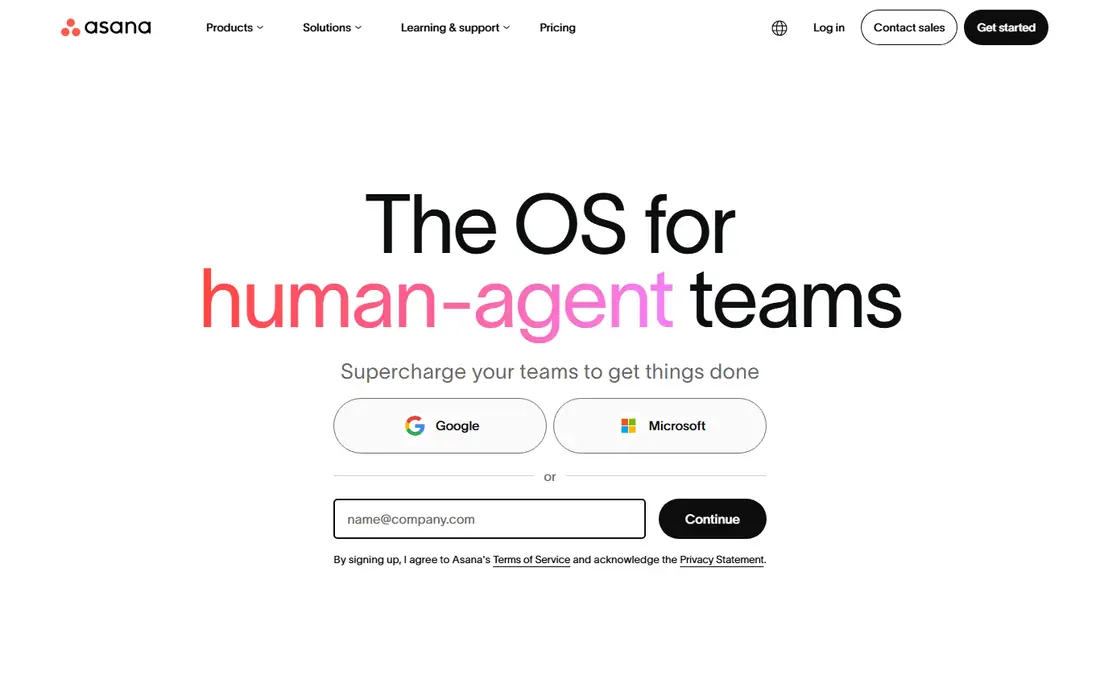
Asana suits teams that need to know who owns each task, when it is due, and how it connects to a larger project. Lists, boards, timelines, and calendars give different views of the same work, and rules can reassign tasks or notify owners when a status changes. Portfolios and goals help a growing business track several projects without a weekly status meeting for each one.
Asana is not a chat tool, so most teams pair it with Slack or Teams for daily talk. The free plan now covers only a small number of users in practice, so a paid Starter plan at $10.99 per user per month is the realistic starting point for a team. For project-heavy small businesses, Asana gives structure that chat alone cannot.
What we like- Clear ownership and deadlines
- Timelines, portfolios, and goals
- Rules-based automation
Watch out for- Free plan limited to small teams
- Chat is not its strength
- Setup benefits from a clear project structure
#4monday.com
Best for: Visual team planning4.7/5 on
G2 (17,182 reviews, checked Oct 2026)
Visit monday.com
Starting price$9 per user per month
Free planYes
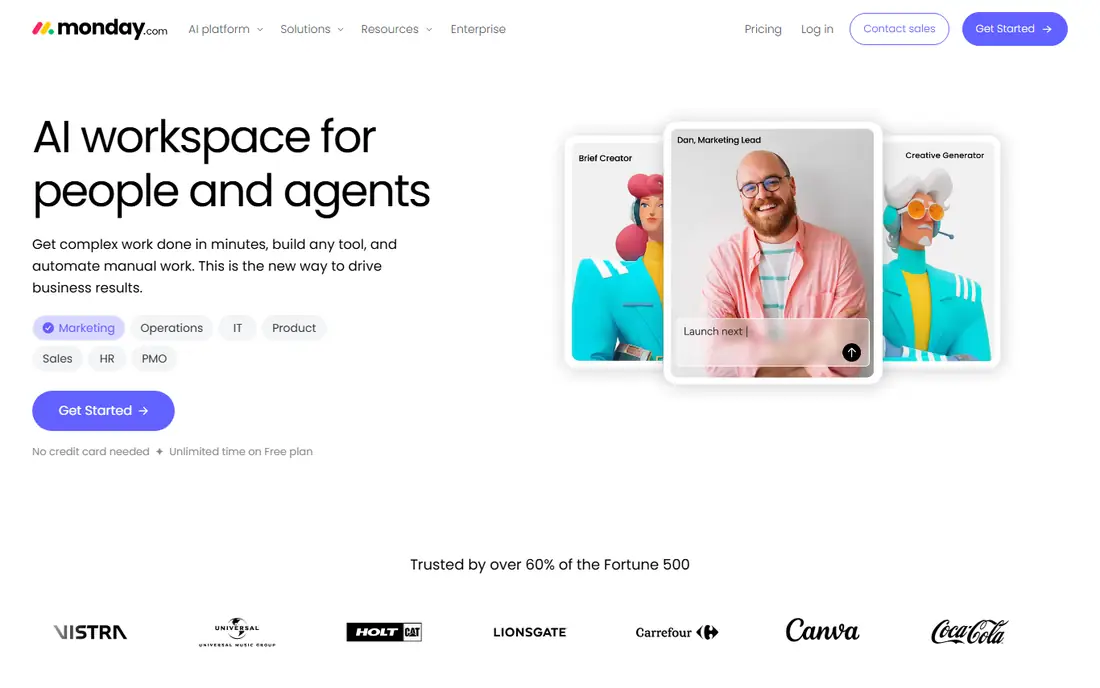
monday.com gives teams a visual way to plan work, with boards that can track projects, clients, inventory, or hiring in the same format. Columns, statuses, timelines, and dashboards make progress visible at a glance, and templates speed up setup for common workflows such as marketing campaigns or onboarding. Automations handle routine moves, such as notifying an owner when a status changes.
The breadth that makes monday.com flexible can also make it feel large for a team that only needs a simple task list. Paid features such as advanced automations and dashboards sit on higher tiers, and the $9 Basic starting price rises with team size. For visual planners and growing teams that track several kinds of work, monday.com is a strong choice.
What we like- Visual boards and dashboards
- Flexible columns and automations
- Many templates
Watch out for- Pricing per seat adds up
- Some features need higher tiers
- Can feel broad for simple teams
#5ClickUp
Best for: All-in-one workspace4.6/5 on
G2 (14,878 reviews, checked Oct 2026)
Visit clickup.com
Starting price$7 per user per month
Free planYes
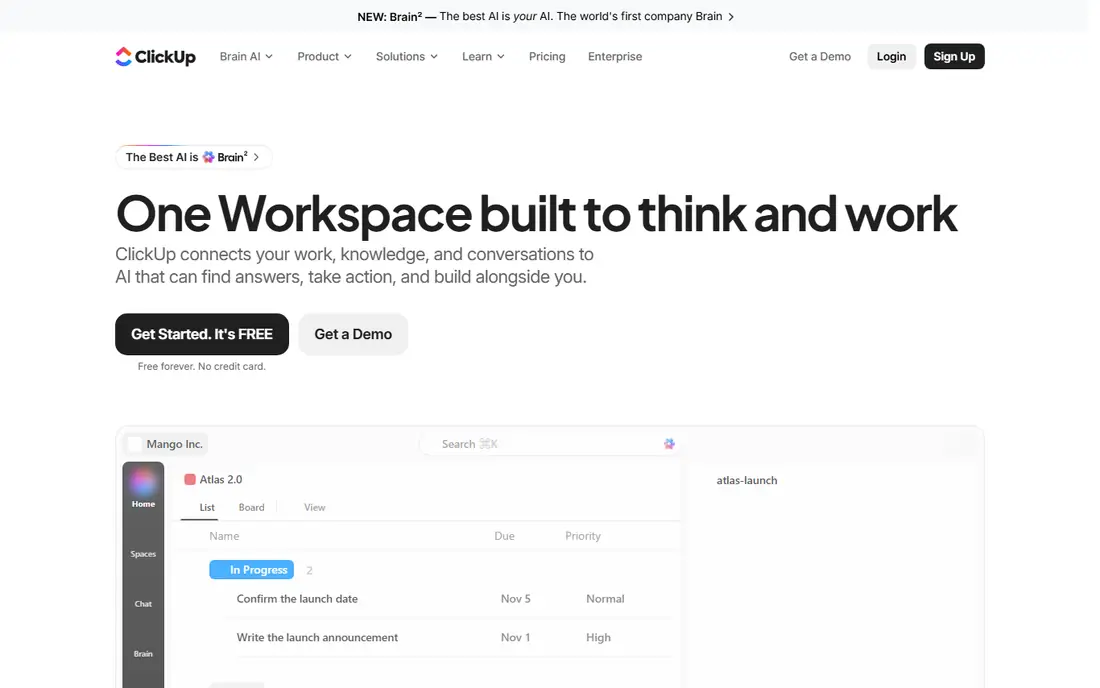
ClickUp aims to replace several tools at once, combining tasks, documents, chat, whiteboards, goals, and dashboards in a single workspace. The free tier is generous for small teams, and Unlimited at $7 per user per month adds more storage, integrations, and dashboards. Custom fields, views, and automations let a team shape ClickUp around its own workflow rather than fitting into a fixed template.
That flexibility is also the risk. Teams that do not plan their workspace can end up with too many views, statuses, and automations, which slows adoption. A short setup phase with one project, one set of statuses, and one owner for the workspace helps. For small businesses that want one subscription instead of three, ClickUp is worth the setup effort.
What we like- Tasks, docs, chat, and dashboards in one place
- Generous free tier
- Strong customization
Watch out for- Many features mean a longer setup
- Interface can feel busy
- Some teams use only a fraction of it
#6Trello
Best for: Simple kanban boards4.4/5 on
G2 (14,064 reviews, checked Oct 2026)
Visit trello.com
Starting price$5 per user per month
Free planYes
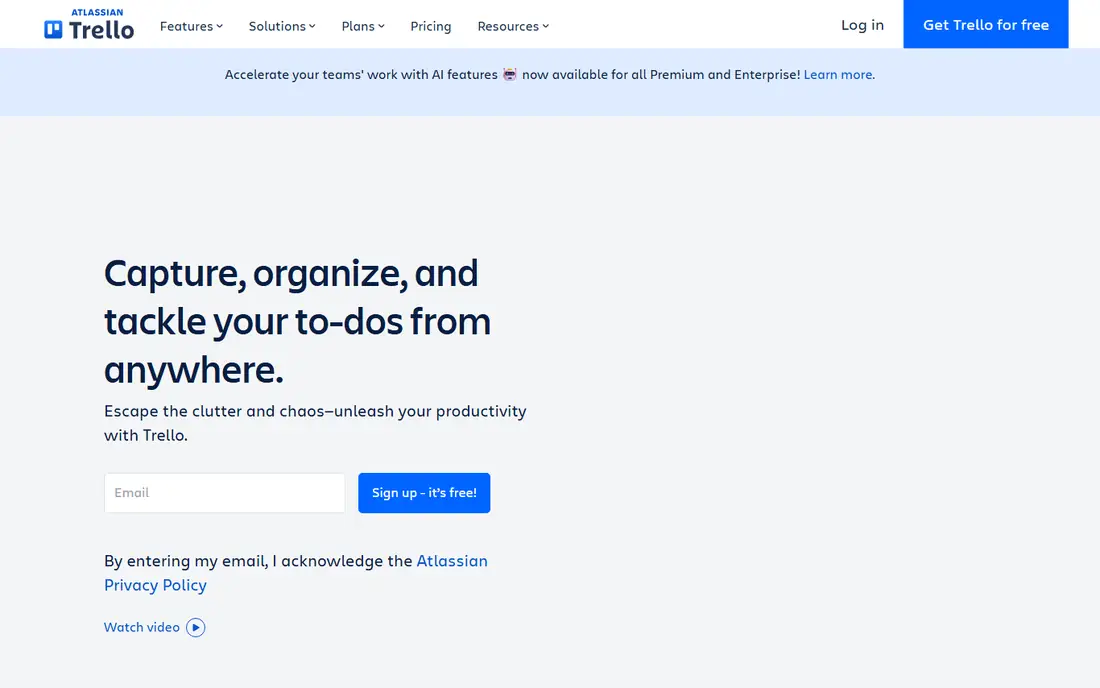
Trello keeps collaboration simple: boards, lists, and cards that anyone can understand in minutes. A small team can track content, hiring, or customer requests on a board without training, and Butler automation handles routine moves such as due-date reminders. The free tier covers up to 10 collaborators, which suits many very small teams.
Complex projects expose Trello limits. Reporting, dependencies, and portfolio views are thinner than in Asana or monday.com, and teams with many linked projects often outgrow boards. For a team that wants a shared to-do board and little else, Trello simplicity is an advantage, not a weakness.
What we like- Easiest board to learn
- Free tier covers up to 10 collaborators
- Butler automation
Watch out for- Limited reporting
- Weak for complex portfolios
- Advanced features need paid tiers
#7Notion
Best for: Docs, wiki, and databases4.6/5 on
G2 (13,834 reviews, checked Oct 2026)
Visit notion.com
Starting price$10 per user per month
Free planYes
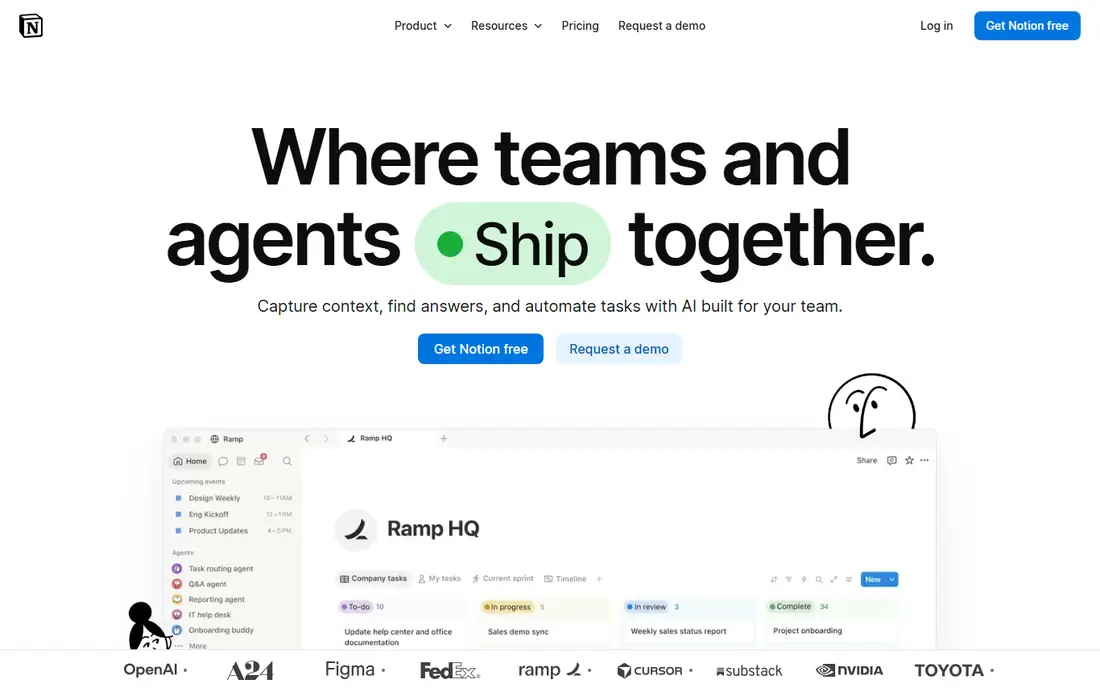
Notion suits teams that keep losing decisions, processes, and files in chat threads. Pages, databases, and wikis let a team write down how work gets done, track simple projects, and link related docs in one searchable place. Templates for meeting notes, onboarding, and content calendars speed up adoption, and the free personal tier lets individuals trial it before a team plan.
Notion is weaker as a strict project tracker for dependencies, timelines at scale, and heavy automation, where Asana or monday.com fit better. Large databases can also feel slower than a dedicated task tool. For knowledge-heavy small teams, Notion pairs well with Slack or Teams as the place where decisions live after chat ends.
What we like- Docs, wiki, and databases in one place
- Flexible templates
- Good for shared knowledge
Watch out for- Not a full project manager for complex work
- Large pages can slow down
- Offline use is limited
Starting priceSee website
Free planYes
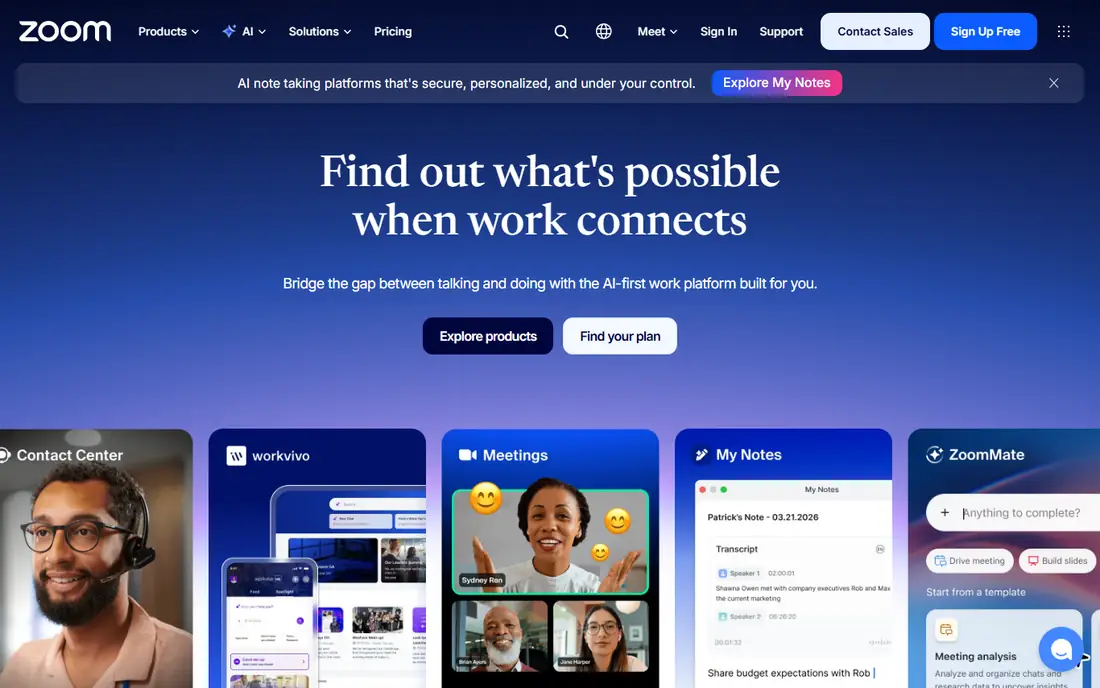
Zoom Workplace combines video meetings, team chat, whiteboard, and phone options in one platform, which suits small businesses that meet clients and remote staff often. Meetings are its core strength, with reliable video, breakout rooms, and AI summaries on paid plans. Team chat covers daily messages, though many teams still pair Zoom with Slack or Teams for chat depth.
Zoom is not a project manager, so teams that need ownership, deadlines, and portfolios will still need Asana, Trello, or a similar tool. Pricing varies by plan and meeting needs, so check the current Workplace pricing page for your team size. For meeting-led small businesses, Zoom Workplace covers the core collaboration need well.
What we like- Reliable video meetings
- Team chat and whiteboard included
- Familiar to clients and partners
Watch out for- Task tracking is lighter than dedicated tools
- Paid meeting limits vary by plan
- Chat adoption lags Slack in some teams
How we chose
We compared tools on small-business fit, including chat, task tracking, docs, meetings, integrations, and per-user pricing. Prices were taken from vendor pricing pages and recent published comparisons, with annual billing figures used where vendors quote them. We did not claim hands-on testing. Public reviews and vendor documentation were used to check free plan limits, such as Slack history and Asana user limits.
Building a small stack that does not sprawl
Start with one chat tool and one work-tracking tool, and add a docs tool only when decisions start getting lost. Paying for Slack, Teams, Asana, monday.com, and Notion at once creates overlap, confusion, and a bill that surprises owners at renewal. A two-tool stack, used consistently, beats a five-tool stack used inconsistently.
Assign an owner for each tool
Name one person to set up channels or boards, write naming rules, and archive old projects. Without an owner, channels multiply, boards go stale, and new staff cannot find current work. A short written guide, even one page, helps new hires learn where talk happens and where tasks live.
Set rules for chat, tasks, and docs
Use chat for quick questions and updates, tasks for work with an owner and a deadline, and docs for decisions and processes that must last. When a chat discussion ends in a decision, move that decision to a doc or task the same day. That habit prevents the common problem of knowing a decision was made but not where it was recorded.
Review seats and usage each quarter
Check active users, guest access, and unused paid seats before renewal. Remove former staff promptly, since per-user billing charges for seats that no one uses. If a tool is used by only two people, consider whether its work could move into a tool the whole team already pays for.
Frequently asked questions
What is the best collaboration software for a very small team?
Slack or Teams for chat, plus Trello or ClickUp free tiers for tasks, covers most teams under ten people at low cost. Start free, and pay only when a limit such as message history or user count blocks real work. Avoid buying several paid tools before the team has settled on a workflow.
Do I need both chat and project software?
Most teams do, since chat is good for discussion and poor for tracking ownership and deadlines. A task tool gives each piece of work an owner, a due date, and a status that chat cannot reliably provide. Pairing one chat tool with one task tool is the usual small-business pattern.
Is Microsoft Teams free?
Teams has a free tier, and Teams Essentials costs $4 per user per month as a standalone option. Many Microsoft 365 Business plans include Teams at no extra charge beyond the plan price. Check which Microsoft 365 plan your business already pays for before buying Teams separately.
How much does collaboration software cost per person?
Starting paid prices in this guide run from $4 to about $11 per user per month on annual billing, with free tiers available on every tool listed. Total cost depends on seat count, tier, and add-ons such as AI features or advanced security. Multiply the per-user price by all seats, including part-time staff, for a realistic monthly total.
How do I get a team to actually use a new tool?
Start with one real project, not a company-wide rollout, and use the tool for that project only until the habit forms. Keep old channels read-only during the trial so work does not split across systems. Short training, clear naming rules, and a named owner for the workspace help adoption more than extra features.
Sources we checked (8)
- https://slack.com
- https://www.microsoft.com/en-us/microsoft-teams/group-chat-software
- https://asana.com
- https://monday.com
- https://clickup.com
- https://trello.com
- https://www.notion.com
- https://www.zoom.com
Is your product missing or out of date?
We review this list regularly. Vendors can request a listing, send updated pricing or ask about featured placement.

Shihab Mia · Founder, Rankite
Shihab has 5+ years in B2B and SaaS SEO. He writes Rankite's software buying guides from pricing pages, documentation and public user reviews. More about Shihab.