How we make this list: we compare pricing pages, product documentation and public user reviews. Rankite is independent; if a vendor ever pays for a featured spot, that listing is clearly labeled Partner.
Key takeaways
- Fusion 360 (from $85/month commercial, free for personal use) is the pro choice: CAD and CAM in one app with toolpaths to 5-axis.
- Hobbyists should start with Carbide Create (free) or Easel (free): browser-simple CAD/CAM that cuts real parts.
- VCarve Pro ($699 one-time) dominates woodworking CNC: V-carving, sign-making and 3D relief tools purpose-built for routers.
- Machine control is separate from CAM: Mach4 ($200) and LinuxCNC (free) drive the machine; the others generate the toolpaths.
Quick comparison
| Tool | Best for | Starting price | Free plan |
|---|
 Fusion 360 Fusion 360 | Pro CAD/CAM for mills, lathes and routers | From $85/month (commercial) | Yes (personal use) |
 VCarve VCarve | Woodworking routers: signs, inlays, 3D relief | $699 one-time (Pro) | Free trial |
 Carveco Carveco | Artistic 3D relief and sign making | See website | Free trial |
 Mach4 Mach4 | Machine control for DIY and retrofitted mills | $200 one-time (Hobby) | No |
 Carbide Create Carbide Create | Free CAD/CAM for Shapeoko and Nomad owners | Free (Pro $120/year) | Yes |
 Easel Easel | Browser-based CNC for X-Carve and beginners | Free (Pro available) | Yes |
 LinuxCNC LinuxCNC | Free, open-source machine control | Free | Yes |
 MeshCAM MeshCAM | Simple 3D CAM for beginners | $250 one-time | Free trial |
Is your product missing or out of date?
We review this list regularly. Vendors can request a listing, send updated pricing or ask about featured placement.
The best CNC software
Your CNC needs three kinds of software, and beginners always confuse them. CAD designs the part. CAM turns the design into toolpaths (G-code). Machine control feeds the G-code to the machine. Some tools here do all three; most do one or two. Know which job you are buying before comparing prices.
Starting priceFrom $85/month (commercial)
Free planYes (personal use)
Fusion 360 is the closest thing to a standard in small-shop CNC. Design parametrically, then generate toolpaths without exporting: adaptive clearing, 3D surfacing, 4th-axis and turning all live in the Manufacturing workspace. The post-processor library covers nearly every machine, and the personal-use tier lets hobbyists learn free.
The honest catch is the subscription and the learning curve. Commercial use starts around $85 per month, and the CAM workspace rewards study: feeds, speeds, stepover and tool libraries are a discipline, not a button. For shops cutting real parts daily, it is the value king. For a first router project, it is more than you need.
What we like- Integrated CAD and CAM: design the part and generate toolpaths in one app
- CAM covers 2.5D to 5-axis milling plus turning
- Huge tutorial base and post-processor library
Watch out for- Subscription-only for commercial use
- The CAM depth takes real study to use well
Starting price$699 one-time (Pro)
Free planFree trial
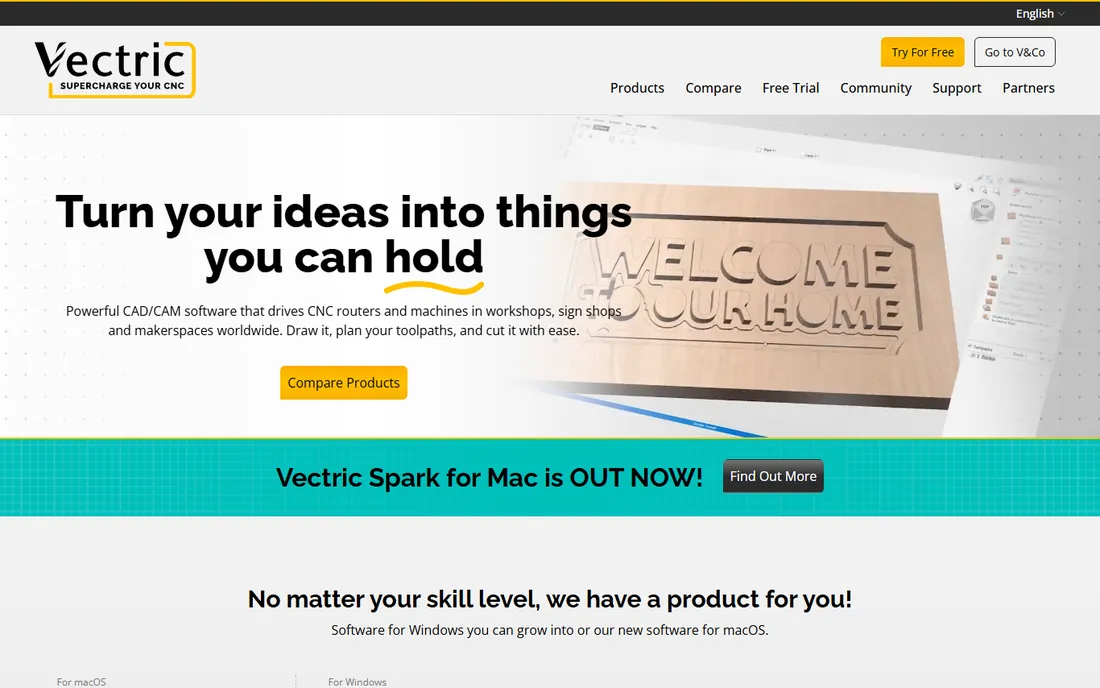
VCarve (VCarve Pro at $699, Desktop at less) owns the woodworking router market. V-carved signs, inlays, fluting, texture toolpaths and 3D relief machining are first-class features, not workarounds. The user community shares projects and techniques constantly, and Vectric's tutorials are the best in the hobby CNC world. One-time purchase means the price never recurs.
The catch is the platform and the scope. No native Mac version (Windows or virtualization required), and true 3D work pushes you toward Aspire at a higher price. For sign makers, cabinet shops and router owners, VCarve Pro is the standard recommendation for a reason. For metal milling, look at Fusion.
What we like- Purpose-built for routers: V-carving, inlay, texture and 3D relief tools
- Huge design library and active user community
- One-time purchase, no subscription
Watch out for- Windows-focused (no native Mac version)
- 2.5D-centric: true 3D machining needs Aspire
Starting priceSee website
Free planFree trial
Carveco (born from the ArtCAM lineage via Vectric's founders) targets artistic CNC: 3D reliefs, signs, engraving and decorative work. The relief modeling and sculpting tools go beyond VCarve's for artistic detail, and the vector-to-relief workflow suits sign shops doing custom artwork. Both subscription and perpetual licensing are offered.
The honest catch is the ecosystem. The community and tutorial base are smaller than Vectric's, so self-teaching takes more digging. Pricing needs a direct check. For artistic relief work, compare Carveco against VCarve Pro and Aspire feature by feature on your actual designs.
What we like- Strong artistic 3D relief modeling and sculpting tools
- Good sign-making and vector workflow
- Subscription or perpetual options
Watch out for- Smaller community than Vectric
- Pricing tiers need a website visit to compare
Starting price$200 one-time (Hobby)
Free planNo
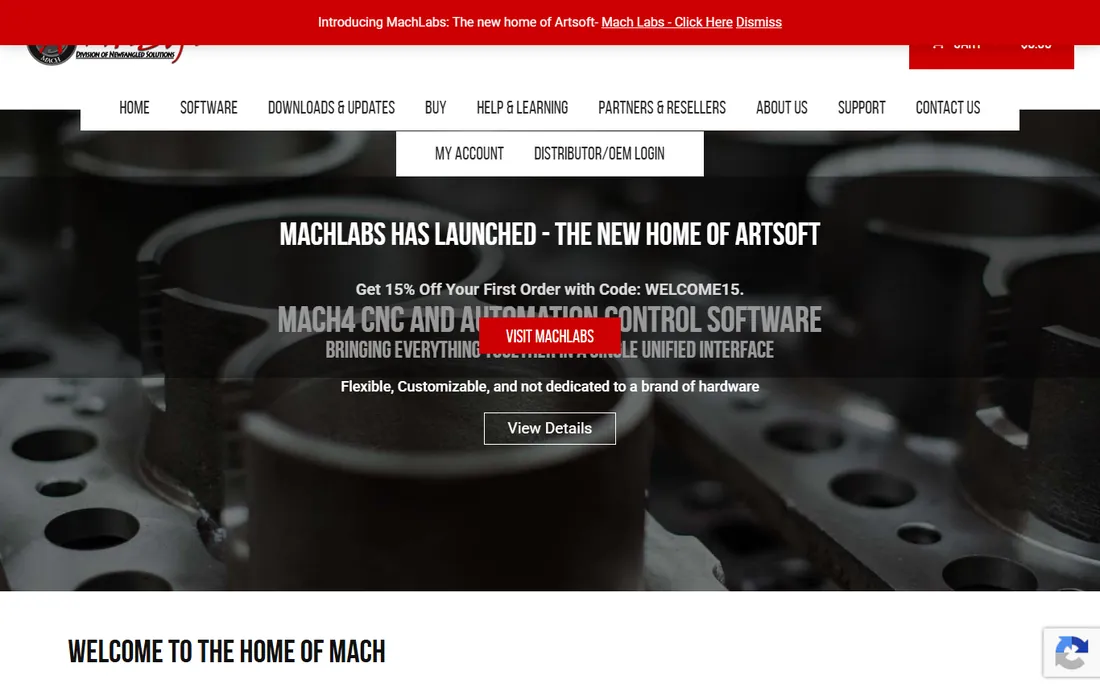
Mach4 is what drives the machine. It takes G-code from your CAM software and runs the mill, lathe or router through a motion controller, with customizable screens, macros and probing routines. The Hobby license at $200 one-time powers countless DIY builds and retrofitted Bridgeports. The community has solved nearly every setup problem publicly.
The catch is that it is half the puzzle: Mach4 controls, it does not design or generate toolpaths. Setup means configuring motors, limits, homing and spindle control yourself. If you built or retrofitted a machine, Mach4 is the expected answer. If you bought a turnkey machine, it likely came with its own control.
What we like- The standard for DIY machine control: drives mills, lathes and routers via motion controllers
- Highly customizable screens and macros
- Huge retrofit community
Watch out for- Control software only: you still need CAD/CAM
- Setup and tuning require technical comfort
Starting priceFree (Pro $120/year)
Free planYes
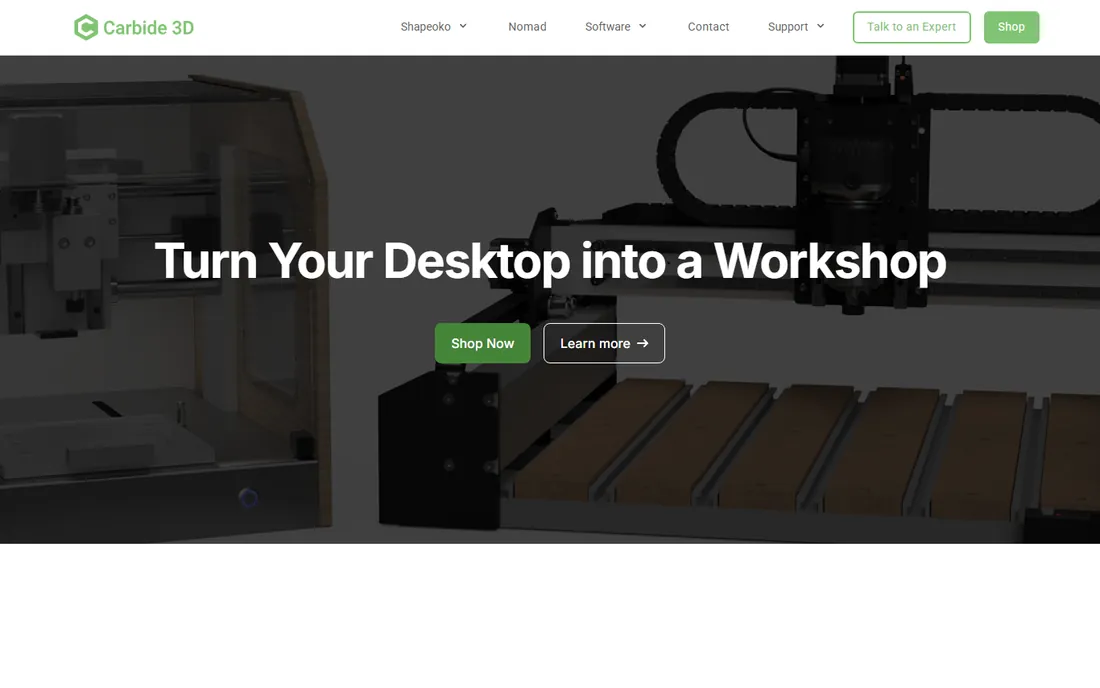
Carbide Create is the free on-ramp that ships with every Shapeoko and Nomad. Design in 2.5D, generate toolpaths, and cut: the workflow is the simplest here after Easel. The free version handles most beginner projects; Pro at $120 per year adds 3D modeling, V-carving and advanced toolpaths.
The honest catch is the scope. Complex 3D machining outgrows it, and while it works with other machines, the polish shows on Carbide hardware. As a free start with a cheap upgrade path, it is excellent. As a forever tool for a growing shop, plan the graduation to Fusion or VCarve.
What we like- Free 2.5D CAD/CAM that is genuinely easy
- Pro ($120/year) adds 3D modeling and V-carving
- Tuned for Carbide 3D machines out of the box
Watch out for- 2.5D-focused: complex 3D needs the Pro tier or another tool
- Best experience is on Carbide machines
#6
Easel
Best for: Browser-based CNC for X-Carve and beginners
Visit easel.com
Starting priceFree (Pro available)
Free planYes
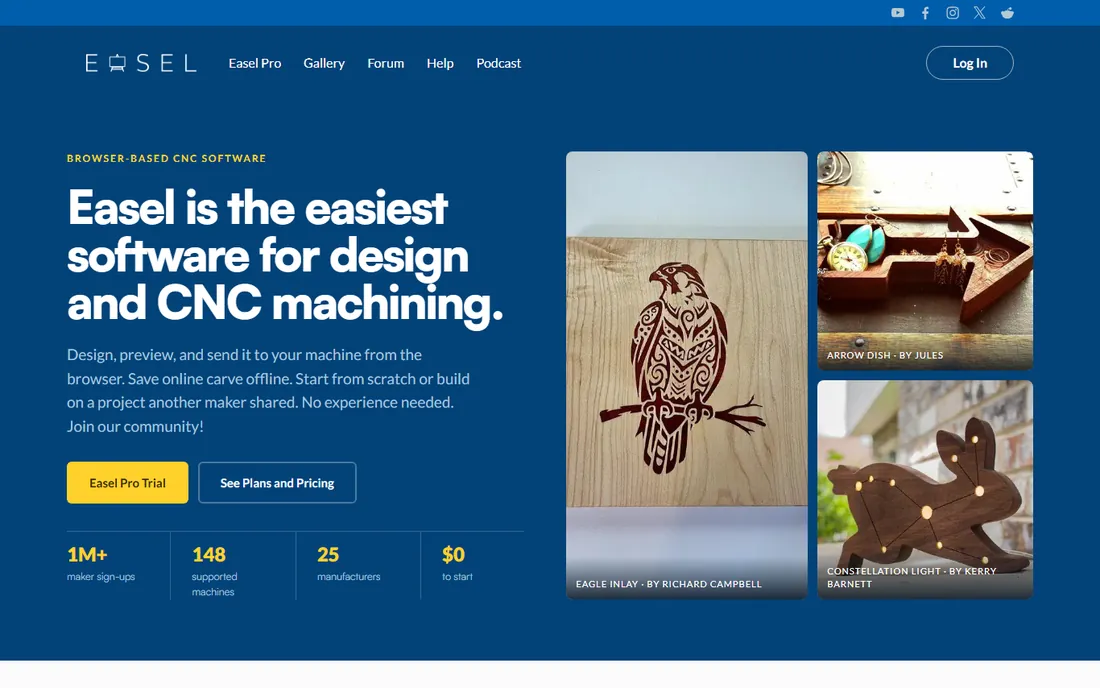
Easel (from Inventables) is CNC with training wheels that actually cut wood. The browser app designs the part, generates the toolpath and drives X-Carve and compatible machines directly. The free tier covers basics; Pro adds V-carving, advanced toolpaths and more fonts and designs. The project gallery lets beginners cut shared designs on day one.
The catch is the ceiling and the connection. It needs internet, and serious work outgrows the 2.5D toolset. X-Carve owners get the intended experience; others should verify machine compatibility. For a first CNC and first cuts, nothing is friendlier.
What we like- Runs in the browser: design, generate toolpaths and drive the machine
- Easiest first-day experience in CNC
- Project gallery with shared designs
Watch out for- Internet required
- 2.5D-focused with Pro gating V-carving and advanced features
Starting priceFree
Free planYes
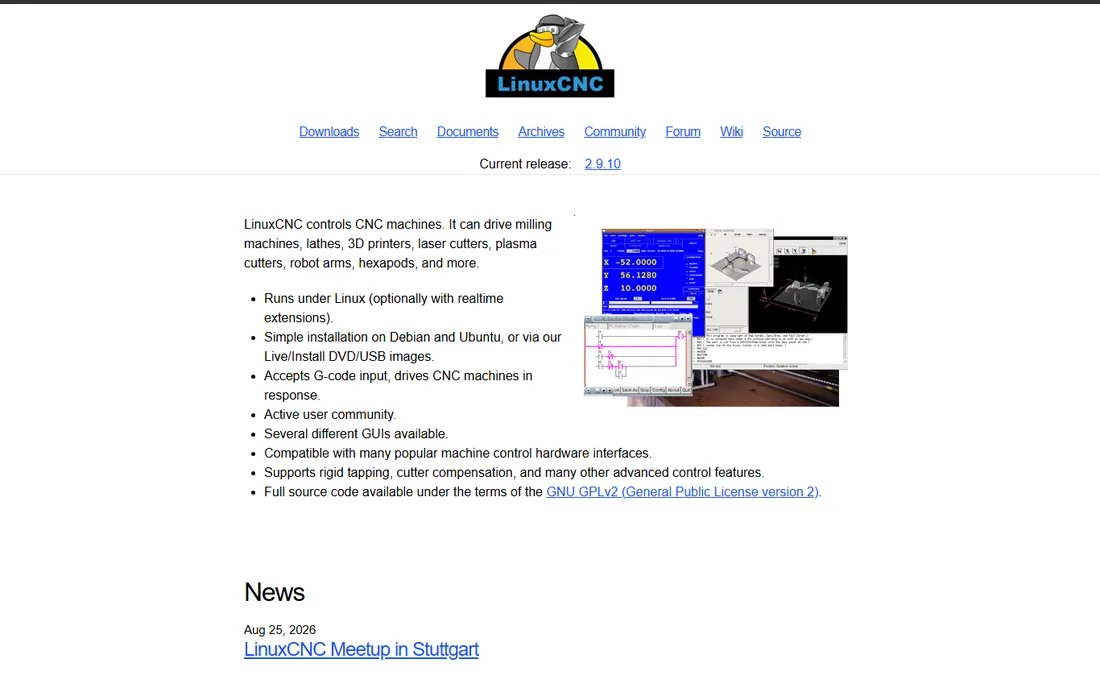
LinuxCNC is the free, open-source machine controller that runs real shops. Real-time Linux gives precise step timing, and the configurability handles machines Mach4 cannot: unusual kinematics, custom HAL logic, industrial retrofits. It costs nothing and the capability ceiling is enormous.
The honest catch is the commitment. You will install Linux, configure a real-time kernel, and learn HAL configuration. This is a project, not a product. For technically strong builders and retrofitters, it is the most capable free control available. For everyone else, Mach4's $200 buys a much easier weekend.
What we like- Completely free machine control with real-time Linux
- Drives mills, lathes and routers up to industrial complexity
- Deeply customizable for unusual machines
Watch out for- Linux and real-time kernel setup required
- The learning curve is the steepest here
Starting price$250 one-time
Free planFree trial
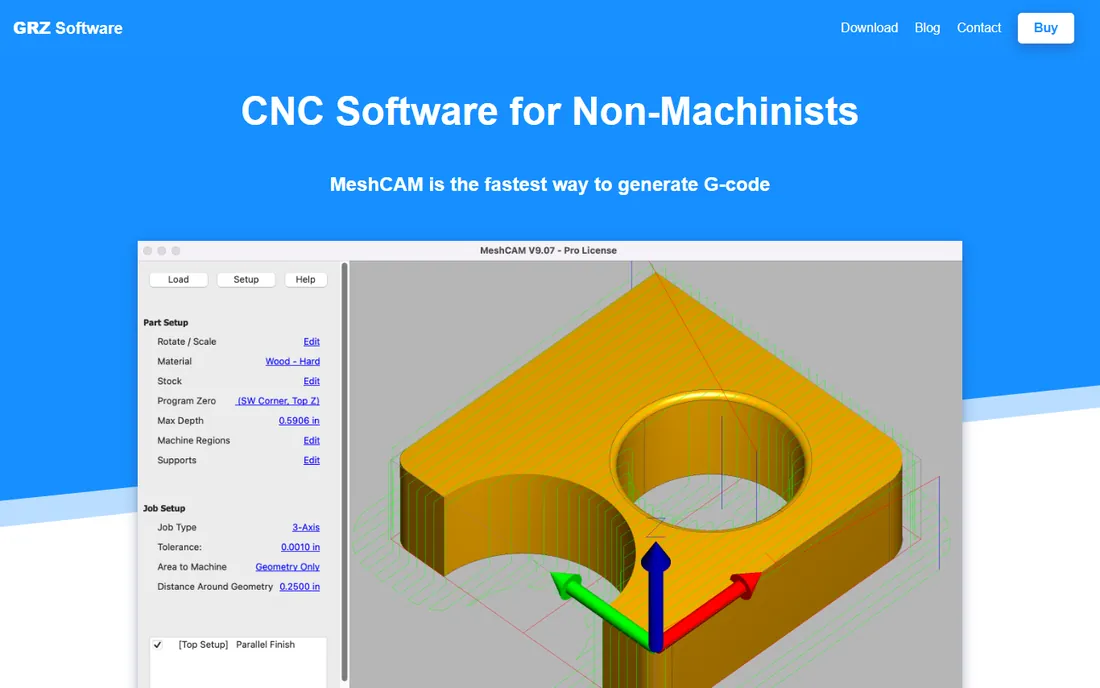
MeshCAM answers one question: how do I machine this STL file. Load the mesh, define the stock and tools, and it generates 3D toolpaths with minimal decisions. At $250 one-time, it is the cheapest simple 3D CAM, and 3D-printing veterans find the mesh-first workflow familiar.
The catch is control. Feeds, speeds and strategies are simplified, which limits advanced users, and 2D work is awkward. It is a bridge tool: perfect for machining 3D models while you learn real CAM. Most users graduate to Fusion 360 within a year or two.
What we like- Simplest 3D CAM workflow: load STL, set parameters, get G-code
- One-time price
- Good for 3D printing converts entering CNC
Watch out for- Limited control compared to Fusion or VCarve
- 3D-only focus with weak 2D tools
CAD vs CAM vs control: buy in order
Beginners should acquire capability in this order: CAD/CAM first (design and toolpaths), machine control only if the machine needs it. Most turnkey machines (X-Carve, Shapeoko, Onefinity) ship with control handled; you need Easel, Carbide Create or VCarve. DIY builds and retrofits need Mach4 or LinuxCNC plus separate CAD/CAM.
The expensive mistake is buying pro CAM before you can design parts. Learn CAD first (Fusion 360 or FreeCAD), cut 2.5D projects with simple CAM, then invest in VCarve Pro or Fusion's commercial tier when paying work demands it. The software ladder matches the skill ladder.
What to check before you buy
Start with machine compatibility. Every CAM vendor publishes a post-processor or machine list; confirm yours before paying. "Exports G-code" is not enough: the dialect, homing behavior and tool-change handling must match your controller. The forums for your specific machine will tell you what owners actually use.
Then check the trial honestly. Cut a real project end to end: design, toolpath, machine, measure. VCarve, Carveco, MeshCAM and Fusion all offer trials or free tiers. The software that gets a part cut correctly in the trial is the software to buy; feature lists do not cut wood.
Finally, budget the tooling knowledge, not just the license. Feeds and speeds, workholding, tool selection and material behavior decide part quality more than CAM brand. A $699 VCarve license with good feeds-and-speeds knowledge beats a $2,000 CAM package run blind. Spend on cutters and calipers too.
How we chose
We started with the searches makers actually run: CNC software, VCarve alternative and free CAM software. For each candidate we checked the vendor's own pricing page, confirmed the product is current and maintained, and compared CAD, CAM and control capabilities against machinist communities, forums and Reddit. Where a price could not be verified on the vendor's page, we wrote "See website" rather than guessing.
Frequently asked questions
What software do I need to run a CNC router?
Three jobs: CAD (design), CAM (toolpaths) and control (drive the machine). Beginner bundles cover this: Easel and Carbide Create do all three for supported machines. Separately: design in Fusion 360 or VCarve, control with Mach4 or the machine's controller.
Is Fusion 360 good for CNC?
Yes: its integrated CAD/CAM is the small-shop standard, with toolpaths from 2.5D to 5-axis and turning. The personal-use tier is free with limits; commercial use is subscription. The CAM depth takes study, but the ceiling is the highest here.
VCarve vs Carveco: which is better for woodworking?
VCarve Pro ($699 one-time) has the bigger community, better tutorials and the proven sign-making workflow. Carveco counters with stronger artistic relief tools. Sign shops usually pick VCarve; relief artists compare both on real designs. Trial each with your actual artwork.
Can I use free software for CNC?
Yes. Carbide Create and Easel are free for supported machines, Fusion 360 personal use is free with limits, and LinuxCNC is free machine control. Beginners can go from design to cut parts spending nothing on software. Pay when the free limits cost you time.
What is the difference between Mach3 and Mach4?
Mach4 is the current generation: modern architecture, better scripting and active development. Mach3 is legacy but still runs countless machines. New builds should use Mach4 ($200 Hobby); existing Mach3 machines can stay put until they need features Mach4 adds.
Do I need G-code knowledge to use CNC software?
Not to start: CAM software generates G-code from your design automatically. But basic G-code literacy (reading coordinates, feed rates, M-codes) pays off the first time a cut goes wrong. Learn enough to sanity-check the first lines of any new program.
Sources we checked (8)
- https://www.autodesk.com/products/fusion-360/overview
- https://www.vectric.com/products/vcarve-pro
- https://www.carveco.com
- https://www.machsupport.com
- https://carbide3d.com/carbidecreate/
- https://www.easel.com
- https://www.linuxcnc.org
- https://www.grzsoftware.com
Is your product missing or out of date?
We review this list regularly. Vendors can request a listing, send updated pricing or ask about featured placement.

Shihab Mia · Founder, Rankite
Shihab has spent more than a decade helping SaaS and e-commerce brands grow through search. He writes Rankite's software buying guides from pricing pages, documentation and public user reviews. More about Shihab.