How we make this list: we compare pricing pages, product documentation and public user reviews. Rankite is independent; if a vendor ever pays for a featured spot, that listing is clearly labeled Partner.
Key takeaways
- The best chat software for websites depends on your team size and budget model. Per-agent pricing (LiveChat, Zendesk) punishes growing teams, while per-workspace pricing (Crisp) or free tools (tawk.to) stay flat.
- tawk.to is genuinely free forever and full-featured, which makes it the default pick for anyone who just needs working chat at zero cost.
- Intercom is the strongest pick for SaaS companies that want AI handling routine questions, but its usage-based pricing needs watching.
- If you already use HubSpot CRM, its free live chat is the obvious starting point before you pay for a specialist tool.
- Free plans are actually usable here: Tidio, Crisp, tawk.to, and HubSpot all let you run real chat without paying.
Quick comparison
| Tool | Best for | Starting price | Free plan |
|---|
 LiveChat LiveChat | Small and mid-size businesses that want polished, reliable live chat | $19/agent/month (billed annually) | 14-day free trial |
 Intercom Intercom | SaaS companies that want chat plus AI-powered support | $29/seat/month (+ $0.99 per Fin AI resolution) | 14-day free trial |
 Tidio Tidio | Small ecommerce stores that want chat plus simple automation | From $29/month | Yes (free forever) |
 Crisp Crisp | Startups and small teams that want predictable flat pricing | $45/workspace/month (Mini plan) | Yes (free for 2 seats) |
 tawk.to tawk.to | Any business that wants full-featured chat for zero dollars | Free | Yes (free forever) |
 Zendesk Zendesk | Support teams already running on Zendesk | $55/agent/month (Suite Team, billed annually) | 14-day free trial |
 HubSpot HubSpot | Businesses already using HubSpot CRM | Free | Yes (free CRM + live chat) |
 Chaport Chaport | Budget-conscious teams that want simple, clean chat | See website | Free plan available |
 Olark Olark | Small businesses that want straightforward human-powered chat | See website | Free trial (no credit card required) |
Is your product missing or out of date?
We review this list regularly. Vendors can request a listing, send updated pricing or ask about featured placement.
The best chat software for websites
#1
LiveChat
Best for: Small and mid-size businesses that want polished, reliable live chat
Visit livechat.com
Starting price$19/agent/month (billed annually)
Free plan14-day free trial
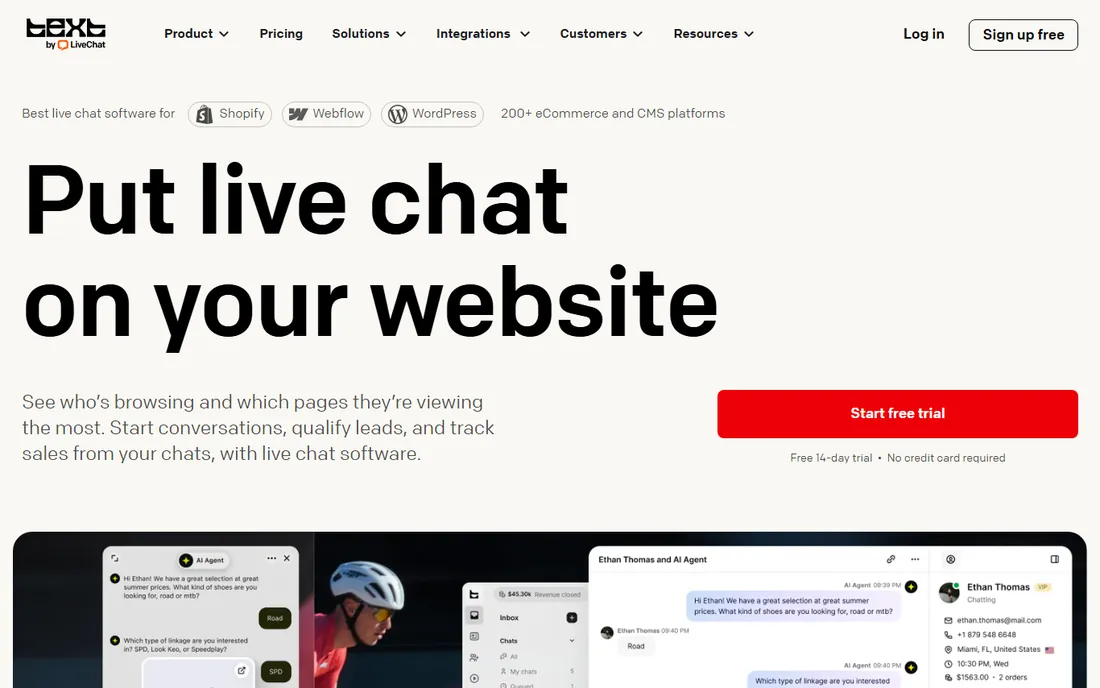
A visitor lands on your pricing page at 11pm with one question before buying. LiveChat is built for exactly that moment. It is one of the longest-running chat tools, and the widget still feels refined: fast, customizable, and dependable on mobile. Agents get a clean dashboard with canned responses, chat transcripts, and visitor info.
Pricing starts at $19 per agent per month billed annually, with a 60-day money-back guarantee that lowers the risk of trying it. The math to watch is per-agent scaling. Five agents cost $95 a month; fifteen cost $285. For a small team, that is reasonable. For a large support org, flat-priced or free alternatives deserve a look. LiveChat also sells AI add-ons separately, so factor those in if you want automation.
What we like- Polished chat widgets, strong integrations, 60-day money-back guarantee
Watch out for- Per-agent pricing adds up fast, AI features cost extra, annual billing for the best rate
#2
Intercom
Best for: SaaS companies that want chat plus AI-powered support
Visit intercom.com
Starting price$29/seat/month (+ $0.99 per Fin AI resolution)
Free plan14-day free trial
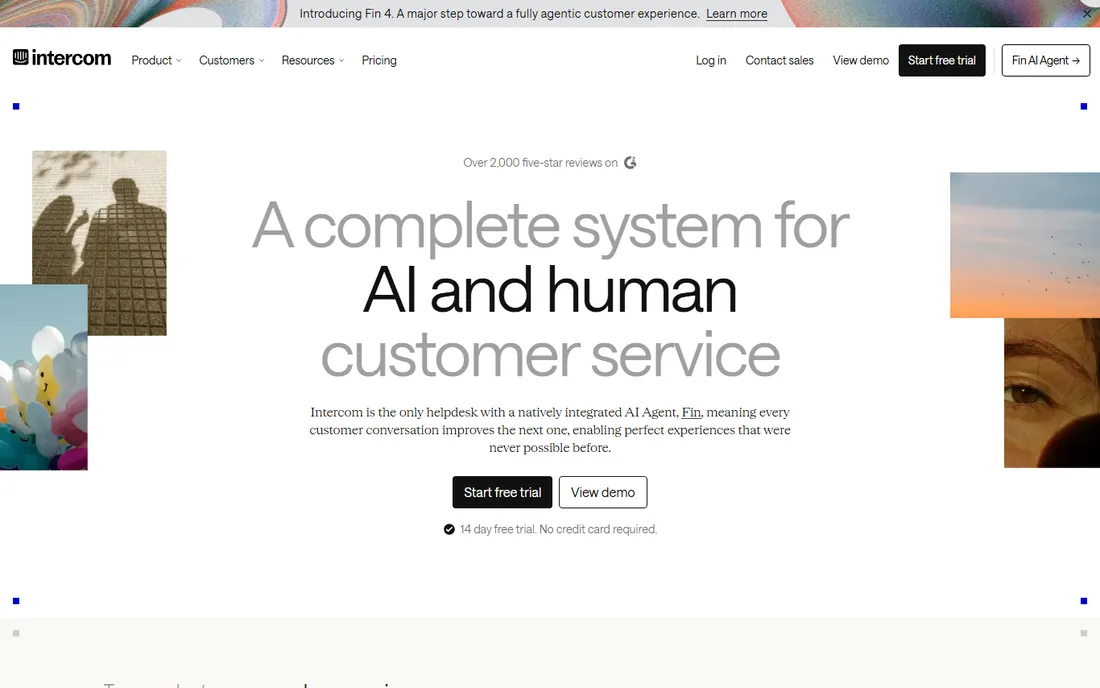
Intercom is less a chat widget and more a customer communication platform. Its AI agent, Fin, resolves routine questions on its own, and the workflow builder routes the rest to the right human. For SaaS companies, the combination of in-app messaging, onboarding flows, and support in one system is hard to match.
The pricing model is the thing to understand before you sign. Seats start at $29 per month, and Fin resolutions cost $0.99 each. A busy help center can generate thousands of resolutions a month, so model your volume honestly. For teams that can deflect real ticket volume with AI, the cost pays for itself. For a brochure website that needs a simple "how can I help" box, Intercom is more platform than you need, and tawk.to or Tidio will do.
What we like- Best-in-class AI agent (Fin), deep automation and workflows, strong for product-led growth
Watch out for- Usage-based costs can surprise, overkill for simple chat needs, steeper learning curve
#3
Tidio
Best for: Small ecommerce stores that want chat plus simple automation
Visit tidio.com
Starting priceFrom $29/month
Free planYes (free forever)
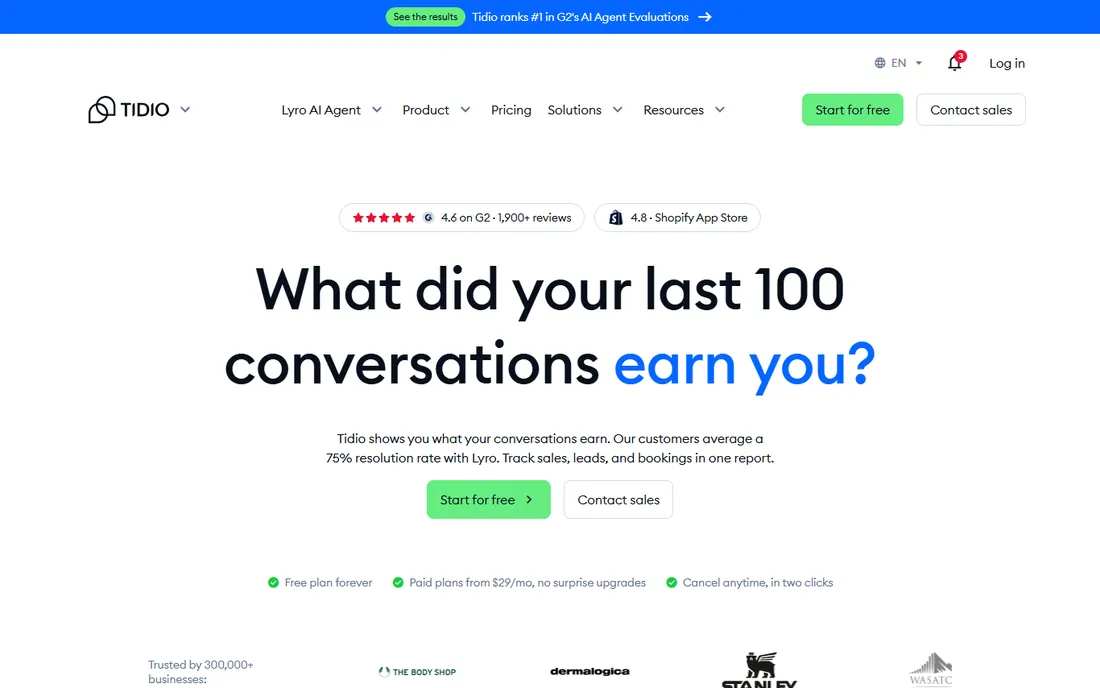
Tidio has become the default chat pick for small online stores, and the free plan is the reason. You get live chat, chatbots, and email integration without paying, which is enough for a store doing modest volume. The Lyro AI chatbot answers common questions from your help content, and the Shopify integration pulls in order data so agents see what the customer bought.
Paid plans start from $29 per month and scale with the number of handled conversations, so watch that metric as you grow. The ticketing and email features are serviceable but not a Zendesk replacement. For a small store that needs chat working this afternoon, Tidio's free plan is the fastest path, and the paid tiers stay reasonable until you reach serious volume.
What we like- Generous free plan, Shopify and ecommerce integrations, AI chatbot (Lyro) included
Watch out for- Free plan caps conversations, paid tiers scale with usage, ticketing is basic
#4
Crisp
Best for: Startups and small teams that want predictable flat pricing
Visit crisp.chat
Starting price$45/workspace/month (Mini plan)
Free planYes (free for 2 seats)
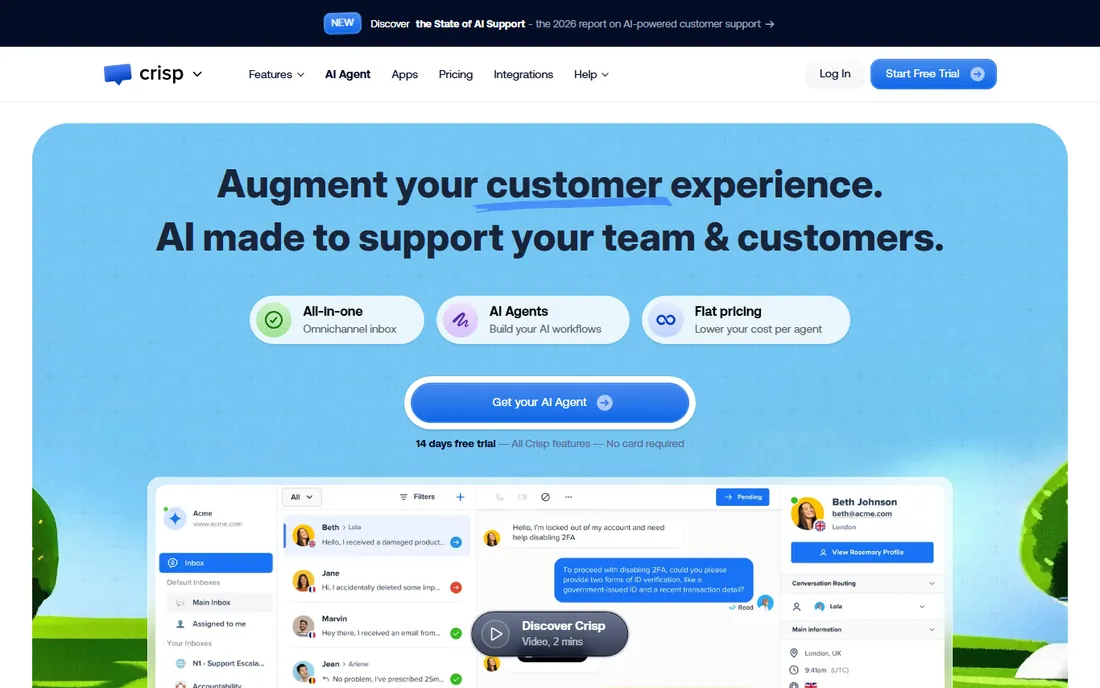
Crisp prices per workspace instead of per agent, which is its whole pitch. The Mini plan runs $45 per workspace per month regardless of how many agents you add, and the free plan covers two seats. For a growing team, that math beats per-agent tools quickly: ten agents on LiveChat cost far more than ten agents on Crisp.
The product itself is a shared inbox that goes beyond website chat into email and messaging apps, with a clean interface that teams learn fast. The Mini tier has some limits, and the more advanced automation sits on higher plans. But if your main complaint about chat software is the per-seat tax on hiring, Crisp is the answer, and the free two-seat plan lets you prove it before paying.
What we like- Flat per-workspace pricing, clean modern interface, shared inbox beyond chat
Watch out for- Mini tier has limits, advanced automation on higher tiers, smaller integration library
#5
tawk.to
Best for: Any business that wants full-featured chat for zero dollars
Visit tawk.to
Starting priceFree
Free planYes (free forever)
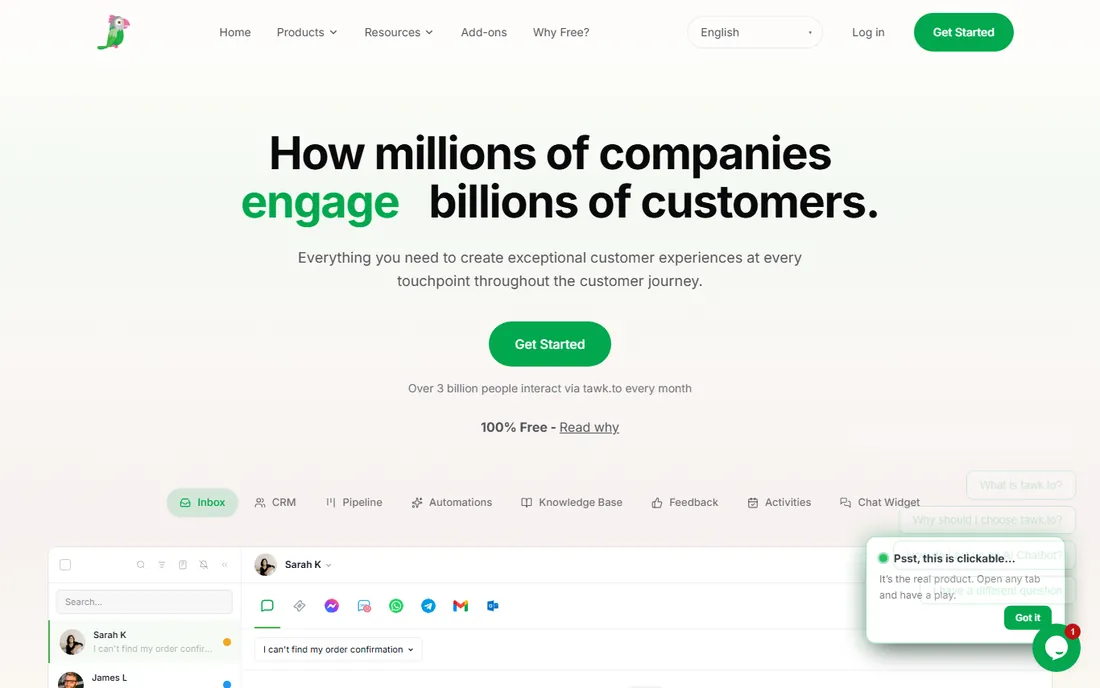
tawk.to's pitch is almost suspiciously simple: the chat software is free, forever, with no seat limits and no feature gates on the core product. Millions of sites use it. You get live chat, a knowledge base, ticketing basics, and mobile apps without paying anything. The company makes money on optional add-ons like removing the tawk.to branding, video chat, and hiring their agents to staff your chat.
The honest tradeoff is polish and support. The widget and dashboard are functional rather than beautiful, and help comes from community forums rather than a success team. But for a small business that needs chat working today at no cost, nothing beats free. Start here, and only move to a paid tool when you have a specific reason, like deeper CRM integration or AI automation.
What we like- Completely free core product, full-featured chat and knowledge base, no seat limits
Watch out for- Paid add-ons for branding removal and video, less polished than premium rivals, support is community-based
Starting price$55/agent/month (Suite Team, billed annually)
Free plan14-day free trial
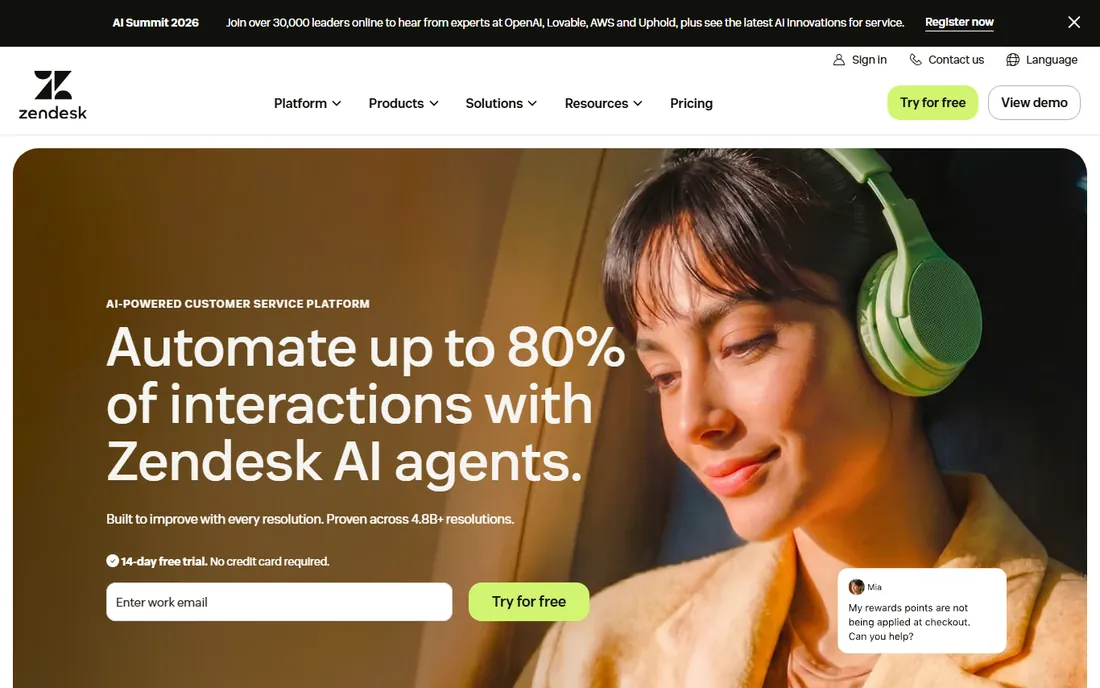
Zendesk's chat lives inside a complete customer service suite, and that context decides whether it belongs on your shortlist. If your team already runs Zendesk for tickets and email, adding its messaging keeps every conversation in one place with shared history, macros, and reporting. The Suite Team plan starts at $55 per agent per month billed annually.
If you do not already use Zendesk, buying it just for website chat is hard to justify. It costs more per agent than LiveChat, and the configuration overhead is real. The 14-day trial is worth using to feel that complexity before you commit. Zendesk is the right pick for support leaders consolidating tools, not for a small site that needs a chat box.
What we like- Full support suite with ticketing, strong reporting, enterprise-grade reliability
Watch out for- Expensive if you only need chat, complex to configure, overkill for small sites
Starting priceFree
Free planYes (free CRM + live chat)
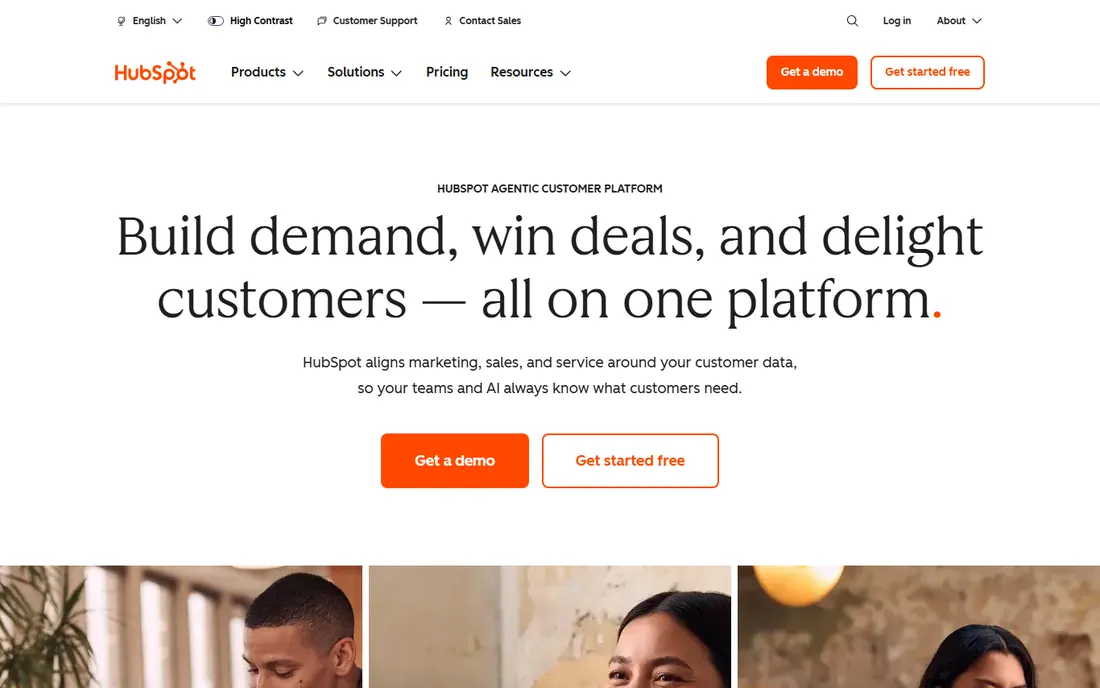
HubSpot includes live chat in its free CRM, which changes the calculation entirely if you already use HubSpot. Chats attach to contact records automatically, so your sales team sees the conversation history next to the deal. Chatflows handle basic routing and qualification without extra cost. For inbound marketing teams, that integration is worth more than a fancier standalone widget.
The limits appear when you want advanced behavior. Chatbots, deeper automation, and serious reporting sit in paid Service Hub tiers. And if you ever leave HubSpot, your chat history goes with it. But as a starting point, free chat inside the CRM you already use beats paying for a separate tool. Only add a specialist like Intercom or LiveChat when you outgrow it.
What we like- Free live chat with the CRM, conversations tied to contact records, good for inbound marketing
Watch out for- Advanced chat features need paid Service Hub, less deep than chat specialists, HubSpot ecosystem lock-in
#8
Chaport
Best for: Budget-conscious teams that want simple, clean chat
Visit chaport.com
Starting priceSee website
Free planFree plan available
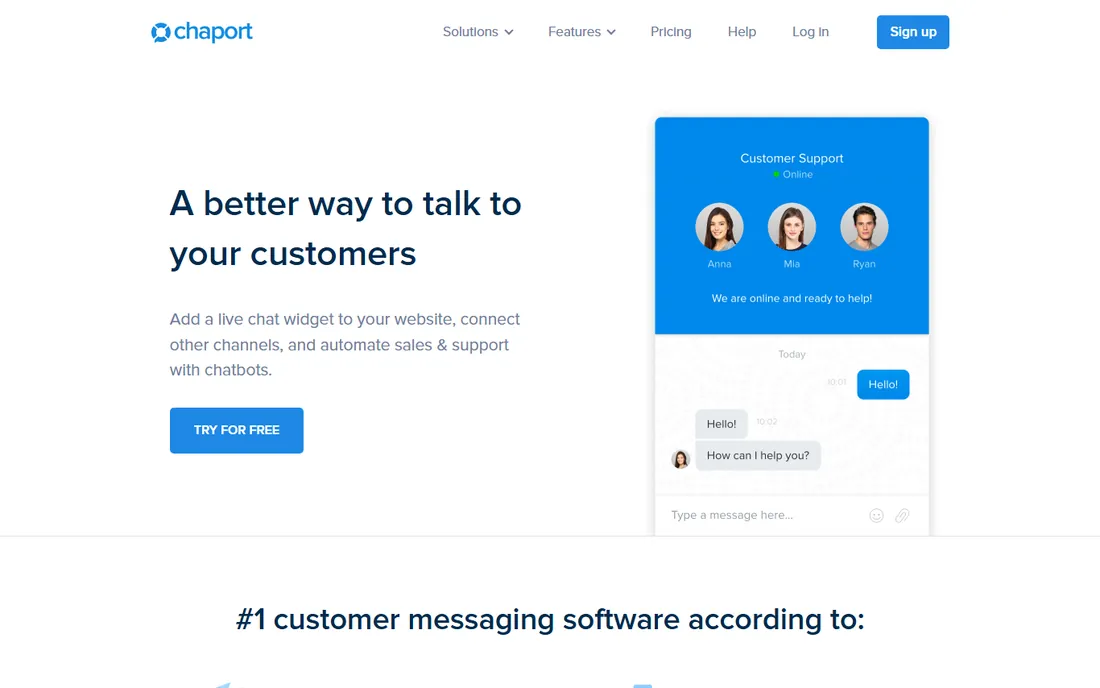
Chaport keeps things simple: a clean chat widget, a tidy agent dashboard, and none of the platform sprawl. Third-party comparisons list paid plans around $29 per operator per month with a free plan for two operators, though you should confirm current pricing on Chaport's own site since it is not published prominently. Setup takes minutes, and the widget looks good without design work.
The tradeoff for simplicity is ecosystem. Chaport integrates with fewer tools than LiveChat or Intercom, and the automation is lighter. For a small team that wants chat without a learning curve or a big bill, that is a fair trade. For a team that needs deep CRM workflows or AI, look at the bigger platforms.
What we like- Simple and easy to set up, affordable paid tiers, clean widget design
Watch out for- Fewer integrations than leaders, smaller ecosystem, pricing not published prominently
#9
Olark
Best for: Small businesses that want straightforward human-powered chat
Visit olark.com
Starting priceSee website
Free planFree trial (no credit card required)
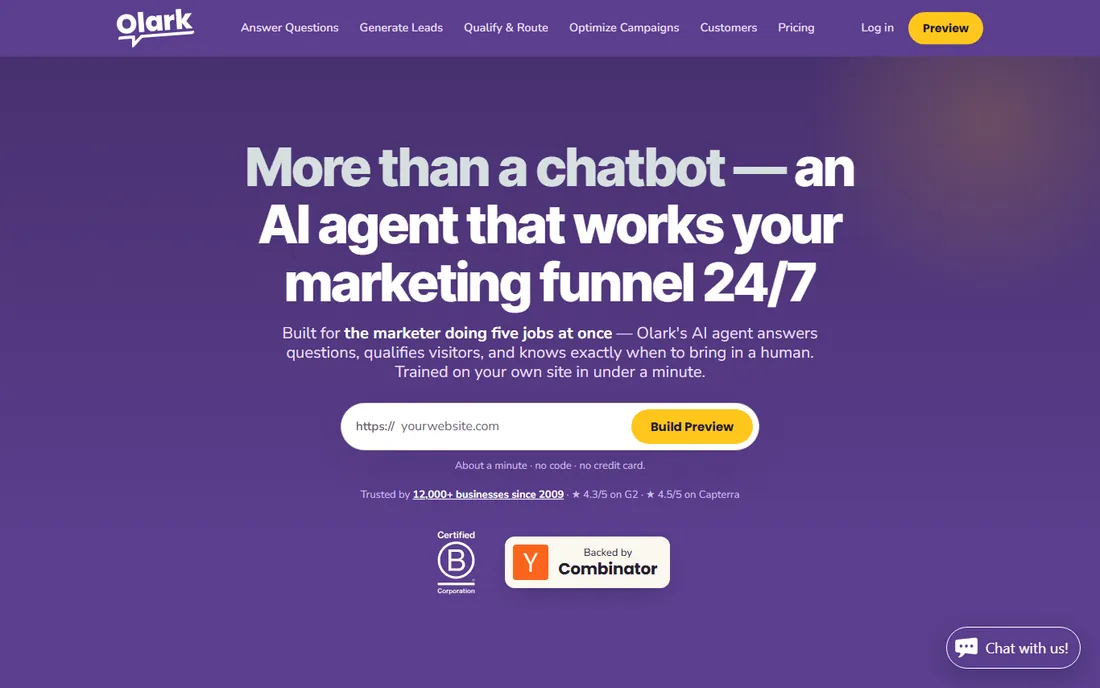
Olark is a chat purist. It does live chat and does it well: a clean widget, real-time visitor info, canned responses, transcripts, and simple reporting. There is no AI platform, no marketing automation, and no sprawling suite. For a small business that believes customers should talk to humans, that focus is a feature.
Pricing is not published on the site, so you will need to start the free trial (no credit card required) and talk to them. The lack of AI features is the main gap against modern rivals; if you want bots deflecting routine questions, Tidio or Intercom fit better. But if your differentiator is personal service, Olark keeps the technology out of the way.
What we like- Focused purely on live chat, easy to use, chat transcripts and reporting
Watch out for- Pricing not published, fewer AI and automation features, smaller company
Free plans actually worth using
Chat software has some of the most usable free plans in all of SaaS, so do not pay until you must. tawk.to is free forever with no seat limits, which makes it the baseline everything else must beat. HubSpot gives you live chat free inside its CRM, which is unbeatable if you already live in HubSpot. Tidio's free plan covers live chat, chatbots, and email for modest volume, and Crisp's free two-seat plan is enough for a founder-led team.
The pattern to notice: free plans cluster around two seats or modest conversation volumes. That covers most small businesses. You should only upgrade when you hit a concrete limit, like conversation caps, or when you need a specific paid feature such as AI automation, advanced reporting, or CRM integrations. Start free, measure what breaks, then buy the fix.
Per-seat vs. per-workspace pricing (buying guide)
How a chat vendor charges matters more than the headline price. Per-seat pricing (LiveChat at $19 per agent, Zendesk at $55 per agent, Intercom at $29 per seat plus usage) taxes every hire. It is fine for a stable five-person team and painful for a seasonal team that doubles in December. Always multiply by your real headcount, including part-timers who need a login.
Per-workspace pricing (Crisp at $45 per workspace) stays flat as you add agents, which rewards growth. Free tools (tawk.to, HubSpot) remove the question entirely. Usage-based add-ons, like Intercom's $0.99 per Fin resolution or Tidio's conversation-based tiers, are the third model. They align cost with value but can surprise you in a busy month, so set billing alerts.
When you compare, build a twelve-month model with your actual agent count and expected chat volume, not the vendor's example. Ask whether part-time agents need full seats, whether bots count as seats, and what happens to your data if you downgrade. The cheapest headline price often loses to the pricing model that fits your team shape.
Frequently asked questions
What is the best free chat software for websites?
tawk.to is the best fully free option: live chat with no seat limits and no time limit. HubSpot's free live chat is best if you use HubSpot CRM. Tidio and Crisp both offer free plans that cover small teams. All four let you run real chat without paying.
How much does live chat software cost?
It ranges from free (tawk.to, HubSpot) to $19 per agent per month for LiveChat, $29 per seat for Intercom plus AI usage fees, $45 per workspace for Crisp, and $55 per agent for Zendesk Suite. Most small teams pay between $0 and $50 a month; larger support teams pay per agent.
Is Intercom worth it for a small business?
Usually not at small scale. Intercom is built for SaaS companies that benefit from AI automation and product messaging. A small business with straightforward chat needs will get the same result from tawk.to, Tidio, or Crisp at a fraction of the cost.
Do I need AI chatbots or is live chat enough?
Live chat is enough if your volume is low and questions are varied. AI chatbots earn their keep when you get the same questions repeatedly, like shipping times, pricing, or booking queries. Tidio includes a basic AI chatbot on affordable plans, while Intercom's Fin is the premium option.
Can chat software integrate with my CRM?
Yes. HubSpot's chat is native to its CRM. LiveChat, Intercom, and Zendesk all integrate with major CRMs including Salesforce and HubSpot. tawk.to has more limited native integrations. Check your specific CRM before committing.
What is the difference between live chat and messaging apps?
Live chat happens in a widget on your website in real time. Messaging apps (WhatsApp, Facebook Messenger, SMS) continue the conversation after the visitor leaves. Most tools on this list, including Intercom, Crisp, and Zendesk, now support both in one inbox.
We started with the live chat shortlists on G2, Capterra, and Software Advice, then checked each vendor's homepage to confirm the product is active and to record the exact website URL. We compared pricing pages directly where vendors publish them and used 2026 third-party pricing research for vendors that do not, marking those as "see website" rather than guessing.
We read public reviews on G2, Capterra, and Reddit for each tool, paying attention to complaints about pricing surprises, which are common in this category. We checked feature documentation for chat widgets, mobile apps, chatbots, integrations, and reporting. We weighted for a mix of free, budget, and premium options so the list serves solo founders and support leaders alike. We excluded tools that are discontinued, that bury chat inside an unrelated suite without a real chat product, or that had no verifiable 2026 presence.
Sources we checked (15)
- https://livechat.com/
- https://www.intercom.com
- https://tidio.com/
- https://crisp.chat
- https://tawk.to/
- https://www.zendesk.com/
- https://hubspot.com/
- https://www.chaport.com
- https://olark.com/
- https://gleap.io/blog/best-live-chat-software/
- https://www.webwork-tracker.com/blog/best-live-chat-software
- https://www.chatim.app/blog/live-chat-software/
- https://www.chatim.app/blog/live-chat-software/
- https://www.kayako.com/blog/best-live-chat-software/
- https://www.g2.com/categories/live-chat
Is your product missing or out of date?
We review this list regularly. Vendors can request a listing, send updated pricing or ask about featured placement.

Shihab Mia · Founder, Rankite
Shihab has spent more than a decade helping SaaS and e-commerce brands grow through search. He writes Rankite's software buying guides from pricing pages, documentation and public user reviews. More about Shihab.