How we make this list: we compare pricing pages, product documentation and public user reviews. Rankite is independent; if a vendor ever pays for a featured spot, that listing is clearly labeled Partner.
Key takeaways
- Fusion 360 remains the default pick for small shops and serious hobbyists because CAD and CAM live in one subscription, though full 5-axis work needs a paid extension.
- Mastercam still rules production floors that need the deepest toolpath control, but you buy it through a reseller and it costs like pro software.
- Budget buyers have real options: SheetCAM ($279 one-time) owns 2D plasma and router work, MeshCAM ($250 one-time) makes 3D milling nearly effortless, and Estlcam doubles as a machine controller.
- Vectric VCarve Pro is the sign and woodworking specialist, while Easel and Carbide Create are the easiest on-ramps for first-time CNC owners.
- FreeCAD costs nothing and its Path workbench handles real jobs, but expect a steeper learning curve and thinner documentation.
Quick comparison
| Tool | Best for | Starting price | Free plan |
|---|
 Fusion 360 Fusion 360 | Small shops and serious hobbyists | See website | Free plan (personal use, feature-limited) |
 Mastercam Mastercam | Production shops and multiaxis specialists | See website | No |
 VCarve Pro VCarve Pro | Sign makers and CNC woodworkers | See website | Free trial |
 Estlcam Estlcam | Hobby mills that need CAM and control in one | See website | Free version (fully functional, with growing open/save delays) |
 SheetCAM SheetCAM | Plasma, router and waterjet 2D cutting | $279 one-time (SheetCam 8.0 TNG license) | Free trial |
 MeshCAM MeshCAM | Fast 3D milling from STL files | $250 one-time (Standard; Pro is $500) | Free trial (15 days, fully functional) |
 Carbide Create Carbide Create | First-time CNC owners, especially Shapeoko and Nomad users | See website | Free plan (base version free) |
 Easel Easel | Beginners who want CNC in a browser | See website | Free plan (Easel Basic) |
 SprutCAM X SprutCAM X | Multiaxis machining and industrial robots | See website | Free trial (30 days) |
 FreeCAD FreeCAD | Zero-budget shops and open-source workflows | Free | Yes |
Is your product missing or out of date?
We review this list regularly. Vendors can request a listing, send updated pricing or ask about featured placement.
The best CAM software for CNC, tested against real shop needs
Buying CAM software is really buying a workflow. A $250 one-time program that matches your machine beats a five-figure suite your team never fully learns. The tools below cover the full spread: pro-grade multiaxis, mid-range integrated CAD/CAM, and cheap or free options that still cut real parts. Pick based on your machine type, the complexity of your parts, and how much hand-holding you want from the interface.
Starting priceSee website
Free planFree plan (personal use, feature-limited)
Fusion 360 is the reason many small shops never buy separate CAD and CAM anymore. You model the part, generate toolpaths, simulate the cut, and post the G-code without leaving the program. For 2.5D and 3-axis work it is genuinely hard to beat on value, and the CAM side covers adaptive clearing, rest machining, and turning well enough for most job-shop parts.
The catch is the structure around the base price. True simultaneous 5-axis, advanced nesting, and some fabrication features live in the paid Manufacturing Extension, so budget for more than the headline subscription if your parts need it. The cloud backbone also means you need a connection for license checks and collaboration, which some shops dislike. Still, for a one- or two-person operation cutting real parts every week, it is the safest first purchase in this list.
What we like- Integrated CAD and CAM in one workspace
- Strong community and tutorials
- Free tier for non-commercial use
Watch out for- Cloud-connected by design
- Advanced 5-axis and nesting cost extra via extensions
Starting priceSee website
Free planNo
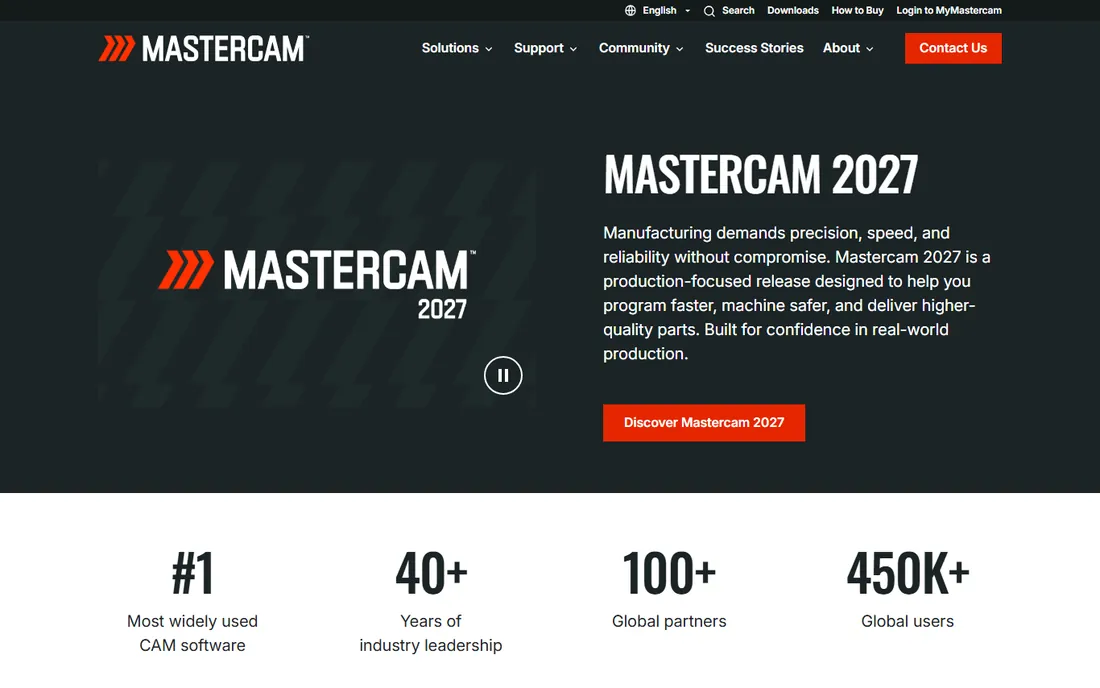
Mastercam is the package other CAM vendors get measured against on production floors. Its Dynamic Motion toolpaths genuinely reduce cycle time and extend tool life, and the multiaxis options (Mill-Turn, Swiss, wire EDM, router) cover nearly every machine configuration a shop will own. With 450,000-plus users, finding a post processor or an answer to a programming question is rarely hard.
The tradeoffs are money and commitment. There is no public price list; you buy through a reseller, and a full multiaxis seat costs what pro software costs. The interface rewards training, so plan on actual onboarding time rather than weekend tinkering. If your shop lives or dies by throughput and part complexity, though, it earns its keep.
What we like- Deepest toolpath control in the business
- Dynamic Motion cuts cycle times
- Huge user community and reseller support
Watch out for- Quote-based pricing through resellers
- Windows only
- Real learning curve
Starting priceSee website
Free planFree trial
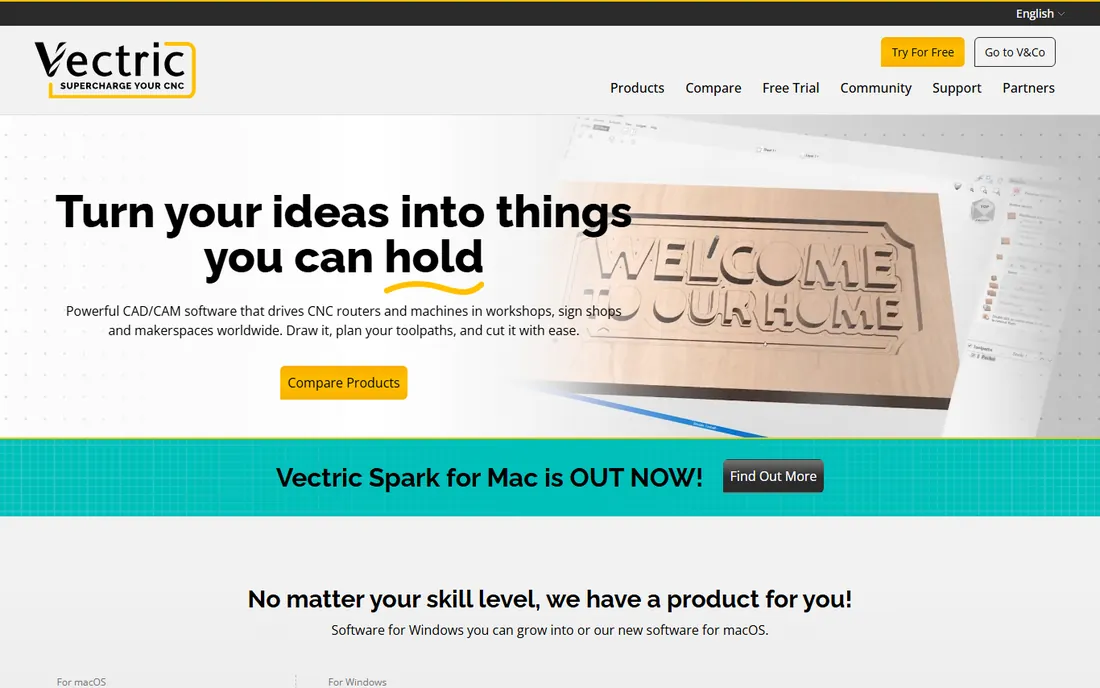
VCarve Pro owns a niche and serves it better than anything else at its price. V-carving, fluting, prism carving, and moulding toolpaths are tuned for exactly the decorative work sign shops and furniture makers sell, and the 3D preview shows you the finished carve before you cut. You can import a 3D model and machine it, add true-shape nesting in the Pro edition, and upgrade to Aspire later by paying only the difference.
What it will not do is pretend to be a production milling package. There is no simultaneous 5-axis, and the CAD side is drawing and editing rather than parametric modeling. For routers cutting wood, plastics, and non-ferrous sheet, that is usually fine. The one-time license with free minor upgrades also makes the total cost of ownership refreshingly predictable.
What we like- Best-in-class V-carving and 2.5D toolpaths
- One-time purchase, no subscription
- Enormous tutorial library and 25,000-plus user forum
Watch out for- No true 5-axis
- 3D modeling is limited (that is what Aspire is for)
#4
Estlcam
Best for: Hobby mills that need CAM and control in one
Visit estlcam.de
Starting priceSee website
Free planFree version (fully functional, with growing open/save delays)
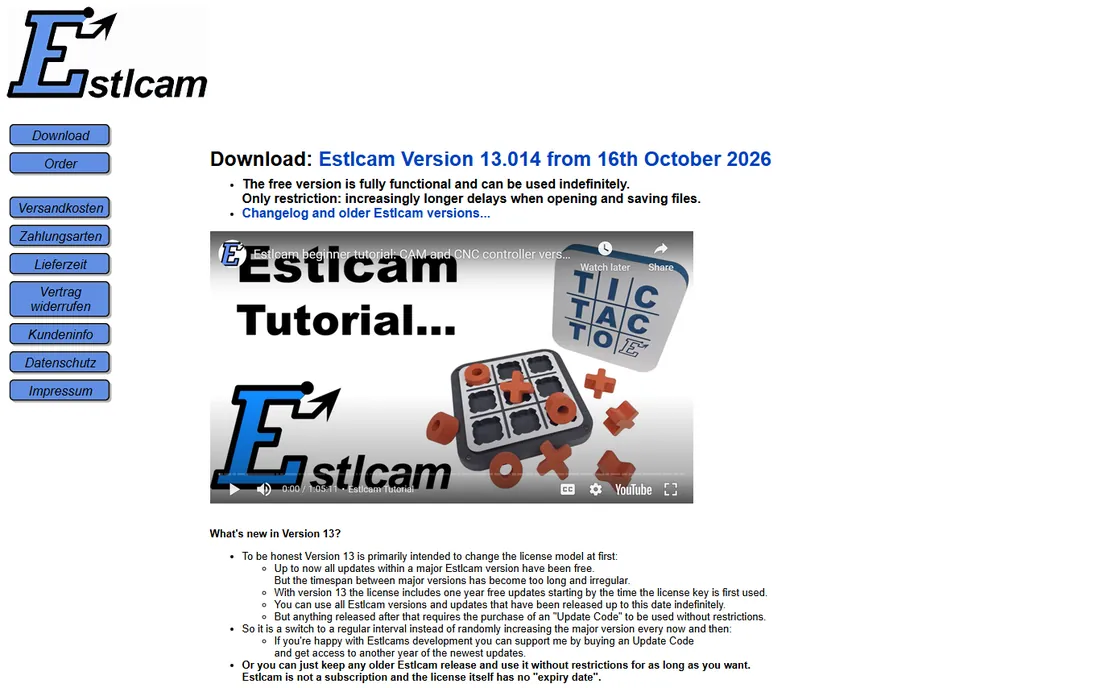
Estlcam is the quiet bargain of hobby CNC. It generates toolpaths for profiling, pocketing, drilling, engraving, and V-carving, and it can also drive the machine directly through inexpensive USB control hardware or reflashed Arduino boards. That means one program handles both programming and control, which removes a whole layer of friction for home shops.
The free version is genuinely usable indefinitely; it just adds progressively longer delays when opening and saving files until you buy the license. Version 13 moved to a model where a license includes one year of updates, with an optional update code after that, but there is still no subscription and no expiry on the license itself. The honest limit is scope: this is 3-axis hobby territory, and the interface and documentation reflect a one-developer project rather than a big vendor.
What we like- Combines CAM with a CNC machine controller
- Very low one-time license cost
- Straightforward 2D and 2.5D workflow
Watch out for- Windows only
- Aimed at 3-axis hobby machines, not production multiaxis
Starting price$279 one-time (SheetCam 8.0 TNG license)
Free planFree trial
SheetCAM does one job, cutting flat things, and does it well. Plasma, router, waterjet, and laser workflows each get sensible defaults: kerf compensation, lead-ins, nesting, and tabs are all first-class features rather than afterthoughts. The post processor library covers a long list of controllers, and the developer is famously responsive about tweaking posts for odd machines.
At $279 for the main license (with wire, rotary, V-carving, and laser modules as cheap add-ons), it undercuts nearly everything else that can reliably drive a plasma table. The tradeoff is that it is strictly a 2D program; there is no 3D toolpathing here. The interface will not win design awards either. For sheet and plate work, neither of those matters much.
What we like- Purpose-built for 2D cutting processes
- Huge configurable post processor library
- One-time license with cheap add-on modules
Watch out for- 2D only, no 3D surfacing
- Windows only
- Interface looks dated
Starting price$250 one-time (Standard; Pro is $500)
Free planFree trial (15 days, fully functional)
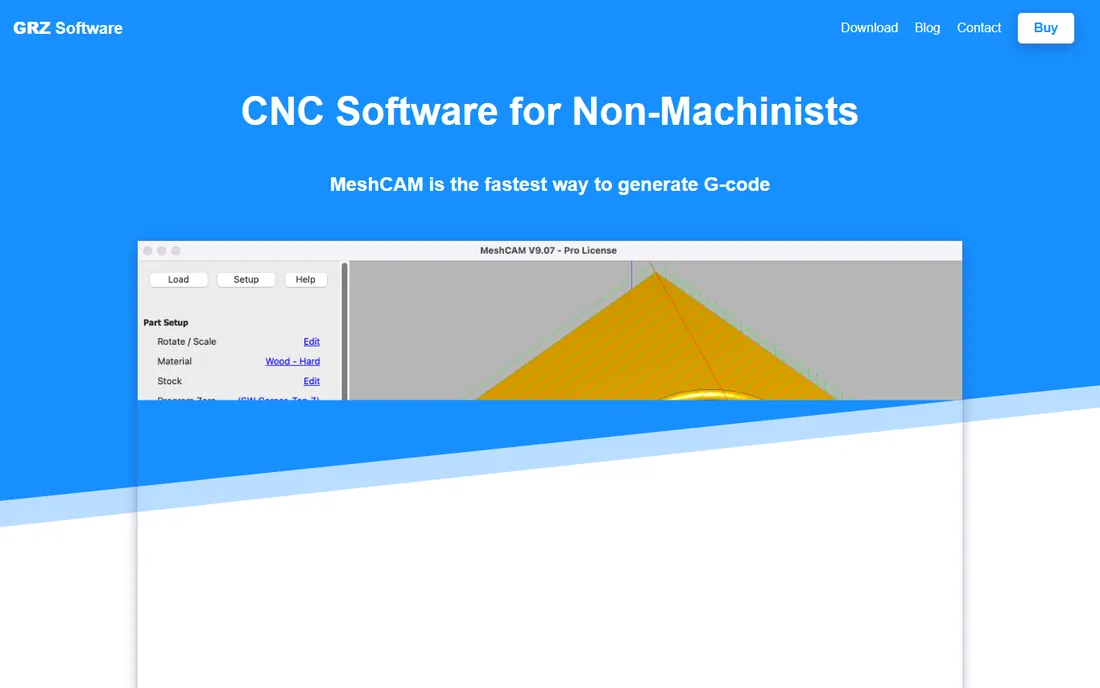
MeshCAM exists for one sentence: load an STL, get G-code, cut the part. Roughing, parallel finishing, waterline, and pencil cleanup toolpaths are all there, and the program picks sensible speeds and feeds from your cutter selection so beginners get a working program on the first try. It even converts image files into machinable 3D surfaces for relief-style work.
The pricing is refreshingly blunt: $250 for Standard, $500 for Pro (which adds simulation and 2D toolpaths), no maintenance fees, no cloud, and all updates to the current major version are free. What you give up is depth. There is no real CAD modeling, no 4- or 5-axis, and the whole product is a small operation. For 3-axis mills cutting 3D shapes, it is one of the fastest paths from file to chips.
What we like- Near-zero learning curve for 3D toolpaths
- Honest one-time pricing, no subscription or cloud
- Good post processor coverage
Watch out for- Minimal CAD editing
- No true multiaxis
- Small team means support is personal but thin
#7
Carbide Create
Best for: First-time CNC owners, especially Shapeoko and Nomad users
Visit carbide3d.com
Starting priceSee website
Free planFree plan (base version free)
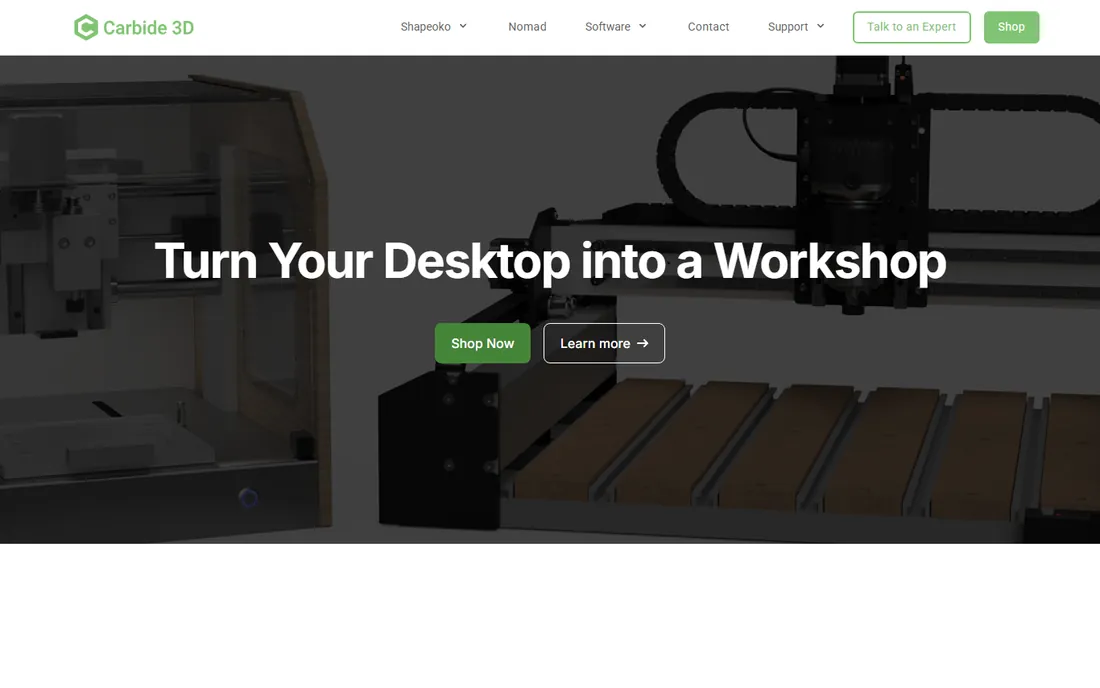
Carbide Create is the software that ships, conceptually, with every Shapeoko and Nomad, and it is free for the base version. Drawing, V-carving, and 2.5D toolpaths are all approachable enough that a complete beginner can design and cut something in an afternoon. The paid Pro tier adds 3D modeling and 3D toolpaths for users who outgrow the basics.
It is not trying to compete with Fusion or Mastercam on toolpath sophistication, and you will feel that once parts get complex. Post output and machine integration are smoothest with Carbide 3D machines, though the G-code works elsewhere. As a free starting point that grows a little with you, it is hard to argue with.
What we like- Free to start and genuinely easy
- Designed around real beginner workflows
- Pro adds 3D modeling and toolpaths
Watch out for- Toolpath strategies are basic compared with dedicated CAM
- Best experience stays inside the Carbide 3D ecosystem
Starting priceSee website
Free planFree plan (Easel Basic)
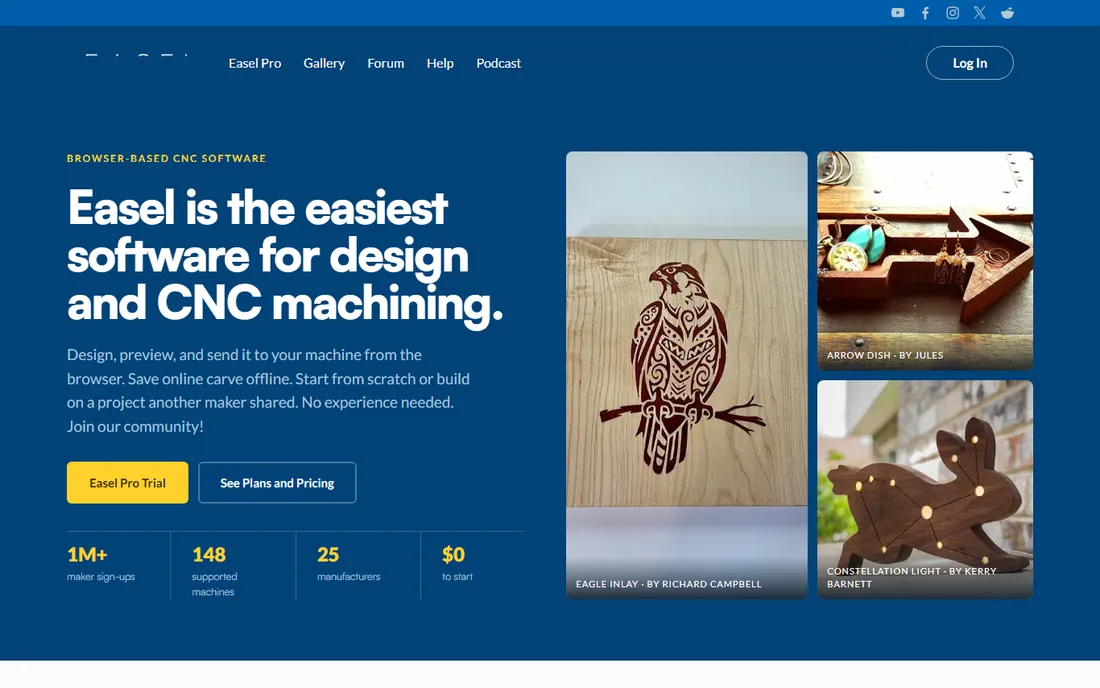
Easel is the only mainstream CAM here that lives in a web browser, and that changes the onboarding story completely. There is nothing to install, the design tools, toolpath generation, and machine control are one continuous flow, and the project gallery lets you start from someone else's finished design. Inventables reports over a million makers signed up, which says something about the funnel.
The free Basic tier covers simple projects, while Easel Pro adds V-carving, 3D carving from STL imports, and the deeper toolpath options most sellers eventually want. The browser model means you need connectivity in the shop, and you will eventually hit ceilings on part complexity. For schools, makerspaces, and first machines, those are acceptable tradeoffs.
What we like- Runs entirely in the browser, nothing to install
- Design, toolpath, and machine control in one place
- Big project gallery and community
Watch out for- Needs an internet connection
- Advanced features sit behind the Pro subscription
- Limited for complex 3D work
Starting priceSee website
Free planFree trial (30 days)
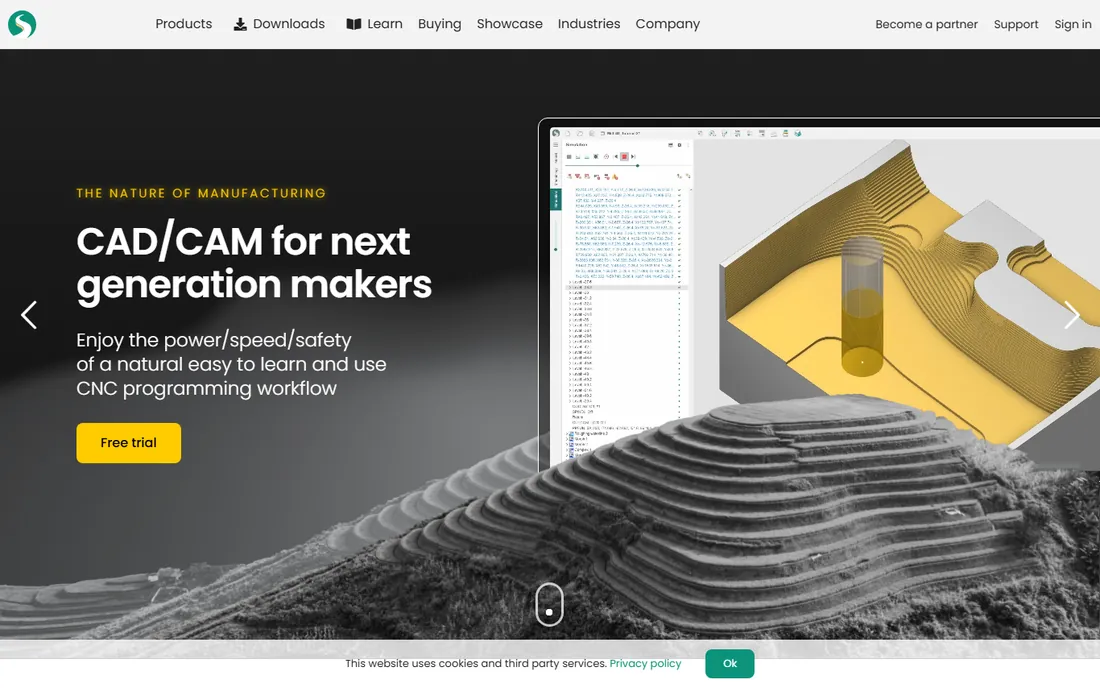
SprutCAM X is the interesting middleweight: real multiaxis CAM with machine simulation and collision checking, plus an offline programming module for industrial robots, in one product. Version 17 added a multi-project workflow and an AI assistant, and the built-in CAD module means you are not forced to pair it with a separate modeler.
You buy through dealers and pricing is quote-based, which is the standard dance for this tier of software. The community is smaller than Mastercam's or Fusion's, so expect to lean on dealer support. For shops running 5-axis mills or robot cells that want one programming environment, it deserves a look alongside the bigger names.
What we like- Full CAD/CAM plus robot offline programming in one
- Strong multiaxis and machine simulation
- Modern interface
Watch out for- Pricing only via dealers
- Smaller English-speaking community
- More to learn than hobby tools
Starting priceFree
Free planYes
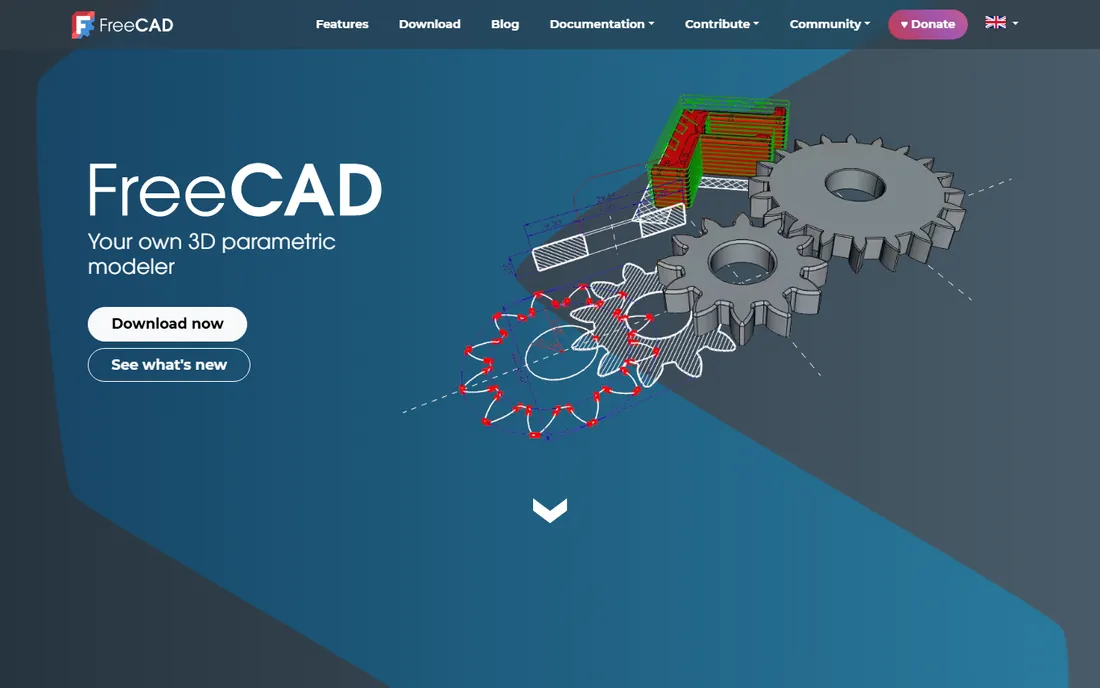
FreeCAD is the only option here that costs nothing and answers to no vendor. The Path workbench generates toolpaths for milling, drilling, and turning, and the parametric modeler underneath is genuinely capable for mechanical parts. It runs on all three major platforms, and there is no license server, no seat count, and no renewal to forget.
The honest catch is roughness. The CAM side lags commercial tools in simulation, post processor polish, and hand-holding, and learning it means leaning on community tutorials of uneven quality. For a hobbyist or a startup that would rather spend money on tooling than software, it is a legitimate production-capable choice, just not a frictionless one.
What we like- Completely free and open source
- Parametric CAD plus a CAM (Path) workbench
- Runs on Windows, Mac, and Linux
Watch out for- Path workbench is less polished than commercial CAM
- Documentation is scattered
- Expect to troubleshoot
How we chose
We started from vendor homepages, pricing pages, and documentation, then cross-checked against public reviews on G2, Capterra, and CNC community forums and Reddit threads where machinists compare notes. We weighted real shop fit over feature-list length: post processor availability, machine compatibility, licensing model, and how long it takes a new user to cut a first good part. We did not run hands-on machining tests, so treat this as a research-based shortlist, not a lab review.
What to check before you buy CAM software
Match the software to your machine first, your ambition second. A plasma table needs kerf compensation and THC-friendly posts (SheetCAM territory), while a 3-axis mill cutting 3D shapes wants good surfacing strategies (MeshCAM, Fusion). Count the true cost over three years: a $279 one-time license beats a $680-a-year subscription quickly if you do not need the subscription's extras. Verify your controller is supported before paying; post processor availability is the unglamorous detail that decides whether the software actually works in your shop. And use the trials. Every paid tool here except Mastercam offers a free tier or trial, and an afternoon of test cuts tells you more than any comparison table.
The licensing question: subscription vs one-time
CAM licensing has split into two camps. Autodesk, Easel, and Carbide Create Pro rent you the software by month or year, which keeps the entry price low but never ends. Vectric, SheetCAM, MeshCAM, and Estlcam sell you a license once, with optional paid upgrades later. Neither model is morally better; the math depends on how long you keep the software. A hobbyist who upgrades every five years wins with one-time licenses. A shop that always wants the newest toolpaths and cloud collaboration may prefer subscriptions. Just make sure you know which camp you are joining before the renewal email arrives.
Frequently asked questions
What is the cheapest good CAM software for a beginner?
Estlcam (free version, cheap license), Carbide Create (free base), Easel (free basic tier), and FreeCAD (free entirely) all cost nothing to start. For paid-but-cheap, SheetCAM at $279 and MeshCAM at $250 are one-time purchases that cover real work.
Do I need CAD software separately, or does CAM include it?
It depends. Fusion 360, SprutCAM X, and FreeCAD include real CAD modeling. Vectric products include drawing and editing tools. SheetCAM, MeshCAM, and Estlcam expect you to bring a design file (DXF, SVG, or STL) from another program.
Can free CAM software handle professional work?
FreeCAD's Path workbench and Fusion 360's free personal tier can produce professional-quality toolpaths, with limits. FreeCAD needs more manual setup and checking; Fusion's free tier restricts commercial use and some advanced features. For paid client work, a commercial license is the safer bet.
What is a post processor and why does it matter?
A post processor translates the software's internal toolpaths into G-code your specific machine controller understands. Without the right post, even great toolpaths will not run. Check the vendor's post library for your controller (Mach3/4, GRBL, LinuxCNC, Fanuc, Haas) before buying.
Is Mastercam worth it for a small shop?
Usually not as a first purchase. Mastercam earns its price in production environments running complex multiaxis work daily. A small shop doing 3-axis milling or routing will get more value per dollar from Fusion 360, Vectric, or MeshCAM.
Which CAM software works on a Mac?
FreeCAD runs natively on macOS. Easel runs in any modern browser. Fusion 360 has a Mac version. Vectric now offers macOS products alongside its Windows core lineup. Mastercam, SheetCAM, Estlcam, and MeshCAM are Windows-only (some users run them in virtualization, with mixed results).
Sources we checked (11)
- https://mastercam.com/
- https://estlcam.de/
- http://vectric.com/
- https://vectric.com/products/vcarve/
- https://www.sheetcam.com
- https://www.grzsoftware.com/
- https://www.sprutcam.com
- https://freecad.org/
- https://easel.inventables.com/
- https://stacksheriff.com/3d-printing/fusion-360-vs-freecad/
- https://www.chinatechcnc.com/top-10-cnc-programming-softwares.html
Is your product missing or out of date?
We review this list regularly. Vendors can request a listing, send updated pricing or ask about featured placement.

Shihab Mia · Founder, Rankite
Shihab has spent more than a decade helping SaaS and e-commerce brands grow through search. He writes Rankite's software buying guides from pricing pages, documentation and public user reviews. More about Shihab.