How we make this list: we compare pricing pages, product documentation and public user reviews. Rankite is independent; if a vendor ever pays for a featured spot, that listing is clearly labeled Partner.
Key takeaways
- Nobody buys 5-axis CAM for the toolpaths; they buy it for collision-free machine simulation, and hyperMILL, NX, and ESPRIT lead there.
- Mastercam remains the most widely deployed choice in job shops, which matters when you need programmers, post processors, and resellers locally.
- Autodesk Fusion is the only serious subscription option with real 5-axis capability, and it now absorbs the old PowerMill product line.
- SolidCAM is the natural pick inside SolidWorks shops; Siemens NX is the pick inside large enterprises already on Teamcenter.
- Every serious 5-axis package is quote-priced with annual maintenance, so budget for the software plus training plus the first year of support.
Quick comparison
| Tool | Best for | Starting price | Free plan |
|---|
 Mastercam Mastercam | Job shops that need programmers and posts everywhere | See website | Free trial |
 Autodesk Fusion Autodesk Fusion | Shops that want 5-axis on a subscription | See website | Yes (free personal use) |
 hyperMILL hyperMILL | Maximum material removal in simultaneous 5-axis | See website | Free trial |
 SolidCAM SolidCAM | SolidWorks shops that want integrated CAM | See website | Free trial |
 Siemens NX CAM Siemens NX CAM | Large enterprises with complex manufacturing | See website | Free trial |
 ESPRIT ESPRIT | Mill-turn and Swiss-type multi-axis work | See website | Free trial |
 GibbsCAM GibbsCAM | Programmers who value speed and simplicity | See website | Free trial |
 BobCAD-CAM BobCAD-CAM | Smaller shops watching the budget | See website | Free trial |
 SprutCAM SprutCAM | Full-featured 5-axis at a mid-market price | See website | Free trial |
Is your product missing or out of date?
We review this list regularly. Vendors can request a listing, send updated pricing or ask about featured placement.
Nine CAM packages that actually cut in five axes
Starting priceSee website
Free planFree trial
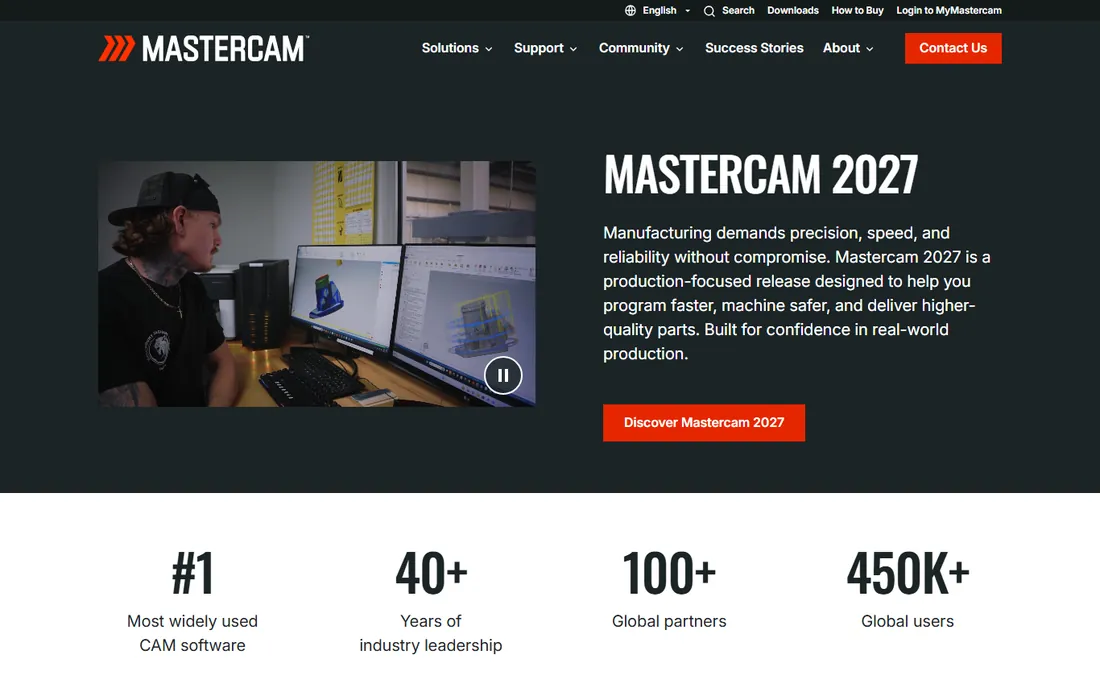
Mastercam's real product is not the software, it is the ecosystem. More shops run Mastercam than any other CAM package, which means more trained programmers to hire, more post processors already written for your machine, and a reseller in nearly every industrial region who can be on-site when something breaks. The 5-axis offering covers both 3+2 positional work and full simultaneous toolpaths, with machine simulation that catches collisions before they become expensive noises.
Pricing is the traditional CAD/CAM model: a quote for the license tier you need, plus annual maintenance for updates and support. Multiaxis modules sit above the base milling package, so the 5-axis price is a stack, not a number. Buy Mastercam when hiring, support coverage, and post availability matter as much as toolpath quality. In most job-shop markets, that is the deciding factor, and it is why Mastercam remains the default recommendation.
What we like- Largest installed base and reseller network
- Enormous post processor library
- Strong 3+2 and simultaneous 5-axis toolpaths
Watch out for- Quote-based pricing with paid maintenance
- Interface modernization has been gradual
Starting priceSee website
Free planYes (free personal use)
Fusion is the only mainstream path to real 5-axis machining without a five-figure license purchase. The base subscription includes 3-axis and 3+2 CAM, and the Manufacturing Extension adds simultaneous 5-axis toolpaths, with the old PowerMill technology folded into the Fusion family for the high-end work. Because CAD and CAM share one model, design changes propagate to toolpaths without the export-import dance that plagues split CAD/CAM setups.
The subscription model cuts both ways. Cash flow is easier, updates arrive continuously, and the free personal-use tier lets small shops and hobbyists learn the real software. But your license is rented, some workflows need an internet connection, and the full 5-axis capability requires the extension on top of the base subscription, so price the whole stack. For startups, schools, and shops adding their first 5-axis machine, Fusion is usually the rational first quote to get.
What we like- Subscription pricing with no big upfront license
- Integrated CAD, CAM, and simulation
- Absorbs the former PowerMill technology
Watch out for- Cloud dependency for licensing and some workflows
- Advanced 5-axis features live in paid extensions
Starting priceSee website
Free planFree trial
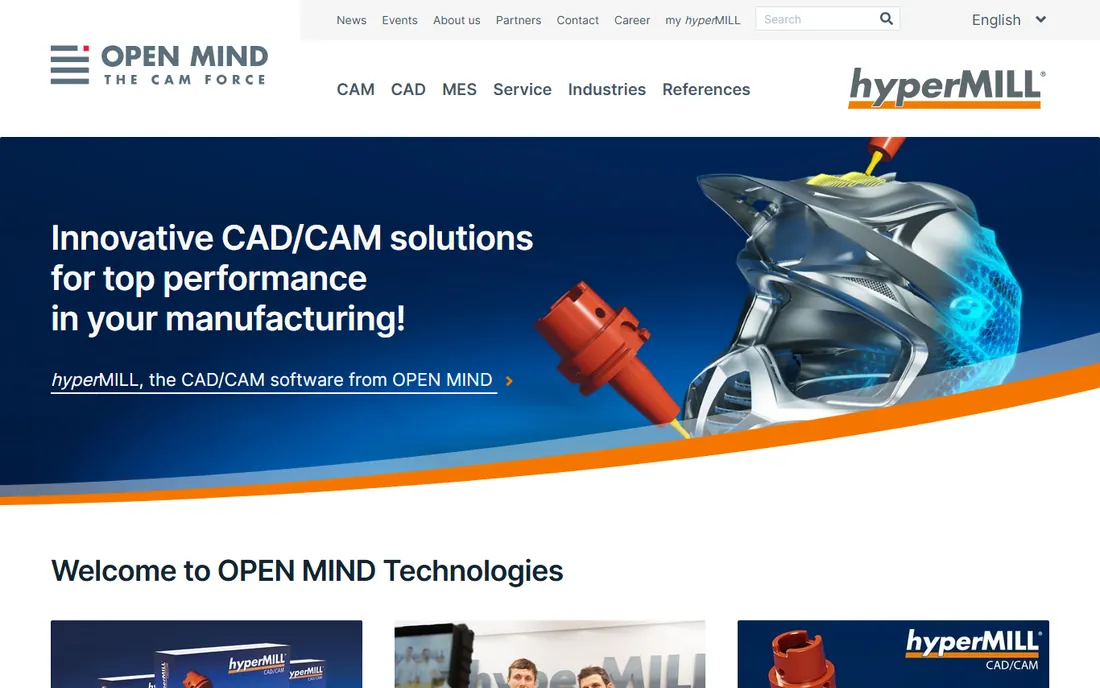
OPEN MIND's hyperMILL has a devoted following among programmers who cut complex parts for a living, and the reason is toolpath quality. Its 5-axis strategies, from tangent-plane machining to automatic rest-material handling, consistently produce shorter cycle times and better surface finishes than generic toolpaths, particularly in mold and die, aerospace, and turbine work. The simulation is trustworthy enough that shops run lights-out with it.
You pay for that reputation. hyperMILL is quote-priced at the premium end, with the 5-axis modules adding to an already serious base price, and the reseller network is thinner than Mastercam's in some regions. It is also a CAM-only product, so you bring your own CAD. Buy hyperMILL when cycle time and surface finish directly affect your margins, which in high-value machining, they do. For general job-shop work, the premium is harder to justify.
What we like- Exceptional 5-axis finishing and high-performance roughing strategies
- Excellent machine simulation
- Strong in mold, die, and aerospace
Watch out for- Premium pricing aimed at high-end shops
- Smaller reseller network than Mastercam
Starting priceSee website
Free planFree trial
SolidCAM's pitch is simple: the CAM lives inside SolidWorks, so there is one interface to learn and full associativity between the model and the toolpaths. Change a fillet in CAD and the 5-axis toolpath updates. Its iMachining technology, which maintains constant tool engagement for aggressive roughing, is genuinely effective at cutting cycle times, and the 5-axis simultaneous module handles impellers, blisks, and complex contoured parts.
The catch is the marriage to SolidWorks. If your shop standardizes on it, the integration is a joy; if you work in multiple CAD systems, you are paying for integration you only half use. Pricing follows the traditional quote-plus-maintenance model, with iMachining and 5-axis as add-on modules. For the large population of SolidWorks-based machine shops, SolidCAM is usually on a two-vendor shortlist with Mastercam, and the integration often wins.
What we like- Runs fully inside SolidWorks with associativity
- Patented iMachining toolpaths
- Strong 5-axis simultaneous module
Watch out for- Tied to the SolidWorks ecosystem
- Quote pricing with maintenance
Starting priceSee website
Free planFree trial
Siemens NX is the heavyweight. Its CAM covers everything from 5-axis milling to mill-turn, robotics, and additive manufacturing, with machine simulation and post-processing built for the most complex kinematics in the industry. Inside Siemens shops running Teamcenter, the digital thread from design through manufacturing execution is unmatched: one data model, full traceability, revision control that auditors love.
Everything about NX is enterprise-scale, including the cost and the implementation. Licenses are quote-priced, deployment usually involves services, and the learning curve is real. Small and mid-size shops should not evaluate NX unless they are supplying into an OEM that mandates it. But for aerospace, automotive, and energy manufacturers running 5-axis machines as part of a larger digital manufacturing strategy, NX is frequently the corporate standard, and nothing else integrates as deeply.
What we like- Deepest feature set for multi-axis and multi-function machines
- Tight Teamcenter PLM integration
- Proven in aerospace and automotive
Watch out for- Enterprise pricing and implementation effort
- Overkill for small shops
Starting priceSee website
Free planFree trial
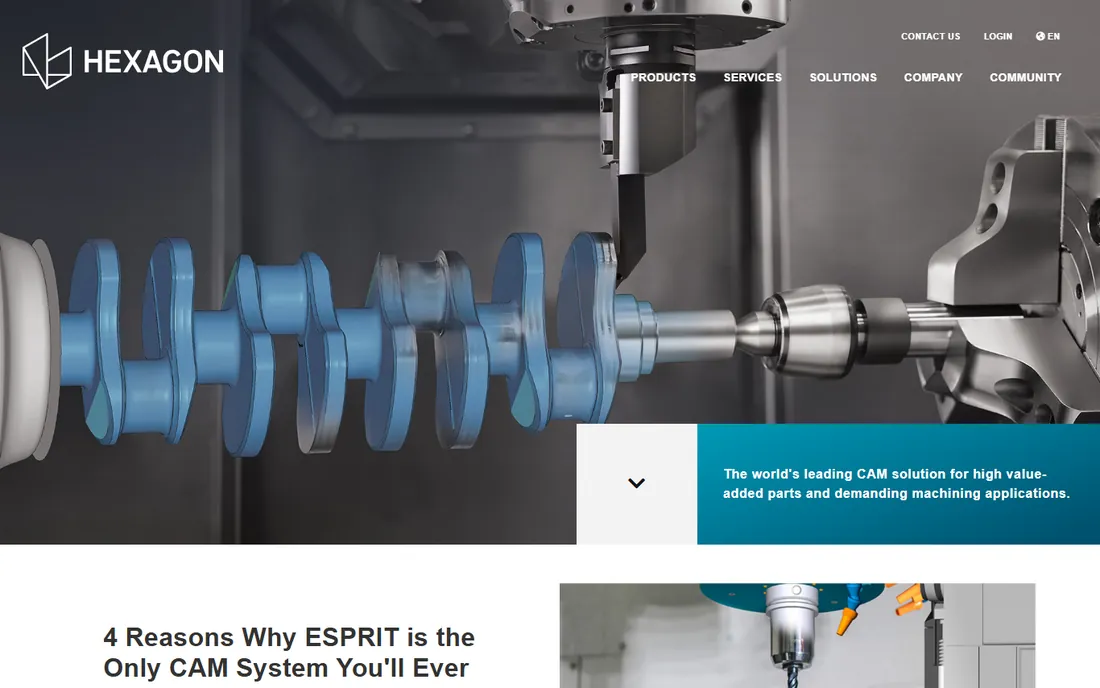
ESPRIT, now part of Hexagon, built its reputation on the hardest programming in the shop: mill-turn centers, Swiss-type lathes, and multi-channel machines where the spindle, sub-spindle, and turrets all need choreography. Its 5-axis milling is fully capable, but the differentiator is whole-machine simulation that shows every axis, tool, and fixture moving together, which is what keeps expensive multi-tasking machines crash-free.
Hexagon ownership brings metrology integration and corporate stability, plus a path toward connected manufacturing. Pricing is quote-based with maintenance, in line with the other traditional vendors. Pure 3-axis milling shops may find Mastercam or Fusion more familiar, but any shop whose 5-axis work happens on mill-turn or multi-tasking machines should put ESPRIT on the shortlist. That is its home turf, and it shows.
What we like- Outstanding support for multi-tasking machines and B-axis work
- Strong simulation
- Now backed by Hexagon
Watch out for- Quote pricing
- Brand visibility lower than Mastercam in pure milling shops
Starting priceSee website
Free planFree trial
GibbsCAM has always sold programming speed: the interface is uncluttered, the workflow from geometry to posted code is short, and shops report new programmers becoming productive quickly. The 5-axis and multi-task machining modules are capable, and the product covers the full range from 2-axis lathes to complex multi-axis work without changing applications.
The trade-off for simplicity is ecosystem size. Fewer third-party posts, fewer training resources, and fewer programmers walking in the door already knowing it, compared with Mastercam. Pricing is quote-based with maintenance. GibbsCAM suits shops that do their own training and value day-to-day programming efficiency over the hiring and support advantages of the biggest installed base. Now part of a larger CAM portfolio, it remains a pragmatic mid-market choice.
What we like- Fast to learn and fast to program
- Clean interface
- Solid 5-axis and multi-tasking support
Watch out for- Smaller ecosystem than Mastercam
- Quote-based pricing
Starting priceSee website
Free planFree trial
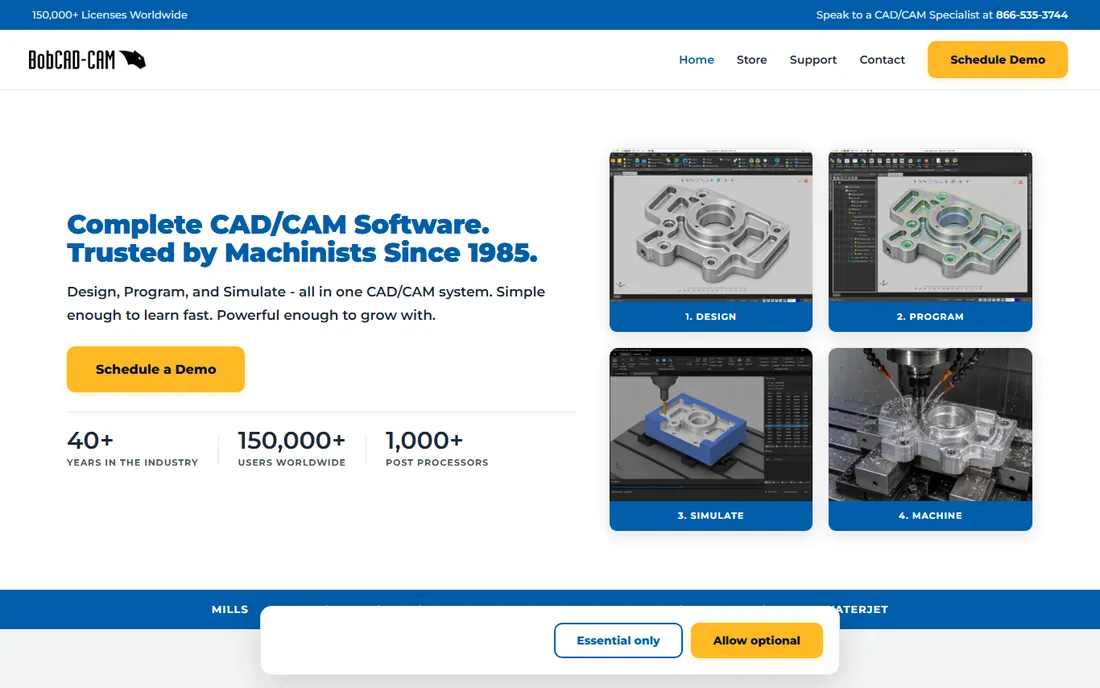
BobCAD-CAM occupies the budget end of professional CAM. The integrated CAD/CAM package costs substantially less than Mastercam or hyperMILL licenses, and the multiaxis modules add 4-axis and 5-axis capability without the premium-vendor price stack. For small shops, schools, and startups cutting their first complex parts, the price-to-capability ratio is the whole argument.
Be honest about what the lower price buys. The 5-axis toolpath strategies are less sophisticated than hyperMILL's or NX's, simulation is less comprehensive, and the support network is smaller. For 3+2 positional work and straightforward simultaneous jobs, BobCAD-CAM gets parts out the door. For turbine blades and hardened mold steel, the premium tools earn their keep. Match the software to the parts you actually cut.
What we like- Lower price point than the traditional vendors
- Integrated CAD/CAM
- 4 and 5-axis modules available
Watch out for- Less refined 5-axis strategies than the premium tools
- Smaller support network
Starting priceSee website
Free planFree trial
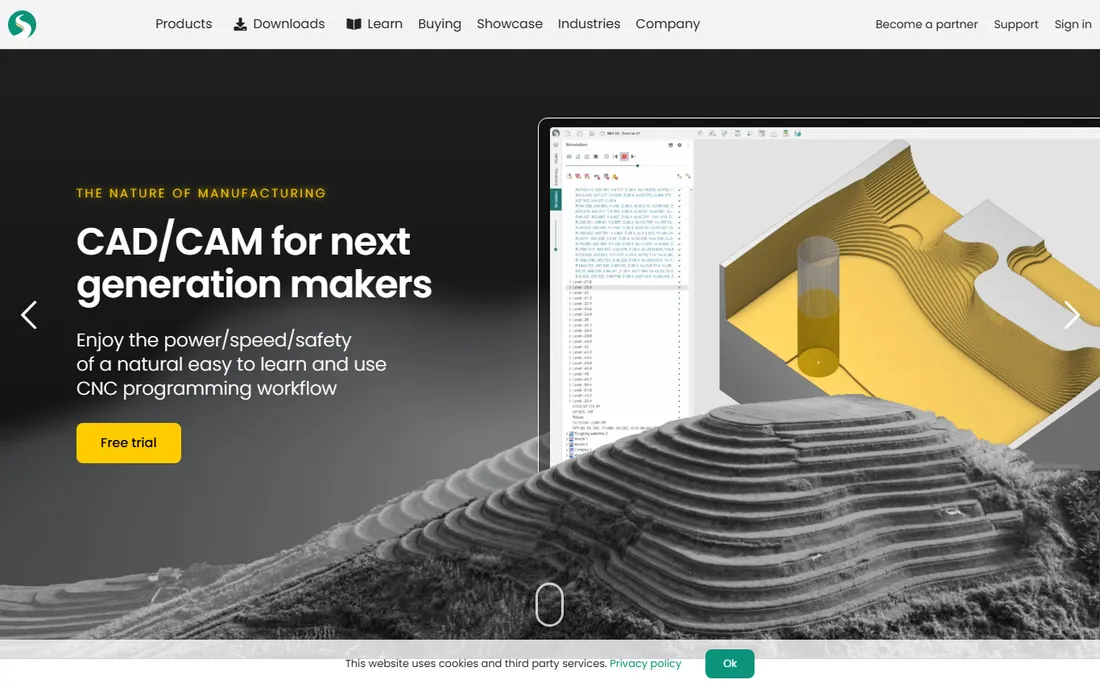
SprutCAM is the value pick that 5-axis shoppers often discover late. It offers true simultaneous 5-axis toolpaths, machine simulation with collision checking, and support for mills, lathes, mill-turn, and even industrial robots, at pricing well below the premium tier. European and Asian shops know it well; North American awareness is growing through a expanding reseller network.
The interface follows its own logic, so expect a learning curve if you arrive from Mastercam or Fusion. Documentation and community resources are thinner in English than for the market leaders. But the capability per dollar is difficult to beat: shops that need real simultaneous 5-axis without enterprise budgets consistently report that SprutCAM does the job. Get a demo cut on your own part before deciding; that is where it tends to win converts.
What we like- Genuine simultaneous 5-axis at a moderate price
- Good machine simulation
- Broad machine and robot support
Watch out for- Less known in North America
- Interface takes adjustment for users coming from Mastercam
How we chose
We compared product documentation, vendor feature lists, and public reviews from machinists and manufacturing engineers on forums and review sites, weighing simultaneous 5-axis capability, machine simulation quality, post processor availability, CAD integration, and fit for shops from two-man job shops to aerospace enterprises. We did not run hands-on trials; this ranking reflects publicly documented capabilities as of October 2026.
Buying 5-axis CAM without regret
Get quotes from at least three vendors, and make every demo cut your part, not theirs. A vendor demo on a showpiece impeller tells you nothing; your nastiest bracket with its deep pockets and thin walls tells you everything. Insist on seeing machine simulation with your machine's kinematics, not a generic model, because collision checking against the wrong machine is theater.
Budget for the whole stack
The license quote is the beginning. Add annual maintenance, which you will want for post updates and support; training, because 5-axis programming has real technique to it; and the post processor work for your specific machine and control. A good post is not optional in 5-axis: it is the difference between a program that runs and a program that crashes. Ask each vendor what the post costs, who writes it, and how long it takes.
3+2 vs simultaneous, honestly
Most shops buying "5-axis software" spend 90 percent of their time in 3+2 positional work, where the rotary axes lock and the machine cuts like a 3-axis. Every tool on this list does 3+2 well. Simultaneous 5-axis, with all axes moving together, is where toolpath quality, simulation, and posts separate the premium tools from the rest. Buy for the work you actually do, not the work in the brochure.
The subscription question
Fusion proved that subscription CAM can be serious, and the traditional vendors have noticed. Perpetual licenses with maintenance still dominate the premium tier, and shops like owning their tools outright. Subscriptions win on cash flow and continuous updates. Neither model is going away. The practical advice: price three years of total cost, including maintenance or subscription renewals, before comparing sticker prices, because the cheapest year-one quote is rarely the cheapest three-year outcome.
Frequently asked questions
What is the difference between 3+2 and simultaneous 5-axis?
In 3+2, the two rotary axes position the part or tool and lock, then cutting happens as 3-axis motion. In simultaneous 5-axis, all five axes move together during the cut. 3+2 is simpler to program and post; simultaneous gives better tool engagement on complex contoured surfaces but demands better simulation and posts.
How much does 5-axis CAM software cost?
There is no list price for most of it. Traditional vendors quote based on modules, seats, and maintenance, with 5-axis packages typically running into five figures plus annual maintenance. Autodesk Fusion is the exception with published subscription pricing. Always get itemized quotes.
Can Fusion 360 really do 5-axis machining?
Yes. The base product handles 3+2, and the Manufacturing Extension adds simultaneous 5-axis toolpaths, with former PowerMill technology folded into the Fusion family for high-end work. It is a legitimate choice for real 5-axis production, not just a hobbyist tool.
Do I need special training for 5-axis programming?
Yes. Tool orientation strategy, collision avoidance, and post processor behavior are genuinely new skills beyond 3-axis work. Budget for vendor or reseller training with your purchase; the software is only as good as the programmer driving it.
What is a post processor and why does it matter so much?
A post processor translates the CAM system's generic toolpath into the specific G-code dialect your machine control understands, accounting for your machine's kinematics. In 5-axis, a wrong or generic post can produce code that looks fine and crashes the machine. Always verify the post is written and tested for your exact machine and control.
Is perpetual license or subscription better for CAM?
Perpetual licenses cost more upfront but you own the version you bought; subscriptions spread cost over time with continuous updates. Over three to five years the totals often converge. Choose based on cash flow, how often you want updates, and whether you are comfortable renting critical software.
Sources we checked (3)
- https://www.autodesk.com/products/fusion-360/blog/future-of-autodesk-eagle-fusion-360-electronics/
- https://www.machinery.co.uk/content/technology-spotlights/autodesk-adds-powermill-powershape-and-powerinspect-to-the-fusion-360-family-of-solutions/
- https://www.engineering.com/autodesk-adds-powerhouse-manufacturing-tools-to-fusion-360/
Is your product missing or out of date?
We review this list regularly. Vendors can request a listing, send updated pricing or ask about featured placement.

Shihab Mia · Founder, Rankite
Shihab has spent more than a decade helping SaaS and e-commerce brands grow through search. He writes Rankite's software buying guides from pricing pages, documentation and public user reviews. More about Shihab.