How we make this list: we compare pricing pages, product documentation and public user reviews. Rankite is independent; if a vendor ever pays for a featured spot, that listing is clearly labeled Partner.
Key takeaways
- Autodesk Revit remains the industry standard for BIM in most markets.
- Archicad suits architects wanting a design-first BIM workflow.
- Vectorworks serves firms blending architecture with site design and entertainment.
- Tekla Structures leads for structural steel and concrete detailing.
- Bentley, Allplan, BricsCAD, and Edificius cover infrastructure and value segments.
What BIM software actually models
Building information modeling software creates a digital twin of a building before it exists: geometry plus the data behind it, materials, quantities, costs, schedules, and maintenance information. Unlike CAD drafting, every element knows what it is, so a wall knows it is a wall and reports its area, fire rating, and cost.
That data richness is the point. Architects, engineers, and contractors coordinate in one model, catching clashes between structure and services before concrete is poured. The platforms below are the established BIM authoring tools, each with different strengths.
Pricing is subscription-based and significant, usually per user per year. Trials are widely available; the real evaluation is a pilot project with your team.
How we chose
We selected established BIM authoring platforms with real buildings designed on them and active development. We looked for 3D modeling depth, data richness, collaboration features, and interoperability through open standards like IFC.
We covered architecture, structure, and infrastructure because BIM spans all three. We weighed market adoption, since file compatibility with collaborators matters enormously, against design quality and value. Vendor claims were checked against product documentation.

#1
Autodesk Revit
Best for: Firms needing the industry-standard BIM platform
Visit autodesk.com
Starting priceSee website
Free planNo, free trial available
Revit is the default BIM authoring tool across much of the world. Architecture, structure, and MEP teams model in one environment with shared parameters, and the ecosystem of families, plugins, and trained staff is unmatched.
Collaboration through Autodesk's cloud tools lets distributed teams work on the same model, and the data depth supports quantity takeoff, scheduling, and facilities handoff. Job listings for BIM roles overwhelmingly ask for Revit.
The subscription cost is the highest here, and large models demand serious hardware. But for compatibility with the industry, Revit is the safe choice.
What we like- Largest user base and ecosystem
- Deep BIM data capabilities
- Strong collaboration with BIM 360
- Employers expect Revit skills
Watch out for- Expensive subscription
- Can be slow on large models
- Interface shows its age
Starting priceSee website
Free planNo, free trial available

Archicad has loyal fans among architects who find it more design-friendly than Revit. Modeling feels closer to how architects think, and the documentation workflow from model to drawings is smooth.
Teamwork collaboration is well implemented, and as part of the Nemetschek group it integrates with structural and planning tools in that ecosystem. Mac support is native, which matters to many design firms.
The smaller market share means fewer collaborators use it natively, though IFC exchange works well. For design-led practices, the workflow advantages are real.
What we like- Intuitive for architects
- Strong design and documentation workflow
- Good collaboration
- Nemetschek ecosystem
Watch out for- Smaller market share than Revit
- Fewer specialist plugins
- MEP tools less deep

#3
Vectorworks Architect
Best for: Firms blending architecture, site design, and entertainment
Visit vectorworks.net
Starting priceSee website
Free planNo, free trial available
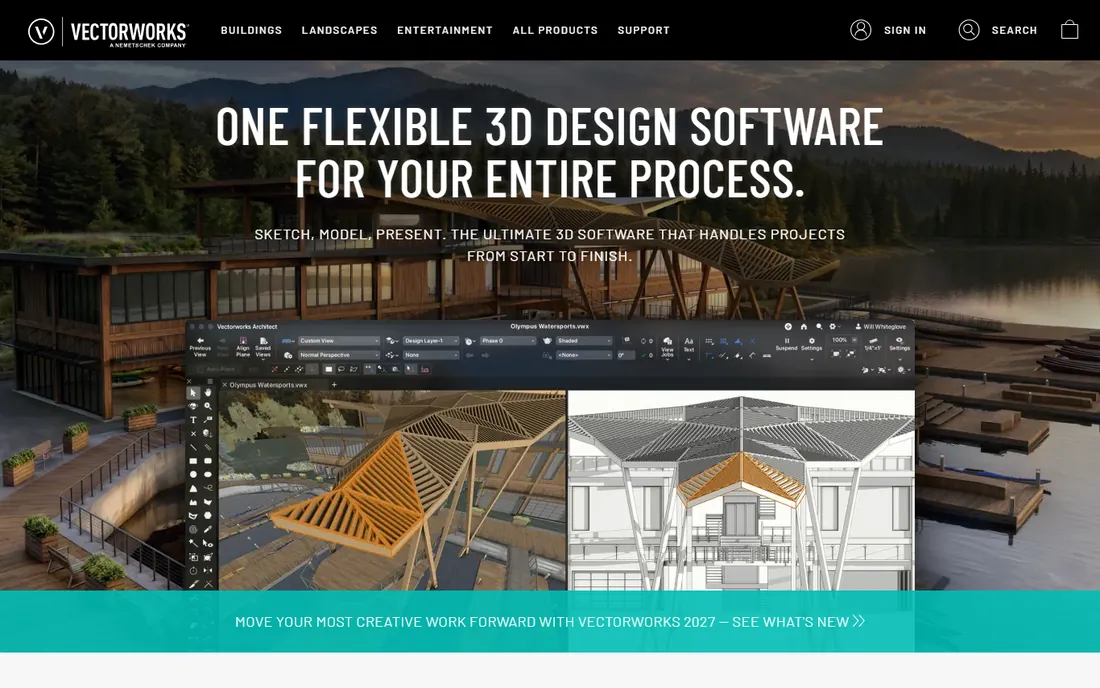
Vectorworks Architect serves the firms that do a bit of everything: buildings, outdoor spaces, interiors, and even entertainment design. The BIM capabilities are real, with data-rich modeling and IFC support, wrapped in software that smaller practices find approachable.
Pricing is friendlier than the big two, and the flexibility suits multidisciplinary studios. The 2D drafting remains excellent, which matters for firms transitioning gradually.
BIM purists will find less depth than Revit, and the job market favors Revit skills. For versatile small-to-mid firms, Vectorworks is the pragmatic pick.
What we like- Versatile across disciplines
- Good for smaller firms
- Strong 2D plus 3D
- Reasonable pricing
Watch out for- BIM depth trails Revit
- Smaller user community
- Less demanded by employers

#4
Tekla Structures
Best for: Structural engineers and steel detailers
Visit tekla.com
Starting priceSee website
Free planNo, free trial available
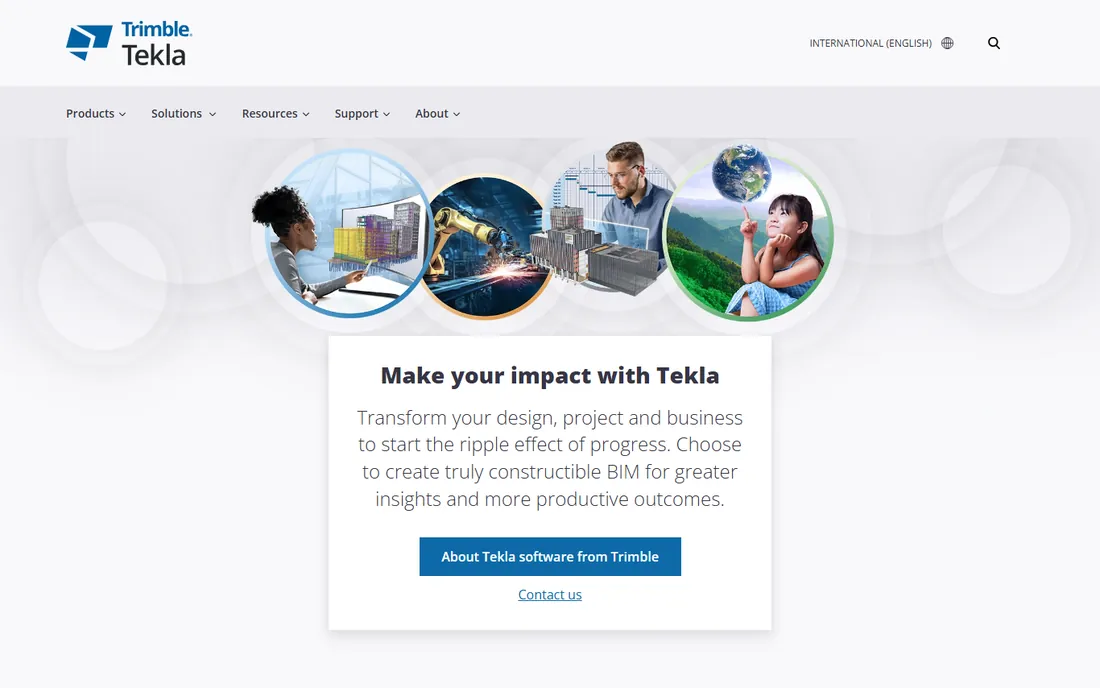
Tekla Structures is the structural specialist: modeling steel and concrete down to the bolt, generating fabrication-ready data that shops trust. Detailers and fabricators consider it the gold standard for constructible models.
The level of development possible in Tekla exceeds what general BIM tools offer for structures. Integration with fabrication machinery and CNC workflows closes the loop from model to shop floor.
It is not an architecture tool, and the price reflects the specialization. For structural workflows, nothing else matches it.
What we like- Best-in-class structural modeling
- Superb steel and concrete detailing
- Constructible models
- Strong fabrication links
Watch out for- Niche focus
- Expensive
- Learning curve is steep

#5
Bentley OpenBuildings Designer
Best for: Infrastructure-adjacent building projects
Visit bentley.com
Starting priceSee website
Free planNo, demo available
Bentley's OpenBuildings Designer serves building work connected to infrastructure: airports, rail stations, plants, and campuses where buildings meet civil works. Integration with Bentley's civil and structural tools is the advantage.
The iTwin platform extends models into digital twins for operations, which appeals to owners thinking beyond construction. Large, complex projects are the natural habitat.
Smaller firms will find it heavy. For infrastructure-scale building work, Bentley's ecosystem is unmatched.
What we like- Strong for large infrastructure-linked projects
- Good multi-discipline coordination
- ITwin digital twin platform
- Proven at scale
Watch out for- Complex licensing
- Interface less intuitive
- Best for large organizations
Starting priceSee website
Free planNo, free trial available
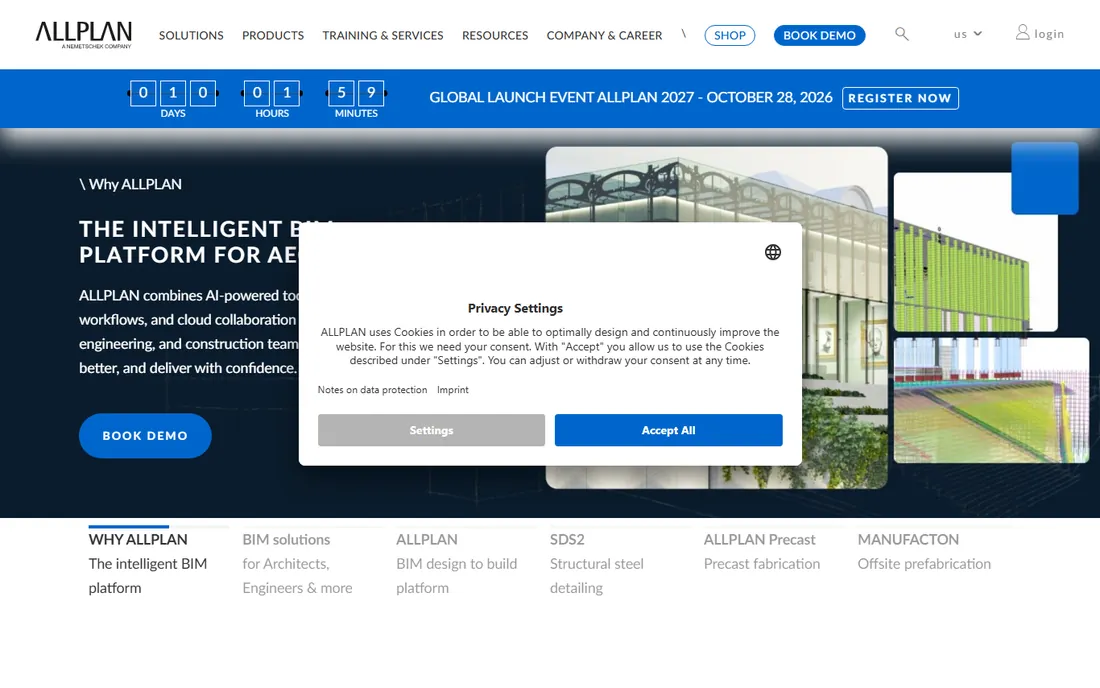
Allplan, another Nemetschek brand, is well established in European architecture and engineering, with BIM workflows from design through construction documentation. Integration with the group's structural and planning tools suits firms standardizing on Nemetschek.
The BIM-to-field capabilities help contractors work from the model on site. European firms value the local support and market presence.
Outside Europe it is a harder sell, with fewer collaborators and staff experienced in it. Within its home markets, it is a proven choice.
What we like- Strong in European markets
- Good for architecture and engineering
- BIM to field workflows
- Nemetschek integration
Watch out for- Limited presence outside Europe
- Smaller ecosystem
- Less employer demand globally
Starting priceSee website
Free planNo, free trial available
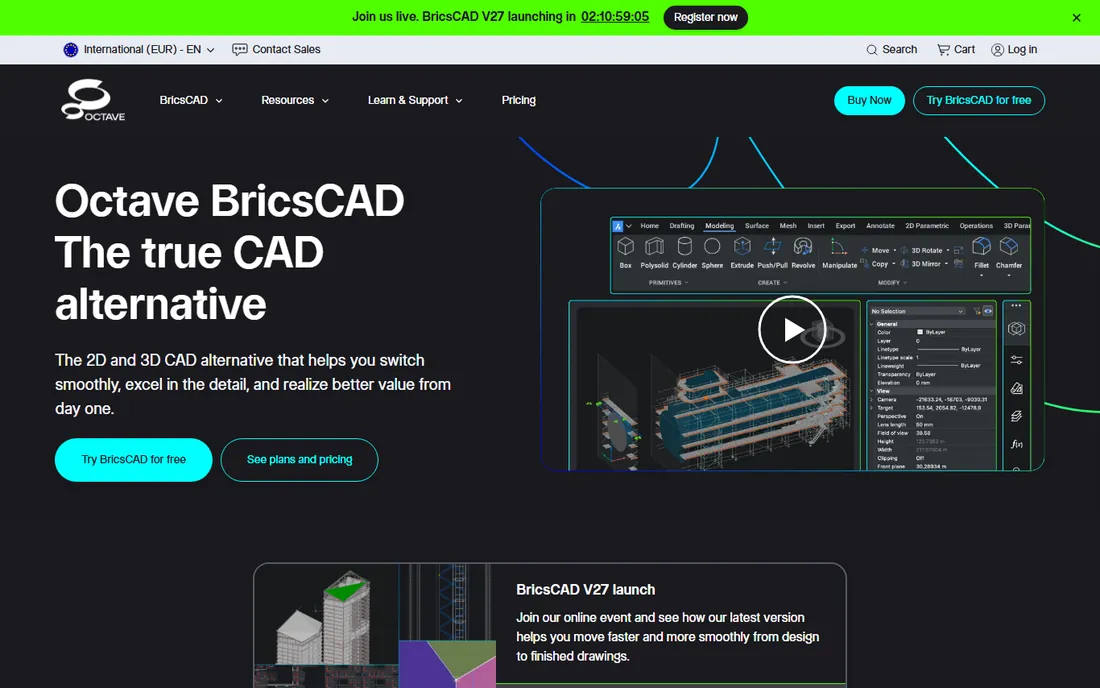
BricsCAD BIM brings BIM to the DWG world at a fraction of Revit's price, with AI-assisted tools that help convert 2D drawings toward BIM. Firms with deep AutoCAD heritage adopt it with minimal retraining.
Perpetual licenses remain available, which appeals to buyers tired of subscriptions. The price-to-capability ratio is the best in the category for straightforward BIM work.
It will not match Revit on depth or ecosystem. For firms that need real BIM without the Autodesk bill, BricsCAD is the value leader.
What we like- Much cheaper than Revit
- Familiar DWG workflows
- AI-assisted BIM features
- Perpetual licenses available
Watch out for- Smaller ecosystem
- BIM depth less than leaders
- AI features still maturing
Starting priceSee website
Free planNo, free trial available
Edificius from ACCA Software offers BIM authoring with integrated real-time rendering, so designs present beautifully without exporting to visualization tools. Small firms get capable BIM at accessible prices.
The workflow from modeling to photorealistic presentation suits practices that sell through visuals. IFC support keeps collaboration with other platforms working.
The community is smaller than the giants, which affects templates and talent. For affordable BIM with presentation built in, it is a hidden gem.
What we like- Affordable
- Integrated real-time rendering
- Good for small firms
- Straightforward workflow
Watch out for- Smaller market presence
- Ecosystem limited
- Less known outside Italy and Europe
Quick comparison
| Tool | Best for | Starting price | Free plan |
|---|
| Autodesk Revit | Firms needing the industry-standard BIM platform | See website | No, free trial available |
 Graphisoft Archicad Graphisoft Archicad | Architects wanting a design-focused BIM tool | See website | No, free trial available |
| Vectorworks Architect | Firms blending architecture, site design, and entertainment | See website | No, free trial available |
| Tekla Structures | Structural engineers and steel detailers | See website | No, free trial available |
| Bentley OpenBuildings Designer | Infrastructure-adjacent building projects | See website | No, demo available |
 Allplan Allplan | European firms wanting Nemetschek BIM | See website | No, free trial available |
 BricsCAD BIM BricsCAD BIM | Value-conscious firms wanting DWG-based BIM | See website | No, free trial available |
 Edificius (ACCA Software) Edificius (ACCA Software) | Affordable BIM with strong rendering | See website | No, free trial available |
Is your product missing or out of date?
We review this list regularly. Vendors can request a listing, send updated pricing or ask about featured placement.
How firms select BIM software
Start with your collaborators, not the feature list. If every consultant and client works in Revit, the compatibility argument usually wins regardless of preferences. IFC exchange works, but native workflows are smoother.
Pilot with a real project and the team that will use it daily, because BIM adoption lives or dies on user experience. Budget for training and hardware alongside licenses: the software is only part of the total cost, and underpowered machines kill adoption faster than any missing feature.
BIM adoption mistakes
The most expensive mistake is buying licenses without a pilot project. Firms purchase twenty seats, announce the BIM transition, and discover six months later that nobody changed how they work. Run one real project with a small committed team first, document what worked, then scale with evidence and internal champions.
Second, underestimating training. BIM is not CAD with extra buttons; it is a different way of thinking about buildings as data. Budget serious training time, expect months before fluency, and accept that productivity dips before it climbs. Firms that skimp on training blame the software for what was really an investment gap.
Third, ignoring the hardware. Large BIM models punish weak machines with crashes and crawling performance, which kills adoption faster than any missing feature. Spec workstations properly before rollout, and test with your actual project sizes. The hardware bill is part of the BIM bill.
Fourth, modeling everything to maximum detail immediately. Beginners model every screw, file sizes explode, and the project grinds. Learn levels of development: model what each phase needs, no more. Discipline about detail is a core BIM skill.
Finally, neglecting collaboration standards. BIM's value multiplies when architects, engineers, and contractors coordinate in shared models, and collapses when everyone models differently. Agree on naming, shared coordinates, and exchange protocols before the project starts. Standards are the unglamorous foundation everything rests on.
Frequently asked questions
What is the difference between BIM and CAD?
CAD draws geometry; BIM models intelligent objects with data. A BIM wall knows its materials, cost, and fire rating, while a CAD wall is just lines. That data drives coordination, quantities, and facility management.
Is Revit the only real BIM option?
No, though it is the most common. Archicad, Vectorworks, Allplan, and BricsCAD all produce genuine BIM, and Tekla leads structures. The right choice depends on discipline, market, and collaborators.
How much does BIM software cost?
Expect roughly $2,000 to $3,000 per user per year for the major platforms, less for value options like BricsCAD. Training and hardware add significantly to the first-year cost.
What is IFC and why does it matter?
IFC is the open standard for exchanging BIM data between platforms. It matters because projects involve multiple firms on different software, and IFC keeps the model data flowing between them.
Can small firms do BIM affordably?
Yes. BricsCAD BIM, Vectorworks, and Edificius offer real BIM at accessible prices, and the productivity gains on coordination often pay back quickly even for small teams.
What is LOD in BIM and why does it matter?
LOD stands for Level of Development, the scale from 100 to 500 describing how detailed and reliable a model element is. LOD 100 is conceptual massing; LOD 300 is accurate geometry suitable for documentation; LOD 400 adds fabrication detail; LOD 500 is as-built. Agreeing on the required LOD per phase prevents the two classic failures: under-modeling that leaves coordination gaps, and over-modeling that explodes file sizes and wastes effort. Put target LODs in the project BIM execution plan before modeling starts.
Sources we checked (0)
Is your product missing or out of date?
We review this list regularly. Vendors can request a listing, send updated pricing or ask about featured placement.

Shihab Mia · Founder, Rankite
Shihab has spent more than a decade helping SaaS and e-commerce brands grow through search. He writes Rankite's software buying guides from pricing pages, documentation and public user reviews. More about Shihab.