How we make this list: we compare pricing pages, product documentation and public user reviews. Ratings come from G2, Capterra or Trustpilot, with the date we checked them.
What is the best browser isolation software in 2026?
Menlo Security is the top pick for most buyers because isolation is its core product, it works with the browsers staff already use, and it adds strong phishing protection. Cloudflare Browser Isolation is the best alternative for teams already running Cloudflare One. The other six tools below fit narrower needs, from analyst research to contractor access.
Key takeaways:
- Remote browser isolation runs web pages in a cloud container, so malicious code never reaches the employee device.
- Most enterprise tools in this category do not publish a list price, so budget from a sales quote, not a web page.
- If you already run Cloudflare One, Zscaler, Palo Alto Prisma Access, or Citrix, the matching isolation add-on is usually the cheapest path.
- Investigators and fraud teams need a different product from fleet-wide employee browsing, and Authentic8 Silo is built for that job.
- Prices in this guide were checked on 15 November 2026 against vendor pricing pages and vendor-reported listings.
How does browser isolation software work?
Browser isolation software moves web rendering away from the employee device and into a remote container. When a user opens a page, the page loads and executes in that container, and only a safe representation reaches the screen. Depending on the product, that representation is a pixel stream, a video stream, sanitized HTML, or a set of draw commands that rebuild the page locally. The live code, scripts, and downloads never touch the endpoint, so drive-by downloads, malicious ads, and weaponized documents have nothing to infect.
Isolation can apply to every site, to risky categories only, or to specific links, such as links inside email. Administrators set policies by user group, site category, or risk score. Common controls include blocking downloads, blocking copy and paste, blocking printing, watermarking pages, and recording sessions. Files that users do need are usually scanned and rebuilt in a clean form before they are released, a process called content disarm and reconstruction.
The trade-off is performance and compatibility. Pixel streaming uses more bandwidth and can feel slower than local browsing, while sanitized HTML keeps the native feel but can change how complex web apps behave. Pilot isolation with the exact apps your teams use daily before rolling it out company-wide.
How should you choose browser isolation software?
Start with your deployment model. Clientless isolation works with the browsers already installed and suits fleet-wide rollouts. A replacement enterprise browser gives deeper control over copy, print, and screenshots, but it asks staff to change browsers, which adds training and change management. A research workspace suits named analysts who visit untrusted sites, not whole workforces.
Next, check what you already own. Isolation is often an add-on to a secure access platform, so a team on Cloudflare One, Zscaler, or Palo Alto Prisma Access may get isolation for less than a standalone purchase. Compare the isolation line in the quote, not the base seat price, because vendors bundle the two differently.
Then weigh price transparency against capability. Only two tools in this guide publish a starting price. The rest are quote only, which means the real cost depends on seat count, contract length, and add-ons such as DLP and session recording. Ask each vendor for the isolation line item and the traffic allowance per user.
| Tool | Starting price | Best for |
| Menlo Security | Quote | Phishing protection for all staff |
| Cloudflare Browser Isolation | 7 dollars per user per month for Zero Trust, isolation add-on quoted | Cloudflare One customers |
| Zscaler Browser Isolation | Quote | Zscaler SSE customers |
| Island | Quote | Regulated teams needing deep browser control |
| Authentic8 Silo | 1,450 dollars per user per year | OSINT and fraud investigators |
| Prisma Browser, formerly Talon | 99 dollars per user per year | Palo Alto Prisma Access customers |
| Ericom Shield | Quote | Cato SASE customers |
| Citrix Enterprise Browser | 2 dollars per user per month | Citrix customers and BYOD access |
Quick comparison
| Tool | Best for | Starting price | Free plan |
|---|
 Menlo Security | Large organisations that want isolation as a dedicated product with strong phishing protection | quote (no list price published; a self-service estimator gives a budgetary estimate) | No free plan. A scoped proof of concept is the usual entry point. |
 Cloudflare Browser Isolation | Teams already running Cloudflare One who want isolation as a policy action | 7 dollars per user per month for Zero Trust pay-as-you-go, billed annually; Browser Isolation is an add-on quoted separately | Free Zero Trust plan covers up to 50 users, but Browser Isolation is not included in the free plan. |
 Zscaler Browser Isolation | Enterprises already on Zscaler Internet Access or Zscaler Private Access | quote (no public isolation seat price; isolation is an add-on to ZIA or ZPA) | No free plan. Trials and pilots are arranged through Zscaler sales. |
 Island | Regulated enterprises that need the deepest last-mile control over browser activity | quote (no public per-user price; a 12-month AWS Marketplace listing starts at 250,000 dollars) | No free plan. Demos are arranged through Island sales. |
 Authentic8 Silo | OSINT analysts, threat intelligence teams, and fraud investigators who visit untrusted sites | 1,450 dollars per user per year (Local tier; Multi-Region 2,450 dollars, Global 3,450 dollars) | 30-day free trial. |
 Prisma Browser, formerly Talon | Palo Alto Networks customers who want a secure enterprise browser tied to Prisma Access | 99 dollars per user per year (Business edition; 10 dollars per user per month) | No free plan listed. Ask Palo Alto Networks about a trial. |
 Ericom Shield | Cato Networks SASE customers who want clientless isolation with file sanitization | quote (no public price; sold as part of the Cato SASE platform) | Free trial available. |
 Citrix Enterprise Browser | Citrix customers securing web and SaaS access on unmanaged and BYOD devices | 2 dollars per user per month | Free trial available. |
Is your product missing or out of date?
We review this list regularly. Vendors can request a listing, send updated pricing or ask about featured placement.
These eight tools cover the main ways to isolate browsing in 2026, from clientless cloud isolation to full enterprise browsers and analyst research workspaces. Each entry includes verified pricing, a real limitation, and the buyer it fits best.
#1
Menlo Security
Best for: Large organisations that want isolation as a dedicated product with strong phishing protection
Visit menlosecurity.com
Starting pricequote (no list price published; a self-service estimator gives a budgetary estimate)
Free planNo free plan. A scoped proof of concept is the usual entry point.
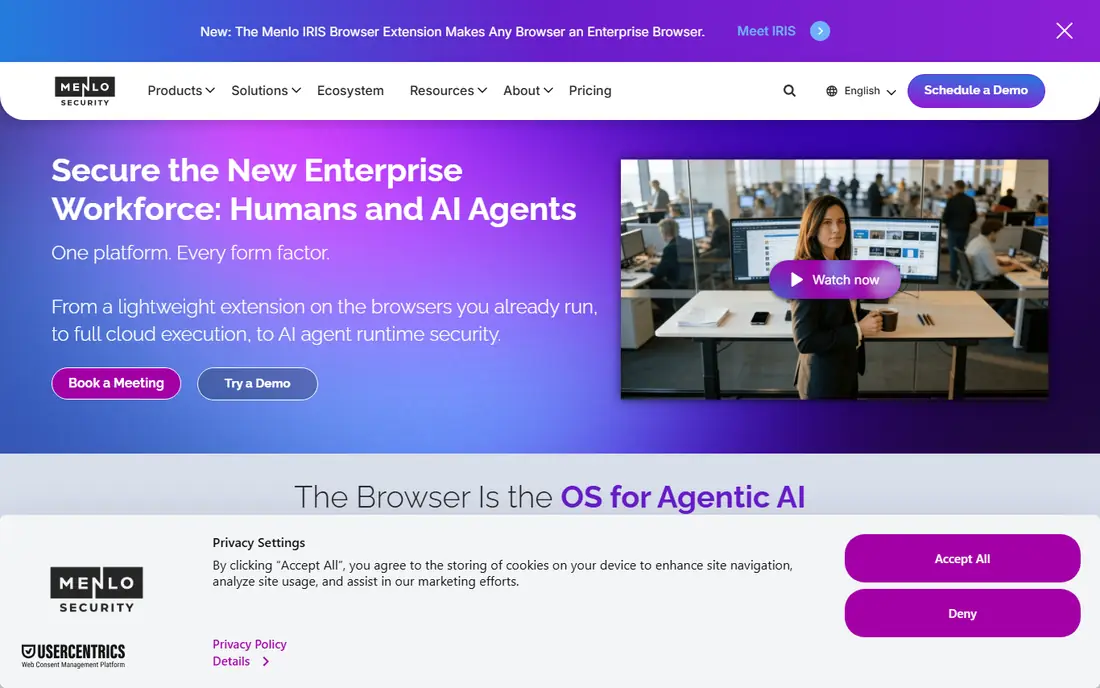
Menlo Security pioneered cloud browser isolation and still builds its whole platform around an Isolation Core. Web pages render in the Menlo Cloud and the device receives sanitized HTML through Adaptive Clientless Rendering, so staff keep the browser they already know. The HEAT Shield is designed to catch highly evasive phishing pages that slip past conventional filters. In 2026 Menlo extended its agent runtime security to AI assistants such as Microsoft Copilot and Claude, stripping hidden instructions from pages those assistants read. The platform also covers secure web gateway functions, DLP, and private application access, so it can replace several point tools.
What we like- Isolation is the core product, not an add-on. Works with Chrome, Edge, and Safari with no endpoint agent. HEAT Shield targets evasive phishing attacks. MARS extends protection to AI assistants that read web content.
Watch out for- Quote-only pricing makes budgeting slow, and pilots for midsize deployments commonly run into tens of thousands of dollars a year, which puts it out of reach for small teams.
#2
Cloudflare Browser Isolation
Best for: Teams already running Cloudflare One who want isolation as a policy action
Visit cloudflare.com
Starting price7 dollars per user per month for Zero Trust pay-as-you-go, billed annually; Browser Isolation is an add-on quoted separately
Free planFree Zero Trust plan covers up to 50 users, but Browser Isolation is not included in the free plan.
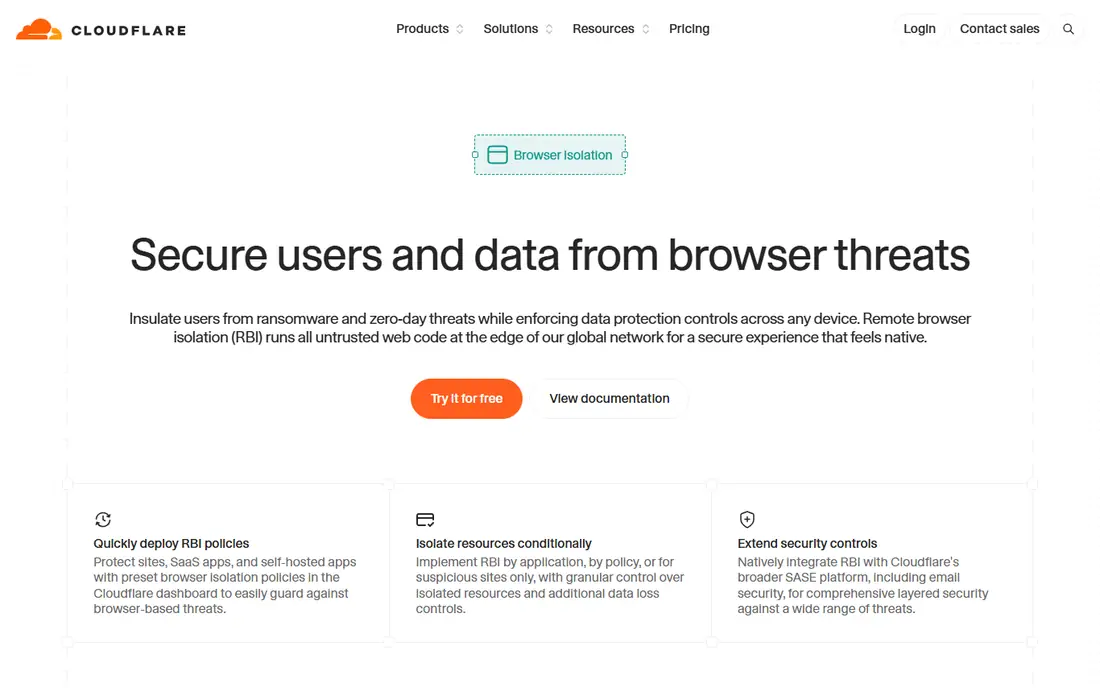
Cloudflare Browser Isolation runs active web content in a remote browser on the Cloudflare edge and sends draw commands back to the local tab, which looks and feels like ordinary Chrome. Administrators can allow, block, or isolate any site category or application group from the same policy builder they use for Gateway and Access. Isolation policies also work on Gateway authorization proxy endpoints, so traffic routed by PAC file can take identity-based isolate rules without the Cloudflare One client. The main catch is pricing: the public seat price is not the isolation price, so buyers should ask for the isolation line item before signing.
What we like- Natively integrated into the Cloudflare Zero Trust policy builder. Draw commands and Canvas Remoting keep browsing fast and responsive. Closing a tab deletes the session. Cloudflare for Government reached FedRAMP High.
Watch out for- The 7 dollar seat covers Gateway and Access only, so the real isolation cost is hidden in a separate quote, which makes it hard to budget without a sales conversation.
#3
Zscaler Browser Isolation
Best for: Enterprises already on Zscaler Internet Access or Zscaler Private Access
Visit zscaler.com
Starting pricequote (no public isolation seat price; isolation is an add-on to ZIA or ZPA)
Free planNo free plan. Trials and pilots are arranged through Zscaler sales.
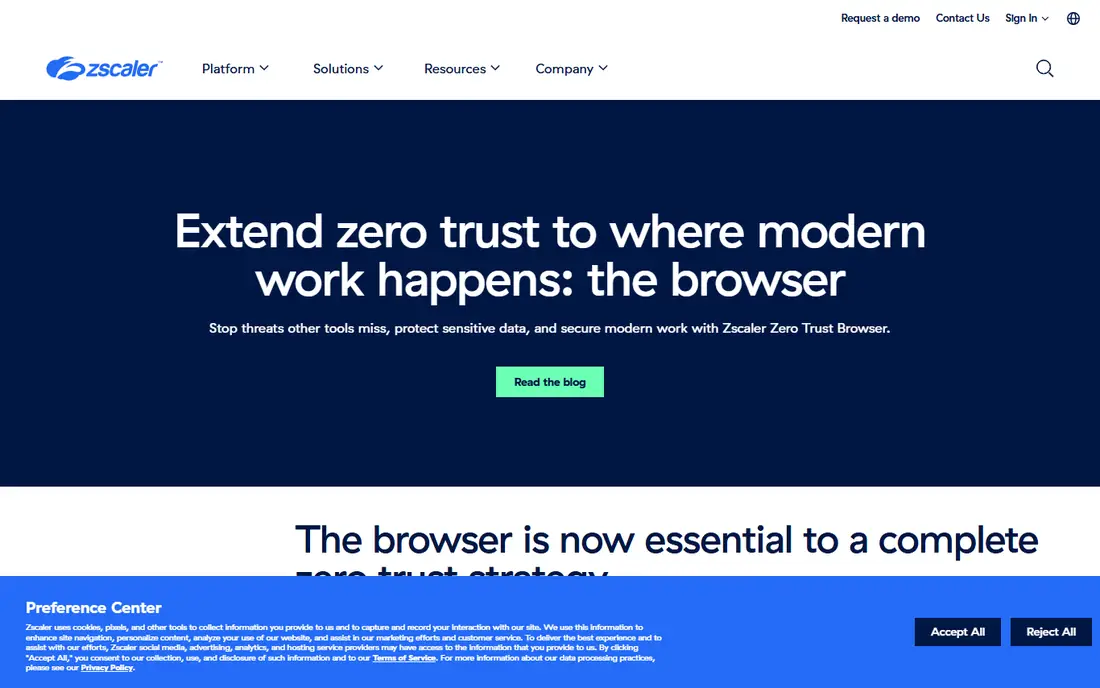
Zscaler Cloud Browser Isolation is the isolate policy inside the Zero Trust Exchange, covering internet-bound traffic and private web applications through Zscaler Private Access. High-risk sites, unmanaged devices, and contractor sessions can be isolated without a separate product or agent. In 2026 Zscaler added a browser extension and a Chromium enterprise browser under its Zero Trust Browser line, giving buyers three form factors on one policy plane. Reseller quotes reported in 2026 put add-on isolation seats in the range of 4 to 9 dollars per user per month, but Zscaler does not publish a list price, so every deal is a quote.
What we like- Deep integration with the Zero Trust Exchange and the Zscaler console. Pixel stream and DOM-proxy modes suit different risk levels. Granular per-user and per-group policies. Strong sandbox and DLP integration.
Watch out for- Isolation sits in higher ZIA tiers or a separate add-on, so buyers pay for a full secure service edge stack, and isolation traffic allowances start at 1.5 GB per user per month on some editions.
#4
Island
Best for: Regulated enterprises that need the deepest last-mile control over browser activity
Visit island.io
Starting pricequote (no public per-user price; a 12-month AWS Marketplace listing starts at 250,000 dollars)
Free planNo free plan. Demos are arranged through Island sales.
Island introduced its Enterprise Browser in 2022 and still offers the broadest workspace-control feature set in this category. Because control sits in the browser itself, policies apply to clipboard use, file transfers, extension use, and application access without routing traffic through a proxy. The browser also covers private application access and AI visibility, so security teams can see which AI tools staff use and what data they paste into them. Implementation takes time: reviewers report an average of about three months to deploy. For banks, healthcare providers, and other regulated buyers, that depth of control is the point; for everyone else, the price and the browser switch are real barriers.
What we like- Full Chromium enterprise browser with rendering-layer controls. Granular control over copy, paste, print, downloads, and screenshots. Watermarking, redaction, device posture checks, and privileged session capture. An extension option works in existing browsers.
Watch out for- Staff must switch to a replacement browser, which adds change management, and direct contracts carry a reported six-figure annual console fee on top of per-user licensing, so small teams are priced out.
#5
Authentic8 Silo
Best for: OSINT analysts, threat intelligence teams, and fraud investigators who visit untrusted sites
Visit authentic8.com
Starting price1,450 dollars per user per year (Local tier; Multi-Region 2,450 dollars, Global 3,450 dollars)
Free plan30-day free trial.
Authentic8 Silo is isolation as a service for people whose job is to visit sites they do not trust. The page runs in Authentic8 cloud, and only pixels stream back to the analyst, leaving no local traces on the device. The paid axis is attribution: Local, Multi-Region, and Global tiers control how many regions of the Silo Managed Attribution Network the analyst can egress from, covering North America, Europe, Asia-Pacific, Africa and the Middle East, and dark web nodes. Every paid tier includes the full workspace, admin controls, and Silo Nexus AI at up to 10 prompts per day. For intelligence, fraud, and research teams, that combination is hard to match; for general employee browsing, the per-user cost rules it out.
What we like- Only tool here with a published per-user price for its core job. Managed attribution network hides analyst identity and location. No local forensic traces. FedRAMP authorised. Session recording and file sanitization included.
Watch out for- At 1,450 dollars per user per year, the price is far above fleet isolation tools, so it is not practical for isolating all employee browsing, and it is built for named analysts rather than whole workforces.
#6
Prisma Browser, formerly Talon
Best for: Palo Alto Networks customers who want a secure enterprise browser tied to Prisma Access
Visit paloaltonetworks.com
Starting price99 dollars per user per year (Business edition; 10 dollars per user per month)
Free planNo free plan listed. Ask Palo Alto Networks about a trial.
Palo Alto Networks acquired Talon Cyber Security in 2023 and folded its enterprise browser into the Prisma Access SASE platform, where it is now sold as Prisma Browser. The browser brings security controls below the page level, so copy and paste, downloads, screenshots, and session recording become policy decisions rather than extension permissions. It includes Advanced WildFire sandboxing for files, Precision AI scanning for evasive phishing, and enterprise DLP with more than 1,000 classifiers. The Business edition lists at 99 dollars per user per year, which is the most affordable published price among the replacement browsers in this guide. For teams already committed to Prisma Access, one policy plane from network to browser is a genuine advantage.
What we like- Chromium enterprise browser with Advanced WildFire sandboxing and Precision AI phishing scanning. Enterprise DLP with more than 1,000 classifiers. Ships as a desktop browser, extension, and mobile app. Managed alongside Prisma Access.
Watch out for- The standalone license is managed through Strata Cloud Manager and needs a Strata Logging Service instance, and private application access requires a Prisma Access add-on, so the full value depends on already being a Palo Alto customer.
#7
Ericom Shield
Best for: Cato Networks SASE customers who want clientless isolation with file sanitization
Visit ericom.com
Starting pricequote (no public price; sold as part of the Cato SASE platform)
Free planFree trial available.
Ericom Shield is a clientless remote browser isolation product that executes web content in remote virtual browsers in the cloud or in a customer DMZ, keeping malware, ransomware, and weaponized documents away from endpoints. It works with any browser on any device and operating system, with no agent to install. Files users download are scanned and rebuilt through a pre-integrated content disarm and reconstruction process before they reach the device, and email-embedded URLs open in isolated sessions by default. Cato Networks acquired Ericom in 2023 and now sells Shield as the browser isolation capability inside its converged SASE platform, alongside secure web gateway, firewall as a service, and zero trust network access.
What we like- Fully clientless, with no endpoint software or plug-ins. Content disarm and reconstruction cleans files before release. Isolates email links in remote virtual browsers. Can be deployed in the cloud or on premises.
Watch out for- It cannot be bought as a standalone product from Cato Networks, so buyers must adopt the full SASE platform, and pricing is not published, which makes standalone comparison impossible.
#8
Citrix Enterprise Browser
Best for: Citrix customers securing web and SaaS access on unmanaged and BYOD devices
Visit citrix.com
Starting price2 dollars per user per month
Free planFree trial available.
Citrix Enterprise Browser, formerly Citrix Secure Browser, is a cloud-hosted browser that isolates web and SaaS traffic from the corporate network. Employees browse normally while the session runs in the cloud, and the session is destroyed when they finish, leaving nothing on the device. Because it is part of Citrix Secure Private Access, it comes with adaptive authentication, single sign-on, and context-aware access policies based on identity, location, and device posture. That makes it a strong fit for contractors and BYOD users who need access to corporate applications without a managed device or a VPN client. At 2 dollars per user per month it carries the lowest published starting price in this guide, but buyers should confirm what the underlying Citrix subscription adds to the total.
What we like- Cloud-hosted browser that is fully separate from the corporate network. Each session is destroyed after use. Works on unmanaged and BYOD devices with no endpoint agent. Bundled with adaptive authentication and single sign-on.
Watch out for- The standalone Secure Browser branding has been retired into Citrix Secure Private Access, so buyers must navigate the Citrix bundle, and the 2 dollar figure is an add-on price that sits on top of a Citrix subscription.
Frequently asked questions
What is browser isolation software?
Browser isolation software runs web pages in a remote container instead of on the user device, so malicious code, drive-by downloads, and weaponized documents never reach the endpoint. Only a safe representation of the page, such as a pixel stream or sanitized HTML, reaches the screen. It is a complement to endpoint protection and secure web gateways, not a replacement for them.
Is browser isolation the same as a VPN?
No. A VPN encrypts traffic between a device and a network, but the browser still executes web code locally. Browser isolation moves that execution into a remote container, so the code never runs on the device at all. Many products combine isolation with VPN replacement through zero trust network access, but the two solve different problems.
How much does browser isolation software cost?
Published starting prices in this guide range from 2 dollars per user per month for Citrix Enterprise Browser to 1,450 dollars per user per year for Authentic8 Silo. Most enterprise tools are quote only, with reseller reports putting add-on isolation seats between 4 and 10 dollars per user per month. Always ask for the isolation line item, the traffic allowance, and the cost of add-ons such as DLP.
Does browser isolation slow down browsing?
It can, depending on the rendering method. Pixel streaming uses more bandwidth and can feel slower than local browsing, while sanitized HTML and draw commands stay close to native speed. Most vendors now keep latency low through global points of presence. Pilot the product with your most demanding web apps before a company-wide rollout.
Which browser isolation tool is best for small businesses?
Cloudflare Browser Isolation and Citrix Enterprise Browser are the most accessible options, with published starting prices of 7 dollars and 2 dollars per user per month. Prisma Browser Business edition at 99 dollars per user per year is also affordable for small teams. Menlo Security, Zscaler, and Island are built for midsize and large enterprises and are usually quote only.
Sources we checked (12)
- https://www.menlosecurity.com
- https://www.cloudflare.com/zero-trust/products/browser-isolation/
- https://www.zscaler.com/products/browser-isolation
- https://www.island.io
- https://www.authentic8.com
- https://www.paloaltonetworks.com
- https://www.ericom.com
- https://www.citrix.com/platform/citrix-secure-private-access/enterprise-browser.html
- https://www.g2.com/products/silo-workspace/pricing
- https://startupstash.com/top-remote-browser-isolation-platforms/
- https://vendorbenchmark.com/vendors/zscaler-pricing
- https://www.venn.com/learn/browser-security/prisma-browser/
Is your product missing or out of date?
We review this list regularly. Vendors can request a listing, send updated pricing or ask about featured placement.

Shihab Mia · Founder, Rankite
Shihab has 5+ years in B2B and SaaS SEO. He writes Rankite's software buying guides from pricing pages, documentation and public user reviews. More about Shihab.