How we make this list: we compare pricing pages, product documentation and public user reviews. Ratings come from G2, Capterra or Trustpilot, with the date we checked them.
Key takeaways
- This keyword names no single browser, so this guide compares the best web browsers side by side, stated plainly.
- Google Chrome offers the broadest extension support and Google account integration, but it collects more data by design.
- Brave is the easiest privacy upgrade, with tracker and ad blocking built in by default.
- Microsoft Edge suits Windows and Microsoft 365 users, while Safari suits Apple devices and battery life.
- Firefox, Opera, Vivaldi, and DuckDuckGo cover customization, built in tools, and privacy first browsing, all free.
Quick comparison
Is your product missing or out of date?
We review this list regularly. Vendors can request a listing, send updated pricing or ask about featured placement.
The best browser alternatives
Starting priceFree
Free planYes
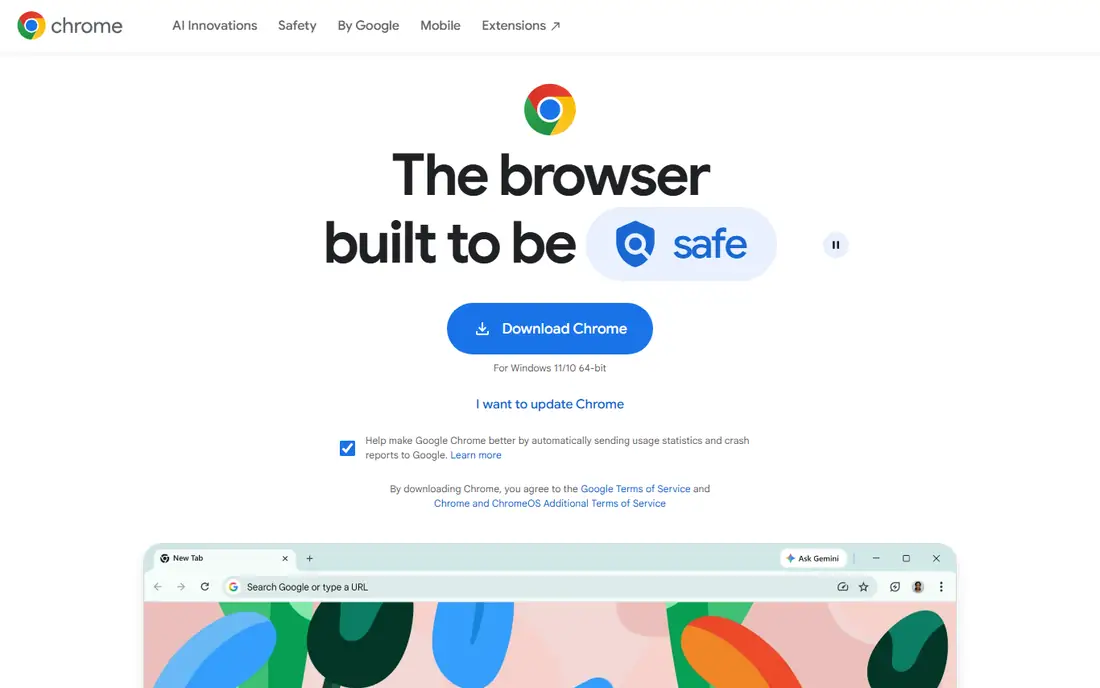
Google Chrome is the most widely used browser today, and the best most well rounded pick for general use. It works natively with Google services, syncs across every device, supports the largest extension library, and offers tab groups, themes, and address bar search in one place. Speed tests on Windows and Mac repeatedly put it near the top.
The trade is data. Chrome collects more data by design than privacy first rivals, and memory use grows with many open tabs. For a Google centric user who wants maximum compatibility, Chrome is the default answer.
What we like- Broadest extension support
- Google account sync across devices
- Fast with tab groups and themes
Watch out for- Collects more data by design
- Heavier memory use with many tabs
- Google ecosystem lock in
Starting priceFree
Free planYes
Mozilla Firefox is the best pick for security minded users who want an independent browser. It blocks cryptominers, prevents fingerprinting, stores passwords locally, and runs on its own Gecko engine rather than Chromium, which keeps the web less dependent on one engine. It runs on Windows, macOS, Linux, Android, and iOS.
Extension choice is smaller than Chrome's, and some sites optimize for Chromium first. For a user who values privacy and web independence, Firefox is the strongest mainstream alternative.
What we like- Enhanced Tracking Protection and fingerprinting prevention
- Independent Gecko engine, not Chromium
- Strong customization and password storage
Watch out for- Smaller extension library than Chrome
- Some sites optimize for Chromium first
- Sync needs a Firefox account
Starting priceFree
Free planYes
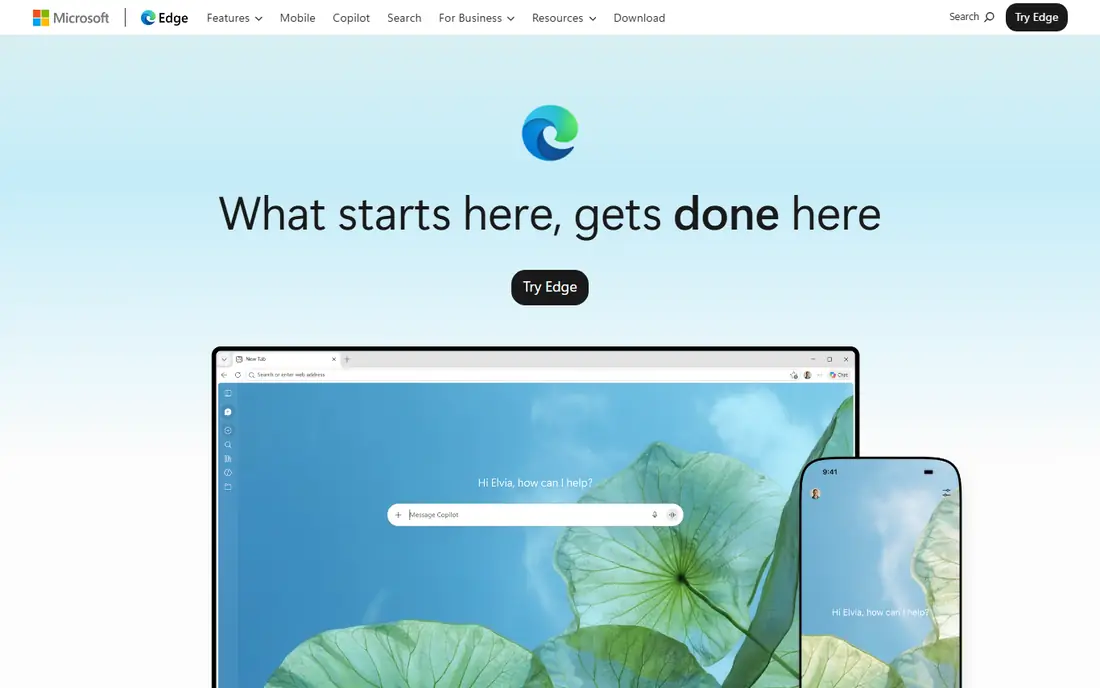
Microsoft Edge suits Windows and Microsoft 365 users, with vertical tabs, collections, and Copilot AI integration built in. It runs on Windows, macOS, Android, and iOS, and its productivity features fit work that lives in Outlook, Teams, and Office.
Edge is Chromium based, so it shares Chrome's engine, and the Microsoft ecosystem push can feel heavy for users outside that stack. For a Windows user who wants Chrome compatibility with Microsoft productivity, Edge is the natural pick.
What we like- Vertical tabs and collections
- Copilot AI integration
- Strong productivity features for Microsoft 365 users
Watch out for- Microsoft ecosystem push can feel heavy
- Chromium based, so same engine as Chrome
- Fewer unique privacy features than Brave
Starting priceFree
Free planYes
Apple Safari is the best browser for Mac and iPhone users, with the best battery efficiency in its class and Intelligent Tracking Prevention built in. It integrates deeply with Apple devices, from Handoff to iCloud Keychain, and its WebKit engine keeps Apple platforms distinct from Chromium.
Safari runs only on macOS and iOS, and its extension library is smaller than Chrome's. For an Apple household that values battery life and privacy, Safari is the obvious choice.
What we like- Best battery efficiency on Mac and iPhone
- Intelligent Tracking Prevention
- Deep Apple device integration
Watch out for- MacOS and iOS only
- Smaller extension library
- Some web apps target Chromium first
Starting priceFree
Free planYes
Brave is the easiest privacy upgrade for most users, with tracker and ad blocking built in by default rather than added through extensions. It runs on Windows, macOS, Linux, Android, and iOS, stays compatible with Chrome extensions through Chromium, and blocks ads before they load, which speeds up many pages.
The optional BAT rewards system confuses some users, and some sites ask visitors to disable Brave's shields. For a user who wants privacy without setup, Brave is the best all round privacy and features pick.
What we like- Tracker and ad blocking built in by default
- Chromium compatible with Chrome extensions
- Fastest privacy setup
Watch out for- Optional BAT rewards confuse some users
- Smaller sync ecosystem than Google
- Some sites ask to disable shields
Starting priceFree
Free planYes
Opera suits multitaskers and social media users, with a built in VPN, ad blocker, sidebar messengers, and workspaces for tab groups. It runs on Windows, macOS, Linux, Android, and iOS, and its built in tools reduce the need for extensions.
The built in VPN is a browser proxy rather than a full device VPN, so it does not protect other apps. For a user who wants convenience tools built in rather than added, Opera is the feature rich pick.
What we like- Built in VPN and ad blocker
- Sidebar messengers and social tools
- Workspaces for tab groups
Watch out for- Built in VPN is a proxy, not a full VPN
- Smaller extension library
- Owned by a smaller company than Google or Microsoft
Starting priceFree
Free planYes
Vivaldi suits power users who want deep tab and interface customization without adding many extensions. Tab stacking, tiling, sessions, and a fully customizable interface come built in, alongside mail, calendar, and notes, and it syncs data between devices.
The depth can overwhelm new users, and it shares Chromium's engine with Chrome and Edge. For a power user who wants the browser shaped exactly to their workflow, Vivaldi is the customization leader.
What we like- Deepest tab and interface customization
- Tab stacking, tiling, and sessions
- Built in mail, calendar, and notes
Watch out for- Customization depth can overwhelm new users
- Smaller extension ecosystem
- Chromium based like Chrome and Edge
Starting priceFree
Free planYes
DuckDuckGo Browser suits privacy focused casual users, with complete tracker blocking by default, a Privacy Grade system that rates sites, and private search built in. It runs on Windows, macOS, Android, and iOS, and its setup is the simplest here: install it and tracking protection is already on.
Power user features trail Vivaldi, and extension support is thinner than Chrome's. For a user who wants privacy without learning settings, DuckDuckGo is the simplest pick.
What we like- Complete tracker blocking by default
- Privacy Grade system for sites
- Private search built in
- Simple setup
Watch out for- Fewer power user features than Vivaldi
- Extension support thinner than Chrome
- Privacy Pro at $10 per month is optional
How we chose
We ranked browsers by speed, extension support, privacy defaults, platform coverage, and customization. Chrome scored on compatibility, Firefox on independence and privacy, Edge on Microsoft productivity, Safari on Apple battery life, Brave on built in privacy, Opera on built in tools, Vivaldi on customization, and DuckDuckGo on simple privacy. All eight are free, so price did not separate them. We also weighed battery and memory use, since a browser that drains a laptop battery or slows with many tabs costs time every day, even when its feature list looks strong.
We wrote this as a general browser guide because the keyword names no single product. No browser is treated as a target to replace, and no single brand is favored: the best pick depends on your device ecosystem, browsing habits, privacy needs, and performance requirements.
Buying guide
Start with your devices. Apple users suit Safari, Windows and Microsoft 365 users suit Edge, and cross platform users suit Chrome, Firefox, Brave, Opera, or Vivaldi. Check which platforms each browser covers, since Safari is Apple only while the rest run on most systems.
Next, pick your privacy level. If you want privacy without setup, Brave or DuckDuckGo suits. If you want privacy with control, Firefox suits. If compatibility matters more than privacy, Chrome suits. Remember that built in VPNs in browsers are proxies, not full device VPNs, and they do not protect other apps.
Finally, trial with your real tabs and extensions. Import bookmarks and passwords, install your must have extensions, and test the sites you use daily, since some sites optimize for Chromium first. A browser that feels fast empty can slow with fifty tabs, so test under your real load before committing. Also consider sync and password handling before you switch. A browser that syncs bookmarks, passwords, and tabs across your phone and computer saves real time, but sync accounts differ: Google, Firefox, Apple, and Microsoft accounts each lock you into their ecosystem to some degree. Export your bookmarks and passwords before switching, test sync on both devices during the trial week, and check whether your must have extensions exist on the new browser, since some extensions are Chromium only and will not run on Firefox or Safari. If you use a password manager, confirm its extension works on the new browser before you move your daily browsing over.
Frequently asked questions
What is the best web browser overall?
Google Chrome is the best most well rounded browser for general use, with the broadest extension support and Google sync. Brave is the best all round privacy and features pick.
Which browser is best for privacy?
Brave and DuckDuckGo block trackers by default with no setup, while Firefox offers the strongest privacy controls with an independent engine. Tor Browser suits anonymous sessions but is less convenient for logged in accounts.
Which browser is best for Apple users?
Safari, with the best battery efficiency on Mac and iPhone and deep Apple device integration. It runs only on macOS and iOS.
Which browser is best for Windows users?
Microsoft Edge, with vertical tabs, collections, and Copilot AI integration for Microsoft 365 users. Chrome suits Windows users who live in Google services instead.
Are all these browsers really free?
Yes. All eight browsers here are free to download and use, with optional paid extras like DuckDuckGo Privacy Pro at $10 per month that are not required.
Can I run two browsers at once?
Yes. Many users run one browser for work and another for personal browsing, which separates accounts, cookies, and extensions. Try a new browser beside your current one for a week before switching fully.
Sources we checked (0)
Is your product missing or out of date?
We review this list regularly. Vendors can request a listing, send updated pricing or ask about featured placement.

Shihab Mia · Founder, Rankite
Shihab has 5+ years in B2B and SaaS SEO. He writes Rankite's software buying guides from pricing pages, documentation and public user reviews. More about Shihab.
 Google Chrome
 Mozilla Firefox
 Microsoft Edge
 Apple Safari
 Brave
Brave Opera
Opera Vivaldi
 DuckDuckGo Browser