How we make this list: we compare pricing pages, product documentation and public user reviews. Ratings come from G2, Capterra or Trustpilot, with the date we checked them.
Key takeaways
- Brick pairs a physical device with an app, so the closest software-only match is a hard blocker such as Opal or Freedom that locks a session once it starts.
- If a hard lock feels too strict, one sec and ScreenZen add a pause or delay before a distracting app opens, which often cuts scrolling without a total ban.
- Forest works best for people who like a visible reward, since a focus session grows a virtual tree that dies if you leave early.
- Price ranges from free to about $100 per year, so start with a free tier or a built-in phone setting before you pay for a full year.
- Check platform support first, because several of these apps work best on iPhone, while others cover Android, Mac, and Windows as well.
Quick comparison
| Tool | Best for | Starting price | Free plan |
|---|
 Opal Opal | scheduled blocking with focus scores | $99.99 per year | Yes |
 one sec one sec | a pause before distracting apps open | $19.99 per year | Yes, for one app |
 Forest Forest | gamified focus sessions | $3.99 one-time on iOS | Yes, with in-app purchases on Android |
 Freedom Freedom | blocking across every device | $39.99 per year | No |
 Jomo Jomo | blocking plus screen time rules | $29.99 per year | Yes |
 ScreenZen ScreenZen | free friction and strict blocks | Free, donation supported | Yes |
 AppBlock AppBlock | strict schedules on Android and iOS | See website | Yes |
 Clearspace Clearspace | a calmer home screen and app limits | See website | Yes |
Is your product missing or out of date?
We review this list regularly. Vendors can request a listing, send updated pricing or ask about featured placement.
The best Brick alternatives for phone focus
#1
Opal
Best for: scheduled blocking with focus scores
Visit opal.so
Starting price$99.99 per year
Free planYes
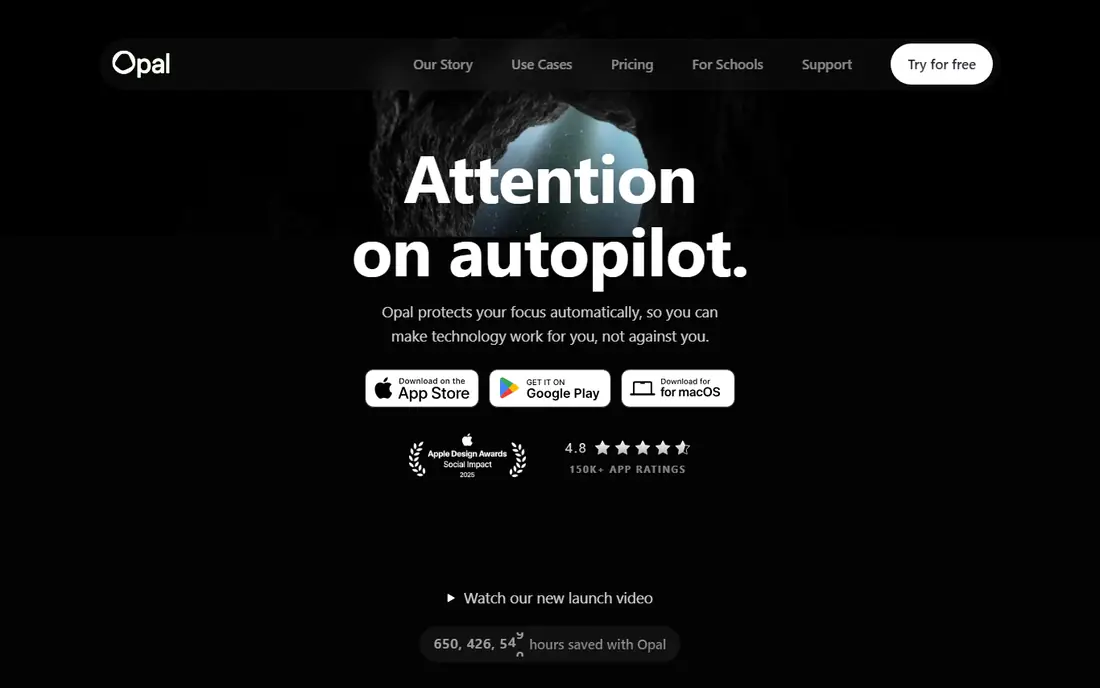
Opal is the closest software match to Brick for people who want a firm boundary. You set rules by schedule, by time limit, or by number of opens, and the app blocks the apps you choose while a session runs. Paid Deep Focus mode removes the off switch, which mirrors the commitment of tapping a physical Brick device and walking away from your phone.
The reports are the other reason people stay with Opal. A daily score and weekly summary show where time went, which makes it easier to spot the one app that eats an evening. That feedback helps if you have tried a simple timer and found that you just ignored it. Opal also works on Android and Mac in addition to iPhone, so a block can follow you from phone to computer.
Cost is the main trade-off. At about $100 per year, Opal costs more than most tools on this list, and the free tier covers only one rule. If you need blocking on many devices or you want the strictest lock, the price may still be fair. If you only need to tame one or two apps, try a cheaper friction tool first and move to Opal only if gentle nudges fail.
What we like- Scheduled blocks and app limits
- Hard mode that stops early exits
- Focus scores and weekly reports
Watch out for- Highest yearly price here
- Strict mode can lock you out at an awkward moment
- Some features need a paid plan
Starting price$19.99 per year
Free planYes, for one app
one sec takes a different path from Brick. Instead of locking your phone, it inserts a short pause each time you open a flagged app. You breathe, you see a prompt, and then you choose whether to continue. That small delay breaks the automatic habit of opening an app without thinking, which is often the real problem.
The appeal is how light it feels. There is no schedule to manage and no lock to fear, so you are less likely to delete the app after a bad day. People who use it for social apps often report fewer opens even though nothing is ever fully blocked. The free tier covers one app, which is enough to test the idea on your worst time sink.
The limit is clear. If you need a hard stop during work hours or before bed, a pause alone may not hold. one sec is best as a first step, or as a companion to a stricter blocker for certain hours. At $19.99 per year, it is also one of the cheapest paid options here.
What we like- Short breathing pause before flagged apps
- Low yearly price
- Works on iOS, Android, Mac, and browsers
Watch out for- It never fully blocks an app
- Determined scrolling still gets through
- Multi-app blocking needs the paid plan
Starting price$3.99 one-time on iOS
Free planYes, with in-app purchases on Android
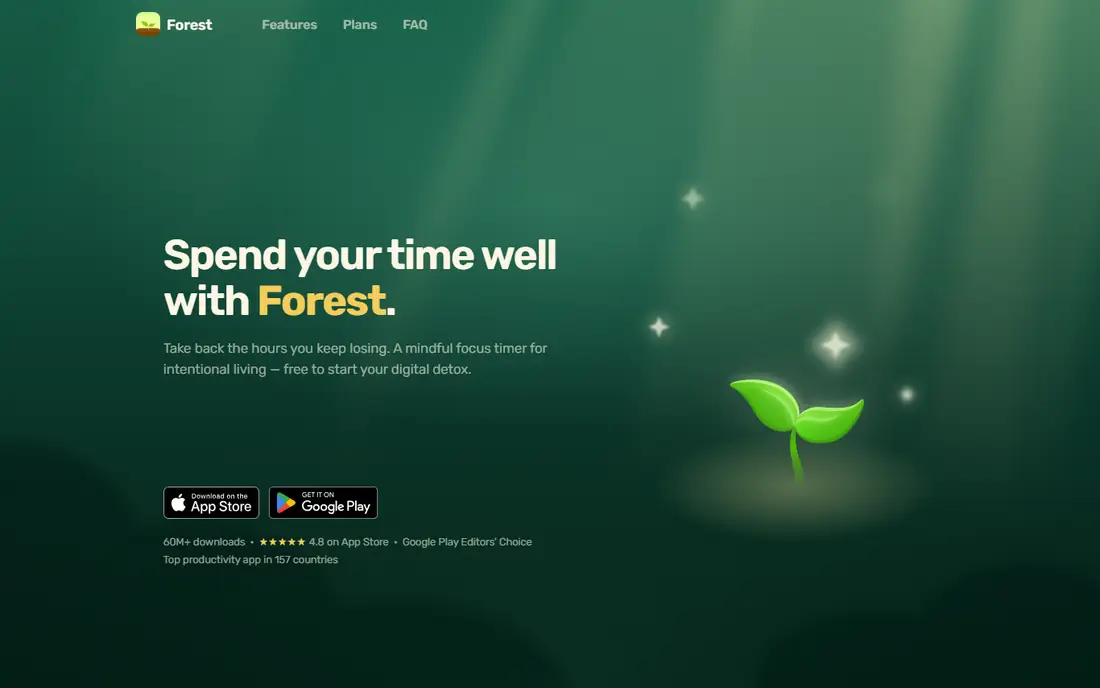
Forest turns focus into a small game. You plant a seed, you stay off your phone for a set time, and a tree grows. Leave early and the tree dies. That visual stake works well for students and for anyone who finds a plain timer dull, and the app also offers a Time Guard feature that blocks chosen apps on a daily schedule outside focus sessions.
Setup takes minutes. Pick a duration, pick the apps to block in Deep Focus, and start. Over time you build a small forest that shows your record, and friends can plant together for shared sessions. The one-time iOS price keeps the long-term cost low compared with yearly subscriptions.
Forest is not a hard wall. You can always quit, and the only loss is a virtual tree. If you need a lock you cannot end early, pair Forest with a stricter tool or choose Freedom instead. For gentle motivation and a low price, though, Forest is hard to beat.
What we like- Simple focus timer with a visible reward
- Deep Focus mode blocks chosen apps
- Low one-time price on iOS
Watch out for- Leaving a session kills the tree but does not stop you
- Blocking is less strict than Opal or Freedom
- Team features need payment
Starting price$39.99 per year
Free planNo
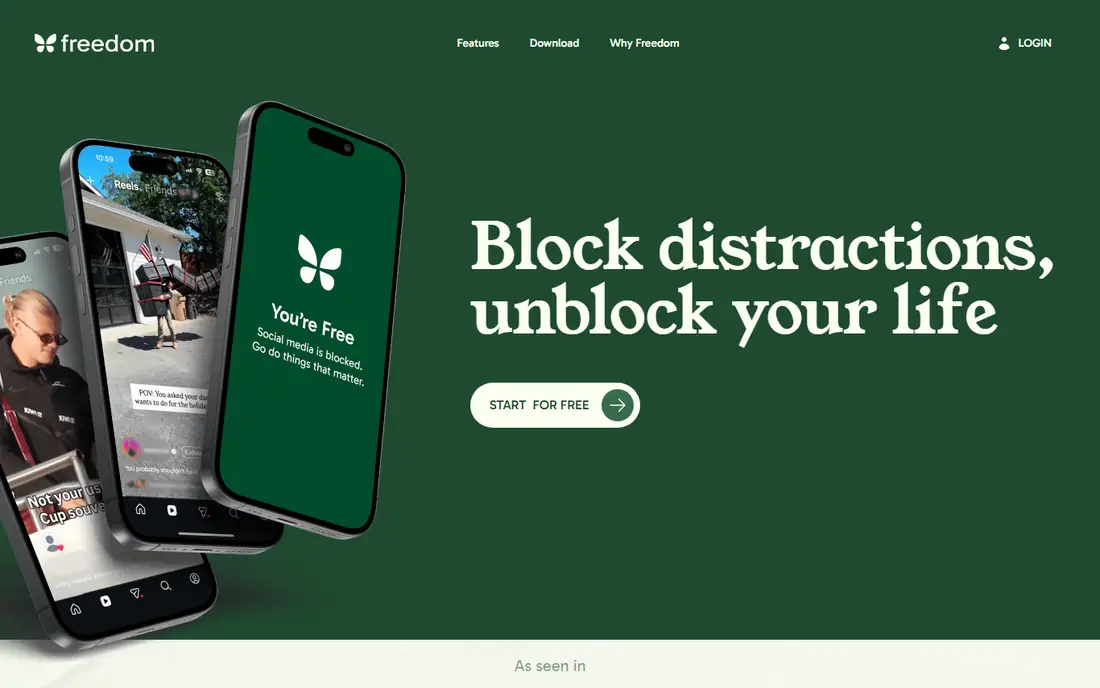
Freedom suits people whose distraction moves from phone to laptop. A session can block chosen apps and websites on every device you own, or cut internet access entirely for a set period. Recurring sessions run through the week, so you can protect work hours, study time, and bedtime without starting a session by hand each day.
Locked Mode is the feature that makes Freedom feel close to Brick. Once a paid session starts in Locked Mode, you cannot quit it early. That commitment matters when willpower fades in the afternoon. Freedom also lets you schedule different blocklists for different parts of the day, such as social apps in the morning and video apps at night.
The downside is that there is no free tier to test with, though trials are often offered on the vendor site. At $39.99 per year, Freedom costs less than half of Opal while covering more devices. If your main problem is only on one phone, a cheaper phone-only app may be enough. If distraction follows you across screens, Freedom is the practical pick.
What we like- Blocks apps, sites, or the whole internet
- Runs on Mac, Windows, iOS, Android, and Chromebook
- Locked mode stops early exits
Watch out for- No free plan
- Setup covers more devices than some people need
- Yearly price sits in the middle of this list
Starting price$29.99 per year
Free planYes
Jomo blends blocking with reflection. You set limits and schedules for distracting apps, and the app adds journaling prompts and usage stats to help you notice patterns. That mix appeals to people who want to change a habit, not just hide an app for a few hours.
The interface keeps daily rules simple. You can cap an app, block it during chosen hours, and review how the week went. For many users, seeing a clear total for a single app is enough to change behaviour, and the block then backs up that decision. Jomo also offers a lifetime option in app stores, which can suit buyers who dislike yearly renewals.
Jomo does not match the strictest locks on this list for every use case. If you need a session that cannot be ended early, check Opal Deep Focus or Freedom Locked Mode first. Jomo is a strong middle option: firmer than a pause, gentler than a total lock, and priced below Opal.
What we like- App blocking with daily limits and schedules
- Journaling prompts and screen time stats
- Lower yearly price than Opal
Watch out for- Blocking is softer than a hard lock for some users
- Feature set can feel broad
- Best experience is on iPhone
Starting priceFree, donation supported
Free planYes
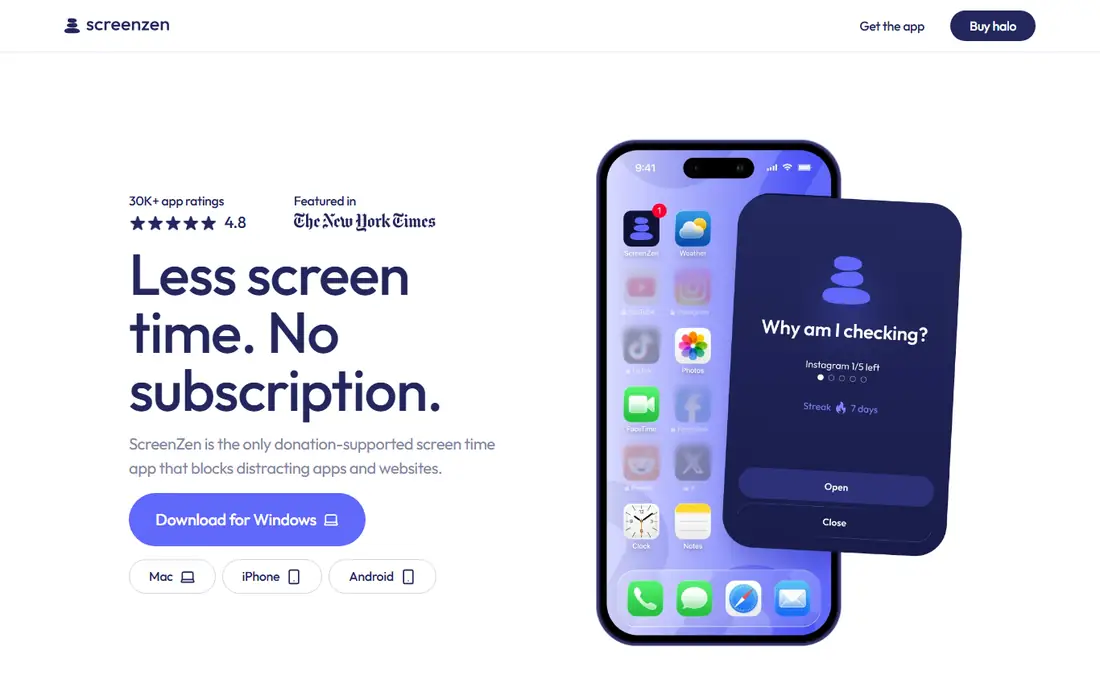
ScreenZen is the best free starting point in this group. It adds open delays, per-app goals, and strict blocks by time range or number of opens, and purchases are optional tips rather than a required subscription. Data stays on the device, which appeals to people who do not want usage stats sent to a cloud account.
Strictness is configurable. You can lock settings until a time you choose, or name an accountability partner who can let you back in. That range lets ScreenZen act as a gentle delay for one app and a firm block for another. It runs on iOS, Android, and Mac, with Windows also listed on its site.
The trade-off for a free app is polish and support. ScreenZen does not have the reporting depth of Opal or the cross-device reach of Freedom. For most people, though, that does not matter at first. Try ScreenZen free, learn which apps and hours cause trouble, and only pay for a premium blocker if you still need stricter controls.
What we like- Free with no subscription
- Open delays, goals, and strict blocks
- Settings can lock until a chosen time
Watch out for- Smaller team and simpler design than paid rivals
- Some features vary by platform
- Support is lighter than a paid app
Starting priceSee website
Free planYes
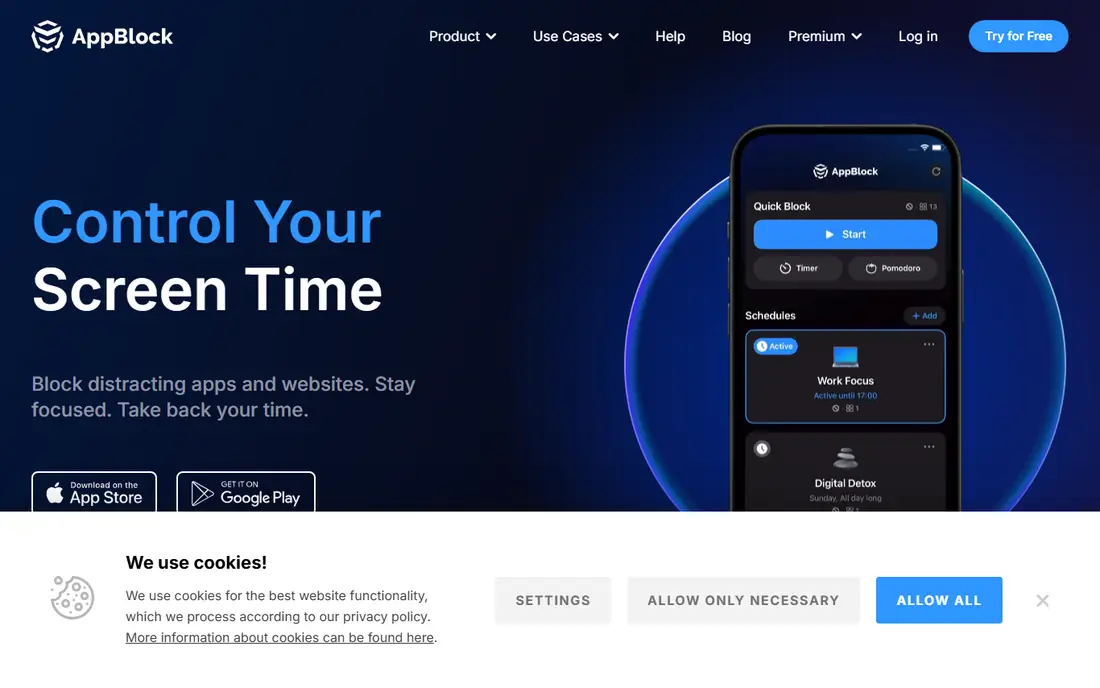
AppBlock is built around profiles. You create a work profile, a study profile, or a bedtime profile, each with its own blocked apps and hours, and you switch between them as the day changes. Strict mode then prevents changes during a running schedule, which gives AppBlock more bite than a simple limit.
That profile system helps households and students with varied days. A bedtime profile can block social and video apps from 10 pm, while a work profile blocks only the apps that break concentration. Usage stats show which profile is working and which hours still leak time, so you can adjust rather than guess.
Pricing varies by store and region, so check the current price in your app store before you commit. The free tier is enough to test one or two profiles. AppBlock is a good fit if you like clear schedules and you want strict mode without paying Opal prices.
What we like- Strict mode for schedules and app limits
- Profiles for work, study, and bedtime
- Usage stats and a widget
Watch out for- Pricing is shown in app stores rather than a single web price
- Strict mode needs care to avoid lockouts
- Some advanced features need payment
Starting priceSee website
Free planYes
Clearspace changes what you see when you pick up your phone. Instead of a grid of colourful icons that invite tapping, you get a calmer screen that shows only what you chose. That change alone cuts many mindless opens, because the trigger is gone before willpower is even needed.
Session limits add a second layer. You can cap time in chosen apps and get a reminder when a session ends, which helps with apps you still need for messages or work but do not want to scroll for an hour. Clearspace suits people whose problem is the home screen itself rather than one specific app.
Clearspace is not the strictest blocker here. If you need a lock that cannot be ended, Opal or Freedom will serve you better. If your phone feels noisy and you open apps out of habit, Clearspace offers a calm, low-cost reset.
What we like- Replaces a busy home screen with a calm launcher view
- App session limits and reminders
- Simple setup
Watch out for- Focus is on the home screen more than hard blocking
- Pricing details are in app stores
- Fewer cross-device tools than Freedom
How we chose
We compared tools that do the same job as Brick in software form: they block distracting apps, add friction before an app opens, or change the phone screen so scrolling is less automatic. We checked current pricing from vendor pages and app store listings found in web search, and we kept only tools that are available today on iPhone or Android. We favoured tools with a free tier or a low entry price, clear schedules, and a strict option for people who need a firm lock.
What to check before you pay
Start with the problem, not the price. If you scroll at night, a bedtime schedule matters more than a fancy report. If you scroll at work, a cross-device block matters more than a phone-only timer. Write down the two apps that cost you the most time and the hours when they cause trouble, then match a tool to that pattern.
Next, test strictness in real life. A pause helps if you open apps without thinking. A hard lock helps if you open them knowing you should stop. Many people need both at different times, such as a pause during the day and a lock at night. Use a free tier for a week before you buy a year, and check whether the app covers every device you use. A phone-only block fails quickly if the same app is open on a laptop.
Frequently asked questions
What is the closest app-only alternative to Brick?
Opal with Deep Focus and Freedom with Locked Mode come closest, because both can stop you ending a session early. Brick still differs in one way: it uses a physical device you tap, so the act of starting a block feels separate from the phone itself.
Can a free app replace Brick?
Yes, for many people. ScreenZen is free and offers delays, limits, and strict blocks, and your phone already includes Screen Time on iPhone or Digital Wellbeing on Android. Pay only if you need cross-device blocking, detailed reports, or a stricter lock.
Do these apps work on Android as well as iPhone?
Most do, but check each app before you buy. Opal, one sec, Forest, Freedom, ScreenZen, AppBlock, and Clearspace list Android support, while Jomo is strongest on iPhone. Platform details change, so confirm in the app store for your device.
Will a blocker stop me using an app I need for work?
A good blocker lets you allowlist apps and set schedules, so work tools stay open while social and video apps stay blocked. Test your allowlist during a trial week and adjust the schedule before you rely on it for an important deadline.
What if I lock myself out and need an app urgently?
Choose a tool with an escape route you can live with, such as a waiting period, an accountability partner, or a lock that ends at a set time. Avoid the strictest mode on your first day, and test it on a low-stakes evening first.
Is it better to block apps or to limit time in them?
Blocking works best for apps you do not need at certain hours, such as social apps at night. Time limits work best for apps you still need in small doses, such as messages or news. Many people use both: a block at night and a limit during the day.
Sources we checked (8)
- https://www.opal.so
- https://one-sec.app
- https://www.forestapp.cc
- https://freedom.to
- https://jomo.app
- https://screenzen.co
- https://appblock.app
- https://www.getclearspace.com
Is your product missing or out of date?
We review this list regularly. Vendors can request a listing, send updated pricing or ask about featured placement.

Shihab Mia · Founder, Rankite
Shihab has 5+ years in B2B and SaaS SEO. He writes Rankite's software buying guides from pricing pages, documentation and public user reviews. More about Shihab.