How we make this list: we compare pricing pages, product documentation and public user reviews. Ratings come from G2, Capterra or Trustpilot, with the date we checked them.
Key takeaways
- Mullvad Browser and LibreWolf beat Brave on out of the box privacy tests, and Tor Browser is the one built for anonymity rather than everyday convenience.
- Firefox is the everyday answer: the most usable independent engine, with privacy that strengthens considerably when its stricter settings are switched on.
- Most people leaving Brave are leaving the extras, the crypto, the AI features, the upsells, rather than its blocking, which remains strong. Match the alternative to the actual complaint.
- Every browser here is free. The cost is friction: hardened browsers break more sites, and the right choice is the strongest one you will still use daily.
Quick comparison
Is your product missing or out of date?
We review this list regularly. Vendors can request a listing, send updated pricing or ask about featured placement.
The best Brave Browser alternatives

#1
Mozilla Firefox
Best for: Everyday browsing on an independent engine
Visit firefox.com
Starting priceFree
Free planYes
What we like- Firefox is the only major browser here on a fully independent engine, Gecko, maintained by Mozilla as a non profit backed project, and it remains the most complete daily driver on this list: strong extension library, containers for separating identities, Total Cookie Protection isolating cookies per site, and tracking protection that strengthens markedly in its strict mode. It syncs across desktop and mobile, handles every site a mainstream user needs, and switching from Brave takes an afternoon, not a project.
Watch out for- Default settings are its weakness: in the October 2026 PrivacyTests run, stock Firefox passed 61 of 146 tests, well behind the hardened options, because fingerprinting resistance ships off and telemetry ships on. Closing that gap means switching on strict protection and resist fingerprinting yourself. Mozilla's own product additions, shopping features, AI experiments and sponsored suggestions, draw the same clutter complaints that push people away from Brave.
Starting priceFree
Free planYes
What we like- Mullvad Browser, built with the Tor Project, applies the anonymity trick that actually works: make every user look the same. Standardised fingerprint, letterboxed window sizes and stripped telemetry meant it topped the October 2026 PrivacyTests run at 132 of 146 with default settings, ahead of everything else tested including Brave. It needs no account, pairs naturally with any VPN, and its defaults need no tuning tour.
Watch out for- The sameness strategy fights personalisation at every turn: few extensions, limited settings changes by design, and no sync ecosystem. It is a desktop browser for deliberate browsing rather than a home for your whole digital life. Sites that lean on fingerprinting for fraud checks will challenge you more often than in a mainstream browser.
Starting priceFree
Free planYes
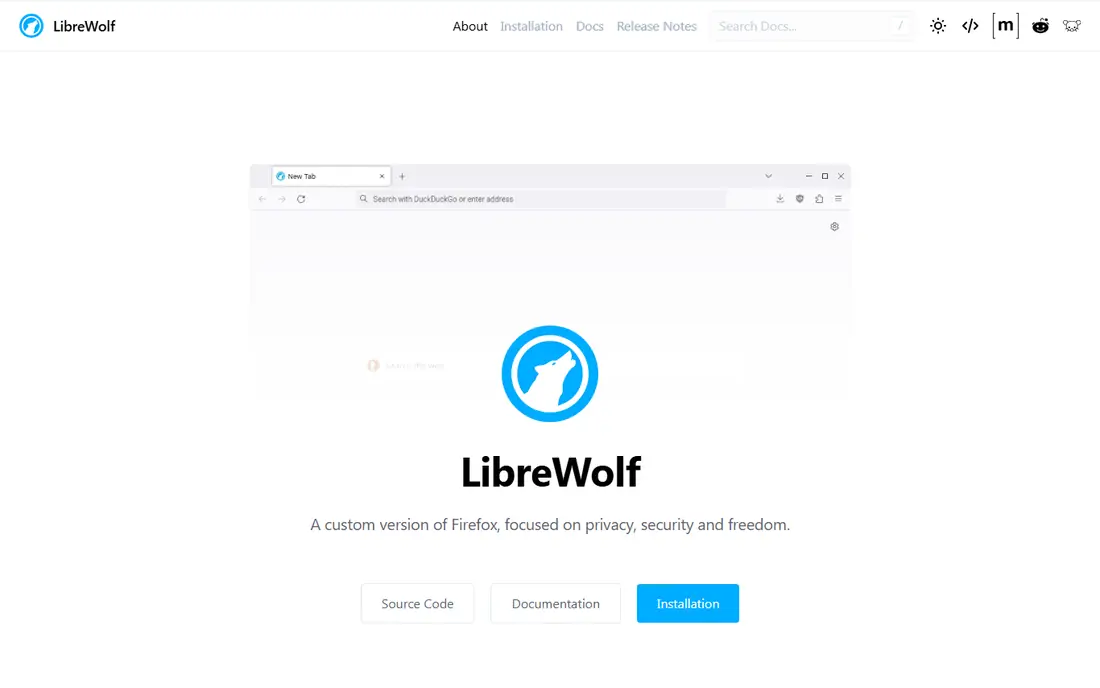
What we like- LibreWolf is Firefox with the hardening done for you: telemetry removed, fingerprinting resistance on, strict cookie and tracking settings by default, and uBlock Origin included. It passed 125 of 146 in the October 2026 default settings testing, the strongest score of any general purpose browser there. You keep the Gecko engine, Firefox extensions and familiar interface, and lose the parts of Firefox that phone home.
Watch out for- Hardened defaults break things: sites that depend on the features LibreWolf restricts will misbehave, and fixing them means learning which setting to relax. Updates and support rest on a small community project, so releases trail Firefox slightly. There is no official mobile version with the same hardening, which leaves phone browsing to a different answer.
Starting priceFree
Free planYes
What we like- Tor Browser is the only option here that hides who you are from the network itself, routing traffic through three encrypted relays so sites see the Tor network, not you, and standardising fingerprints so users blend into one crowd. For journalists, activists and anyone whose browsing could put them at risk, nothing else on this list is a substitute. It is free, open source and maintained by the Tor Project with a threat model published for scrutiny.
Watch out for- It is slow by design, and everyday browsing in it is a chore: media heavy sites crawl, and many services block Tor exits or challenge them endlessly. It is the wrong daily driver for almost everyone, and using it for logged in personal accounts defeats its purpose. Treat it as the specialist tool it is, kept beside your main browser for the sessions that need it.
Starting priceFree
Free planYes
What we like- Vivaldi is the power user's Chromium: tab stacks, split screens, workspaces, a built in tracker and ad blocker, mail and calendar clients, and interface customisation deeper than any rival. It keeps Chrome extension compatibility and site behaviour while removing Google's account layer, and its privacy stance is user controlled: the tools are present and configurable rather than imposed. People leaving Brave for clutter sometimes find Vivaldi's clutter is at least theirs to arrange.
Watch out for- Its measured privacy defaults are modest, 28 of 146 in the October 2026 testing, because blocking is optional and fingerprinting protection is not its focus
- You configure your way to protection rather than receiving it. The interface density overwhelms minimalists. Parts of the browser are not open source, which matters to the strictest switchers.
Starting priceFree
Free planYes
What we like- DuckDuckGo's browser is the low effort option: tracker blocking on by default, a fire button that clears data in one tap, email protection and app tracking protection on Android, and an interface a non technical user understands immediately. On mobile especially, it is the simplest meaningful upgrade from a default browser. The company's business, private search advertising, does not depend on profiling you.
Watch out for- Measured default protection sits mid table, 70 of 146 in the October run, behind the hardened desktop browsers. Extension support is limited or absent depending on platform, and power features are deliberately scarce. Desktop versions arrived later than mobile and still feel lighter weight than Firefox class browsers for heavy daily use.
Starting priceFree
Free planYes
What we like- Zen rebuilds Firefox's engine into a workspace oriented interface, vertical tabs, split views and profiles presented as separate spaces, aimed at people who find mainstream browsers noisy. In Proton's 2026 comparison it scored level with LibreWolf overall on a different balance: stronger usability, mid level privacy. You get Gecko independence and Firefox extensions under a calmer design, free and open source.
Watch out for- It is a young, small team project, and its release pace, long term funding and security response are unproven at the level a browser demands, because a browser is the most security critical app you run. Privacy defaults sit between stock Firefox and the hardened options rather than at either end. Sync and mobile story are thinner than Mozilla's own.
Starting priceFree
Free planYes
What we like- Ungoogled Chromium is the answer for a specific person: someone who wants Chromium's engine and site compatibility with Google's service connections removed at build level, no background calls, no account layer, no safe browsing phone home. It is free, open source and as close to a neutral engine as Chromium gets. Combined with manually installed extensions, it can be assembled into a very private browser.
Watch out for- Assembly is the operative word. Its default settings testing score was 48 of 146 because it ships minimal blocking
- The protection is potential, not delivered. Extension installation and updates are manual chores the mainstream browsers automate, and update delivery depends on community builds for your platform. This is a browser for users who read documentation for fun.
How we chose
Brave itself is excluded because this article covers its alternatives. We selected browsers in active release in October 2026 that a Brave user plausibly switches to: the independent engine option, the hardened and anonymity specialists, the customisable Chromium, the simple mobile first option and the community builds. Measured default settings results from PrivacyTests.org's October 2026 run are cited where they exist, because default behaviour is what most switchers actually live with. All eight are free, so the comparison is about privacy defaults, engine, friction and project health rather than price.
How to pick your next browser
Match the browser to your threat model, honestly assessed. If your concern is ordinary commercial tracking, Firefox in strict mode or DuckDuckGo covers you with the least daily friction. If fingerprinting is the concern, Mullvad Browser's sameness model is the strongest defence that still browses normally. If identification itself is the risk, Tor Browser is the tool, used for the sessions that need it rather than everything.
Then plan the boring parts before switching: export bookmarks, decide your password manager, and test your five most used sites, especially banking and work tools, because hardened browsers and bank fraud systems have an ongoing disagreement. Keep Brave installed during the transition. The best privacy browser is the one still open on your machine in three months, not the one with the highest test score that you abandoned in a week.
Frequently asked questions
Why switch from Brave at all?
The common reasons are product direction, the crypto and upsell features around the core browser, Chromium dependence, and wanting either stronger privacy defaults or a fully independent engine. Brave's blocking itself remains strong, which is why several people who leave keep it installed. Switching is a preference and priorities decision, not a rescue from a bad browser.
Is Firefox more private than Brave?
Not out of the box. In October 2026 default settings testing, Brave passed 108 of 146 tests and stock Firefox 61. Firefox with strict tracking protection and fingerprinting resistance switched on closes much of that gap, and its hardened forks LibreWolf and Mullvad Browser exceed Brave by default. The brand matters less than the configuration.
What is the most private browser here?
For blending in, Mullvad Browser, which led default settings testing. For anonymity against the network itself, Tor Browser, the only one that hides your connection's origin. They solve different problems: Mullvad stops sites telling users apart; Tor stops sites and observers knowing which user you are.
Will a hardened browser break websites?
Sometimes. Aggressive fingerprinting and cookie restrictions collide with fraud checks, embedded widgets and older enterprise apps. The practical pattern most people settle into is a hardened browser for general use and a mainstream one kept for the bank and the stubborn work portal. Breakage has fallen as these browsers have matured, but it has not reached zero.
Are all of these really free?
Yes, all eight are free to download and use. Their funding differs: Mozilla has search and product revenue, Mullvad sells a VPN, Vivaldi has search deals and donations, the community projects run on contributions. Free here means no subscription, not no business model, and reading your pick's model is part of choosing it.
Sources we checked (0)
Is your product missing or out of date?
We review this list regularly. Vendors can request a listing, send updated pricing or ask about featured placement.

Shihab Mia · Founder, Rankite
Shihab has 5+ years in B2B and SaaS SEO. He writes Rankite's software buying guides from pricing pages, documentation and public user reviews. More about Shihab.
 Mullvad Browser
 LibreWolf
 Tor Browser
 Vivaldi
 DuckDuckGo Browser
 Zen Browser
 Ungoogled Chromium