How we make this list: we compare pricing pages, product documentation and public user reviews. Ratings come from G2, Capterra or Trustpilot, with the date we checked them.
Key takeaways
- Rocket Money is the best free bill organizer app overall, since its free tier detects subscriptions and tracks upcoming bills from linked accounts.
- PocketGuard suits people who want a clear picture of what is safe to spend after bills, with a free plan that shows recurring charges.
- Monarch Money suits calendar-based bill views, while Quicken Simplifi suits simplicity with a spending calendar.
- Splitwise suits households and roommates who split bills, while EveryDollar suits zero-based budgeting with bill tracking.
- Fudget suits simple manual lists with no bank linking, and Goodbudget suits envelope budgeting for bills.
- A single late fee on a credit card can cost $30 or more, so a free app that warns you before the due date pays for itself many times over.
- This article is not financial advice. Bill amounts and due dates vary, and linking bank accounts carries privacy risks, so check each app security policy before you connect an account.
Quick comparison
Is your product missing or out of date?
We review this list regularly. Vendors can request a listing, send updated pricing or ask about featured placement.
The best bill organizer apps free
Starting priceFree
Free planYes
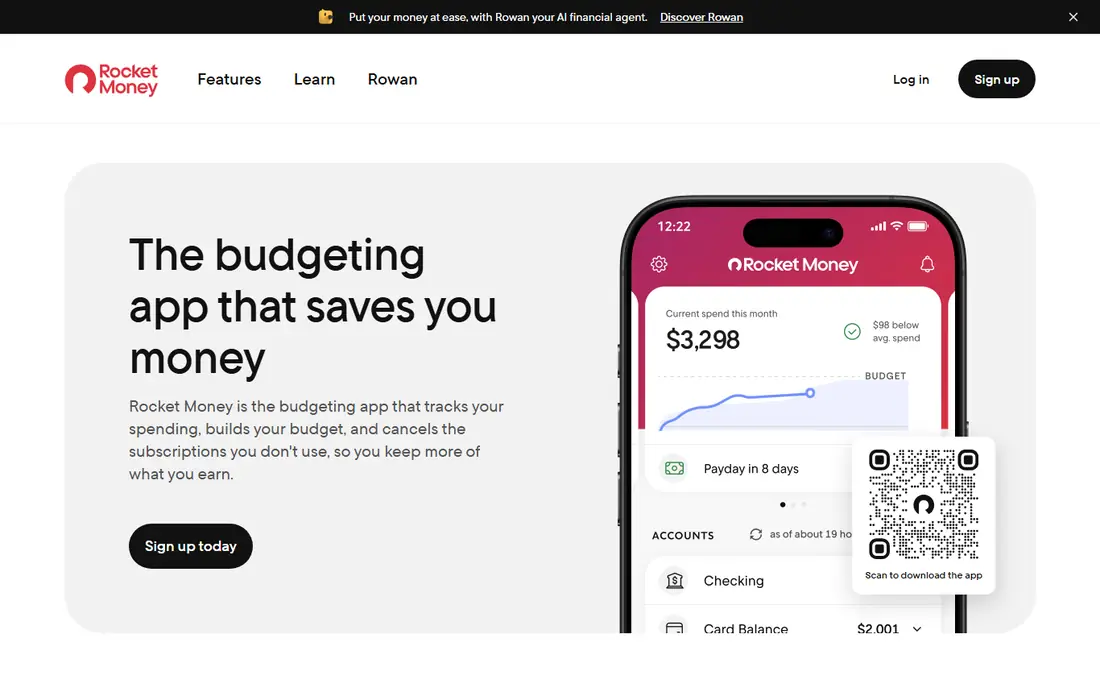
Rocket Money is the closest thing this list has to a mainstream default. Link your accounts once and it scans for recurring charges, lists your upcoming bills, and flags when a bill amount changes. The free plan covers the core tracking: subscription detection, upcoming bill tracking, transaction history, balance alerts, and a basic budget. For bill tracking purposes, that is the whole job.
Premium runs $7 to $14 a month on a pay-what-you-think-is-fair model, and human concierge features, subscription cancellation, and unlimited budgets sit behind it. Bill negotiation is available to free users too, but Rocket Money takes 35 to 60 percent of the first year savings when it works. If all you want is to never miss a due date, the free tier is enough, and you can ignore the upsells with no penalty.
What we like- Free tier detects subscriptions and tracks bills
- Balance alerts
- Credit score tracking free
Watch out for- Cancellation help is Premium-only
- Premium pricing is a sliding scale
- Negotiation takes a success fee
Starting priceFree
Free planYes
PocketGuard links your accounts and shows a safe-to-spend figure after accounting for upcoming bills, goals, and recurring charges. The free plan shows recurring charges and tracks bills well enough for most people, with a simple interface that suits beginners. Bill reminders warn you before due dates, which helps avoid late fees.
Full features, including custom categories and unlimited goals, need the Plus plan, whose price varies, so check the current page. Bill pay is limited compared with dedicated pay apps. For people who want one clear number for what they can spend, PocketGuard is clearly a strong free pick, since its safe-to-spend figure is easy to grasp.
What we like- Shows what is safe to spend after bills
- Free plan shows recurring charges
- Simple interface
Watch out for- Full features need Plus
- Bill pay limited
- Smaller feature set than Monarch
Starting priceSee website
Free planYes
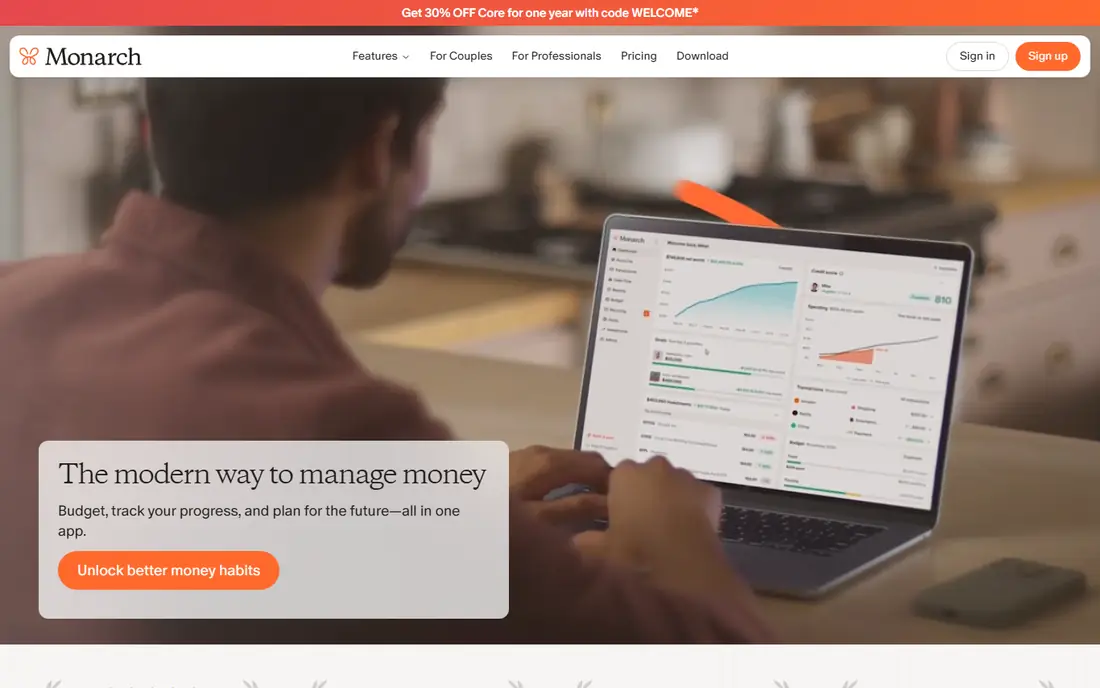
Monarch Money offers a calendar view of recurring bills, income, and expenses, which suits people who want to see what is due and when at a glance. Free family sharing lets households view the same budget, and reports cover spending, cash flow, and net worth. The interface is clean and modern.
Full features need a paid plan, with prices varying by billing period, so check the current page. Setup takes time, since linking accounts and categorizing transactions needs a first pass. For calendar-based bill views, Monarch Money is clearly the best pick, since its calendar shows bills, income, and expenses together.
What we like- Calendar view of recurring bills, income, and expenses
- Free family sharing
- Strong reports
Watch out for- Full features need a paid plan
- Price varies
- Setup takes time
Starting priceSee website
Free planYes
Quicken Simplifi offers a clean interface with a spending calendar, bill reminders, and projected balances that show whether upcoming bills will strain your account. The app suits people who want simplicity over deep customization, with a watchlist for spending and savings goals.
Full features need a paid plan, with prices varying, so check the current page. Customization is less deep than Monarch or Lunch Money. For simplicity with a calendar view, Simplifi is clearly a strong pick, since its clean interface suits people who dislike complex budgets.
What we like- Clean interface
- Spending calendar
- Bill reminders and projected balances
Watch out for- Full features need a paid plan
- Price varies
- Less customization than Monarch
Starting priceFree
Free planYes
Splitwise tracks shared bills rather than your own bills, showing who owes whom across roommates, couples, trips, and groups. The free plan covers core splitting, with group support and settlement payments, while Pro adds receipt scanning, currency conversion, and deeper reports.
Splitwise is not a full bill tracker, since it does not link bank accounts or warn you about due dates. For households and roommates who split rent, utilities, and groceries, Splitwise is clearly the best free pick, since its splitting is built for groups.
What we like- Free for core splitting
- Tracks who owes whom
- Settlement payments
- Group support
Watch out for- Not a full bill tracker
- No bank linking for due dates
- Paid Pro adds features
Starting priceFree
Free planYes
EveryDollar, from Ramsey Solutions, offers zero-based budgeting, where every dollar gets a job, including bills, savings, and spending. The free version covers manual budgeting with a simple interface, which suits people who want to plan bills deliberately rather than rely on automatic detection.
Bank sync needs the Premium plan, so free users enter transactions manually, and bill automation is limited. For people who follow the zero-based method, EveryDollar is clearly a strong free pick, since its method matches the Ramsey approach closely.
What we like- Free version for manual budgeting
- Zero-based method
- Simple interface
Watch out for- Bank sync needs Premium
- Manual entry on free tier
- Less bill automation
Starting priceFree
Free planYes
Fudget is the simplest app on this list, offering manual lists of income and expenses with no bank linking, no ads on the paid version, and a fast setup. The free version covers basic lists, which suits people who want a private, manual bill list without connecting financial accounts.
There is no automatic detection, and reminders are basic, so Fudget suits people who check their list regularly. For privacy-conscious users who want a simple list, Fudget is clearly the best pick, since it needs no bank linking at all for basic bill lists.
What we like- Very simple manual lists
- No bank linking needed
- Fast to set up
Watch out for- No automatic detection
- No reminders beyond basic lists
- Limited reports
Starting priceFree
Free planYes
Goodbudget applies the envelope method to digital budgeting, with envelopes for rent, utilities, groceries, and other bills, so you can see at a glance whether each bill is funded. The free tier covers basic envelopes and accounts, with sync across devices, while Plus adds unlimited envelopes and bank sync.
The free tier caps envelopes and accounts, and bank sync needs Plus, so free users enter transactions manually. For envelope budgeting applied to bills, Goodbudget is clearly the best free pick, since its envelopes map directly to monthly bills and rent payments.
What we like- Envelope method for bills
- Free tier covers basic envelopes
- Syncs across devices
Watch out for- Free tier caps envelopes and accounts
- Bank sync needs Plus
- Manual entry on free tier
How we chose
We compared free plan usefulness, bill reminders, subscription detection, calendar views, household sharing, and privacy. We also weighed how each app handles changed bill amounts, since a tracker that only shows due dates and misses a price jump fails at the job that matters most. Apps whose free tier is only a trial scored lower than apps with a genuinely usable free tier. We excluded apps that shut down, including Prism and Honeydue, and favored apps that are actively maintained. We did not test any app hands-on, and prices come from vendor and comparison sources.
Buying guide: what to check before you pick
Start with whether you want automatic detection or manual control, and be honest about how often you will open the app. If you want automatic detection, pick Rocket Money or PocketGuard. If you want manual control and privacy, pick Fudget or EveryDollar free. If you split bills with others, pick Splitwise alongside a tracker. Next, check the free tier limits, since several apps cap envelopes, accounts, or budgets on free plans. Check security before linking bank accounts, since aggregation needs your login credentials, and use two-factor authentication where offered. Finally, pair any tracker with autopay for fixed bills, since autopay handles utilities and minimum payments with no effort, while the tracker handles variable bills like credit cards where you want to pay more than the minimum. Set reminders a few days before each due date, not on the day itself, so a failed payment or a changed amount leaves time to fix it before a late fee hits.
Frequently asked questions
What is the best free bill organizer app?
Rocket Money offers the best free tier for automatic subscription detection and bill tracking, while PocketGuard offers the best safe-to-spend view. For manual lists, Fudget is the simplest free pick.
Is Prism still available?
No, Prism closed in 2024, and Honeydue was acquired and wound down. The apps on this list are alive and actively maintained as of 2026.
Should I use autopay or a bill tracker app?
Use both. Autopay handles fixed bills with no effort, while a tracker handles variable bills, one-time bills, and irregular invoices, where most late fees happen.
Do free bill apps link to my bank account?
Rocket Money, PocketGuard, Monarch, and Simplifi link accounts for automatic detection, while Fudget, EveryDollar free, and Goodbudget free rely on manual entry. Linking carries privacy risks, so check security policies first.
Can a bill app help me avoid late fees?
Yes, reminders before due dates, calendar views, and projected balances help you catch bills before they are late. A single late fee can cost $30 or more, so a free reminder app pays for itself.
Sources we checked (0)
Is your product missing or out of date?
We review this list regularly. Vendors can request a listing, send updated pricing or ask about featured placement.

Shihab Mia · Founder, Rankite
Shihab has 5+ years in B2B and SaaS SEO. He writes Rankite's software buying guides from pricing pages, documentation and public user reviews. More about Shihab.
 Rocket Money
 PocketGuard
 Monarch Money
 Quicken Simplifi
 Splitwise
 EveryDollar
 Fudget
 Goodbudget