How we make this list: we compare pricing pages, product documentation and public user reviews. Rankite is independent; if a vendor ever pays for a featured spot, that listing is clearly labeled Partner.
Key takeaways
- Five of the nine tools here are completely free: BandLab, GarageBand, LMMS, MPC Beats and Soundtrap's free tier, so you can start with zero budget.
- FL Studio ($99 Fruity, one-time) offers the cheapest entry into professional-grade beat making, with lifetime free updates included.
- BandLab is the easiest first step: it runs in the browser, costs nothing, and its own homepage counts over 100 million creators on the platform.
- If you own Apple hardware, GarageBand is already installed and free. If you are on Windows, start with LMMS or MPC Beats.
Quick comparison
| Tool | Best for | Starting price | Free plan |
|---|
 BandLab BandLab | Absolute beginners who want to make a beat today, free | Free | Yes (100% free Studio with unlimited projects) |
 GarageBand GarageBand | Mac, iPhone and iPad owners | Free | Yes |
 FL Studio FL Studio | Beginners drawn to hip-hop and electronic production | $99 one-time (Fruity edition) | Free trial (full features, no time limit, projects cannot be reopened until purchase) |
 MPC Beats MPC Beats | Pad-based beat making in the classic MPC tradition | Free | Yes (free download with 2GB of content) |
 Soundtrap Soundtrap | Beginners who want to make music with friends online | See website (free plan; Sound Starter, Music Production and Production and Vocals tiers) | Yes (free tier with limited projects and loops) |
 LMMS LMMS | Windows and Linux users wanting a free FL Studio-style DAW | Free | Yes (100% free, open source) |
 Serato Studio Serato Studio | DJs and sample-based producers | See website (free trial; standalone purchase and subscription tiers) | Free trial |
 Ableton Live Ableton Live | Beginners who want to perform their beats live later | $99 one-time (Live 12 Intro) | Free trial (30 days, full Suite features) |
 MAGIX Music Maker MAGIX Music Maker | Loop-based song building on Windows | $44.99 one-time (Music Maker 2026) | See website (limited free options vary by promotion) |
Is your product missing or out of date?
We review this list regularly. Vendors can request a listing, send updated pricing or ask about featured placement.
The best beat making software for beginners
Every producer you admire started with a first beat that probably sounded terrible. The software you pick for those first months matters less than finishing songs, but the wrong choice can still waste your time: steep learning curves, hidden paywalls, and tools built for professionals with different needs. These nine options are ranked for actual beginners, with free tools first and honest pricing on everything else.
#1
BandLab
Best for: Absolute beginners who want to make a beat today, free
Visit bandlab.com
Starting priceFree
Free planYes (100% free Studio with unlimited projects)
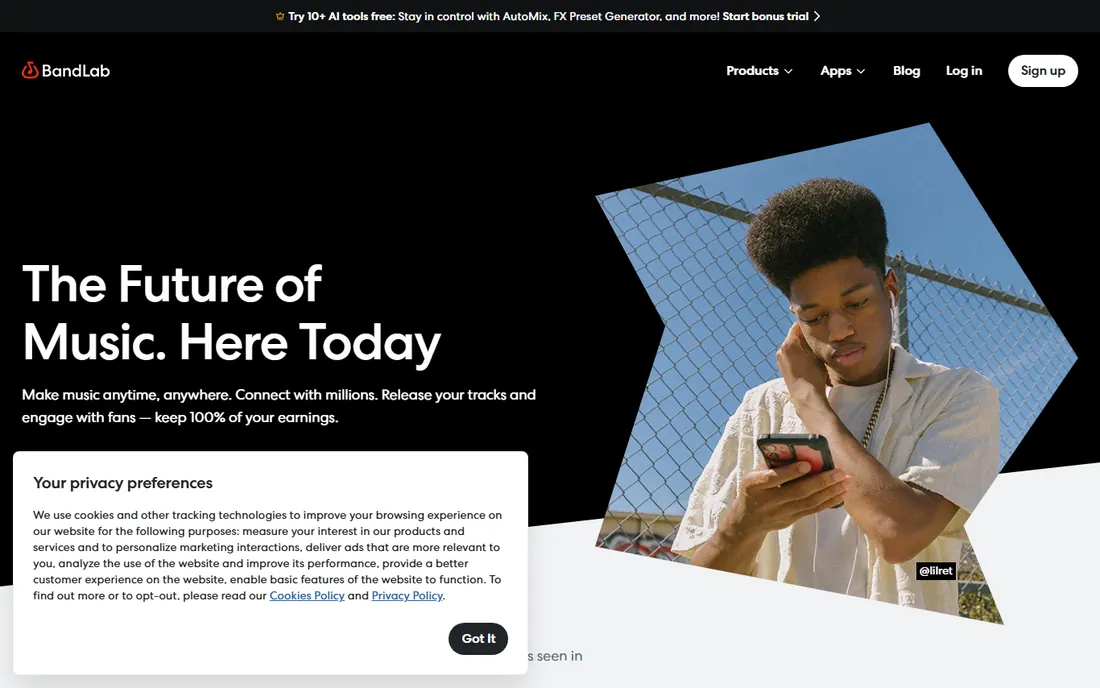
BandLab removes every excuse. Open the site, sign up, and you are looking at a multi-track studio with virtual instruments, loops and effects, all free with no time limit. The browser-based Studio autosaves to the cloud, and the built-in sample library and loops mean you can assemble a first beat in an afternoon without recording a single note yourself.
The collaboration angle is real too: share projects with other creators, remix public tracks, and use the mobile app when you are away from your computer. The company's homepage counts over 100 million creators and fans on the platform, which means endless community tracks to learn from. When you outgrow it, every concept you learned, tracks, mixing, effects, transfers directly to paid DAWs.
What we like- Runs entirely in the browser with nothing to install
- Unlimited multi-track projects and free cloud storage
- Built-in loops, samples and collaboration tools
Watch out for- Internet connection required for the full Studio
- Serious producers eventually outgrow it and graduate to a desktop DAW
Starting priceFree
Free planYes
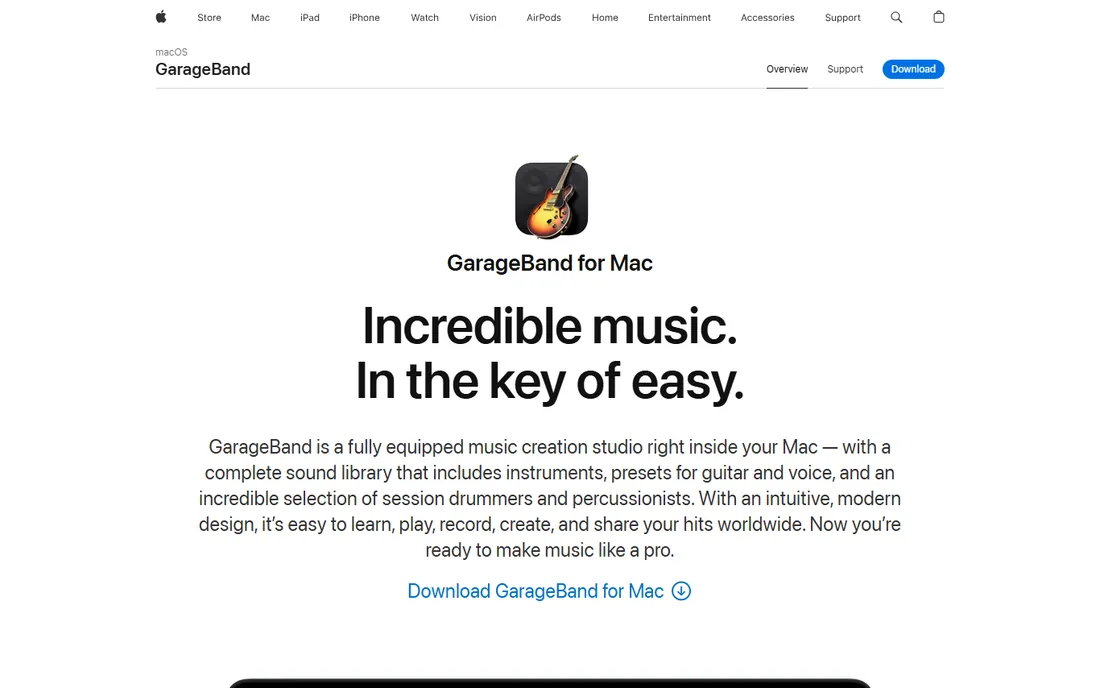
If you own a Mac, iPhone or iPad, you already own one of the best beginner beat tools ever made. GarageBand's Live Loops grid lets you trigger loops and build arrangements by tapping cells, which teaches song structure without requiring keyboard skills. The Drummer feature generates realistic drum tracks in multiple styles, and the included synths, amps and effects are genuinely good.
The upgrade path is the quiet selling point. GarageBand projects open in Logic Pro, Apple's professional DAW, so nothing you learn or build is wasted if you go further. For Apple users the decision is simple: start here, pay nothing, and only consider alternatives when GarageBand's ceiling starts pressing on you.
What we like- Pre-installed and free on every Apple device
- Live Loops make beat building intuitive for non-musicians
- Projects open directly in Logic Pro when you upgrade
Watch out for- Apple devices only, no Windows or Android version
- Limited mixing and mastering depth compared with paid DAWs
Starting price$99 one-time (Fruity edition)
Free planFree trial (full features, no time limit, projects cannot be reopened until purchase)
FL Studio is the sound of modern hip-hop, and its piano roll and step sequencer remain the fastest way to program drums on a computer. The workflow is pattern-based: build a drum loop, build a bassline, build a melody, then arrange the patterns into a song. For beat making specifically, no other DAW thinks in beats the way FL does.
Pricing is straightforward. The Fruity edition at $99 covers pattern-based beat production; higher tiers add audio recording and more plugins. The trial never expires and includes every feature, though you cannot reopen saved projects until you buy. And the lifetime free updates policy is unique: your $99 buys every future version of the edition you own, forever.
What we like- The step sequencer is the most intuitive beat-entry workflow in the industry
- Lifetime free updates mean you buy once and never pay for upgrades
- Huge library of tutorials and community projects
Watch out for- The interface overwhelms first-timers with panels and windows
- The entry Fruity edition cannot record audio
#4
MPC Beats
Best for: Pad-based beat making in the classic MPC tradition
Visit akaipro.com
Starting priceFree
Free planYes (free download with 2GB of content)
MPC Beats takes the workflow of Akai's famous hardware samplers and gives it away free. The 16-pad grid is the center of everything: load drum samples, tap out patterns, chop samples in the editor, and arrange in the piano roll. It ships with 2GB of sounds, loops and instruments plus genre templates for trap, dance and pop, so beginners start with usable material instead of a blank screen.
The track limits (2 audio, 8 MIDI/instrument) are the ceiling, and they are there to nudge serious users toward Akai's paid MPC software. For a beginner's first year, those limits rarely matter. It also runs as a plugin inside other DAWs, so the pads and sounds you learn here can follow you into FL Studio or Ableton later.
What we like- Free DAW built on the legendary MPC workflow
- 16-pad layout maps naturally to finger drumming
- Works as a VST/AU plugin inside other DAWs
Watch out for- Limited to 2 audio and 8 MIDI tracks, which caps complex projects
- Windows and Mac only, no mobile version
Starting priceSee website (free plan; Sound Starter, Music Production and Production and Vocals tiers)
Free planYes (free tier with limited projects and loops)
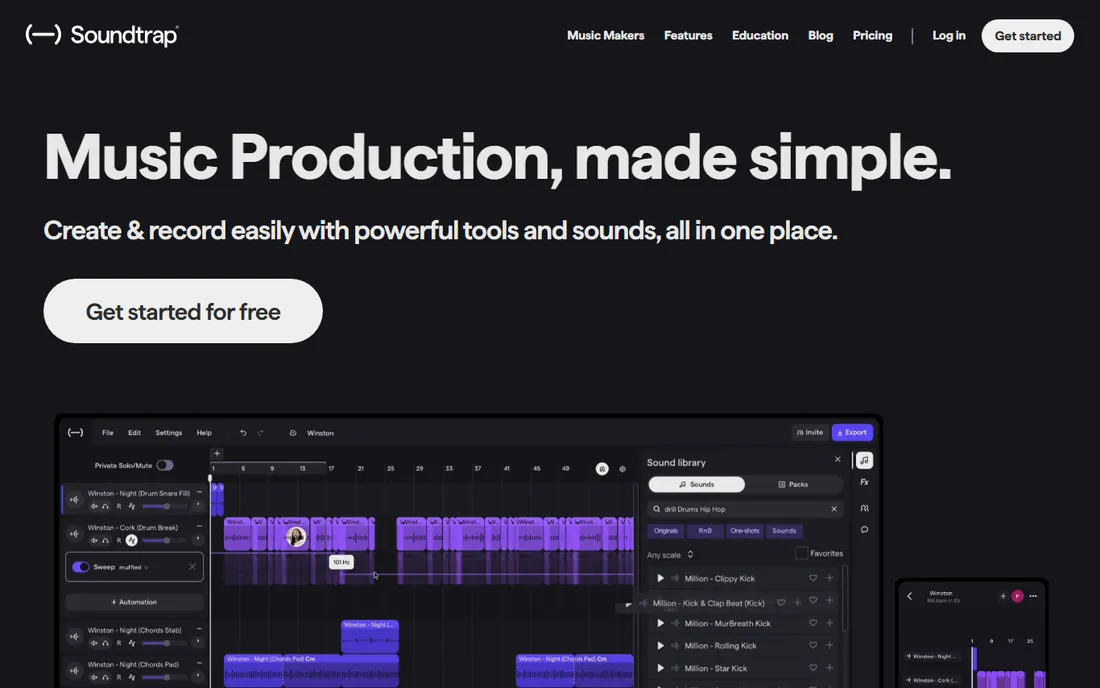
Soundtrap is the Google Docs of music making: open a project in your browser, invite a friend, and build a track together in real time. For a beginner, that social layer matters. Making music with someone else keeps you finishing songs, and Soundtrap's chat and video inside the studio make remote collaboration natural. The loop library is extensive, and the patterns and presets teach arrangement by example.
The free plan covers the basics with a limited number of projects. Paid tiers (Sound Starter, Music Production, Production and Vocals) expand projects, loops and features, but Soundtrap's own pricing page is the only reliable source for current numbers. Spotify's ownership of the company suggests it is not going anywhere, which counts for a web tool you will store projects on.
What we like- Browser-based with real-time collaboration built in
- Huge loop and sample library with genre packs
- Simple enough for classroom use
Watch out for- The free tier limits projects and loop access
- Deeper features and the full sound library require paid tiers
#6
LMMS
Best for: Windows and Linux users wanting a free FL Studio-style DAW
Visit lmms.io
Starting priceFree
Free planYes (100% free, open source)
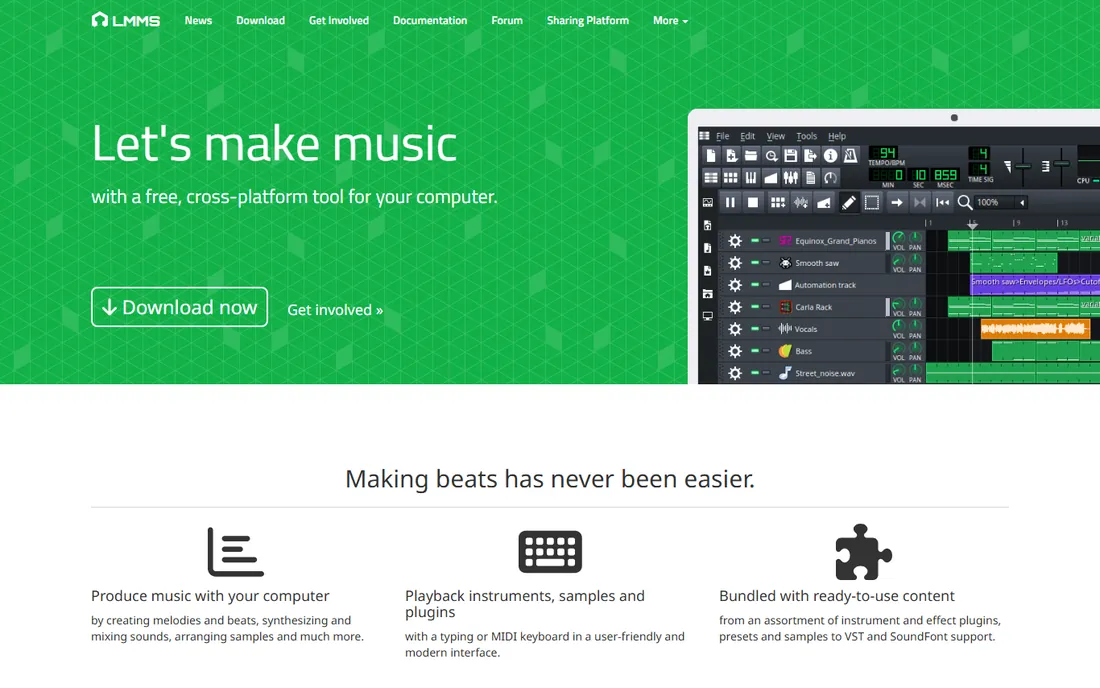
LMMS is the closest thing to FL Studio that costs nothing. The Beat and Bassline Editor works like FL's step sequencer, the piano roll handles melodies, and the song editor arranges patterns into tracks. It ships with 16 synthesizers, including emulations of classic chips, plus sample support, automation and effects. Everything is free under an open-source license, forever.
The roughness shows in the interface and in documentation, which is community-maintained. But the underlying engine is capable: MIDI import and export, VST plugin support on Windows, and project files that are easy to share. For a Windows or Linux beginner who wants FL-style beat making with zero budget, this is the answer.
What we like- Free and open source with no paid tier at all
- Beat and bassline editor plus piano roll closely mirror FL Studio's workflow
- 16 built-in synthesizers and VST support
Watch out for- The interface looks dated and less polished than commercial DAWs
- MacOS support lags behind Windows and Linux
Starting priceSee website (free trial; standalone purchase and subscription tiers)
Free planFree trial
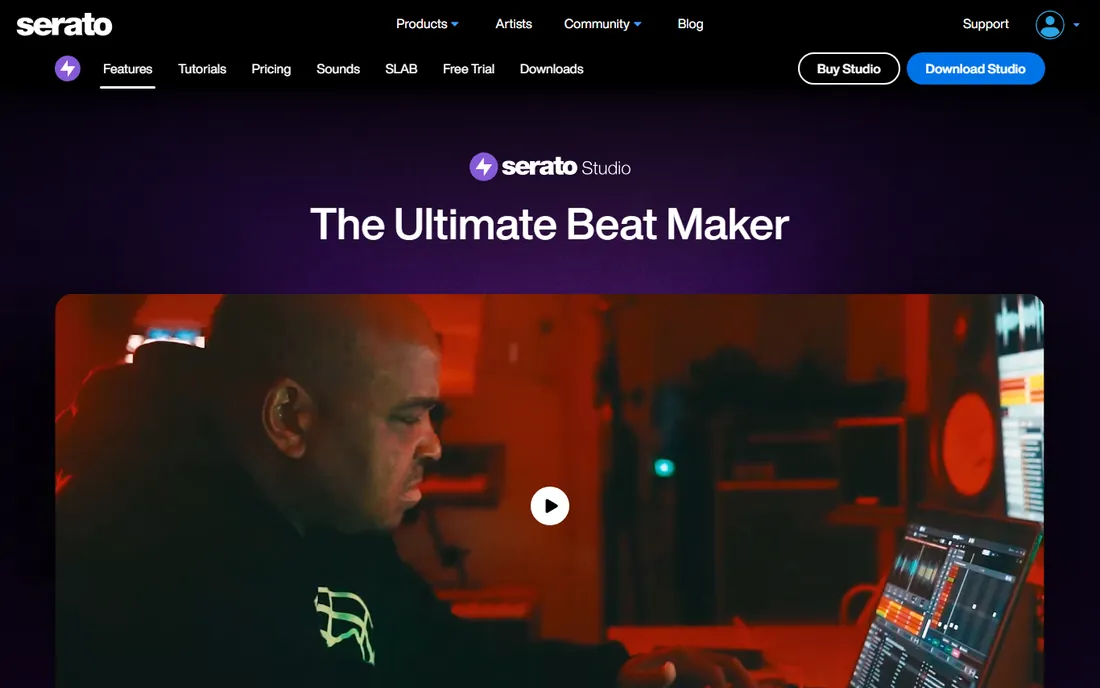
Serato Studio comes from the DJ world, and it shows in the best way. The Sample Deck chops, flips and separates stems from any audio, powered by the same Pitch 'n Time technology that made Serato famous with DJs. Building a beat from a sampled record, the foundation of hip-hop production, is faster here than in any general DAW. The 190+ instruments, 42 effects and one-click drum pattern generation cover the rest.
The workflow is split into Scenes (looping sections) and the Song view (arrangement), which suits beat makers who think in loops and drops. Serato offers a free trial from its site; the standalone purchase and Producer Suite subscription prices change with promotions, so check the store directly. If your beats start from samples rather than synths, start your trial here.
What we like- Built for sampling: stem separation, time-stretch and key shift are best in class
- Scene and Song views make arrangement visual and fast
- Integrates with Serato DJ libraries
Watch out for- Paid tiers are required after the trial, and pricing is only confirmed on Serato's store
- Less suited to traditional instrument recording than full DAWs
#8
Ableton Live
Best for: Beginners who want to perform their beats live later
Visit ableton.com
Starting price$99 one-time (Live 12 Intro)
Free planFree trial (30 days, full Suite features)
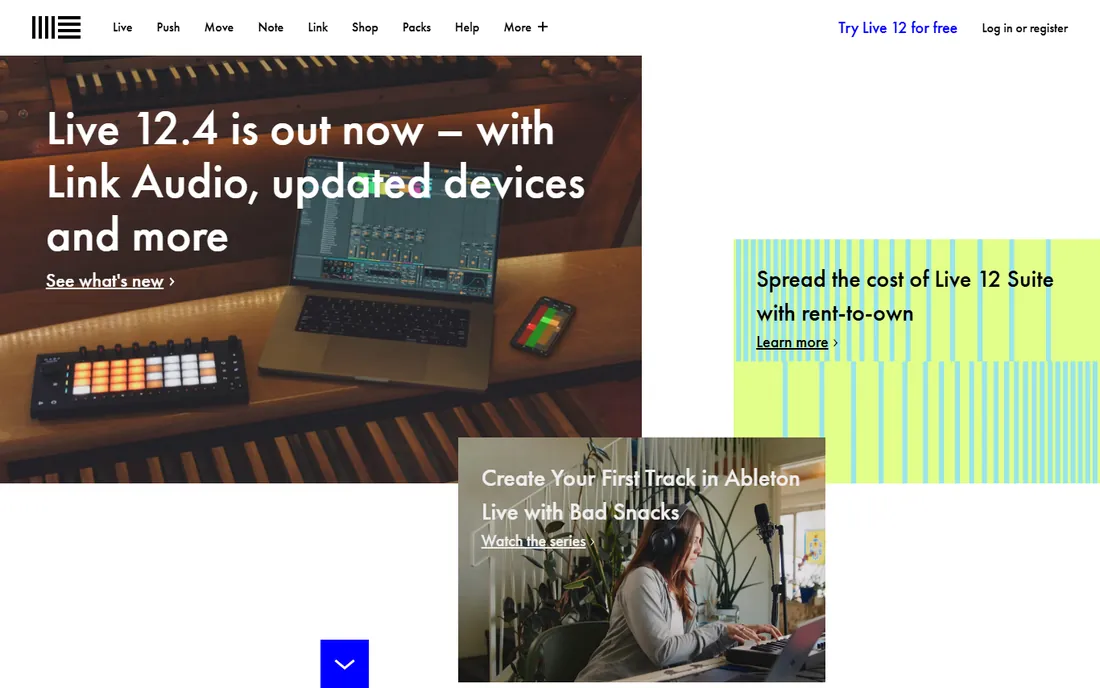
Ableton Live thinks differently. The Session View is a grid of clips you launch and combine in real time, which makes it the only beginner DAW that doubles as a performance instrument. Sketch a beat by triggering loops, record the performance into the arrangement, and you have a song. That loop-to-song path is exactly how many electronic producers work.
The Intro edition at $99 includes 16 tracks and over 5GB of sounds, enough for complete beginner productions. The 30-day trial gives you the full Suite, so use it aggressively before it expires. If you can picture yourself playing your beats on stage one day, learning Live now saves you switching DAWs later.
What we like- Session View is unmatched for sketching and performing ideas
- The $99 Intro edition is a genuine full DAW, not a demo
- Enormous tutorial and template ecosystem
Watch out for- The interface logic differs from traditional DAWs and takes adjustment
- The 30-day trial is shorter than FL Studio's unlimited trial
#9
MAGIX Music Maker
Best for: Loop-based song building on Windows
Visit magix.com
Starting price$44.99 one-time (Music Maker 2026)
Free planSee website (limited free options vary by promotion)
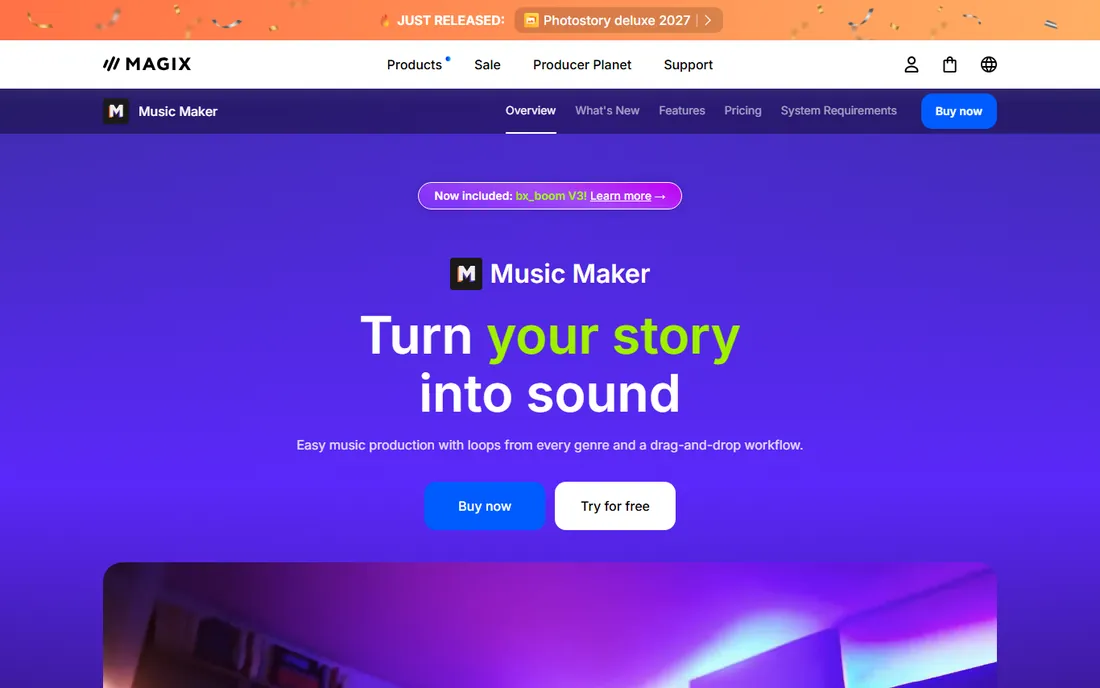
Music Maker is built for people who have never touched a DAW. Drag loops onto tracks, arrange them, add effects, and you have a song. The 2026 version adds a faster loop browser, genre filters and the Beatbox Pro drum machine, and the included Soundpools, professionally produced loop collections, sound good out of the box. MAGIX's own US store lists Music Maker 2026 at $44.99.
The honest trade-off is depth: loop assembly teaches arrangement but not sound design, and the tool is Windows-only. For a beginner who wants finished-sounding tracks this weekend, that is a fair deal. For someone who wants to learn synthesis and mixing deeply, FL Studio or Ableton's entry tiers are the better long-term investment.
What we like- Drag-and-drop loop workflow is the easiest on this list
- $44.99 entry price is the cheapest paid option here
- Soundpools are professionally produced and licensed
Watch out for- Windows only
- Loop-based production teaches less about synthesis and sound design than the other DAWs
How we chose
We searched the queries beginners actually type, beat making software for beginners, free beat making software and best DAW for beginners, and filtered for tools that are actively maintained and genuinely usable by first-timers. For each candidate we opened the vendor's own site, confirmed the current price and free or trial terms on official pages, and checked platform support and the learning resources available to new users. Where a vendor did not publish a clear price, we wrote "See website" instead of repeating third-party figures.
What a beginner actually needs (and what to ignore)
You need three things: a way to program drums, a way to add melodies or loops, and a way to arrange them into a song. Every tool on this list does all three. What you do not need yet: expensive plugin bundles, mastering chains, or opinions about which DAW the professionals use. Professionals use all of them.
Start free. BandLab, GarageBand, LMMS and MPC Beats cost nothing and each teaches the core concepts. When you hit a real limit, a feature you need that your free tool lacks, that is the moment to pay. For most beginners that moment arrives with FL Studio's $99 Fruity edition or Ableton's $99 Intro, both one-time purchases.
Ignore the upgrade anxiety. Your first fifty beats are practice, and they will sound like practice in any software. Pick the tool whose workflow clicks with you, finish songs in it, and let your ears, not forum debates, tell you when you have outgrown it.
The real costs beyond the software
The software is the cheap part. A decent pair of studio headphones ($50-100) matters more than any plugin, because you cannot mix what you cannot hear accurately. A MIDI keyboard controller ($80-150) makes melodies dramatically easier to write than clicking notes with a mouse, though every DAW here works without one.
Sample packs and loop libraries are the recurring temptation. Every tool here ships with enough free content to start, and sites like Splice sell packs a la carte if you want more. Before buying any, finish ten beats with the stock sounds. If you still want new drums after that, you will know exactly what is missing.
One more cost people forget: storage and backup. Project files, samples and exports accumulate fast. An external drive or a cloud backup plan protects months of work for a few dollars a month. Losing your first finished beat to a dead hard drive is a rite of passage you can skip.
Frequently asked questions
Can I really make beats for free?
Yes. BandLab, GarageBand, LMMS and MPC Beats are completely free with no time limits, and each one is capable of finished, releasable beats. Soundtrap's free tier and the unlimited trials of FL Studio and Serato Studio also cost nothing to start. Paid tools buy depth and polish, not permission to begin.
Do I need to know music theory to make beats?
No. Loop-based tools like BandLab, GarageBand's Live Loops and MAGIX Music Maker let you build musical-sounding tracks by ear. Theory helps later, and many producers pick it up as they go, but your first beats only need a good ear and persistence.
Which beat making software is easiest for a complete beginner?
BandLab, because it runs in the browser with nothing to install and its loop library does the heavy lifting. GarageBand is equally easy if you own Apple hardware. Among desktop DAWs, MPC Beats has the gentlest learning curve for drum-focused beat making.
What computer do I need to make beats?
Any modern laptop works. These tools run on ordinary consumer machines; 8GB of RAM and a few gigabytes of free disk space cover every app on this list. A Mac, Windows PC or Chromebook (for the browser tools) is enough to start. Upgrade your computer only when projects start stuttering.
Can I sell beats I make with free software?
Generally yes, but check each license. BandLab, LMMS and MPC Beats allow commercial use of your creations. The caution is with loops and samples: some free loop packs restrict commercial use, so verify the license of any third-party content you did not create yourself.
Do I need a MIDI keyboard to start?
No. Every DAW here lets you program drums and melodies with a mouse or your computer keyboard. A MIDI controller makes playing melodies faster and more expressive, and a basic 25-key model costs under $100, but it is an upgrade for month three, not day one.
Sources we checked (9)
- https://www.bandlab.com/
- https://www.apple.com/mac/garageband/
- https://www.image-line.com/
- https://www.akaipro.com/mpc-beats
- https://www.soundtrap.com/
- https://lmms.io/
- https://serato.com/studio
- https://ableton.com/
- https://www.magix.com/us/music/music-maker/
Is your product missing or out of date?
We review this list regularly. Vendors can request a listing, send updated pricing or ask about featured placement.

Shihab Mia · Founder, Rankite
Shihab has spent more than a decade helping SaaS and e-commerce brands grow through search. He writes Rankite's software buying guides from pricing pages, documentation and public user reviews. More about Shihab.