How we make this list: we compare pricing pages, product documentation and public user reviews. Ratings come from G2, Capterra or Trustpilot, with the date we checked them.
Key takeaways
- Huckleberry and Baby Tracker by Nighp offer the strongest free tracking, while Huckleberry's nap predictions sit behind a paid tier.
- Baby Connect is the best fit when several caregivers share one baby, with syncing across phones, watches and computers.
- Nanit is different from the rest: it pairs a camera with tracking, so sleep data is captured automatically rather than logged by hand.
- Glow Baby, Ovia, What to Expect and The Bump cover the wider journey from pregnancy through the first year, not just daily logs.
Quick comparison
| Tool | Best for | Starting price | Free plan |
|---|
 Huckleberry Huckleberry | Sleep predictions and tracking | Free | Yes |
 Baby Tracker (Nighp) Baby Tracker (Nighp) | Simple, private logging | Free | Yes |
 Glow Baby Glow Baby | Family health tracking | Free | Yes |
 Baby Connect Baby Connect | Multi-caregiver tracking | See website | No |
 Ovia Ovia | Employer-provided family health | Free | Yes |
 What to Expect What to Expect | Pregnancy and first-year guidance | Free | Yes |
 Nanit Nanit | Automatic sleep and breathing tracking | See website | Free trial |
 The Bump The Bump | Pregnancy tracking and tools | Free | Yes |
Is your product missing or out of date?
We review this list regularly. Vendors can request a listing, send updated pricing or ask about featured placement.
The best baby tracking apps
Starting priceFree
Free planYes
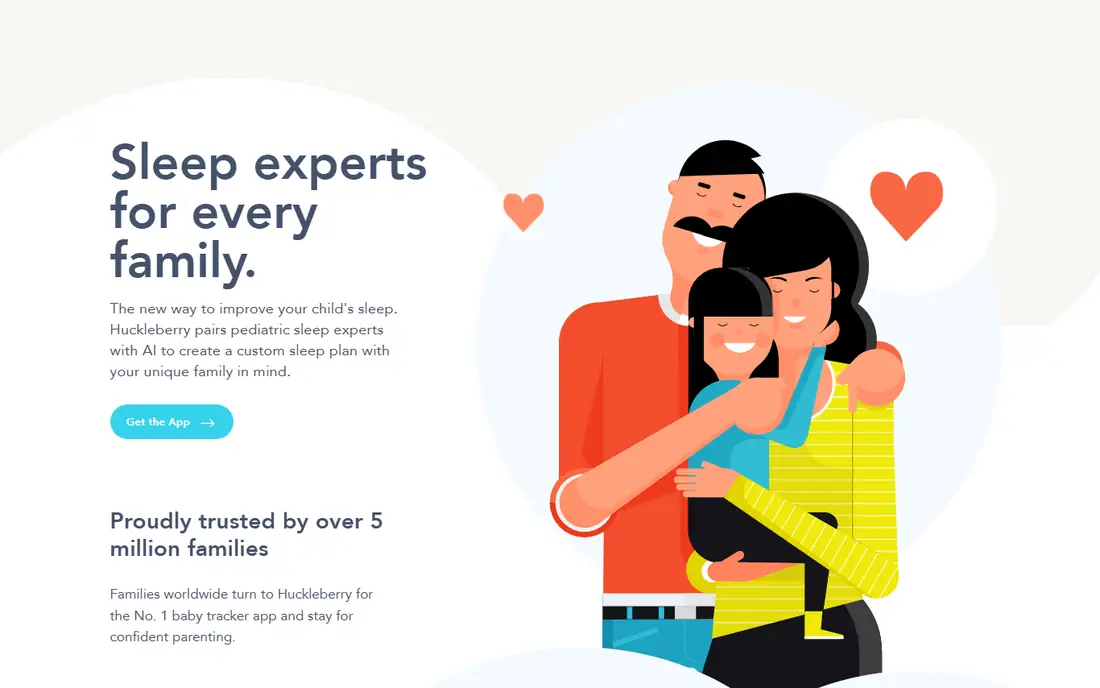
Huckleberry pairs pediatric sleep experts with AI to build custom sleep plans, and its homepage calls it the number one baby tracker app, trusted by more than 5 million families. Tracking sleep, feeding and more is free, and new users get two weeks of free access to try some paid features. The app also covers feeding schedules by age, sleep regressions and development topics with expert-written guides.
The feature parents praise most is SweetSpot, the nap and bedtime predictor that learns a baby's patterns. That predictor sits behind the paid Plus tier, which is the main thing to know before committing. If you only need clean logs and charts, the free tier covers it. If nap timing is your daily struggle, budget for Plus and use the two-week trial to test whether the predictions fit your baby's rhythm.
What we like- Free tracking for sleep, feeding and more
- Pediatric sleep experts on staff
- 2-week trial of paid features
Watch out for- Nap predictions need the paid Plus tier
- Expert guidance is a subscription, not a one-time purchase
Starting priceFree
Free planYes
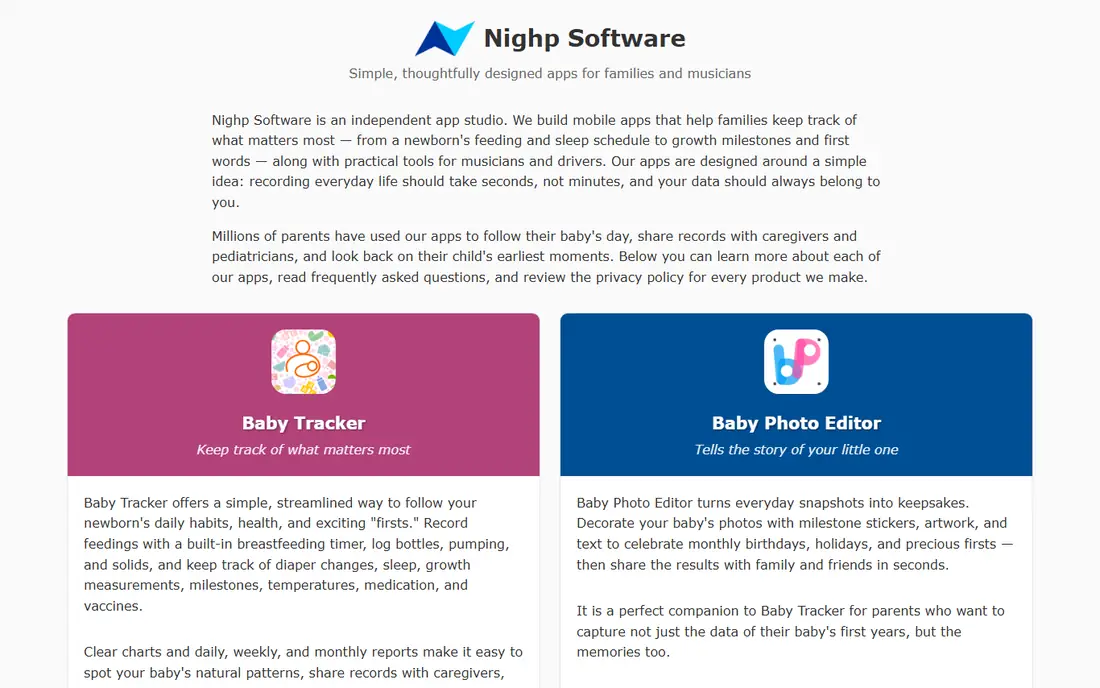
Baby Tracker by Nighp Software keeps things simple: record feedings with a built-in breastfeeding timer, log bottles, pumping and solids, and track diaper changes, sleep, growth, milestones, temperatures, medication and vaccines. Clear charts and daily, weekly and monthly reports make it easy to spot patterns, share records with caregivers, and answer a pediatrician's questions. Records sync automatically across devices so the whole family stays current.
The vendor states plainly that core tracking remains free, which makes this one of the most honest free tiers in the category. The free tier shows advertising, removable with a purchase, and the Plus subscription adds advanced features. Parents who want utility over polish, and who dislike aggressive upsells, tend to stay with this app for years.
What we like- Core tracking remains free
- Syncs across iPhone, iPad and Android
- Clear charts and shareable reports
Watch out for- Free tier shows ads
- Advanced features need the Plus subscription
- Design is functional rather than polished
Starting priceFree
Free planYes
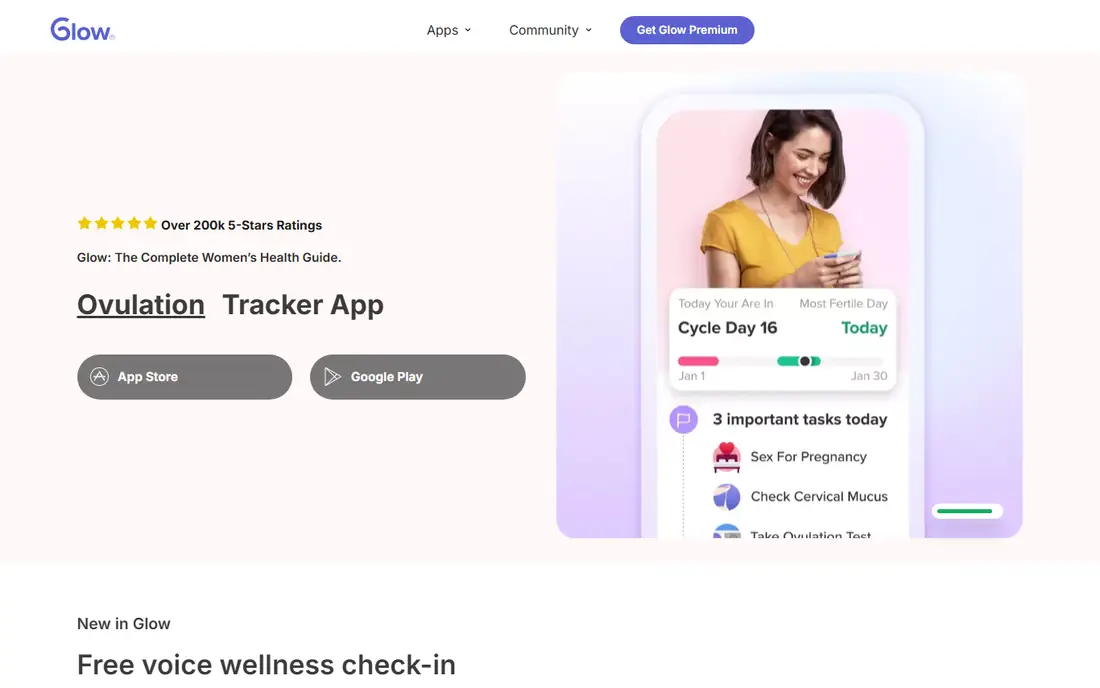
Glow is a family of four apps covering periods, ovulation, pregnancy and baby, with more than 25 million members worldwide. The baby app tracks feeding, sleep, diaper changes and pumping, with charts that parents say help at doctor visits. Because the apps share one account, a family can move from trying to conceive through pregnancy into baby tracking without switching platforms.
Glow Premium costs $59.99 per year after a 7-day free trial, and one subscription covers all four Glow apps, adding unlimited AI features, premium articles, comparative insights, advanced charting and an ad-free experience. The trade-off is focus: parents who only want a baby log may find the wider women's health ecosystem more than they need, while families already using Glow for fertility or pregnancy will find the continuity convenient.
What we like- Part of a family of four health apps
- Large community
- Premium adds advanced charting and an ad-free experience
Watch out for- Baby tracking shares space with fertility and period tracking
- Premium costs $59.99 per year
Starting priceSee website
Free planNo
Baby Connect is built for households where several people care for one baby. It tracks sleep, feeding, diaper changes, activities, medical records and development, and it works on phones, computers, smart watches and more. Grandparents, nannies and partners can each get access to the child's profile, so everyone knows what the baby needs, and voice integrations with Alexa and Siri let parents log entries hands-free.
The app has been used by more than 1 million parents, and its reports and charts are strong enough to share with healthcare professionals. The catch is that Baby Connect now requires a subscription, and its homepage does not show current prices, so the app store listing is the authority before you commit. For twins, or for families with a nanny in the mix, the multi-caregiver design still makes it the most capable option here.
What we like- Works on phones, computers and watches
- Caregiver sharing with individual access
- Unlimited record keeping and reports
Watch out for- Requires a subscription
- Pricing not shown on the homepage
Starting priceFree
Free planYes
Ovia Health, now part of Labcorp, supports women's and family health at every stage, from fertility and pregnancy through parenting and menopause. Its apps offer personalized tracking, clinical programs and a care team available by messaging, phone and video, 365 days a year, at no cost to the member. More than 2,000 clients provide Ovia as a benefit, and the platform syncs with Apple Health and Google Fit.
The model matters: most members get Ovia free through their employer or health plan, not by subscribing directly. That makes it an excellent perk if your benefits include it, and a poor fit if you are shopping for a standalone baby tracker. Parents who use Ovia praise the week-by-week development tracking and the tailored articles, but pure daily logging is not its strongest feature.
What we like- Evidence-based programs and a care team available 365 days a year
- Syncs with Apple Health and Google Fit
- 22+ million journeys served
Watch out for- Usually provided through an employer or health plan, not bought directly
- Less of a standalone baby log
Starting priceFree
Free planYes
What to Expect is the most trusted pregnancy and parenting brand in the US, and its app tracks pregnancy week by week, showing how a baby develops at each stage. It pairs tracking with doctor-reviewed articles on symptoms, feeding, sleep, development and postpartum health, plus tools like a due date calculator, an ovulation calculator and community groups by birth month.
The strength is guidance, not granular logging. Parents who want to know what is normal this week, what to ask at the next checkup, and how other parents handled the same stage will find it unmatched. Parents who want to log every feeding and diaper change with timestamps will want Huckleberry or Baby Tracker alongside it, since What to Expect's tracking is broader and less detailed.
What we like- Week-by-week pregnancy tracking
- Doctor-reviewed content
- Large community and tools like due date calculators
Watch out for- More of a guidance platform than a detailed daily log
- Content volume can overwhelm
Starting priceSee website
Free planFree trial
Nanit is a smart baby monitor that tracks sleep and breathing motion, and it belongs on this list because it removes the logging burden entirely. The overhead camera uses computer vision to detect when a baby is asleep or awake, and Breathing Wear lets it monitor breathing motion without sensors, wires or electronics on the baby. Even without a membership, users get live view, sound and motion notifications, temperature and humidity tracking, and two-way audio.
Insights memberships add the analytics: the Sleep Plan includes a free introductory trial and turns nightly data into daily decisions, the Memories Plan costs $120 per year for 24/7 video history, and the Milestones Plan costs $300 per year for advanced sleep analytics and autocaptured development indicators like rolling over and sitting. The hardware purchase is the upfront cost, and some features need the wall or floor mount. For exhausted parents, automatic tracking is the point: no 3 a.m. data entry.
What we like- Camera captures sleep and breathing motion automatically
- No wearable sensors needed
- Video history and milestone capture on higher plans
Watch out for- Requires buying the camera hardware
- Full analytics need an Insights membership
Starting priceFree
Free planYes
The Bump covers pregnancy, parenting and baby information, with free membership giving access to guides and tools tailored to each stage. Its pregnancy week-by-week tracker follows development across all three trimesters, and its tools include a due date calculator, an ovulation calculator, a baby name finder and a registry manager that combines retailer registries under one link.
The Bump is strongest before and shortly after birth, when parents need checklists, explainers and community support more than detailed logs. Its baby-stage tracking is lighter than Huckleberry or Baby Connect, so treat it as the companion app for the journey rather than the daily log. For a free, well-organized starting point, especially during pregnancy, it earns its place.
What we like- Free membership with tailored guides and tools
- Week-by-week pregnancy tracking
- Registry and baby name tools
Watch out for- Tracking is pregnancy-focused
- Baby-stage logging is lighter than dedicated trackers
How we chose
We looked for apps that US parents actually use for baby tracking, covering daily logs, sleep, feeding, health and development, plus the wider pregnancy-to-first-year journey. Each vendor homepage was opened to confirm the product exists and matches its description, and prices were taken from the vendor's own pages or app store listings where shown. Where a homepage did not display prices, we wrote "See website" rather than guessing. Apps whose domains were for sale, whose sites returned no usable content, or that belonged to a different company were dropped, not listed on hope.
What to track, and what to skip
New parents often start by logging everything, then burn out within weeks. A better approach is to track what changes a decision. Feeding times matter when a pediatrician asks about intake, sleep patterns matter when nights fall apart, and diaper counts matter in the first weeks when hydration is a real concern. Milestones, vaccines and medications matter for medical visits. Everything else is optional, and an app that makes logging take ten seconds will beat a detailed app that takes a minute, because the tired parent at 3 a.m. uses the fast one.
Share the log with everyone who cares for the baby, and agree on one app before the birth, since two parallel logs help nobody. Check the export options too: a log you cannot export or print is less useful at a pediatric visit than a simple PDF of the last two weeks. Finally, remember that tracking apps are organizational tools, not medical devices. If a baby's feeding, sleep or breathing worries you, call your pediatrician rather than trusting an app's chart.
Frequently asked questions
Do I need a baby tracking app, or will a notebook work?
A notebook works fine for one caregiver, but an app wins when several people share care, since logs sync instantly and produce charts a pediatrician can read at a glance. If only one parent logs, a notebook is cheaper and never runs out of battery.
Which baby tracking app is actually free?
Huckleberry and Baby Tracker by Nighp both offer core tracking free, with paid tiers for predictions and advanced features. Glow Baby, What to Expect and The Bump are also free to use, with premium upgrades optional.
Is Nanit worth it if I already use a tracking app?
Nanit solves a different problem: it captures sleep and breathing data automatically, so you stop logging nights by hand. It makes sense if night logging is the chore you hate, and less sense if you only need feeding and diaper records.
Can I share a baby tracker with a nanny or grandparent?
Yes, and Baby Connect is built for exactly that, with individual access per caregiver. Huckleberry and Baby Tracker also sync across family devices, so check the sharing settings before choosing, since some apps limit how many people can join a free plan.
Are baby tracking apps safe for my child's data?
Check the privacy policy before you log health data. Prefer apps that explain what they collect, whether they sell data, and how to export or delete it. Avoid logging sensitive medical details in any app whose policy you have not read.
When should I stop tracking?
Many parents taper off once feeding and sleep settle into a pattern, often around six months, keeping only milestones, vaccines and medical notes. If tracking starts to raise anxiety rather than reduce it, that is a good sign to simplify or stop.
Sources we checked (8)
- https://huckleberrycare.com
- https://nighp.com
- https://glowing.com
- https://www.babyconnect.com
- https://www.oviahealth.com
- https://www.whattoexpect.com
- https://www.nanit.com
- https://www.thebump.com
Is your product missing or out of date?
We review this list regularly. Vendors can request a listing, send updated pricing or ask about featured placement.

Shihab Mia · Founder, Rankite
Shihab has 5+ years in B2B and SaaS SEO. He writes Rankite's software buying guides from pricing pages, documentation and public user reviews. More about Shihab.