How we make this list: we compare pricing pages, product documentation and public user reviews. Ratings come from G2, Capterra or Trustpilot, with the date we checked them.
Key takeaways
- Life360 is the best all-round free family tracking app, with a free plan covering location tracking, crash detection, 2 days of history, and 2 place alerts.
- Apple Find My is the best free option for Apple families, with device and people location, offline finding, and privacy built in.
- iSharing is the best free cross-platform tracker, with a free plan for real-time sharing, panic alarm, messaging, and circles, trusted by 60 million plus users.
- OwnTracks is the best private, open source option, with no company server needed and full control over your location data.
- Google Maps location sharing is the best no-install option for Android users, since most people already have Google Maps.
Quick comparison
| Tool | Best for | Starting price | Free plan |
|---|
 Life360 Life360 | Families who want the most complete free tracking plan | Free | Free |
 Apple Find My Apple Find My | Apple families tracking devices and people for free | Free | Free |
 Google Maps location sharing Google Maps location sharing | Sharing location with anyone, no new app needed | Free | Free |
 Google Family Link Google Family Link | Parents managing and locating children's Android devices | Free | Free |
 GeoZilla GeoZilla | GPS tracking with crash detection and driver safety | Free | Free |
 iSharing iSharing | Free cross-platform tracking for iOS and Android families | Free | Free |
 Glympse Glympse | Temporary live location sharing for meetups and arrivals | See website | See website |
 OwnTracks OwnTracks | Private, self-hosted family tracking with no company server | Free | Free |
Is your product missing or out of date?
We review this list regularly. Vendors can request a listing, send updated pricing or ask about featured placement.
The best family tracking app free
#1Life360
Best for: Families who want the most complete free tracking plan1.6/5 on
Trustpilot (268 reviews, checked Oct 2026)
Visit life360.com
Starting priceFree
Free planFree
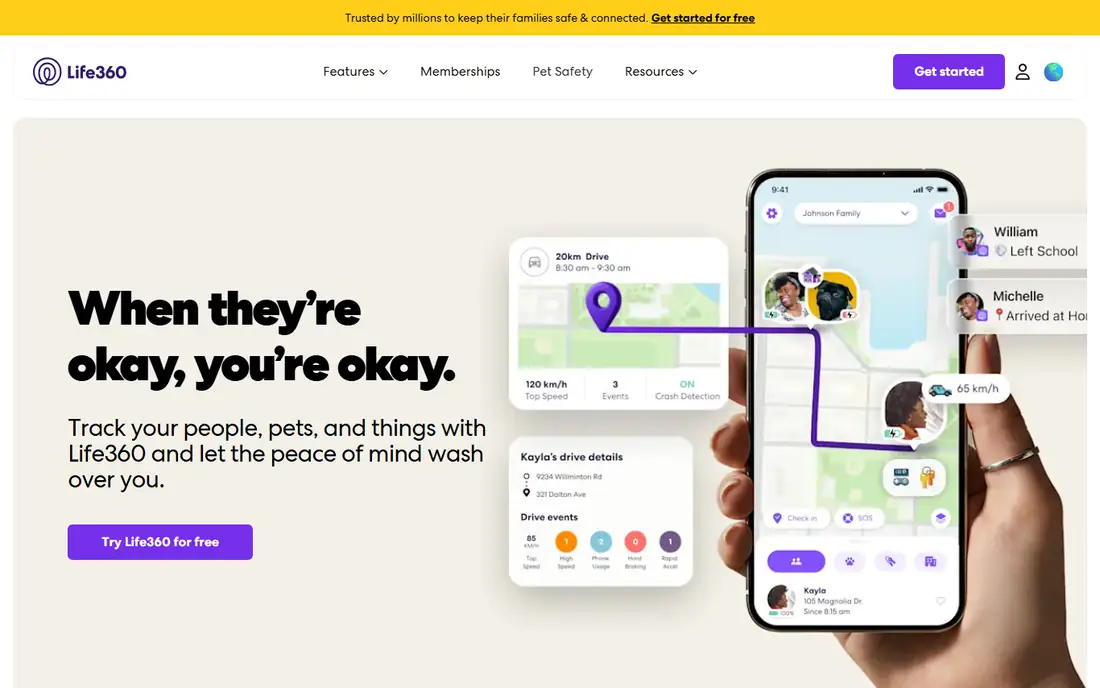
Life360 is a family safety and location sharing app that helps families stay connected with real-time location updates, place alerts, SOS features, driving insights, and emergency assistance tools, and it is loved by 100 million people. Its free plan protects your family with easy-to-use location tracking and crash detection, plus 2 days of location history, 2 place alerts, a family driving summary, and tracking your stuff with Tile.
Paid plans add more: Silver adds 7 days of history, 5 places with unlimited alerts, and crash detection; Gold adds 30 days of history, unlimited place alerts, crash detection with emergency dispatch, 24/7 roadside assistance, and individual driver reports; Platinum adds 50 miles of free towing, $1 million stolen funds reimbursement, disaster response, medical assistance, and travel support. But the free plan alone covers the core need: knowing where your family is and getting help if something goes wrong.
For most families, Life360's free plan is the best starting point.
What we like- Free plan with location tracking and crash detection, 2 days of location history, 2 place alerts, family driving summary, Tile item tracking, loved by 100 million people, 4.78 out of 5 from 2.5 million plus ratings
Watch out for- Longer history and unlimited alerts need paid plans, paid plans add cost, some features need a subscription
#2
Apple Find My
Best for: Apple families tracking devices and people for free
Visit apple.com
Starting priceFree
Free planFree
The Find My app makes it easy to keep track of your Apple devices, even if they are offline, and to locate items with AirTag or Find My technology, or pinpoint friends and family with Precision Finding, with everyone's location kept private every step of the way. You can see all your devices on a map, play a sound to find a nearby device, set Notify When Left Behind, use Lost Mode to track a missing device and show a message, and erase a device remotely if needed.
For family tracking, Find My friends lets you invite people to share their location, with Live Locations shared in real time for an hour, a day, or indefinitely, and notifications when a child arrives at school or a family member leaves work, with each person choosing to opt in. If your device cannot connect or has little battery, the Find My network of over a billion Apple devices can still locate it anonymously and encrypted. For adventures without cell service, iPhone 14 or later can share location over satellite.
For families all on Apple devices, Find My is free, private, and already installed.
What we like- Free with Apple devices, finds devices even offline, friends and family location sharing, precision finding, notifications on arrival and departure, privacy with encrypted location data kept 24 hours
Watch out for- Apple devices only, Android family members cannot join, full features need newer hardware for precision finding
#3
Google Maps location sharing
Best for: Sharing location with anyone, no new app needed
Visit maps.google.com
Starting priceFree
Free planFree
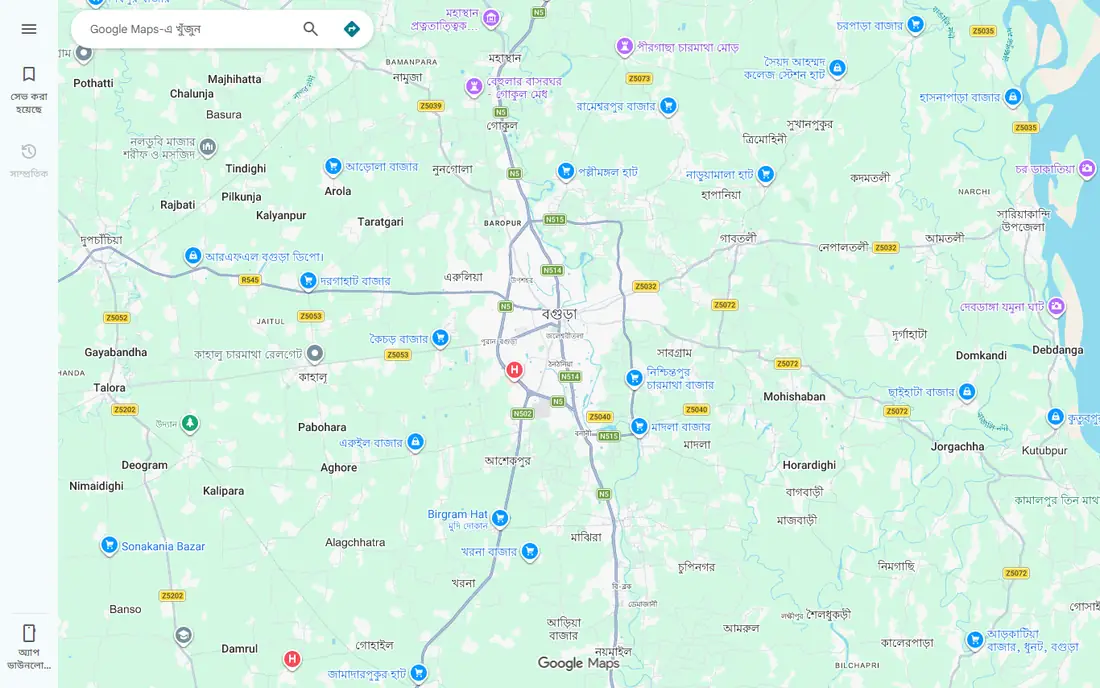
Google Maps location sharing lets you share your real-time location with chosen people for a set time or until you turn it off, directly from the app most Android users already have. It is the simplest free family tracking option: no new account, no new app to learn, and it works for one-off sharing such as a trip home or a day out, as well as ongoing family sharing.
One flag: when we checked the Google Maps homepage during work on another article in this batch, it returned no extractable content, an interactive map app page rather than a product page, and we did not retry it. Google Maps is kept here on its established official URL, maps.google.com, with that flag reported rather than hidden. Compared with Life360 or iSharing, Google Maps sharing has fewer family features: no crash detection, no driving reports, and no place alerts, but for pure location sharing it is free and frictionless.
For families who just need to see each other on a map, Google Maps sharing is the easiest free option.
What we like- Free, already installed on most Android phones, share for a set time or indefinitely, works across Android and iOS, simple to start and stop
Watch out for- Homepage check returned no extractable content in an earlier check and was not retried, fewer family features than Life360, no crash detection or driving reports
Starting priceFree
Free planFree
Google Family Link is Google's free parental supervision tool, letting parents locate a child's Android device, manage screen time, approve apps, and set content filters from their own phone. For families with young children on Android, it combines location with supervision in one free Google service, and it works across Android phones, tablets, and Chromebooks.
One flag: our homepage check for families.google.com/familylink/ returned no extractable content, and we did not retry it. Family Link is kept here on its established official URL, which is the well-known address for the product, but readers should confirm it loads in their own browser. Note that Family Link is a supervision tool first and a tracker second: it locates a child's device, but it does not offer the driving reports, crash detection, or place alerts of Life360.
For parents of younger Android users, Family Link is the best free supervision-plus-location option.
What we like- Free from Google, device location for children's accounts, screen time and app controls, content filters, works with children's Android devices and Chromebooks
Watch out for- Homepage check returned no extractable content and was not retried, focused on supervision rather than full family tracking, children can be less enthusiastic about supervision
#5
GeoZilla
Best for: GPS tracking with crash detection and driver safety
Visit geozilla.com
Starting priceFree
Free planFree
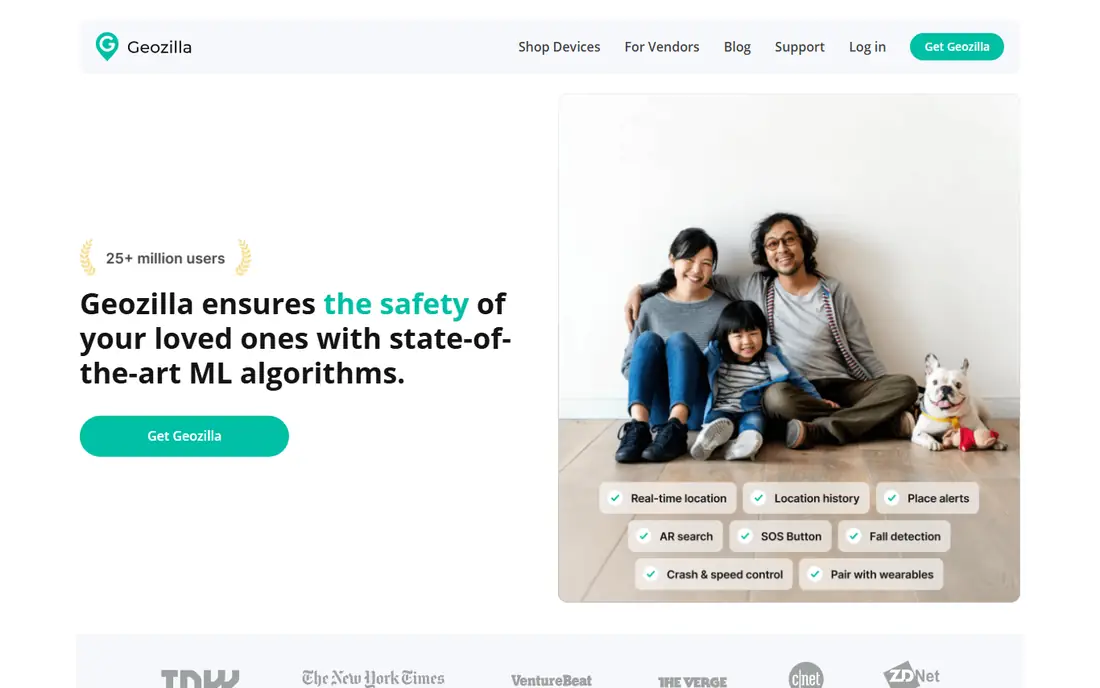
GeoZilla ensures the safety of your loved ones with state-of-the-art machine learning algorithms, locating kids, friends, and elders instantly using GPS on their phones. Its crash detection alerts emergency contacts so you can get help faster, while driver safety reports work to lower accident risk by informing you about phone use, speeding, and distracted driving. Driver coaching uses motion sensors to flag risk-inducing situations and educate drivers.
You can also pair the GeoZilla app with a GPS tracking device, choosing from wearable devices to keep track of a dog, attach to a kid's bag, or use with a car, finding your tracker in seconds on the same map as your family. Location sharing is opt-in: the recipient receives a text to give consent, keeping sharing consensual. The homepage shows a 3-month premium membership at $59.99 with a 30-day money-back guarantee and over 30,000 five-star reviews, while the app itself is free to start.
For families who want crash detection and driver coaching alongside tracking, GeoZilla is a strong free start.
What we like- Locate kids, friends, and elders instantly with GPS, crash detection alerts emergency contacts, driver safety reports on speeding and phone use, pairs with GPS tracker devices, 412,000 plus Google Play ratings
Watch out for- Premium membership shown at $59.99 per 3 months, free tier limits not shown plainly, some features need the premium plan
Starting priceFree
Free planFree
iSharing is the leading location app for both iOS and Android, and the highest-rated free location sharing app, with real-time phone tracker services that let family members and close friends privately share location and communicate anytime, anywhere. Its free plan covers basic real-time location sharing with see location, panic alarm, unlimited messaging, and creating circles, and it is trusted by 60 million plus users with a 4.8 star overall rating.
Paid plans add more: Silver adds 5 place alerts, 7-day history, battery and inactivity alerts, and SOS with recorded sound; Gold adds unlimited place alerts, 90-day history with street view, driving reports and alerts, and a family plan; Platinum adds 1-year history and driving report, web desktop access, and priority support. Key features include real-time location with street view, place alerts for home, school, or anywhere else, up to 1-year history on paid plans, elderly care notifications when elders do not use their phone, SOS alert with audio, and a driving monitor for speeding, sudden braking, and phone use.
For mixed iPhone and Android families who want a generous free plan, iSharing is the best cross-platform choice.
What we like- Free plan with real-time sharing, panic alarm, unlimited messaging, and circles, trusted by 60 million plus users, 4.8 star rating, place alerts, driving monitor, SOS with audio, elderly care features
Watch out for- Longer history and driving reports need paid plans, paid tiers add cost, some features such as 1-year history are Platinum only
#7
Glympse
Best for: Temporary live location sharing for meetups and arrivals
Visit glympse.com
Starting priceSee website
Free planSee website
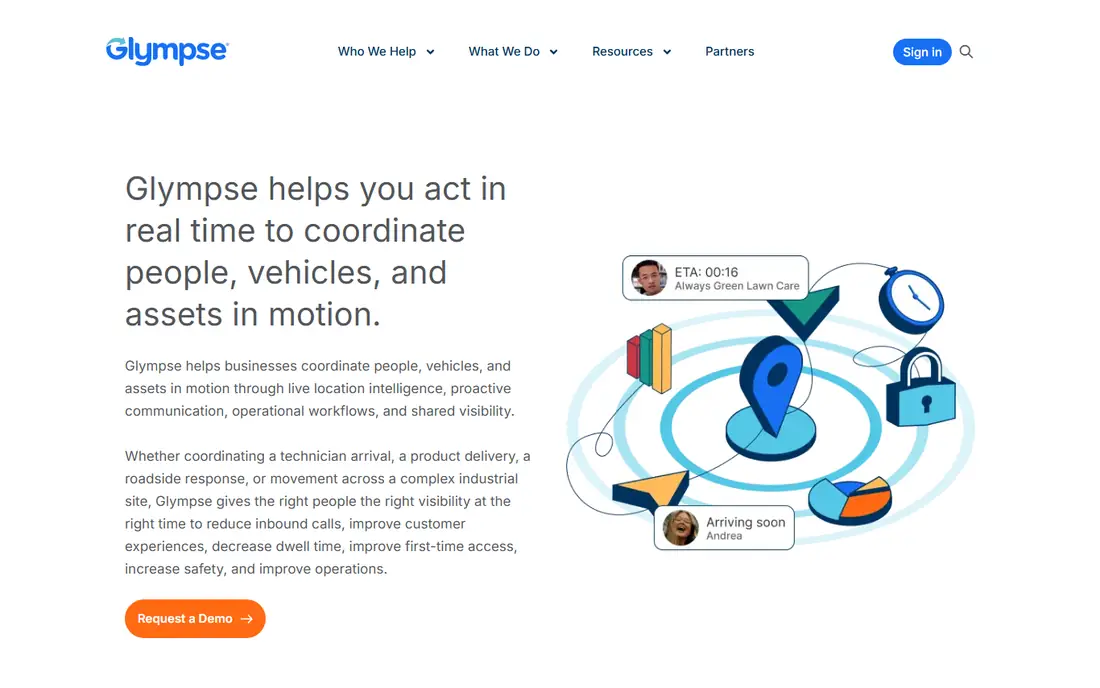
Glympse began as a consumer app for simple live location sharing, and its homepage notes deep roots in consumer location sharing and customer-facing arrival experiences. Today, however, glympse.com focuses on enterprise solutions: helping businesses coordinate people, vehicles, and assets in motion through live location intelligence, proactive communication, and operational workflows, with Glympse PRO for small businesses and APIs for builders.
That pivot matters for families: Glympse's classic use case was sharing your live location temporarily, such as on the way to meet friends, without ongoing tracking, and that model is ideal for privacy-conscious sharing. But the current homepage does not show a plain consumer free plan, so we list its price as "See website" and recommend checking the app stores for the current consumer app before relying on it. For businesses, Glympse's enterprise numbers include up to 100 percent fewer inbound calls, 45 percent lower no-access rates, and 34 percent reduced dwell time.
For temporary sharing rather than always-on family tracking, Glympse's model remains appealing, but confirm the consumer app first.
What we like- Simple live location sharing roots, share for a set time without ongoing tracking, enterprise-grade security with SOC 2 Type II, operates in 135 plus countries with 46 plus languages
Watch out for- Homepage now focuses on enterprise solutions, consumer app availability less clear, pricing not shown plainly, business focus may suit families less
#8
OwnTracks
Best for: Private, self-hosted family tracking with no company server
Visit owntracks.org
Starting priceFree
Free planFree
OwnTracks allows you to keep track of your own location, building a private location diary or sharing it with family and friends. It is open source and uses open protocols for communication, so you can be sure your data stays secure and private. To get started, install OwnTracks on your smartphone, then connect it to an existing server or follow the guide in its booklet to set up your own.
That self-hosted model is OwnTracks' whole point: unlike Life360 or iSharing, no company holds your family's location history, serves ads against it, or changes the terms. The trade-off is setup effort and fewer convenience features: no crash detection, no driving reports, and no place alerts out of the box, though the open protocol lets technical users build their own.
For privacy-focused families with some technical skill, OwnTracks is the best free and private option.
What we like- Free and open source, uses open protocols, data stays private and secure, build a private location diary or share with family, no subscription, no ads, no company tracking
Watch out for- Needs your own server or a friend's server for sharing, setup is more technical, no crash detection or driving reports, smaller community support
How we chose
We compared family tracking apps that are actively offered and usable in 2026 with a free option, with verified vendor homepages and real location products, not just app-store listings with no vendor behind them. We checked each vendor homepage to confirm the product exists and matches its description, and we used published free plans and prices where the vendor shows them plainly. Where a homepage did not show a clear free plan, we wrote "See website" rather than inventing one. Apps were kept only if they are actively offered and usable for family location sharing, not just similar in name. Privacy note: location sharing should always be consensual. Share only with people you trust, agree on when sharing is on and off, and teach children that tracking is for safety, not surveillance. Check each app's data policy before sharing a child's location.
Pick by your family setup and privacy needs
If you want the most complete free plan, start with Life360. If your family is all on Apple devices, Find My is free and already installed. If you just need simple sharing, Google Maps location sharing is the easiest option. If you manage a child's Android device, Family Link adds supervision. If you want crash detection and driver coaching, GeoZilla is strong. If your family mixes iPhone and Android, iSharing's free plan is the best cross-platform fit. If you only share temporarily, Glympse's model fits, but confirm the consumer app first. And if privacy matters most and you can run a server, OwnTracks keeps your data yours. Whatever you choose, agree on sharing rules as a family, review permissions regularly, and turn sharing off when it is not needed.
Frequently asked questions
What is the best free family tracking app?
Life360 is the best all-round free option, with a free plan covering location tracking, crash detection, 2 days of history, and 2 place alerts. Apple Find My is best for Apple families, iSharing is best for mixed iPhone and Android families, and OwnTracks is best for privacy.
Is it safe to track my child's location?
Tracking a child's location for safety is common, but it should be consensual and age-appropriate. Explain why you track, agree on when sharing is on, use supervision tools such as Family Link for younger children, and give older teens more privacy as they earn trust. Never track an adult without their consent.
Do free family tracking apps sell location data?
Policies vary, so read each app's privacy policy before use. Apple Find My encrypts location data and retains it only 24 hours on its servers, and OwnTracks lets you host your own data so no company holds it. Free apps funded by paid plans, such as Life360 and iSharing, are generally safer bets than free apps with no clear business model.
Can I track family across iPhone and Android?
Yes. Life360, Google Maps sharing, GeoZilla, iSharing, and OwnTracks all work across iPhone and Android. Apple Find My is Apple-only, so mixed families should choose a cross-platform app.
What is the difference between Life360 free and paid?
Life360 free covers location tracking, crash detection, 2 days of history, 2 place alerts, a driving summary, and Tile tracking. Paid plans add longer history, unlimited alerts, crash detection with emergency dispatch, roadside assistance, driver reports, and towing and travel benefits.
Can I share my location temporarily instead of always?
Yes. Google Maps sharing and Glympse's model let you share for a set time, such as an hour or until you arrive, rather than always. Apple Find My also lets you share for an hour, a day, or indefinitely, so you can choose the window that fits.
Sources we checked (0)
Is your product missing or out of date?
We review this list regularly. Vendors can request a listing, send updated pricing or ask about featured placement.

Shihab Mia · Founder, Rankite
Shihab has 5+ years in B2B and SaaS SEO. He writes Rankite's software buying guides from pricing pages, documentation and public user reviews. More about Shihab.