How we make this list: we compare pricing pages, product documentation and public user reviews. Ratings come from G2, Capterra or Trustpilot, with the date we checked them.
Key takeaways
- Sleep Cycle is the best phone-only starting point, with a smart alarm and trend charts that need no wearable.
- Pillow and AutoSleep are the best Apple Watch options, with Pillow clearer to read and AutoSleep cheaper over time.
- Sleep as Android is the deepest Android tracker, while RISE focuses on sleep debt and daytime energy timing.
- BetterSleep and Calm help more with falling asleep than with detailed tracking, and SleepScore suits wearable-free users.
Quick comparison
| Tool | Best for | Starting price | Free plan |
|---|
 Sleep Cycle Sleep Cycle | Phone-only tracking and smart alarm | See website | Yes |
 Pillow Pillow | Apple Watch sleep detail | See website | Yes |
 AutoSleep AutoSleep | One-time purchase for Apple Watch | See website | Free trial |
 Sleep as Android Sleep as Android | Deep tracking for Android | See website | Yes |
 RISE RISE | Sleep debt and energy timing | See website | Free trial |
 BetterSleep BetterSleep | Sounds, stories, and tracking in one app | See website | Yes |
 SleepScore SleepScore | Tracking without a wearable | See website | Yes |
 Calm Calm | Sleep stories and wind-down | See website | Yes |
Is your product missing or out of date?
We review this list regularly. Vendors can request a listing, send updated pricing or ask about featured placement.
The best apps for sleep tracking
Starting priceSee website
Free planYes
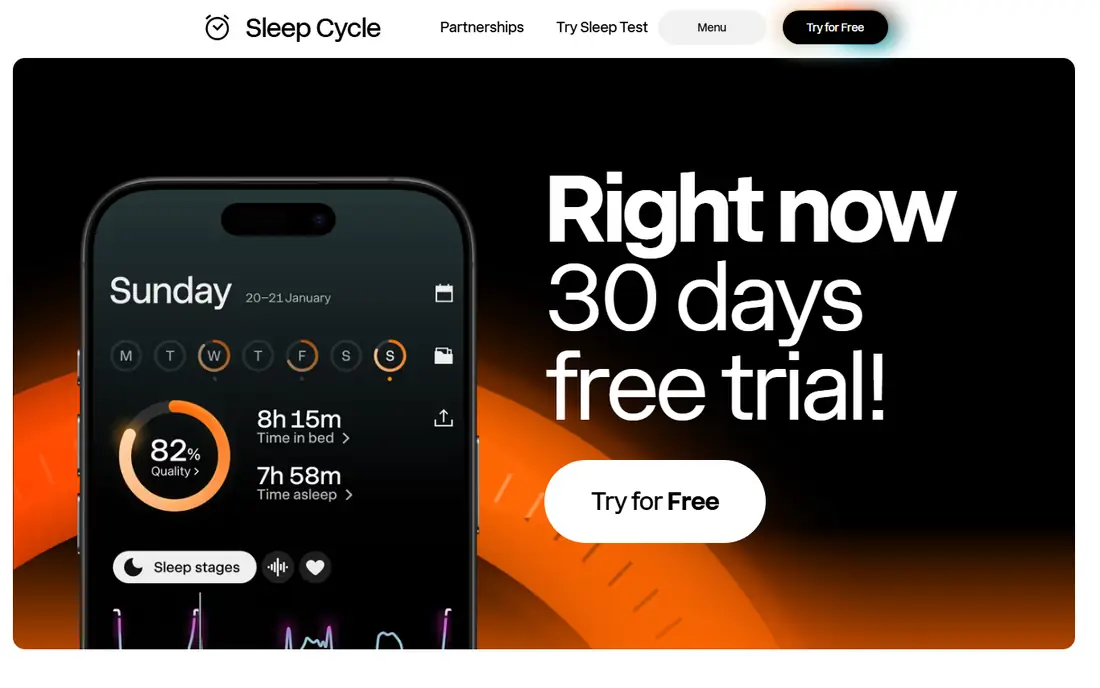
Sleep Cycle tracks sleep from a phone on a nightstand using sound and motion. It wakes you during a lighter sleep phase inside a window you set, which can feel gentler than a fixed alarm. Trend charts show bedtime drift, sleep length, and restlessness over weeks.
Phone-only tracking has limits. A partner, pet, or fan can affect a night, so treat single-night stage percentages with care. For broad patterns, such as later bedtimes on weekends, Sleep Cycle is useful and easy to start.
What we like- Smart alarm within a chosen window
- Snore and sleep talk detection
- Long-term trend charts
Watch out for- Phone placement affects accuracy
- Key stats need a premium plan
Starting priceSee website
Free planYes
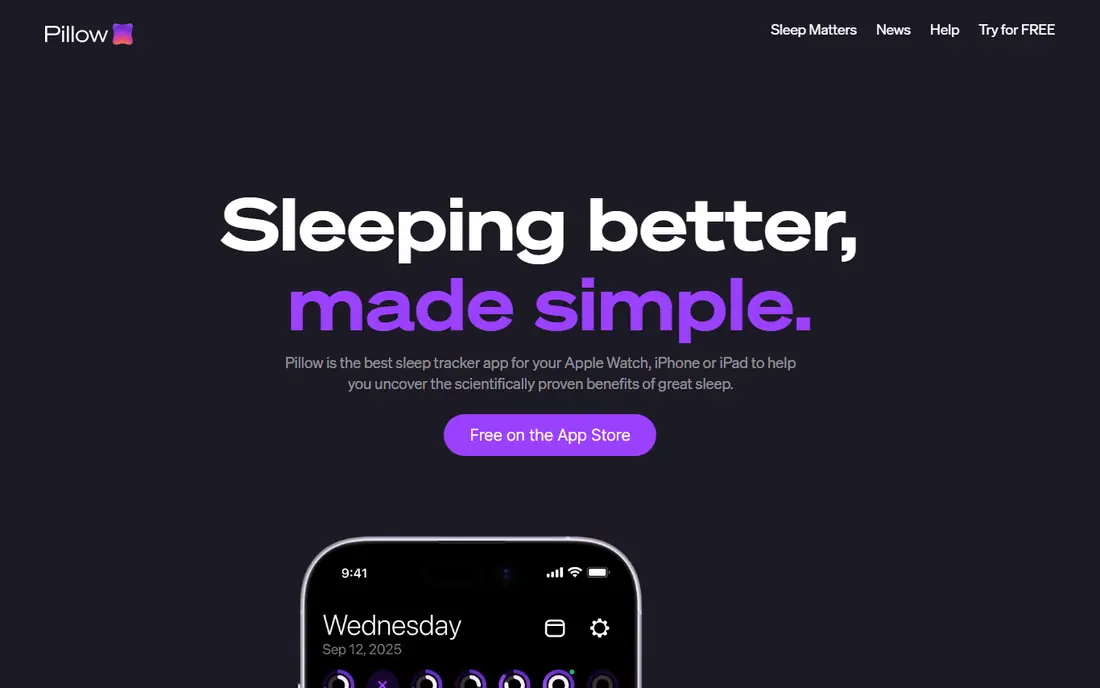
Pillow upgrades the basic Apple Watch sleep view with clearer charts and more detail. It shows sleep stages, heart rate trends, and audio clips for snoring, and it syncs with Apple Health. For Apple Watch owners who want more than the built-in overview, Pillow is the natural next step.
The limit is platform. There is no Android version, so switching phones means leaving your history behind. Premium also gates several deeper features. Within Apple hardware, though, Pillow is polished and easy to read.
What we like- Deep Apple Watch and Health integration
- Clear sleep stage charts
- Audio recording
Watch out for- Apple devices only
- Many features need a premium plan
Starting priceSee website
Free planFree trial
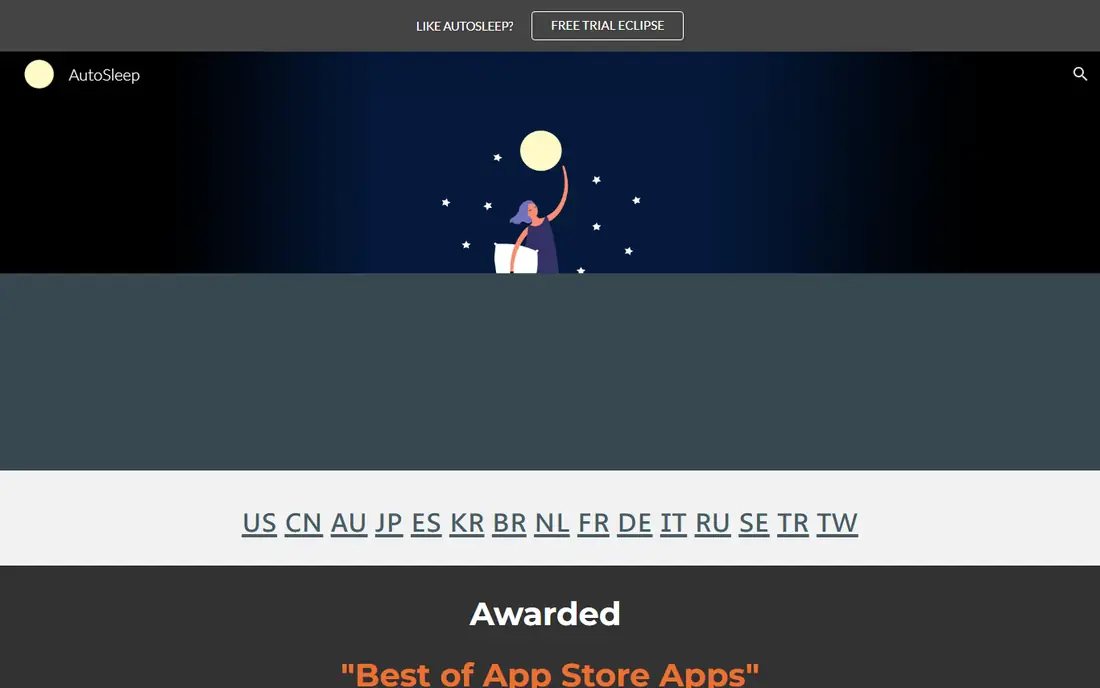
AutoSleep appeals to Apple Watch owners who dislike subscriptions. It offers a one-time purchase path and detailed views for sleep debt, readiness, and trends. Data stays tied to Apple Health, which keeps the setup simple for existing Watch users.
The interface packs a lot onto each screen, so new users may need a few nights to learn it. It is also Apple-only, with no Android path. If you want depth without a monthly fee, AutoSleep is worth the learning curve.
What we like- One-time purchase option
- Detailed readiness and sleep bank views
- No required subscription
Watch out for- Apple only
- Interface is dense for new users
Starting priceSee website
Free planYes
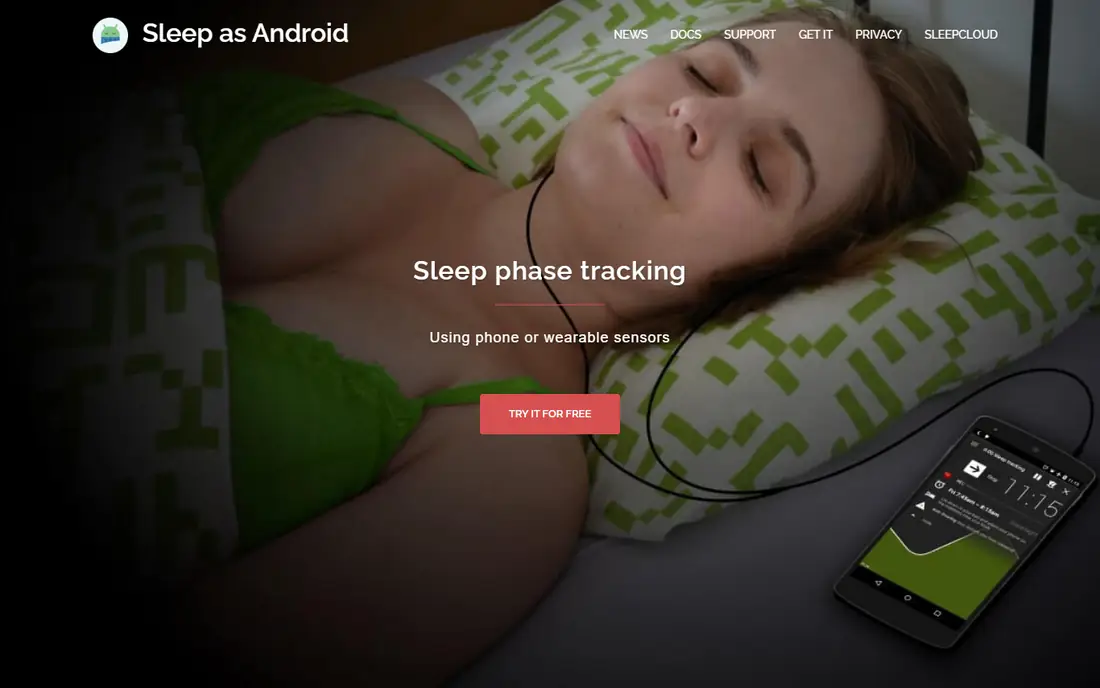
Sleep as Android is the deepest phone tracker for Android users. It can track without the phone in bed using sonar, and it links to smart lights for a gradual wake-up. Pairing with a Wear OS watch or band adds heart rate detail when you want it.
Depth brings complexity. The settings menu is long, and a new user can spend time tuning alarms, tracking modes, and integrations. Android users who like control will enjoy that. Users who want a simple start should try Sleep Cycle first.
What we like- Sonar contactless tracking
- Smart alarm and smart home links
- Wearable pairing
Watch out for- Android only
- Settings can overwhelm new users
Starting priceSee website
Free planFree trial
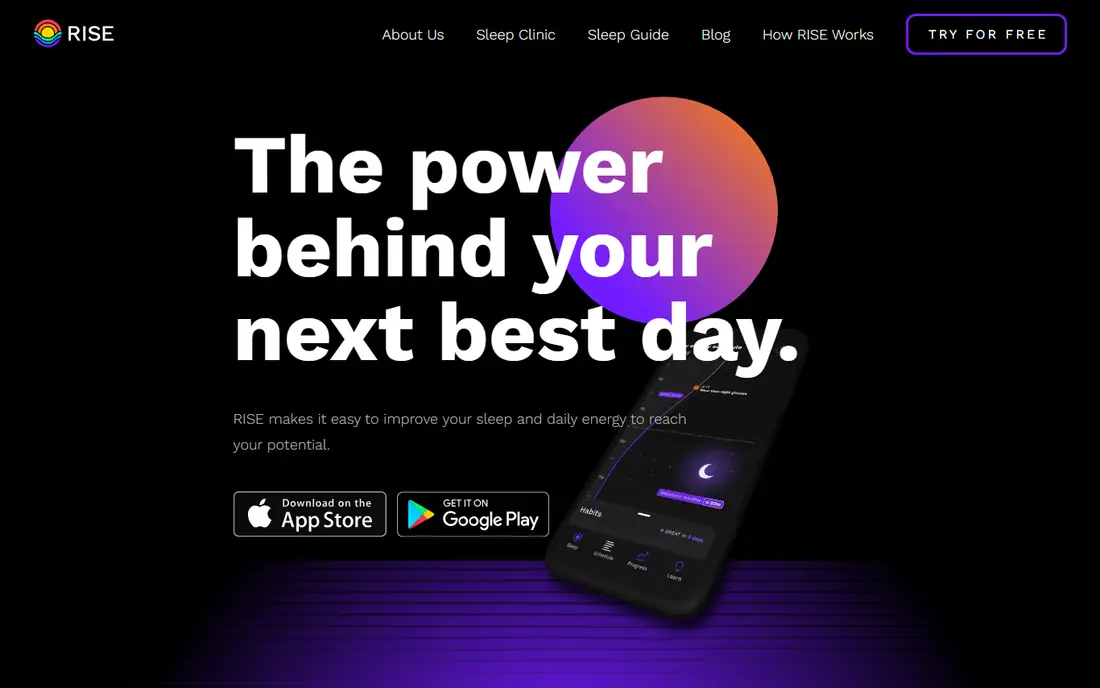
RISE frames sleep around debt and daytime energy, not just hours in bed. It estimates sleep debt, shows an energy schedule for the day, and gives guidance on bedtime and wind-down timing. That framing helps people who feel tired despite a full night in bed.
It is less about raw sleep stage charts. If you want detailed stage graphs, Pillow or AutoSleep will show more. RISE suits readers who want a daily plan for sleep timing and energy, with a subscription behind the full guidance.
What we like- Sleep debt tracking
- Energy schedule based on circadian rhythm
- Personalized guidance
Watch out for- Subscription needed for full features
- Focus is guidance, not raw stage detail
Starting priceSee website
Free planYes
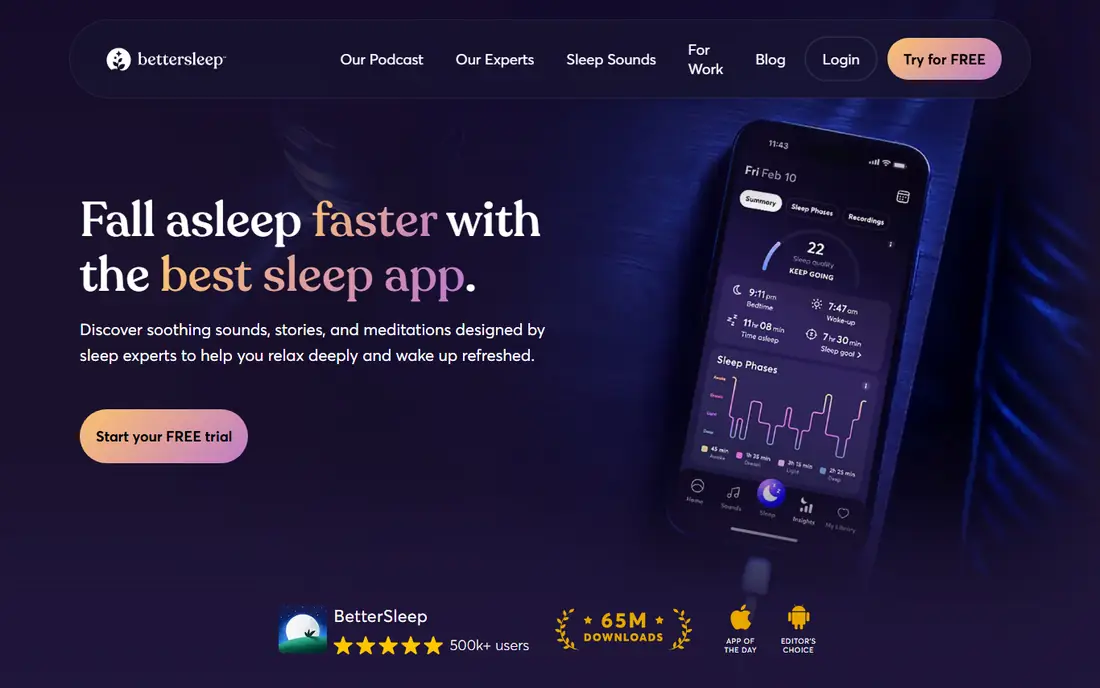
BetterSleep mixes sleep sounds, stories, and tracking in one app. You can build a custom sound mix, fall asleep to a story, and log sleep and snoring in the same place. That single-app setup suits people who now juggle a sound app and a tracker.
Tracking depth is lighter than in Sleep Cycle or Pillow. The value is the sound library and the simple routine, not lab-grade stage detail. If sounds help you fall asleep, BetterSleep earns its place.
What we like- Large sound and story library
- Sleep tracking and snore recording
- Mix-your-own sounds
Watch out for- Full sound library needs a subscription
- Tracking is lighter than specialist trackers
Starting priceSee website
Free planYes
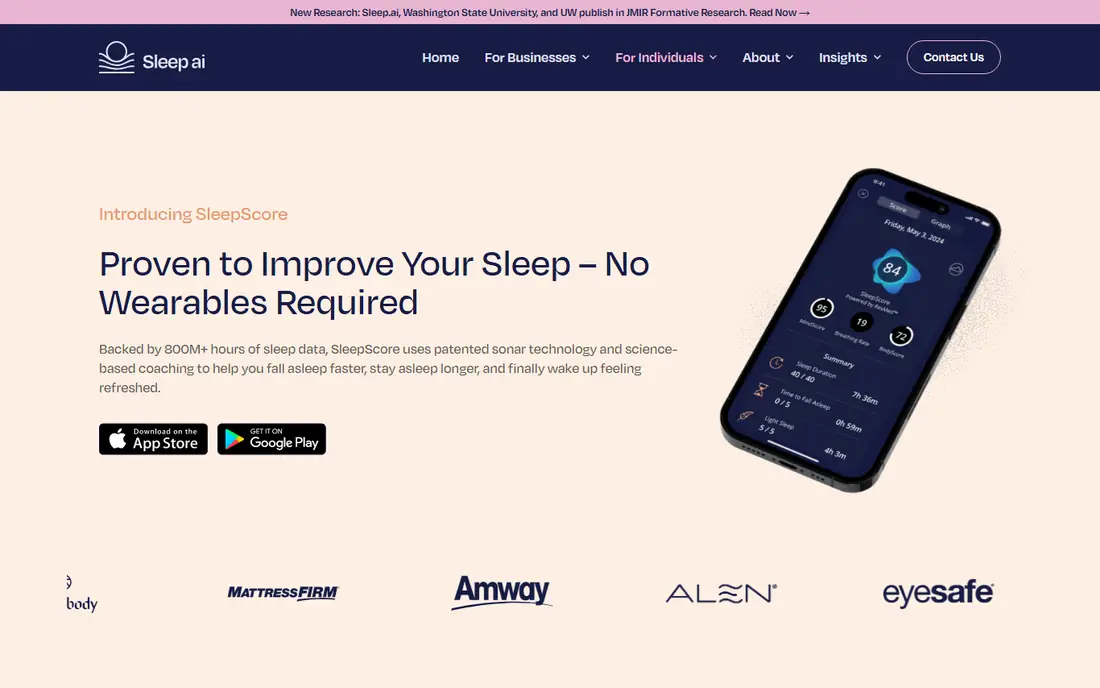
SleepScore gives wearable-free tracking with a simple nightly score. It uses the phone to estimate sleep, then offers tips based on your pattern. For readers who do not own a watch or ring, it is a low-cost way to start tracking.
As with all phone trackers, placement matters, and the free tier limits deeper detail. Use the score for trends over weeks, not as a nightly verdict. If the score moves with a new bedtime routine, that trend is the useful signal.
What we like- Phone-based tracking with a sleep score
- Personalized tips
- No wearable required
Watch out for- Score detail is limited on the free tier
- Accuracy depends on phone placement
Starting priceSee website
Free planYes
Calm is a wind-down app first and a tracker second. Sleep Stories, meditations, and sounds help many users fall asleep, and basic sleep logging sits beside that library. If racing thoughts keep you awake, the content matters more than stage charts.
Do not buy Calm for tracking alone. Its tracking is basic, and the subscription costs more than a specialist tracker. Buy it for the stories and meditations, and treat any sleep log as a bonus.
What we like- Large sleep story and meditation library
- Calming sounds
- Bedtime reminders
Watch out for- Tracking is basic
- Subscription cost is high for tracking alone
How we chose
We compared pricing pages, help documentation, and public reviews on G2, Capterra, and Reddit, and we checked each app for tracking method, alarm options, wearable support, and platform coverage. We favored apps that state their limits plainly, work without a wearable where claimed, and show trends over weeks rather than single-night scores alone.
We did not rank on claimed accuracy for sleep stages, since phone and watch estimates vary by placement and device. Instead, we weighed ease of use, trend reporting, alarm quality, and cost. Each pick below states its tracking method, so you can judge what the data can and cannot show.
Reading sleep data without overreacting to one bad night
Look at weekly averages, not single nights. Bedtime, wake time, total sleep, and restlessness averaged over seven nights show real drift, while one late night often reflects travel, illness, or a noisy room. Note caffeine, alcohol, and late screens beside the data for a fuller picture.
Set one change at a time. Move bedtime earlier by fifteen minutes, or cut late caffeine, and watch two weeks of data before adding another change. Changing three habits at once makes it hard to know what helped. If sleep problems persist, talk to a clinician rather than relying on an app score.
Phone tracking or watch tracking?
Phone tracking is free to start and needs no new hardware, but it is more affected by room noise and phone placement. Watch tracking adds heart rate and movement from your wrist, which gives steadier nightly data. Start with your phone, and add a watch only if you want that steadier detail.
What makes a smart alarm useful?
A smart alarm wakes you inside a window when sleep is lighter, rather than at one fixed minute. That can feel gentler on some mornings, but it does not fix short sleep. A regular bedtime still matters more than any alarm feature.
A short routine for steadier sleep
Keep wake time steady, even on weekends, since a regular wake time anchors bedtime more reliably than a bedtime rule alone. Shift weekend wake time by no more than an hour from weekday wake time, and let bedtime follow naturally as tiredness builds.
Build a wind-down hour with dim light, no work email, and a calm activity such as reading or stretching. Put the phone on charge outside the bed if you can, and use a simple alarm clock for backup. Small friction against late scrolling helps more than a new app feature.
Finally, track one change at a time for two weeks, such as earlier caffeine cutoff or a regular wind-down. Note the change beside your sleep data, and judge it on weekly averages. If tiredness persists, talk to a clinician rather than adding more tracking.
Frequently asked questions
Do sleep tracking apps work without a wearable?
Yes. Sleep Cycle, SleepScore, and Sleep as Android all track from a phone, using sound and motion. Watch apps add heart rate detail, but phone tracking is enough for bedtime and sleep length trends.
Are sleep apps accurate for sleep stages?
They estimate stages from movement, sound, and heart rate, so they are best for trends, not exact nightly stages. Use weekly patterns to judge a routine, and do not treat a single night stage split as a diagnosis.
Which sleep app is best for Apple Watch owners?
Pillow is the clearest to read, while AutoSleep offers deeper views with a one-time purchase option. Try both free tiers for a week, and keep the one whose charts you actually check.
What is the best free sleep tracking app?
Sleep Cycle is the best free starting point for most phone users, since core tracking and the smart alarm work without paying. Pillow and SleepScore also offer useful free tiers on their platforms.
Can a sleep app help insomnia?
An app can support a regular bedtime and wind-down routine, but it does not treat insomnia. If sleep problems last more than a few weeks, or you feel very tired during the day, talk to a clinician.
Sources we checked (8)
- https://www.sleepcycle.com/
- https://pillow.app/
- https://autosleepapp.tantsissa.com/
- https://sleep.urbandroid.org/
- https://www.risescience.com/
- https://www.bettersleep.com/
- https://www.sleepscore.com/
- https://www.calm.com/
Is your product missing or out of date?
We review this list regularly. Vendors can request a listing, send updated pricing or ask about featured placement.

Shihab Mia · Founder, Rankite
Shihab has 5+ years in B2B and SaaS SEO. He writes Rankite's software buying guides from pricing pages, documentation and public user reviews. More about Shihab.