How we make this list: we compare pricing pages, product documentation and public user reviews. Ratings come from G2, Capterra or Trustpilot, with the date we checked them.
Key takeaways
- MyFitnessPal offers the largest food database, which makes logging unusual brands and restaurant items easier than in most rivals.
- Cronometer is the best pick for nutrient detail, tracking vitamins and minerals alongside calories and macros.
- Lose It offers the best value premium tier for beginners who want simple calorie tracking at a low annual price.
- MacroFactor suits lifters and athletes who want adaptive calorie targets that adjust with weight trends.
- This is not medical advice. Talk to a clinician or registered dietitian before starting a restrictive diet or a large calorie deficit.
Quick comparison
| Tool | Best for | Starting price | Free plan |
|---|
 MyFitnessPal MyFitnessPal | Largest food database | $79.99 per year | Yes |
 Cronometer Cronometer | Nutrient detail | $54.95 per year | Yes |
 Lose It Lose It | Best value premium | $39.99 per year | Yes |
 MacroFactor MacroFactor | Adaptive coaching | $71.99 per year | No |
 Yazio Yazio | Structured diet plans | $40.00 per year | Yes |
 FatSecret FatSecret | Best free option | $19.99 per year | Yes |
 MyNetDiary MyNetDiary | Balanced all-around tracking | $59.99 per year | Yes |
 Cal AI Cal AI | Photo-based logging | $79.00 per year | No |
Is your product missing or out of date?
We review this list regularly. Vendors can request a listing, send updated pricing or ask about featured placement.
The best food tracking app
Starting price$79.99 per year
Free planYes
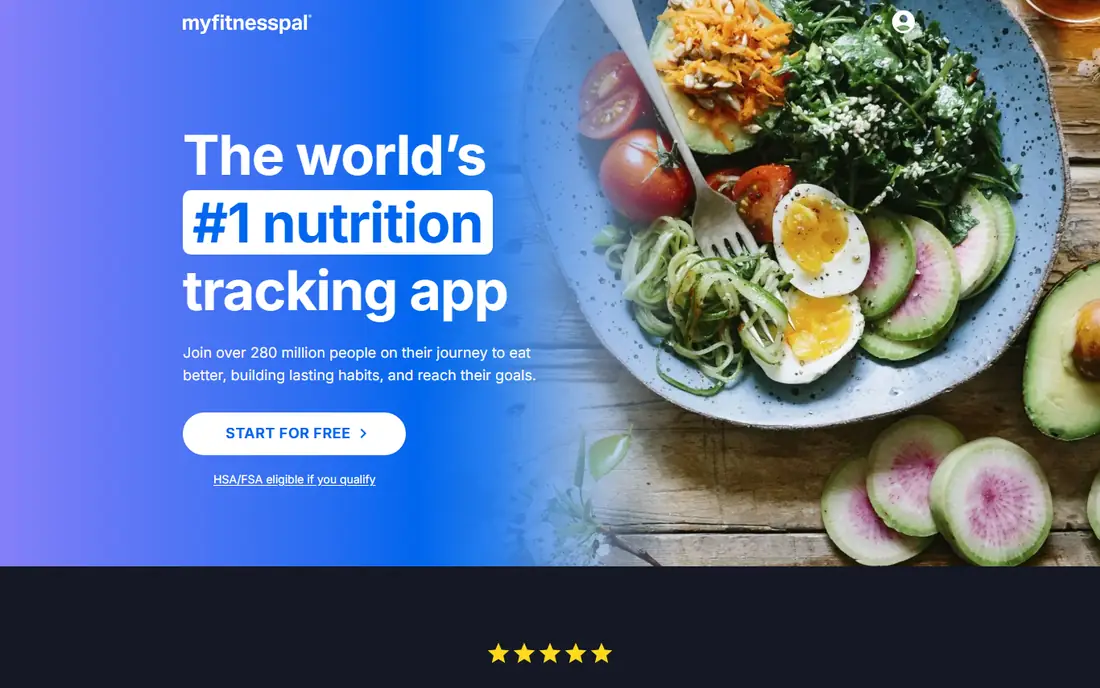
MyFitnessPal remains the default food tracker for most users, largely because its database covers branded foods, restaurant items, and international products that smaller apps miss. Barcode scanning logs packaged foods in seconds, and integrations with fitness trackers, smartwatches, and health apps pull activity and weight data automatically. The free tier covers basic calorie and macro logging, while Premium adds recipe import, macro goals by meal, and an ad-free experience.
The drawbacks are accuracy and price. User-submitted entries can contain errors, so checking nutrition labels against logged values matters for packaged foods. Premium at $79.99 per year is also the most expensive basic tracking tier in this guide, aside from coaching apps. MyFitnessPal fits general users, households sharing one ecosystem, and anyone who values database breadth over nutrient depth. Nutrient-focused users should compare Cronometer first.
What we like- Largest food database with barcode scanning
- Broad device and app integrations
- Recipe import on Premium
Watch out for- Premium costs $79.99 per year
- Free tier includes ads
- User-submitted entries vary in accuracy
Starting price$54.95 per year
Free planYes
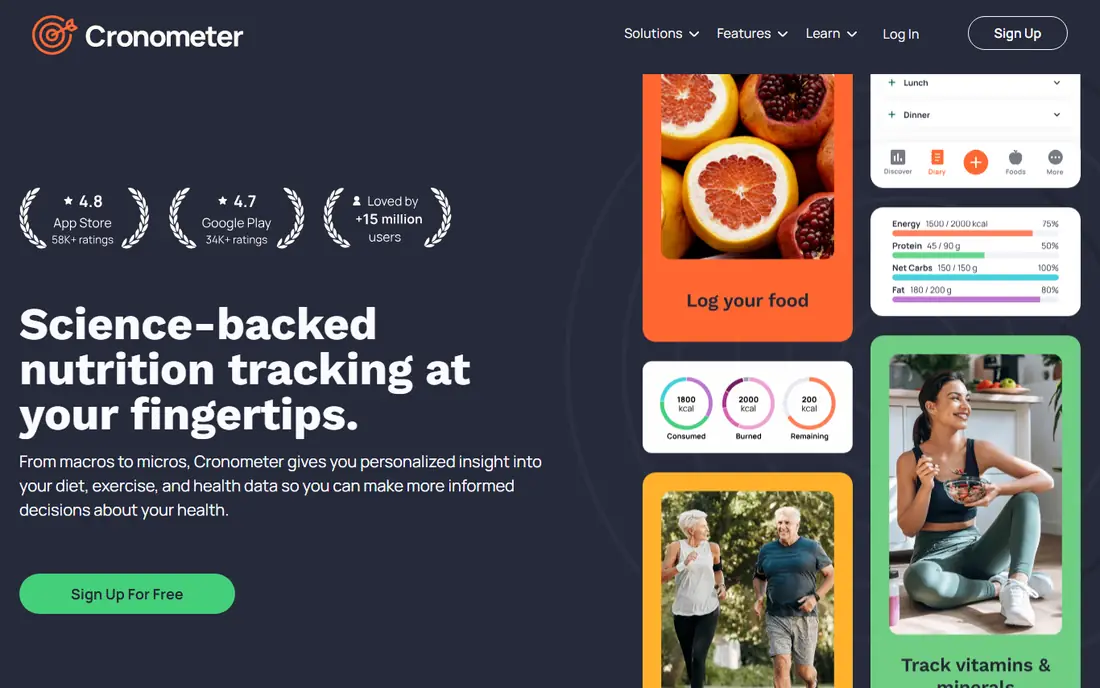
Cronometer is the tracker dietitians and nutrition-focused users recommend most often. It tracks calories and macros alongside vitamins, minerals, amino acids, and other nutrients, with a verified database that reduces the entry errors common in user-submitted catalogs. The free tier is genuinely useful, covering core logging and nutrient reports, while Gold, at $54.95 per year or $5.99 per month, adds custom charts, recipe tools, and fasting timers.
The interface feels more clinical than MyFitnessPal or Lose It, and the database, while verified, is smaller for branded and restaurant foods. That trade-off favors accuracy over breadth. Cronometer fits users managing micronutrient intake, athletes tracking more than calories, and anyone working with a dietitian who wants detailed reports. Casual calorie counters may prefer the simpler Lose It interface.
What we like- Tracks up to 84 nutrients including vitamins and minerals
- Verified database entries
- Strong free tier
Watch out for- Smaller database than MyFitnessPal
- Interface feels clinical
- Some advanced features require Gold
Starting price$39.99 per year
Free planYes
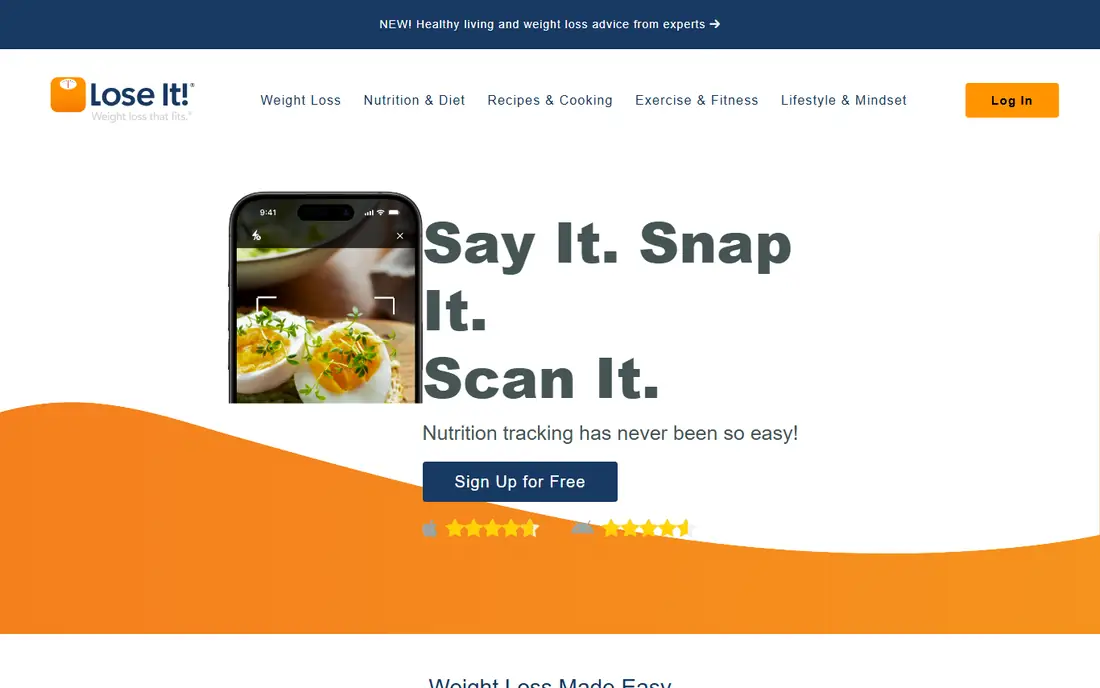
Lose It focuses on doing one job well: helping users stay within a daily calorie budget with minimal friction. Logging is fast, with barcode scanning, recent foods, and meal copying, and the app sets a personalized budget based on weight, goal, and activity. Premium costs $39.99 per year, less than half the price of MyFitnessPal Premium, and adds macro goals, meal planning, and device integrations.
Nutrient depth is thinner than Cronometer, and the database, while large, trails MyFitnessPal for niche brands. Lose It fits beginners, budget-conscious users, and anyone who abandoned a tracker because logging felt like work. Users who need detailed vitamin tracking or the largest possible database should choose Cronometer or MyFitnessPal instead.
What we like- Simple, fast logging
- Premium at $39.99 per year is strong value
- Photo and voice logging available
Watch out for- Nutrient detail is thinner than Cronometer
- Database is smaller than MyFitnessPal
- Some features require Premium
Starting price$71.99 per year
Free planNo
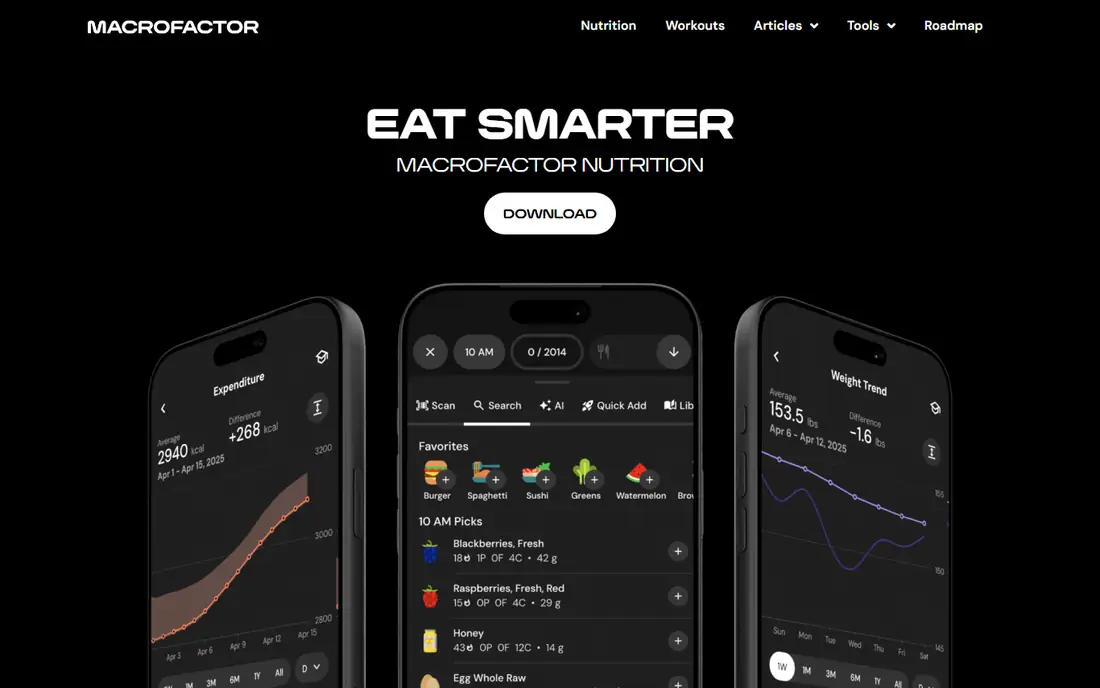
MacroFactor is built for lifters and athletes running structured cuts, bulks, or recomposition phases. Instead of a fixed calorie target, the app estimates energy expenditure from logged food and weight trends, then adjusts targets weekly as the body responds. That adaptive approach helps users who plateau on fixed targets, and the macro coaching tools support protein and training goals in detail.
There is no free tier, only a trial, and the annual price of $71.99 is high for users who only need basic logging. The app also assumes comfort with macros, weighing food, and consistent logging. MacroFactor fits experienced lifters, athletes, and users who already track macros and want smarter targets. Beginners should start with Lose It or MyFitnessPal and graduate to MacroFactor later.
What we like- Adaptive targets adjust with weight trends
- Strong macro coaching for cuts and bulks
- Detailed expenditure estimates
Watch out for- No free tier
- Price of $71.99 per year is high for tracking alone
- Best suited to experienced users
Starting price$40.00 per year
Free planYes
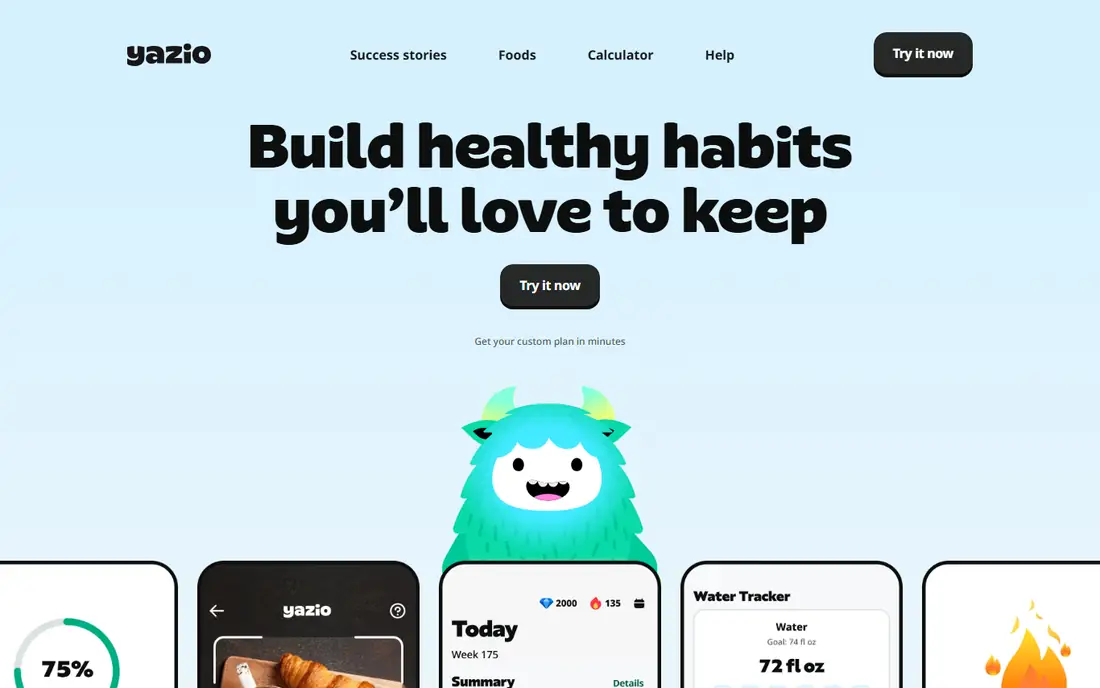
Yazio pairs calorie tracking with structured diet plans, including keto, low carb, and intermittent fasting schedules, plus a recipe library that helps users plan meals rather than only logging them after the fact. The interface is clean and friendly, and Pro costs about $40 per year, which keeps it competitive with Lose It for value.
The database leans European, so US branded foods can be harder to find than in MyFitnessPal. Coaching and behavior support are also lighter than in dedicated coaching apps. Yazio fits users who want a plan to follow, not just a log, especially for fasting and low-carb approaches. US users who eat many branded foods should test the free tier for database coverage before paying.
What we like- Structured plans for keto, intermittent fasting, and other approaches
- Recipe library
- Pro at about $40 per year
Watch out for- Database is smaller for US brands
- Coaching features are lighter than Noom
- Some plans require Pro
Starting price$19.99 per year
Free planYes
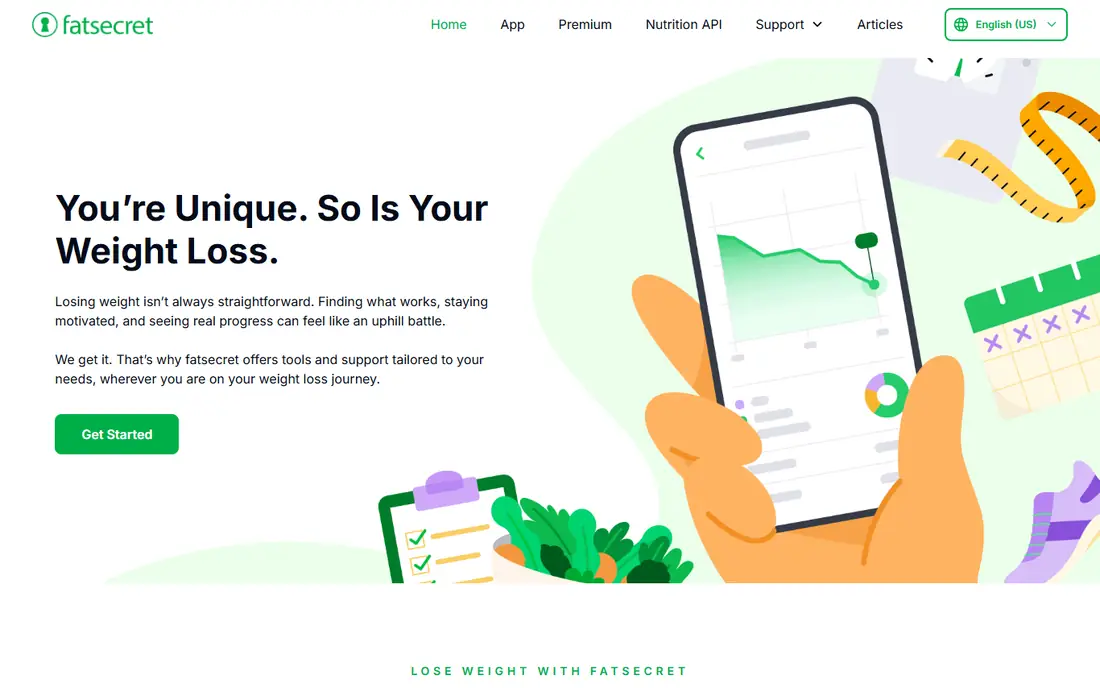
FatSecret offers one of the most complete free tracking experiences available. Calorie, macro, and weight logging, barcode scanning, and a large food database are included free, supported by ads, with a community feed and challenges for motivation. Premium Plus, at $19.99 per year, removes ads and adds meal planning and advanced reports.
The interface feels dated compared with MyFitnessPal and Lose It, and the free tier includes ads that some users find distracting. Premium adds convenience rather than a new tracking engine, so users who want deep nutrient data should still choose Cronometer. FatSecret fits budget users who want full tracking free and can tolerate ads. Users who dislike ads should pay for Lose It or MyFitnessPal Premium instead.
What we like- Full-featured free tier with ads
- Large food database
- Community features and challenges
Watch out for- Ads in the free tier
- Interface feels dated
- Premium Plus at $19.99 per year adds modest features
Starting price$59.99 per year
Free planYes
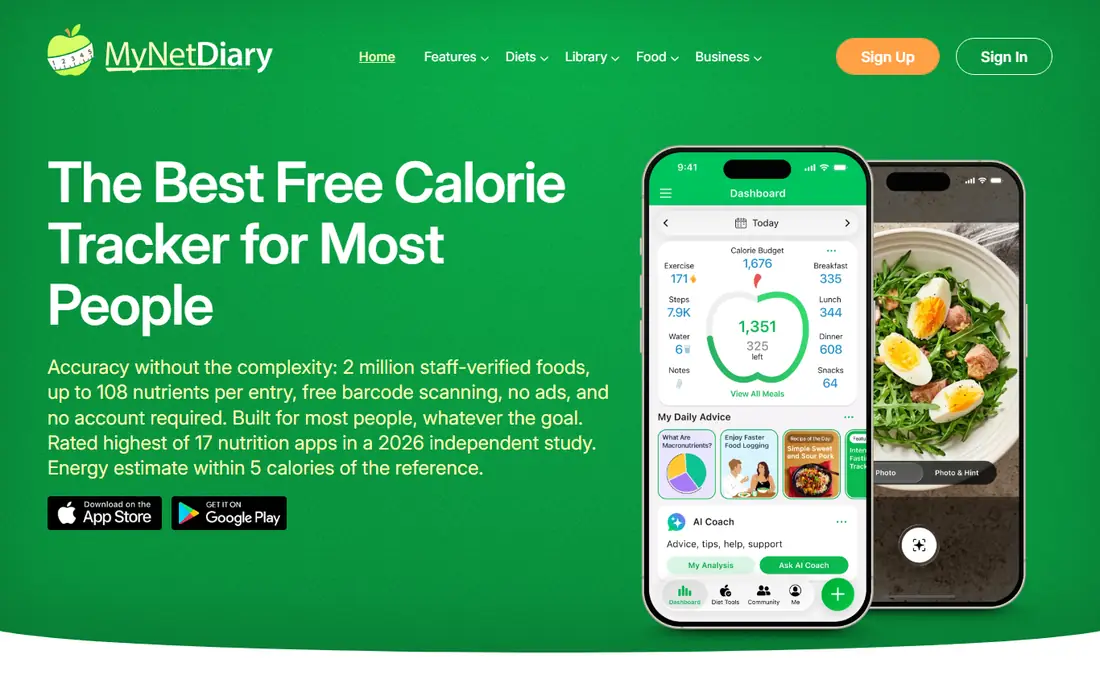
MyNetDiary strikes a middle ground between MyFitnessPal breadth and Cronometer depth. It tracks calories, macros, and a solid range of nutrients, offers an AI meal scanner for quick logging, and includes recipe import and meal planning on Premium at $59.99 per year. The interface is clean, and diabetes and other health tracking options add value for users managing specific conditions.
The database is smaller than MyFitnessPal, and the community is smaller, which matters less for solo trackers but more for users who enjoy social motivation. MyNetDiary fits users who want balanced tracking without choosing between breadth and depth, and who value meal planning tools. Users who prioritize only database size or only nutrient detail should pick MyFitnessPal or Cronometer respectively.
What we like- Balanced calorie, macro, and nutrient tracking
- AI meal scanner
- Recipe and meal planning tools
Watch out for- Premium at $59.99 per year sits mid-range
- Database is smaller than MyFitnessPal
- Community is smaller
Starting price$79.00 per year
Free planNo
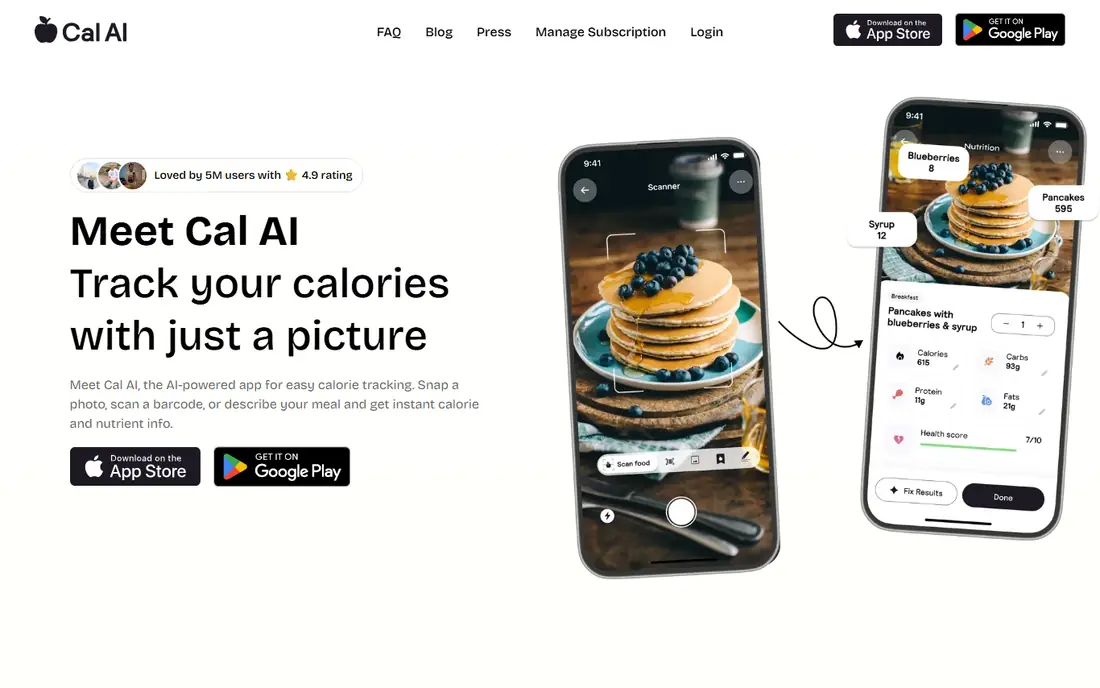
Cal AI takes a photo-first approach to food tracking. Users photograph a meal, and the app estimates the dish, portion, and calories, with conversational AI available for follow-up questions about ingredients and swaps. That speed appeals to users who dislike manual entry and barcode scanning, especially for restaurant meals and home-cooked plates without labels.
Accuracy varies by dish, with complex mixed meals harder to estimate than simple packaged foods, and there is no permanent free tier, only a trial. The annual price of $79 matches MyFitnessPal Premium, which offers a larger database and more integrations. Cal AI fits photo-first users who prioritize speed over precision and who log restaurant meals often. Accuracy-focused users should choose Cronometer or MyFitnessPal with manual entry.
What we like- Photo logging estimates portions quickly
- Conversational AI for food questions
- Polished interface
Watch out for- No permanent free tier, trial only
- $79 per year is high for photo logging
- Accuracy varies by dish
How we chose
We compared database size and verification, logging speed, nutrient depth, pricing pages, and free tier limits from vendor pages and documentation, then checked public reviews on G2, Capterra, and Reddit for recurring complaints about accuracy, ads, and premium value. Apps that locked basic logging behind a paywall or lacked barcode scanning scored lower. We favored apps with a working free tier or trial, clear annual pricing, and a distinct strength, and we mixed general, nutrient-focused, value, and photo-first options.
How to choose the right food tracking app
Pick the tracker you will actually use for more than two weeks. Accuracy on paper matters less than consistency in practice.
For general weight goals
Start with Lose It for value and simplicity, or MyFitnessPal for the largest database. Both cover calorie and macro logging well, and both offer a free tier to test before paying. Log consistently for two weeks before judging results, since early weight changes reflect water, glycogen, and logging accuracy as much as fat change.
For nutrient and health tracking
Choose Cronometer for vitamin and mineral detail, or MyNetDiary for balanced tracking with meal planning. Check entries against labels for packaged foods, and share reports with a clinician or dietitian if you track for a medical reason. This guide is not medical advice, and nutrient targets should reflect professional guidance, not app defaults alone.
For athletes and photo loggers
Choose MacroFactor for adaptive macro coaching during cuts and bulks, and Cal AI for fast photo logging of restaurant meals. Athletes should weigh food for at least a few weeks to calibrate portion estimates, since photo estimates alone can drift. Pair any tracker with consistent weigh-ins and training logs for the clearest picture.
Frequently asked questions
What is the best food tracking app for free?
FatSecret offers the most complete free tracking experience, with calorie, macro, and weight logging included. Cronometer and Lose It also offer strong free tiers, with Cronometer leading on nutrient detail and Lose It leading on simplicity. MyFitnessPal free covers basic logging but includes ads and gates recipe import behind Premium.
Which food tracking app is most accurate?
Cronometer is the most accurate for nutrient data, thanks to verified entries and detailed nutrient reports. MyFitnessPal is the most complete for finding branded and restaurant foods, though user-submitted entries require checking against labels. Photo apps such as Cal AI are fastest but least precise for mixed dishes, so manual entry remains the accuracy standard.
Is MyFitnessPal worth paying for Premium?
MyFitnessPal Premium is worth it for users who already use the app daily and want recipe import, macro goals by meal, and an ad-free experience. At $79.99 per year, it costs more than Lose It Premium at $39.99 per year, which covers similar basics. Users who mainly need simple logging should try Lose It free first, and users who need nutrient detail should try Cronometer free first.
Can a food tracking app help with weight loss?
A food tracker can help by making intake visible, which often reveals portions and snacks that go unnoticed. Consistent logging, combined with activity and sleep habits, supports weight management for many users. A tracker alone does not cause weight loss, and restrictive targets should be discussed with a clinician or dietitian, especially for users with a history of disordered eating.
Should I track macros or just calories?
Calories matter most for weight change, while macros matter more for body composition, training, and satiety. Beginners should start with calories and protein, then add full macro tracking once logging feels routine. Athletes and lifters benefit most from detailed macro tracking, which is where MacroFactor and Cronometer add value over basic calorie apps.
Sources we checked (8)
- https://www.myfitnesspal.com
- https://www.cronometer.com
- https://www.loseit.com
- https://www.macrofactor.com
- https://www.yazio.com
- https://www.fatsecret.com
- https://www.mynetdiary.com
- https://calai.app/
Is your product missing or out of date?
We review this list regularly. Vendors can request a listing, send updated pricing or ask about featured placement.

Shihab Mia · Founder, Rankite
Shihab has 5+ years in B2B and SaaS SEO. He writes Rankite's software buying guides from pricing pages, documentation and public user reviews. More about Shihab.