How we make this list: we compare pricing pages, product documentation and public user reviews. Rankite is independent; if a vendor ever pays for a featured spot, that listing is clearly labeled Partner.
Key takeaways
- HubSpot CRM and Zoho CRM are the strongest free options, with HubSpot allowing unlimited users and Zoho capping free use at three seats.
- Entry pricing runs from $9 per user per month (Freshsales Growth) to $25 per user per month (Salesforce Starter Suite), with premium tiers reaching $100 plus.
- Pipedrive, Close, and Streak are built around specific workflows: pipelines, outbound calling, and Gmail-based selling.
- Every vendor prices per user or per seat, so a 10-person team should expect to pay 10 times the listed rate, before add-ons.
- Trial access is generous across the board, with most vendors offering 14 to 30 days before asking for a card.
Quick comparison
| Tool | Best for | Starting price | Free plan |
|---|
 Salesforce Sales Cloud Salesforce Sales Cloud | Enterprise-grade B2B sales orgs | $25 per user per month (Starter Suite) | Free trial (30 days) |
 HubSpot CRM HubSpot CRM | Teams wanting a free core CRM | Free; Sales Hub Starter from $20 per seat per month | Yes |
 Pipedrive Pipedrive | Pipeline-focused small sales teams | $14 per seat per month (Lite, billed annually) | Free trial (14 days) |
 Zoho CRM Zoho CRM | Budget-conscious growing teams | $14 per user per month (Standard, billed annually) | Yes (up to 3 users) |
 Dynamics 365 Sales Dynamics 365 Sales | Microsoft 365 shops | $65 per user per month (Professional, billed annually) | Free trial |
 Freshsales Freshsales | Affordable all-in-one selling | $9 per user per month (Growth, billed annually) | Yes (up to 3 users) |
 Copper Copper | Google Workspace loyalists | See website | Free trial (14 days) |
 Insightly Insightly | CRM plus project tracking | $29 per user per month (Plus, billed annually) | Free trial (14 days) |
 Close Close | Outbound teams that live on the phone | $49 per user per month (Startup, billed annually) | Free trial (14 days) |
 Capsule Capsule | Simple contact management | $18 per user per month (Starter) | Yes (up to 2 users, 250 contacts) |
 Streak Streak | Sellers who never leave Gmail | $49 per user per month (Pro, billed annually) | Yes (Gmail email tools, no CRM pipelines) |
 monday sales CRM monday sales CRM | Teams that want deep customization | $12 per seat per month (Basic, billed annually) | Free trial (14 days); free for up to 2 seats |
Is your product missing or out of date?
We review this list regularly. Vendors can request a listing, send updated pricing or ask about featured placement.
The best B2B CRM software
A sales manager at a 20-person manufacturing supplier discovers that half the reps track deals in spreadsheets, a quarter keep notes in their heads, and nobody knows the real pipeline number. That mess is why B2B CRM software exists: one shared record of every account, contact, deal, and conversation. The twelve tools below cover the full range, from free basics to enterprise suites, so you can match the tool to the way your team actually sells.
Starting price$25 per user per month (Starter Suite)
Free planFree trial (30 days)
For companies with complex sales processes and multiple teams, Salesforce remains the benchmark. The Starter Suite at $25 per user per month covers core contact and opportunity management with AI syncing of emails and events. Above that, Pro Suite ($100), Core ($195), Advanced ($395), and Max ($550) add forecasting, quoting, deeper automation, and full AI agent suites. Small businesses rarely need anything past Pro Suite, and the vendor offers a 30-day free trial.
The honest catch is that Salesforce is a platform, not a plug-and-play tool. Without someone to configure it, small teams often underuse the license and pay for shelfware. Implementation partners help, but they add cost. Salesforce does offer free migration help from competitors, which softens the switch for companies coming from another CRM.
What we like- Deepest customization in the category
- Massive integration ecosystem
- AI agents built into the sales workflow
Watch out for- Price climbs fast across tiers
- Needs admin help to set up well
Starting priceFree; Sales Hub Starter from $20 per seat per month
Free planYes
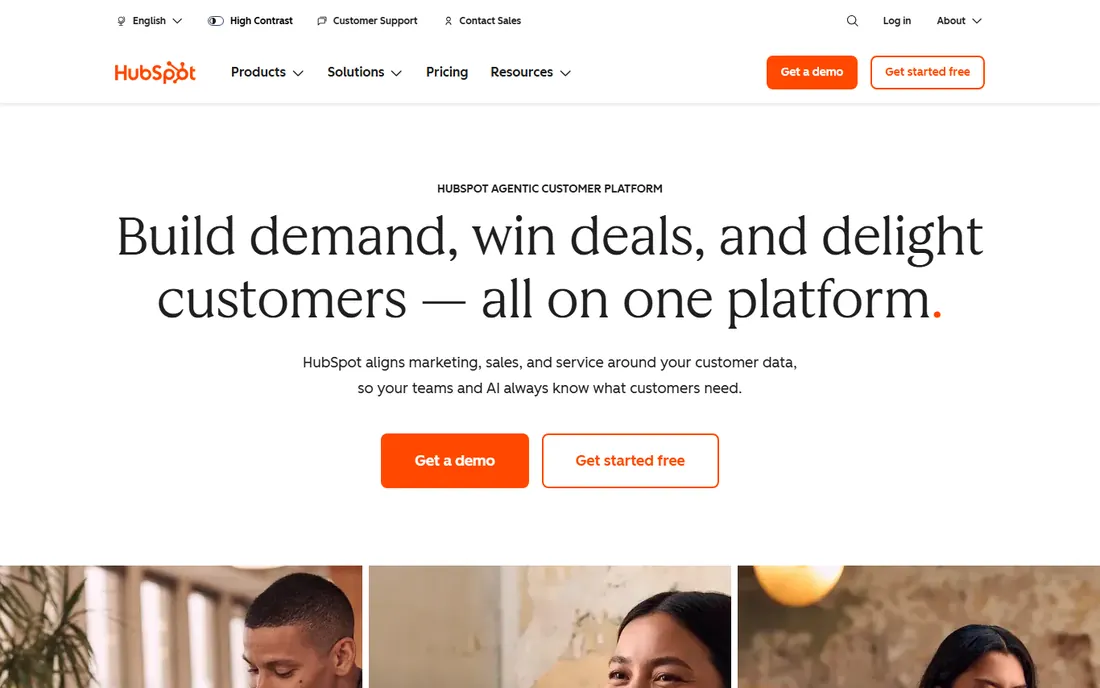
The free plan is HubSpot's foot in the door, and it is a genuine product, not a demo: unlimited users, contact and deal management, live chat, and meeting scheduling. Sales Hub Starter starts at $20 per seat per month (recently discounted to $10 for new customers) and adds outreach automation and reporting. Professional ($100 per seat) and Enterprise ($150 per seat) bring sequences, workflow automation, and custom objects, plus mandatory onboarding fees.
HubSpot fits B2B teams that want sales, marketing, and service on one database without paying Salesforce prices. The jump from Starter to Professional is steep, and advanced automation sits behind that gate. Many small teams run happily on Starter for a long time.
What we like- Free CRM with unlimited users
- Unified marketing, sales, and service data
- Strong onboarding resources
Watch out for- Sales Hub Professional jumps to $100 per seat
- One-time onboarding fees on upper tiers ($1,500 to $3,500)
Starting price$14 per seat per month (Lite, billed annually)
Free planFree trial (14 days)
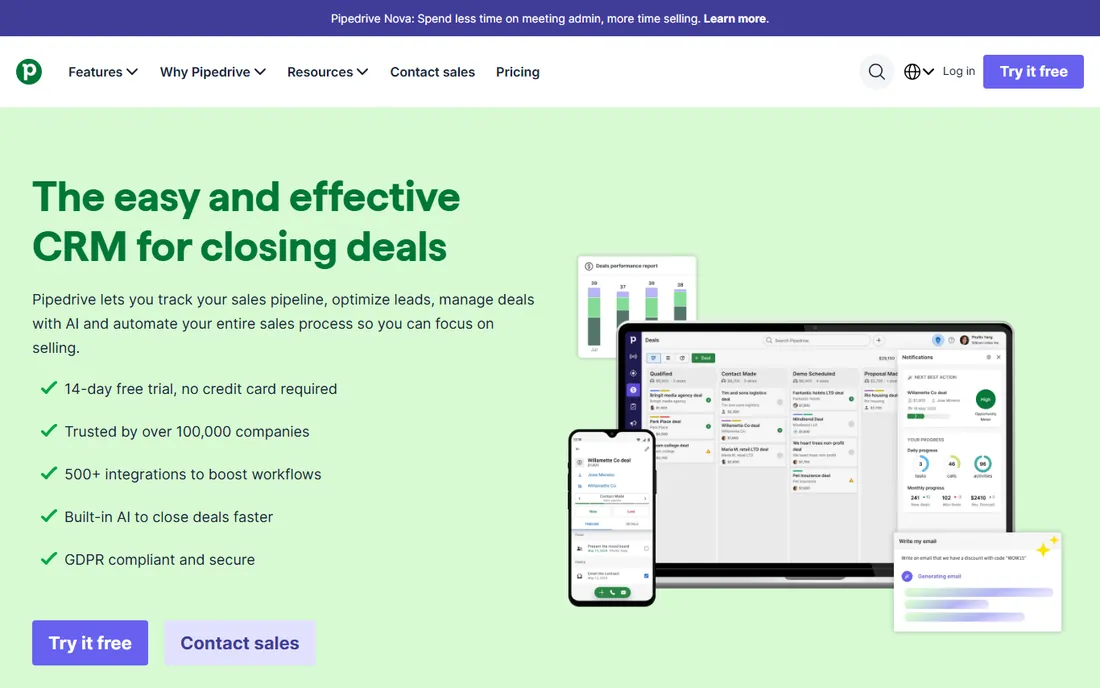
Pipeline discipline is Pipedrive's entire pitch. Every rep sees their deals as cards moving through stages, with activity reminders that push the next follow-up. The 2025 plan lineup runs Lite ($14), Growth ($39), Premium ($59), and Ultimate ($79) per seat per month on annual billing. Two-way email sync, automations, and sequences start at Growth; Premium adds lead tools, contracts with e-signatures, and AI email features. A 14-day trial requires no credit card.
The catch is that the entry tier is deliberately thin: Lite has no automations and caps custom fields at 30, so most teams end up at Growth or Premium. Add-ons for campaigns and web visitors also add up. Pipedrive publishes prices clearly and bills all users on the same tier, so at least the math is predictable before you sign.
What we like- Clean kanban pipeline views
- Activity-based selling keeps reps accountable
- Over 500 integrations
Watch out for- No automations on the entry Lite tier
- Add-ons like Campaigns cost extra
Starting price$14 per user per month (Standard, billed annually)
Free planYes (up to 3 users)
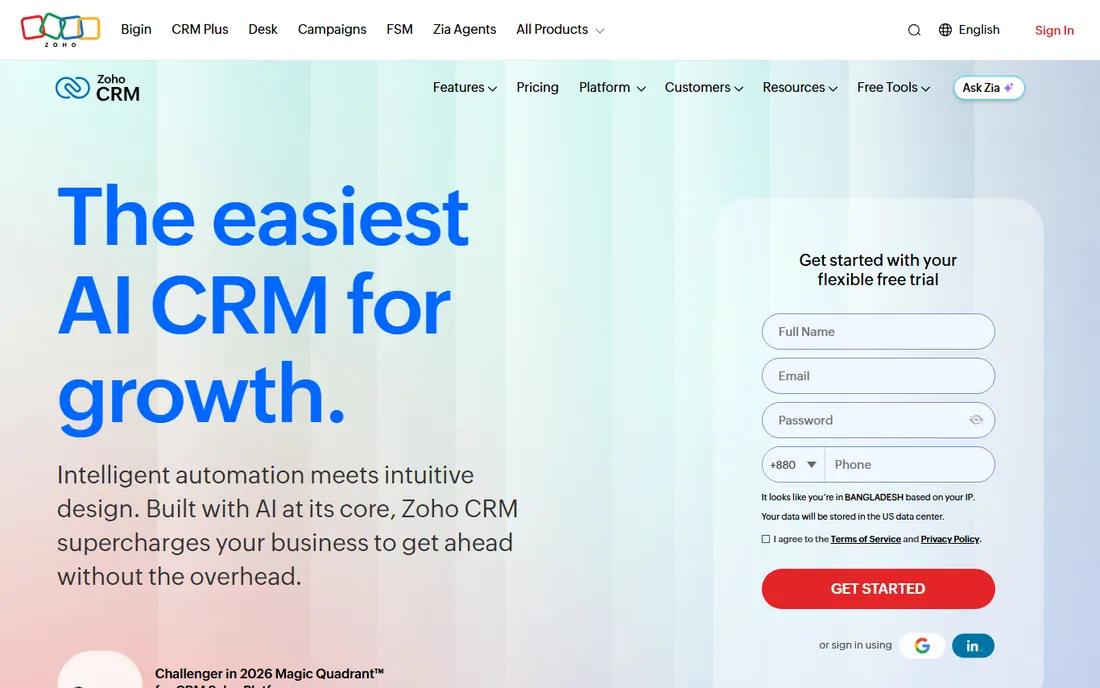
Budget pressure pushes many buyers toward Zoho, and the pricing justifies it. The free edition covers three users with leads, contacts, and mobile apps. Paid editions run Standard ($14), Professional ($23), Enterprise ($40), and Ultimate ($52) per user per month billed annually, and Zoho charges no contracts, so you can switch billing monthly or yearly. Professional is the sweet spot for most small businesses, adding Blueprint process automation and inventory management.
The honest catch is polish: Zoho's interface does not feel as modern as HubSpot or Pipedrive, and the product shines brightest inside the Zoho suite (mail, books, desk). As a standalone CRM it still covers the bases. Support for paid editions includes live chat five days a week, with faster paid support plans available.
What we like- Genuinely useful free tier
- No contracts, pay as you go
- AI assistant Zia on upper tiers
Watch out for- UI feels dated next to newer rivals
- Best value needs the whole Zoho ecosystem
Starting price$65 per user per month (Professional, billed annually)
Free planFree trial
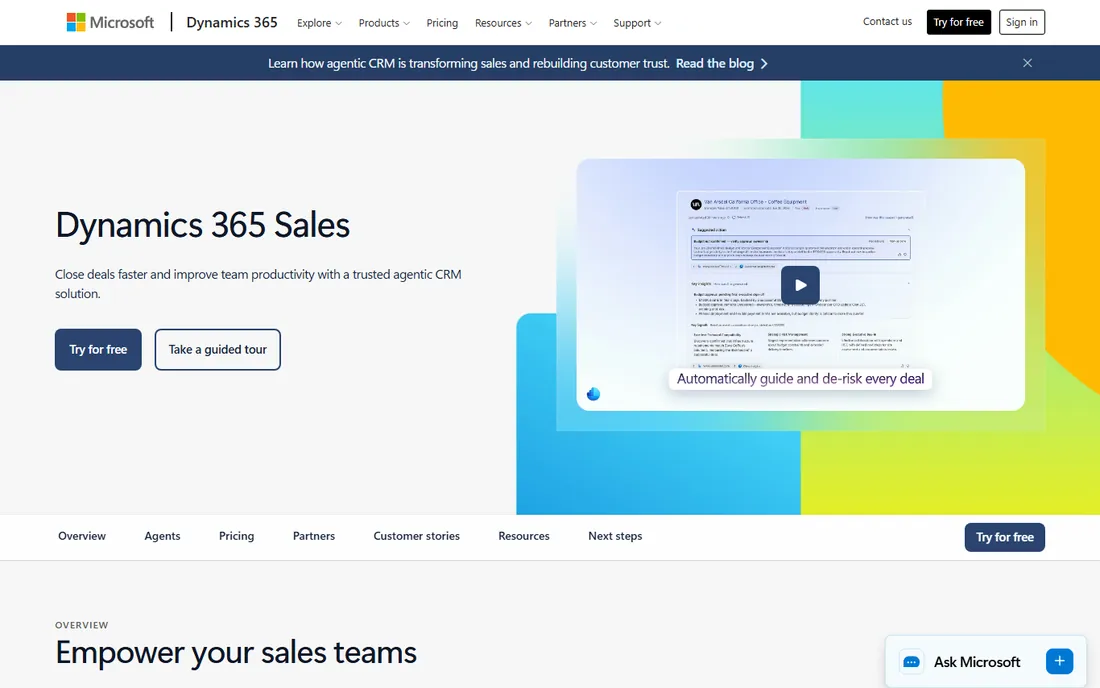
If the office already runs on Outlook and Teams, Dynamics 365 Sales removes the friction other CRMs introduce. Emails, meetings, and documents flow into the sales record without extra plugins. Microsoft lists three tiers: Professional at $65, Enterprise at $105, and Premium at $150 per user per month, all billed annually. Even Professional includes core sales force automation and deep Microsoft 365 integration.
The honest catch is cost and complexity. At $65 a seat, it is one of the pricier starting points on this list, and configuring territories and workflows usually needs someone technical. For B2B teams standardized on Microsoft tools, though, that integration depth is hard to replicate.
What we like- Native Outlook, Teams, and Office integration
- Strong forecasting and insights
- AI sales agents included
Watch out for- Expensive entry point for small teams
- Setup can require partner help
Starting price$9 per user per month (Growth, billed annually)
Free planYes (up to 3 users)
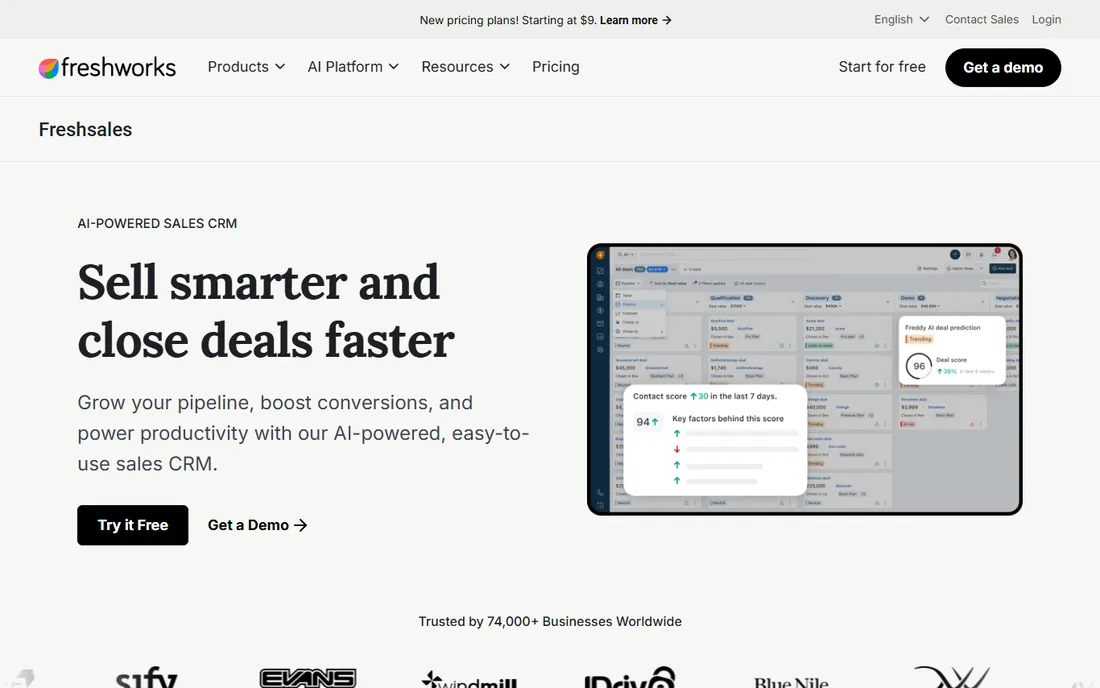
Built-in phone and email matter to small sales teams that cannot afford a separate dialer. Freshsales bundles calls, emails, chat, and texting into the CRM, with Freddy AI scoring leads and suggesting next actions. Growth at $9 per user per month is one of the cheapest entry points anywhere; Pro ($39) adds sequences, territory management, and API access; Enterprise ($59) brings forecasting insights, field-level permissions, and a sandbox. The free plan covers three users.
The honest catch is that the real product starts at Pro for most teams. Growth limits sequences and custom reports, and Freddy AI Agent sessions cost extra at $49 per 100 sessions. Still, for the price, the core selling tools are strong, and Freshworks' 21-day trial shows you the full product before you pay.
What we like- Built-in phone, email, and chat
- Freddy AI scores leads
- 21-day free trial with full features
Watch out for- API access requires Pro ($39)
- AI agent sessions and branded documents are separate add-ons
Starting priceSee website
Free planFree trial (14 days)
Some teams never leave Gmail, and Copper was built for exactly them. The Chrome extension puts the CRM inside the inbox, so adding a lead or logging a deal happens without switching apps. Plans run from a Starter tier up through Basic, Professional, and Business, priced per seat, with contact caps that rise from 1,000 to unlimited as you go up. Every plan starts with a 14-day free trial and no credit card.
The honest catch is the Google dependency. Copper is the Google-recommended CRM for Workspace, but it has no native Outlook or Microsoft 365 integration. Lower tiers also cap contacts, which forces growing teams onto higher plans. For an all-Google shop, though, adoption is nearly automatic, because the CRM lives where the work happens.
What we like- Lives inside Gmail and Google Calendar
- Chrome extension captures contacts automatically
- Project pipelines included
Watch out for- No native Outlook support
- Contact caps on lower tiers
Starting price$29 per user per month (Plus, billed annually)
Free planFree trial (14 days)
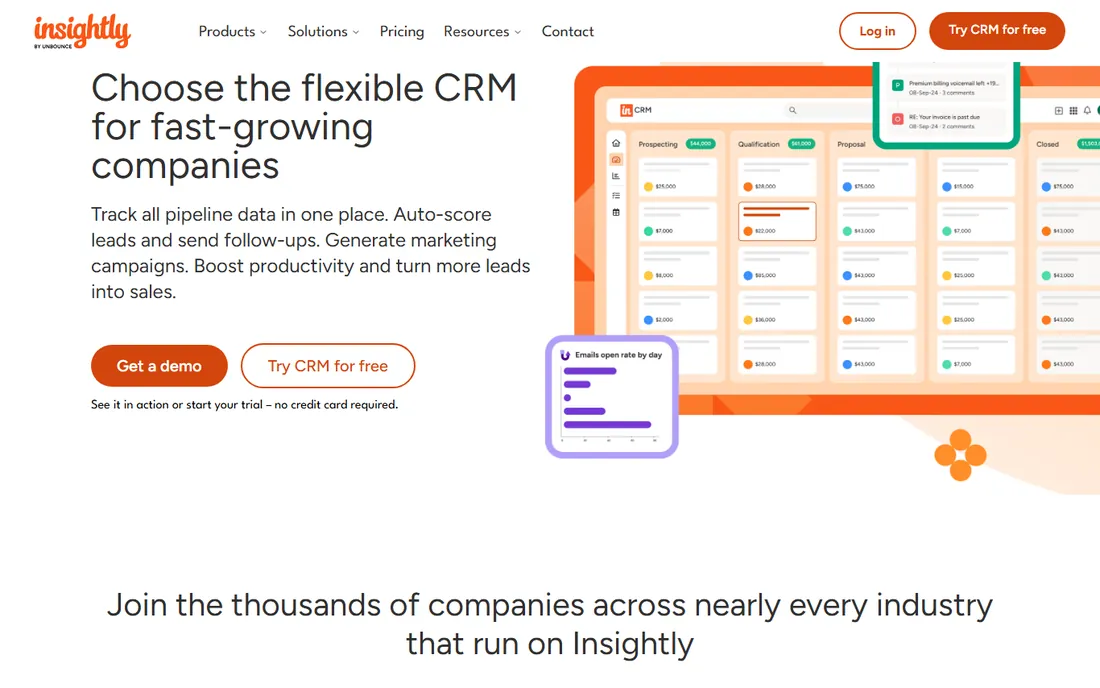
Project work often follows the close in B2B, and Insightly covers both. The CRM side handles leads, pipelines, and email tracking; once a deal closes, the same record continues into project tasks and delivery. Pricing is three-tiered: Plus at $29, Professional at $49, and Enterprise at $99 per user per month, billed annually. A 14-day free trial covers Plus and Professional. Insightly also sells companion marketing and service modules that share the same pricing shape.
The honest catch is that the Plus tier is deliberately basic: workflow automation, lead routing, and advanced dashboards wait until Professional. There is no free plan, only the trial. Companies that need projects plus CRM in one bill will find the combined cost competitive against buying two tools.
What we like- Projects and CRM in one system
- Built-in marketing automation options
- 2,000-plus integrations
Watch out for- No free plan anymore
- Workflow automation starts at Professional ($49)
Starting price$49 per user per month (Startup, billed annually)
Free planFree trial (14 days)
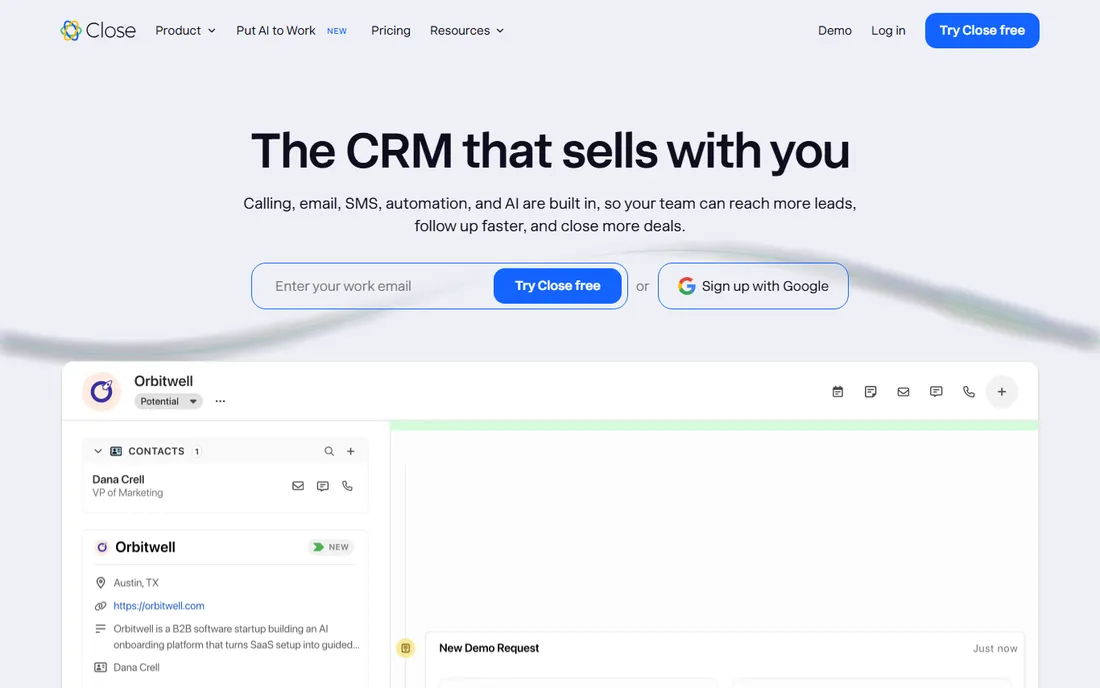
Outbound teams measure their day in calls made, and Close was designed around that number. The CRM includes a power dialer, call recording, email sequences, and SMS in every plan, so reps never juggle a separate phone tool. The trial runs 14 days with full Professional features, no credit card required.
The honest catch is that Close is a sales tool, not a marketing platform. If you need landing pages, lead scoring from web behavior, or deep marketing automation, look elsewhere. For inside sales teams doing 50-plus calls a day, though, the built-in calling replaces a phone system subscription, which changes the cost math in its favor.
What we like- Built-in calling with power dialer
- Email sequences and SMS included
- Fast interface built for high-volume reps
Watch out for- No free plan
- Light on marketing features compared with HubSpot or Zoho
Starting price$18 per user per month (Starter)
Free planYes (up to 2 users, 250 contacts)
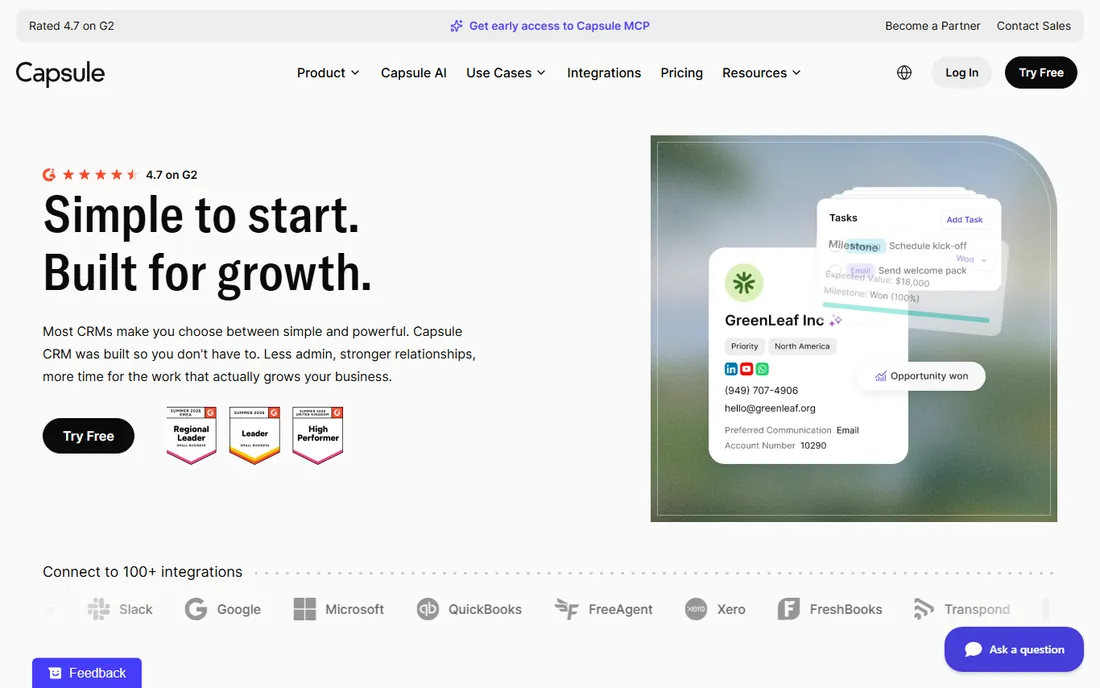
Simple contact tracking still matters for small firms that find Salesforce overwhelming. Capsule keeps the focus tight: contacts, deals, tasks, and pipelines, with an interface new hires learn in a day. The free plan covers two users and 250 contacts. Paid tiers run Starter ($18), Growth ($36), Advanced ($54), and Ultimate ($72) per user per month, adding pipelines, automations, contact enrichment, and premium support as you climb.
The honest catch is depth. Workflow automation starts at Growth, and email marketing lives in a separate add-on. Teams that need heavy automation will outgrow it. For relationship-driven B2B sellers who need clean records and reminders, Capsule stays out of the way and costs less than most alternatives.
What we like- Clean, simple interface with a flat learning curve
- Free plan is genuinely usable
- Scales to five tiers
Watch out for- No advanced automation on Starter
- Marketing features need a separate Transpond add-on
Starting price$49 per user per month (Pro, billed annually)
Free planYes (Gmail email tools, no CRM pipelines)
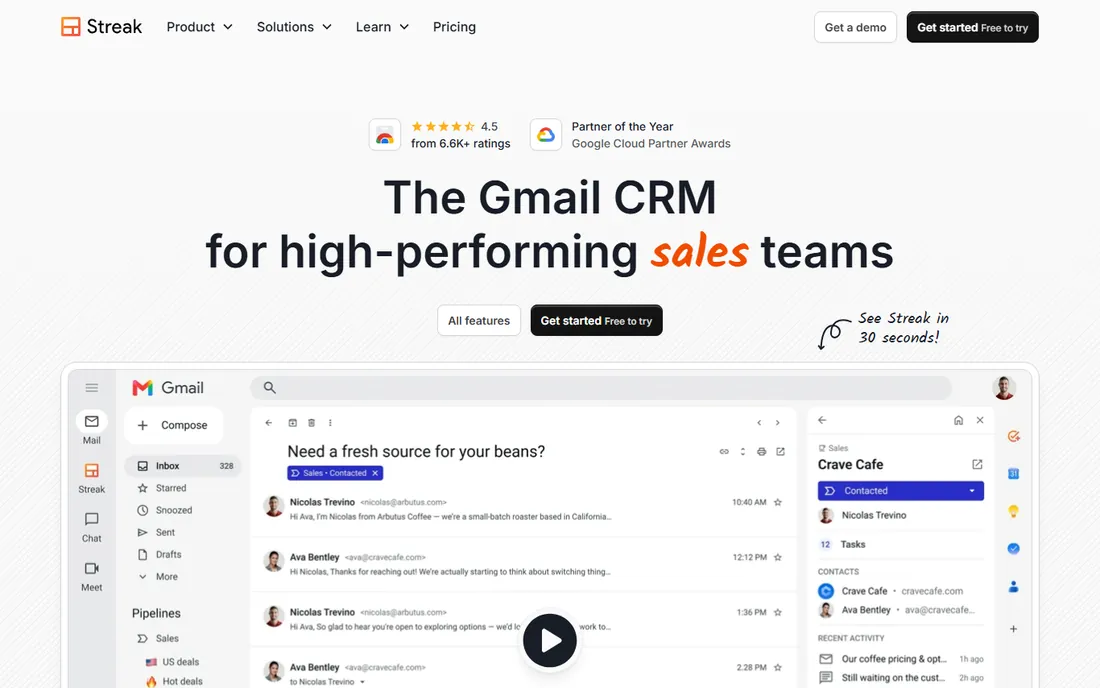
Streak assumes the inbox is the office. The product is a Gmail extension, so pipelines sit beside emails, and threads attach to deals automatically. Every paid plan includes unlimited contacts, pipelines, and records. Pricing runs Pro at $49, Pro+ at $69, and Enterprise at $129 per user per month on annual billing (monthly rates run higher). The free plan gives Gmail email tools like tracking and snippets, but no CRM pipelines.
The honest catch is the platform lock: Streak only works with Gmail and Google Workspace. Automation and advanced dashboards wait until Pro+, which raises the effective starting price. For small Gmail-based B2B teams, the zero-training appeal is real, because the CRM lives in a window nobody closes.
What we like- CRM runs entirely inside Gmail
- Unlimited contacts, pipelines, and records on paid plans
- AI data entry fills in deal fields
Watch out for- Gmail-only, no Outlook
- Workflow automation requires Pro+ ($69)
#12
monday sales CRM
Best for: Teams that want deep customization
Visit monday.com
Starting price$12 per seat per month (Basic, billed annually)
Free planFree trial (14 days); free for up to 2 seats
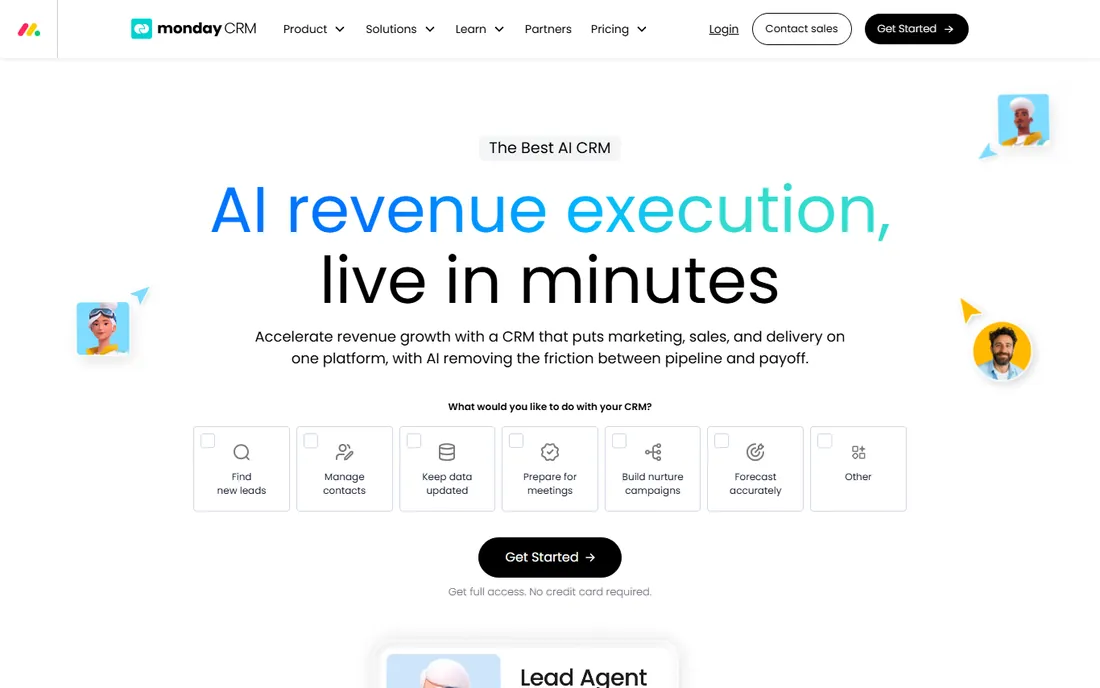
Customization fans like monday's building-block approach. Every pipeline, view, and automation is assembled from visual components, so the CRM matches unusual sales processes without a developer. Pricing runs Basic ($12), Standard ($17), and Pro ($28) per seat per month billed annually, with Enterprise on a custom quote. All paid plans require at least three seats, and annual billing saves about 18 percent. AI credits come bundled with each plan.
The honest catch is the seat floor: even a two-person team pays for three seats. Advanced features like lead scoring sit on Enterprise, and heavy AI usage can mean buying extra credits. For B2B teams with non-standard processes, the flexibility is worth it, because the tool adapts instead of forcing your process into its template.
What we like- Highly customizable boards and automations
- Pre- and post-sale workflows in one place
- AI agents for lead sourcing and meeting prep
Watch out for- 3-seat minimum on paid plans
- Costs rise fast with add-on AI credits
How we chose
We started by listing the CRMs that B2B small businesses actually evaluate, pulling candidates from G2 and Capterra categories, Reddit threads about CRM switches, and the tools that surface most often in sales-software comparisons. That gave us a mix of market leaders and workflow-specific picks plus budget options.
For every tool we opened the vendor's official homepage to confirm the product, then read its own pricing page for starting prices, free plans, trial lengths, and billing terms. We checked feature claims against vendor docs and public review summaries, weighing setup effort, email and calendar integrations, contract flexibility, and honest limits on the lower plans.
Spending smart: what the per-seat math means
Per-seat pricing is the single biggest budgeting trap in CRM buying. A $14 per user per month plan costs $140 a month for ten reps, or $1,680 a year, before any add-ons. Multiply every quoted price by your headcount, then check whether the plan counts admin or view-only users as full seats. Some vendors require every user to be on the same tier, so one power user can force the whole team onto a higher plan.
Contract length and billing terms
Annual billing usually saves 15 to 25 percent, but it locks you in for a year. Monthly billing costs more but lets you exit a bad fit quickly. Zoho charges no contracts, so you can switch between monthly and yearly whenever you like. If you are replacing an existing CRM, ask whether the vendor offers free migration help; several do, which cuts the switching cost.
Integrations and data portability
Check email and calendar integration first, because reps live there. Copper and Streak are Gmail-only; Dynamics 365 favors Outlook and Teams; the rest support both. Also confirm you can export your contacts, deals, and activity history before you sign.
Support reality on lower plans
Entry plans usually include email or chat support only. Phone support, dedicated onboarding, and named account managers tend to start at the middle tier or above. Freshsales limits phone support to Pro and up; HubSpot charges one-time onboarding fees on Professional and Enterprise. If your team is not technical, budget for onboarding help rather than hoping the setup docs suffice.
What B2B teams should demand from a CRM
B2B selling differs from B2C in ways the CRM should reflect. Deals involve multiple stakeholders, longer cycles, and account hierarchies, so contact roles, account views, and deal-stage history matter more than campaign click rates. Look for multiple pipelines (different products or regions often need different stages), territory management, and forecasting that rolls up by rep and team.
Also weigh how the CRM handles the post-sale handoff. In B2B, the close starts a relationship, not ends one. Insightly and monday carry projects inside the same system; HubSpot and Salesforce connect sales to service modules. If renewals and expansion drive your revenue, a CRM that tracks accounts after the signature is worth more than one that stops at closed-won.
Frequently asked questions
Is there a truly free B2B CRM?
Yes. HubSpot CRM is free for unlimited users with contact and deal management included. Zoho CRM is free for up to three users, and Capsule is free for two users and 250 contacts. Streak offers free Gmail tools, though CRM pipelines require a paid plan. Free tiers cover basics; expect to pay once you need automation, sequences, or more seats.
How much should a small business budget for a CRM?
Plan on $10 to $50 per user per month for most small teams, multiplied by your seat count. A 10-person team on a $20-per-seat plan spends about $2,400 a year. Add-ons like AI sessions, phone minutes, and premium support can push the total higher, so read the pricing page carefully before committing.
Do I need Salesforce, or is a smaller CRM enough?
Most small B2B teams do not need Salesforce. It earns its price for complex orgs with multiple teams, custom objects, and heavy integrations. If your needs are pipelines, email tracking, and basic automation, tools like Pipedrive, Freshsales, or HubSpot cover them at a fraction of the cost and setup effort.
Per user versus per seat: is there a difference?
In practice the terms are interchangeable here; every vendor on this list charges per person using the system. Watch for minimums, like monday's three-seat floor, and for rules that put every user on the same tier, like Pipedrive's. Also check whether view-only or admin users can be free.
Can I switch CRMs later without losing data?
Yes, but plan the move. Every tool above supports exporting contacts, companies, and deals, usually as CSV files. Salesforce and several competitors offer free migration assistance from rival CRMs. Clean your data before the move; duplicates and dead records imported into the new system will haunt you for years.
How long does CRM setup usually take?
Simple tools like Capsule, Streak, or Pipedrive can be running in an afternoon. Mid-tier platforms like HubSpot or Freshsales take a few days to a couple of weeks with pipelines, templates, and integrations. Salesforce and Dynamics 365 often need weeks to months with admin or partner help. Start with a trial and your real pipeline before paying.
Sources we checked (22)
- https://www.salesforce.com/products/sales-cloud/overview/
- https://www.salesforce.com/editions-pricing/sales-cloud/
- https://www.hubspot.com/
- https://www.hubspot.com/products/sales
- https://www.pipedrive.com/
- https://www.pipedrive.com/en/pricing
- https://www.zoho.com/crm/
- https://www.zoho.com/crm/zohocrm-pricing.html
- https://www.microsoft.com/en-us/dynamics-365/products/sales
- https://www.freshworks.com/crm/sales/
- https://www.freshworks.com/crm/pricing/
- https://copper.com/
- https://copper.com/pricing
- https://insightly.com/
- https://insightly.com/assets/documents/181030-insightly-pricing-plans-comparison.pdf
- https://close.com
- https://capsulecrm.com/
- https://capsulecrm.com/blog/capsule-crm-alternatives/
- https://www.streak.com
- https://start.streak.com/pricing
- https://monday.com/crm
- https://monday.com/blog/crm-and-sales/monday-sales-crm-vs-salesforce/
Is your product missing or out of date?
We review this list regularly. Vendors can request a listing, send updated pricing or ask about featured placement.

Shihab Mia · Founder, Rankite
Shihab has spent more than a decade helping SaaS and e-commerce brands grow through search. He writes Rankite's software buying guides from pricing pages, documentation and public user reviews. More about Shihab.