How we make this list: we compare pricing pages, product documentation and public user reviews. Rankite is independent; if a vendor ever pays for a featured spot, that listing is clearly labeled Partner.
Key takeaways
- Jibble is the only full-featured employee time tracker here that is free forever for unlimited users, with face recognition and GPS included.
- Homebase, When I Work, Deputy and Connecteam bundle attendance with scheduling, which matters more than the time clock itself for shift-based teams.
- When I Work starts at $2.50 per user per month and Hubstaff at $4.99, both with 14-day free trials, while Buddy Punch and Deputy keep pricing behind signup.
- Teachers should look at MyAttendanceTracker (free, built for classrooms) or ClassDojo (free for teachers, attendance inside a broader toolkit).
- Pick employee tools for payroll accuracy and student tools for simplicity; the two jobs have little in common beyond the word attendance.
Quick comparison
| Tool | Best for | Starting price | Free plan |
|---|
 Jibble Jibble | Free, full-featured time tracking at any team size | Free | Yes |
 Connecteam Connecteam | Small businesses wanting one employee app | See website | Yes |
 Homebase Homebase | Hourly teams that want scheduling, time clock and payroll together | See website | Free trial |
 Deputy Deputy | Shift teams with complex compliance needs | See website | See website |
 When I Work When I Work | Straightforward shift scheduling with a time clock | $2.50 per user/month | Free trial |
 Buddy Punch Buddy Punch | Small businesses that want time tracking plus PTO | See website | See website |
 Hubstaff Hubstaff | Remote and distributed teams with productivity tracking | $4.99 per user/month | Free trial |
 ClassDojo ClassDojo | K-12 classrooms needing communication plus attendance | Free | Yes |
 MyAttendanceTracker MyAttendanceTracker | Teachers who want the simplest possible attendance log | Free | Yes |
Is your product missing or out of date?
We review this list regularly. Vendors can request a listing, send updated pricing or ask about featured placement.
9 attendance tracker apps for work and school
Homebase reports that its customers' managers save about 20 hours a month on scheduling, time tracking and payroll admin. Treat that as marketing, but it points at the real prize: the best attendance tracker app is not the one that catches latecomers, it is the one that makes timesheets, payroll and schedules run themselves. The nine below split into employee tools and classroom tools, because those are genuinely different jobs.
#1
Jibble
Best for: Free, full-featured time tracking at any team size
Visit jibble.io
Starting priceFree
Free planYes
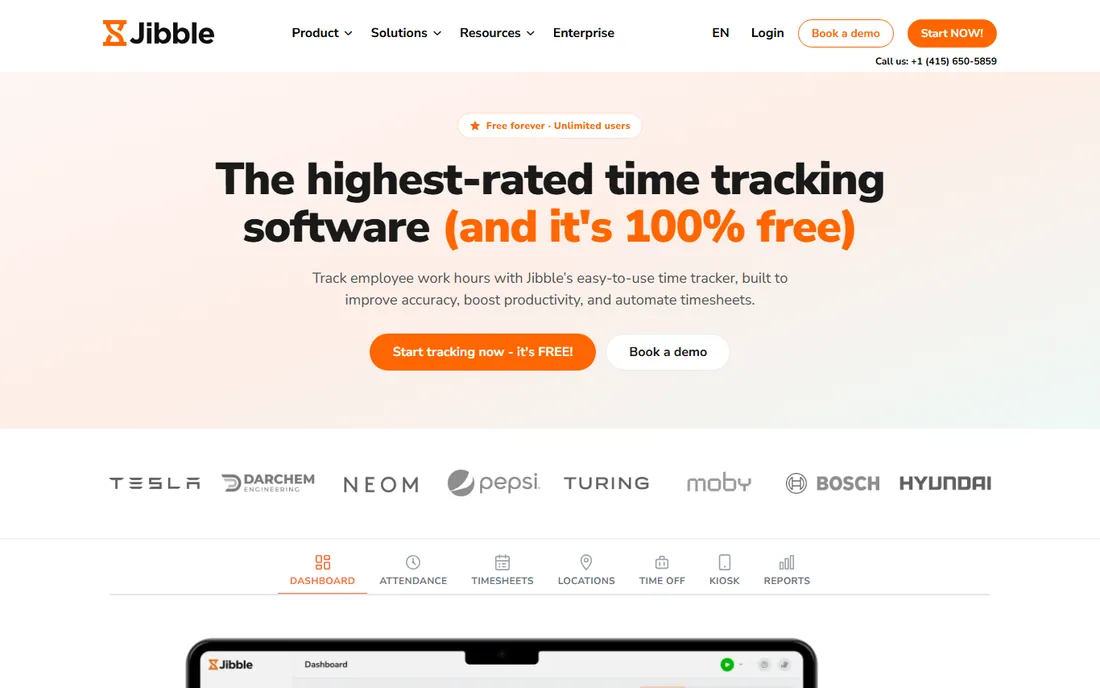
Jibble's offer is almost suspiciously generous: time tracking, timesheets, scheduling, time-off management and payroll exports, free for unlimited users, forever. The feature list reads like a paid product, with AI face recognition and selfie capture to stop buddy punching, geofenced clock-ins for job sites, GPS breadcrumbs for field teams, and a shared kiosk mode for tablets.
The business model question answers itself in the details: Jibble does time tracking really well and deliberately avoids becoming an HR suite, and paid enterprise tiers exist for larger organizations. For a small or mid-size team that needs accurate attendance without a per-seat bill, start here and only shop elsewhere if you need built-in payroll or hiring tools.
What we like- Free forever for unlimited users
- Face recognition, GPS and geofencing included
- Offline clock-in with sync
Watch out for- No built-in payroll processing
- Advanced features assume you run the free tier as-is
Starting priceSee website
Free planYes
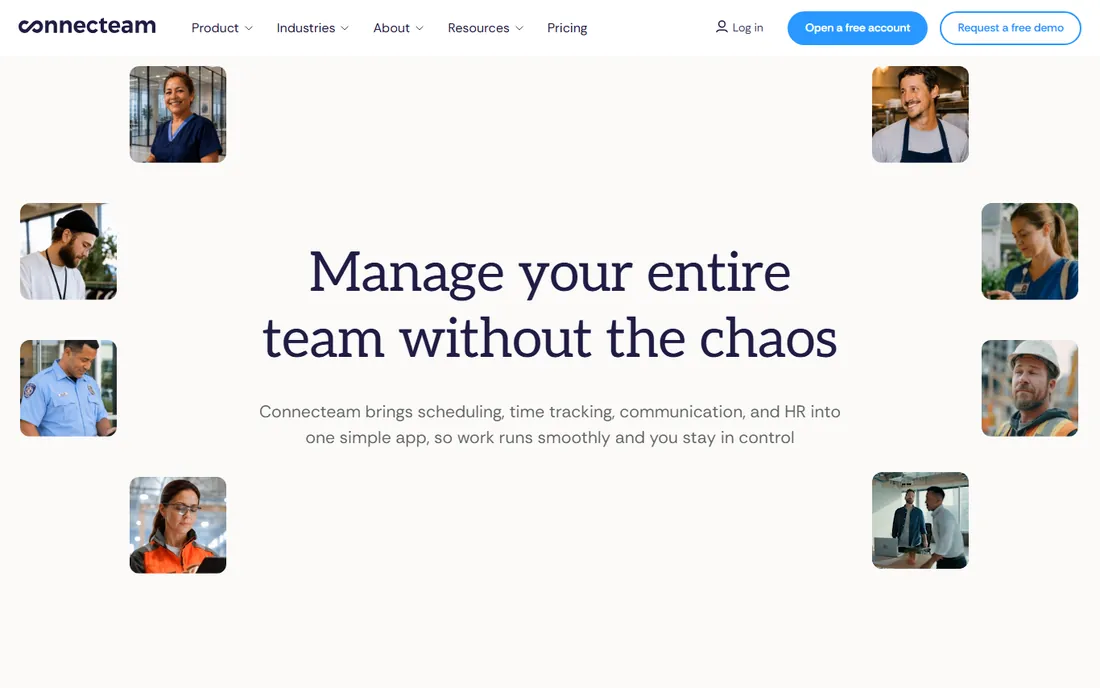
Connecteam pitches itself as the employee management app for businesses without an HR department. Scheduling, GPS time tracking, team chat, task management and training live in one mobile-first app that staff actually open, which solves the adoption problem that kills many attendance rollouts. Teams under 10 employees get full access free, which makes it a zero-risk trial for the smallest businesses.
Past that threshold you are on paid plans, priced per user on the vendor site. The all-in-one approach is the selling point and the risk: if you only need a time clock, you are buying chat and training features too. For restaurants, retail shops and field-service crews under fifty people, the bundle usually earns its keep.
What we like- Free for teams under 10 employees
- Scheduling, time clock, chat and training in one app
- Fast setup with live support
Watch out for- Free tier capped at 10 users
- Per-user pricing climbs as you grow
#3
Homebase
Best for: Hourly teams that want scheduling, time clock and payroll together
Visit joinhomebase.com
Starting priceSee website
Free planFree trial
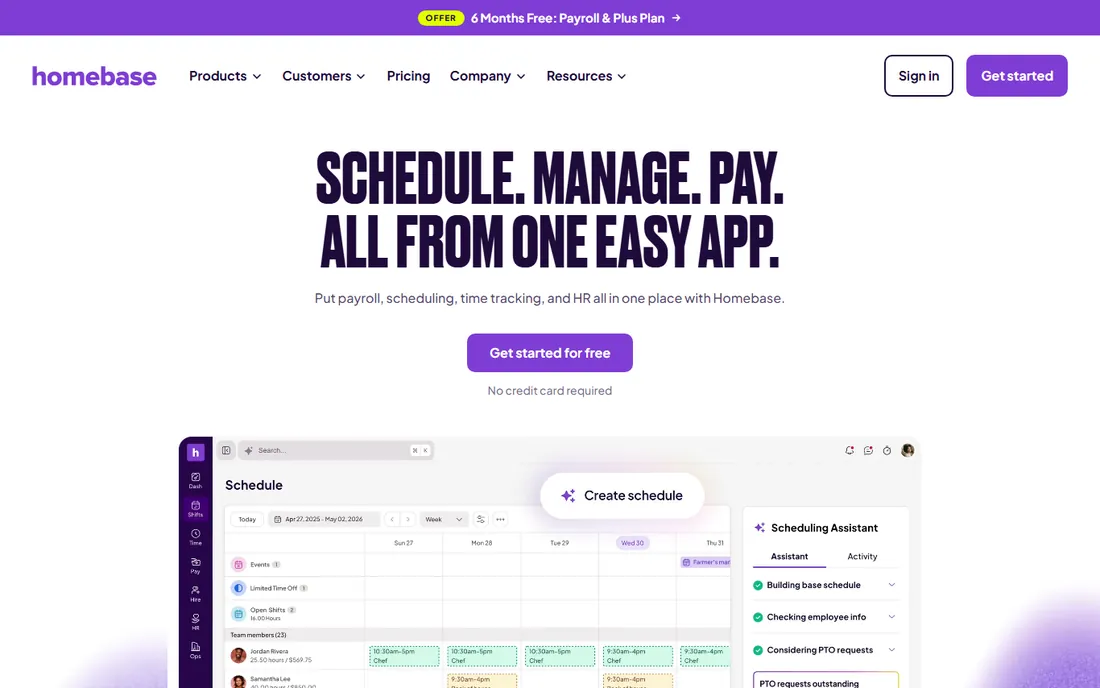
Homebase owns the hourly-work niche: restaurants, cafes, retail and salons where the schedule changes weekly and half the team is part-time. The time clock feeds directly into scheduling and payroll, so a shift swap updates labor costs automatically and timesheets flow into pay runs without retyping. Over 150,000 small businesses use it, and the App Store rating sits at 4.8 across 94,000 reviews.
The current offer gives new customers months of the Plus plan and payroll free, after a 14-day trial. Check the terms carefully, since the long-term price depends on which modules you keep. If your team is salaried or desk-based, this is the wrong tool; for hourly shift work, few do the full loop better.
What we like- Purpose-built for hourly workers
- Scheduling, time tracking, hiring and payroll in one place
- Strong mobile apps
Watch out for- Payroll is US-focused
- Advanced HR features trail dedicated platforms
Starting priceSee website
Free planSee website
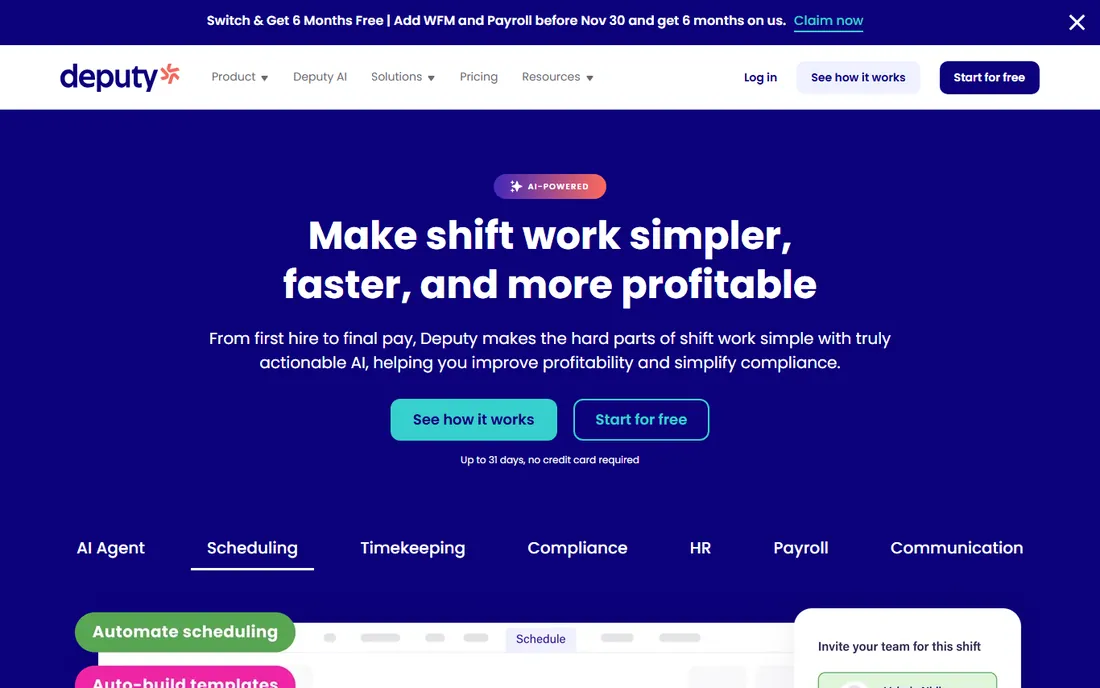
Deputy aims one level up from basic time clocks: it is scheduling software with compliance baked in. Break rules, overtime calculations, fair-workweek requirements and custom pay rules run automatically, which matters enormously in regulated industries and multi-state operations. AI models help build demand-based schedules, and the app stays simple enough for frontline staff.
Pricing sits behind a sales conversation on the vendor site, and the product assumes you have real scheduling complexity to manage. A five-person shop will find it heavy; a fifty-person operation across three locations with tricky labor rules will find it worth the evaluation. Trial it against When I Work if compliance is your deciding factor.
What we like- Strong compliance automation for breaks, overtime and fair-workweek rules
- AI-assisted scheduling
- Multi-location controls
Watch out for- Pricing not public
- More system than tiny teams need
Starting price$2.50 per user/month
Free planFree trial
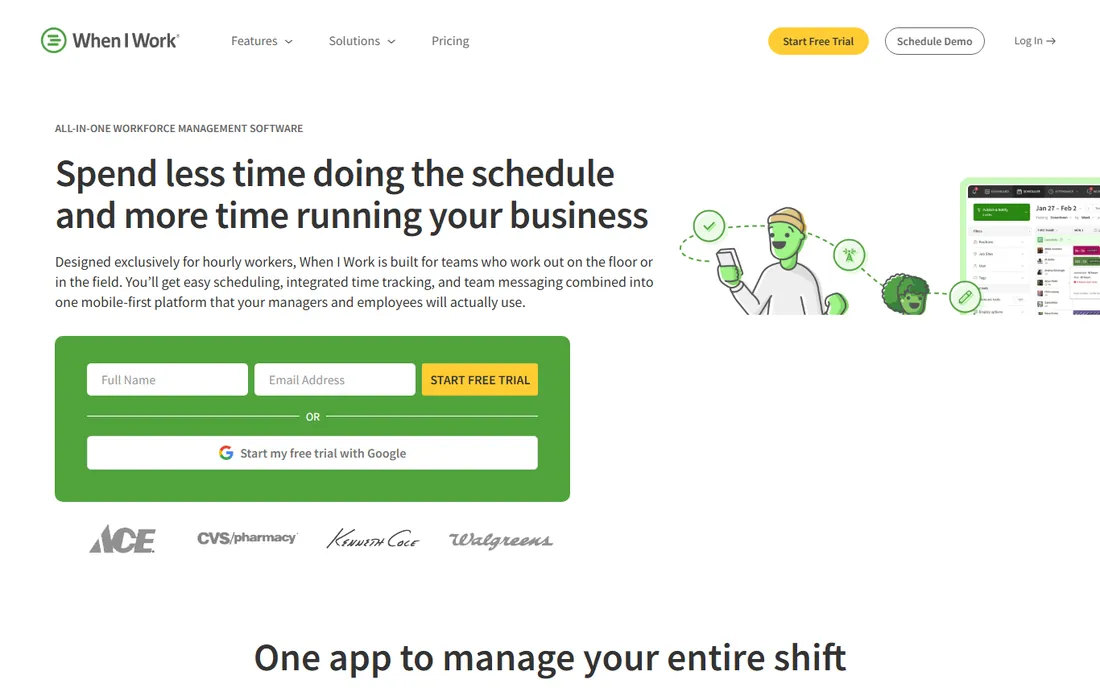
When I Work keeps the pitch simple: scheduling, time tracking and team messaging in one mobile-first app, starting at $2.50 per user per month with a 14-day free trial. Managers build schedules in minutes, offer open shifts to fill gaps, and track attendance with GPS-verified clock-ins and geofencing. Payroll syncs through integrations with QuickBooks, Gusto, ADP and Rippling rather than a native pay run.
That simplicity is the whole strategy. There are no long contracts and no enterprise-only paywalls, which makes it easy to adopt and easy to leave. Teams that outgrow it usually do so on reporting or compliance depth, at which point Deputy or Homebase enter the conversation.
What we like- Plans start at $2.50 per user per month
- 14-day free trial
- GPS clock-ins and team messaging included
Watch out for- Reporting depth lags enterprise tools
- Payroll is via integrations, not built in
Starting priceSee website
Free planSee website
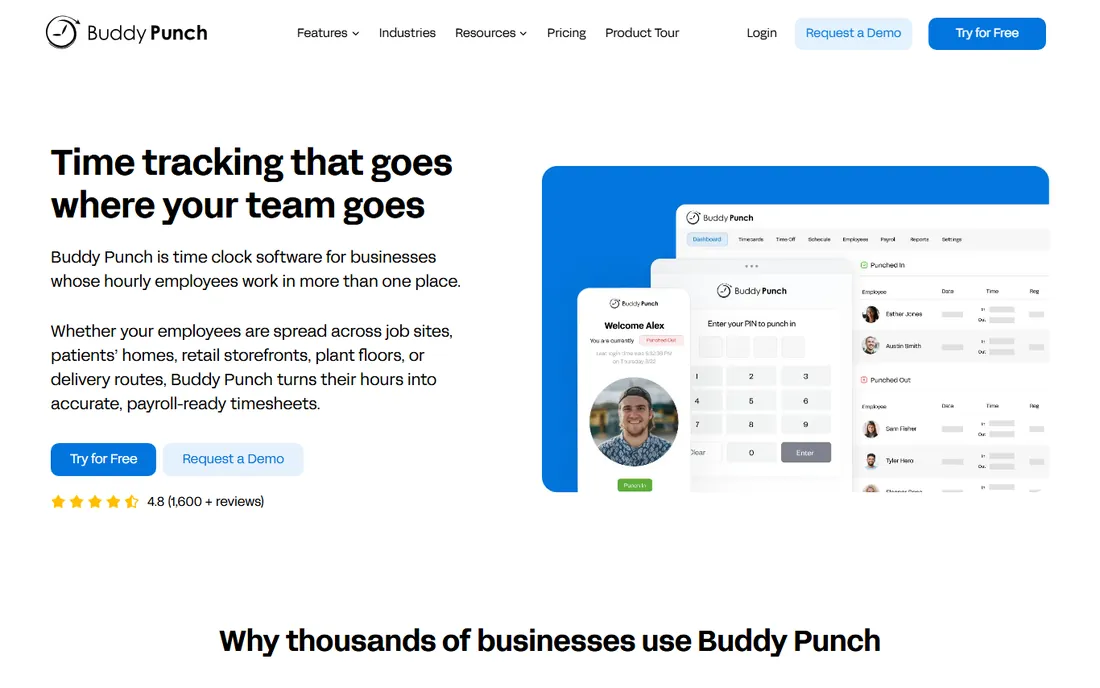
Buddy Punch built its name on accountability features that directly attack time theft: GPS tracking, geofencing, selfie verification at clock-in, IP locks, and punch limiting that stops early clock-ins before they inflate labor costs. Timesheets generate automatically, overtime rules apply themselves, and PTO balances accrue and deduct without spreadsheets.
Employees do not need unique email addresses to be added, which sounds minor until you onboard seasonal or frontline staff. Pricing is not listed on the homepage, so expect a quote flow. For small businesses whose main problem is attendance accuracy rather than scheduling artistry, it deserves a trial alongside Jibble.
What we like- Punch limiting and automatic clock-outs cut labor costs
- PTO accruals run on autopilot
- No email needed per employee
Watch out for- Pricing not public on the homepage
- Interface prioritizes function over polish
#7
Hubstaff
Best for: Remote and distributed teams with productivity tracking
Visit hubstaff.com
Starting price$4.99 per user/month
Free planFree trial
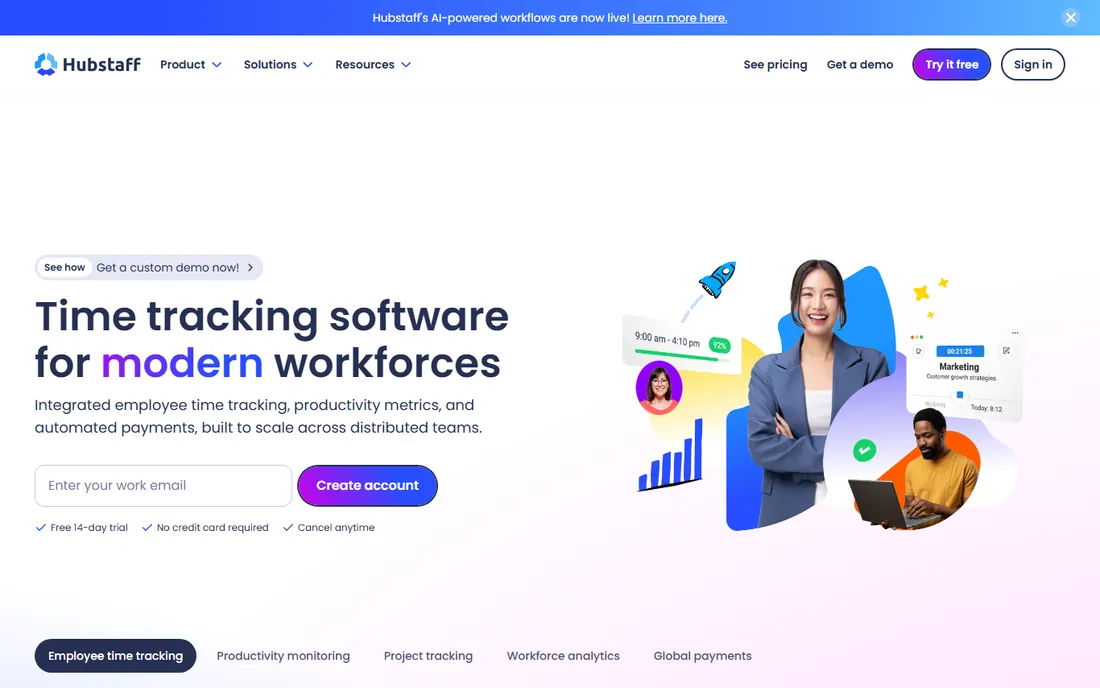
Hubstaff comes at attendance from the remote-work angle. Time tracking feeds productivity metrics, unusual-activity detection flags suspicious patterns, and the payroll module pays global teams in multiple currencies. A 14-day free trial needs no credit card, and the entry plan runs $4.99 per user per month.
Be honest about the trade-off before rolling it out: screenshot and activity monitoring buy accountability at the cost of trust if introduced badly. For agencies, BPOs and distributed teams that already track utilization, it is a natural fit. For a local shop that just needs to know who showed up, the simpler tools above do the job with less friction.
What we like- Starts at $4.99 per user per month
- Productivity metrics and activity detection
- Automated global payroll
Watch out for- Monitoring features can unsettle employees
- Attendance is secondary to productivity tracking
#8
ClassDojo
Best for: K-12 classrooms needing communication plus attendance
Visit classdojo.com
Starting priceFree
Free planYes
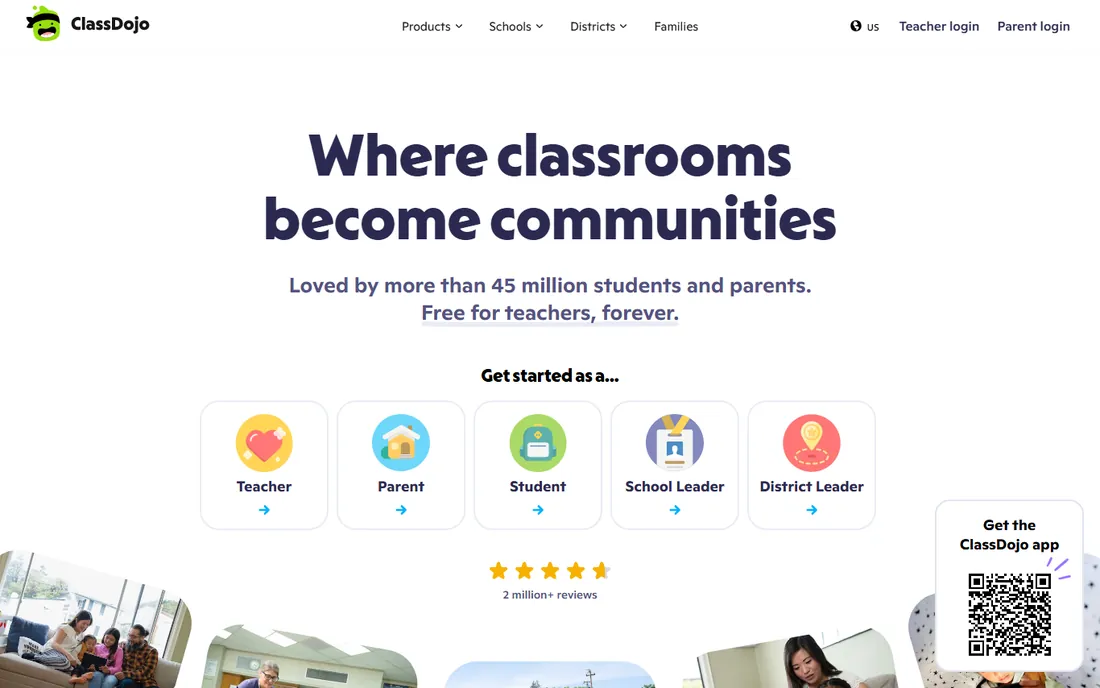
ClassDojo is the classroom community app more than an attendance tracker, but its Teacher Toolkit includes attendance sheets alongside timers and classroom management tools, and it is free for teachers forever. With 45 million students and parents connected, the network effect is real: families already have the app, messages translate into 190+ languages, and portfolios give parents a window into classwork.
If your only job is taking attendance, this is more app than you need. Where it wins is the bundle: attendance, parent messaging, behavior points and portfolios in the one place families check. For elementary and middle school teachers, that combination is hard to displace.
What we like- Free for teachers, forever
- 45 million students and parents on platform
- Messaging, portfolios and behavior tools included
Watch out for- Attendance is one feature in a big toolkit, not the focus
- Aimed at younger grades
Starting priceFree
Free planYes
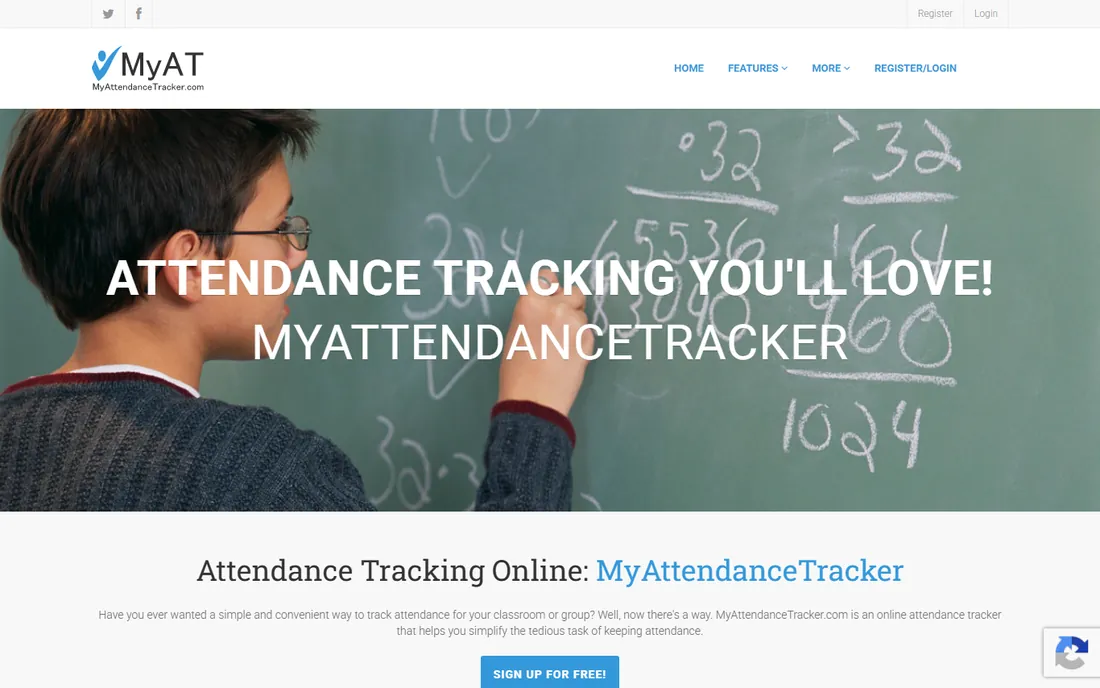
MyAttendanceTracker is refreshingly single-minded: set up your classes, click students present or absent (or scan QR and barcode IDs it generates for you), and print or export attendance reports to Excel and PDF. It is free, web-based, and shaped by feedback from tens of thousands of teachers, plus yoga studios, churches and childcare centers that use it for group attendance.
There is no messaging, no behavior tracking, no gradebook. That is the point. If ClassDojo feels like too much app for a simple attendance job, this does the one thing well and stays out of your way. For employee attendance it is too light; for a classroom roster, it is exactly enough.
What we like- Free
- Built by a teacher's spouse for real classrooms
- QR and barcode scanning plus printable reports
Watch out for- Basic design
- No communication or gradebook features
- Small one-team product
Employee tracking vs. student tracking: different rules
These two jobs share a word and little else. Employee attendance tracking exists to pay people correctly and staff shifts legally. That means audit trails, overtime rules, break compliance, payroll integrations and, in many jurisdictions, employee consent for location tracking. Get the compliance wrong and the cost is not a bad review; it is a wage claim.
Student attendance exists to keep rosters, satisfy reporting requirements and keep parents informed. The data is simpler (present, absent, tardy) but the privacy bar is higher: student records are protected by laws like FERPA in the US, and parents are far less tolerant of surveillance features than employees are. This is why the classroom tools above look so different from the workforce ones. Never deploy an employee monitoring tool on students, and never assume a classroom app can handle payroll compliance.
What to look for before you roll out an attendance app
Start with the payroll question. If attendance data must flow into pay runs, shortlist tools with native payroll or a proven integration to your provider: Homebase, When I Work (via integrations), Hubstaff and Buddy Punch all play here. If you just need a record of who showed up, Jibble's free tier or MyAttendanceTracker may be all you need.
Then check the clock-in methods against your reality. Desk teams can use web or mobile timers; frontline and field teams need kiosks, GPS or geofencing; shared devices need PIN or face recognition. Jibble, Buddy Punch and Connecteam cover the widest range here. Run a two-week pilot with one team before a company-wide rollout, and measure timesheet correction time rather than app ratings. The tool that cuts your payroll admin in half is the right one, whatever its review score.
For teachers, the decision is simpler: try MyAttendanceTracker if you want pure attendance, ClassDojo if you want the parent-communication bundle. Both are free, so the cost of trying both is an afternoon.
How we chose
We opened each vendor homepage and recorded the final URL, and pricing or free-tier claims come from the vendors' own pages: Jibble's site confirms its free-forever unlimited plan, When I Work lists $2.50 per user per month with a 14-day trial, Hubstaff lists $4.99 per user per month with a 14-day trial, Connecteam documents free access under 10 employees, and ClassDojo and MyAttendanceTracker both state their free terms. Where pricing sat behind signup or a sales conversation, entries say "See website" rather than guessing. We split the list between employee and student use cases, mixed free and paid options, and weighted payroll integration, clock-in methods, compliance features and setup effort for each buyer type. Public reviews on G2, Capterra and the app stores informed the trade-offs; no hands-on testing is claimed.
Frequently asked questions
What is the best free attendance tracker app?
Jibble is the strongest free option for employees: full time tracking, GPS, face recognition and payroll exports free forever for unlimited users. For classrooms, MyAttendanceTracker and ClassDojo are both free for teachers. Each fits a different job, so match the tool to employee or student use first.
How much does attendance tracking software cost?
It ranges from free (Jibble, ClassDojo, MyAttendanceTracker) to roughly $2.50 to $5 per user per month at the entry level (When I Work, Hubstaff), with scheduling suites like Homebase, Deputy and Connecteam priced per user or per location on quote. Most paid tools offer a 14-day free trial.
Can an attendance app stop buddy punching?
Yes, several can. Jibble, Buddy Punch and Connecteam offer face recognition or selfie verification at clock-in, plus GPS and geofencing to confirm location. No system is foolproof, but photo-verified, location-stamped entries eliminate the casual kind where coworkers clock each other in.
Do I need scheduling software or just a time clock?
If your team works fixed hours, a time clock like Jibble or Buddy Punch is enough. If shifts change weekly, staff swap shifts or you manage multiple locations, a scheduling bundle (Homebase, When I Work, Deputy, Connecteam) pays for itself by killing the spreadsheet and the group-text chaos.
Which attendance tracker is best for schools?
MyAttendanceTracker for pure simplicity: free, web-based, QR scanning and printable reports. ClassDojo if you also want parent messaging, behavior tracking and portfolios in the same free app. Both are free for teachers, so trying both costs nothing but time.
Is employee GPS tracking legal?
It depends on where you operate and how you do it. Many jurisdictions allow location tracking during work hours with employee notice and consent, while some restrict it sharply. Check local labor law, disclose the tracking in writing, limit collection to work hours, and never track personal devices without clear agreement.
Sources we checked (9)
- https://www.jibble.io
- https://connecteam.com
- https://joinhomebase.com
- https://www.deputy.com
- https://wheniwork.com
- https://buddypunch.com
- https://hubstaff.com
- https://www.classdojo.com
- https://myattendancetracker.com
Is your product missing or out of date?
We review this list regularly. Vendors can request a listing, send updated pricing or ask about featured placement.

Shihab Mia · Founder, Rankite
Shihab has spent more than a decade helping SaaS and e-commerce brands grow through search. He writes Rankite's software buying guides from pricing pages, documentation and public user reviews. More about Shihab.