How we make this list: we compare pricing pages, product documentation and public user reviews. Ratings come from G2, Capterra or Trustpilot, with the date we checked them.
Key takeaways
- remove.bg leads on one-click accuracy, with clean edges on hair and complex subjects in seconds.
- Adobe Express and Canva suit creators who remove a background and then design around the cutout in the same app.
- PhotoRoom leads on product photos, with studio backgrounds, shadows, and batch processing for sellers.
- Pixelcut and Fotor suit mobile-first users who edit on a phone and need quick social posts.
- Kapwing suits teams that remove backgrounds from video as well as photos.
- Free tiers all limit resolution or add watermarks, so check export quality before you commit to a free plan.
Quick comparison
| Tool | Best for | Starting price | Free plan |
|---|
 remove.bg remove.bg | One-click accuracy | See website | Free plan |
 Adobe Express Adobe Express | Design after cutout | Free app | Free plan |
 Canva Canva | All-in-one design | Free app | Free plan |
 PhotoRoom PhotoRoom | Product photos | See website | Free plan |
 Pixelcut Pixelcut | Mobile product shots | See website | Free plan |
 Fotor Fotor | Quick mobile edits | See website | Free plan |
 Kapwing Kapwing | Video plus photo | See website | Free plan |
 ClipDrop ClipDrop | AI suite extras | See website | Free plan |
Is your product missing or out of date?
We review this list regularly. Vendors can request a listing, send updated pricing or ask about featured placement.
The best apps to remove background
Removing a background used to mean careful manual selection in Photoshop. AI tools now do it in one click, with edge detection that handles hair, fur, and transparent objects far better than manual work. The eight apps below cover the range from single-purpose accuracy to full design suites, and the right pick depends on whether you need one perfect cutout, hundreds of product photos, or a design built around the result.
How we chose
We started from the background removal tools creators actually use in 2026, drawing on creator guides, app store rankings, and vendor feature pages. We favored tools with accurate AI cutouts, high-resolution export, and batch options, and we excluded desktop-only Photoshop workflows, since this list is about apps. Prices in this category vary by credit pack and billing period, so where a figure is not confirmed on a vendor page, we use "See website" and flag the gap.
Buying guide
Start with your output. If you need a single profile photo or logo cutout, a free tier may be enough, but check the export resolution and watermark rules first. If you sell products online, batch processing and consistent backgrounds matter more than any single cutout, and a subscription pays for itself quickly.
Next, test edge quality on your hardest photo, not your easiest. Hair, glass, jewelry, and busy backgrounds reveal the differences between tools fast. Then check what happens after the cutout: if you need text, templates, or resizing for marketplaces, an all-in-one app such as Canva or Adobe Express saves an extra export step.
Finally, watch credit systems. Some tools charge per image, which suits occasional use, while subscriptions suit daily use. Count your monthly images before you choose, since a credit pack that looks cheap can cost more than a subscription at volume. Also check file format support before you pay. Transparent PNG exports are standard, but some tools charge extra for high-resolution PNG or for keeping the original file size. If you print designs or list products on marketplaces with strict image rules, confirm the export size, format, and background color options in the free tier first, so a paid plan does not surprise you later.
Frequently asked questions
Which app removes backgrounds most accurately?
remove.bg leads on one-click accuracy for most photos, especially portraits and products with clear subjects. Adobe Express and PhotoRoom are close, and all three handle hair better than free tools from a few years ago.
Can I remove backgrounds for free?
Yes, but with limits. Free tiers usually cap resolution, add watermarks, or limit monthly images. For social posts at small sizes, free tiers work well. For print or marketplace listings, paid export is usually needed.
Do these apps work on video too?
Kapwing leads here, with background removal for video clips as well as photos. Most other tools on this list are photo-only, so check video support before you buy if you need it.
What resolution should I export?
For social media, 1080 pixels on the long edge is enough. For marketplace listings, export at least 2000 pixels. For print, export the highest resolution available and check the file size before ordering, since low-resolution files look soft on paper even when they look sharp on a phone screen.
Is my photo private when I upload it?
Reputable tools process uploads over encrypted connections and delete files after processing, but policies vary. Avoid uploading sensitive or private photos to free tools with unclear retention policies, and check each vendor's privacy page.
Sources
- Vendor feature and pricing pages for remove.bg, Adobe Express, Canva, PhotoRoom, Pixelcut, Fotor, Kapwing, and ClipDrop
- Third-party 2026 comparisons of background removal apps
- Creator guides on product photo editing and marketplace image requirements
#1remove.bg
Best for: One-click accuracy4.4/5 on
G2 (31 reviews, checked Oct 2026)
Visit remove.bg
Starting priceSee website
Free planFree plan
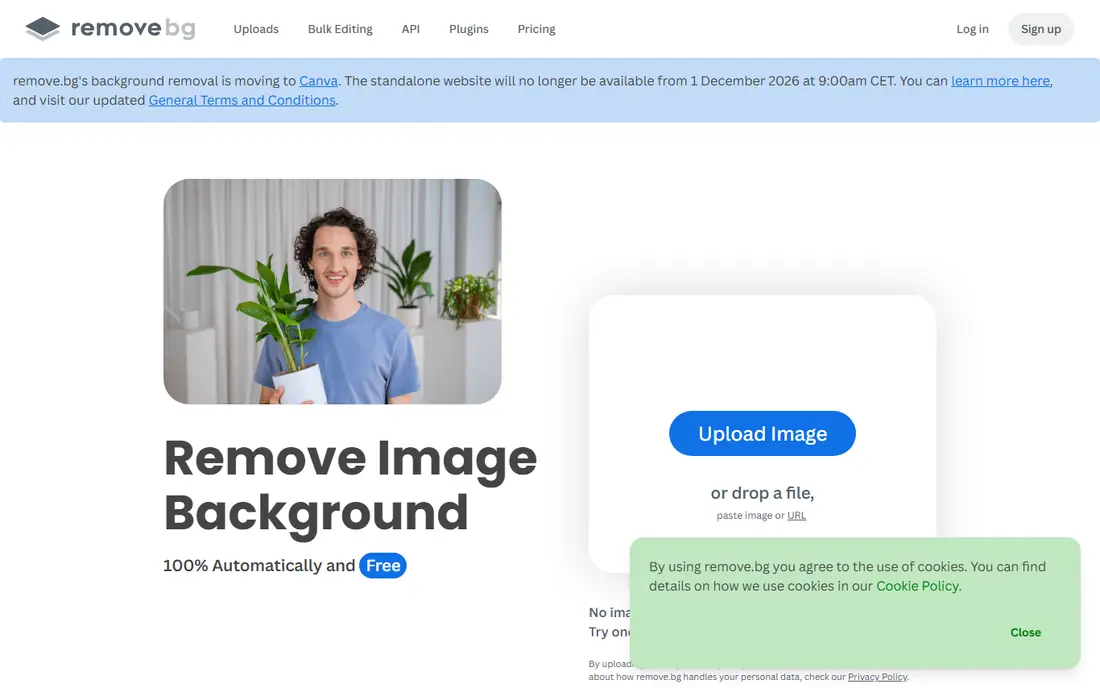
remove.bg is the specialist pick and the accuracy benchmark other tools are judged against. Upload a photo and the AI returns a clean cutout in seconds, with strong handling of hair, fur, and semi-transparent edges. A free preview lets you check the result before paying, and paid credits allow full-resolution downloads, batch processing, and an API for automated workflows.
The limits are scope and cost. remove.bg does not design anything around the cutout, so you still need another app for templates or text. Credit costs also add up for high-volume sellers. remove.bg suits anyone who needs the cleanest single cutout, especially for portraits and products where edge quality is visible.
What we like- Best one-click edge accuracy
- Fast processing
- API and batch options
Watch out for- Credit system costs add up at volume
- No design tools
- Free downloads are low resolution
#2Adobe Express
Best for: Design after cutout4.5/5 on
G2 (855 reviews, checked Oct 2026)
Visit adobe.com
Starting priceFree app
Free planFree plan
Adobe Express pairs background removal with a full design studio, so you can cut out a subject and build a social post, flyer, or ad around it without switching apps. Adobe Fonts, stock photos, and templates are built in, and brand kits keep colors and logos consistent across designs. The free tier covers basic removal and design.
Premium features, including higher-resolution exports and the full template library, need a paid plan, and the interface packs in many options that can overwhelm new users. Adobe Express suits creators and small businesses that design regularly and want removal as one step in a larger workflow.
What we like- Background removal plus full design tools
- Adobe Fonts and stock access
- Brand kits
Watch out for- Best features need a premium plan
- Interface is busy
- Export options vary by plan
#3Canva
Best for: All-in-one design4.7/5 on
G2 (7,678 reviews, checked Oct 2026)
Visit canva.com
Starting priceFree app
Free planFree plan
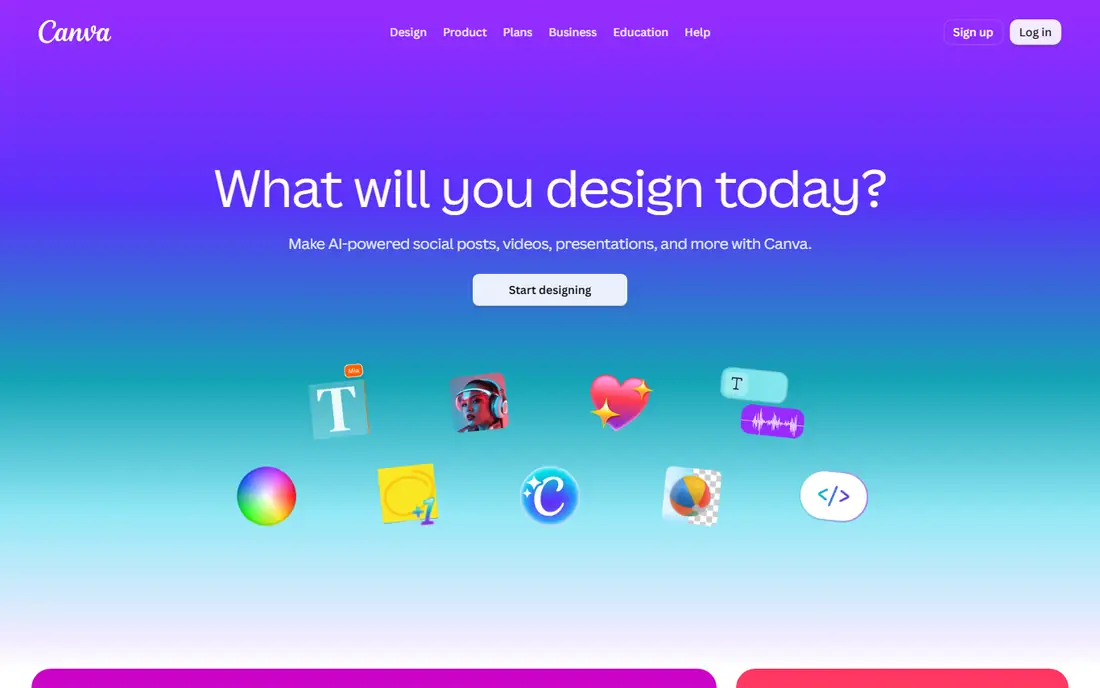
Canva is the all-in-one pick for teams and creators who live in templates. The background remover sits inside the editor, so you can cut out a photo, drop it into a template, add text, and resize for every social platform in one session. Collaboration tools let teams share brand kits and approve designs.
The catch is that background removal itself requires a Pro subscription, while the free tier covers design only. Heavy multi-page designs can also load slowly on weaker devices. Canva suits social teams, marketers, and sellers who design daily and want removal inside their main design tool.
What we like- Huge template library
- Background remover built into the editor
- Team collaboration
Watch out for- Background remover needs a Pro plan
- Free exports are limited
- Heavy designs load slowly
Starting priceSee website
Free planFree plan
PhotoRoom is built for sellers. It removes backgrounds and replaces them with clean studio looks, realistic shadows, and marketplace-ready sizes for platforms such as Etsy, eBay, and Shopify. Batch processing lets a seller process dozens of product photos at once, which is the feature that justifies the subscription for online stores.
Full-resolution exports need a paid plan, and portrait cutouts are less refined than product shots. Templates also lean commercial, so creative users may want another app for artistic work. PhotoRoom suits online sellers who need consistent, professional product photos at volume.
What we like- Studio backgrounds and shadows
- Batch processing
- Marketplace size presets
Watch out for- Subscription needed for full resolution
- Portrait focus is weaker
- Templates lean commercial
Starting priceSee website
Free planFree plan
Pixelcut is a mobile-first product photo app that covers removal, AI backgrounds, shadows, and resizing in a phone-friendly flow. Sellers can photograph a product, remove the background, add a studio look, and export at marketplace sizes without touching a desktop. That speed makes it popular with small sellers and social commerce creators.
Desktop tools are thinner than the mobile app, and the best export quality needs a subscription. Template variety is also narrower than Canva. Pixelcut suits mobile sellers who shoot and list from a phone and want fast, consistent product photos.
What we like- Strong mobile workflow
- AI backgrounds and shadows
- Quick marketplace exports
Watch out for- Desktop tools are thinner
- Subscription needed for best quality
- Template variety is limited
#6Fotor
Best for: Quick mobile edits4.2/5 on
G2 (342 reviews, checked Oct 2026)
Visit fotor.com
Starting priceSee website
Free planFree plan
Fotor combines photo editing, design, and background removal in one affordable app. One-tap removal works well for simple subjects, and the built-in editor lets you adjust color, add filters, and build collages around the cutout. Pro pricing is lower than several rivals, which appeals to casual creators.
Edge accuracy on hair and complex subjects trails remove.bg, and the free tier shows ads. Batch processing is also basic. Fotor suits casual creators and small businesses that want an affordable all-rounder rather than the absolute best cutout quality.
What we like- Easy one-tap removal
- Photo editing plus design
- Affordable Pro pricing
Watch out for- Edge accuracy trails remove.bg
- Ads on the free tier
- Batch tools are basic
#7Kapwing
Best for: Video plus photo3.9/5 on
G2 (40 reviews, checked Oct 2026)
Visit kapwing.com
Starting priceSee website
Free planFree plan
Kapwing is the pick when background removal spans video and photos. Its timeline editor removes backgrounds from video clips, adds captions, and exports for social platforms, while photo removal covers thumbnails and stills. Team workspaces let editors share projects and review cuts together.
Video processing can be slow on long clips, and free exports carry watermarks. Photo removal is solid but secondary to video. Kapwing suits video creators, social teams, and educators who need background removal across both media types in one tool.
What we like- Background removal for video and photos
- Timeline editing
- Team collaboration
Watch out for- Processing can be slow on long videos
- Free exports add watermarks
- Photo tools are secondary
Starting priceSee website
Free planFree plan
ClipDrop, from the team behind Stability AI, bundles background removal with cleanup, relighting, text removal, and upscaling in one AI suite. That combination suits creators who retouch as well as cut out: remove a background, clean a distraction, relight a product shot, and upscale for print without switching tools. An API supports automated workflows.
Suite pricing bundles tools some users will never open, and free tier exports are resolution-limited. The mobile app is thinner than the web version. ClipDrop suits creators who use several AI retouching tools and want them in one subscription.
What we like- Background removal plus cleanup, relighting, and upscaling
- Fast results
- API access
Watch out for- Suite pricing bundles tools you may not need
- Free tier limits resolution
- Mobile app is thinner
Is your product missing or out of date?
We review this list regularly. Vendors can request a listing, send updated pricing or ask about featured placement.

Shihab Mia · Founder, Rankite
Shihab has 5+ years in B2B and SaaS SEO. He writes Rankite's software buying guides from pricing pages, documentation and public user reviews. More about Shihab.