How we make this list: we compare pricing pages, product documentation and public user reviews. Ratings come from G2, Capterra or Trustpilot, with the date we checked them.
Key takeaways
- CapCut is the best all-round free editor for short social videos, with templates, auto captions and beat sync, while Canva suits marketing videos inside a design workflow.
- Animoto is the simplest path from photos to a polished slideshow, with a guided storyboard workflow and licensed music, but editing depth is limited.
- Free plans are useful for testing, but most cap resolution, add watermarks, or limit templates, so check the free tier before planning a series.
- The best photo for a video is sharp, well lit and simple, because cluttered or low-resolution images produce weaker results in any tool.
Quick comparison
| Tool | Best for | Starting price | Free plan |
|---|
 CapCut CapCut | Short-form social video | See website | Yes |
 Canva Canva | Marketing videos in a design workflow | $15 per user/month (Pro, billed annually) | Yes |
 Animoto Animoto | Simple slideshow videos for business | $9 per month (Basic, billed annually) | Yes (720p exports with Animoto branding) |
 Adobe Express Adobe Express | Template-driven video in Adobe tools | $9.99 per month (Premium) | Yes (100,000-plus static and video templates) |
 InVideo InVideo | Template-based marketing video | See website | Yes |
 FlexClip FlexClip | Quick browser-based video making | See website | Yes |
 Movavi Movavi | Desktop video making for beginners | See website | Free trial |
 Magisto Magisto | Automatic AI-edited videos | See website | Yes |
Is your product missing or out of date?
We review this list regularly. Vendors can request a listing, send updated pricing or ask about featured placement.
The best apps to make video from photos
Starting priceSee website
Free planYes
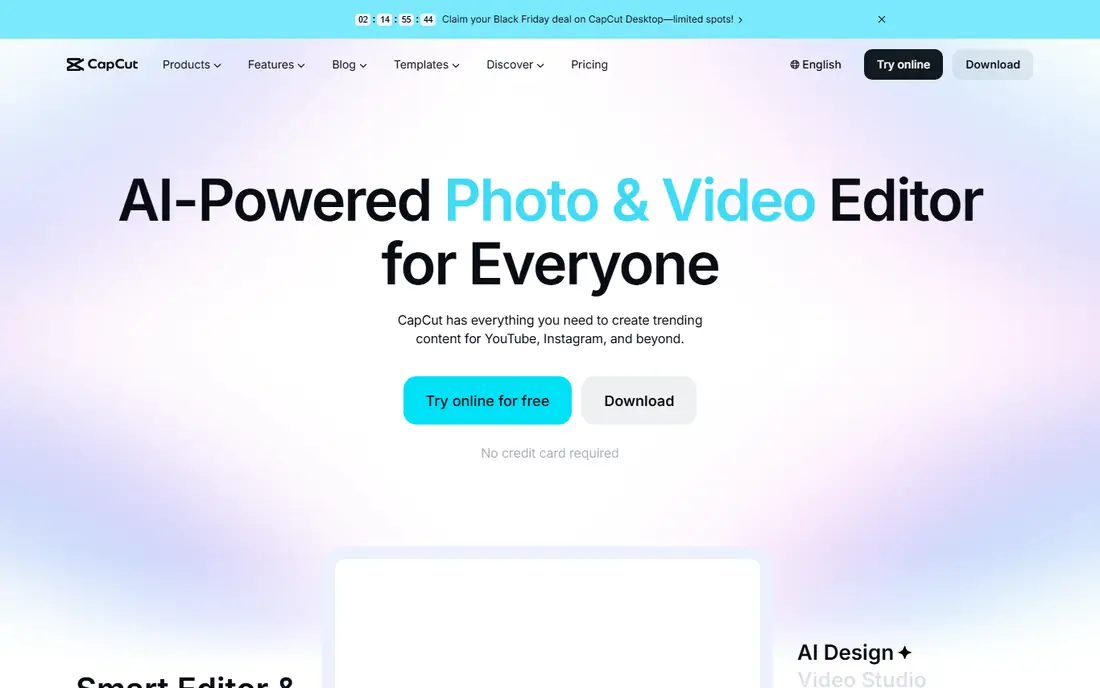
CapCut is the reason millions of people started editing videos, running on Android, iPhone, Windows, Mac and in the browser, with a template library that makes TikTok, Reels and Shorts editing almost effortless. Its web editor needs no installation and gives a full timeline with multi-track editing, while mobile and desktop apps sync projects so you can start on a phone and finish on a laptop.
Pricing is cited at $5.99 per month in one comparison and Pro at $19.99 per month or $179.99 per year in another, so this article marks it "See website" given the range. CapCut fits creators who live on short-form social content and want trendy effects with mobile-first editing.
What we like- Full timeline with multi-track editing
- Trending templates
- Auto captions
- Background removal
- Beat sync
- Mobile, desktop and web
Watch out for- Some Pro templates and effects watermark free exports
- 4K export limited to paid users
- Lag on bigger projects
#2Canva
Best for: Marketing videos in a design workflow4.7/5 on
G2 (7,678 reviews, checked Oct 2026)
Visit canva.com
Starting price$15 per user/month (Pro, billed annually)
Free planYes
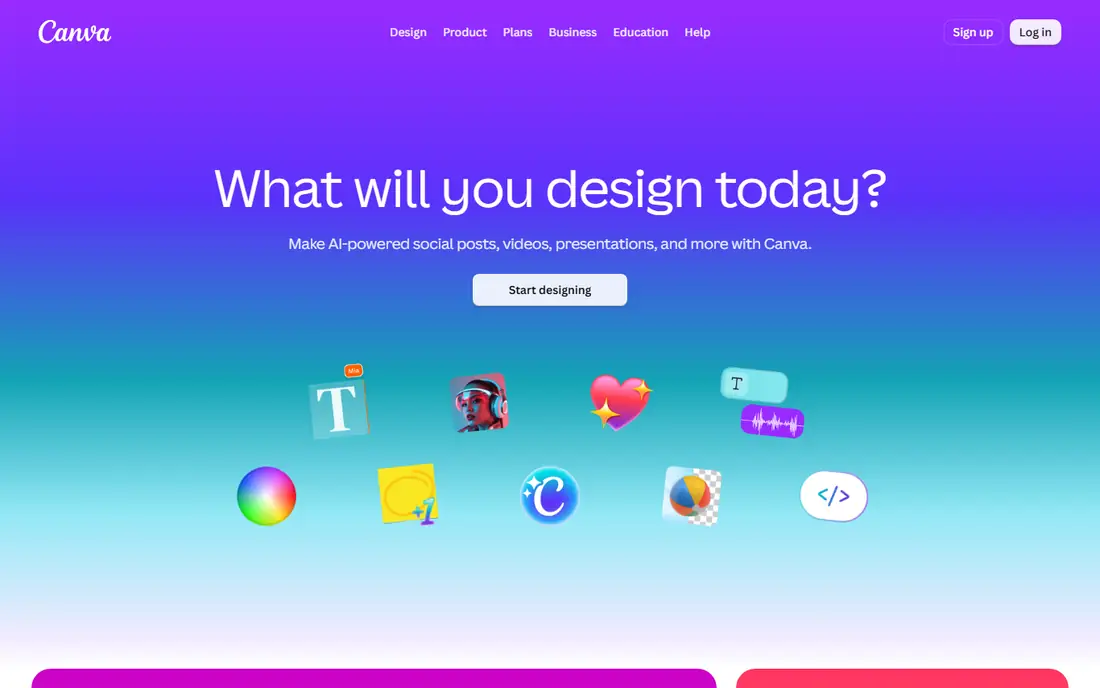
Canva's video editor has become excellent for promo clips, product ads and slideshow-style content, sitting inside a design platform teams already use for social posts and brand assets. Pro costs $15 per user per month on annual billing in one guide and $18 per month or $144 per year in another, with Business at $25 per person per month, and a free plan for starting.
It is not built for long, complex timelines, so filmmakers and long-form editors need a dedicated editor. Canva fits small businesses, social media managers and teams that already design in Canva and want simple video editing in the same workspace.
What we like- Video editor inside a broad design platform
- Big template library
- Brand kits
- Convenient for teams already designing in Canva
Watch out for- Not built for long, complex timelines
- Pro cited at $18 per month in another guide
- Business at $25 per person per month
#3Animoto
Best for: Simple slideshow videos for business4.3/5 on
G2 (94 reviews, checked Oct 2026)
Visit animoto.com
Starting price$9 per month (Basic, billed annually)
Free planYes (720p exports with Animoto branding)
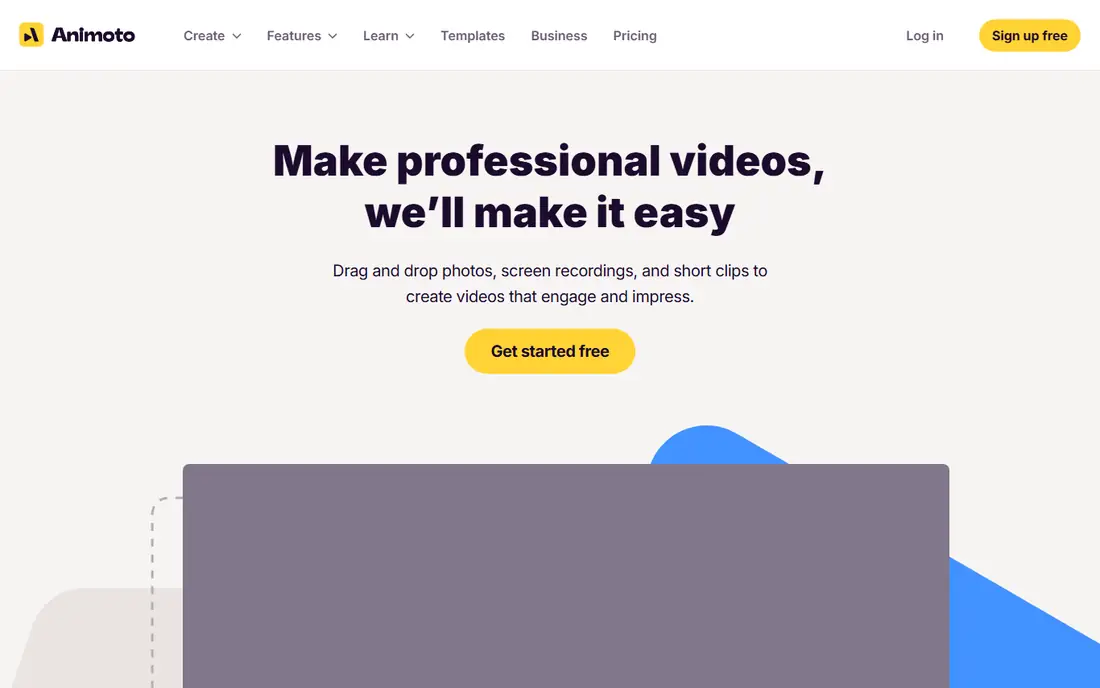
Animoto works well for small businesses, marketers, and real estate or events professionals who need quick, polished slideshow-style videos from photos and short clips without a steep learning curve. Pick a template, drop in media and text, choose a licensed track, and export: one reviewer shipped a usable video in under 15 minutes, with auto-pacing to music that suits photo slideshows and event recaps.
Free exports cap at 720p with Animoto branding, while paid plans include 1080p HD without a watermark, with Basic at $9 per month per user on annual billing, Professional at $19 and Professional Plus at $39 for up to 3 users in one guide, or about $16, $29 and $79 monthly in another. Animoto fits non-editors who need a tidy slideshow quickly, not creators wanting granular control.
What we like- Fast guided workflow for slideshow videos
- Large stock library through Getty Images on paid plans
- Straightforward drag-and-drop
- Minimal learning curve
Watch out for- Editing depth limited compared with timeline tools
- Pricing high relative to output flexibility
- Team collaboration capped at 3 users on top plan
#4Adobe Express
Best for: Template-driven video in Adobe tools4.5/5 on
G2 (855 reviews, checked Oct 2026)
Visit adobe.com
Starting price$9.99 per month (Premium)
Free planYes (100,000-plus static and video templates)
Adobe Express is the template-led editor with Adobe's generative AI built in, offering caption, resize, merge, crop and trim tools alongside a large template library. The free plan includes over 100,000 static and video templates plus standard editing tools, while Premium costs $9.99 per month and adds 250 generative credits per month, all premium templates and tools such as remove video background.
It suits people already in the Adobe ecosystem who want template-driven video and social content without learning a full editor. Adobe Express fits marketers and creators who value Adobe's AI and template quality over timeline depth.
What we like- Template-led editor with Adobe generative AI
- Caption, resize, merge, crop and trim tools
- 250 generative credits per month on Premium
Watch out for- Template-driven depth trails timeline editors
- Premium needed for all premium templates and background removal
#5InVideo
Best for: Template-based marketing video4.2/5 on
G2 (183 reviews, checked Oct 2026)
Visit invideo.io
Starting priceSee website
Free planYes
InVideo is a template-based marketing video platform, with thousands of templates for ads, promos, explainers and social posts, plus text-to-video workflows that turn a script into a video draft. Stock media is included, and the browser-based editor needs no installation.
No simple entry price was published in the sources checked, so this article marks it "See website", and free exports carry a watermark. InVideo fits marketers and small businesses that want template-driven video at volume without learning a timeline editor.
What we like- Large template library for marketing video
- Text-to-video workflows
- Stock media included
- Browser-based
Watch out for- No simple entry price in sources checked
- Free exports watermarked
- Rendering queues on lower tiers
#6FlexClip
Best for: Quick browser-based video making4.6/5 on
G2 (68 reviews, checked Oct 2026)
Visit flexclip.com
Starting priceSee website
Free planYes
FlexClip is a quick browser-based video maker with a storyboard mode that suits photo slideshows, a simple timeline for trimming and arranging clips, and stock media plus music for finishing touches. Its speed and simplicity make it a good first editor for users who find timeline tools intimidating.
No simple entry price was published in the sources checked, so this article marks it "See website", and the free tier limits resolution and exports. FlexClip fits casual creators and small businesses that want a fast browser video from photos without installing software.
What we like- Quick browser-based editing
- Storyboard mode for slideshows
- Stock media and music
- Simple timeline
Watch out for- No simple entry price in sources checked
- Free tier limits resolution and exports
- Depth trails desktop editors
Starting priceSee website
Free planFree trial
Movavi is a beginner-friendly desktop video editor with a slideshow wizard that turns photos into a video with transitions, music and titles in minutes, plus an effects and transitions library for polishing the result. Offline editing suits users with slow internet or large photo libraries.
No simple entry price was published in the sources checked, so this article marks it "See website", and trial exports carry a watermark. Movavi fits Windows and Mac beginners who want a desktop slideshow wizard and simple editing without a subscription learning curve.
What we like- Beginner-friendly desktop editor
- Slideshow wizard for photo videos
- Effects and transitions library
- Offline editing
Watch out for- No simple entry price in sources checked
- Trial watermarks exports
- Advanced features trail professional editors
Starting priceSee website
Free planYes
Magisto uses AI to edit photos and clips automatically into a finished video, choosing pacing, transitions and music with minimal user effort. That automation suits users who want a social post or event recap without editing at all, and who accept the AI's choices.
Manual control is limited, and output can feel templated without customisation, so editors who want precise control should choose CapCut or Canva instead. Magisto fits busy users who want an automatic video from a photo batch with almost no editing time.
What we like- Automatic AI editing from photos and clips
- Minimal effort
- Good for social posts and event recaps
Watch out for- No simple entry price in sources checked
- Limited manual control
- Output can feel templated
How we chose
We compared apps on slideshow workflow, template depth, editing control, free-tier limits, export quality and the limits reviewers cite most often. Sources included a Canva video editor alternatives guide, an Animoto review with two weeks of use, a photo-to-video AI tools comparison, and an online video editors guide with pricing checked in October 2026. Where prices conflicted across guides, the article uses the most recent figure or says "See website". We did not claim hands-on testing.
What to check before you sign
Start with the video type you actually make. Slideshow-style business videos suit Animoto, FlexClip and Movavi's wizard, short social clips suit CapCut, marketing videos suit Canva and InVideo, and automatic edits suit Magisto. Buying a timeline editor for slideshows, or a slideshow tool for complex edits, wastes money and time.
Next, check free-tier limits before planning a series. Free plans cap video quality at 720p, add watermarks, limit templates or cap 4K exports, and those limits decide whether the free tier is usable for real posts or only for testing. The Animoto free plan's watermark makes it a non-starter for real posts, while CapCut's free plan covers most short-form needs.
Finally, choose photos carefully. Sharp, well-lit, simple photos produce the best videos in any tool, while cluttered or low-resolution images produce weaker results, especially with AI animation. Sort photos before editing, remove duplicates and blurry shots, and keep the story to one clear idea per video.
Frequently asked questions
What is the best app to make video from photos?
For social clips, CapCut. For marketing videos, Canva. For simple slideshows, Animoto. For template-driven Adobe work, Adobe Express. For automatic editing, Magisto. The right pick depends on video type, editing skill and budget.
Can I make a video from photos for free?
Yes, within limits. CapCut, Canva, Animoto, Adobe Express, InVideo, FlexClip and Magisto all offer free plans, but most cap resolution at 720p, add watermarks, or limit templates. For watermark-free HD exports, a paid plan is usually needed.
How long does it take to make a photo slideshow video?
With a guided tool like Animoto, a usable video can ship in under 15 minutes: pick a template, drop in photos and text, choose music, and export. Timeline editors like CapCut take longer but offer more control over pacing and effects.
What photo quality works best for videos?
Sharp, well-lit, simple photos work best, since cluttered or low-resolution images produce weaker results, especially with AI animation. Remove blurry and duplicate shots before editing, and keep the story to one clear idea per video.
Should I use a slideshow app or a full video editor?
Use a slideshow app like Animoto or FlexClip for quick business videos, event recaps and real estate listings. Use a full editor like CapCut or Canva for social clips, marketing videos and any project needing precise timing, effects or multi-track editing.
Do these apps add music to photo videos?
Yes, most include licensed music libraries: Animoto offers 50 tracks free and 3,000 on Professional, CapCut includes trending audio, and Canva, Adobe Express and FlexClip all bundle music. Check licensing terms before using music in paid ads.
Sources we checked (6)
- https://www.dochipo.com/canva-video-editor-alternative-tools/
- https://www.piclumen.com/blog/animoto-review/
- https://rankite.com/blog/best-ai-tools-to-convert-photo-to-video
- https://bityclips.com/tool/animoto
- https://www.selecthub.com/video-editing-software/capcut-vs-animoto/
- https://piktochart.com/blog/best-online-video-editors-2026/
Is your product missing or out of date?
We review this list regularly. Vendors can request a listing, send updated pricing or ask about featured placement.

Shihab Mia · Founder, Rankite
Shihab has 5+ years in B2B and SaaS SEO. He writes Rankite's software buying guides from pricing pages, documentation and public user reviews. More about Shihab.