How we make this list: we compare pricing pages, product documentation and public user reviews. Ratings come from G2, Capterra or Trustpilot, with the date we checked them.
Key takeaways
- CapCut and Canva suit most users for quick photo-to-video creation with templates, music, and easy sharing.
- Pika and Luma suit creators who want AI-generated motion from a single photo, with more realistic results.
- InShot and Filmora suit mobile and desktop editors who want manual control over transitions and timing.
- The best app depends on your goal: quick social clips, polished slideshows, or AI-animated photos need different tools.
Quick comparison
| Tool | Best for | Starting price | Free plan |
|---|
 CapCut CapCut | Quick social photo videos | Free | Yes |
 Canva Canva | Templates and slideshows | Free | Yes |
 Pika Pika | AI photo animation | See website | Yes |
 Luma Dream Machine Luma Dream Machine | Realistic AI photo motion | See website | Yes |
 InShot InShot | Mobile photo video editing | See website | Yes |
 Filmora Filmora | Desktop photo video editing | See website | Free trial |
 Animoto Animoto | Slideshow videos for business | See website | Free trial |
 FlexClip FlexClip | Online photo video maker | See website | Yes |
Is your product missing or out of date?
We review this list regularly. Vendors can request a listing, send updated pricing or ask about featured placement.
The best apps to turn photo into video
Starting priceFree
Free planYes
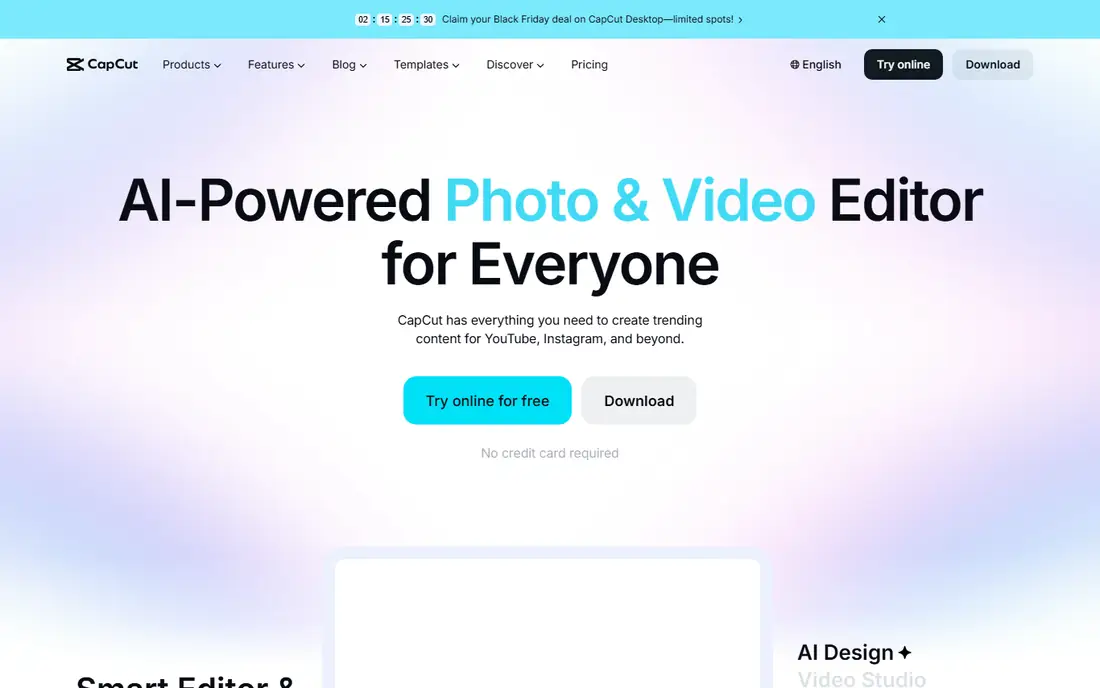
CapCut turns photos into video fast: import photos, pick a template or add transitions and music, and export for TikTok, Instagram, or YouTube. Its template library covers trending styles, and its auto-caption, effects, and music tools suit social creators who publish daily. The free tier covers most casual needs, with Pro adding premium effects and cloud storage.
Some free exports carry watermarks on certain features, and advanced tools need the Pro subscription. CapCut also offers auto-reframe that adapts videos to different platform sizes automatically. CapCut fits social creators and casual users who want quick, trendy photo videos without learning a full editor.
What we like- Free core features
- Templates and effects
- Direct TikTok sharing
Watch out for- Advanced features need Pro
- Watermark on some free exports
#2Canva
Best for: Templates and slideshows4.7/5 on
G2 (7,678 reviews, checked Oct 2026)
Visit canva.com
Starting priceFree
Free planYes
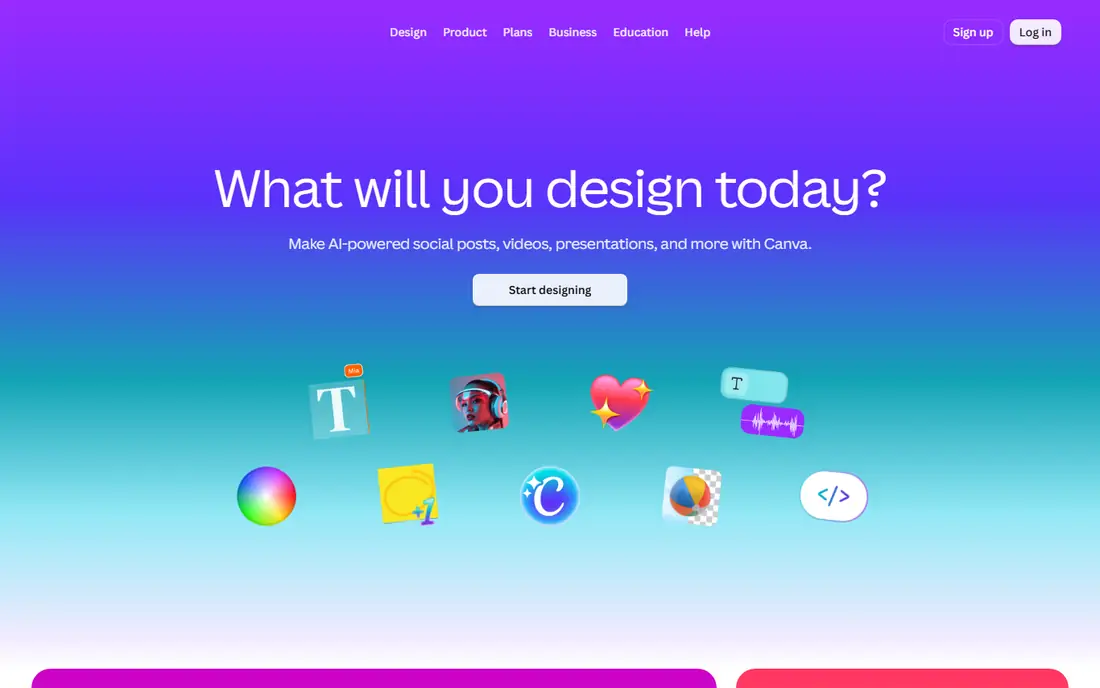
Canva turns photos into slideshow videos through its video editor, with thousands of templates for birthdays, business presentations, real estate, and social posts. Users drag photos onto a timeline, add text, music, and transitions, and export in formats suited to each platform. Its free tier covers most templates, while Pro adds brand kits, premium stock, and background removal.
Video editing depth is limited compared with Filmora or CapCut, and AI photo animation is newer and thinner. Canva also offers magic design tools that generate layouts from a photo or prompt automatically. Canva fits users who want polished photo slideshows and branded videos quickly, especially teams already using Canva for design.
What we like- Huge template library
- Easy slideshow builder
- Team features
Watch out for- Video editing depth limited
- AI animation needs newer features
Starting priceSee website
Free planYes
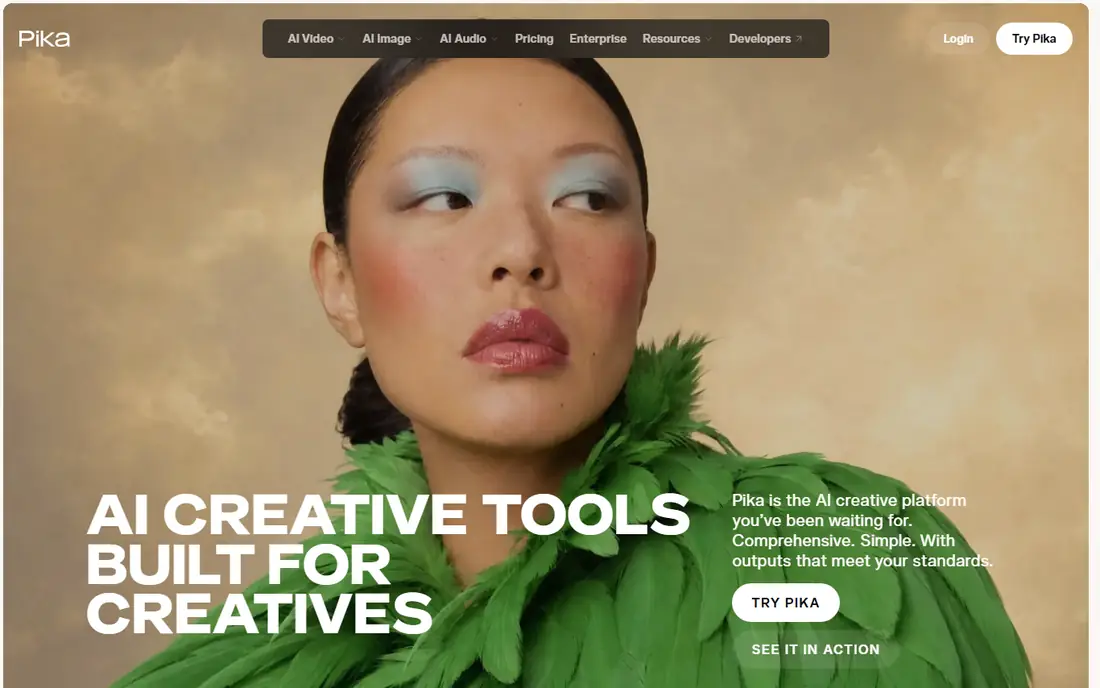
Pika uses AI to animate a single photo into a moving video clip, adding motion, camera moves, and effects from a text prompt. That approach suits creators who want a still portrait or scenery shot to come alive, rather than a slideshow of many photos. Its effects library covers transformations, expansions, and stylized motion that manual editors cannot easily replicate.
Clips are short on lower tiers, and realism varies by photo quality and prompt clarity. Pika also offers sound effects that sync with generated motion, which helps social clips feel complete without separate audio editing. Pika fits creators who want AI photo animation for social content, art, and experiments, accepting short clips on free and lower tiers.
What we like- AI animates a single photo
- Effects and styles
- Creative control
Watch out for- Short clips on lower tiers
- Realism varies by photo
Starting priceSee website
Free planYes
Luma's Dream Machine animates photos with realistic motion and physics, preserving the source image's look while adding natural camera and object movement. Its output suits product visuals, real estate, and cinematic shots where realism matters more than stylized effects. The free tier lets creators test quality before paying, while paid plans offer faster generation and higher resolution.
Free tier queues can be slow, and volume work needs paid plans. Luma also offers a modify-video feature that restyles existing clips, which helps creators iterate without starting over. Luma fits creators who want the most realistic AI photo animation available, for professional and artistic projects alike.
What we like- Realistic motion and physics
- Good image preservation
- Strong quality
Watch out for- Queue times on free tier
- Paid plans needed for volume
Starting priceSee website
Free planYes
InShot is a mobile editor that turns photos into video on phones, with transitions, music, text, filters, and speed controls in a simple timeline. Its social formats cover TikTok, Instagram, and YouTube sizes, and its editing feels fast for on-the-go creators. The free tier covers core editing, with Pro removing watermarks and adding premium effects.
Free exports carry a watermark, and advanced features need the Pro subscription. InShot also supports picture-in-picture and green screen effects for more layered mobile edits. InShot fits mobile creators who edit photo videos on their phones and want a simple, capable editor without desktop software.
What we like- Easy mobile editing
- Transitions and music
- Social formats
Watch out for- Watermark on free exports
- Advanced features need Pro
Starting priceSee website
Free planFree trial
Filmora is a desktop video editor that handles photo-to-video projects with a full timeline, transitions, titles, effects, and AI tools such as auto-caption and background removal. Its photo slideshow workflows suit weddings, real estate, and business presentations, with more control than mobile editors offer. The trial lets users test features, while paid plans open up exports without watermarks.
It costs more than mobile apps, and beginners face a learning curve. Filmora also offers a large stock library that supplies music, effects, and footage for photo projects. Filmora fits users who want desktop control over photo videos, with effects and titles that mobile editors cannot match.
What we like- Full desktop timeline
- Effects and titles
- AI tools included
Watch out for- Subscription cost
- Learning curve for beginners
#7Animoto
Best for: Slideshow videos for business4.3/5 on
G2 (94 reviews, checked Oct 2026)
Visit animoto.com
Starting priceSee website
Free planFree trial
Animoto builds slideshow videos for business: marketing, real estate, education, and events, with templates, branding, and a stock library that speed production. Users upload photos, choose a style, add text and music, and export a polished video without editing skill. Its business focus shows in branding controls and presentation-ready templates.
Creative control is thinner than Filmora's or CapCut's, since templates guide most choices. Animoto also offers analytics that show how viewers engage with business videos. Animoto fits businesses that need polished photo slideshows quickly, especially for marketing and presentations, without hiring an editor.
What we like- Business slideshow templates
- Easy branding
- Stock library
Watch out for- Less creative control
- Pricing per business features
#8FlexClip
Best for: Online photo video maker4.6/5 on
G2 (68 reviews, checked Oct 2026)
Visit flexclip.com
Starting priceSee website
Free planYes
FlexClip is a browser-based video maker that turns photos into video online, with templates, stock media, text animations, and music, without installing software. Its free tier covers basic projects, and paid tiers add higher resolution, longer videos, and premium stock. Small businesses and educators use it for quick videos from any computer.
Free tier exports are limited in resolution and length, and editing depth is thinner than desktop editors. FlexClip also offers an AI text-to-video feature that builds clips from written scripts. FlexClip fits users who want an online photo video maker that works anywhere, without downloads or subscriptions to start.
What we like- Browser-based
- Templates and stock
- Easy sharing
Watch out for- Free tier limits exports
- Depth thinner than desktop editors
How we chose
We compared pricing pages, product documentation, and public user reviews for photo-to-video apps that are actively sold in 2026. We favored tools with real photo-to-video capability, current availability, and clear use cases, whether social, slideshow, AI animation, or desktop editing. We checked free tier claims carefully, since watermarks and export limits vary, and we left out tools that no longer sell a current product.
Slideshows and AI animation solve different problems
Photo-to-video covers two distinct jobs: slideshows that sequence many photos with transitions and music, and AI animation that makes a single photo move. Slideshow tools like Canva, Animoto, and FlexClip suit memories, presentations, and marketing. AI tools like Pika and Luma suit creative animation of one image. Choosing the wrong type wastes time: a slideshow tool cannot animate a portrait realistically, and an AI animator cannot build a polished 50-photo presentation efficiently.
Mind photo rights and privacy
Photo-to-video apps process personal photos, sometimes on vendor servers, and AI tools may use uploads to improve models. Check each tool's privacy terms before uploading sensitive or client photos, prefer tools with clear data handling, and never animate photos of real people without their consent. For client work, keep consent and licensing records alongside project files.
Export for the platform, not just for yourself
A video that looks great on desktop may fail on TikTok, Instagram, or YouTube if its size, ratio, or length is wrong. Export in each platform's recommended format, check captions and text placement on mobile, and keep a master export for reuse. Tools like CapCut and InShot simplify this with social presets, while desktop editors need manual export settings.
Keep originals safe before editing
Photo videos often use irreplaceable originals, from family photos to client shoots, so back up originals before editing or uploading. Keep a separate copy outside the editing app, since app deletions, account issues, and failed exports can lose work. A backup takes minutes and saves projects that cannot be recreated.
Test free tiers before paying
Free tiers reveal watermarks, export limits, and quality quickly, so test your actual project type before subscribing. A free tier that handles your slideshow may fail on AI animation length, and vice versa. Trial the exact workflow you need, not just the demo templates.
Frequently asked questions
What is the best free app to turn photos into video?
CapCut and Canva offer the strongest free tiers for social clips and slideshows, while Pika and Luma offer free AI animation credits. Choose by whether you need slideshows, social templates, or AI animation, and check watermark rules on free exports.
Can AI really animate a single photo realistically?
Increasingly yes, for short clips. Luma and Pika produce convincing motion from good photos, though results vary by photo quality, prompt, and subject. Complex hands, faces in motion, and detailed backgrounds still show artifacts on close inspection.
Do photo video apps work on phones?
Yes, CapCut and InShot are mobile-first, while Canva and FlexClip work in browsers on phones and desktops. Filmora suits desktop editing, and Pika and Luma work through web interfaces on any device.
Will my photos be used to train AI models?
It depends on the tool's terms. Some AI tools use uploads for model improvement unless users opt out, while others keep uploads private. Read privacy terms before uploading sensitive photos, and prefer tools with clear opt-outs for client work.
Which app is best for business photo slideshows?
Animoto for business templates and branding, Canva for team design plus video, and FlexClip for quick online production. Choose by template needs, branding controls, and whether your team already uses one of these platforms.
Sources we checked (8)
- https://www.capcut.com
- https://www.canva.com
- https://pika.art
- https://lumalabs.ai
- https://www.inshot.com
- https://filmora.wondershare.com
- https://animoto.com
- https://www.flexclip.com
Is your product missing or out of date?
We review this list regularly. Vendors can request a listing, send updated pricing or ask about featured placement.

Shihab Mia · Founder, Rankite
Shihab has 5+ years in B2B and SaaS SEO. He writes Rankite's software buying guides from pricing pages, documentation and public user reviews. More about Shihab.