How we make this list: we compare pricing pages, product documentation and public user reviews. Ratings come from G2, Capterra or Trustpilot, with the date we checked them.
Key takeaways
- YNAB is the best app for changing spending habits, with a zero-based method and a 34-day free trial.
- Monarch is the best all-round money dashboard, bringing accounts, budgets, goals, and collaboration into one view.
- Copilot Money is the best-designed app for Apple users, at $13 a month or $95 a year.
- Rocket Money is the best app for finding and cancelling subscriptions, with a free plan and 10 million plus members.
- EveryDollar is the best free starting point, with a free version you can use as long as you want.
Quick comparison
| Tool | Best for | Starting price | Free plan |
|---|
 YNAB YNAB | People who want to change how they spend, not just track it | See website | 34-day free trial |
 Monarch Monarch | Households that want one clear view of all their money | See website | See website |
 Copilot Money Copilot Money | Apple users who want a beautifully designed money app | $13/month | Free trial |
 Rocket Money Rocket Money | Finding, tracking, and cancelling subscriptions | Free | Yes |
 EveryDollar EveryDollar | Free zero-based budgeting with a simple method | Free | Yes |
 Goodbudget Goodbudget | Envelope budgeting shared with family or household | See website | See website |
 PocketGuard PocketGuard | Knowing exactly how much is safe to spend right now | See website | See website |
 Simplifi Simplifi | Simple, reliable budgeting backed by Quicken | $3.99/month billed annually | See website |
Is your product missing or out of date?
We review this list regularly. Vendors can request a listing, send updated pricing or ask about featured placement.
The best apps for tracking expenses
#1YNAB
Best for: People who want to change how they spend, not just track it4.5/5 on
G2 (30 reviews, checked Oct 2026)
Visit ynab.com
Starting priceSee website
Free plan34-day free trial
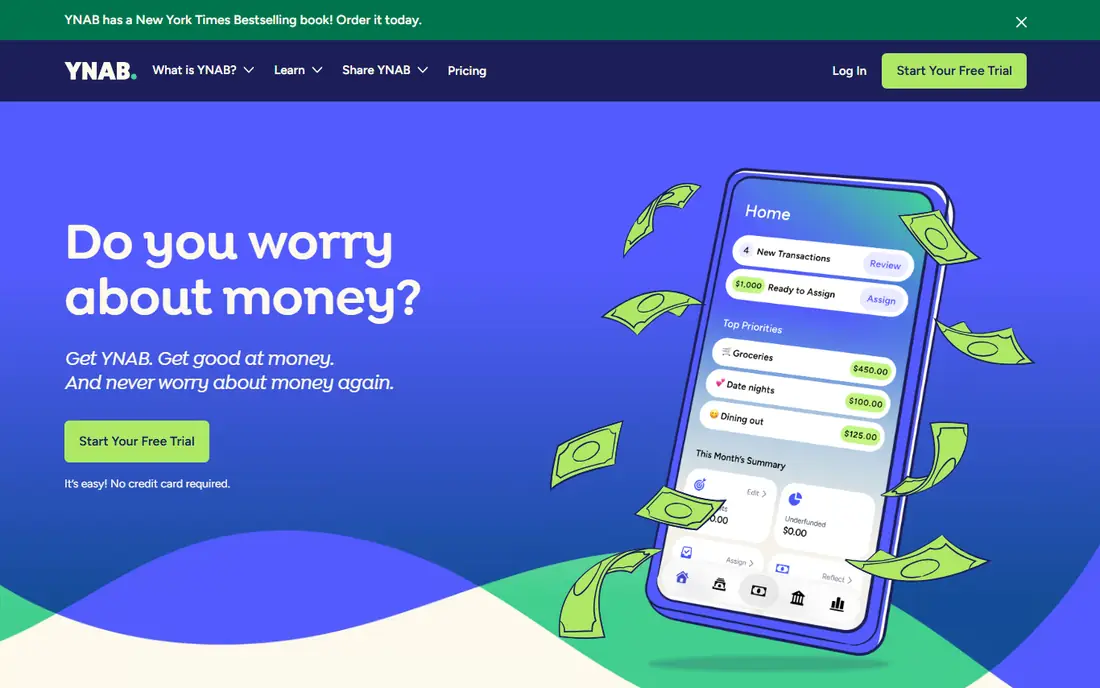
YNAB, short for You Need A Budget, is built on a simple idea: being bad at money is not a character flaw, it is a skill gap, and skill gaps can be closed. Its method asks you to make a flexible plan for what you want your money to do before spending any of it, asking "What is it for?" for every dollar. That shift from tracking past spending to planning future spending is why YNAB works for so many people.
The results cited on its homepage are striking: 92 percent of users feel less money stress since starting, 90 percent say their finances are in a better place, 70 percent could live for 3 months or more on savings, and the average user saves $600 in their first month and $6,000 in their first year. Starting takes about 20 minutes: begin the free 34-day trial, download the app, add accounts, and make a plan.
The trade-offs are effort and price transparency. YNAB's method needs engagement, and pricing is not shown plainly on the homepage. For people who want to stop worrying about money and build a lasting habit, YNAB is the best app here.
What we like- 34-day free trial with no credit card required, zero-based method, 92 percent feel less stressed, average user saves $600 first month, 4.7 out of 5 from 104,000 plus reviews
Watch out for- Pricing not shown plainly on the homepage, learning curve for the method, manual effort suits engaged budgeters
#2Monarch
Best for: Households that want one clear view of all their money4.7/5 on
G2 (3 reviews, checked Oct 2026)
Visit monarchmoney.com
Starting priceSee website
Free planSee website
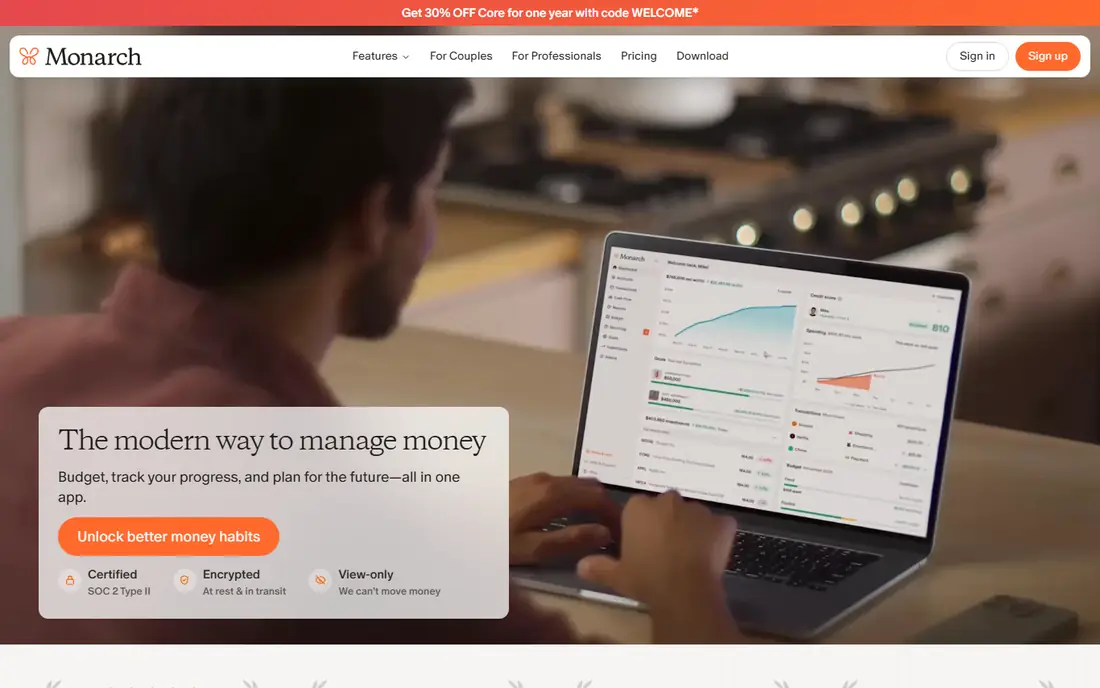
Monarch is your home base for money clarity, bringing all your accounts together into one clear view so you always know where your money is and where it is going. Connect bank accounts, credit cards, loans, real estate, and investments to see your entire financial picture, including net worth, in one place. When you and your partner both sync accounts, you get a shared view that makes planning together easier.
Transactions arrive in one clean, searchable list, with review marking to stay on top of spending and spot anything unexpected. Monarch automatically detects recurring subscriptions such as streaming services, gyms, and app memberships, so forgotten charges surface fast. Customizable reports reveal spending trends, income, and net worth over time, and goals help you save for a home, vacation, or rainy day fund, with progress tracking to stay motivated.
Monarch works across web, iOS, and Android, with a community of more than 50,000 Redditors sharing feedback. Pricing is not shown plainly on the homepage. For households that want the clearest, most complete money dashboard, Monarch is the best choice.
What we like- All accounts in one view, net worth tracking, transaction review, recurring subscription detection, customizable reports, goals, partner collaboration at no extra cost
Watch out for- Pricing not shown plainly on the homepage, no free tier mentioned on the homepage, depth can overwhelm casual users
#3
Copilot Money
Best for: Apple users who want a beautifully designed money app
Visit copilot.money
Starting price$13/month
Free planFree trial
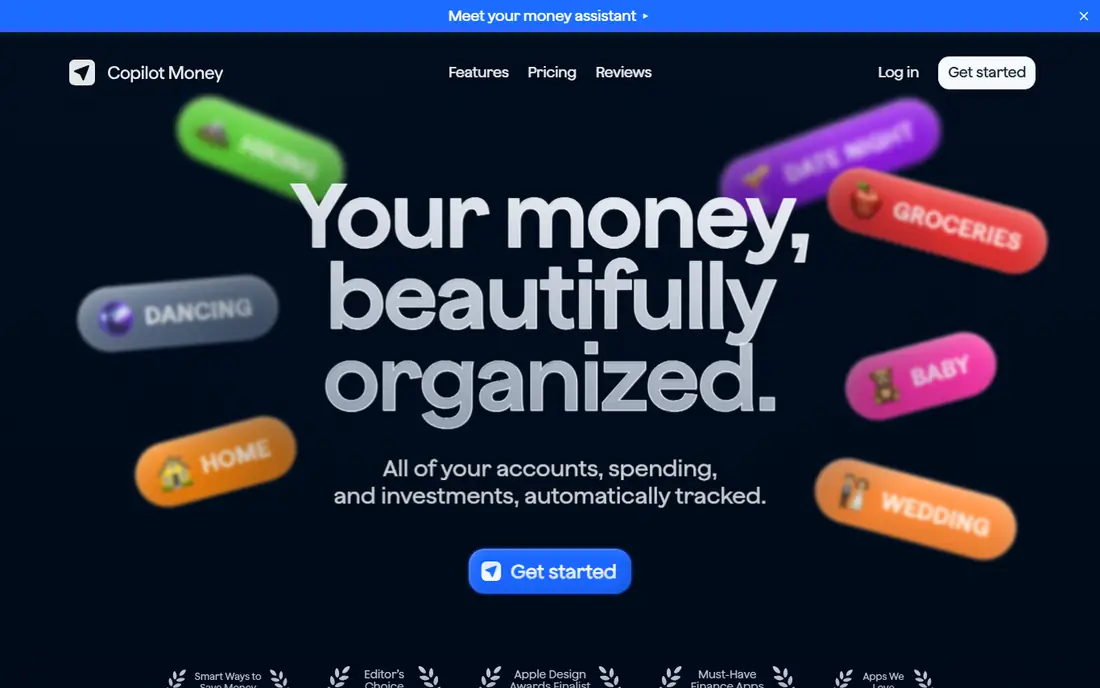
Copilot Money organizes your money beautifully, tracking all accounts, spending, and investments automatically on iPhone, iPad, Mac, and web. Its AI learns your spending patterns and tags every transaction automatically, getting smarter the more you use it, and a daily spending line shows pending refunds and upcoming bills at a glance.
Budget rollovers let unspent money carry forward for bigger purchases, cash flow tracking shows income and expense trends monthly, and subscription spotting catches the streaming service you forgot about. Net worth tracking covers stocks, crypto, and real estate, with live performance estimates and allocation views that show diversification.
Pricing is honest and published: $13 a month, or $7.92 a month when billed yearly at $95, with no ads and no hidden fees, plus a free test drive before connecting an account and a free trial. Users praise its design, with Apple Design Awards finalist status and Editor's Choice recognition. For Apple users who want the best-designed money app, Copilot is the pick.
What we like- $13 a month or $95 a year ($7.92 a month billed yearly), AI transaction tagging, rollovers, cash flow tracking, subscription spotting, net worth and investments, no ads
Watch out for- Apple-focused (iPhone, iPad, Mac, and web), no free tier beyond trial, price is higher than some rivals
Starting priceFree
Free planYes
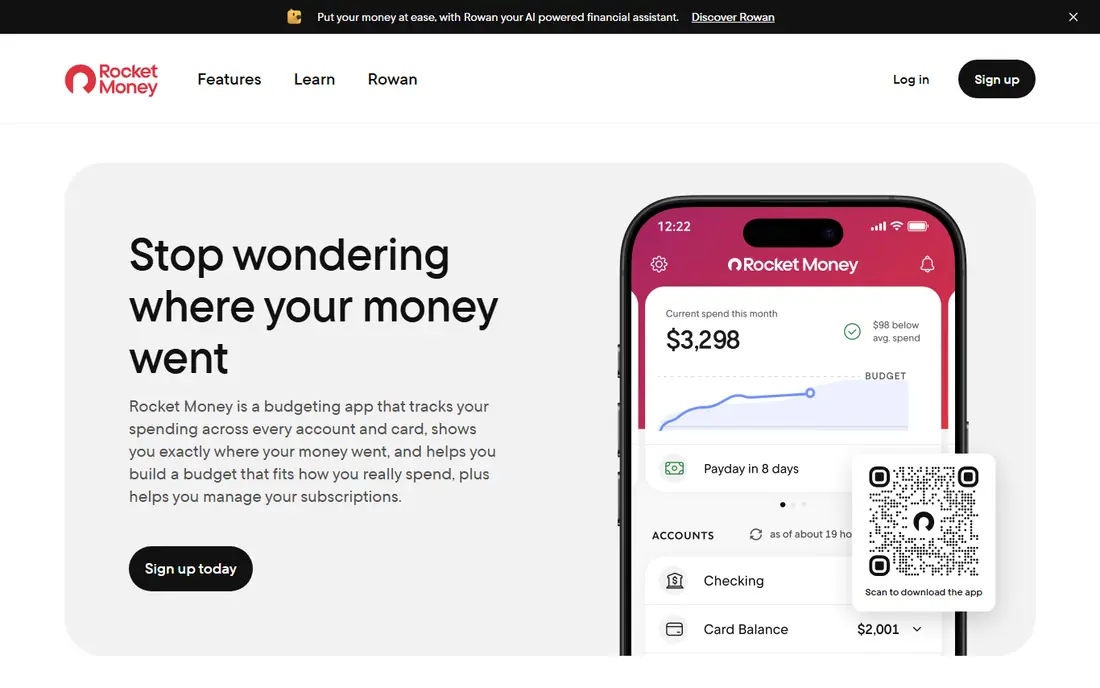
Rocket Money is the money app that works for you, empowering you to save more, spend less, see everything, and take back control of your financial life. It serves more than 10 million members, and its standout feature is subscription control: Rocket Money instantly finds and tracks your subscriptions, and its team is there to cancel services so you do not have to.
Everyday spending gets an effortless breakdown showing where money goes, with alerts for important events so you are never caught off guard. Autopilot savings learns your habits and saves the right amount at the right time while helping you avoid overdraft fees. Premium adds a subscription cancellation assistant, automated savings, net worth tracking, shared accounts, unlimited budgets, and access to humans who can cancel subscriptions, lower bills, or answer personal finance questions, plus a concierge that negotiates bills on your behalf.
The free plan covers account linking, balance alerts, subscription management, and spend tracking. Premium pricing is not shown plainly on the homepage. For anyone drowning in subscriptions, Rocket Money is the best app here.
What we like- Free plan, 10 million plus members, instantly finds and tracks subscriptions, cancellation help, spending breakdowns, autopilot savings, bill negotiation concierge
Watch out for- Premium pricing not shown plainly on the homepage, some features need Premium, bill negotiation results vary
Starting priceFree
Free planYes
EveryDollar is the easy-to-use zero-based budgeting app from Ramsey that helps you keep tabs on your money at a glance, anytime, anywhere. Zero-based budgeting means you plan where every dollar goes before you spend it, so income minus expenses equals zero, and EveryDollar makes that simple with custom categories built before the month begins and remaining balances shown as you go.
The free version lets you create a monthly budget, customize unlimited categories, access it from computer, phone, or tablet, manually enter transactions, set up sinking funds, split transactions, set bill due dates, and get live support. Premium adds automatic bank-connected transactions, personalized recommendations, a debt payoff tracker using the snowball method, expert coaching, weekly live trainings, custom reports, CSV export, and long-term goal tracking. Users uncover an extra $395 on average and cut monthly expenses by 9 percent, according to the homepage.
Premium costs $17.99 a month or $6.67 a month when billed annually at $79.99, after a 14-day free trial. The trade-off is manual entry on the free plan. For a free, simple, method-driven budget, EveryDollar is the best starting point.
What we like- Free version usable as long as you want, Premium $17.99 a month or $6.67 a month billed annually at $79.99, 14-day Premium trial, zero-based method, debt snowball tracker, household sharing
Watch out for- Bank connection needs Premium, free version needs manual entry, coaching features need Premium
Starting priceSee website
Free planSee website
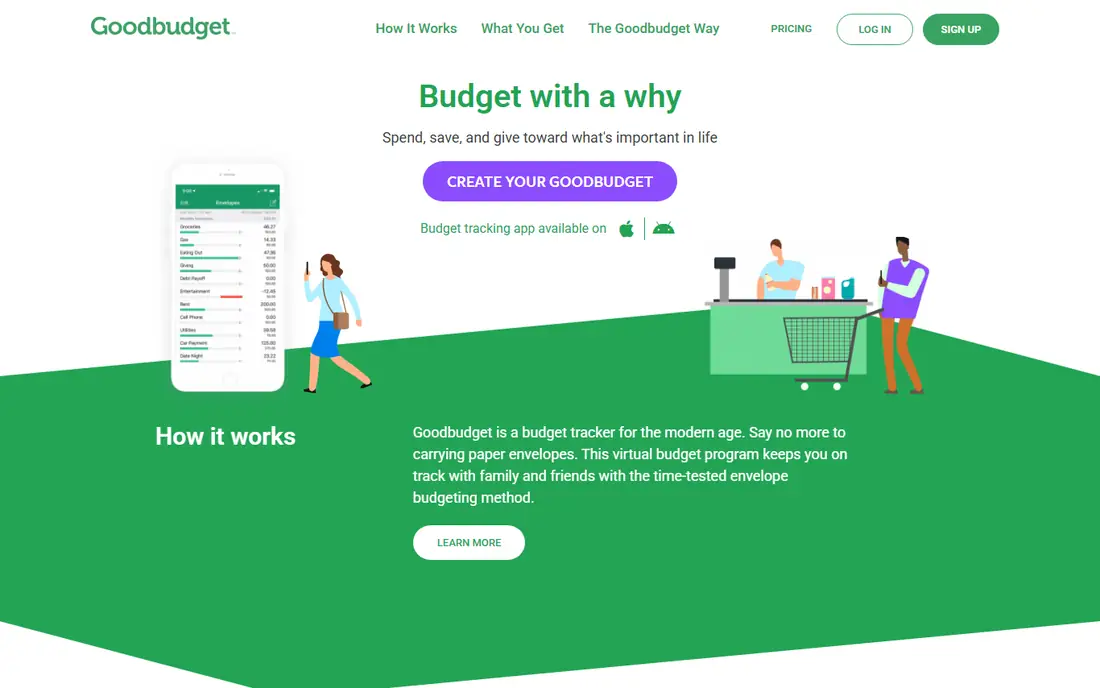
Goodbudget is a budget tracker for the modern age that replaces paper envelopes with a virtual envelope system, keeping you on track with family and friends. The method is simple and proven: divide your money into envelopes for each spending category, spend only what is in each envelope, and save for big expenses by filling envelopes over time.
The app helps you budget with a purpose: spend, save, and give toward what is important in life, with sync and share features that let households manage one budget together. Debt payoff support and savings goals round out a focused feature set, and the app is available on iPhone, Android, and web, with recommendations from The Guardian, Forbes, ABC News, USA Today, and others.
Goodbudget's homepage does not emphasize automatic bank syncing, so expect more manual entry than Monarch or Copilot, and pricing is not shown plainly on the homepage. For households that love the envelope method and want to share a budget, Goodbudget is the best fit.
What we like- Time-tested envelope method, sync and share budgets with family, save for big expenses, pay off debt, iPhone, Android, and web apps
Watch out for- Pricing not shown plainly on the homepage, manual entry focus, no bank sync emphasis on the homepage
Starting priceSee website
Free planSee website
PocketGuard is a budgeting app and tracker for iPhone, Android, and web that answers one question better than any other app here: how much money do you have left to spend after budgeting for necessities? Its Leftover feature shows that number at a glance, so you always know what is safe to spend.
The app is flexible about method: build a custom budget from scratch, use zero-based budgeting, follow the 50/30/20 rule, or use envelope budgeting, all in one app. Pace uses your spending history and habits to forecast how much you will have left at month end, so you can spot overspending early. Custom transaction rules automatically categorize purchases, rename merchants, add tags, or exclude transactions, and rollovers carry unspent money forward or reduce next month's budget when you overspend.
PocketGuard syncs with more than 20,000 financial institutions across the US, Canada, and the UK, with bank-grade 256-bit encryption and read-only access, and it has helped more than 1.7 million people get better with money. Pricing is not shown plainly on the homepage. For the clearest safe-to-spend answer, PocketGuard is the best choice.
What we like- Leftover feature shows safe-to-spend money, zero-based, category, envelope, or 50/30/20 methods, Pace spending forecasts, custom transaction rules, rollovers, 20,000 plus institutions
Watch out for- Pricing not shown plainly on the homepage, some features need Premium, US, Canada, and UK focus
Starting price$3.99/month billed annually
Free planSee website
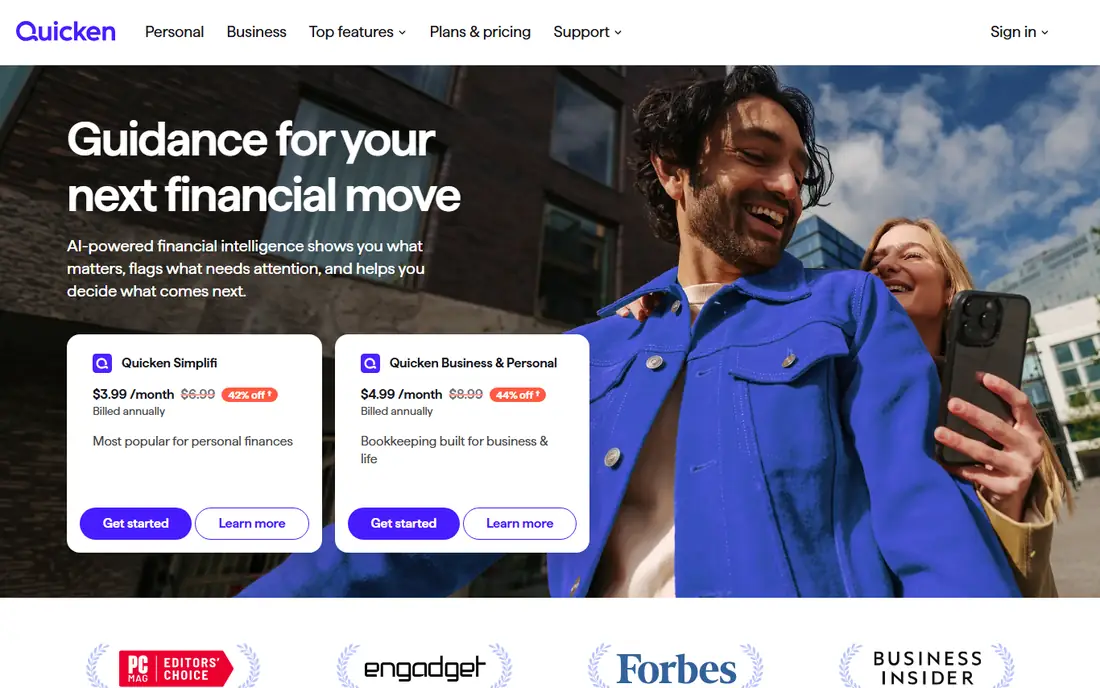
Quicken Simplifi is the modern budgeting app from Quicken, a company trusted for more than 40 years, offering one place to manage your money and your life. Simplifi covers budgeting, savings, and investments for individuals and couples, with a clear, current picture of what is coming in, going out, and what is available.
The homepage cites strong outcomes from internal data on more than 200,000 Simplifi users: many reduce debt within two years, see finances improve within a year, grow net worth or pay down debt within a year, and recommend the app. Security is bank-grade, Quicken says it will never sell your personal data, and support comes from real humans.
Pricing on the homepage shows Simplifi at $3.99 a month billed annually, marked down from $6.99, so the promotional nature of that price is worth noting. For a simple, trusted, Quicken-backed budget app at a low entry price, Simplifi is excellent value.
What we like- $3.99 a month billed annually (promotional, regularly $6.99), Quicken trusted for 40 plus years, budgeting, savings, and investments in one place, strong user outcomes, real human support
Watch out for- Price shown is promotional, full Quicken features need higher plans, web and mobile focus rather than desktop depth
How we chose
We compared apps genuinely built for tracking expenses, with real budgeting and transaction features, not just bank apps or spreadsheets. We checked each vendor homepage to confirm the app exists and matches its description, and we used published prices where the vendor shows them. Where a vendor does not publish a price, we wrote "See website" rather than guessing. Apps were kept only if they are actively offered and usable for expense tracking, not just similar in name. This article is general information, not financial advice. App prices and features change, so check the vendor's current pricing before subscribing.
Pick by your budgeting style
If you want to change habits, YNAB's method is the most proven. If you want one dashboard for everything, Monarch is the clearest. If you live on Apple devices, Copilot's design is unmatched. If subscriptions are your leak, Rocket Money finds them. If you want free and simple, EveryDollar's free version is the best start. If envelopes work for you, Goodbudget is built for that method. If you want to know what is safe to spend today, PocketGuard answers that instantly. And if you want a trusted, low-cost option, Simplifi's promotional price is hard to beat. Try the free trials first, connect your accounts, and review your spending weekly: the best app is the one you actually open.
Frequently asked questions
What is the best app for tracking expenses?
YNAB is the best app for changing spending habits, with a 34-day free trial and a proven method. Monarch is the best all-round dashboard, Copilot is the best-designed app for Apple users, and EveryDollar is the best free starting point.
Are expense tracking apps safe to connect to my bank?
Reputable apps use bank-grade encryption and read-only access, meaning they cannot move your money. PocketGuard uses 256-bit encryption and read-only access, EveryDollar partners with Mastercard Connect and Plaid, and Quicken says it will never sell your personal data. Always check a vendor's security page before connecting accounts.
Can I track expenses free?
Yes. EveryDollar offers a free version you can use as long as you want, Rocket Money offers a free plan, and YNAB, Copilot, and others offer free trials. Free plans usually require manual entry or limit bank connections, so paid plans suit automatic tracking better.
What is zero-based budgeting?
Zero-based budgeting means you plan where every dollar goes before you spend it, so income minus expenses equals zero. EveryDollar and PocketGuard both support it, and YNAB uses a similar give-every-dollar-a-job method.
Which app is best for couples?
Monarch is the best app for couples, with partner collaboration at no extra cost and a shared view of finances. EveryDollar offers a household feature for couples, and Goodbudget lets households sync and share budgets.
How much do expense tracking apps cost?
Prices vary: Copilot costs $13 a month or $95 a year, EveryDollar Premium costs $17.99 a month or $79.99 a year, and Simplifi is listed at $3.99 a month billed annually on promotion. YNAB, Monarch, Goodbudget, and PocketGuard do not publish prices plainly on their homepages, so check their pricing pages.
Sources we checked (0)
Is your product missing or out of date?
We review this list regularly. Vendors can request a listing, send updated pricing or ask about featured placement.

Shihab Mia · Founder, Rankite
Shihab has 5+ years in B2B and SaaS SEO. He writes Rankite's software buying guides from pricing pages, documentation and public user reviews. More about Shihab.