How we make this list: we compare pricing pages, product documentation and public user reviews. Ratings come from G2, Capterra or Trustpilot, with the date we checked them.
Key takeaways
- The best apps for teachers in 2026 cover the full classroom stack: assignments, parent communication, portfolios, review, and interactive lessons.
- Google Classroom leads as the free hub for assignments and grading, while ClassDojo leads for primary classrooms and parent communication.
- Seesaw leads for portfolios of young children work, while Remind leads for safe messaging to students and parents.
- Kahoot leads for live quizzes that hold a room, Quizlet leads for revision and vocabulary, and Edpuzzle and Nearpod lead for interactive lessons.
- Student data rules apply to every tool here. FERPA and COPPA obligations mean district vetting comes before rollout, whatever the price tag.
Quick comparison
| Tool | Best for | Starting price | Free plan |
|---|
 Google Classroom Google Classroom | Running a class end to end | Free | Yes |
 ClassDojo ClassDojo | Primary classrooms and parents | Free | Yes |
 Seesaw Seesaw | Portfolios of young children | Free | Yes |
 Remind Remind | Messaging students and parents | Free | Yes |
 Kahoot Kahoot | Live quizzes | $17 per month | Yes |
 Quizlet Quizlet | Revision and vocabulary | $36 per year | Yes |
 Edpuzzle Edpuzzle | Interactive video lessons | See website | Yes |
 Nearpod Nearpod | Interactive slide lessons | See website | Yes |
Is your product missing or out of date?
We review this list regularly. Vendors can request a listing, send updated pricing or ask about featured placement.
The best apps for teachers
Starting priceFree
Free planYes
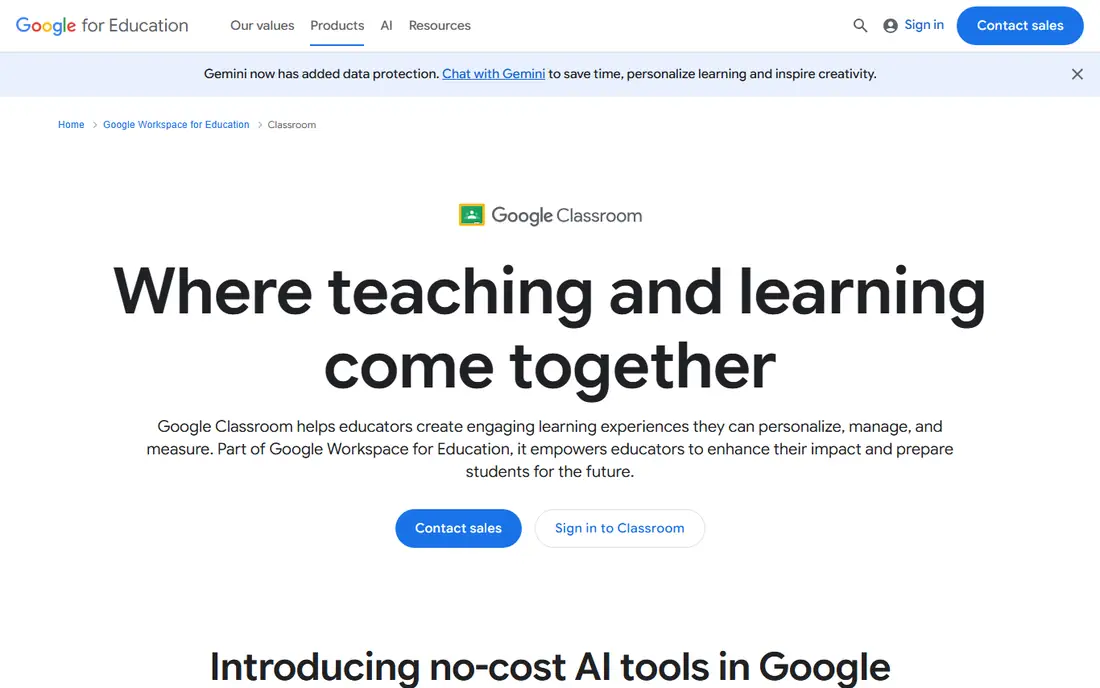
Google Classroom is the free default hub in Google schools. It distributes assignments, collects work, records grades, and communicates with students from one place, and it integrates with Google Docs, Drive, and Slides without extra setup. Workspace for Education Fundamentals covers qualifying institutions free, with paid editions adding security, analytics, and premium features.
The trade is ecosystem and depth. Classroom works best inside Google schools, and advanced analytics need paid editions. For a teacher who needs one hub for the whole class workflow, Google Classroom leads.
What we like- Free hub for assignments and grades
- Integrates with Google Docs and Drive
- Gemini tools bundled even at free tier in 2026
Watch out for- Paid Workspace editions needed for advanced analytics
- Limited outside Google schools
- Interface is plain
#2ClassDojo
Best for: Primary classrooms and parents4.5/5 on
G2 (361 reviews, checked Oct 2026)
Visit classdojo.com
Starting priceFree
Free planYes
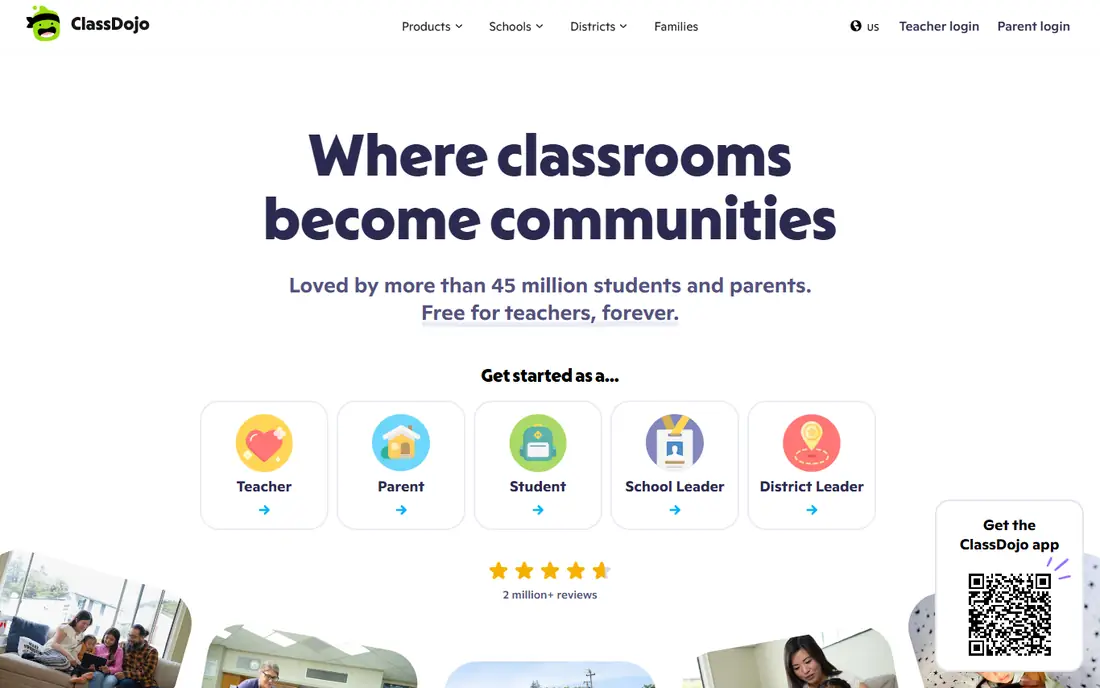
ClassDojo suits primary classrooms and parent communication. Its core classroom and communication features are free, behavior points motivate younger students, and the app is already installed in most elementary parent households, which removes onboarding friction. Teachers share updates, photos, and messages without separate tools.
The limits are age fit and privacy. Gamification that charms a second grader can feel condescending to a middle schooler, and privacy questions around student data deserve watching. For a primary teacher who needs parent communication fast, ClassDojo is the most practical free pick.
What we like- Core classroom and communication features free
- Behavior points fit primary ages
- Most elementary parents already have the app
Watch out for- Gamification suits younger ages less well for older students
- Privacy questions worth watching
- Plus tier is family-paid
Starting priceFree
Free planYes
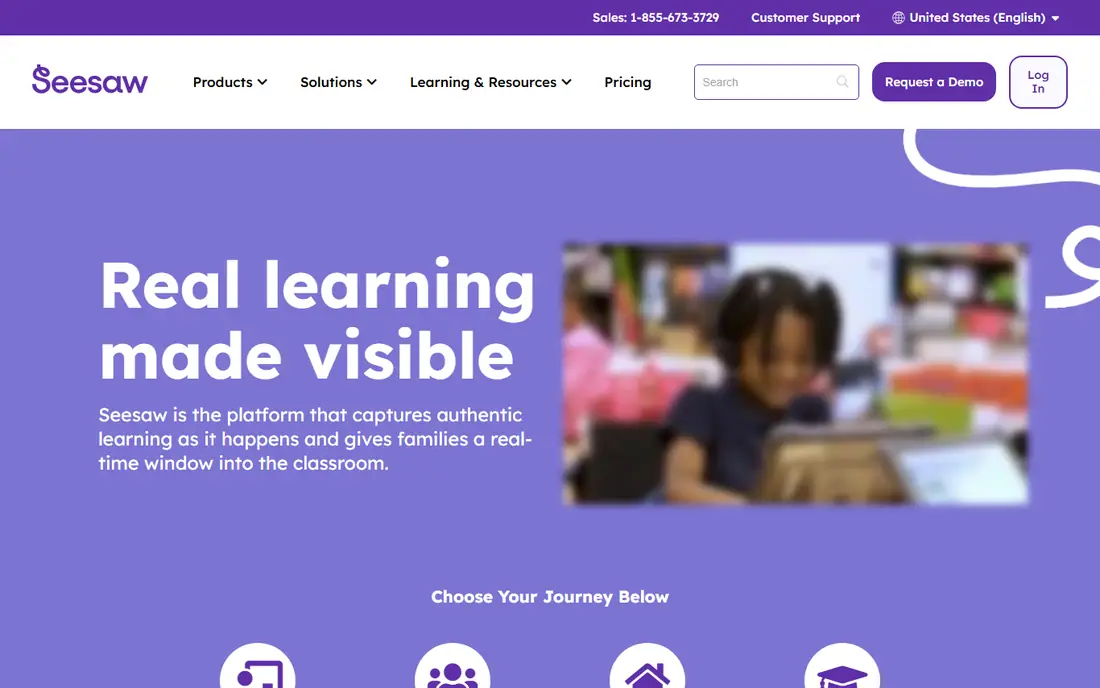
Seesaw suits portfolios of young children work. Students capture photos, drawings, recordings, and reflections in a portfolio that families can see, which makes learning visible in a way grades alone cannot. A free Starter plan covers individual teachers, while school plans add premium features.
The trade is school funding. Seesaw is excellent when the school pays for it and average when it does not, since premium features sit behind quote-based school plans. For a PreK to grade 6 teacher who wants family visibility into real work, Seesaw leads.
What we like- Portfolios show real student work
- Family visibility built in
- Free Starter plan
Watch out for- Premium school features are quote-based
- Best when the school pays
- Older students may outgrow it
Starting priceFree
Free planYes
Remind suits safe messaging to students and parents. Teachers message families without sharing personal phone numbers, SMS delivery reaches families without smartphones or apps, and the clean interface suits middle and high school students better than gamified alternatives. A free tier covers individual teachers.
The limits are scope and future. School Hub plans are paid, and the ParentSquare acquisition adds uncertainty about whether Remind stays a standalone product. For a teacher who needs reliable messaging above all, Remind leads.
What we like- Safe messaging without sharing phone numbers
- SMS delivery reaches every family
- Clean interface for older students
Watch out for- School Hub plans are paid
- ParentSquare acquisition adds uncertainty about long-term future
- Not a full LMS
#5Kahoot
Best for: Live quizzes4.6/5 on
G2 (405 reviews, checked Oct 2026)
Visit kahoot.com
Starting price$17 per month
Free planYes
Kahoot suits live quizzes that hold a room. Its game format turns review into competition, students join from any device, and a huge library of ready-made games covers most subjects. The free teacher plan covers basic use, while paid plans start near 17 dollars per month.
The trade is format and limits. Free plans cap participants and features, and competitive quizzing suits review better than teaching new material. For a teacher who wants fast, high-energy review, Kahoot leads.
What we like- Live quizzes that hold a room
- Huge library of ready-made games
- Brand recognition with students
Watch out for- Paid plans start near 17 dollars per month
- Free plan has participant and feature limits
- Competitive format suits review more than new learning
#6Quizlet
Best for: Revision and vocabulary4.5/5 on
G2 (291 reviews, checked Oct 2026)
Visit quizlet.com
Starting price$36 per year
Free planYes
Quizlet suits revision and vocabulary practice. Its flashcard database is the strongest in this list, study modes support self-paced revision, and students use it independently outside class. A free tier covers basics, while Plus starts near 36 dollars per year.
The limits are ads and delivery. The free tier is ad-supported, and Quizlet suits self-study better than live class delivery. For a teacher who wants students to revise vocabulary on their own, Quizlet leads.
What we like- Strongest flashcard database here
- Study modes for self-paced revision
- Plus from about 36 dollars per year
Watch out for- Free tier is ad-supported
- Advanced features need Plus
- Less suited to live class delivery
Starting priceSee website
Free planYes
Edpuzzle suits teachers who assign video regularly. It trims videos, embeds questions, prevents skipping, and reports per-question analytics, so teachers see who understood what rather than only that a video played. Lessons post into Google Classroom and sync scores back, and a free Basic tier covers evaluation.
The trade is caps and price clarity. Free Basic tiers cap saved videos, and published Pro prices differ across sources, from about 12 to 15 dollars per month, so the starting price here is written as See website. For a teacher who relies on video lessons, Edpuzzle earns its slot.
What we like- Embedded questions and skip prevention
- Per-question analytics
- Posts into Google Classroom
Watch out for- Free Basic tier caps saved videos
- Published Pro prices differ across sources, so check the pricing page
- Video-heavy lessons need bandwidth
Starting priceSee website
Free planYes
Nearpod suits teachers who want to turn a lesson into an interactive one. Slides gain polls, quizzes, and VR field trips, students respond live or at their own pace, and teachers see responses in real time. A free teacher tier covers evaluation with limits on students and storage.
The limits are caps and price clarity. Paid plans run from about 120 to 159 dollars per year across sources, so the starting price here is written as See website, and building interactive lessons takes more time than presenting plain slides. For a teacher who wants full interactive lesson delivery, Nearpod leads.
What we like- Turns slides into interactive lessons
- Polls and VR field trips
- Free teacher tier
Watch out for- Free tier limits students and storage
- Published prices differ across sources, so check the pricing page
- Lesson creation takes time
How we chose
We ranked apps by classroom fit, free tier generosity, ease of use, parent communication, assessment depth, and value at entry level pricing. We favored tools with genuinely usable free tiers, since most teachers start free and upgrade only when a specific limit blocks them. We gave extra weight to evidence of learning, meaning whether a tool reports who understood what rather than only that an activity happened.
We also weighed student data honestly. Every tool here carries student data, so FERPA and COPPA obligations apply, and district vetting comes before rollout whatever the price tag. Where published prices conflicted across sources, such as Edpuzzle and Nearpod, we wrote See website, so readers check the vendor pricing page.
Buying guide
Start by naming the job, not the app. Assignments and grading suit Google Classroom, parent communication suits ClassDojo or Remind, portfolios suit Seesaw, review suits Kahoot and Quizlet, and interactive lessons suit Edpuzzle and Nearpod. Most teachers end up with one tool from each layer rather than one app for everything.
Next, check the free tier against a real semester. A full free-tier stack of Classroom, ClassDojo, Seesaw, Edpuzzle, Kahoot, and Quizlet can cost zero dollars per teacher per year, and paid upgrades typically run 100 to 300 dollars per teacher per year for power features. Upgrade only after a free limit actually blocks you.
Finally, clear district approval before rolling out to students. Confirm data processing terms, parent consent requirements, and age limits for each tool, and keep student data inside approved systems. A tool that works well but fails the IT security review costs a semester of rework, and students lose trust when a favorite app disappears mid-year.
Frequently asked questions
What is the best app for teachers overall?
Google Classroom leads as the free hub for assignments and grading, while ClassDojo leads for primary parent communication and Kahoot leads for live review. The best pick follows grade level and the job you need done.
Are these apps free for teachers?
Most offer free tiers that cover real classroom use, including Classroom, ClassDojo, Seesaw, Remind, Kahoot, Quizlet, Edpuzzle, and Nearpod. Paid plans add advanced features and higher limits.
Which app suits primary classrooms?
ClassDojo suits primary parent communication, while Seesaw suits portfolios of young children work. Both are free at entry level and fit PreK to grade 6.
Do these apps handle student privacy rules?
All carry student data, so FERPA and COPPA obligations apply. Check district vetting, data processing terms, and parent consent requirements before rollout.
Which app suits live interactive lessons?
Nearpod turns slides into interactive lessons with polls and VR field trips, while Edpuzzle makes assigned video interactive with embedded questions and analytics.
Sources we checked (0)
Is your product missing or out of date?
We review this list regularly. Vendors can request a listing, send updated pricing or ask about featured placement.

Shihab Mia · Founder, Rankite
Shihab has 5+ years in B2B and SaaS SEO. He writes Rankite's software buying guides from pricing pages, documentation and public user reviews. More about Shihab.