How we make this list: we compare pricing pages, product documentation and public user reviews. Ratings come from G2, Capterra or Trustpilot, with the date we checked them.
Key takeaways
- "Jailbreaking" a Firestick means enabling sideloading, which is legal in itself: Fire OS is built on Android and officially supports installing apps outside the Appstore.
- Legal issues arise only from what you stream, not from sideloading: this list covers only legitimate apps and legal streaming services, no piracy apps and no piracy instructions.
- Downloader is the essential sideloading tool, since it installs apps from official sources with short codes instead of long typed URLs.
- Kodi, Stremio, Plex, and Jellyfin suit users who want to play their own media libraries or legal add-ons on the TV.
- Tubi and Pluto TV need no sideloading at all and give free, licensed movies and TV straight from the Amazon Appstore.
Quick comparison
| Tool | Best for | Starting price | Free plan |
|---|
 Downloader Downloader | Sideloading apps safely | Free | Yes |
 Kodi Kodi | Own-media playback plus legal add-ons | Free | Yes |
 Stremio Stremio | Legal streaming hub | Free | Yes |
 Plex Plex | Own media server plus free TV | Free | Yes |
 Jellyfin Jellyfin | Free open-source media server | Free | Yes |
 Tubi Tubi | Free licensed movies and TV | Free | Yes |
 Pluto TV Pluto TV | Free live TV channels | Free | Yes |
 VLC VLC | Playing local video files | Free | Yes |
Is your product missing or out of date?
We review this list regularly. Vendors can request a listing, send updated pricing or ask about featured placement.
The best apps for jailbroken Firestick codes
Starting priceFree
Free planYes
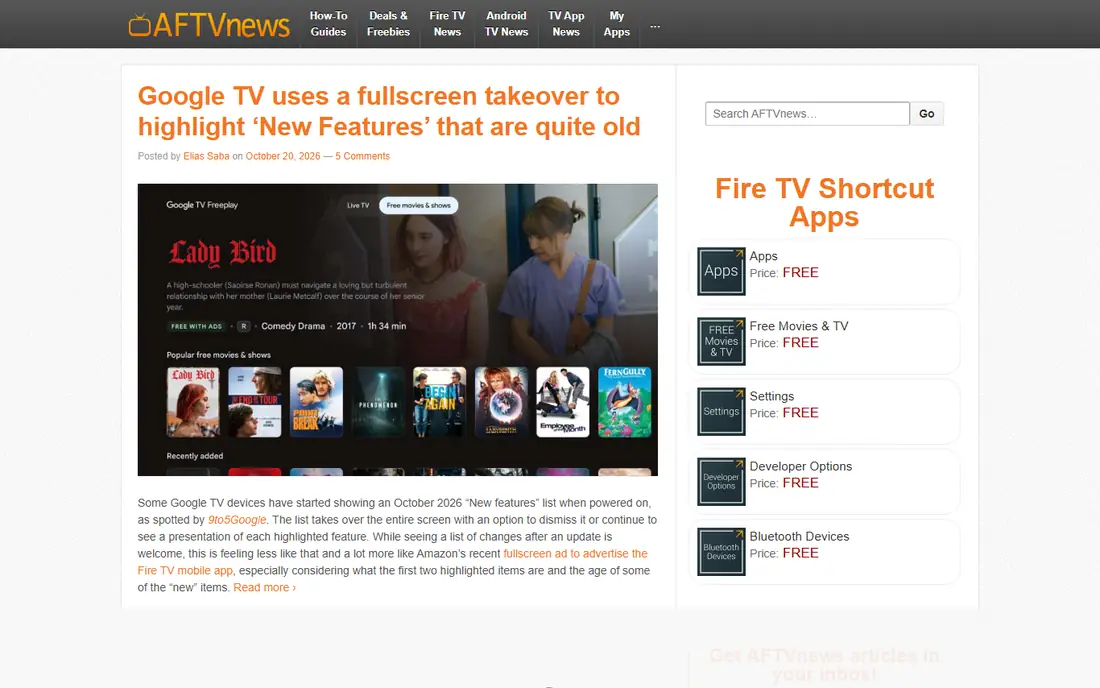
Downloader is the app that makes sideloading practical. Made by AFTVnews and available free in the Amazon Appstore, it downloads and installs apps from a URL or a short numeric code, so you type a few digits instead of a long web address with a TV remote. To use it, enable Install Unknown Apps for Downloader in Settings, then My Fire TV, then Developer Options, noting that newer Fire OS versions hide Developer Options until you click the device name seven times in About.
The limits are trust, not technology. Downloader itself is safe, but an APK from an untrusted source can carry malware, so only install apps from their official sites or vetted code lists, and scan downloads where possible. Downloader fits best as the first install on any sideloaded Firestick, used only for legitimate apps.
What we like- Purpose-built for Fire OS
- Short codes replace long URLs
- Long track record from AFTVnews
Watch out for- Installing from unknown sources carries risk if you trust the wrong URL
- No content of its own
- Needs Developer Options enabled
#2Kodi
Best for: Own-media playback plus legal add-ons4.2/5 on
G2 (19 reviews, checked Oct 2026)
Visit kodi.tv
Starting priceFree
Free planYes
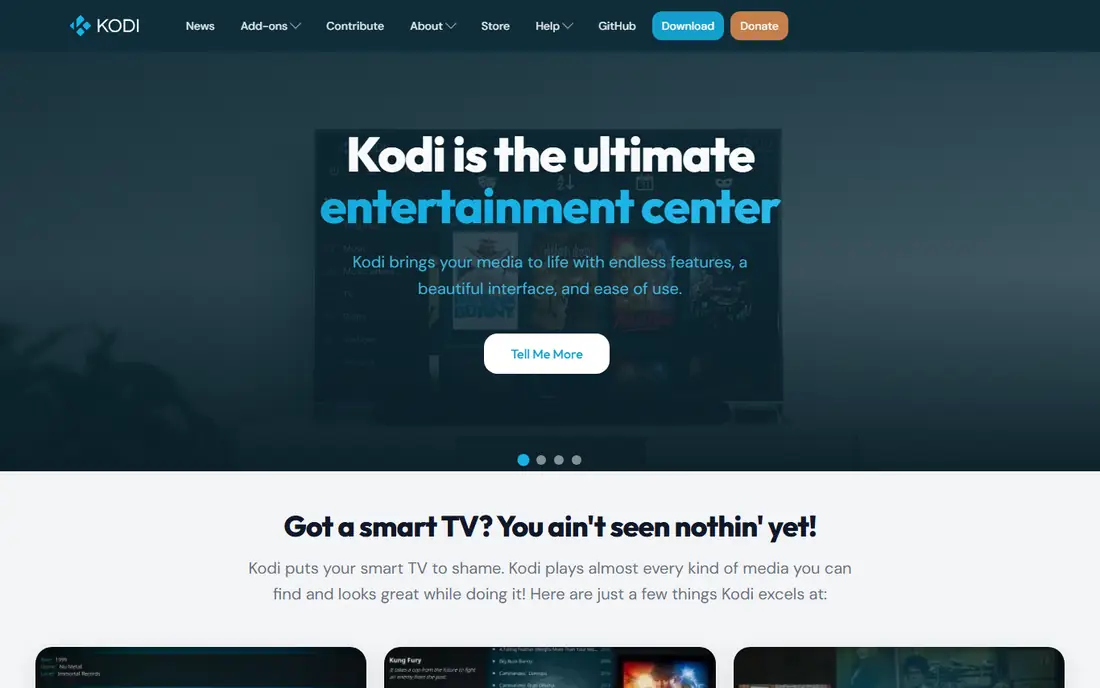
Kodi is a free, open-source media player that turns a Firestick into a home theater hub. It plays video, music, and photos from local storage or a home server, with a remote-friendly interface and official add-ons for legal sources such as YouTube and public media libraries. Its add-on system is powerful, but that power needs discipline: unofficial add-ons can stream unlicensed content, so only install add-ons from Kodi's official repository or other clearly legal sources.
The trade is setup time. Kodi needs configuration, a skin suited to TV remotes, and a media source to be useful. Kodi fits best for users with their own media libraries who want a polished, free player on the TV.
What we like- Free and open source
- Plays almost any local file
- Legal add-ons for YouTube, Pluto TV, and public media
Watch out for- Setup takes time
- Unofficial add-ons can stream unlicensed content, so stick to official sources
- Interface needs a remote-friendly skin
Starting priceFree
Free planYes
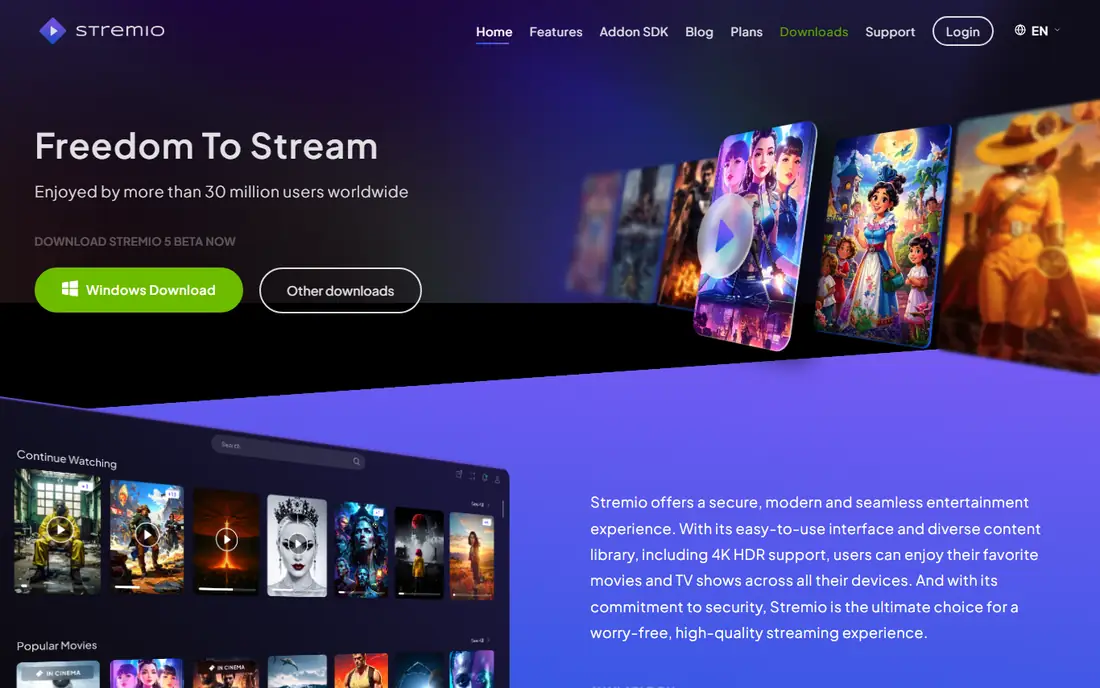
Stremio suits users who want one clean hub for their legal streaming. Its interface is built for TV remotes, it aggregates content from your subscriptions and local files into one library, and its calendar tracks new episodes. Guides often pair Stremio with a debrid service for smoother playback, but that pairing is only legitimate for licensed content, and users should verify each add-on's legality before installing it.
The limits are add-on discipline. Stremio's add-on ecosystem includes sources of varying legality, so the safe rule is simple: use official add-ons and licensed services only, and skip any add-on whose content source you cannot verify. Stremio fits best as a legal streaming hub for users who already subscribe to licensed services.
What we like- Clean interface for TV remotes
- Aggregates your legal subscriptions and local files
- Calendar and library features
Watch out for- Third-party add-ons vary in legality, so use official and clearly licensed sources
- Some features need a paid debrid service in guides
- Setup takes care
Starting priceFree
Free planYes
Plex suits users with their own media collections who also want free licensed TV. Its server software organizes movies, TV shows, and music with posters, descriptions, and watch history, then streams them to the Firestick and any other device. Its free tier also includes licensed live TV channels and on-demand movies, so even users without a library get value.
The trade is setup and price. Running a Plex server needs a computer or NAS that stays on, and full features such as offline mobile sync need a Plex Pass subscription. Plex fits best for users with a media library who want a polished, whole-home system.
What we like- Organizes your own movies, TV, and music beautifully
- Free licensed live TV and movies
- Streams to any device
Watch out for- Full features need Plex Pass
- Server setup needs a computer or NAS
- Free TV has ads
Starting priceFree
Free planYes
Jellyfin suits users who want a media server with no subscription at all. It is free and open source, with no premium tier locking features, and it covers movies, TV, music, and live TV from your own library. For a user who objects to Plex Pass on principle, Jellyfin gives the same core job at $0.
The limits are polish and setup. Jellyfin needs more technical skill to install and configure than Plex, its app ecosystem is smaller, and its default interface is less polished. Jellyfin fits best for technical users who want a free, self-hosted media server without subscriptions.
What we like- Completely free and open source
- No subscription or premium tier
- Full media server features
Watch out for- Setup needs more technical skill than Plex
- Smaller app ecosystem
- Interface is less polished by default
Starting priceFree
Free planYes
Tubi suits users who want free, legal streaming with no sideloading at all. Available directly in the Amazon Appstore, it offers a large catalog of licensed movies and TV shows, supported by ads, with no subscription or account trickery. For a Firestick user who just wants something to watch tonight, Tubi is the simplest legal answer.
The trade is ads and recency. Tubi is ad-supported, and its catalog leans toward older titles rather than new releases. Tubi fits best as the default free app on any Firestick, sideloaded or not.
What we like- Free licensed movies and TV with no sideloading
- Available in the Amazon Appstore
- Large catalog
Watch out for- Ad-supported
- Newer releases are limited
- Catalog varies by region
Starting priceFree
Free planYes
Pluto TV suits users who miss channel surfing. Its free live TV channels cover news, sports, movies, and entertainment with a guide that feels like cable, plus on-demand movies, all without sideloading. For a cord-cutter who wants background TV without choosing a title, Pluto TV is the closest free replacement for cable.
The limits are ads and region. Pluto TV is ad-supported, and its channel lineup varies by region. Pluto TV fits best for live TV fans who want free channels with no setup.
What we like- Free live TV channels plus on-demand movies
- No sideloading needed
- Channel guide feels like cable
Watch out for- Ad-supported
- Channel lineup varies by region
- On-demand catalog is smaller than Tubi's
#8VLC
Best for: Playing local video files4.7/5 on
G2 (630 reviews, checked Oct 2026)
Visit videolan.org
Starting priceFree
Free planYes
VLC suits users who want to play local files without fuss. It handles almost any video or audio format, it is completely free with no ads or tracking, and it runs reliably on Fire TV hardware. For a user with videos on a USB drive or a home network share, VLC is the simplest player that just works.
The trade is features. VLC has no media library, no streaming catalog, and no poster art: it plays files, and that is all. VLC fits best as a utility player alongside Kodi or Plex, for files those apps cannot handle.
What we like- Plays almost any video or audio format
- Completely free with no ads
- Simple and reliable
Watch out for- No library or streaming catalog
- Interface is plain
- Network streaming needs manual setup
How we chose
We compared these apps on legality, Firestick fit, ease of use, and whether they need sideloading at all, since the safest Firestick setup uses official apps where possible and sideloads only trusted, legal software. Pricing figures come from vendor pages and current comparison guides checked in October 2026, and any figure we could not confirm is marked as See website. We did not claim hands-on testing. Instead we weighed public documentation, pricing pages, and user reviews, plus the practical difference between a media player and a streaming service.
What to check before you pick
Start with legality. Sideloading itself is legal: Fire OS is built on Android and officially supports installing apps outside the Appstore, and sideloading does not void Amazon's hardware warranty. Legal issues arise only if an app is used to access pirated or copyrighted content illegally, so verify every app's content source before installing it, and skip any app or code list that promises free access to paid channels, new movies, or live sports without a license.
Sideloading safely
Only install apps from their official sites or vetted code lists, and scan downloads where possible. A poorly coded or malicious app can cause crashes or performance issues, and in extreme cases require a factory reset, though permanent hardware damage is highly unlikely. Keep your Firestick software updated, use a VPN only for privacy, never as permission to access unlicensed content, and remove any app you no longer trust.
When you do not need to sideload at all
Most users do not need sideloading: Tubi, Pluto TV, Plex, and many licensed services are available directly in the Amazon Appstore. Sideload only when the app you need, such as Kodi, Jellyfin, or a personal project, is genuinely unavailable in the store, and prefer official app stores for everything else.
Frequently asked questions
Is jailbreaking a Firestick illegal?
No. Sideloading itself is legal, since Fire OS is built on Android and officially supports installing apps outside the Appstore, and it does not void Amazon's hardware warranty. Legal issues arise only if you use a sideloaded app to access pirated or copyrighted content illegally.
What is the safest app for sideloading on Firestick?
Downloader by AFTVnews, available free in the Amazon Appstore, is widely considered the safest and most reliable sideloading tool for Fire OS. Use it only with official app sources or vetted code lists.
Do I need a VPN to sideload apps?
No, a VPN is not required to install an APK, though some users use one for privacy or to avoid ISP throttling. A VPN does not give permission to access copyrighted content illegally, so always use apps and content legally where you live.
Can sideloading damage my Firestick?
Permanent hardware damage is highly unlikely, but a poorly coded or malicious app can cause crashes or performance issues, and in extreme cases require a factory reset. Only install apps from trusted official sources.
Which legal apps should I install first?
Tubi and Pluto TV for free licensed streaming with no sideloading, Plex or Jellyfin for your own media library, Kodi for a free media player, and Downloader only if you need to sideload a legitimate app that is not in the Appstore.
Where do Downloader codes come from?
Downloader codes are short numbers that point to a download URL, published by app developers and vetted code lists such as TROYPOINT, which tests apps on Firestick hardware and scans them for security. Only use codes from sources you trust, and verify the app's official site before installing.
Sources we checked (8)
- https://www.aftvnews.com
- https://kodi.tv
- https://www.stremio.com
- https://www.plex.tv
- https://jellyfin.org
- https://tubi.tv
- https://pluto.tv
- https://www.videolan.org
Is your product missing or out of date?
We review this list regularly. Vendors can request a listing, send updated pricing or ask about featured placement.

Shihab Mia · Founder, Rankite
Shihab has 5+ years in B2B and SaaS SEO. He writes Rankite's software buying guides from pricing pages, documentation and public user reviews. More about Shihab.