How we make this list: we compare pricing pages, product documentation and public user reviews. Ratings come from G2, Capterra or Trustpilot, with the date we checked them.
Key takeaways
- OutSystems and Mendix lead for enterprise teams that need governance, scale, and full lifecycle management.
- Microsoft Power Apps is the obvious pick for organizations already standardized on Microsoft 365 and Azure.
- Bubble and Retool serve opposite ends of the market: Bubble for founders building customer-facing web apps, Retool for developers building internal tools.
- Enterprise pricing is mostly quote-based, so shortlist two or three platforms and run a real pilot before signing.
Quick comparison
| Tool | Best for | Starting price | Free plan |
|---|
 OutSystems OutSystems | Enterprise mission-critical apps | See website | Yes |
 Mendix Mendix | Business and IT building together | See website | Yes |
 Microsoft Power Apps Microsoft Power Apps | Microsoft 365 organizations | $20 per user/month | Yes |
 Appian Appian | Process automation and case management | See website | Free trial |
 Pega Pega | Decision automation and complex case work | See website | Free trial |
 Bubble Bubble | Founders shipping full web apps | $29 per month | Yes |
 Retool Retool | Internal tools for developer-led teams | $10 per user/month | Yes |
 Zoho Creator Zoho Creator | Small businesses and Zoho users | $8 per user/month | Yes |
Is your product missing or out of date?
We review this list regularly. Vendors can request a listing, send updated pricing or ask about featured placement.
#1OutSystems
Best for: Enterprise mission-critical apps4.5/5 on
G2 (1,810 reviews, checked Oct 2026)
Visit outsystems.com
Starting priceSee website
Free planYes
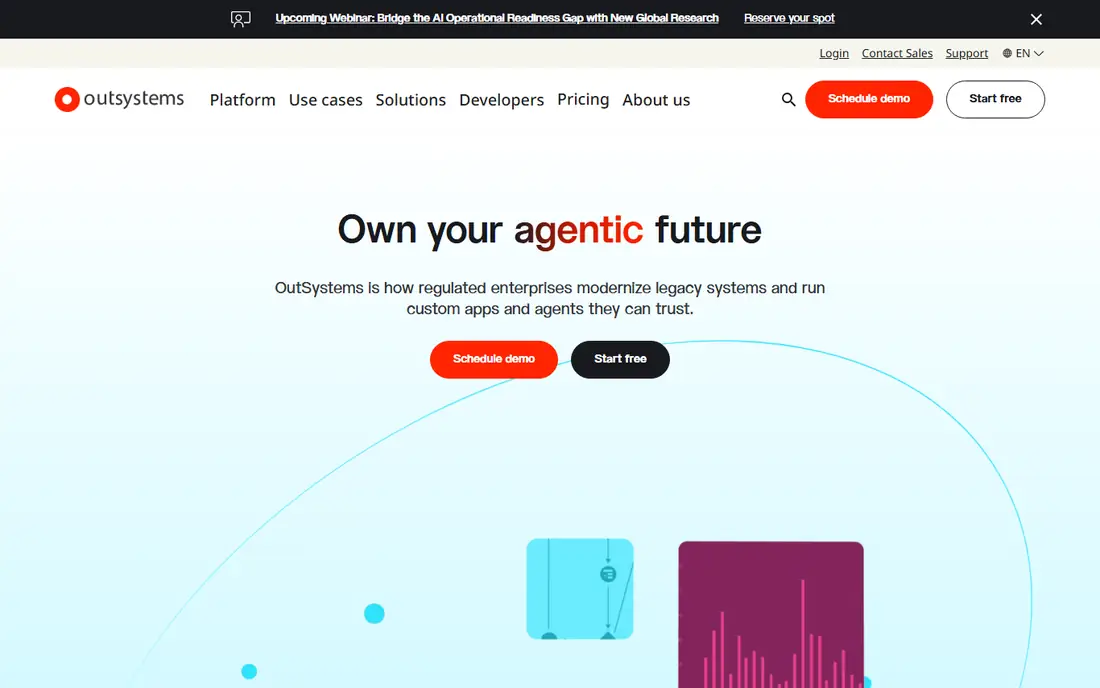
OutSystems is the enterprise heavyweight on this list. Its platform covers visual development, integrations, lifecycle management, and deployment in one system, and its newer agentic features let teams build AI-powered applications and agents with governance controls around them. Large organizations use it for customer-facing systems and core operational apps that must scale and stay compliant.
The honest catch is cost and commitment. Pricing is quote-based and sits firmly in enterprise territory, and getting value from the platform takes training and a center-of-excellence mindset rather than a weekend experiment. For a large organization standardizing on one platform for many applications, though, OutSystems is the most proven choice here.
What we like- Full lifecycle management from build to deploy
- Strong AI-assisted development
- Recognized leader in analyst rankings
Watch out for- Enterprise pricing with no published list
- Overkill for small teams and simple apps
#2Mendix
Best for: Business and IT building together4.4/5 on
G2 (417 reviews, checked Oct 2026)
Visit mendix.com
Starting priceSee website
Free planYes
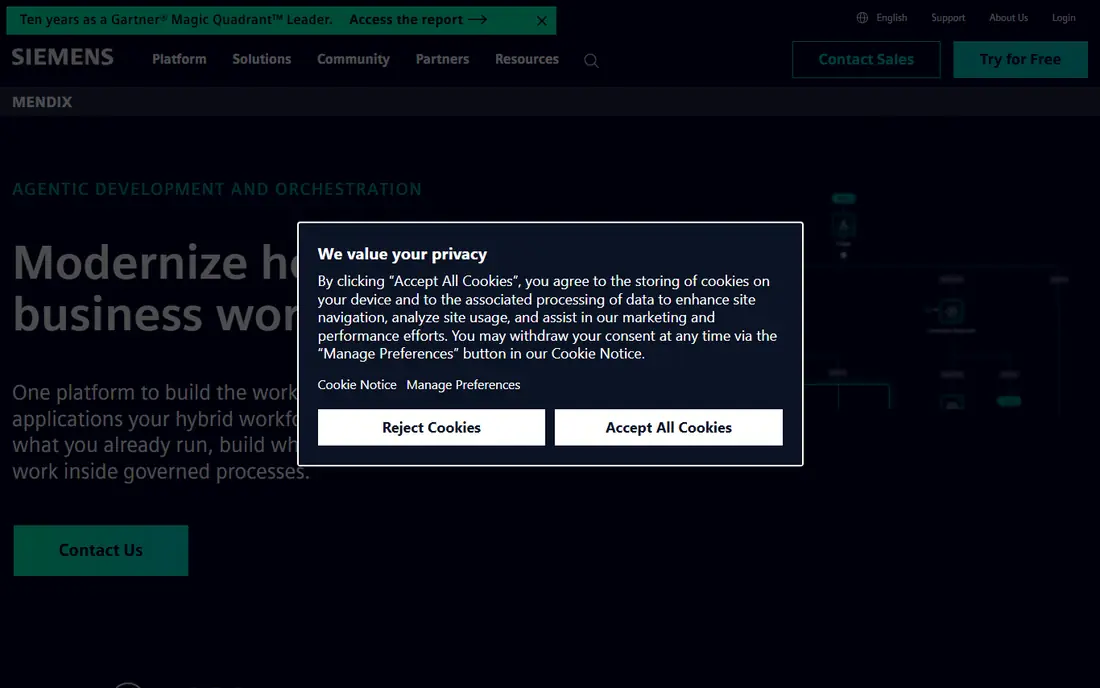
Mendix, part of Siemens, positions itself as the platform where business experts and developers build together. Visual modeling lets domain experts shape logic and data, while developers can drop into code where needed, and the same build targets web, mobile, and desktop. Its current focus on agentic development and process orchestration fits organizations modernizing around existing systems rather than replacing them.
The honest catch is pricing opacity. Published estimates vary widely, and the real number depends on apps, users, and deployment choices, so expect a sales conversation. The free tier lets teams try the modeling experience first. For large organizations that need governed collaboration across many teams, Mendix is the strongest alternative to OutSystems.
What we like- Model-driven development for web and mobile
- Strong collaboration between business and IT
- Deploys to any cloud or on-premises
Watch out for- Pricing is quote-based and varies widely
- Learning curve for advanced modeling
Starting price$20 per user/month
Free planYes
Power Apps is the pragmatic pick for any organization already running Microsoft 365. It builds canvas and model-driven apps on Dataverse, connects to SharePoint, Teams, and Dynamics, and inherits Microsoft's security and governance tooling. The Premium license costs $20 per user per month, a clear published price that makes budgeting far easier than with quote-based rivals.
The honest catch is ecosystem lock-in. Outside Microsoft's stack, Power Apps loses much of its advantage, and premium connectors and Dataverse capacity sit behind the paid plan. A free developer plan covers learning and testing. If your company already pays for Microsoft 365, Power Apps usually wins on integration alone.
What we like- Deep Microsoft 365, Teams, and Dataverse integration
- Premium plan at a clear $20 per user/month
- Free developer plan
Watch out for- Best value only inside the Microsoft ecosystem
- Premium connectors require the paid plan
#4Appian
Best for: Process automation and case management4.5/5 on
G2 (520 reviews, checked Oct 2026)
Visit appian.com
Starting priceSee website
Free planFree trial
Appian leads with process, not screens. Its platform orchestrates workflows across ERP, CRM, and legacy systems, unifying data and tasks in one interface, and it has deep traction in finance, government, and other regulated sectors. AI features now extract data from documents and automate steps inside those processes, which fits case management and approvals work particularly well.
The honest catch is fit and price. Appian is quote-based and aimed at substantial deployments, so small teams will find it heavy. It also thinks in processes first, which is ideal for casework but less natural for a simple marketing site or mobile app. For organizations automating complex, regulated processes, it is among the best options available.
What we like- Strong process orchestration across systems
- Proven in regulated industries
- AI agents for data extraction and automation
Watch out for- Quote-based pricing
- Process-first design is less suited to simple content apps
#5Pega
Best for: Decision automation and complex case work4.2/5 on
G2 (278 reviews, checked Oct 2026)
Visit pega.com
Starting priceSee website
Free planFree trial
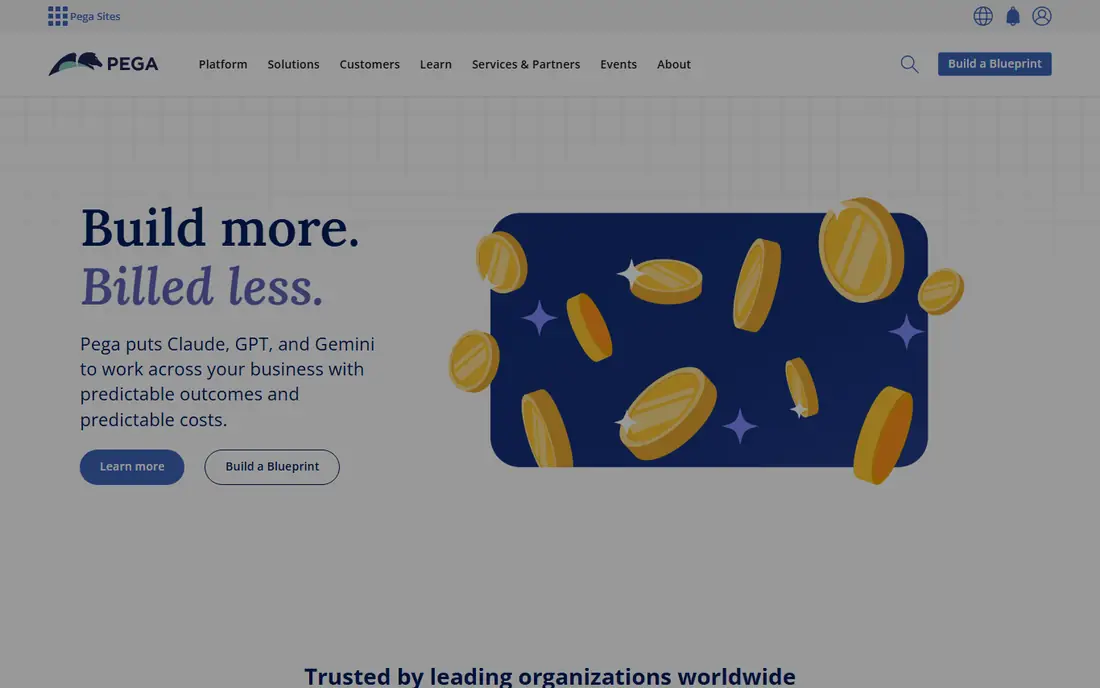
Pega has spent decades on the hardest enterprise workflows: customer service, claims, onboarding, and decisioning at scale. Its platform combines case management, business rules, and AI agents that operate with compliance controls built in, and its Blueprint tool lets business and IT design workflows together before building. That heritage shows in industries where a wrong automated decision costs real money.
The honest catch is weight. Pega is an enterprise platform with enterprise implementation effort, and teams should budget for training and architecture work, not just licenses. Pricing is quote-based. For large organizations automating high-stakes, rules-heavy processes, Pega's depth is difficult to match.
What we like- Decision rules and case management at enterprise scale
- Model-agnostic AI approach
- Strong analyst recognition
Watch out for- Enterprise pricing and implementation effort
- Steeper learning curve than simpler low-code tools
#6Bubble
Best for: Founders shipping full web apps4.4/5 on
G2 (166 reviews, checked Oct 2026)
Visit bubble.io
Starting price$29 per month
Free planYes
Bubble is the most capable option here for building a complete web application without writing code. Its visual editor covers interface, workflows, and database in one place, and founders have shipped marketplaces, SaaS products, and internal platforms on it. Paid plans start at $29 per month, and a free tier lets you build and test before paying.
The honest catch is lock-in and scale. Bubble apps run on Bubble's infrastructure, and moving a large app elsewhere is a real project, so design decisions about data structure matter early. Performance also depends on how carefully workflows are built. For a founder or small team shipping a real product without hiring developers, Bubble remains the best no-code choice.
What we like- Most capable pure no-code builder for full apps
- Visual workflows and database included
- Free tier to start
Watch out for- No code export on most plans
- Performance and scaling need careful design
#7Retool
Best for: Internal tools for developer-led teams4.6/5 on
G2 (359 reviews, checked Oct 2026)
Visit retool.com
Starting price$10 per user/month
Free planYes
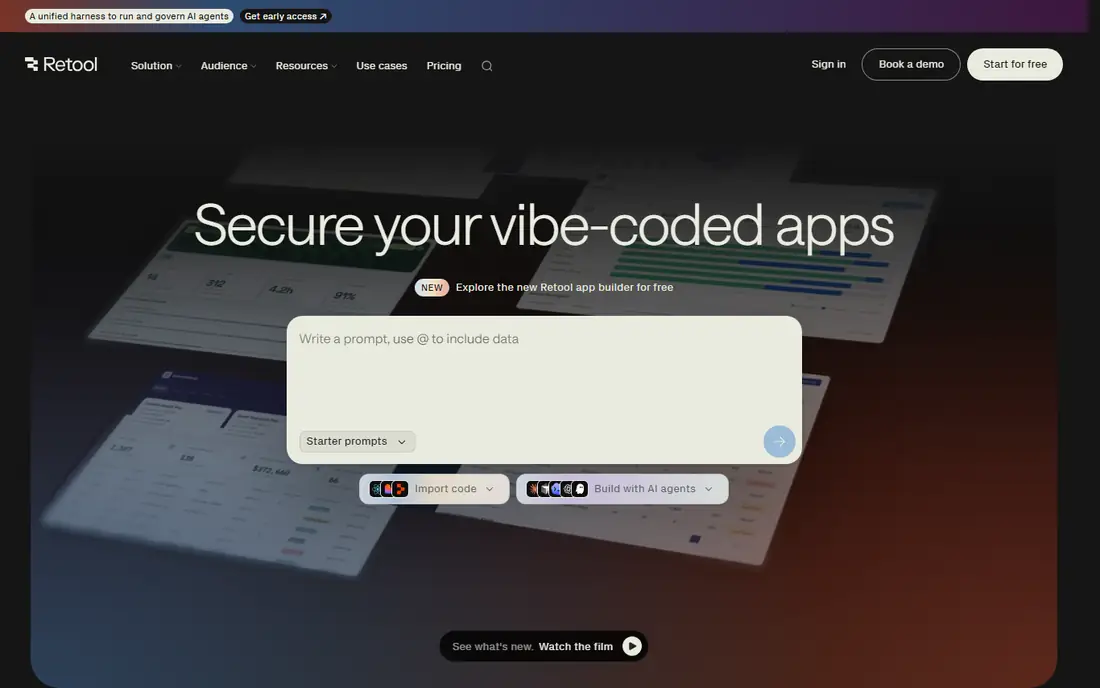
Retool is built for a specific job: internal tools, dashboards, and admin panels that sit on top of databases and APIs your company already runs. Developers drag in components, wire them to PostgreSQL, MongoDB, or REST sources, and ship working tools in hours rather than weeks. Pricing starts at $10 per user per month, and a free tier covers getting started.
The honest catch is scope. Retool is not the tool for a public marketing site or a consumer mobile app, and its per-user pricing can grow quickly when many employees need access. Its newer AI app builder and import options extend what teams can do, but the core remains internal software. For engineering-led teams drowning in internal tool requests, it is the fastest fix on this list.
What we like- Fast internal tools on top of existing databases and APIs
- Code access with JavaScript and SQL
- Strong governance features
Watch out for- Internal tools only, not customer-facing apps
- Per-user pricing adds up for large teams
#8Zoho Creator
Best for: Small businesses and Zoho users4.3/5 on
Capterra (170 reviews, checked Oct 2026)
Visit zoho.com
Starting price$8 per user/month
Free planYes
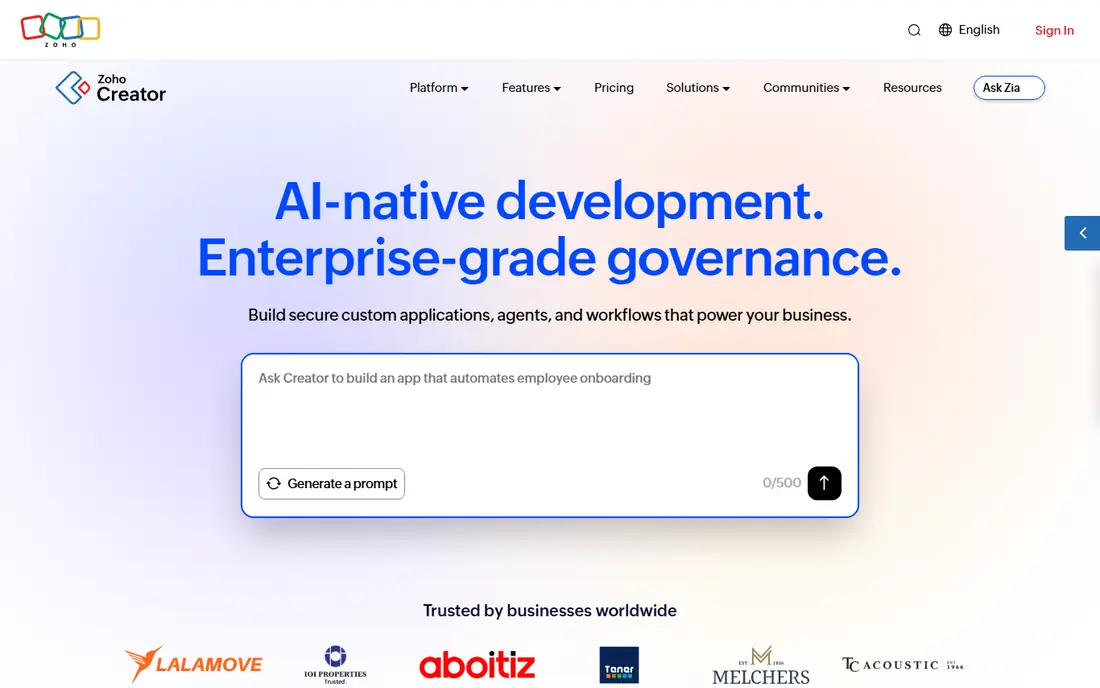
Zoho Creator brings low-code app building to small and mid-sized businesses at a price the enterprise platforms cannot touch. Plans start at $8 per user per month, and a free plan covers one user and one application with limited storage and records. Its AI-assisted building, portals for external users, and native mobile apps cover the common needs of growing companies, and it connects to more than 1,000 third-party systems.
The honest catch is ceiling. Zoho Creator handles departmental apps and core operational systems well, but organizations with the most complex enterprise requirements will eventually want OutSystems or Mendix. For a small business already using Zoho, or one that wants real app-building power without an enterprise budget, it is excellent value.
What we like- Lowest entry price among established platforms
- Native Zoho ecosystem integration
- Free plan for one user and one app
Watch out for- Smaller enterprise footprint than OutSystems or Mendix
- Advanced customization has limits
How we chose
We compared platforms that let teams build real applications, not just automate tasks or design screens, drawing on vendor pricing pages, documentation, and public reviews. We included enterprise low-code leaders, ecosystem platforms, and founder-friendly builders so different buyers can find their fit. Prices were taken from vendor pages where published; where vendors price by quote, we say so rather than presenting third-party estimates as official figures.
What to check before you commit
Start with the app you actually need to ship. A customer-facing product points to Bubble or an enterprise platform, an internal dashboard points to Retool, and a regulated process points to Appian or Pega. Buying a platform for the wrong category is the most expensive mistake in this market, and demos rarely expose it unless you build a slice of your real application during the trial.
Governance and exit options deserve direct questions. Ask how the platform handles version control, testing, and deployment, what happens to your data if you cancel, and whether you can export code or data in usable form. Enterprise platforms generally offer stronger lifecycle tooling, while no-code builders trade some of that control for speed. Match the trade-off to how long the app must live.
Model the real cost, not the headline price
Per-user pricing, per-app pricing, and usage-based tiers behave very differently as teams grow. A $10 per user tool can cost more than a flat platform fee once hundreds of employees need access, while a quote-based platform can look expensive until you count the apps it replaces. Estimate users, apps, and data volume for year one and year three, and ask each vendor for a written total before signing.
Frequently asked questions
What is the best application development platform overall?
OutSystems and Mendix lead for enterprise teams, Power Apps leads inside Microsoft organizations, and Bubble leads for founders building without code. The right choice depends on your team size, existing stack, and whether the app is customer-facing or internal.
What is the difference between low-code and no-code platforms?
Low-code platforms speed up development but still allow custom code for complex logic, which suits professional developers and enterprise teams. No-code platforms aim to remove coding entirely, which suits founders and business users building standard applications. Many platforms now blend both approaches.
Can I build mobile apps on these platforms?
Most platforms here build responsive web apps, and several offer native mobile output. Mendix targets web, mobile, and desktop from one build, Zoho Creator ships native iOS and Android apps for every app, and Bubble now supports mobile app building. Check native requirements carefully if app store distribution matters to you.
How much do application development platforms cost?
Entry prices range from $8 per user per month for Zoho Creator to $20 per user per month for Power Apps Premium, with Bubble starting at $29 per month flat. Enterprise platforms such as OutSystems, Mendix, Appian, and Pega price by quote, and totals depend on apps, users, and deployment choices.
Do I need developers to use a low-code platform?
Not necessarily, but it helps. Business users can build simpler apps on Bubble, Zoho Creator, and Power Apps, while enterprise platforms work best when developers and business experts collaborate. Complex integrations, security rules, and performance tuning still benefit from technical skills.
What happens to my app if I cancel?
It depends on the platform. Some let you export data and, in some cases, code, while others host your app entirely on their infrastructure. Ask about data export, code ownership, and transition support before building a mission-critical system on any platform.
Sources we checked (10)
- https://www.outsystems.com/
- https://www.mendix.com/
- https://appian.com
- https://www.pega.com
- https://powerapps.microsoft.com/
- https://bubble.io
- https://retool.com
- https://www.zoho.com/creator/
- https://techilu.com/best-low-code-platforms/
- https://rankite.com/blog/best-low-code-development-platforms
Is your product missing or out of date?
We review this list regularly. Vendors can request a listing, send updated pricing or ask about featured placement.

Shihab Mia · Founder, Rankite
Shihab has 5+ years in B2B and SaaS SEO. He writes Rankite's software buying guides from pricing pages, documentation and public user reviews. More about Shihab.