How we make this list: we compare pricing pages, product documentation and public user reviews. Ratings come from G2, Capterra or Trustpilot, with the date we checked them.
Key takeaways
- ChatPDF is the fastest choice for a quick answer from a single PDF.
- Humata offers the best value for cross-file questions at $9.99 a month.
- Adobe AI Assistant fits users who already live in Acrobat every day.
- Smallpdf AI and NoteGPT suit students who want free summaries plus study tools.
- Always verify AI summaries against cited pages for contracts, medical, or legal documents.
Quick comparison
| Tool | Best for | Starting price | Free plan |
|---|
 ChatPDF ChatPDF | Fast single-PDF answers | Free; Plus from $19.99 per month | Yes |
 Humata Humata | Cross-file team questions | Free; Expert from $9.99 per month | Yes |
 PDF.ai PDF.ai | Multi-document workspaces | See website | Yes |
 Adobe Acrobat AI Assistant Adobe Acrobat AI Assistant | Full PDF workflow | See website | Free trial |
 Smallpdf AI Smallpdf AI | Free summaries plus PDF tools | Free; paid plans from $15 per month | Yes |
 UPDF AI UPDF AI | All-in-one PDF editor with AI | See website | Yes |
 NoteGPT NoteGPT | Study summaries and mind maps | Free; unlimited from $19.92 per month | Yes |
 Foxit AI Assistant Foxit AI Assistant | Lightweight PDF reading with AI | See website | Free trial |
Is your product missing or out of date?
We review this list regularly. Vendors can request a listing, send updated pricing or ask about featured placement.
The best apps to summarize PDFs fast
Starting priceFree; Plus from $19.99 per month
Free planYes

ChatPDF is the simplest way to get an answer from a PDF. Drop in a file, ask a question, and get an answer with citations, without signing up. The free plan covers two PDFs a day up to 120 pages each with 50 questions, which handles occasional reading without paying anything. Plus at $19.99 a month allows unlimited uploads, 2,000 pages per PDF, and larger files.
The tool is built for one document at a time. Cross-document synthesis is limited compared with research workspaces, and scanned PDFs without a text layer return weak results. Some review sites also flag confusing Plus billing behavior, so check the plan terms before subscribing. For a quick summary of one paper or report, ChatPDF remains the fastest path.
What we like- No account needed to start
- Answers with page citations
- Free tier covers 2 PDFs a day
Watch out for- Single-PDF focus
- Struggles with scanned pages lacking text
- Plus billing complaints reported
Starting priceFree; Expert from $9.99 per month
Free planYes
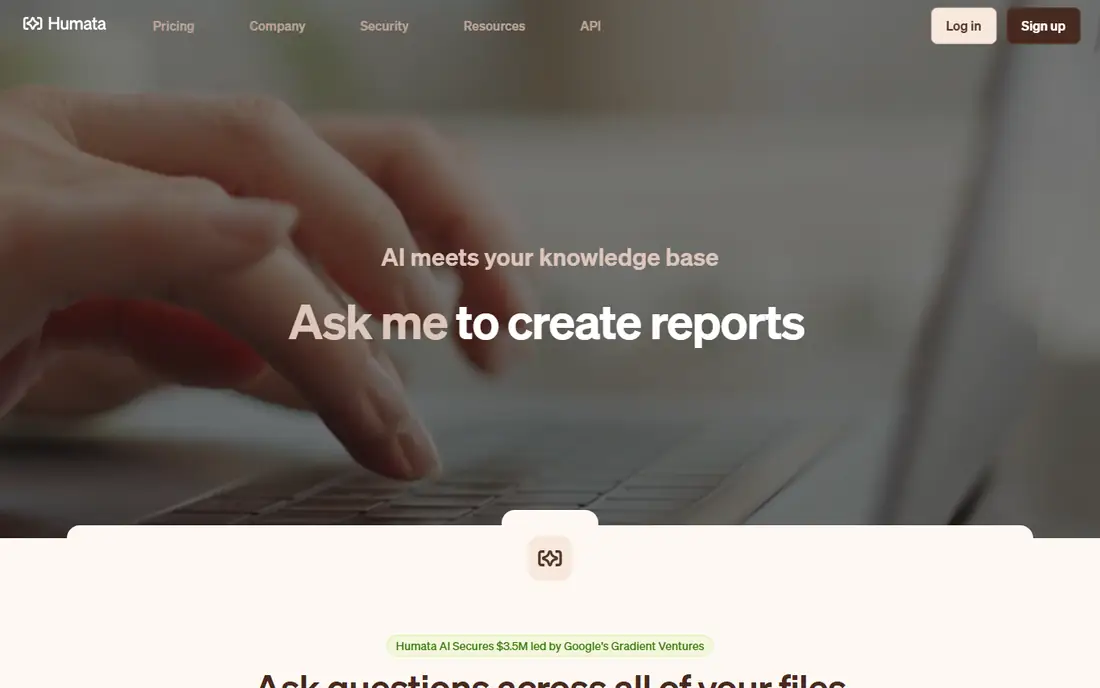
Humata stands out when the question spans several documents. Upload many files, ask across them, compare versions, and trace every answer back through citations to the exact section used. Reviewers note stronger explanations on technical and research-heavy documents than simpler chat tools offer. The Expert plan at $9.99 a month includes up to three users and 500 free pages a month, making it the cheapest paid option with real cross-file Q&A.
Free limits are tight, and OCR for scanned documents sits on higher tiers. The interface also leans toward research workflows rather than casual reading. For students and small teams that live in document sets, Humata offers the best value in this list.
What we like- Ask questions across many files
- Cited answers
- Student tier and team plans
Watch out for- Free page limits are tight
- Interface favors research use
- OCR needs higher tiers
Starting priceSee website
Free planYes
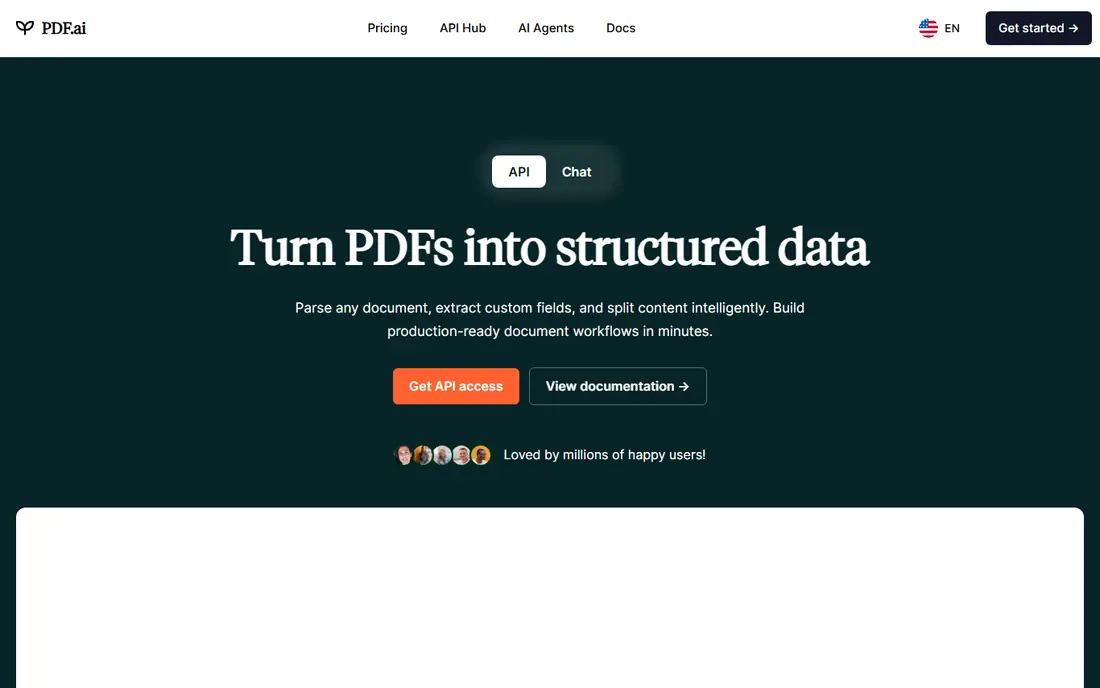
PDF.ai organizes documents into workspaces where you can chat across several PDFs at once. Built-in OCR handles scanned documents and image-based PDFs, and you can read a PDF in one language while asking questions in another, which helps multilingual research. Enterprise users can also embed PDF Q&A into their own platforms.
Pricing runs on credits, which some users find harder to predict than a flat monthly plan. Paid tiers start higher than ChatPDF or Humata. For researchers managing large document sets across languages, the workspace model and OCR support justify the cost.
What we like- Workspaces for chatting across PDFs
- Built-in OCR for scans
- Multilingual questions
Watch out for- Credit-based pricing confuses some users
- Paid tiers start high
- Smaller community
Starting priceSee website
Free planFree trial
Adobe AI Assistant has one advantage no rival can copy: it lives where the PDF already lives. Read, ask, edit, convert, sign, and redact without changing tools, and PDF Spaces combine up to 100 files into one workspace for cross-file questions with citations. Adobe says customer documents are not used to train its AI models, which matters for sensitive work.
Access costs extra. AI Assistant is a paid add-on, with Acrobat Studio at $24.99 a month on annual billing including it, while the base Acrobat Pro plan does not. Files must be under 100 MB and 600 pages, and the assistant does not support images or complex vector graphics. For professionals already paying for Acrobat, the add-on is the natural choice.
What we like- AI inside the PDF app you already use
- Cited answers
- PDF Spaces for up to 100 files
Watch out for- Paid add-on on top of Acrobat
- File limits apply
- Does not support images or complex graphics
Starting priceFree; paid plans from $15 per month
Free planYes
Smallpdf AI summarizes, translates, or chats with a PDF without requiring sign-up, and it can handle documents of 300,000-plus words. That no-friction start suits anyone who needs one quick summary and does not want another account. The Chrome extension adds quick access from the browser, and the wider Smallpdf suite covers compression, conversion, signing, and editing.
Summary depth is thinner than dedicated research tools, and the full suite needs a paid plan from $15 a month. For users who want a free summarizer inside a broader PDF toolkit, Smallpdf AI is a practical pick.
What we like- Free to use with no sign-up
- Handles very long PDFs
- Part of a 30-plus tool suite
Watch out for- Summary depth varies
- Full suite needs a paid plan
- Fewer research features
Starting priceSee website
Free planYes
UPDF combines a full PDF editor with AI chat, so summarization sits next to annotation, editing, form filling, and conversion. That matters for users who do more than read: mark up a contract, ask the AI about a clause, and edit the document in the same app. Desktop and mobile apps share the same account, which suits people who move between devices.
AI access and limits vary by plan, so confirm what is included before buying. Like most tools here, accuracy drops on image-heavy files and complex tables. For users who want one PDF app for everything, UPDF AI covers more ground than single-purpose summarizers.
What we like- Full PDF editing plus AI chat
- Works across desktop and mobile
- One purchase covers many tools
Watch out for- AI pricing varies by plan
- Summary quality drops on image-heavy files
- Interface is busy
Starting priceFree; unlimited from $19.92 per month
Free planYes
NoteGPT turns PDFs into study companions. Beyond concise summaries, it generates key insights and mind maps that organize a document visually, which helps students who learn by structure rather than by reading alone. It also summarizes YouTube videos and web articles, making it a general research aid rather than a PDF-only tool.
The unlimited tier at $19.92 a month is pricey compared with ChatPDF or Humata, and PDF analysis depth is less than dedicated research platforms. For students who want summaries plus visual study aids in one place, NoteGPT is a strong fit.
What we like- Summaries plus mind maps and key insights
- Also summarizes videos and articles
- Study-focused
Watch out for- Unlimited tier is pricey
- PDF depth is less than research tools
- Newer product with fewer reviews
#8
Foxit AI Assistant
Best for: Lightweight PDF reading with AI
Visit foxit.com
Starting priceSee website
Free planFree trial
Foxit AI Assistant adds summaries and document Q&A to the lightweight Foxit PDF reader, which many users prefer over heavier apps. The workflow feels familiar to Acrobat users, with reading, annotation, and AI help in one window. For office users who already use Foxit for daily PDF work, the assistant removes the need to upload files to a separate website.
AI features require a paid plan, and workspace or multi-document features are thinner than Humata or Adobe PDF Spaces. For a fast desktop reader with AI built in, Foxit AI Assistant is a solid, low-friction option.
What we like- Fast, lightweight reader
- AI summaries and Q&A
- Familiar Acrobat-style workflow
Watch out for- AI features need a paid plan
- Fewer workspace features
- Smaller AI community
How we chose
We compared tools on answer accuracy, citation quality, speed, multi-document handling, and pricing transparency, using vendor pages and published comparisons from October 2026. We favored tools US users can try free today with a distinct strength. We did not claim hands-on testing, and where prices conflicted across sources we wrote See website rather than guessing.
How to get accurate summaries fast
Start with the right file. Text-based PDFs summarize far better than scanned images, so if your document is a scan, run OCR first or pick a tool with built-in OCR like PDF.ai or Humata. Long documents over 100 pages also need care: some tools chunk files and lose context across sections, so ask chapter-by-chapter questions for very long reports rather than one giant summary request.
Always verify what matters. AI summaries are strong on text-heavy documents but weaker on tables, charts, equations, and scanned pages. For contracts, medical records, or financial statements, click through to the cited pages and read the critical sections yourself. No tool here should replace reading the parts that carry legal or financial consequences.
Privacy is the third check. Read the privacy policy before uploading sensitive material to any free tool, and prefer vendors that state clearly that documents are not used for training. For company documents, a team plan with access controls beats a free consumer tier. Finally, match the tool to the job: ChatPDF for one quick question, Humata or PDF.ai for document sets, Adobe for daily Acrobat work, and NoteGPT or Smallpdf for study use.
Speed also depends on how you ask. A vague request like "summarize this" returns a generic overview, while a specific request like "list the five obligations in section 4 with deadlines" returns usable output. Ask follow-up questions to pin down numbers, dates, and names, and save the cited answers alongside the summary so you can defend them later. Good prompting turns a fast summary into a reliable one.
Frequently asked questions
Are AI PDF summaries accurate?
Mostly, for text-heavy documents. Accuracy drops on tables, charts, equations, and scanned pages. Always verify critical facts against the cited source pages.
Is it free to summarize a PDF with AI?
Yes, for light use. ChatPDF, Humata, PDF.ai, Smallpdf, and NoteGPT all offer free tiers. Free plans limit files, pages, or questions per day.
Can these tools read scanned PDFs?
It depends. Scans with a text layer work better, while image-only scans need OCR. PDF.ai and Humata offer OCR on paid tiers, while ChatPDF struggles with image-only scans.
Is it safe to upload private documents?
Reputable tools process files securely, and Adobe states documents are not used for training. Still, read the privacy policy first, and avoid free tiers for highly sensitive material.
Which tool is best for students?
ChatPDF free tier covers occasional papers, while Humata Expert at $9.99 a month suits heavier research. NoteGPT adds mind maps for visual learners.
Can I ask questions across many PDFs?
Yes, with Humata, PDF.ai workspaces, or Adobe PDF Spaces, which combine up to 100 files. ChatPDF focuses on single documents and is weaker for cross-file synthesis.
Sources we checked (8)
- https://www.chatpdf.com/pricing
- https://www.humata.ai/pricing
- https://pdf.ai/pricing
- https://www.adobe.com/acrobat/pricing.html
- https://smallpdf.com/pricing
- https://updf.com/pricing
- https://notegpt.io/pricing
- https://www.foxit.com/pricing
Is your product missing or out of date?
We review this list regularly. Vendors can request a listing, send updated pricing or ask about featured placement.

Shihab Mia · Founder, Rankite
Shihab has 5+ years in B2B and SaaS SEO. He writes Rankite's software buying guides from pricing pages, documentation and public user reviews. More about Shihab.