How we make this list: we compare pricing pages, product documentation and public user reviews. Ratings come from G2, Capterra or Trustpilot, with the date we checked them.
Key takeaways
- This guide reads "none programming" as building software without writing code, so every tool here lets non-developers ship a working app or site.
- Bubble suits full web apps with databases and logic, while Webflow suits design-led marketing sites that need less app logic.
- Glide and Softr suit internal tools built from spreadsheets, while Adalo and FlutterFlow suit mobile apps.
- No-code tools trade control for speed, so teams with complex logic, heavy scale, or strict compliance needs should still weigh hiring developers.
Quick comparison
| Tool | Best for | Starting price | Free plan |
|---|
 Bubble Bubble | Full no-code web apps | See website | Yes |
 Webflow Webflow | Design-led no-code sites | $14 per month | Yes |
 Glide Glide | Apps from spreadsheets | See website | Yes |
 Adalo Adalo | Native-feeling mobile apps | See website | Yes |
 Softr Softr | Portals from Airtable | See website | Yes |
 FlutterFlow FlutterFlow | Flutter apps visually | See website | Yes |
 Bravo Studio Bravo Studio | Apps from Figma designs | See website | Yes |
 SAP Build Apps SAP Build Apps | Enterprise no-code apps | See website | No |
Is your product missing or out of date?
We review this list regularly. Vendors can request a listing, send updated pricing or ask about featured placement.
The best alternatives to none programming
#1Bubble
Best for: Full no-code web apps4.4/5 on
G2 (166 reviews, checked Oct 2026)
Visit bubble.io
Starting priceSee website
Free planYes
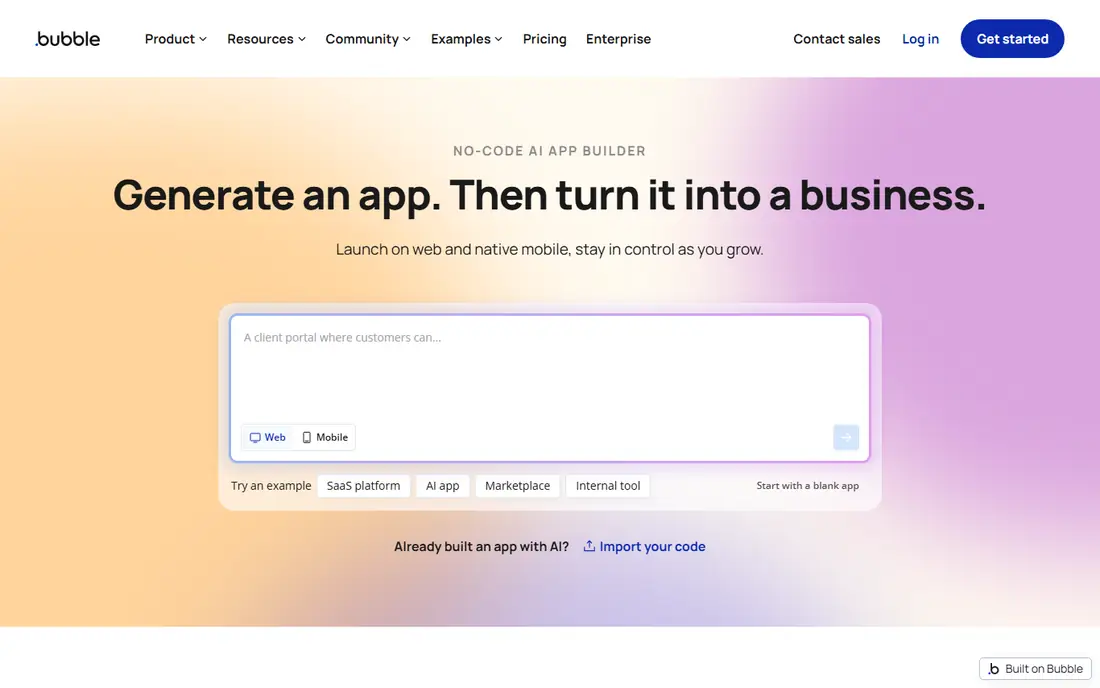
Bubble is the most capable no-code platform for builders who want a real application, not just a landing page. Its visual editor covers pages, a built-in database, workflows, and user accounts, so a founder can ship a marketplace, a booking tool, or a dashboard without writing code. The plugin library adds payments, maps, and API connections, which extends Bubble well beyond its core features.
Logic depth brings a learning curve. Bubble workflows reward careful design, and beginners who skip data structure planning often rebuild later. Performance at scale also needs attention to database design and workflow efficiency. For builders who want maximum no-code power and accept a learning investment, Bubble is the top pick.
What we like- Visual database and workflows
- Plugin library
- Real web apps, not just sites
Watch out for- Learning curve for logic
- Performance needs care at scale
#2Webflow
Best for: Design-led no-code sites4.4/5 on
G2 (995 reviews, checked Oct 2026)
Visit webflow.com
Starting price$14 per month
Free planYes
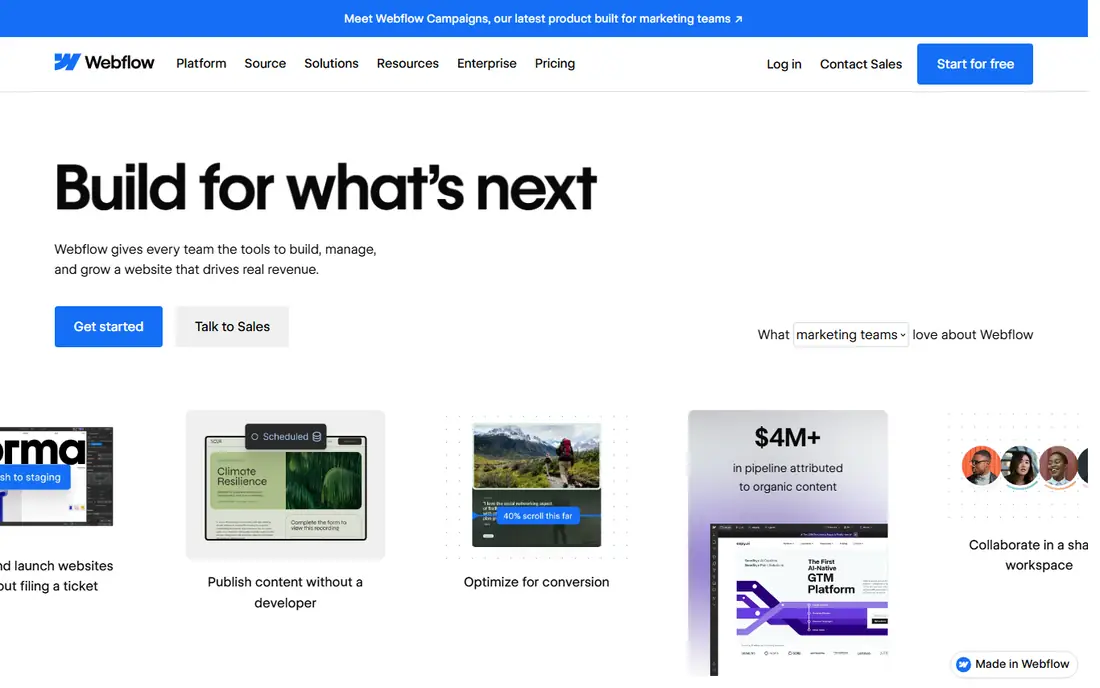
Webflow suits builders whose priority is a beautiful site rather than a complex app. Its visual designer controls layout, typography, and interactions precisely, while the CMS handles blog posts, portfolios, and collections. Hosting, security, and backups come bundled, so a designer can ship a polished site without a developer or a server admin.
Application logic is the limit. Webflow handles forms, memberships, and basic commerce, but it cannot match Bubble for database-driven app logic. Beginners also face a learning curve, since design freedom means more decisions. For marketing sites and portfolios where looks matter most, Webflow is the strongest no-code choice.
What we like- Precise visual design
- CMS included
- Fast hosting bundled
Watch out for- App logic is limited
- Learning curve for beginners
Starting priceSee website
Free planYes
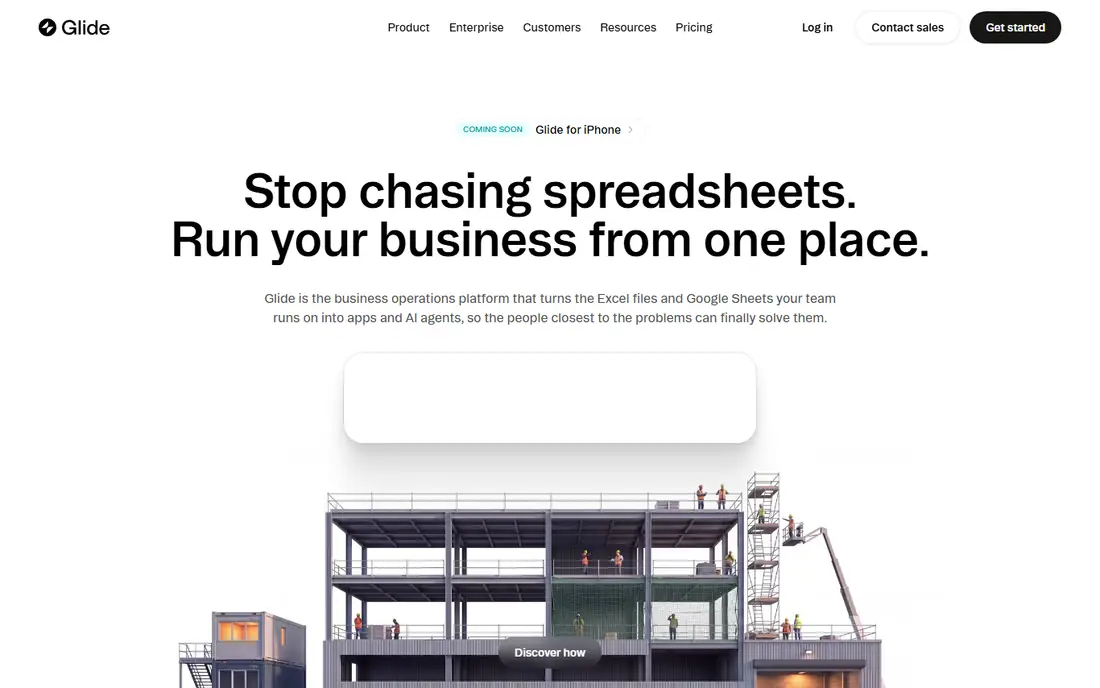
Glide turns a spreadsheet into a working app in hours, which makes it ideal for internal tools. A team can build an inventory tracker, a directory, or a field data app from Google Sheets or Glide tables, then share it with staff who need it on phones. Templates cover common internal workflows, and the builder stays simple enough for operations staff to maintain.
Custom logic and design are modest compared with Bubble or FlutterFlow. Complex workflows, unusual layouts, and heavy customization hit Glide limits sooner, and large datasets need care. For internal tools where speed beats polish, Glide is the fastest route from spreadsheet to app.
What we like- Turns sheets into apps fast
- Easy for non-technical teams
- Good templates
Watch out for- Limited custom logic
- Design flexibility is modest
#4Adalo
Best for: Native-feeling mobile apps4.4/5 on
G2 (7 reviews, checked Oct 2026)
Visit adalo.com
Starting priceSee website
Free planYes
Adalo suits builders who want a real mobile app without learning native development. Its drag-and-drop builder covers screens, navigation, a built-in database, and user accounts, and apps can publish to the Apple App Store and Google Play. Small businesses, clubs, and startups use Adalo for booking apps, directories, and community apps that need to live on phones.
Complexity is the ceiling. Heavily interactive apps, large datasets, and advanced native features strain Adalo, and its component library cannot match custom native development. For straightforward mobile apps with standard screens and data, Adalo delivers a genuine app-store product without code.
What we like- Visual mobile app builder
- Database included
- Publishes to app stores
Watch out for- Performance limits on complex apps
- Component library is finite
Starting priceSee website
Free planYes
Softr is the fastest way to turn Airtable data into a client portal, internal directory, or membership site. It maps Airtable tables to pages, lists, and detail views, adds user sign-in and permissions, and ships templates for portals, directories, and resource hubs. Teams already running on Airtable can launch a polished front end in days without rebuilding their data.
Airtable dependence is the trade-off. Softr logic lives largely in Airtable, so teams without Airtable gain less, and complex app behavior beyond data display needs another tool. For Airtable teams that need a presentable, permissioned front end, Softr is an excellent fit.
What we like- Fast portals from Airtable
- User permissions built in
- Clean templates
Watch out for- Depends on Airtable
- Limited logic outside Airtable
Starting priceSee website
Free planYes
FlutterFlow stands out because it generates real Flutter code, which gives builders an exit path that pure no-code tools lack. Its visual builder covers screens, navigation, state, and Firebase backend features, and apps deploy to iOS, Android, and web from one project. Teams that may later hire Flutter developers keep that option open, since the generated code is theirs to extend.
Flutter concepts still leak through. State management, widget trees, and Firebase rules require some technical comfort, so pure beginners face a steeper start than with Glide or Adalo. For builders who want visual speed now and a code path later, FlutterFlow is the smartest compromise.
What we like- Builds real Flutter code
- Firebase integration
- App store deployment
Watch out for- Flutter concepts leak through
- Advanced features need code
Starting priceSee website
Free planYes
Bravo Studio suits design-led teams that already work in Figma. It connects Figma frames to real app functionality, turning a design file into a native-feeling app with data from APIs and backends. Designers keep full visual control, since the app looks exactly like the Figma file, and developers can add API logic without rebuilding the interface.
Results depend on design quality. A weak Figma file produces a weak app, and Bravo logic still requires care around APIs and data binding. Its community is also smaller than Bubble or FlutterFlow, so help resources are thinner. For Figma-first teams, Bravo Studio closes the gap between design and shipped app.
What we like- Turns Figma designs into apps
- Native components
- API connections
Watch out for- Design quality drives results
- Smaller community
Starting priceSee website
Free planNo
SAP Build Apps, formerly AppGyver, suits large organizations that need governed no-code development inside SAP systems. Its visual logic builder covers business apps with approvals, data from SAP and other systems, and enterprise controls for deployment and access. IT teams can let business units build apps while keeping governance, security, and audit trails intact.
Small projects should look elsewhere. Enterprise pricing, setup, and SAP context make it heavy for startups and solo builders, and its value shows mainly inside SAP environments. For enterprises standardizing on SAP, Build Apps gives business teams a sanctioned path to ship apps without waiting on central IT queues.
What we like- Enterprise governance
- SAP system connections
- Visual logic builder
Watch out for- Enterprise pricing and setup
- Overkill for small projects
How we chose
We compared no-code tools on what a non-developer can actually ship, covering web apps, mobile apps, portals, and sites, using vendor documentation and public builder experience. The reference buyer was someone with no coding background who needs a working product, so tools were judged on real shipped output, not on demo polish. Where a tool needs technical comfort or an existing data platform, we said so. Price figures here come from published vendor pages and comparison sources, so confirm current pricing before committing, since no-code plans change often.
Start from the product type
Web apps point to Bubble, mobile apps point to Adalo or FlutterFlow, portals point to Softr, and design-led sites point to Webflow. Picking by product type avoids forcing one tool into work it handles poorly. Write down the one core workflow your product must do on day one, and let that workflow choose the tool.
Test with real data and real users
Build one core workflow with real data and let five real users try it. That test exposes performance, permission, and usability problems that a sample template hides. Watch where users hesitate or ask for help, since those moments point to the exact places your final product will need clearer design.
Check the exit path before you commit
Confirm how you export data, and whether you can export code or move to another platform. A tool that locks your data in is a risk, even if its builder feels fast today.
Frequently asked questions
Can I build a real business on no-code tools?
Yes, many small businesses run on Bubble, Glide, and Softr, especially for internal tools, marketplaces, and portals. Complex, high-scale, or heavily regulated products usually need custom code eventually. Validate first with no-code, then rebuild only the parts that hit real limits. That staged approach also proves demand before spending on developers. It keeps the business case honest at every step. Founders who skip validation often rebuild features nobody wanted, so early proof saves money twice. Validation also sharpens the product story for later hiring. It gives the whole team a shared picture of what users actually want. That shared picture guides later choices too. Plan for updates too.
Is Bubble hard to learn?
Bubble takes longer to learn than Glide or Softr, since real app logic requires careful data and workflow design. Builders who invest a few weeks usually ship far more capable apps than simpler tools allow. Community tutorials and templates shorten that ramp considerably for motivated builders. Start with a template close to your idea, then customize it step by step. That path avoids the blank-page stall many beginners hit. It also teaches Bubble concepts in context, which sticks better than abstract tutorials.
What is the difference between Glide and Softr?
Glide builds mobile-friendly apps mainly from spreadsheets, while Softr builds web portals mainly from Airtable. Both suit internal tools, but their data homes and output styles differ.
Can FlutterFlow apps go to app stores?
Yes, FlutterFlow apps deploy to the Apple App Store and Google Play, and they also run on web. Generated Flutter code can later be extended by developers if needed.
When should I hire a developer instead?
Hire a developer when logic gets complex, scale grows large, compliance is strict, or no-code limits block a core feature. Many teams start no-code to validate, then hire developers to rebuild once the product proves itself. That staged path keeps early costs low while preserving a rebuild option. It also gives developers a proven spec instead of a guess.
Sources we checked (8)
- https://bubble.io
- https://webflow.com
- https://www.glideapps.com
- https://www.adalo.com
- https://www.softr.io
- https://flutterflow.io
- https://www.bravostudio.app
- https://www.sap.com/products/technology-platform/build-apps.html
Is your product missing or out of date?
We review this list regularly. Vendors can request a listing, send updated pricing or ask about featured placement.

Shihab Mia · Founder, Rankite
Shihab has 5+ years in B2B and SaaS SEO. He writes Rankite's software buying guides from pricing pages, documentation and public user reviews. More about Shihab.