How we make this list: we compare pricing pages, product documentation and public user reviews. Ratings come from G2, Capterra or Trustpilot, with the date we checked them.
Direct answer
Descript is the strongest voice clone service for video editors because custom voice clones sit inside a transcript-based editor for fixing narration without re-recording. Avatar-led video teams should compare HeyGen. Social video editors who want cloning, dubbing and subtitles in one workflow should look at VEED first.
Key takeaways
- Fix narration in the timeline: Descript free plan includes 1 media hour per month, with custom voice clones in AI Speech on paid plans.
- Avatar videos: HeyGen Creator costs $29 per month, or $24 per month billed annually, with 1 voice clone listed.
- Low-cost clones: Fish Audio Plus costs $11 per month billed annually and adds commercial use.
- Developer routes: Cartesia Pro costs $5 per month with instant cloning and a commercial use license.
- Multilingual dubbing: Maestra AI Personal costs $15 per month billed annually, with Studio work in 125+ languages.
Quick comparison
| Tool | Best for | Starting price | Free plan |
|---|
 Descript | Podcast and video editors fixing narration | See website | Free: 1 media hour/mo, 100 AI credits one-time |
 HeyGen | Avatar videos with cloned voice | Creator $29/mo, or $24/mo billed annually | Free: 3 videos/mo, up to 1 minute each |
 VEED | Social video editors needing voiceovers | See website | Free plan with one-time TTS trial, watermarked exports |
 Murf AI | Enterprise voiceovers and dubbing | See website | Free plan with limited 10-minute voice generation |
 Maestra AI | Multilingual dubbing and live translation | Personal $15 per month billed annually | Free trial available |
 Fish Audio | Creators needing low-cost clones | Plus $11/mo billed annually | Free Tier: 8,000 credits/mo, 3 public voice slots |
 Cartesia | Developers building real-time voice apps | Pro $5/mo | Free: 20K credits/mo |
 MiniMax Audio | API speech and voice cloning | See website | Daily time-limited credits with limited voice cloning per terms |
 Kukarella | Course narration and dialogues | Prime $21/month | 10 requests with a free account, personal use only |
 Kits.ai | Singing and music vocal cloning | Starter $10/mo | Free: 15 conversion minutes, 0 voice slots, no cloning |
Is your product missing or out of date?
We review this list regularly. Vendors can request a listing, send updated pricing or ask about featured placement.
The best ai voice clone service for video editing
Video editors clone voices to fix a misread line, add narration after the shoot, dub a video into another language, or keep one presenter voice across a series. The right service depends on where the clone lives: inside the editor, inside an avatar workflow, or as audio files you drop into a timeline. Buyers also compare sample needs, commercial rights, credit meters and whether clones survive cancellation. This list ranks 10 services by video workflow fit, published pricing, free access and stated limits, using vendor pages checked on 29 November 2026.
Starting priceSee website
Free planFree: 1 media hour/mo, 100 AI credits one-time
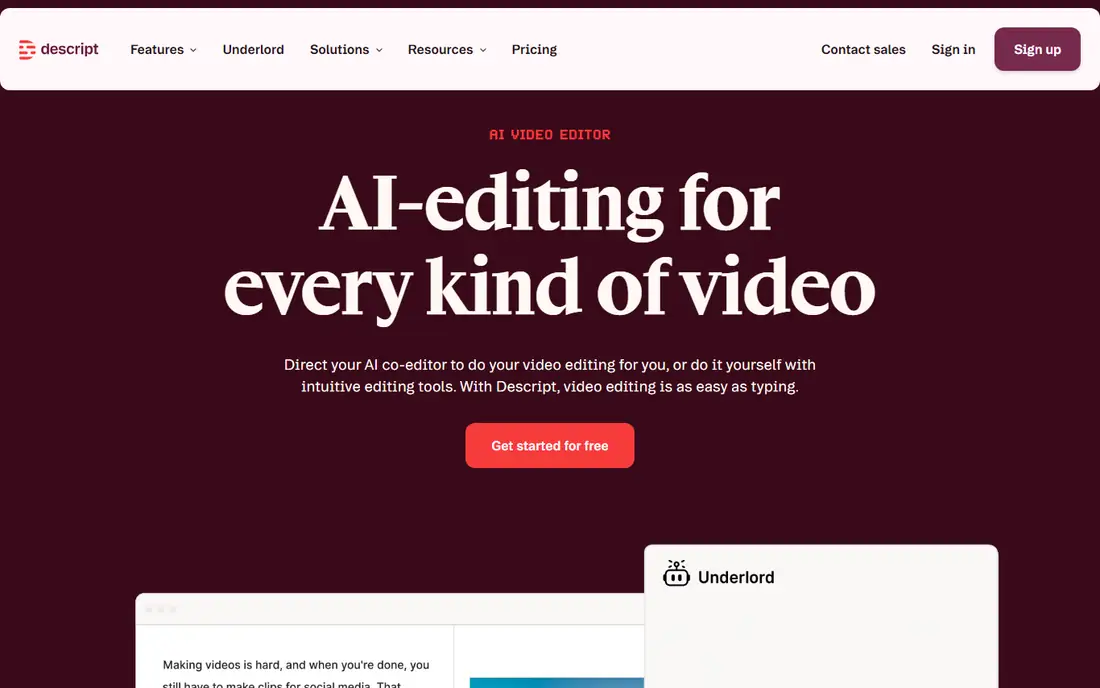
Descript edits video and audio by editing the transcript, so fixing narration starts with finding the sentence in text. AI Speech includes custom voice clones on paid plans, which lets an editor replace a fluffed line in the presenter's own cloned voice instead of booking a re-record. Studio Sound cleans up room audio, and recording, transcription, editing and publishing run in one workflow. For YouTube creators, podcasters and course makers who revise scripts after filming, that text-first loop saves the most time. The free plan includes 1 media hour per month, 100 one-time AI credits and 720p watermarked exports.
The catch is that free exports are watermarked, and usage is metered by both media hours and AI credits, so heavy AI Speech use needs budget checks. Paid plan prices did not surface in the pricing text opened, so the starting price is See website. Pick Descript if fixing narration inside the edit is the main job. Look elsewhere if you only need audio files for another editor, or if watermark-free free exports are required.
What we like- Text-based editing of audio and video
- AI Speech with custom voice clones on paid plans
- Record, transcribe, edit and publish in one workflow
Watch out for- Free exports are watermarked at 720p
- Usage metered by media hours and AI credits
Starting priceCreator $29/mo, or $24/mo billed annually
Free planFree: 3 videos/mo, up to 1 minute each
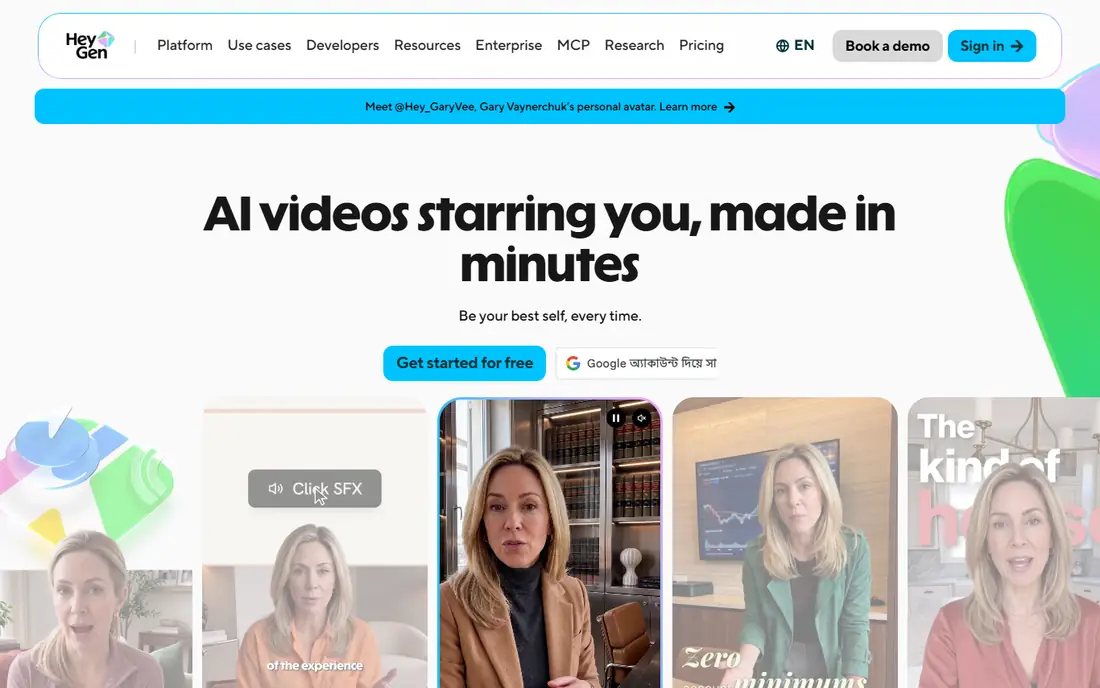
HeyGen combines avatar presenters with cloned voices, so a video can show a digital presenter speaking in a cloned voice without a camera session. Voice cloning sits on the Creator plan, custom avatars can be built from a photo or clip with identity verification, and AI video translation covers 175+ languages. For training videos, product explainers and localized marketing clips, one workflow for face, voice and translation removes file handoffs. Creator costs $29 per month, or $24 per month billed annually. The free plan includes 3 videos per month up to 1 minute each, which suits a first test.
The catch is that Creator lists 1 voice clone, and generation is credit-based, so avatar-heavy work can burn credits faster than expected. Pick HeyGen if avatar-led video is the format and one cloned voice covers the series. Look elsewhere if you edit real footage and only need narration audio, or if several cloned voices must sit on the entry plan.
What we like- Voice cloning sits inside the avatar video workflow
- Translation covers 175+ languages
- Custom avatars require identity verification
Watch out for- Creator lists 1 voice clone
- Generation is credit-based, so avatar work can burn credits fast
#3
VEED
Best for: Social video editors needing voiceovers
Visit veed.io
Starting priceSee website
Free planFree plan with one-time TTS trial, watermarked exports
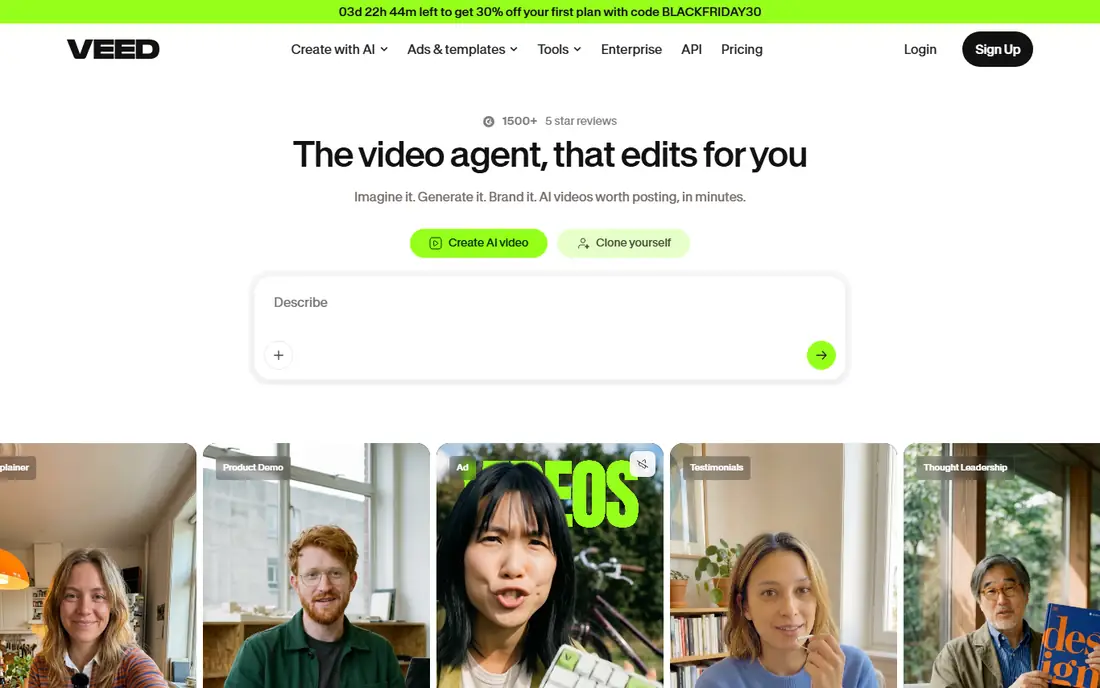
VEED is a browser video editor where voice cloning on paid plans works from a short sample, beside dubbing and subtitles in one workflow. Social and marketing editors can cut footage, generate a cloned voiceover, add captions and export without moving between apps. AI video generation and editing tools support short-form output. The free plan includes a one-time text-to-speech trial with watermarked exports, so editors can test the flow before paying. Paid plan prices did not surface in the pricing text opened, so the starting price is See website. For short marketing videos, the single-workflow shape is the draw.
The catch is that there is no general-purpose public TTS API, AI credits do not carry over, and pricing is per editor seat. Pick VEED if social video speed matters most and cloning must sit beside subtitles and dubbing. Look elsewhere if you need an API for batch voice generation, or if unused credits must roll into the next month.
What we like- Voice cloning on paid plans from a short sample
- Editing, dubbing and subtitles in one workflow
- Built for marketing video output
Watch out for- No general-purpose public TTS API
- AI credits do not carry over
#4
Murf AI
Best for: Enterprise voiceovers and dubbing
Visit murf.ai
Starting priceSee website
Free planFree plan with limited 10-minute voice generation
Murf AI runs a studio voiceover workflow for enterprise narration and dubbing. Dubbing preserves the original voice and tone, which suits videos that need the same presenter in another language. Controls cover pitch, speed and intonation across 35+ languages, and paid voiceovers carry commercial rights. An API option serves developers who generate narration inside other systems. The free plan includes limited 10-minute voice generation with no commercial license, and downloads require paid plans. For corporate training and product videos, the studio controls and dubbing path are the appeal. Prices did not surface in the pricing text opened, so the starting price is See website.
The catch is that Professional Voice Cloning appears under Enterprise features, so clone quality tiers need a sales check. Studio and API are sold as separate routes, which can split one video workflow across contracts. Pick Murf AI if enterprise voiceover and dubbing controls matter most. Look elsewhere if professional cloning must sit on a self-serve plan with a published price.
What we like- Studio voiceover workflow
- Dubbing preserves original voice and tone
- API option for developers
Watch out for- Professional Voice Cloning appears under Enterprise features
- Studio and API are sold as separate routes
#5
Maestra AI
Best for: Multilingual dubbing and live translation
Visit maestra.ai
Starting pricePersonal $15 per month billed annually
Free planFree trial available
Maestra AI covers Studio dubbing, voiceover and live translation in one product family. Studio dubbing can use your own cloned voice, and Studio work spans 125+ languages. Live Personal includes AI voice cloning for live sessions, with support for Zoom, Meet, Teams, OBS and vMix. Voiceover pricing lists pro voices and voice cloning minutes, and API access appears on Premium. Personal costs $15 per month billed annually. For creators publishing the same video in several languages, cloned-voice dubbing keeps one presenter identity across versions. A free trial is available, with exact limits not stated on the vendor page opened.
The catch is that Studio voice cloning is gated to higher voiceover tiers, and lip-sync is a $2 per minute add-on on Business. Live sessions also carry plan-based length limits. Pick Maestra AI if multilingual dubbing with your own voice is the main job. Look elsewhere if lip-sync must sit on a low plan, or if cloning minutes need to be unlimited.
What we like- Studio dubbing can use your own cloned voice
- Live Personal includes AI voice cloning
- API access appears on Premium
Watch out for- Studio voice cloning gated to higher voiceover tiers
- Lip-sync is a $2/min add-on on Business
Starting pricePlus $11/mo billed annually
Free planFree Tier: 8,000 credits/mo, 3 public voice slots
Fish Audio clones voices from short samples, with instant and professional cloning paths and 30+ languages listed on the homepage. The free tier includes enhanced voice cloning with 8,000 credits per month, up to 7 minutes of generation, 500 characters per generation and 3 public voice slots. Plus costs $11 per month billed annually and adds commercial use, which suits creators publishing monetized videos on a small budget. A documented developer and API path supports batch narration. For editors who generate voice tracks and drop them into a timeline, the low entry price and free cloning test are the draw.
The catch is that free use is personal and non-commercial, so monetized videos need a paid plan. Plus includes only 1 professional voice slot, and the API uses a separate balance. Pick Fish Audio if low-cost clones with commercial rights on Plus fit your channel. Look elsewhere if several professional clones must sit on the entry plan, or if API and app credits must share one balance.
What we like- Free tier includes enhanced voice cloning
- Plus adds commercial use
- Developer and API path documented
Watch out for- Free use is personal and non-commercial
- Plus has only 1 professional voice slot
Starting pricePro $5/mo
Free planFree: 20K credits/mo
Cartesia is a developer-first voice platform with Sonic text-to-speech metered by credits. Pro costs $5 per month and includes instant cloning with a commercial use license, while pro voice cloning slots sit on higher plans. Voice agents and telephony are listed separately, which suits teams building interactive video, product demos or voice-driven apps rather than editing timelines by hand. The free plan includes 20K credits per month. For developers who generate narration through an API and assemble video in code, low entry pricing and instant clones are the appeal. Editors without API workflows will find less hand-holding here.
The catch is that Free and Pro include no pro clone slots, so higher-fidelity clones need a higher plan. Voice-agent LLM and telephony costs are separate from TTS credits. Pick Cartesia if API generation and real-time voice matter most. Look elsewhere if you edit by hand and want cloning, subtitles and export in one editor with no code involved at all.
What we like- Instant cloning on Pro
- Commercial use license on Pro
- Sonic TTS with credit metering
Watch out for- No pro clone slots on Free or Pro
- Voice-agent LLM and telephony costs are separate
Starting priceSee website
Free planDaily time-limited credits with limited voice cloning per terms
MiniMax Audio includes Voice Clone beside Speech 2.8 text-to-speech, with 40+ languages and accents listed for Audio. An API platform with keys and docs supports developers who generate narration for video pipelines. Terms state that free users may receive daily time-limited credits with limited voice cloning, subject to change. For teams building automated video production, API cloning beside speech generation keeps voice work in one vendor. Entry pricing conflicted between vendor terms and the fetched subscribe text, so the starting price is See website. Confirm the current starter price on the subscribe page before budgeting.
The catch is that voice cloning requires real-name verification, and monthly credits expire at calendar month end. Terms and subscribe text also conflict on entry pricing. Pick MiniMax Audio if API speech and cloning in one platform matter most. Look elsewhere if verification steps block your workflow, or if credits must roll over between months for seasonal video publishing schedules.
What we like- Voice Clone is part of MiniMax Audio
- Speech 2.8 listed on the subscribe page
- API platform and docs available
Watch out for- Voice cloning requires real-name verification
- Monthly credits expire at calendar month end
Starting pricePrime $21/month
Free plan10 requests with a free account, personal use only
Kukarella generates narration and dialogues for course videos and explainers. Voices can be cloned from a recording, browser speech or a written description, and paid plans add cloned voices with commercial rights. Audio downloads paragraph by paragraph in MP3 and WAV, which helps editors replace one section without regenerating a full script. Subscription credits roll over while subscribed. Prime costs $21 per month. The free route allows 3 requests without an account and 10 with a free account, for personal use only. For course creators who revise lessons often, paragraph-level downloads are practical.
The catch is that there is no public or developer API, and the assistant can pick a wrong-accent voice unless changed. The vendor also states that a cloned voice copy is held by the voice-making company, which some presenters will reject. Permission is required to clone someone else. Pick Kukarella if course narration with commercial rights fits. Look elsewhere if API access or strict voice-data control is required.
What we like- Paid plans add cloned voices and commercial rights
- Audio downloads paragraph by paragraph
- Subscription credits roll over while subscribed
Watch out for- No public or developer API
- A cloned voice copy is also held by the voice-making company
#10
Kits.ai
Best for: Singing and music vocal cloning
Visit kits.ai
Starting priceStarter $10/mo
Free planFree: 15 conversion minutes, 0 voice slots, no cloning
Kits.ai clones singing and spoken vocals for music-led video work. Starter costs $10 per month and includes instant and professional cloning, with voice slots, conversion minutes and download minutes metering use. Producer removes conversion and slot limits and adds high-fidelity models. For music videos, lyric videos and vocal demos, converting a guide vocal into a cloned voice inside one tool is the draw. The free plan includes 15 conversion minutes with 0 voice slots and 0 download minutes, so it tests conversion without cloning. Spoken narration editors should compare Fish Audio or Kukarella first.
The catch is that the free plan has no cloning or downloads, and Starter is medium quality with 15 download minutes. Custom voices are frozen if the subscription is cancelled, so long-running channels need continuity planning. Pick Kits.ai if singing or music vocal cloning is the job. Look elsewhere if plain spoken narration, API access or clone portability after cancellation matters most.
What we like- Starter includes instant and professional cloning
- Producer removes conversion and slot limits
- Producer adds high-fidelity models
Watch out for- Free plan has no cloning or downloads
- Custom voices are frozen if the subscription is cancelled
How many minutes of cloned narration will you publish each month?
Count finished minutes, not script drafts. Four 10-minute videos need 40 finished minutes, plus retakes. Kits.ai Starter includes 15 download minutes at $10 per month, so that month needs a higher tier. Fish Audio free generation stops at 7 minutes, while Plus at $11 per month adds commercial use. Descript free includes 1 media hour per month with watermarked exports. HeyGen free allows 3 videos up to 1 minute each. Credit meters punish long drafts, so generate final lines only, keep a pronunciation list, and price the month you publish most.
Which voice clone service fits YouTube and social video editors?
Descript fits YouTube editors who fix narration in the transcript, with AI Speech custom clones on paid plans. VEED fits social editors who want cloning, dubbing and subtitles in one browser workflow. HeyGen fits avatar-led channels, with Creator at $29 per month and translation in 175+ languages. Fish Audio fits budget channels that generate voice tracks separately, with Plus at $11 per month billed annually. Choose by where the edit happens: transcript, browser timeline, avatar stage, or external audio files.
Can you clone your own voice for commercial videos?
Yes, on plans that grant commercial rights. Fish Audio Plus adds commercial use at $11 per month billed annually, Cartesia Pro includes a commercial use license at $5 per month, and Kukarella paid plans add commercial rights. Murf AI paid voiceovers carry commercial rights. Free tiers often block commercial use: Fish Audio free is personal, Kukarella free audio is personal use only, and Murf AI free has no commercial license. Check the license on your exact plan before publishing monetized videos.
What sample length do voice clone services need?
Short samples cover instant clones, while professional clones need more audio. VEED lists voice cloning from a short sample on paid plans, and Fish Audio clones from short samples with instant and professional paths. Cartesia separates instant cloning on Pro from pro clone slots on higher plans. Kukarella accepts a recording, browser speech or a written description. Record clean, dry audio in a quiet room, keep one speaker per file, and test a 30-second script before cloning a full series.
Frequently asked questions
What is the best AI voice clone service for video editing?
Descript is the best fit for editors who fix narration inside the timeline, with custom voice clones in AI Speech on paid plans. HeyGen suits avatar videos at $29 per month. VEED suits social editors who want cloning, dubbing and subtitles together. Fish Audio suits budget voice tracks at $11 per month billed annually.
How much does voice cloning for video cost?
Published entry prices here run from Cartesia Pro at $5 per month and Kits.ai Starter at $10 per month to HeyGen Creator at $29 per month. Fish Audio Plus is $11 per month billed annually, Maestra AI Personal is $15 per month billed annually, and Kukarella Prime is $21 per month. Descript, VEED, Murf AI and MiniMax Audio are See website.
Can I use a cloned voice in monetized videos?
Yes, if your plan grants commercial rights. Fish Audio Plus, Cartesia Pro, Kukarella paid plans and Murf AI paid voiceovers include commercial use on vendor pages. Free tiers often exclude it, including Fish Audio free, Kukarella free audio and Murf AI free. Confirm rights, attribution and clone ownership terms before publishing sponsored or monetized videos.
Which voice clone tools work inside a video editor?
Descript works inside a transcript-based editor, VEED works inside a browser video editor, and HeyGen works inside an avatar video workflow. Maestra AI Studio handles dubbing with your cloned voice. Fish Audio, Cartesia, MiniMax Audio and Kukarella mainly produce audio you place into another editor. Match the tool to your timeline habits before paying.
What should I check before cloning a voice for video?
Check commercial rights, clone slots, credit meters, cancellation terms and consent rules. Kits.ai freezes custom voices if you cancel, MiniMax Audio requires real-name verification, and Kukarella requires permission to clone someone else. Test one full video script on a free or trial plan, then price your busiest publishing month.
What to look for before you buy
First, confirm commercial rights on the exact plan, since several free tiers allow personal use only. Second, count finished narration minutes and compare them with credit, conversion and download limits. Third, check clone slots and quality tiers, because instant and professional clones often sit on different plans. Fourth, verify consent and verification rules for every voice you clone. Fifth, read cancellation terms so cloned voices and project files stay usable if you change tools.
How we chose
We compared 18 candidate services for AI voice cloning, then kept 10 with live vendor pages and clear cloning support for video work. Prices and facts were checked on vendor pricing pages, product pages and terms on 29 November 2026. Where pricing text hid amounts or conflicted, this guide says See website instead of estimating. One major voice platform could not be opened this run and is excluded rather than priced from third-party sources. No hands-on testing is claimed, and no ratings or review counts are used.
Sources we checked (10)
- https://www.descript.com/pricing
- https://www.heygen.com/en-ca/faq
- https://www.veed.io/pricing
- https://murf.ai/pricing
- https://maestra.ai/pricing?billing=yearly&type=voiceover
- https://fish.audio/plan/
- https://www.cartesia.ai/pricing
- https://www.minimax.io/audio/subscribe
- https://www.kukarella.com/pricing
- https://www.kits.ai/pricing
Is your product missing or out of date?
We review this list regularly. Vendors can request a listing, send updated pricing or ask about featured placement.

Shihab Mia · Founder, Rankite
Shihab has 5+ years in B2B and SaaS SEO. He writes Rankite's software buying guides from pricing pages, documentation and public user reviews. More about Shihab.