How we make this list: we compare pricing pages, product documentation and public user reviews. Ratings come from G2, Capterra or Trustpilot, with the date we checked them.
HeyGen is the best AI translator tool for video editing for most buyers because it pairs voice cloning and lip sync with 175 languages and dialects from 29 dollars a month. Rask AI is the best dedicated dubbing tool for teams that need multi-speaker lip sync. VEED is the best pick for editors who want translation inside a browser editor.
Key takeaways
- HeyGen leads for most buyers, with voice cloning, lip sync, and 175 languages and dialects from 29 dollars a month.
- Rask AI is the strongest dedicated dubbing tool, with Creator at 39 dollars a month for 25 minutes.
- VEED, Kapwing, and Descript are full video editors first, so they suit buyers who want to edit and translate in one place.
- Maestra is the best subtitle-first pick, with pay-as-you-go pricing at 12 dollars per 60 credits and 125 plus languages.
- Dubverse is the cheapest monthly entry point at 18 dollars a month, but its 50 credits cover only about 12.5 dubbed minutes.
An AI translator tool for video editing turns a finished video into one or more other languages without re-recording it. The best tools translate the spoken words, rebuild the audio with a cloned or stock voice, match it to the speaker's lips, and translate the on-screen subtitles. Some tools here are dedicated dubbing platforms, while others are video editors that added translation as one feature among many.
The difference matters for your workflow. A dedicated dubbing tool such as HeyGen or Rask AI starts from a finished video and returns a translated version with a cloned voice and lip sync. A video editor such as VEED, Kapwing, or Descript lets you cut, caption, and translate inside the same timeline. Maestra is the right pick when the deliverable is a translated SRT or VTT file. Decide first which output you need most: a dubbed voice, translated subtitles, or both.
Language count is only part of the quality question. HeyGen lists 175 languages and dialects, Maestra lists 125 plus, and Rask AI lists 130 plus, but a language list does not tell you how natural the cloned voice sounds. Short test clips in your real target languages are the only reliable check, and every tool here offers a free plan or trial.
How much does AI video translation cost?
Take a 10-minute video translated into two languages, or 20 minutes of translated output. On Rask AI Creator at 39 dollars a month for 25 minutes, that one project fits inside the monthly allowance, and the effective rate is about 1.56 dollars per translated minute. On HeyGen Creator at 29 dollars a month for 600 credits, the same project also fits for most models, though the credit burn per minute varies by model. On Dubverse Pro at 18 dollars a month for 50 credits, dubbing costs 4 credits per minute, so 20 dubbed minutes need 80 credits and exceed the monthly allowance.
Now scale that to four such videos a month, or 80 minutes of translated output. Rask AI Creator covers only 25 minutes, so you need Creator Pro at 99 dollars a month for 100 minutes. HeyGen Creator at 29 dollars a month still covers the work for most models within its 600 credits. Maestra pay as you go charges 12 dollars per 60 credits, and 60 credits buy 30 translated minutes, so 80 translated minutes need about 160 credits, which costs about 32 dollars. Dubverse would need 320 credits against a 50-credit allowance. Kapwing Pro includes 50 dubbing minutes, so you would need Business at 64 dollars a month.
The monthly price tells you almost nothing on its own. Per-minute tools such as Rask AI and Maestra make the cost easy to predict, while credit tools hide the real cost behind a credit rate that changes with the feature you use. Lip sync is the biggest cost driver: Rask AI charges three minutes of quota for each lip-synced minute on its enhanced model, and Maestra charges 2 dollars per minute for lip sync on Business. Always price your real monthly volume, in translated minutes, before you compare monthly prices.
What should you check before you buy?
Check five things before you pay. First, voice cloning: confirm whether your plan includes cloning your own voice or only stock voices. Second, lip sync: confirm whether it is included, how much quota it consumes, and whether it works for your target language. Third, subtitle handling: confirm whether the tool exports SRT and VTT files and translates on-screen text. Fourth, language quality: run the same 60-second test clip through two tools in your main target language and compare the cloned voice and the translated script. Fifth, export limits: confirm the maximum video length, the export resolution, and whether the free plan or trial adds a watermark.
How we picked
We picked tools that translate video inside an editing or localization workflow, with a published price and a way to test them before paying. We compared dubbing quality, subtitle handling, voice cloning, lip sync, languages, and the real cost per translated minute. Prices were checked on 11 November 2026 on vendor pricing pages where the page rendered, and by search verification against vendor pricing pages read in October and November 2026 where a page did not render its prices. Rask AI and HeyGen prices were read directly from their vendor pricing pages. VEED, Descript, and Virbo prices are search-verified, and Virbo pricing is third-party reported. Last verified: 11 November 2026.
Comparison table
| Tool |
Best for |
Starting price |
Free plan |
| HeyGen |
Most buyers wanting dubbing with lip sync |
29 dollars per month |
Yes |
| Rask AI |
Dedicated dubbing with multi-speaker lip sync |
39 dollars per month |
Trial only (3 minutes) |
| VEED |
Editing and translation in one browser editor |
25 dollars per user per month |
Yes |
| Kapwing |
Short-form editing with subtitle translation |
24 dollars per member per month |
Yes |
| Descript |
Transcript editing with caption translation |
24 dollars per person per month |
Yes |
| Maestra |
Subtitle translation on pay as you go |
12 dollars per 60 credits |
Trial only (1 minute) |
| Dubverse |
Cheap dubbing into Indian and global languages |
18 dollars per month |
Trial only (2 days) |
| Wondershare Virbo |
Avatar video with one-click translation |
19.90 dollars per month |
Free trial |
Quick comparison
| Tool | Best for | Starting price | Free plan |
|---|
 HeyGen | Most buyers wanting dubbing with lip sync | 29 dollars per month | Yes |
 Rask AI | Dedicated dubbing with multi-speaker lip sync | 39 dollars per month | Trial only (3 minutes) |
 VEED | Editing and translation in one browser editor | 25 dollars per user per month | Yes |
 Kapwing | Short-form editing with subtitle translation | 24 dollars per member per month | Yes |
 Descript | Transcript editing with caption translation | 24 dollars per person per month | Yes |
 Maestra | Subtitle translation on pay as you go | 12 dollars per 60 credits | Trial only (1 minute) |
 Dubverse | Cheap dubbing into Indian and global languages | 18 dollars per month | Trial only (2 days) |
 Wondershare Virbo | Avatar video with one-click translation | 19.90 dollars per month | Free trial |
Is your product missing or out of date?
We review this list regularly. Vendors can request a listing, send updated pricing or ask about featured placement.
#1HeyGen
Best for: Most buyers wanting dubbing with lip sync4.8/5 on
G2 (1,973 reviews, checked Oct 2026)
Visit heygen.com
Starting price29 dollars per month
Free planYes
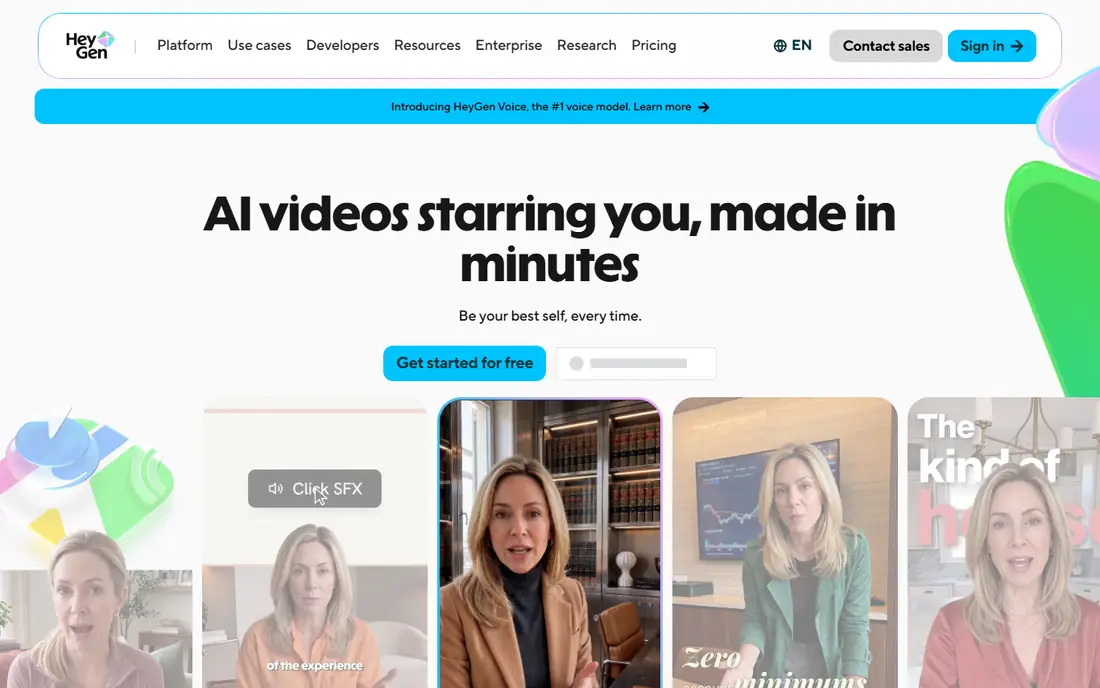
HeyGen covers the full dubbing job in one place. The Creator plan gives 600 credits a month, videos up to 30 minutes, 1080p export, voice cloning, and translation into 175 languages and dialects. The free plan gives three videos a month up to one minute each with a watermark. Pro starts at 49 dollars a month for 1,000 credits and adds 4K export and the ability to edit and proofread translation scripts. Buy HeyGen when you want one tool for dubbing, voice cloning, and lip sync.
What we like- Voice cloning and lip sync on Creator
- 175 languages and dialects
- Script proofreading on Pro
Watch out for- Credit burn varies by model
- Creator cannot buy extra credit packs
#2
Rask AI
Best for: Dedicated dubbing with multi-speaker lip sync
Visit rask.ai
Starting price39 dollars per month
Free planTrial only (3 minutes)
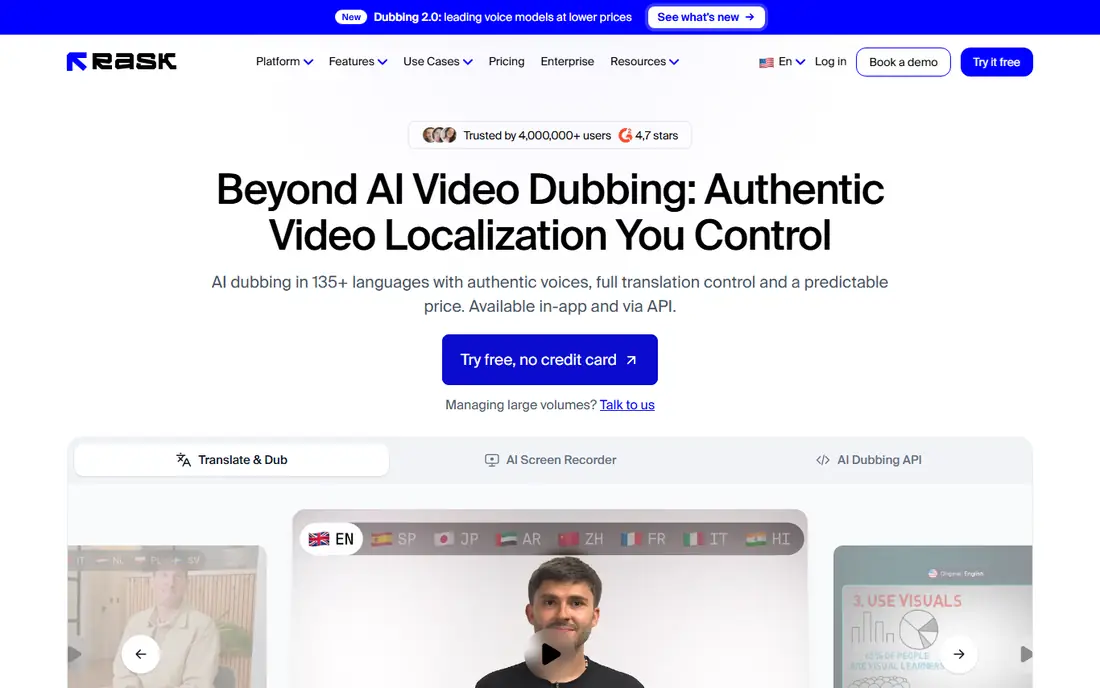
Rask AI is a dedicated video localization platform, and the strongest pick here when dubbing quality matters more than editing. The Creator plan gives 25 minutes a month, with voice cloning in 57 languages and an editor for fine-tuning the translated script. Creator Pro gives 100 minutes and adds multi-speaker lip sync, voice control, and a team workspace for up to three members. Business gives 250 minutes and adds on-screen text translation and batch workflows. The pricing changed in October 2026, so older guides still list Creator at 60 dollars a month; the vendor pricing page read on 11 November 2026 shows 39 dollars a month. Buy Rask AI when you localize finished videos at steady volume and need careful script control.
What we like- Line-by-line script editor
- Multi-speaker lip sync on Creator Pro
- Brand glossary on Business
Watch out for- No permanent free plan, only a 3-minute trial
- Lip sync costs three minutes of quota per minute
#3VEED
Best for: Editing and translation in one browser editor4.6/5 on
G2 (2,175 reviews, checked Oct 2026)
Visit veed.io
Starting price25 dollars per user per month
Free planYes
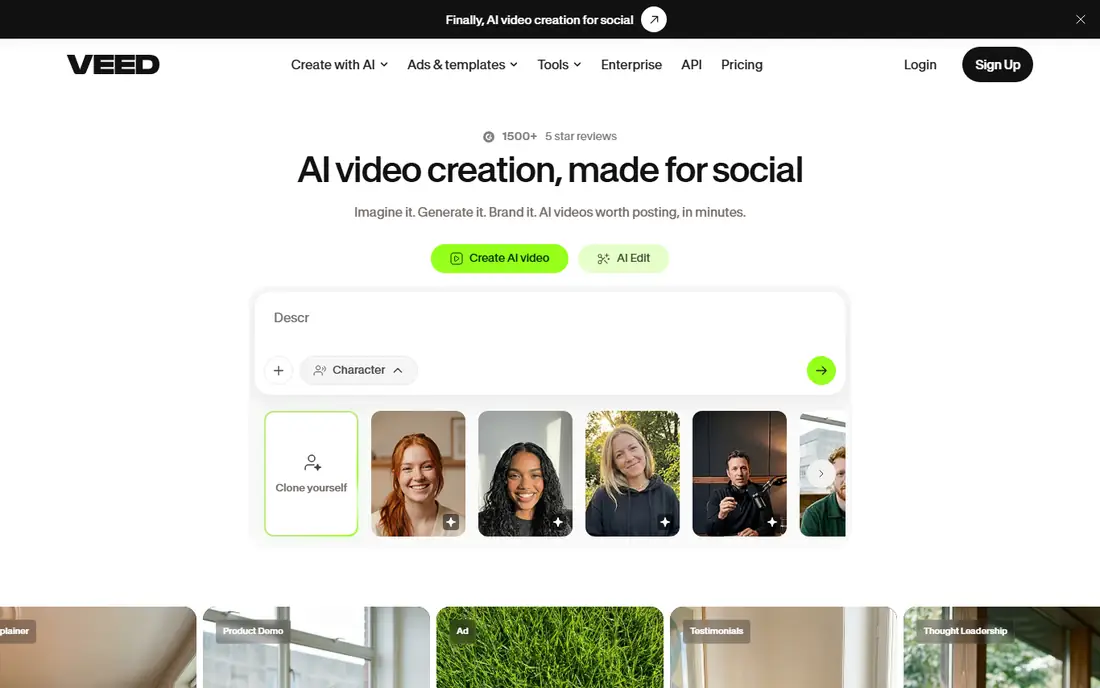
VEED is a browser-based video editor that treats translation as part of the edit. The Creator plan gives 500 AI credits a month and 1080p export without a watermark. Pro gives 2,500 AI credits a month and 4K export. The free plan exports with a watermark at 720p and caps exports at 10 minutes. VEED offers dubbing in more than 50 languages, and its pricing FAQ explains that translation is minute-based: translating a 30-minute video into one language uses 30 minutes of your allowance, Per-seat pricing is the catch for teams. Buy VEED when your videos still need cutting, captioning, and resizing as well as translation.
What we like- Full browser editor with subtitles, dubbing, and translation in one timeline
- No software to install
Watch out for- Translation minutes do not roll over
- Per-seat pricing multiplies the bill for teams
#4Kapwing
Best for: Short-form editing with subtitle translation3.9/5 on
G2 (40 reviews, checked Oct 2026)
Visit kapwing.com
Starting price24 dollars per member per month
Free planYes
Kapwing is a browser editor built for short-form video, and its translation strength is subtitles rather than full dubbing. The Pro plan gives 1,000 credits a month, 4K export, no watermark, and exports up to two hours long. Pro includes auto-subtitling for up to 1,000 minutes a month, subtitle translation for up to 500 minutes a month, and dubbing for up to 50 minutes a month. Business gives 4,000 credits a month, 200 dubbing minutes, custom voice clones, and lip sync. The free plan gives 10 credits and watermarked exports at 720p. Buy Kapwing when subtitles are the main deliverable and dubbing is occasional.
What we like- Subtitle translation in more than 60 languages
- Pro includes 50 dubbing minutes a month
- 4K export on paid plans
Watch out for- Pro dubbing allowance is only 50 minutes a month
- Voice clones and lip sync are Business only
#5Descript
Best for: Transcript editing with caption translation4.6/5 on
G2 (928 reviews, checked Oct 2026)
Visit descript.com
Starting price24 dollars per person per month
Free planYes
Descript is a transcript-based editor, and that design makes it unusually good for translation work that needs careful script review. Correcting a mistranslated line is a text edit rather than a re-cut. The Hobbyist plan gives 10 media hours a month, 400 AI credits a month, and 1080p export without a watermark. Creator gives 30 media hours and 800 AI credits. Business gives 40 media hours and 1,500 AI credits, and it adds translation and dubbing in 30 plus languages with proofreading. The free plan gives one media hour a month and watermarked 720p export. Buy Descript when your workflow starts from a transcript and you need to review every translated word.
What we like- Edit video by editing its transcript
- Caption translation in 61 languages
- Studio Sound included
Watch out for- Audio dubbing covers only 30 languages
- Dubbing is Business only
- Hobbyist cannot buy top-ups
#6Maestra
Best for: Subtitle translation on pay as you go4.8/5 on
G2 (19 reviews, checked Oct 2026)
Visit maestra.ai
Starting price12 dollars per 60 credits
Free planTrial only (1 minute)
Maestra is a subtitle-first platform in 125 plus languages, and it is the best pick here when the deliverable is a translated subtitle file. Pay as you go buys 60 minutes of subtitles or 30 minutes of translated subtitles, with no subscription. The Basic subtitle plan gives 360 minutes of subtitles a month, or 180 translated minutes. Premium gives 900 subtitle minutes, or 450 translated minutes, plus API access. Business gives 1,800 subtitle minutes, or 900 translated minutes, plus DeepL translation. The free trial covers one minute, and you must sign up to export. Buy Maestra when you need accurate translated subtitles in many formats without a monthly subscription.
What we like- Pay-as-you-go credits with no subscription
- Subtitle translation in 125 plus languages
- Many export formats
Watch out for- No permanent free plan, only a 1-minute trial
- Lip sync is a 2 dollars per minute add-on on Business
#7
Dubverse
Best for: Cheap dubbing into Indian and global languages
Visit dubverse.ai
Starting price18 dollars per month
Free planTrial only (2 days)
Dubverse is an AI dubbing and subtitling platform with its strongest results in South Asian languages, in 60 plus languages. The Pro plan gives 50 credits a month, premium speakers, fast processing, and translations powered by GPT-3.5. Supreme gives the same 50 credits plus voice cloning, priority processing, and GPT-4 translations. Enterprise is custom priced and adds lip sync, multi-speaker support, and human review. Credits work on a simple rate: dubbing costs 4 credits per minute, subtitling costs 1 credit per minute, and AI voice generation costs 2 credits per minute, so 50 credits cover 12.5 dubbed minutes. Buy Dubverse when you dub short videos into Indian languages and your monthly volume stays under about 12 dubbed minutes.
What we like- Cheapest monthly entry point here at 18 dollars a month
- Strong coverage of Indian languages
- No watermark on paid plans
Watch out for- Only 50 credits a month on Pro
- Voice cloning is Supreme only
- Lip sync is Enterprise only
Starting price19.90 dollars per month
Free planFree trial
Wondershare Virbo is an AI avatar video generator from Wondershare, and its translation feature converts a finished clip into other languages in one step. Third-party listings report the Starter plan at 19.90 dollars a month for 15 credits a month, one voice clone, 1080p export, and videos up to five minutes, with Creator at 27.90 dollars a month for 30 credits. One credit covers about one minute of video. Third-party listings also report that Virbo supports translation in more than 120 languages. Third-party listings report that Wondershare discontinued new signups on 30 June 2025, so confirm availability before paying. Buy Virbo only when you also need avatar videos from a script.
What we like- One-click video translation with AI avatar creation
- More than 350 AI avatars
- Apps for Windows, Mac, iOS, and Android
Watch out for- Pricing is third-party reported
- The vendor pricing page returned a 404 error
- New signups were reported stopped on 30 June 2025
Frequently asked questions
How much does it cost to translate a 10-minute video?
A 10-minute video translated into one language costs about 39 dollars on Rask AI Creator, or about 29 dollars on HeyGen Creator within its 600 credits. On Maestra pay as you go, 10 translated minutes cost about 4 dollars. On Dubverse Pro, 10 dubbed minutes need 40 of the 50 monthly credits.
Which AI translator tool has the best lip sync?
HeyGen has the best lip sync for most buyers because it includes lip sync and voice cloning on the Creator plan at 29 dollars a month, with 175 languages and dialects. Rask AI has strong multi-speaker lip sync on Creator Pro at 99 dollars a month, but it consumes three minutes of quota per finished minute. Test lip sync in your target language before buying.
Can I translate a video for free?
Yes, for a short test. HeyGen gives three videos a month up to one minute each, VEED and Kapwing give watermarked free exports, and Descript gives one media hour a month with watermarked 720p export. Rask AI gives a 3-minute trial, Maestra gives a 1-minute trial, and Dubverse gives a 2-day trial. Free exports carry a watermark on most tools, so they suit testing, not client delivery.
Is AI dubbing better than translated subtitles?
Dubbing is better when the audience watches without reading, such as training videos and talking-head content, because a cloned voice keeps the viewer watching the speaker. Translated subtitles are better when the budget is tight, the video has music or fast cuts, or the audience prefers the original voice. Maestra pay as you go makes subtitles far cheaper per minute than dubbing, so subtitles are the cheaper first step.
Do I need a separate editor if I buy a dubbing tool?
No, if your video is already edited. HeyGen, Rask AI, Maestra, and Dubverse start from a finished video and return a translated version, so no editor is needed. Yes, if the edit is still changing, because re-dubbing after every cut wastes minutes and credits. In that case VEED, Kapwing, or Descript is the better pick, since you can cut, caption, and translate in one timeline.
Sources we checked (18)
- https://www.heygen.com
- https://www.heygen.com/pricing
- https://www.rask.ai
- https://rask.ai/pricing
- https://www.veed.io
- https://www.veed.io/pricing
- https://www.kapwing.com
- https://www.kapwing.com/pricing
- https://www.descript.com
- https://www.descript.com/pricing
- https://maestra.ai
- https://maestra.ai/pricing
- https://www.dubverse.ai
- https://www.dubverse.ai/pricing
- https://virbo.wondershare.com
- https://maestra.ai/blogs/best-ai-subtitle-generators
- https://www.anygen.io/showcase/dubverse/index.html
- https://appscribed.com/software/wondershare-virbo-review/
Is your product missing or out of date?
We review this list regularly. Vendors can request a listing, send updated pricing or ask about featured placement.

Shihab Mia · Founder, Rankite
Shihab has 5+ years in B2B and SaaS SEO. He writes Rankite's software buying guides from pricing pages, documentation and public user reviews. More about Shihab.