How we make this list: we compare pricing pages, product documentation and public user reviews. Ratings come from G2, Capterra or Trustpilot, with the date we checked them.
Key takeaways
- AI upscale video software increases the resolution of existing video, using AI models to sharpen detail, reduce noise, and smooth motion, but it cannot invent true detail that was never recorded.
- Topaz Video is the quality benchmark, with diffusion-based Starlight models and output up to 16K, at 25 dollars per month billed annually for Personal.
- Aiarty at 149 dollars lifetime is the best one-time purchase value, while Video2X and TensorPix cover free and cloud options.
- Upscaling is slow and GPU-heavy: a one-minute clip at 30 frames per second is 1,800 separate frames, and some conversions take 8 to 30 hours.
- AI output accuracy limits apply: check results frame by frame, and get consent before enhancing footage of identifiable people, since face and voice work raises likeness issues.
Quick comparison
Is your product missing or out of date?
We review this list regularly. Vendors can request a listing, send updated pricing or ask about featured placement.
The best AI upscale video software

#1Topaz Video
Best for: Maximum upscale quality4.7/5 on
G2 (6 reviews, checked Oct 2026)
Visit topazlabs.com
Starting price$25 per month
Free planNo
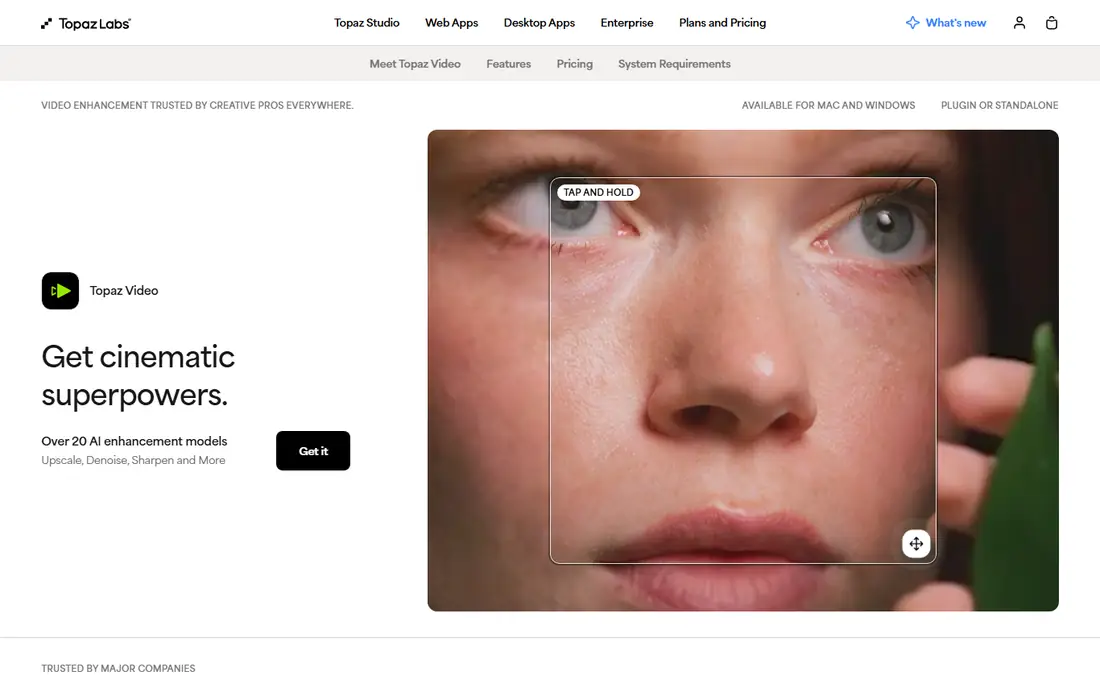
Topaz Video is the best AI video upscaler in 2026, because its Starlight models are the only diffusion-based video enhancers with full temporal consistency, it renders locally with no upload, and it is the only tool here that outputs above 8K, capped at 16K. Monthly billing runs 33 dollars for Personal and 67 dollars for Pro, while annual billing drops to 25 dollars and 58 dollars per month, billed 299 and 699 dollars annually. Its broad model library covers upscaling, noise reduction, and motion smoothing for restoration and enhancement work.
The drawbacks are price and hardware. Topaz is expensive, GPU-hungry with an RTX 3060 minimum, and 4K jobs can take hours, while results vary on older or heavily compressed footage. Topaz Video suits professionals and restoration specialists who need maximum quality and can afford strong hardware.
What we like- Starlight diffusion models with full temporal consistency
- Local rendering with no upload
- Output up to 16K, specifically 15360 by 8640 pixels
- 19 or more models
Watch out for- Personal at 25 dollars per month billed 299 dollars annually, Pro at 58 dollars billed 699 dollars
- GPU-hungry
- Results inconsistent on older compressed footage
Starting price$79 per year
Free planNo
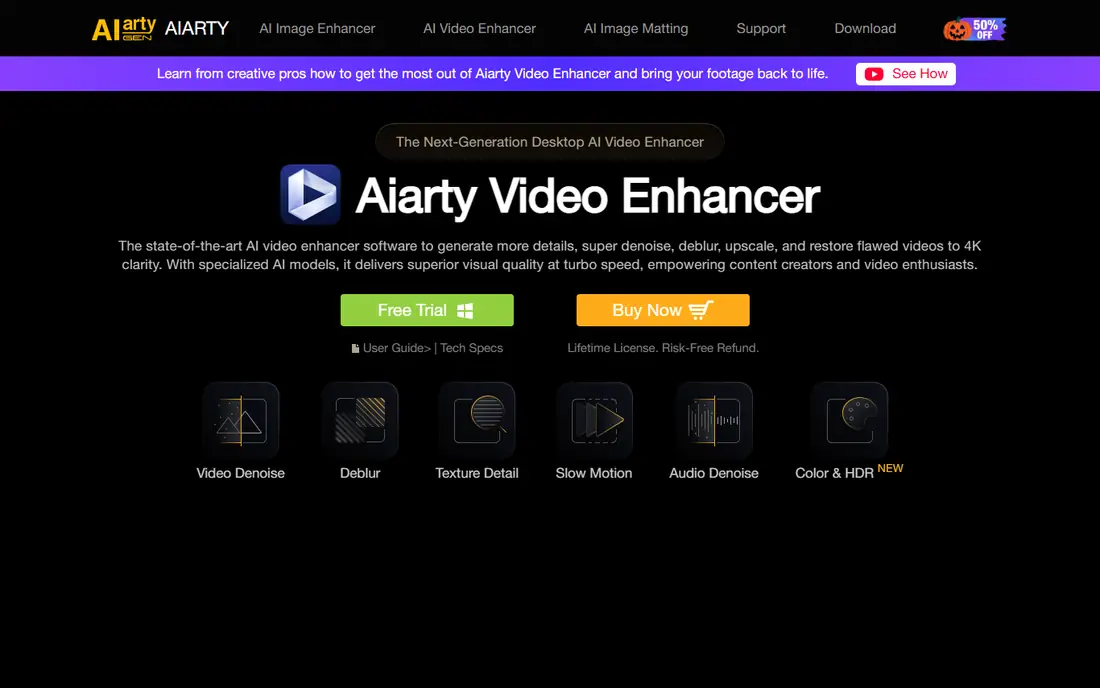
Aiarty Video Enhancer offers AI upscaling to 4K with denoise, deblur, frame interpolation, and audio cleanup in a beginner-friendly interface, at 79 dollars per year or 149 dollars lifetime for 3 devices with lifetime updates. For occasional use, that lifetime price is far easier to justify than Topaz annual billing, and it delivers the best value among paid desktop tools. Its one-click workflow suits creators who want good results without learning a complex pipeline.
The drawbacks are resolution cap and scope. Maximum upscaling is capped at 4K, so it cannot match Topaz 16K output, and it lacks a pro-level editing suite, so editors must finish elsewhere. Aiarty suits creators who want a one-time purchase with strong 4K results.
What we like- 79 dollars per year or 149 dollars lifetime for 3 devices with lifetime updates
- AI upscaling to 4K, denoise, deblur, frame interpolation, audio cleanup
- Beginner-friendly
Watch out for- Maximum upscaling capped at 4K
- Lacks a pro-level editing suite
- Desktop only

#3HitPaw VikPea
Best for: One-click desktop enhancement4.5/5 on
Capterra (21 reviews, checked Oct 2026)
Visit hitpaw.com
Starting price$43.19 per month
Free planNo
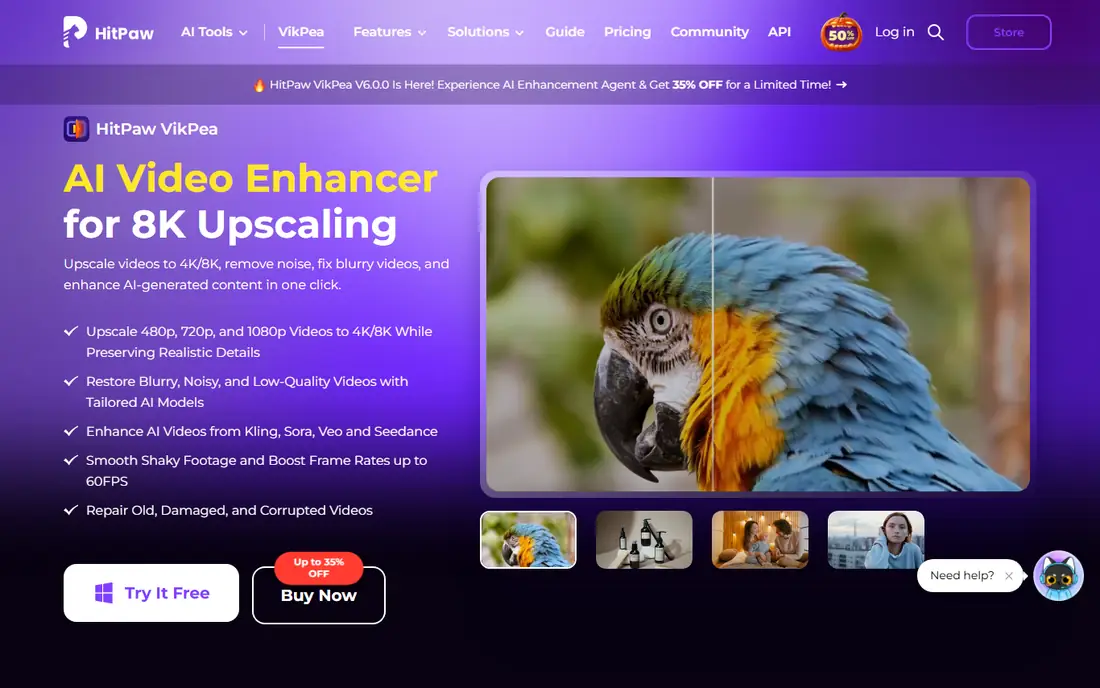
HitPaw VikPea, formerly HitPaw Video Enhancer, offers simple AI video upscaling with face enhancement models and frame interpolation, outputting up to 8K with fast setup. Pricing runs 43.19 dollars per month, 99.99 dollars per year, and 350.39 dollars lifetime, which positions it as a mid-range desktop option for creators who want one-click enhancement. Its face models suit portrait and talking-head footage where face detail matters most.
The drawbacks are control and lifetime cost. Manual controls are limited next to Topaz, hardware requirements are high, and the lifetime license at 350.39 dollars costs more than Aiarty. HitPaw VikPea suits creators who want one-click desktop enhancement without learning curves.
What we like- Simple one-click AI upscaling
- Face enhancement models
- Frame interpolation
- 8K output
- Fast setup
Watch out for- Monthly 43.19 dollars, yearly 99.99 dollars, lifetime 350.39 dollars
- Limited manual controls
- Higher hardware requirements

#4AVCLabs Video Enhancer AI
Best for: Desktop all-rounder4.8/5 on
G2 (2 reviews, checked Oct 2026)
Visit avclabs.com
Starting price$39.95 per month
Free planNo
AVCLabs Video Enhancer AI is a desktop all-rounder for enhance and repair, with a simple interface, multiple pricing options, and 8K output with face refinement. Monthly pricing starts at 39.95 dollars, yearly at 95.96 dollars, and lifetime at 199.90 dollars, which makes it one of the more affordable paid desktop options. Its all-in-one approach covers upscaling, denoise, and face refinement in one app.
The drawbacks are model depth and render time. It has fewer advanced AI models and fine-grained parameter controls than Topaz, and its own documentation concedes conversion times ranging from 8 to 30 hours on longer clips. AVCLabs suits desktop users who want a simple all-rounder at a mid-range price.
What we like- Simple and intuitive interface
- Multiple pricing options at 39.95 dollars monthly, 95.96 dollars yearly, 199.90 dollars lifetime
- 8K output
- Face refinement
Watch out for- Fewer advanced AI models and fine-grained controls
- Conversion times ranging from 8 to 30 hours on long clips
- GPU required
Starting priceFree
Free planYes
Video2X is the best free alternative to Topaz Video AI, open source and free, using waifu2x and Anime4K AI models with strong results on anime and general footage. It costs nothing beyond hardware, which makes it the obvious pick for zero upfront cost, and its multi-engine approach covers several upscaling styles. For hobbyists and anime fans, Video2X quality rivals paid tools on suitable footage.
The drawbacks are platform and setup. It is Windows only, setup is technical with a steeper learning curve, and it runs slower than paid solutions. Video2X suits users with a decent GPU and comfort with open-source tooling who want free upscaling.
What we like- Free and open source
- Uses waifu2x and Anime4K models
- Strong for anime and low-resolution upscales
- No subscription
Watch out for- Windows only
- Setup is technical
- Slower than paid solutions
- GPU required
Starting priceFree
Free planYes
TensorPix is a web-based AI enhancer that upscales, stabilizes, and boosts frame rates in the cloud, with a free tier and paid plans from 5.50 dollars per month. Its cloud approach removes the GPU bottleneck entirely, which suits teams whose computers are weak or who need one-off browser jobs without installing software. Free previews let users test quality before paying.
The drawbacks are control and queueing. It is internet-dependent, offers fewer fine-tuning options than desktop tools, server queues may delay jobs, and cloud processing means uploading footage, which raises privacy questions for sensitive material. TensorPix suits users with weak hardware who want quick cloud upscales.
What we like- Cloud-based AI enhancer with no install
- Free tier
- Paid plans from 5.50 dollars per month
- Upscale, stabilize, and boost frame rates
Watch out for- Internet-dependent
- Fewer fine-tuning options
- Server queue may delay jobs
- Cloud processing means uploading footage

#7
UniFab Video Upscaler AI
Best for: Upscaling plus conversion
Visit dvdfab.cn
Starting price$99.99 per year
Free planNo
UniFab Video Upscaler AI bundles upscaling with conversion and editing, plus audio and video upmixing, starting from 99.99 dollars per year with a free trial covering 3 videos. It suits editors who want upscaling inside a wider conversion workflow rather than a standalone app, and its upmixing features help with older footage where audio also needs work. DVDFab Video Enhancer AI no longer exists as a standalone product, since DVDFab now routes its AI video enhancement to UniFab.
The drawbacks are model breadth and trial limits. It has fewer specialized models than Topaz, and the trial covers only 3 videos. UniFab suits editors who want upscaling bundled with conversion and editing at a mid-range annual price.
What we like- Upscaling bundled with conversion and editing
- From 99.99 dollars per year
- Audio and video upmixing
- Free trial with 3 videos
Watch out for- Desktop and cloud pricing varies
- Fewer specialized models than Topaz
- Trial limited to 3 videos
Starting priceFree
Free planYes
DaVinci Resolve includes Super Scale, an AI upscaling feature inside a full editing, color, and audio suite, with a free tier where Super Scale is capped and Studio at 295 dollars one-time. Its strength is workflow: editors upscale inside the same app where they cut and grade, with good batch processing and no separate subscription. For colorists and editors on a budget, Resolve upscaling plus editing beats buying a standalone upscaler and a separate editor.
The drawbacks are caps and hardware. Super Scale in the free tier is capped, Studio costs 295 dollars one-time, GPU demand is medium to high, and upscaling is one feature among many rather than a dedicated restoration tool. DaVinci Resolve suits editors already cutting in Resolve who want upscaling without a second app.
What we like- Free tier with Super Scale capped
- Studio at 295 dollars one-time
- Full editing, color, and audio suite
- Good batch processing
Watch out for- Super Scale in free tier is capped
- Studio costs 295 dollars one-time
- GPU demand medium to high
- Upscaling is one feature among many
How we chose
We compared desktop, cloud, and open-source upscalers on maximum output resolution, model breadth, hardware requirements, pricing transparency, and ease of use, using September 2026 vendor pricing and comparison testing. We favored tools with published US list prices and clear free-tier terms, and we flagged where render times or hardware demands change the real cost. We also noted that upscaling quality depends heavily on source footage, so results vary by clip.
How to choose the best AI upscale video software
Start by checking your hardware: desktop tools need a strong GPU, while cloud tools such as TensorPix work on weak computers. Next, match the tool to your volume: daily upscaling justifies Topaz, while occasional work favors Aiarty lifetime or Video2X free. Then test with your own footage, since results vary by source quality, and check output frame by frame for artifacts. Finally, get consent before enhancing footage of identifiable people, and do not present upscaled footage as original detail that was never recorded.
Frequently asked questions
What is AI video upscaling?
It is software that increases the resolution of existing video using AI models that sharpen detail, reduce noise, deblur, and smooth motion, while keeping frames consistent over time. It improves watchability but cannot recover detail that was never recorded.
Is Topaz Video AI worth 299 dollars per year?
It depends on volume. If you upscale footage daily and need the broadest model library with 19 or more models and 16K output, Topaz remains the quality benchmark. For occasional use, Aiarty at 149 dollars lifetime or Video2X free are easier to justify.
What is the best free AI video upscaler?
Video2X is the best free option, open source with waifu2x and Anime4K models, though it needs a decent GPU and technical setup. TensorPix offers a free cloud tier for users with weak hardware.
How long does AI upscaling take?
Much longer than image upscaling, since a one-minute clip at 30 frames per second is 1,800 separate frames. AVCLabs documentation concedes conversion times ranging from 8 to 30 hours on longer clips, and 4K Topaz jobs can take hours even on strong GPUs.
Can AI upscaling restore old VHS footage?
It can improve old footage with denoise, sharpening, and stabilization, but results vary by source quality, and heavily degraded footage may still show artifacts. Test with a short clip before committing to a full restoration.
Do I need consent to upscale footage of people?
Yes, get consent before enhancing footage of identifiable people, especially where face enhancement or voice work is involved, since likeness and voice raise legal and ethical issues. Check platform and jurisdiction rules before publishing enhanced footage.
Sources we checked (0)
Is your product missing or out of date?
We review this list regularly. Vendors can request a listing, send updated pricing or ask about featured placement.

Shihab Mia · Founder, Rankite
Shihab has 5+ years in B2B and SaaS SEO. He writes Rankite's software buying guides from pricing pages, documentation and public user reviews. More about Shihab.
 Aiarty Video Enhancer
 Video2X
 TensorPix
 DaVinci Resolve