How we make this list: we compare pricing pages, product documentation and public user reviews. Ratings come from G2, Capterra or Trustpilot, with the date we checked them.
Key takeaways
- Face swap tools are for consensual creative use only: your own face, licensed faces, or fictional characters.
- Never swap a real person's face into a video without their clear permission, and never create misleading, explicit, or harassing content.
- Reface suits casual fun with your own photos, while Akool and HeyGen suit professional avatar and marketing video work.
- Open-source tools such as FaceSwap and DeepFaceLab give the most control, but need technical skill and powerful hardware.
Quick comparison
| Tool | Best for | Starting price | Free plan |
|---|
 Reface Reface | Casual face swaps | Free | Yes |
 FaceSwap FaceSwap | Open-source control | Free | Yes |
 DeepFaceLab DeepFaceLab | Advanced open-source swaps | Free | Yes |
 Akool Akool | Professional face swap | See website | Free trial |
 Vidnoz Face Swap Vidnoz Face Swap | Fast online swaps | Free | Yes |
 Remaker AI Remaker AI | Online face swap | Free | Yes |
 HeyGen HeyGen | Avatar and presenter video | See website | Free trial |
 DeepSwap DeepSwap | Online video swaps | See website | Free trial |
Is your product missing or out of date?
We review this list regularly. Vendors can request a listing, send updated pricing or ask about featured placement.
Starting priceFree
Free planYes
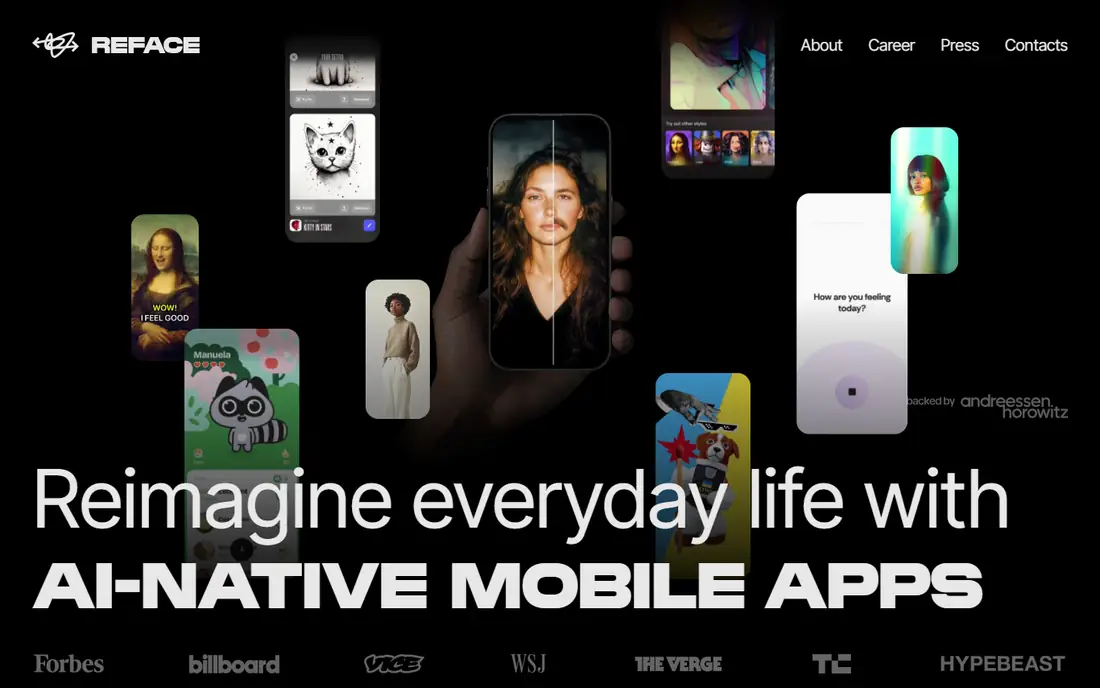
Reface is the easiest face swap app for casual use, letting you place your own face into short clips, GIFs, and photos in seconds. The mobile app is simple, results are fun, and sharing to social apps is built in. For birthday videos, party clips, and personal jokes using your own face, Reface needs no skill at all.
Free use carries watermarks and limits, and output quality suits social fun rather than professional video. Reface also restricts misuse through its terms, and users must respect those rules. For casual, consensual fun with your own face, Reface is the simplest starting point.
What we like- Very easy to use
- Fun results with your own photos
- Good mobile app
Watch out for- Watermarks and limits on free tier
- Not for professional video work
Starting priceFree
Free planYes
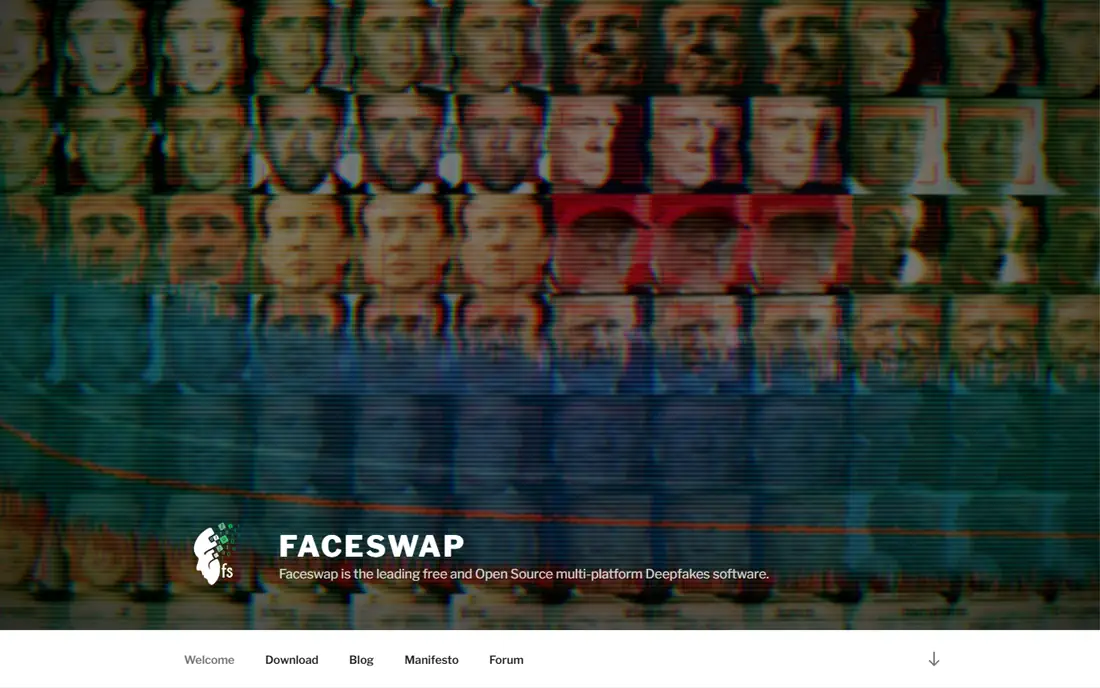
FaceSwap is a free, open-source face swap tool that gives full control over training, models, and output quality. Users who invest time can produce high-quality swaps, and the active community shares guides and improvements. Because it runs locally, your videos stay on your own machine, which suits privacy-minded creators.
Setup needs technical skill and a capable graphics card, and training a good model takes time and many source images. FaceSwap is a research and creator tool, not a one-click app. For a technical user who wants control and privacy, and who uses the tool only with consent, FaceSwap is the most capable free option.
What we like- Free and open-source
- Full control over models and output
- Active community
Watch out for- Needs technical setup and a strong GPU
- Learning curve is steep
Starting priceFree
Free planYes

DeepFaceLab is the most advanced open-source face swap system, used by researchers and skilled creators for high-quality video swaps. It offers deep control over training, blending, and output, and its results can look remarkably realistic when used carefully with good source material. Documentation and community examples help skilled users get started.
The learning curve is very steep, hardware demands are high, and a good result needs time, patience, and many images. DeepFaceLab power also raises misuse risks, so users must follow its licence and ethical rules strictly, using only consented faces. For an expert creator working on consensual projects, DeepFaceLab sets the quality bar.
What we like- Highest quality open-source results
- Deep customization
- Used by researchers
Watch out for- Very steep learning curve
- Needs powerful hardware
#4Akool
Best for: Professional face swap4.8/5 on
G2 (613 reviews, checked Oct 2026)
Visit akool.com
Starting priceSee website
Free planFree trial
Akool targets professional users, offering high-quality face swap and avatar tools for marketing, localization, and training videos. Its platform handles video swaps with realistic results, and an API lets companies integrate swaps into their own products. That professional focus suits brands that need consistent, polished output.
Pricing sits above casual apps, and Akool enforces compliance rules against non-consensual use, which professional users should welcome. A free trial covers testing. For a business creating consensual marketing or training video with licensed talent, Akool is the most professional hosted option here.
What we like- High-quality professional swaps
- Good for marketing and localization
- API available
Watch out for- Pricing is higher than casual apps
- Misuse controls require compliance
Starting priceFree
Free planYes
Vidnoz Face Swap runs in the browser, so there is nothing to install and results arrive quickly. Upload a video and a face photo, and the tool swaps faces in minutes, which suits creators testing an idea before committing to a heavier tool. The interface is simple enough for beginners.
Free use limits resolution and video length, and quality varies with source video lighting, angle, and movement. Vidnoz terms prohibit non-consensual and misleading use, and users must respect them. For a quick, consensual test swap online, Vidnoz is the fastest option.
What we like- No install needed
- Fast results
- Simple web interface
Watch out for- Free tier limits resolution and length
- Quality varies by source video
#6Remaker AI
Best for: Online face swap4.6/5 on
G2 (29 reviews, checked Oct 2026)
Visit remaker.ai
Starting priceFree
Free planYes
Remaker AI offers online face swaps for photos and video with a simple upload-and-go workflow. Batch options help creators process several clips, and the tool handles common formats without technical setup. That simplicity suits social creators and marketers testing face swap ideas.
Free credits run out quickly with video work, and output quality varies by source material, so longer or complex videos may need paid credits and better source footage. Remaker terms prohibit misuse, including non-consensual swaps. For a creator who wants quick online swaps without installing software, Remaker is a practical choice.
What we like- Simple online swaps for photos and video
- Batch options
- Good for creators
Watch out for- Free credits run out quickly
- Output quality varies
#7HeyGen
Best for: Avatar and presenter video4.8/5 on
G2 (1,973 reviews, checked Oct 2026)
Visit heygen.com
Starting priceSee website
Free planFree trial
HeyGen is included here for its avatar approach: instead of swapping a face into existing footage, it creates presenter videos from a script using licensed or user-created avatars. That workflow suits training, marketing, and localization videos where a consistent presenter matters, and it avoids many misuse risks of traditional face swapping when avatars are created with consent.
HeyGen is not a pure face swap tool, so users who need to swap into existing footage should look at Akool or open-source tools instead. Pricing varies by video minutes and is published on the vendor site. For a business that wants presenter video without filming, HeyGen is the most polished option.
What we like- Studio-quality avatars
- Script-to-video workflow
- Good for training and marketing
Watch out for- Not a pure face swap tool
- Pricing rises with video minutes
#8DeepSwap
Best for: Online video swaps4.4/5 on
G2 (4 reviews, checked Oct 2026)
Visit deepswap.ai
Starting priceSee website
Free planFree trial
DeepSwap offers online face swaps for video and photos through a simple interface, with decent quality for short clips and social content. It suits creators who want a quick hosted swap without technical setup, and its workflow covers upload, swap, and download in a few steps.
Credits are needed for longer videos, and quality varies with source footage, so professional projects may need a stronger tool. DeepSwap terms prohibit non-consensual and deceptive use. For short, consensual online swaps, DeepSwap is a convenient hosted choice.
What we like- Online video and photo swaps
- Simple interface
- Decent quality for short clips
Watch out for- Credits needed for longer videos
- Quality varies by source
How we chose
We compared vendor pages, product documentation, and public user reviews, and we judged each tool on swap quality, ease of use, speed, output controls, and price. We judged professional tools on business use with licensed talent, and open-source tools on control and quality for skilled users. We did not claim hands-on testing. Where pricing varied by credits or minutes, we wrote See website rather than publish a figure that could mislead. Consent and lawful use were treated as requirements, not optional extras.
What to check before you pick
Start with consent, because it decides whether a project is acceptable at all. Use only your own face, faces of people who gave clear permission for that specific use, licensed stock faces, or fictional characters. Never swap a real person into a video without permission, never create explicit, harassing, or misleading content, and never use a swap to impersonate someone, since deepfake misuse can cause serious harm and may break the law in many places, including US state laws on non-consensual imagery and impersonation.
Also check quality needs against source material, since face swaps work best with clear, well-lit, front-facing footage and fail on dark, fast-moving, or obscured faces. Check output limits, including resolution, length, and credits, since a tool that handles short clips may fail on a ten-minute video. Check privacy, since uploading video to a hosted tool means your footage leaves your device, so prefer local tools for sensitive material.
A further check matters for commercial use: confirm you own the rights to the source video, the face, and the music, and that your licence covers the distribution you plan. A swap that is technically good but legally unclear can create liability for a business, especially in advertising, where endorsement and likeness rights are strictly enforced. When in doubt, use a licensed avatar platform such as HeyGen or Akool with talent agreements in writing, rather than swapping a real person informally.
Finally, label AI-altered video honestly where audiences could be misled, since many platforms now require disclosure of realistic AI manipulation, and undisclosed synthetic media can be removed or penalized. A clear label protects your audience, your account, and your reputation, and it costs nothing to add. Test any tool on a short, consensual clip before committing to a paid plan or a long project.
Frequently asked questions
Is face swapping legal?
Face swapping your own face or a licensed face for creative use is generally lawful, but swapping a real person without permission, creating explicit or harassing content, or impersonating someone can break the law, including US state deepfake and likeness laws. Always get clear permission and check local rules.
Can I swap a celebrity face into a video?
No, not without permission, since celebrities hold likeness and publicity rights, and using their face without a licence can create legal liability. Use your own face, a licensed face, or a fictional character instead.
Do face swap tools work on any video?
No, quality depends on source footage, with clear, well-lit, front-facing shots working best. Dark, fast-moving, or partially hidden faces produce poor swaps, and longer videos need more processing time and credits.
What is the best face swap tool for beginners?
Reface suits casual beginners with your own photos, while Vidnoz and Remaker suit beginners who want quick online video swaps. Technical users who want control should learn FaceSwap, accepting its steeper setup.
Should I disclose AI face swaps?
Yes, disclose realistic AI manipulation where audiences could be misled, since platforms increasingly require it and undisclosed synthetic media risks removal or penalties. A simple label stating the video uses AI face swap keeps your content honest.
Can face swap tools run on a normal laptop?
Hosted tools such as Vidnoz, Remaker, and Akool run on any device with a browser, since processing happens online. Open-source tools such as FaceSwap and DeepFaceLab need a powerful graphics card and technical setup, so they suit desktops built for video work.
Sources we checked (8)
- https://www.reface.ai
- https://www.faceswap.dev
- https://www.github.com
- https://www.akool.com
- https://www.vidnoz.com
- https://www.remaker.ai
- https://www.heygen.com
- https://www.deepswap.ai
Is your product missing or out of date?
We review this list regularly. Vendors can request a listing, send updated pricing or ask about featured placement.

Shihab Mia · Founder, Rankite
Shihab has 5+ years in B2B and SaaS SEO. He writes Rankite's software buying guides from pricing pages, documentation and public user reviews. More about Shihab.