How we make this list: we compare pricing pages, product documentation and public user reviews. Ratings come from G2, Capterra or Trustpilot, with the date we checked them.
Key takeaways
- Only swap faces with clear consent from every identifiable person, and never use these tools for deceptive, defamatory, or explicit content.
- Magic Hour is the best free starting point for browser photo swaps with no signup for basic attempts.
- Pixlr and CapCut suit users who also need editing, while Akool and Vidnoz suit creators who need video swaps or an API.
- Free tiers limit daily attempts, resolution, or video length, so check watermarks and export rules before sharing work.
- Local and consent-focused tools reduce upload risk, but they need more setup than a browser tool.
Quick comparison
| Tool | Best for | Starting price | Free plan |
|---|
 Magic Hour Magic Hour | Free browser photo swaps | See website | Yes |
 Vidnoz Vidnoz | Free video and avatar tools | See website | Yes |
 Pixlr Pixlr | Face swap inside a photo editor | See website | Yes |
 CapCut CapCut | Face swap inside video editing | See website | Yes |
 FaceApp FaceApp | Quick mobile face edits | See website | Yes |
 Reface Reface | Quick mobile video swaps | See website | Yes |
 Akool Akool | Professional photo and video swaps | See website | Yes |
Is your product missing or out of date?
We review this list regularly. Vendors can request a listing, send updated pricing or ask about featured placement.
Starting priceSee website
Free planYes

Magic Hour is the easiest free starting point for a photo swap in a browser. Comparison guides report five free photo attempts per day without signup and without a watermark, with a separate, smaller free allowance for video. That structure lets you test quality on your own photos before paying, which matters because face matching varies with lighting, angle, and image quality. The wider studio also includes video generation and editing, so a swap can sit inside a larger project.
Free video is the limit. Reports describe three daily video attempts at up to ten seconds and 480p with a watermark, which rules out client work. Free outputs are also limited to personal, non-commercial use under the vendor terms, so creators who publish paid work need a paid plan. Use Magic Hour for quick personal tests and social experiments with consent, and upgrade when you need clean, higher-resolution exports.
What we like- Photo swaps without signup for basic attempts
- Video swap option with daily attempts
- Credits roll over on paid plans
Watch out for- Free video swaps are short and lower resolution with a watermark
- Commercial use needs a paid plan
#2Vidnoz
Best for: Free video and avatar tools4.9/5 on
G2 (16 reviews, checked Oct 2026)
Visit vidnoz.com
Starting priceSee website
Free planYes

Vidnoz suits creators who want face swap as one tool among many, rather than a single-purpose app. Its platform includes avatar video, translation, templates, and voice tools, so a swapped clip can be turned into a fuller video without exporting between apps. The browser workflow needs no install, and a free tier lets you try the tools before paying. That breadth helps small creators who publish often and need several AI features in one account.
The free tier is not unlimited. Allowances vary by tool, and higher-resolution or longer outputs need paid credits. Face matching also needs a clear, front-facing source photo for best results. Choose Vidnoz when you want a broad creator toolkit with a free entry point, and check the current free limits for the specific swap tool before planning a project around it.
What we like- Wide free AI video and avatar toolkit
- Face swap sits alongside translation and templates
- Browser-based with no install
Watch out for- Free allowances are limited and vary by tool
- Quality depends on source photo clarity
#3Pixlr
Best for: Face swap inside a photo editor4.4/5 on
G2 (751 reviews, checked Oct 2026)
Visit pixlr.com
Starting priceSee website
Free planYes
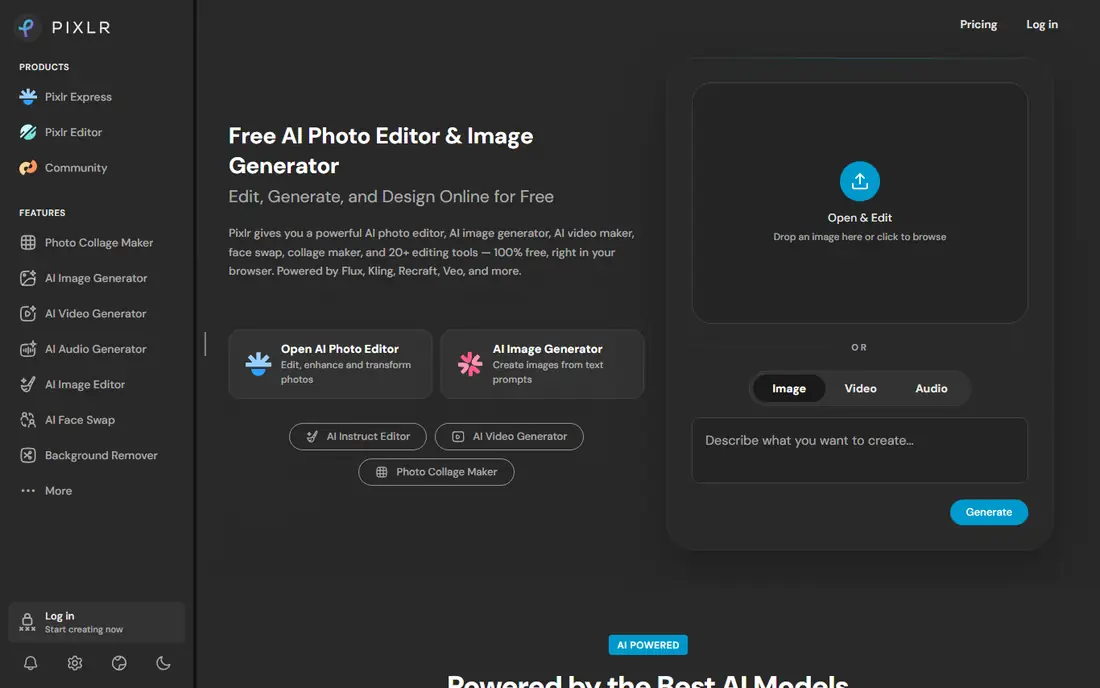
Pixlr is the practical pick when a swap is only one step in an edit. You can swap a face, then adjust color, crop, background, and text in the same browser editor, without moving files between apps. That workflow suits social posts, thumbnails, and marketing mockups where the swap needs finishing touches. The free tier covers basic editing and AI tools, and paid plans from $1.99 per month per the homepage remove ads and add credits and models.
Credit limits are the catch for heavy use. Free AI work is capped, and premium models sit behind paid plans. Pixlr is also a general editor, so its swap tool is less specialized than a dedicated face swap studio. Pick it when editing matters as much as swapping, and when you want one browser account for both jobs.
What we like- Face swap plus full photo editing in the browser
- Photo and video swap options
- Free tier with no install
Watch out for- AI credits govern heavier use
- Free work may include ads or limits on premium models
Starting priceSee website
Free planYes
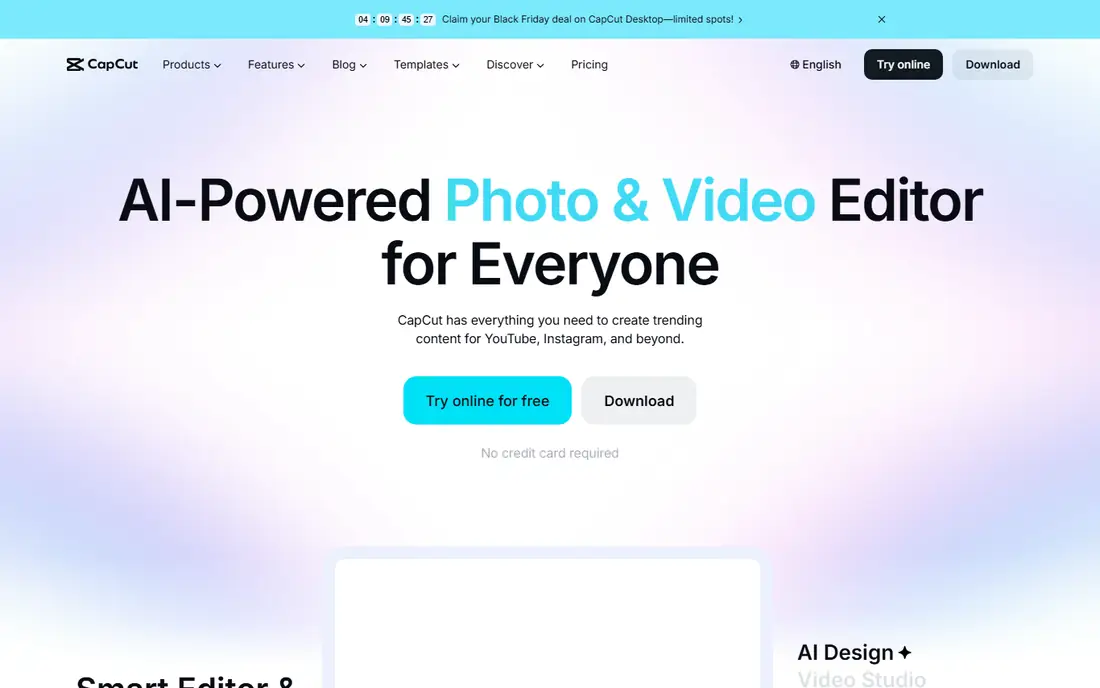
CapCut suits short video creators who want a swap effect inside an edit they were already making. You can apply face swap as an effect, add captions, music, and transitions, and export for TikTok, Reels, or YouTube without leaving the app. The free tier needs no credit card, which makes it easy to test on a personal clip with consent. Templates also speed up repeat formats for creators who publish daily.
The limits are familiar: some effects, higher exports, and cloud features need a paid plan, and the web and mobile versions do not match exactly. CapCut is also a social video editor first, so it is less suited to precise photo swaps or API workflows. Use it when the final product is a short social video and the swap is one effect among many.
What we like- Face swap effects inside a full video editor
- Templates and captions for social video
- Free tier with no card needed
Watch out for- Advanced effects and exports may need a paid plan
- Mobile and web features differ
Starting priceSee website
Free planYes
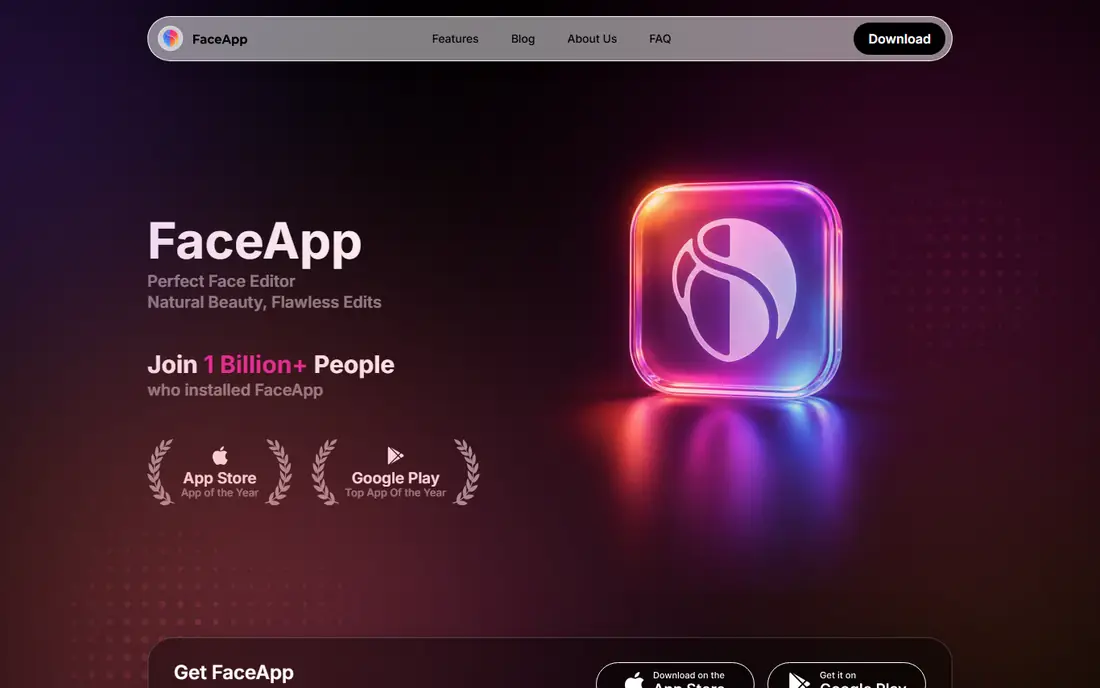
FaceApp is best understood as a face editor with swap-like features, rather than a dedicated face swap studio. It lets you change expressions, hairstyles, age looks, and other face attributes on a phone, with a simple tap-based workflow. That ease suits casual users who want a quick edit of their own photo, and the app has been available for years on iOS and Android. Sharing to social apps is built in.
It is not the right pick for swapping one specific person into a group photo or a video with precise control. Many filters and higher-quality exports need a subscription, and free use includes limits. Choose FaceApp for quick personal edits of your own photos with consent, and choose Magic Hour or Akool when you need a true face-to-face swap.
What we like- Simple mobile workflow for face changes and filters
- Long track record as a photo app
- Easy sharing to social apps
Watch out for- Not a dedicated multi-face swap studio
- Many features need a subscription
Starting priceSee website
Free planYes

Reface built its name on quick, fun video swaps on mobile. You pick a clip or template, add your own face with consent, and get a short shareable video in minutes. That speed suits memes, birthday clips, and social experiments where the goal is humor rather than polished production. The app format also means no desktop setup, which helps casual users.
Free use comes with ads and daily limits, and video length and resolution are capped compared with paid plans. Reface is also short-form by design, so it will not carry a longer narrative project. Use it for quick personal clips with consent, and move to a browser studio when you need longer video, higher resolution, or commercial rights.
What we like- Fast short video swaps on mobile
- Large template library for memes and clips
- Simple upload and share flow
Watch out for- Free tier includes ads and daily limits
- Short-form focus limits longer projects
#7Akool
Best for: Professional photo and video swaps4.8/5 on
G2 (613 reviews, checked Oct 2026)
Visit akool.com
Starting priceSee website
Free planYes
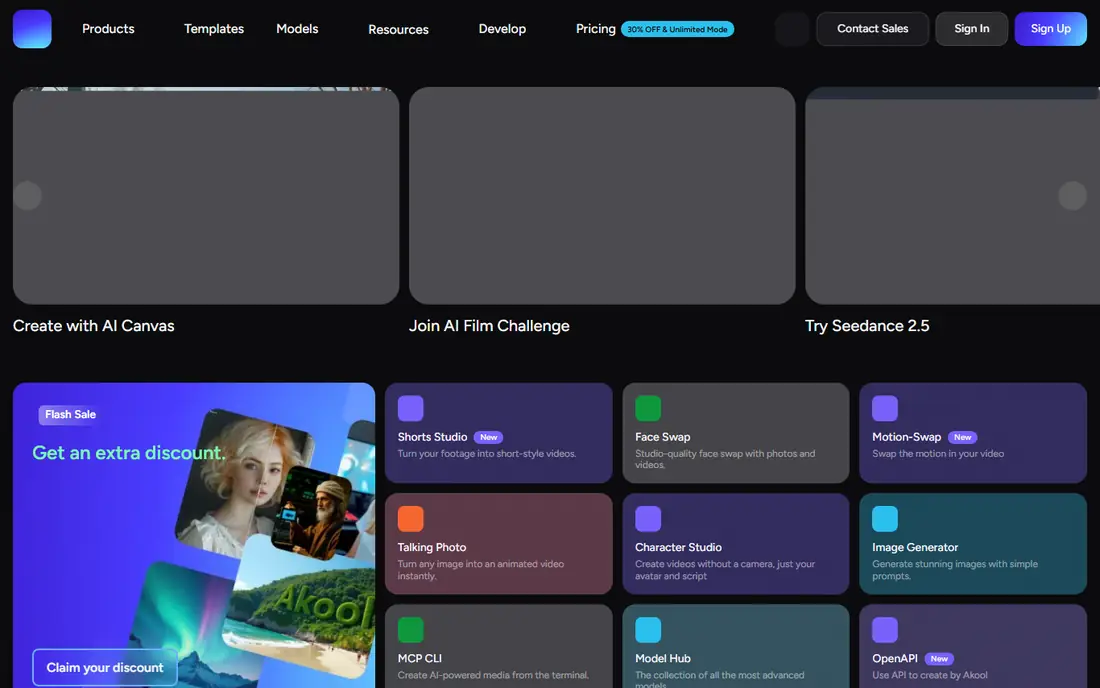
Akool is the professional end of this list. Its Face Swap tool handles photos and videos with studio-level quality, and its API lets developers and marketing teams build swap features into their own products. Extra swap types, such as character, hair, and clothing swaps, help fashion, advertising, and entertainment teams test looks without a shoot. Enterprise use is a stated focus, with Fortune 500 customers cited by the vendor.
That power comes with credit pricing. Free credits let you test, but regular production needs a paid plan, and costs rise with video length and resolution. Akool is also more complex than a one-tap mobile app. Choose it when swap quality, video support, or an API matters for work, and choose Magic Hour or Pixlr when the job is a quick personal photo.
What we like- Studio-quality photo and video face swap
- API for developers and teams
- Additional swap types for hair, clothing, and character
Watch out for- Credit-based pricing
- Professional focus makes it heavier than a casual free app
How we chose
We compared vendor homepages, product pages, and current comparison guides, and we opened each homepage to confirm the product still exists and offers face swap or face editing. We listed only tools with a legitimate public product and a usable free entry point, and we left out tools marketed for swapping real people without consent or for non-consensual imagery. Two candidates could not be verified here: one homepage was blocked by policy and another was excluded after its marketing promoted celebrity swaps, so neither appears in this list. Prices in this category change often and vary by app store, so we wrote See website rather than quoting figures we could not confirm.
Get consent first, in writing when the use is commercial or public. That rule covers friends, colleagues, clients, and models, and it applies even when a tool makes the swap easy. Do not swap a real person's face onto another body, into a misleading context, or into explicit material, and do not present a swapped image as a real photo. Many platforms now label or detect synthetic media, and several jurisdictions restrict non-consensual synthetic imagery, so the legal risk is real as well as ethical.
Check data handling before uploading sensitive photos. Some browser tools delete files after processing, while others store projects in an account. Read the retention terms, avoid uploading photos of children or private individuals without a clear reason and consent, and prefer local or consent-focused tools for sensitive work. When in doubt, use your own face, a licensed model, or a clearly fictional character, and label the result as AI-generated when you share it.
Frequently asked questions
Is there a truly free AI face swap tool?
Magic Hour offers free photo attempts without signup, and Pixlr, CapCut, and Vidnoz offer free tiers, but all limit daily attempts, resolution, or commercial use. For unlimited work, a local open-source tool or a paid plan is usually needed.
Can I swap faces in a video for free?
Yes, for short clips. Magic Hour, CapCut, Reface, and Akool all offer free video swaps with limits on length, resolution, or watermarks. Longer or watermark-free video almost always needs a paid plan.
Is face swapping legal?
The tools themselves are legal, but how you use them decides legality. Swapping with consent for creative, entertainment, or commercial work with proper rights is generally allowed, while non-consensual, deceptive, defamatory, or explicit use violates laws in many places and every platform's terms.
Do I need consent to swap a friend's face?
Yes. Get clear permission from every identifiable person before creating or sharing a swap, even as a joke. Consent matters more when the image will be posted publicly or used for work.
Which free tool is best for photos versus video?
Magic Hour and Pixlr suit browser photo swaps, while CapCut and Reface suit short mobile video. Akool suits higher-quality video and API work when you are willing to pay for credits beyond the free test.
Sources we checked (7)
- https://magichour.ai/pricing
- https://www.vidnoz.com/pricing
- https://pixlr.com/pricing
- https://www.capcut.com/pricing
- https://www.faceapp.com/pricing
- https://reface.ai/pricing
- https://www.akool.com/pricing
Is your product missing or out of date?
We review this list regularly. Vendors can request a listing, send updated pricing or ask about featured placement.

Shihab Mia · Founder, Rankite
Shihab has 5+ years in B2B and SaaS SEO. He writes Rankite's software buying guides from pricing pages, documentation and public user reviews. More about Shihab.