How we make this list: we compare pricing pages, product documentation and public user reviews. Ratings come from G2, Capterra or Trustpilot, with the date we checked them.
Key takeaways
- Visier and Anaplan suit large employers that need forecasts tied to finance, while ChartHop and Pigment fit mid-size teams that want faster setup.
- Most enterprise tools in this category do not publish a price, so budget for an annual contract and implementation time, not just a monthly fee.
- Scenario planning is the feature that separates planning tools from reporting dashboards, and it is worth testing with your own headcount data before you buy.
- Skills data is only useful if your HR system already holds clean job and employee records, so data cleanup often decides the outcome.
- Per-employee pricing can look cheap until you count every worker, not just the planners who log in.
Quick comparison
| Tool | Best for | Starting price | Free plan |
|---|
 Visier Visier | Large employers needing people analytics and forecasts | See website | No |
 Anaplan Anaplan | Finance-led workforce and scenario planning | See website | No |
 Workday Adaptive Planning Workday Adaptive Planning | Workday customers planning headcount and cost | See website | No |
 ChartHop ChartHop | Mid-size teams needing org design and headcount plans | See website | Free trial |
 Pigment Pigment | Finance and HR teams planning together | See website | No |
 Planful Planful | Mid-market planning with finance controls | See website | No |
 Orgvue Orgvue | Large org design and workforce modelling | See website | No |
 Crunchr Crunchr | HR analysts needing workforce analytics | See website | No |
 Board Board | Companies wanting planning across HR and finance | See website | No |
Is your product missing or out of date?
We review this list regularly. Vendors can request a listing, send updated pricing or ask about featured placement.
#1Visier
Best for: Large employers needing people analytics and forecasts4.6/5 on
G2 (223 reviews, checked Oct 2026)
Visit visier.com
Starting priceSee website
Free planNo
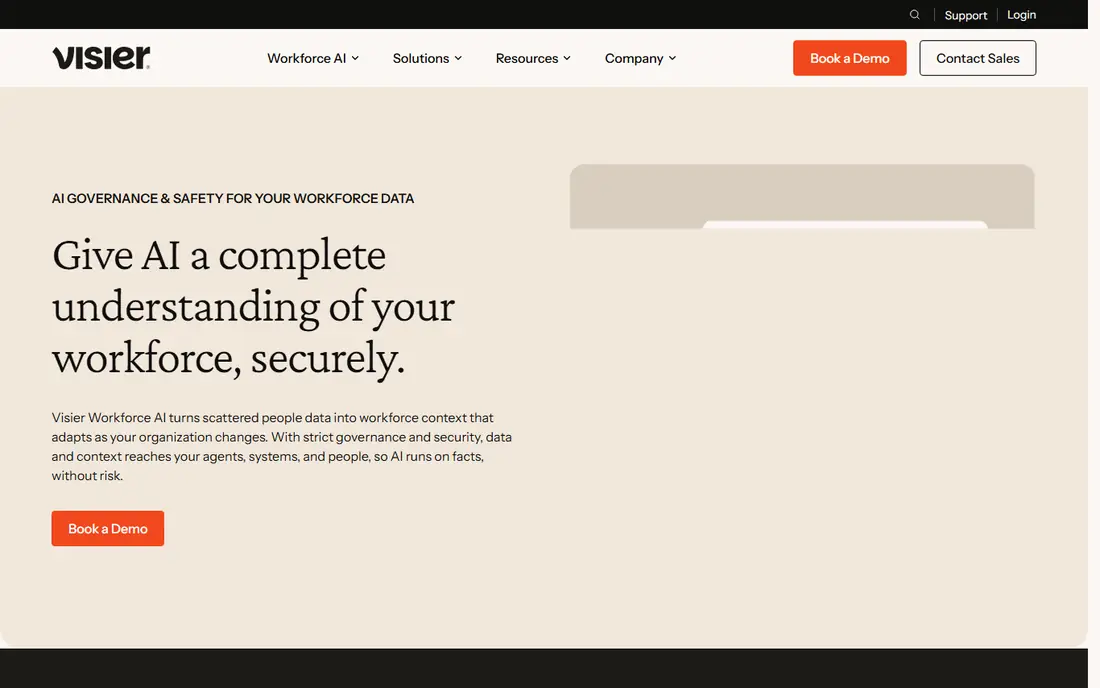
Visier is built for people teams that already have a lot of employee data and need answers from it, rather than another place to store it. The platform pulls data from HR and payroll systems, standardises job and employee records, and presents headcount, turnover, compensation, and hiring trends in ready-made analyses. Its AI assistant, Vee, lets managers ask questions in plain language and get a chart or summary back, which helps when a leader needs a number for a meeting and does not want to wait for an analyst.
The planning side lets teams model future headcount and the total cost of that workforce, then compare the plan with actual hiring and attrition as the year goes on. That comparison matters, because a plan that no one checks after approval is just a spreadsheet with better formatting. The honest catch is cost and scale. Visier is priced for mid-size to large employers, implementation takes real data work, and a small company with a simple headcount plan will not get value from its depth. Ask for a clear contract minimum and a timeline for the first usable forecast before signing.
What we like- Prebuilt people analytics models
- Attrition and promotion predictions
- Benchmark data for comparison
Watch out for- Enterprise pricing and contract size
- Less useful for very small teams
#2Anaplan
Best for: Finance-led workforce and scenario planning4.6/5 on
G2 (481 reviews, checked Oct 2026)
Visit anaplan.com
Starting priceSee website
Free planNo
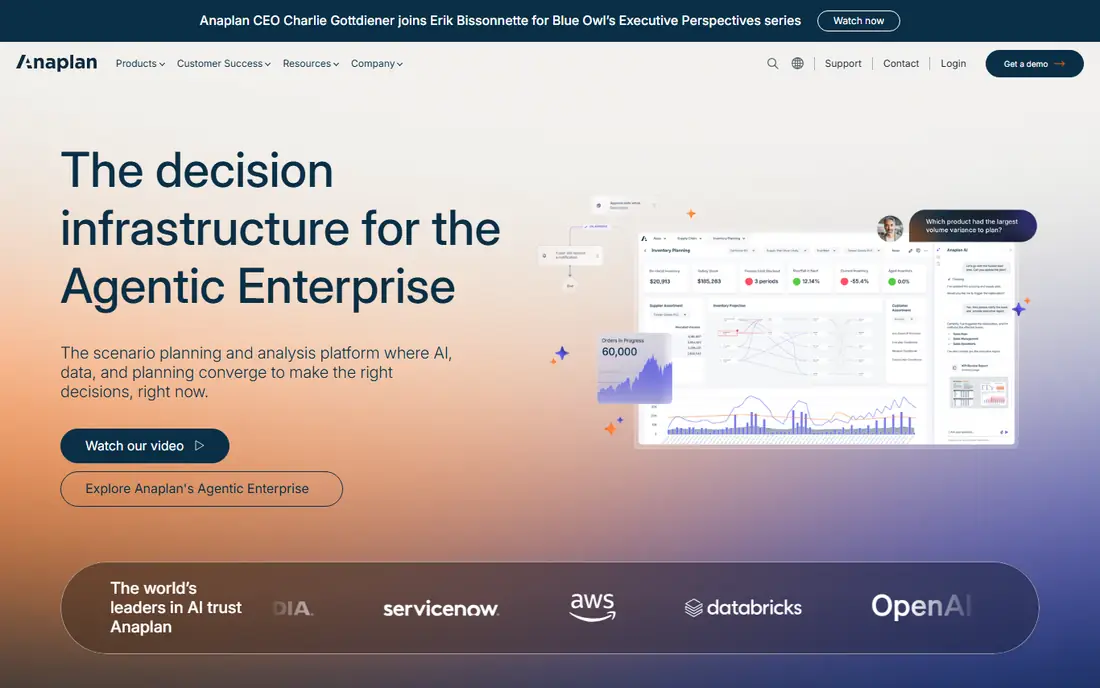
Anaplan is a planning platform first, and workforce planning is one of its strongest uses. Finance teams build a model that links hiring plans to salary, benefits, and department budgets, so a change in headcount shows up in the financial forecast at once. PlanIQ adds forecasting to that model, which helps teams test what happens if hiring slips by a quarter or attrition rises in one region. For a public company or a large employer with many cost centres, that link between people and money is the main reason to choose Anaplan.
The trade-off is effort. Anaplan models are powerful, but they are not simple to build or maintain without people who know the platform well. Many buyers work with Anaplan or a certified partner for the first build, and that adds time and cost on top of the licence. If your planning is mainly a headcount list by manager, Anaplan will feel heavy. If your CFO needs a defensible, auditable plan that finance and HR both sign, it earns its place on the shortlist.
What we like- Connected finance and workforce models
- Fast multi-scenario planning
- Strong version control and audit trail
Watch out for- Needs trained model builders
- Implementation can be long and costly
#3Workday Adaptive Planning
Best for: Workday customers planning headcount and cost4.3/5 on
G2 (409 reviews, checked Oct 2026)
Visit workday.com
Starting priceSee website
Free planNo
Workday Adaptive Planning suits companies that already run Workday for HR or finance and want planning without a separate data project. Headcount, compensation, and hiring assumptions can feed directly from Workday records, which cuts down on manual exports and version confusion. Managers can build scenarios, such as a hiring freeze in one division or faster growth in another, and see the cost effect without rebuilding the model each time.
The limit is scope. Outside Workday, the same tool still works, but the integration advantage fades and buyers should compare it with Anaplan or Pigment on equal terms. Pricing is custom, and the total depends on users, modules, and implementation support. Before committing, confirm which Workday data fields flow into the plan automatically and which still need manual entry, because that detail decides how much time your team actually saves each cycle.
What we like- Close fit with Workday HCM and finance data
- Scenario and driver-based planning
- Familiar interface for Workday users
Watch out for- Best value only inside the Workday system
- Custom pricing with no public starting price
#4ChartHop
Best for: Mid-size teams needing org design and headcount plans4.4/5 on
G2 (171 reviews, checked Oct 2026)
Visit charthop.com
Starting priceSee website
Free planFree trial
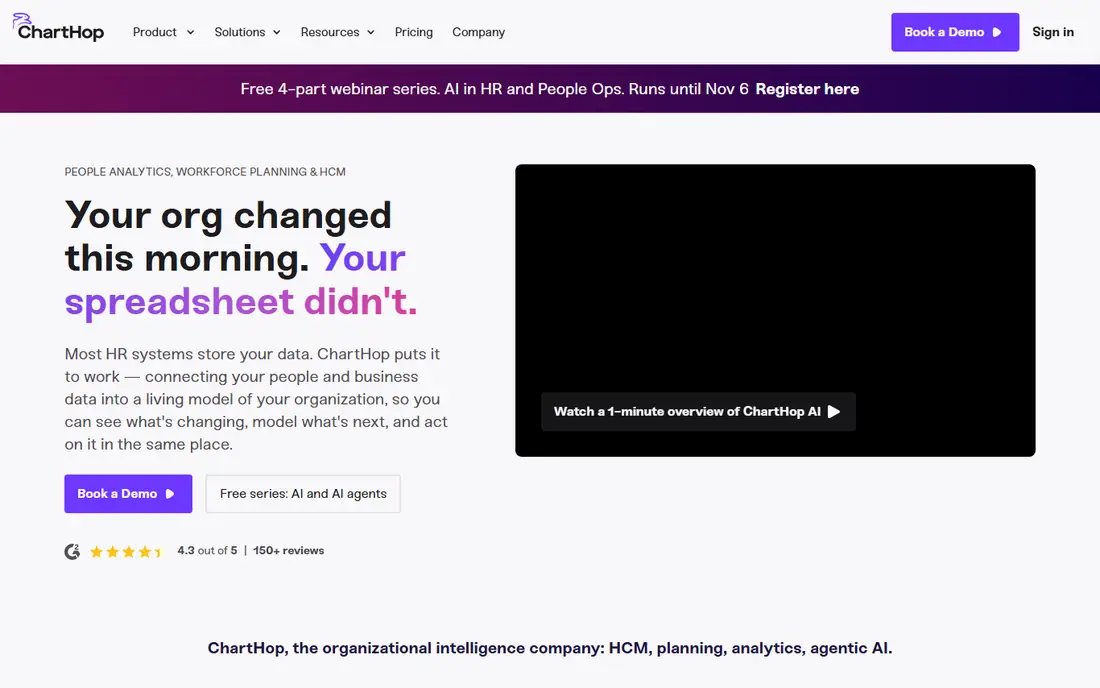
ChartHop starts from a different place than most planning tools: the org chart. It connects HR data into one visual map of teams, roles, managers, and open positions, and planning happens on that same map. A manager can propose a new team, move a role, or add a hire, and see the effect on structure and cost in context. That visual approach helps in reorgs and growth planning, where a table of names hides reporting lines and gaps.
Pricing is modular, with a basic tier and paid modules for planning, compensation, and performance, and some published summaries put the first core module at a per-employee monthly rate with a minimum annual contract. That structure can keep the entry cost down, but it also means the full planning setup costs more than the basic price suggests. ChartHop fits growing companies that want clearer org design and headcount control without an enterprise analytics project. It is less suited to a buyer who needs deep predictive modelling across tens of thousands of employees.
What we like- Visual org charts linked to live people data
- Headcount planning in the same view as the org
- Modular pricing for smaller starts
Watch out for- Advanced analytics are thinner than Visier
- Implementation fees can apply on larger plans
#5Pigment
Best for: Finance and HR teams planning together4.6/5 on
G2 (118 reviews, checked Oct 2026)
Visit pigment.com
Starting priceSee website
Free planNo
Pigment is a business planning platform that finance teams often use for revenue and expense planning, and workforce planning fits naturally inside it. HR and finance can work from the same headcount model, run what-if scenarios, and share dashboards without passing spreadsheets back and forth. Changes update in real time, so a revised hiring plan does not sit in an old file while finance works from a newer one. Access controls let you limit who can see or edit salary data, which matters when planning involves pay.
The catch is that Pigment does not publish pricing, and the cost depends on licences, features, and a platform fee. Buyers should get a written quote that lists the planning use case, the number of editors and viewers, and any implementation help. Pigment works best when a company already wants one planning tool across departments. If only HR will use it, a people-focused tool such as Visier or ChartHop may be a closer fit.
What we like- Real-time scenario planning
- Shared models for finance, HR, and sales
- Granular access controls
Watch out for- No public pricing
- Needs careful model design for complex workforces
#6Planful
Best for: Mid-market planning with finance controls4.3/5 on
G2 (509 reviews, checked Oct 2026)
Visit planful.com
Starting priceSee website
Free planNo
Planful is aimed at finance teams in mid-market and larger companies that need workforce costs inside the budget, not beside it. Planners can model hires, departures, merit increases, and contractor costs, then roll those numbers into department budgets and consolidated reports. Approval workflows help when several managers submit plans and finance needs one approved version. That control is useful at budget season, when competing spreadsheet versions cause most of the confusion.
The downside is the same as with other finance planning platforms: setup takes time, and the tool rewards companies that commit to a structured planning cycle. A team that only plans headcount once a year in a small spreadsheet may find Planful more formal than it needs. Ask for a demo using your own chart of accounts and job levels, not a generic sample, so you can see how much mapping work the first cycle will require.
What we like- Workforce planning linked to budgets
- Consolidation and reporting in one platform
- Structured approval workflows
Watch out for- No public pricing
- Heavier setup than a simple headcount tool
#7Orgvue
Best for: Large org design and workforce modelling4.4/5 on
G2 (16 reviews, checked Oct 2026)
Visit orgvue.com
Starting priceSee website
Free planNo
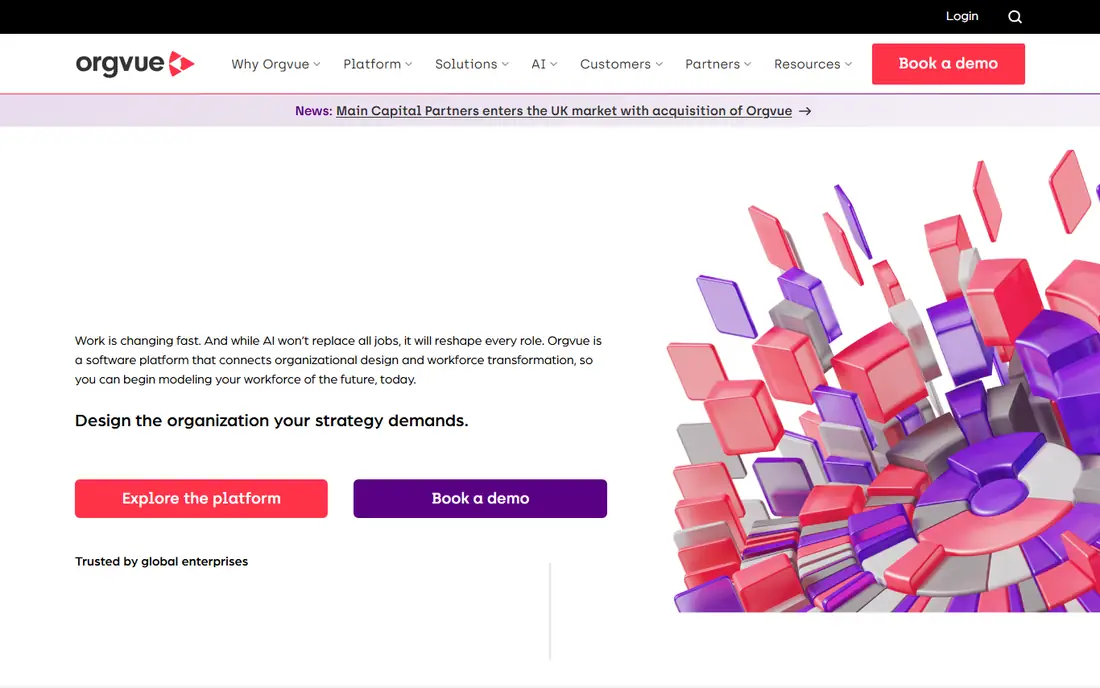
Orgvue is for companies dealing with restructuring, mergers, or large workforce changes. It models the organisation as data, so leaders can test a new structure, see reporting spans, layers, and costs, and compare options before announcing anything. That modelling depth is hard to reproduce in a spreadsheet once headcount passes a few thousand, especially across countries and business units. HR and finance can look at the same model and agree on what a change costs.
Orgvue is not a starter tool. Pricing is custom, the buyer is usually a large employer, and the value comes from complex design work rather than day-to-day headcount tracking. Smaller teams should look at ChartHop first. Large teams facing a reorg, a merger, or a multi-year workforce shift should put Orgvue on the list and ask how long a first model takes with their own HR data.
What we like- Org design and workforce modelling in one view
- Strong handling of large, complex structures
- Clear cost and span-of-control views
Watch out for- Enterprise focus and custom pricing
- Overkill for small teams
#8Crunchr
Best for: HR analysts needing workforce analytics4.8/5 on
G2 (29 reviews, checked Oct 2026)
Visit crunchr.com
Starting priceSee website
Free planNo
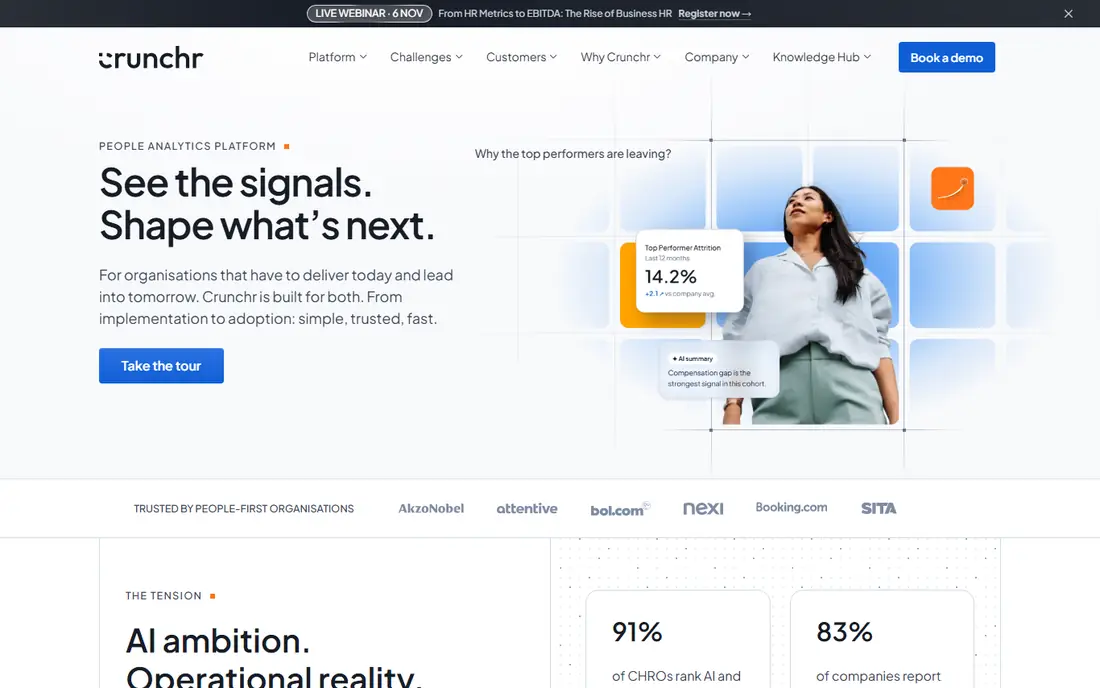
Crunchr is a workforce analytics platform aimed at HR analysts who need to answer detailed questions without building dashboards from scratch. It offers attrition predictions, workforce cost views, and diversity reporting, with a level of flexibility that suits analysts who like to slice data by team, location, or tenure. The interface is designed for people work, so metrics and definitions match how HR teams already talk about hiring and retention.
The limits are commercial and practical. Pricing is not published, so buyers need a quote, and the community and template library are smaller than those of Visier or Workday. Crunchr fits a mid-size to large employer with an analyst-led people team that wants depth without an enterprise-wide analytics programme. If your main need is a simple headcount forecast for finance, a planning platform may serve you better than an analytics-first tool.
What we like- Built for HR analysts, not just executives
- Attrition predictions and diversity views
- Flexible analysis without heavy coding
Watch out for- Contact-sales pricing
- Smaller user community than larger rivals
#9Board
Best for: Companies wanting planning across HR and finance4.4/5 on
G2 (322 reviews, checked Oct 2026)
Visit board.com
Starting priceSee website
Free planNo
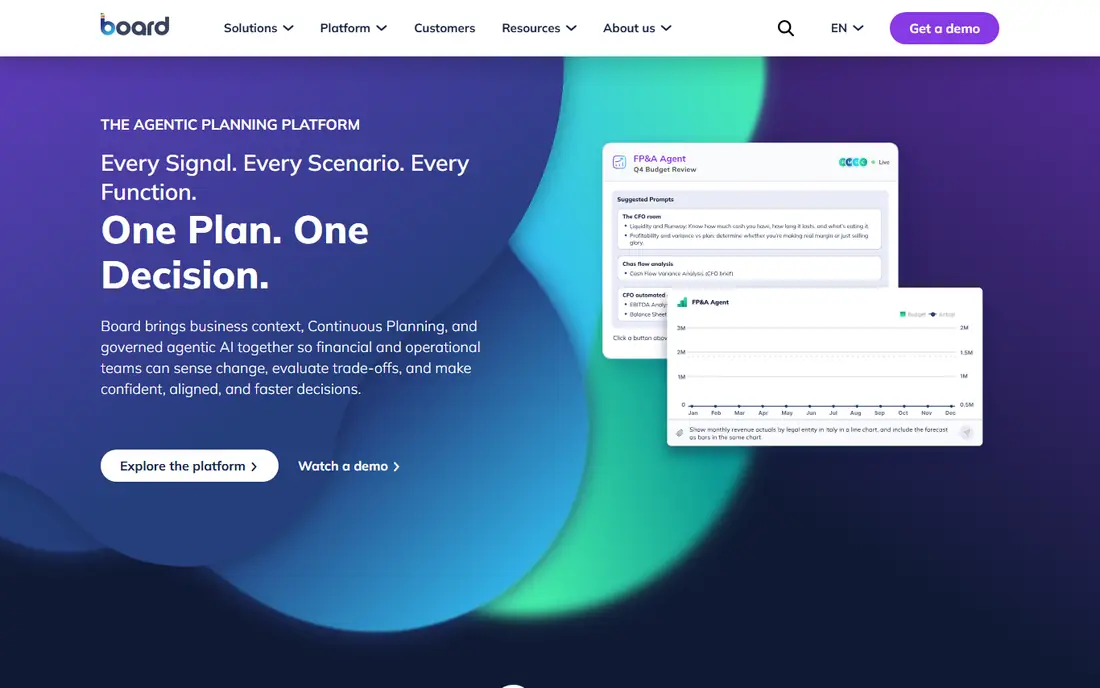
Board, formerly Board International, is an enterprise planning platform that covers finance, sales, supply chain, and workforce planning in one system. For workforce planning, that breadth means headcount plans can sit beside revenue and cost plans, and leaders can see how a hiring change affects the wider business plan. Reporting is flexible, and the platform handles large models, which suits companies with many entities or product lines.
The trade-off is that Board is a broad platform, not a people-only tool. It needs skilled builders, implementation planning, and a clear scope, or the project can grow beyond the original workforce question. Buyers who only need HR analytics should compare it with Visier or Crunchr first. Buyers who want one planning system for the whole company, with workforce as one part of it, will find Board a serious option, provided they budget for the build phase.
What we like- One platform for financial, workforce, and operational planning
- Flexible modelling and reporting
- Handles large data volumes
Watch out for- No public pricing
- Implementation needs planning expertise
How we chose
We compared pricing pages, product documentation, and public reviews on G2, Capterra, and Reddit, and we checked each tool against the same questions: does it model future headcount and cost, does it support scenarios, does it connect to HR and finance data, and does it fit a clear company size. Tools that only report past headcount, or that only handle scheduling or payroll, were left out, even if they use AI in other areas. Where a vendor does not publish a price, we wrote See website rather than repeating a third-party estimate as fact.
What to check before you sign
Start with the planning question, not the feature list. A tool that forecasts attrition is not the same as a tool that builds a costed hiring plan, and a buyer who mixes those two up will pay for depth in the wrong place.
Data first, demo second
Ask each vendor which HR fields it needs, how it handles contractors and part-time staff, and how often data refreshes. A forecast built on stale job titles will mislead a leadership team, however good the charts look. Run a small pilot with one division, using real headcount and pay bands, and compare the tool forecast with what your team would have produced in a spreadsheet. That test shows data gaps faster than any sales demo.
Price the whole contract
Per-employee pricing, platform fees, implementation, and training are separate lines in many enterprise deals. Get the minimum headcount, the contract term, the renewal terms, and the cost of adding a module later, all in writing. Also ask who owns the model after implementation, because a tool that only your vendor can change will cost you every time the business reorganises.
Test scenarios your leaders actually use
Good scenarios include a hiring freeze, a regional expansion, a rise in attrition among experienced staff, and a shift from full-time hires to contractors. If the tool cannot model those cases without a rebuild, it will not survive a real planning cycle. Check export options too, so finance can take approved numbers into its own reports without retyping them.
Frequently asked questions
What is AI workforce planning software?
It is software that uses historical HR data, such as hiring, attrition, tenure, and pay, to forecast future headcount, cost, and skills gaps, and to test scenarios. The AI part usually means predictions and pattern detection, not a decision made for you, and leaders still need to judge the output against business plans.
How much does workforce planning software cost?
Enterprise tools in this list mostly use custom pricing, so the total depends on headcount, modules, and implementation. Smaller, modular tools may start at a low per-employee rate, but minimum contracts and add-on modules raise the total. Always ask for a full written quote before comparing prices.
Do small companies need AI workforce planning tools?
Most companies under 100 employees can plan headcount in a spreadsheet or inside their HR system. These tools earn their cost when headcount, locations, or hiring volume make manual planning slow or error-prone, or when finance needs a costed plan it can audit.
How long does implementation take?
It varies from a few weeks for a mid-size tool with clean HR data to several months for an enterprise platform with complex models. Data cleanup, HR system integration, and model design usually take longer than software installation, so plan for that work in the timeline.
Can these tools replace HR analysts?
No. They speed up data preparation and forecasting, but analysts still need to check data quality, explain results, and challenge assumptions. A forecast without human review can repeat past bias, such as under-hiring in a role that historically had high turnover for fixable reasons.
Is my employee data safe in these tools?
Reputable vendors offer role-based access, encryption, and data processing agreements, but buyers should still ask where data is stored, who can access it, and how long it is kept. Limit salary and personal data to the people who need it for planning, and review access at least once a year.
Sources we checked (9)
- https://www.visier.com
- https://www.anaplan.com
- https://www.workday.com
- https://www.charthop.com
- https://www.pigment.com
- https://www.planful.com
- https://www.orgvue.com
- https://www.crunchr.com
- https://www.board.com
Is your product missing or out of date?
We review this list regularly. Vendors can request a listing, send updated pricing or ask about featured placement.

Shihab Mia · Founder, Rankite
Shihab has 5+ years in B2B and SaaS SEO. He writes Rankite's software buying guides from pricing pages, documentation and public user reviews. More about Shihab.