How we make this list: we compare pricing pages, product documentation and public user reviews. Ratings come from G2, Capterra or Trustpilot, with the date we checked them.
Key takeaways
- The best productivity stack is small: one general assistant, one meeting tool, one docs workspace, and one automation or scheduling tool.
- ChatGPT is the default general assistant, while Claude leads on long documents and careful writing.
- Microsoft 365 Copilot and Gemini win inside their own ecosystems, Office and Google Workspace respectively.
- Notion AI suits teams whose knowledge already lives in Notion, and Otter.ai suits teams drowning in meetings.
- Grammarly polishes writing as you type, and Motion auto-schedules tasks around your calendar.
- AI output needs human review. Treat every draft, summary, and number as a starting point to check, not a finished result.
Quick comparison
Is your product missing or out of date?
We review this list regularly. Vendors can request a listing, send updated pricing or ask about featured placement.

#1ChatGPT
Best for: General assistant4.6/5 on
G2 (3,089 reviews, checked Oct 2026)
Visit chatgpt.com
Starting priceFree
Free planYes
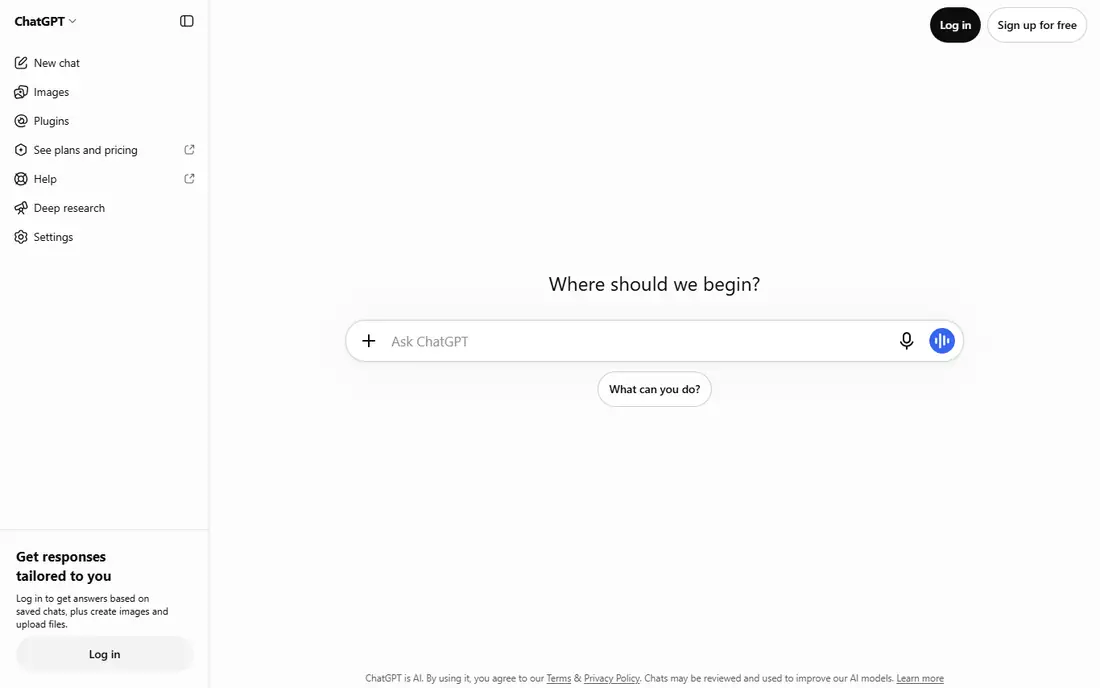
ChatGPT is the default general assistant for most teams. It drafts and rewrites, summarizes long threads, brainstorms, and helps with ad hoc coding, and custom GPTs let a team build a reusable assistant with its own instructions and reference files. The free tier covers casual use, Plus sits near 20 dollars a month, and Business costs 25 dollars per user a month on annual billing, with data excluded from training on Business and higher tiers.
The main limit is location: ChatGPT lives in its own app and browser tab rather than inside the documents where you already work, so moving text in and out adds friction. Output also needs checking, since the model can state wrong facts confidently. For a first AI purchase that covers the most jobs, ChatGPT remains the safest pick, especially for teams not deeply tied to Microsoft or Google.
What we like- Broadest general capability
- Drafting, summarizing, brainstorming, and coding help
- Custom GPTs
- Business tier excludes training use
Watch out for- Lives outside your documents
- Paid tiers from 20 dollars a month
- Output needs fact-checking

#2Claude
Best for: Long documents and writing4.6/5 on
G2 (488 reviews, checked Oct 2026)
Visit claude.com
Starting priceFree
Free planYes
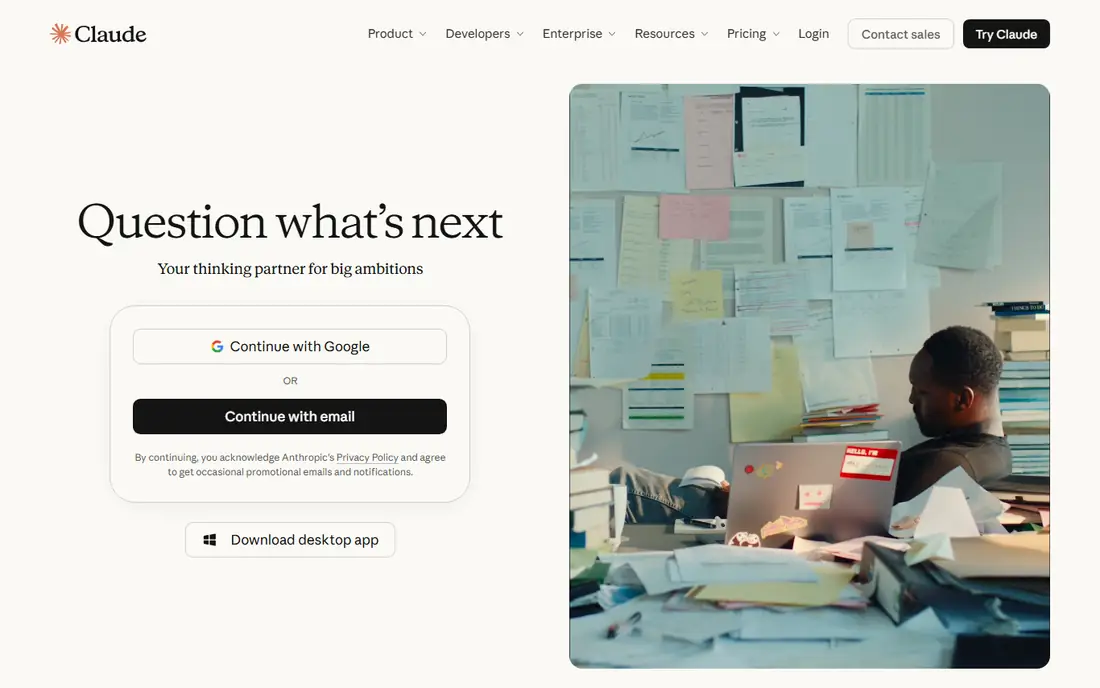
Claude leads on long documents and careful writing. Its large context window handles whole reports, contracts, and research files in one conversation, and its prose reads more naturally than most rivals without heavy editing. Pro costs near 20 dollars a month, Team costs 25 dollars a seat a month on some guides, and a free tier covers casual use with usage caps.
The trade-off is ecosystem: Claude has fewer integrations than ChatGPT and no office suite of its own, so it suits writers, analysts, and researchers more than teams that want AI inside every app. For working through a long reading, improving a draft, or analyzing a dense document, Claude is the strongest writing assistant on this list.
What we like- Best prose out of the box
- Large context for long documents
- Careful analysis
- Pro near 20 dollars a month
Watch out for- Usage caps on lower tiers
- Fewer integrations than ChatGPT
- Team pricing from 25 dollars a seat a month
Starting priceFree
Free planYes
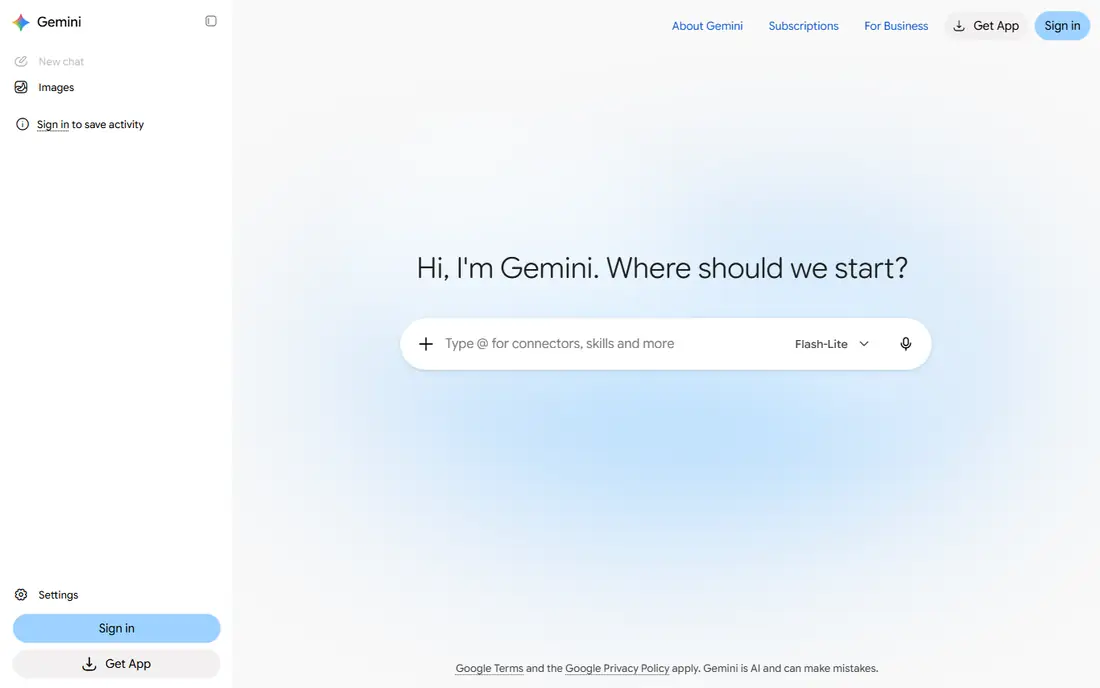
Gemini is the AI assistant for Google-first teams. It runs inside Gmail, Docs, Sheets, and Drive, summarizing threads, drafting replies, and answering questions from your own documents, and its multimodal strengths cover images, audio, and video alongside text. A free tier covers casual use, AI Pro sits near 19.99 dollars a month, and Workspace plans bundle Gemini from around 14 dollars a user a month.
Outside Google apps, the standalone experience feels thinner than ChatGPT, and the best features need a Workspace subscription. But for a team that already lives in Google Docs and Gmail, Gemini removes the copy-and-paste tax that a separate assistant imposes, and that integration is worth more than a slightly stronger standalone model.
What we like- Runs inside Gmail, Docs, and Drive
- Multimodal strengths
- Free tier
- Workspace plans from 14 dollars a user a month
Watch out for- Standalone experience thinner than ChatGPT
- Best features need Workspace
- Accuracy still needs checking
Starting price$30/user/month
Free planNo
Microsoft 365 Copilot is the AI assistant for Office-heavy teams. It reads your Outlook mail, Teams chats, and SharePoint files, drafts inside Word, Excel, and PowerPoint, and summarizes meetings without leaving the Microsoft apps where work already happens. Enterprise controls and data protections suit regulated teams that cannot send documents to an outside chatbot.
The price is the catch: 30 dollars a user a month as an add-on, on top of a Microsoft 365 base license, which makes it the most expensive tool here per seat. Feature depth also varies by app, with Word and Outlook stronger than some others. For a team that spends its day in Office and Teams, Copilot earns its price in saved drafting and meeting time. For others, ChatGPT or Gemini cost far less.
What we like- Reads Outlook, Teams, and SharePoint data
- Drafts inside Word, Excel, and PowerPoint
- Enterprise controls
- No separate app needed
Watch out for- 30 dollars a user a month on top of a Microsoft 365 base
- Needs M365 licensing
- Copilot features vary by app
Starting priceSee website
Free planNo
Notion AI brings AI into the docs and wiki where a team's knowledge already lives. It summarizes long pages, drafts from existing notes, answers questions across the workspace, and, on Business plans, runs agents that act across pages and databases. Pricing is an add-on near 15 to 20 dollars a member a month depending on plan, or bundled into Business plans on annual billing.
Notion AI is only as good as the workspace behind it: a messy wiki produces messy answers, and a team without Notion gets nothing from it. But for a team that already runs on Notion, in-workspace AI beats a separate chatbot, since answers draw on the team's own documents rather than general knowledge. Start by cleaning the wiki, then add the AI.
What we like- AI inside your docs and wiki
- Agents act across the workspace
- Summarizes and drafts from team knowledge
- Bundled in Business
Watch out for- Add-on pricing near 15 to 20 dollars a member a month
- Useless without a Notion workspace
- Needs good docs to work well

#6Otter.ai
Best for: Meeting transcription4.4/5 on
G2 (505 reviews, checked Oct 2026)
Visit otter.ai
Starting priceFree
Free planYes
Otter.ai joins your calls and writes the notes itself, turning meetings into searchable transcripts with action items and summaries. The free tier covers a monthly minute allowance, reported near 300 minutes a month, while Pro costs near 16.99 dollars a month on annual billing or 19.99 monthly in some guides, and Business plans run higher. That transcription saves the note-taker's time and creates a searchable record of decisions.
Accuracy drops with heavy accents, crosstalk, and poor audio, so transcripts still need a quick review before they become the record. Some teams also dislike a bot joining every call, so set expectations with participants first. For a team drowning in meetings, Otter.ai pays for itself the first week a decision is found by search instead of by memory.
What we like- Joins calls and writes notes itself
- Searchable transcripts
- Action items
- Free tier with monthly minutes
Watch out for- Pro near 16.99 to 19.99 dollars a user a month by guide
- Accuracy drops with accents and crosstalk
- Bot in meetings bothers some teams
Starting priceFree
Free planYes
Grammarly polishes writing as you type, working in email, docs, browsers, and most text boxes. It catches grammar and spelling errors, suggests tone and clarity improvements, and, on team plans, enforces style guides so a whole company writes consistently. The free tier covers basic correctness, while Pro costs near 12 dollars a member a month on annual billing or 30 dollars monthly in some guides.
AI drafting features need paid plans, and suggestions still need judgment, since Grammarly can flatten a distinctive voice if followed blindly. But for a team that writes to customers all day, Grammarly is the cheapest quality control on this list, and it works everywhere rather than inside one app.
What we like- Works in every text box you type in
- Tone and clarity suggestions
- Team style guides
- Free tier for basic checks
Watch out for- Pro near 12 dollars a member a month on annual billing, 30 monthly
- AI features need paid plans
- Suggestions still need judgment
Starting price$19/user/month
Free planNo
Motion auto-schedules your task list around your calendar, protecting focus time and re-planning the day when meetings move. Instead of a static to-do list, Motion builds a daily plan that accounts for deadlines, priorities, and meeting load, and it re-plans automatically when the day changes. That makes it the best tool here for people whose calendars eat their task lists.
There is no free plan, only a trial, and Pro AI pricing is cited near 19 to 29 dollars a user a month depending on the guide. Motion also needs full calendar buy-in: if your calendar is incomplete, its plans will be wrong. For a busy professional or small team whose day is ruled by meetings, Motion turns planning from a chore into an automatic step.
What we like- Auto-schedules tasks around your calendar
- Protects focus time
- Project planning
- Calendar integration
Watch out for- No free plan, trial only
- Pro AI near 19 to 29 dollars a user a month by guide
- Needs calendar buy-in to work
How we chose
We kept the stack small on purpose: one general assistant, one meeting tool, one docs workspace, and one scheduling or automation tool cover most teams, and adding more AI tools usually adds cost without adding output. We marked pricing as published or guide-reported where guides disagree, since several vendors changed tiers in 2025 and 2026, including ChatGPT Business renaming and new Work tiers. We also weighted integration over raw model strength, since an assistant inside the app where you already work saves more time than a stronger model in a separate tab.
What to check before you buy
Start with one team and one use case, measure time saved for a month, and expand only when the result is clear. Check data handling first: Business and Enterprise tiers of the major assistants exclude your data from training, while free and consumer tiers may not, so never paste confidential, personal, or regulated data into a free chatbot. Then check whether the tool already exists inside your current suite, since Copilot and Gemini often cost less as part of Microsoft 365 or Google Workspace than as separate purchases. Finally, verify every AI output that matters: drafts, summaries, and especially numbers need a human check before they reach a customer or a decision.
Frequently asked questions
Which AI assistant should I start with?
ChatGPT is the safest first assistant for general work. Claude suits long documents and careful writing, while Gemini and Copilot win inside Google Workspace and Microsoft 365 respectively.
Is my data used to train AI models?
It depends on the tier. Business and Enterprise tiers of ChatGPT and similar tools exclude your data from training, while free and consumer tiers may use it. Check the vendor policy before pasting sensitive data.
Can AI tools replace note-taking in meetings?
They replace the first draft of notes, not the judgment. Otter.ai and similar tools transcribe and summarize well, but action items and decisions still need a human review before they become the record.
Do I need to pay for AI productivity tools?
Not always. ChatGPT, Claude, Gemini, Otter.ai, and Grammarly all have free tiers that cover casual use. Paid plans buy higher limits, team features, and ecosystem integration.
How do I measure whether an AI tool saves time?
Pick one team and one use case, track time spent before and after for a month, and expand only if the saving is clear. A tool that produces drafts you rewrite fully saves nothing.
Sources we checked (0)
Is your product missing or out of date?
We review this list regularly. Vendors can request a listing, send updated pricing or ask about featured placement.

Shihab Mia · Founder, Rankite
Shihab has 5+ years in B2B and SaaS SEO. He writes Rankite's software buying guides from pricing pages, documentation and public user reviews. More about Shihab.
 Gemini
 Microsoft 365 Copilot
 Notion AI
 Grammarly
 Motion