How we make this list: we compare pricing pages, product documentation and public user reviews. Ratings come from G2, Capterra or Trustpilot, with the date we checked them.
Key takeaways
- Gamma is the best all-round AI presentation tool, with an AI agent that handles story, design, and editing in one place.
- Beautiful.ai is the best choice for teams that want every deck on-brand, thanks to auto-aligning Smart Slides.
- Pitch suits professional teams that need multiplayer collaboration and viewer analytics.
- SlidesAI and Plus AI are the best picks if you want to stay inside Google Slides or PowerPoint.
- Presentations.ai is the strongest option for generating many on-brand decks at scale from data.
Quick comparison
| Tool | Best for | Starting price | Free plan |
|---|
 Gamma Gamma | Creating presentations, documents, and websites with an AI agent | Free | Yes |
 Beautiful.ai Beautiful.ai | Teams that want polished, on-brand decks without design skills | See website | 14-day free trial |
 Pitch Pitch | Professional teams that collaborate on decks and track results | Free | Yes |
 Prezi Prezi | Interactive presentations with live polls, quizzes, and Q&A | Free | Yes |
 SlidesAI SlidesAI | Turning text and documents into decks inside Google Slides and PowerPoint | $0 | Yes |
 Presentations.ai Presentations.ai | Generating on-brand decks at scale from data and documents | $0 | Yes |
 Plus AI Plus AI | Professionals who want AI inside PowerPoint and Google Slides | See website | 7-day free trial |
 Canva Canva | All-round design with AI-assisted presentations | Free | Yes |
Is your product missing or out of date?
We review this list regularly. Vendors can request a listing, send updated pricing or ask about featured placement.
#1Gamma
Best for: Creating presentations, documents, and websites with an AI agent3.9/5 on
G2 (39 reviews, checked Oct 2026)
Visit gamma.app
Starting priceFree
Free planYes
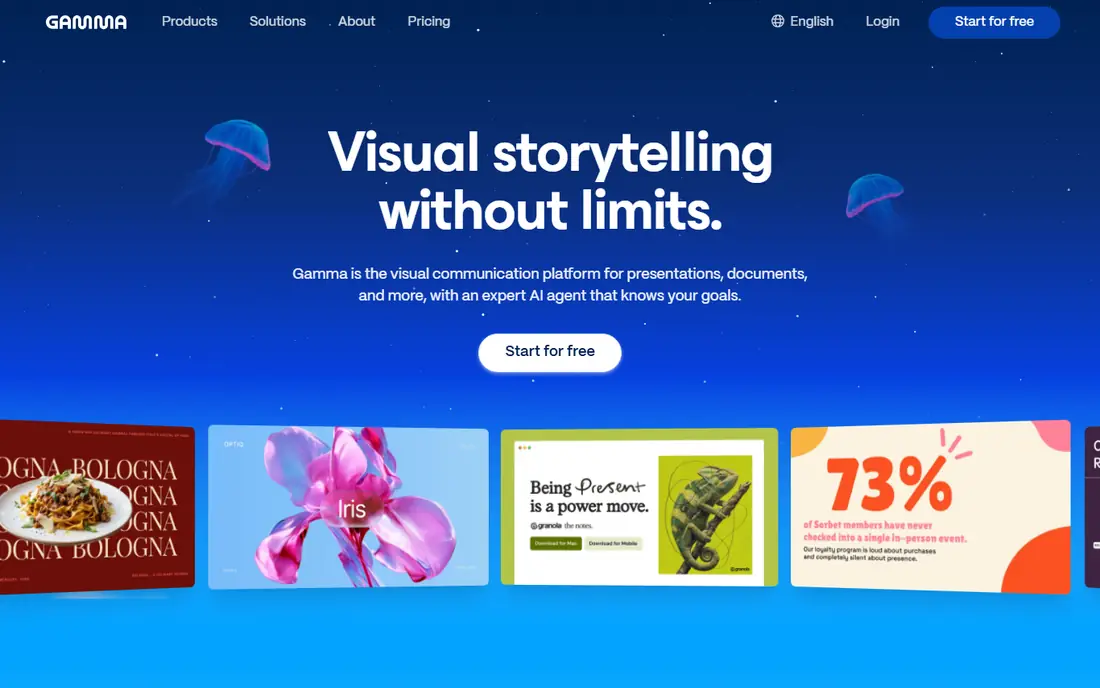
Gamma is a visual communication platform for presentations, documents, and more, now built around an AI agent that works with your goals. You start with a conversation, shape an outline before any design happens, and iterate in chat beside your deck. That outline-first approach is Gamma's biggest advantage: it fixes the story before you spend time on looks.
Design is flexible too. You can describe a style, attach inspiration, or let Gamma choose a look matched to your content and audience, then refine with AI requests or freeform editing. Imports bring in PowerPoint and PDF files with formatting intact, and exports return to PowerPoint and PDF, so Gamma fits into existing workflows rather than replacing them.
Gamma offers a free plan with AI credits to get started, and it counts more than 100 million users. The trade-offs are format and credits: Gamma decks are web-first rather than classic slide files, and heavier use requires a paid plan. For most individuals and teams starting with AI presentations, Gamma is the best first choice.
What we like- AI agent handles story, design, and edits, outline-first workflow, imports PowerPoint and PDF, exports to PowerPoint and PDF
Watch out for- Web-first format differs from classic slides, paid plans needed for more AI credits, brand controls vary by plan
#2Beautiful.ai
Best for: Teams that want polished, on-brand decks without design skills4.6/5 on
G2 (196 reviews, checked Oct 2026)
Visit beautiful.ai
Starting priceSee website
Free plan14-day free trial
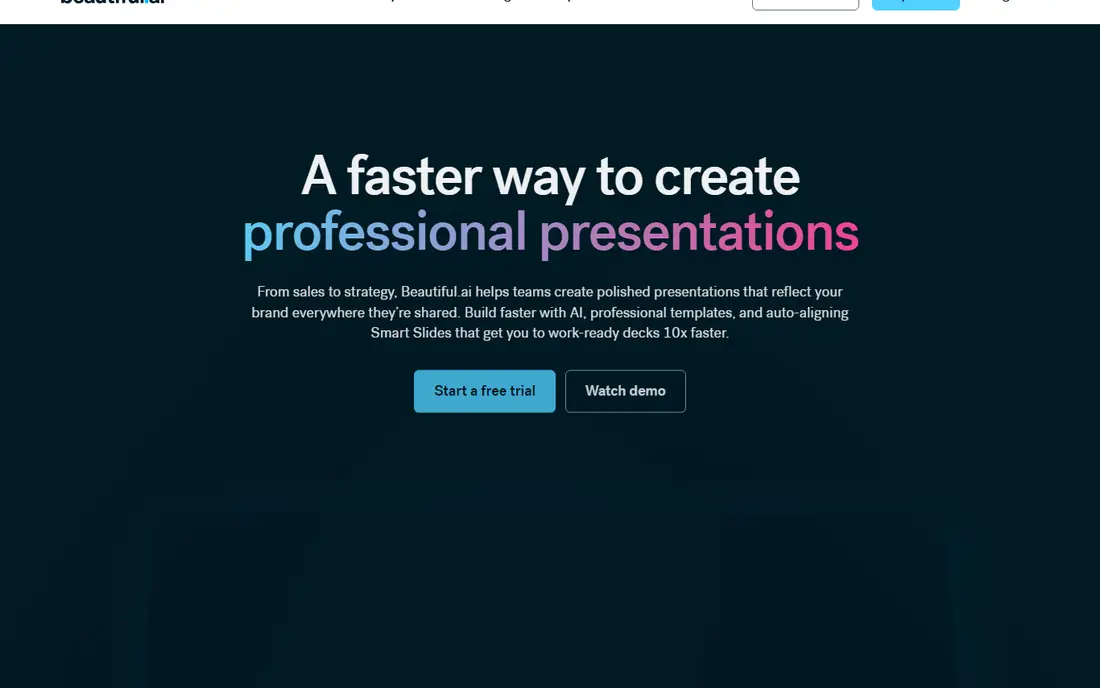
Beautiful.ai helps teams create polished presentations that reflect their brand everywhere they are shared, using AI plus auto-aligning Smart Slides. Its workflow starts with an idea, a pasted outline, or source material, then lets you review and refine a slide-by-slide outline before generating slides and visuals. That story-first step avoids the common AI problem of a good-looking deck with a weak message.
Smart Slides are the core feature: more than 300 layouts that realign, resize, and animate your content automatically, so spacing and hierarchy stay correct as you edit. Brand controls lock themes, fonts, logos, and templates across teams, and extras include data-linked charts, voice-overs, and viewer analytics that track engagement.
Beautiful.ai offers a 14-day free trial with full access, but no permanent free plan, and pricing is not published plainly on the homepage. It is also less freeform than Gamma or Pitch, since Smart Slides constrain layouts by design. For teams that value consistency and speed over total creative freedom, Beautiful.ai is the strongest pick.
What we like- Smart Slides auto-align content, 300 plus layouts, brand themes and locked templates, voice-overs and viewer analytics
Watch out for- No permanent free plan, pricing not shown plainly on the homepage, less freeform than Gamma or Pitch
#3Pitch
Best for: Professional teams that collaborate on decks and track results4.4/5 on
G2 (67 reviews, checked Oct 2026)
Visit pitch.com
Starting priceFree
Free planYes
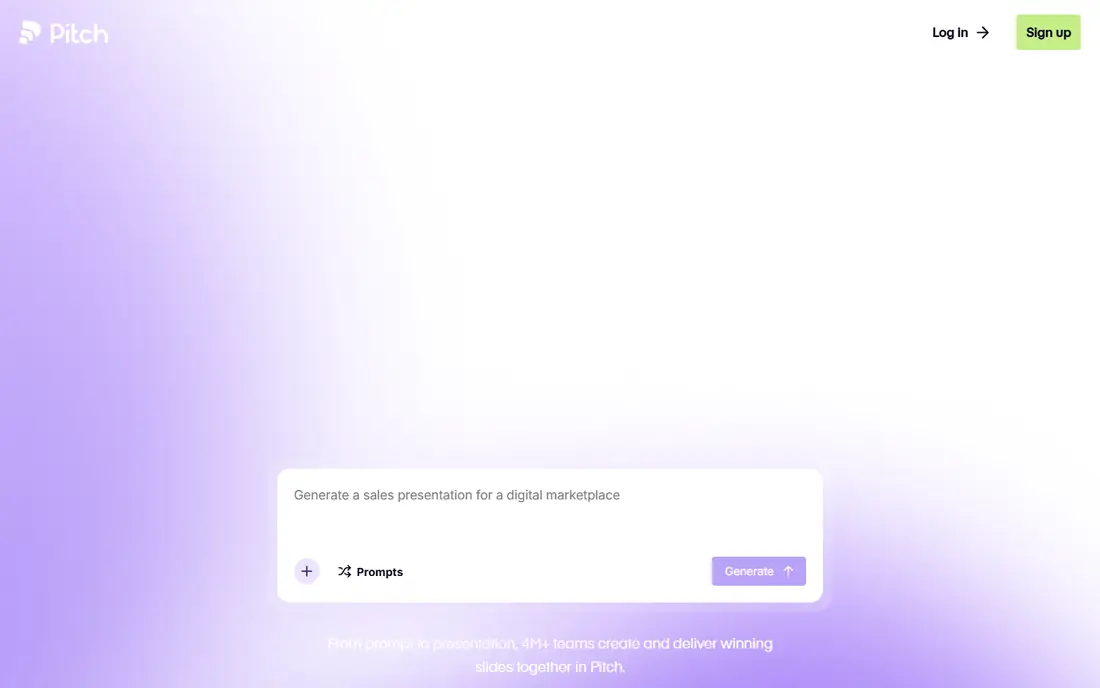
Pitch is an AI presentation workspace built for teams that create, deliver, and win with slides. Its free plan lets you create unlimited presentations forever, and paid Plus, Team, and Business plans add more AI and collaboration features, priced by seats.
What sets Pitch apart is multiplayer mode: rather than prompting AI alone, your team works together in one workspace, generating and editing slides with full design control, custom fonts, high-resolution video, and animations. Brand guardrails keep every deck consistent, and Pitch Agent can generate on-brand slides, personalize messaging, and enhance visuals. After delivery, viewer analytics and deal rooms show who opened your decks and what they engaged with.
The drawbacks are pricing transparency and audience. Plan prices depend on seats and are not published plainly, and Pitch is built for teams, so solo users may find it more than they need. For sales, marketing, and leadership teams that live in decks, Pitch's combination of collaboration and analytics is hard to beat.
What we like- Free plan with unlimited presentations, multiplayer collaboration, brand guardrails, viewer analytics and deal rooms, Pitch Agent AI
Watch out for- Paid plans priced by seats and not published plainly, best for teams rather than solo users, learning curve for advanced features
#4Prezi
Best for: Interactive presentations with live polls, quizzes, and Q&A4.2/5 on
G2 (5,725 reviews, checked Oct 2026)
Visit prezi.com
Starting priceFree
Free planYes
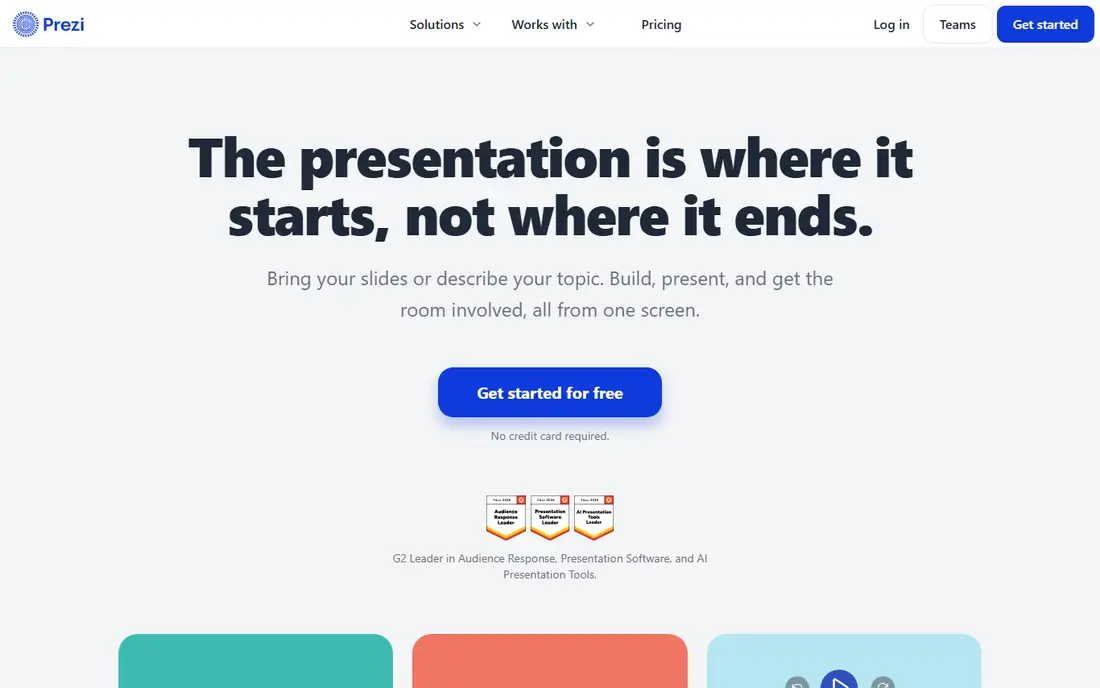
Prezi has evolved into a presentation platform built for what happens after you present, not just the slides themselves. You can bring slides from PowerPoint, Google Slides, Canva, or a PDF, or describe your topic in a sentence and let Prezi build a draft. Then you add live polls, quizzes, Q&A, and word clouds that the audience joins by scanning one QR code, with no app and no login needed.
That live layer is Prezi's strength. Everyone in the room or on a call can ask, answer, and vote, and the best questions rise through upvotes with a moderation queue you control. After the session, the same link keeps teaching, with video, podcast, transcript, flashcards, and self-tests for review, plus results by question so you can see what landed.
Prezi is free to start with no credit card, and more than 170 million people have used it. The format differs from classic slide decks, which takes some adjustment, and advanced features sit behind paid plans. For educators, trainers, and presenters who need participation, Prezi is the most engaging tool here.
What we like- Live audience participation from any phone, import PowerPoint, Google Slides, or Canva, AI draft from a sentence, post-session review links
Watch out for- Different format from classic slides, advanced features need paid plans, best for teaching and training use cases
#5SlidesAI
Best for: Turning text and documents into decks inside Google Slides and PowerPoint4.5/5 on
Capterra (2 reviews, checked Oct 2026)
Visit slidesai.io
Starting price$0
Free planYes
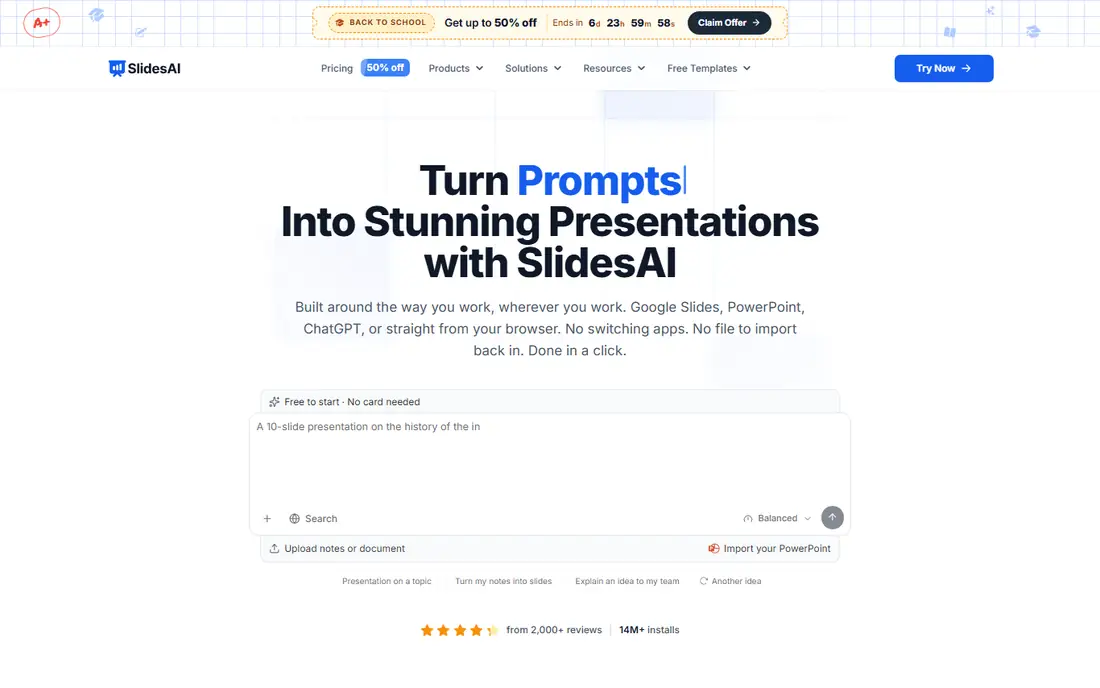
SlidesAI turns text, documents, and prompts into presentations in seconds, and it works where you already work: Google Slides, PowerPoint, ChatGPT, or its web app. You type a topic, paste notes, or attach a document, confirm slide count, audience, tone, and language, then shape the outline before SlidesAI writes and designs every slide. Edits stay in your hands, with changes waiting for your approval.
The result is a native file you can keep editing, not a locked web page, which matters for teams with existing templates. Brand Kits import your branded PPTX template so decks come out in your colors, fonts, and logo, and the tool supports editable AI diagrams, flowcharts, and timelines.
Pricing is clear: a free Basic plan offers 200 AI credits per month, Pro costs $10 per user per month billed annually, and Premium costs $20.83 per user per month billed annually. Lower plans limit character input per presentation, so long documents may need a higher tier. For fast text-to-deck work inside familiar apps, SlidesAI is the best value here.
What we like- Works in Google Slides, PowerPoint, ChatGPT, and the web, free Basic plan with 200 AI credits monthly, brand kits from your PPTX, native editable files
Watch out for- Pro plan costs $10 per user monthly billed annually, character limits on lower plans, best for text-to-deck workflows
#6Presentations.ai
Best for: Generating on-brand decks at scale from data and documents4.2/5 on
G2 (9 reviews, checked Oct 2026)
Visit presentations.ai
Starting price$0
Free planYes
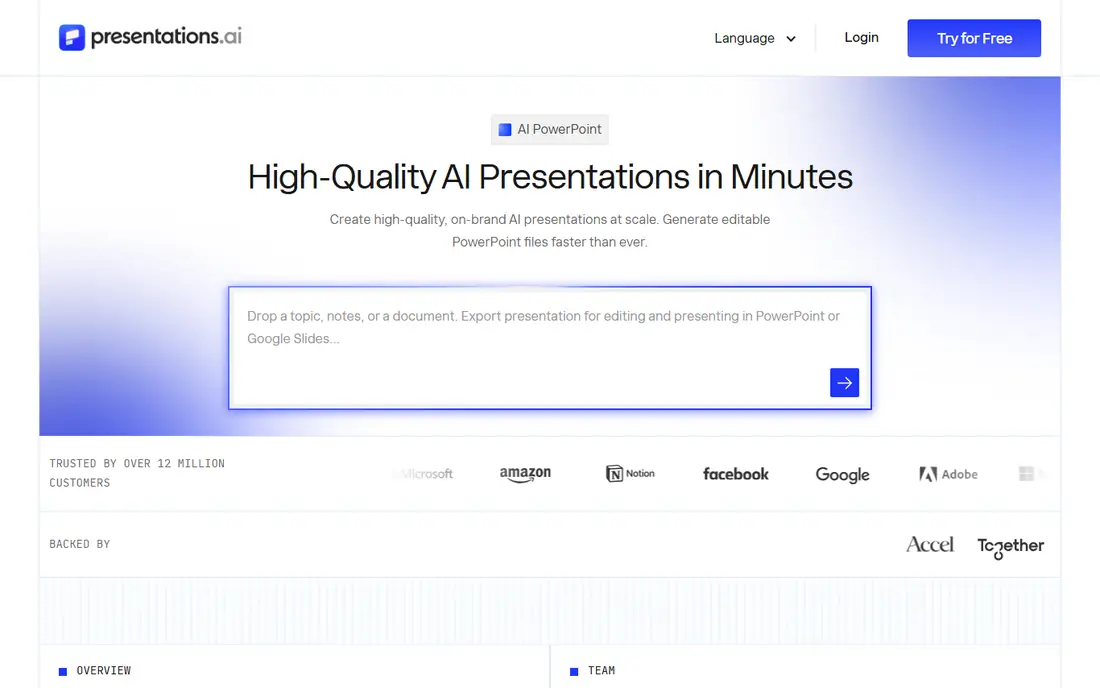
Presentations.ai is an AI presentation platform that turns ideas, documents, and URLs into professional slide decks in minutes, trusted by more than 12 million customers. You give it a prompt, a Word document, a PDF, or a URL, and it builds the narrative, writes the copy, picks layouts, and applies a clean design, with every element editable afterward.
Its standout features are built for business scale. Brand Sync applies your logo, fonts, and colors automatically, Refresh swaps in new data while keeping your design locked, and an API generates hundreds of personalized decks from a single source. A ChatGPT bridge turns prompts or conversations into finished decks, and exports produce native PowerPoint files.
Pricing starts with a free Starter plan offering 200 credits, while Pro costs $20 per month billed annually and Gold costs $100 per month billed annually. The platform is aimed at business teams rather than casual users, and PowerPoint export and advanced models need paid tiers. For teams that produce decks at scale, Presentations.ai is the most powerful option here.
What we like- Turns prompts, documents, and URLs into decks in minutes, brand sync applies logo, fonts, and colors, data-connected refresh, API generation
Watch out for- Pro plan costs $20 monthly billed annually, best for business teams rather than casual users, advanced features need paid tiers
#7Plus AI
Best for: Professionals who want AI inside PowerPoint and Google Slides3.2/5 on
G2 (5 reviews, checked Oct 2026)
Visit plusai.com
Starting priceSee website
Free plan7-day free trial
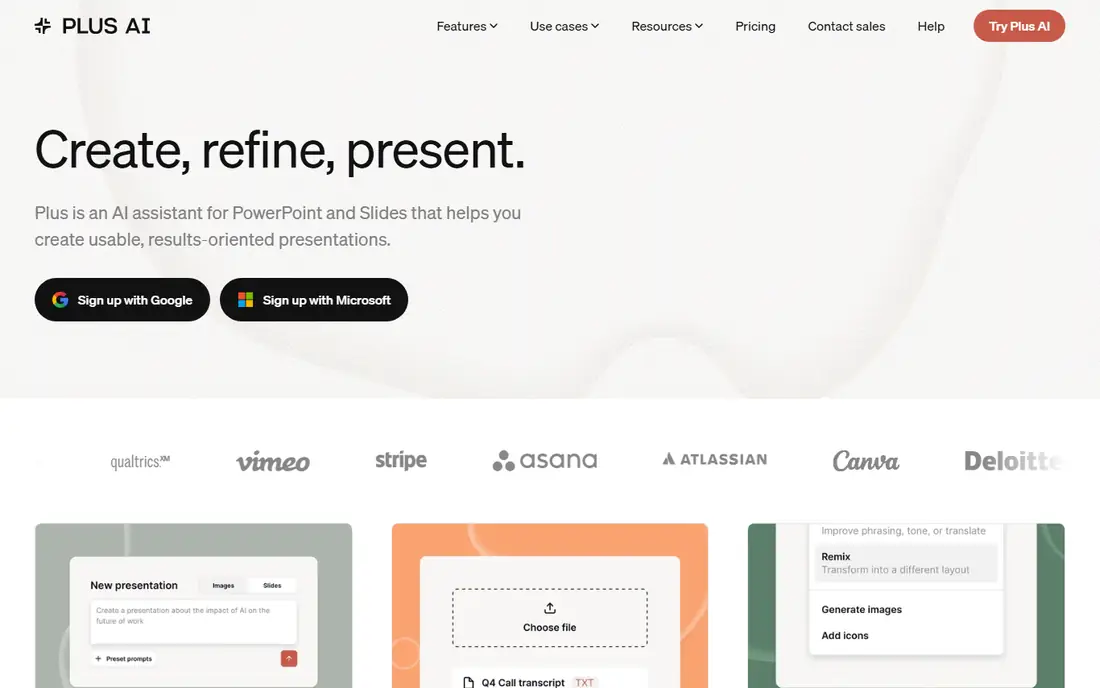
Plus AI is an AI assistant for PowerPoint and Slides that helps you create usable, results-oriented presentations without leaving the app you already use. You start from a prompt, upload a PDF, Word document, PowerPoint, or text file, then refine and remix slides in one click, adding images, icons, and charts as you go.
Because Plus works inside PowerPoint and Google Slides, everything it generates is a native file that stays compatible with your existing templates and workflows. Its own Open XML renderer builds real PPTX files, and features such as rewrite, remix, custom instructions, and a preset library help professionals produce client-ready decks faster.
Plus AI offers a 7-day free trial, after which paid plans apply, though prices are not published plainly on the homepage. It also requires installing an add-on, which some IT policies may restrict. For professionals who refuse to leave PowerPoint or Google Slides, Plus AI is the most natural AI upgrade available.
What we like- Native add-on for PowerPoint and Google Slides, native PPTX files, rewrite and remix tools, custom instructions and presets
Watch out for- No permanent free plan, pricing not shown plainly on the homepage, requires installing an add-on
#8Canva
Best for: All-round design with AI-assisted presentations4.7/5 on
G2 (7,678 reviews, checked Oct 2026)
Visit canva.com
Starting priceFree
Free planYes
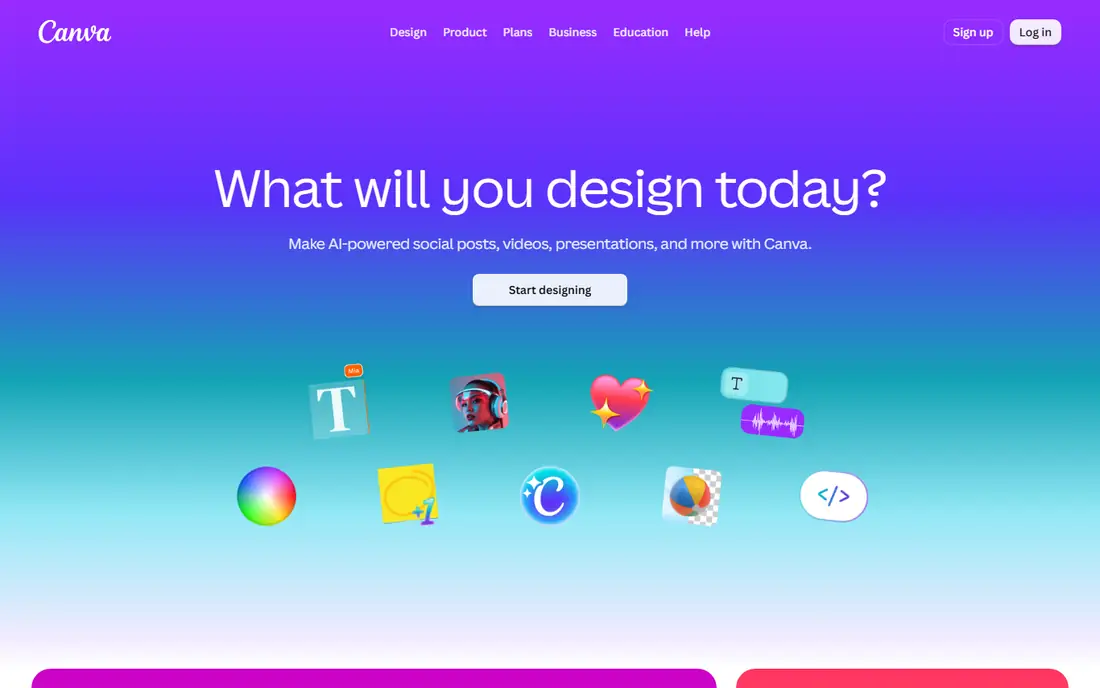
Canva is the all-round design platform that most people already know, and its presentation tools are a natural extension of it. You start from thousands of templates, use a drag-and-drop editor anyone can learn, and get AI help with design, layouts, and writing. Because Canva covers slides, social posts, documents, print, and video in one place, it suits individuals and small teams who need more than decks alone.
For presentations specifically, Canva offers AI-assisted design, a vast stock library, and easy sharing and collaboration. Its free plan covers basic design well, and Pro adds the full AI feature set, brand controls, and premium content.
The caveats are specialization and verification. Canva's presentation AI is less specialized than Gamma, Beautiful.ai, or Pitch, and our homepage check returned a browser-compatibility notice rather than full product content, so its listing rests on its well-known official address rather than a fresh page read. If you want one tool for all your design work, though, Canva remains the most versatile choice here.
What we like- Huge template library, easy drag-and-drop editor, AI design and writing help, works for slides, social, print, and more
Watch out for- Homepage check returned a browser notice rather than full content, presentation AI is less specialized than Gamma or Beautiful.ai, best features need Pro
How we chose
We compared AI tools that genuinely generate or improve presentations, with real AI features rather than templates alone. We checked each vendor homepage to confirm the tool exists and matches its description, and we used published prices where the vendor shows them. Where a vendor does not publish a price, we wrote "See website" rather than guessing. One tool, Tome, was dropped during checking because its homepage now loads as a different product, a CRM called Lightfield, rather than a presentation tool. One homepage, Canva, returned a browser notice rather than full content, so its listing rests on its established official address. Tools were kept only if they are actively offered and usable for real presentations, not just similar in name.
Pick by where you build decks
If you want the best all-round AI experience, start with Gamma. If brand consistency across a team matters most, Beautiful.ai or Pitch will serve you better. If you live in Google Slides or PowerPoint, SlidesAI and Plus AI add AI without forcing a new app. If you present live and need participation, Prezi is unmatched. And if you produce decks at scale from data, Presentations.ai is built for that job. Try the free plans and trials first, generate a real deck for a real meeting, and judge the tool on the result, not the demo.
Frequently asked questions
What is the best AI tool for presentations overall?
Gamma is the best all-round choice, with an AI agent that handles story, design, and editing, plus a free plan to start. Beautiful.ai is better for strict brand consistency, and Pitch is better for team collaboration with analytics.
Can AI tools make a full presentation from a prompt?
Yes. Gamma, Beautiful.ai, Pitch, Prezi, SlidesAI, Presentations.ai, and Plus AI can all generate a full deck from a prompt, outline, or document. You should still review and edit the result, since AI drafts can miss nuance, get facts wrong, or use a tone that does not fit your audience.
Which AI presentation tool is free?
Gamma, Pitch, Prezi, SlidesAI, Presentations.ai, and Canva all offer free plans. Beautiful.ai offers a 14-day free trial, and Plus AI offers a 7-day free trial. Free plans usually limit AI credits, exports, or brand features, so check what each tier includes before committing.
Do these tools work with PowerPoint?
Yes, with differences. SlidesAI and Plus AI work directly inside PowerPoint and Google Slides and produce native files. Gamma, Beautiful.ai, Pitch, Prezi, and Presentations.ai export to PowerPoint, while Canva also exports decks for use elsewhere.
Which tool is best for teams?
Pitch is the best team workspace here, with multiplayer collaboration, brand guardrails, and viewer analytics. Beautiful.ai is a close second for brand consistency, and Presentations.ai suits teams that generate many decks from shared data.
Will AI presentations look generic?
They can, if you accept the first draft unchanged. To avoid that, give the tool your brand colors, fonts, and examples, edit the outline before generating slides, and refine the result by hand. The best decks on this list come from AI speed plus human judgment.
Sources we checked (0)
Is your product missing or out of date?
We review this list regularly. Vendors can request a listing, send updated pricing or ask about featured placement.

Shihab Mia · Founder, Rankite
Shihab has 5+ years in B2B and SaaS SEO. He writes Rankite's software buying guides from pricing pages, documentation and public user reviews. More about Shihab.