How we make this list: we compare pricing pages, product documentation and public user reviews. Ratings come from G2, Capterra or Trustpilot, with the date we checked them.
Key takeaways
- Zapier is the easiest starting point for business teams, with the largest app library, but task-based billing gets expensive for multi-step, high-volume work.
- Make and n8n usually cost less at volume, since Make charges per module and n8n cloud charges per full workflow run rather than per step.
- UiPath and Power Automate fit enterprises and Microsoft shops, while Bardeen and IFTTT fit individuals who automate browser tasks and personal routines.
- Always model your bill from real volume: steps per run times runs per month, not just the headline plan price.
Quick comparison
| Tool | Best for | Starting price | Free plan |
|---|
 Zapier Zapier | Easy business automation across many apps | $19.99 per month (billed annually) | Yes |
 Make Make | Visual workflows at lower volume cost | See website | Yes |
 n8n n8n | Developer-friendly workflows with AI agents | 20 euros per month (billed annually) | Yes |
 UiPath UiPath | Enterprise RPA with AI agents | $25 per month | No |
 Microsoft Power Automate Microsoft Power Automate | Microsoft 365 automation and desktop RPA | $15 per user/month (billed annually) | Yes |
 Workato Workato | Enterprise integration and AI agents | $75 per month | Yes |
 Bardeen Bardeen | Browser automation for sales and research | See website | Yes |
 IFTTT IFTTT | Simple personal and smart home automation | $2.99 per month (billed annually) | Yes |
Is your product missing or out of date?
We review this list regularly. Vendors can request a listing, send updated pricing or ask about featured placement.
#1Zapier
Best for: Easy business automation across many apps4.5/5 on
G2 (2,088 reviews, checked Oct 2026)
Visit zapier.com
Starting price$19.99 per month (billed annually)
Free planYes
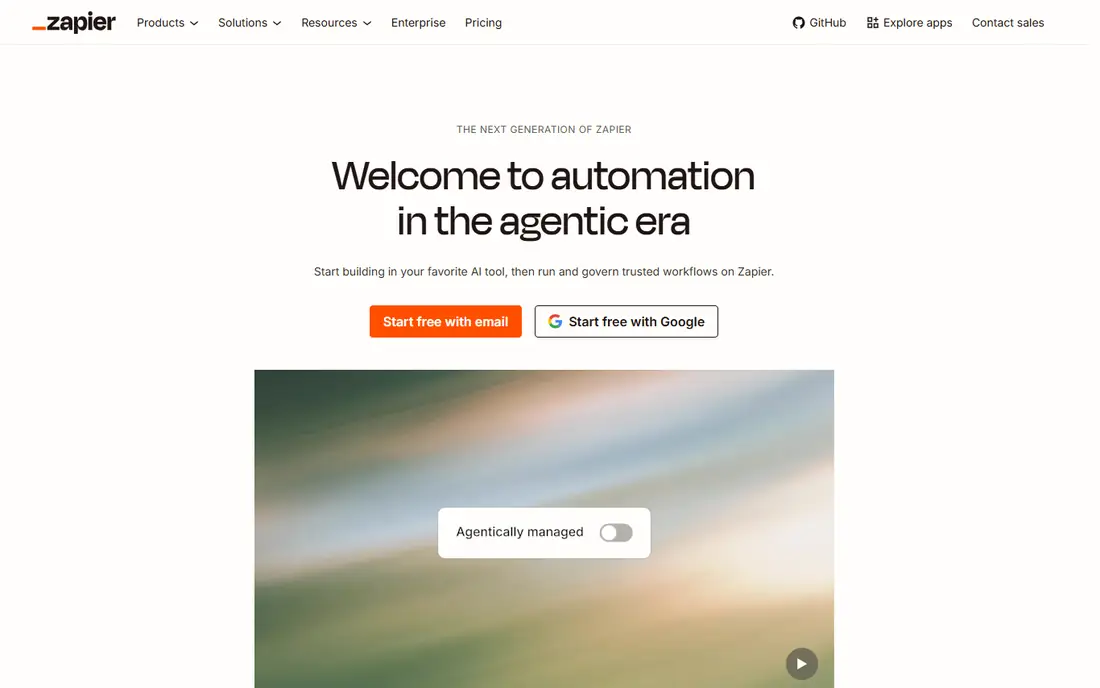
Zapier remains the default for a team that wants automation without hiring a developer. You pick a trigger, add actions, and connect apps from a library that covers thousands of services. Templates cover common jobs such as saving form responses to a sheet, posting leads to a CRM, and sending Slack alerts, so a first workflow often takes minutes rather than days.
The bill is where Zapier needs care. A task is a successful action step, so a ten-step workflow that runs 100 times can use far more tasks than a newcomer expects. The free plan gives 100 tasks a month with two-step workflows only, and Professional starts at $19.99 per month billed annually for 750 tasks. AI steps add another layer, since some AI actions cost more than one task per run. Zapier is excellent at low to moderate volume, and expensive at high volume unless you model the math first.
What we like- Largest app library in this list
- Guided setup and natural-language workflow creation
- Tables, Forms, and chatbot tools included
Watch out for- Task billing punishes long, multi-step workflows
- Free plan caps at 100 tasks and two-step workflows
- AI steps can cost multiple tasks per run
#2Make
Best for: Visual workflows at lower volume cost4.6/5 on
G2 (347 reviews, checked Oct 2026)
Visit make.com
Starting priceSee website
Free planYes
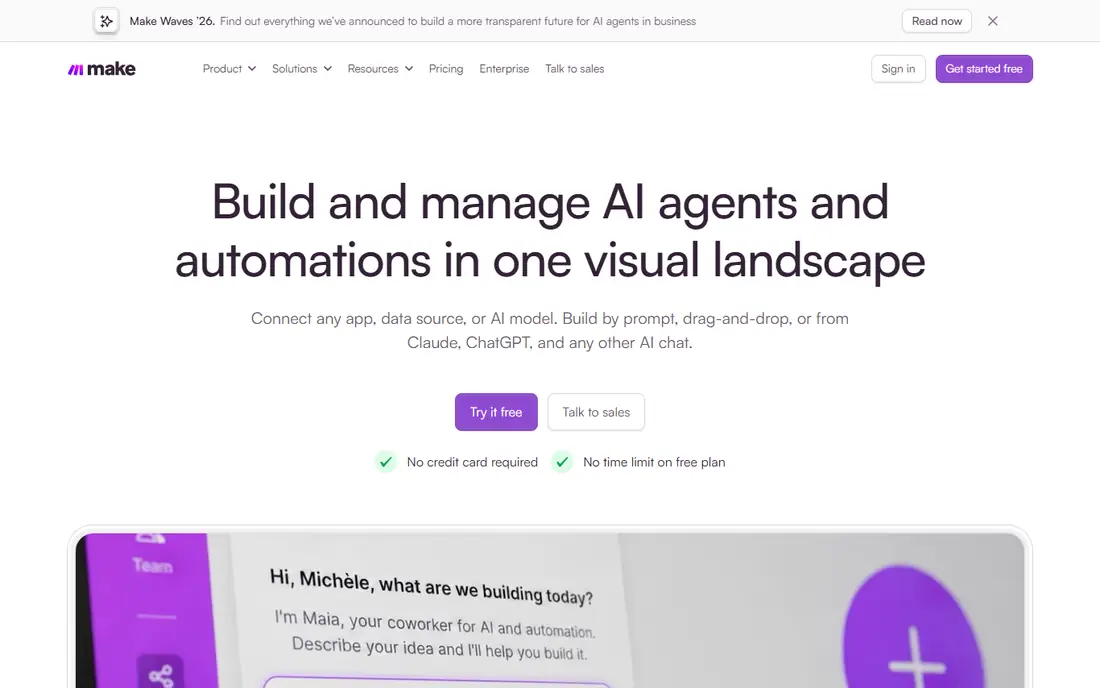
Make, formerly Integromat, gives you a visual canvas where a scenario branches, filters, and loops in ways Zapier's linear editor handles less naturally. That matters for workflows with conditions, such as routing leads by region or processing only orders above a threshold. The free plan includes 1,000 credits a month, and entry plans start at the same 10,000-credit level, with price rising on a slider as you buy more credits.
The catch is that every module that runs uses a credit, so a long scenario still adds up, just at a lower rate than Zapier for many workloads. The free plan also limits active scenarios and sets a 15-minute minimum interval between scheduled runs, so real-time work needs a subscription plan. Pricing pages have shown different entry prices in recent months, so confirm the live price on the vendor site before budgeting. For visual builders who want more logic per dollar, Make is a strong second step after Zapier.
What we like- Visual canvas with routers, filters, and branching
- Free plan includes 1,000 credits a month
- No per-user charge on entry plans
Watch out for- Credit counting takes time to learn
- Free plan limits active scenarios and scheduling to 15 minutes
- Recent pricing pages show different entry prices
#3n8n
Best for: Developer-friendly workflows with AI agents4.7/5 on
G2 (319 reviews, checked Oct 2026)
Visit n8n.io
Starting price20 euros per month (billed annually)
Free planYes
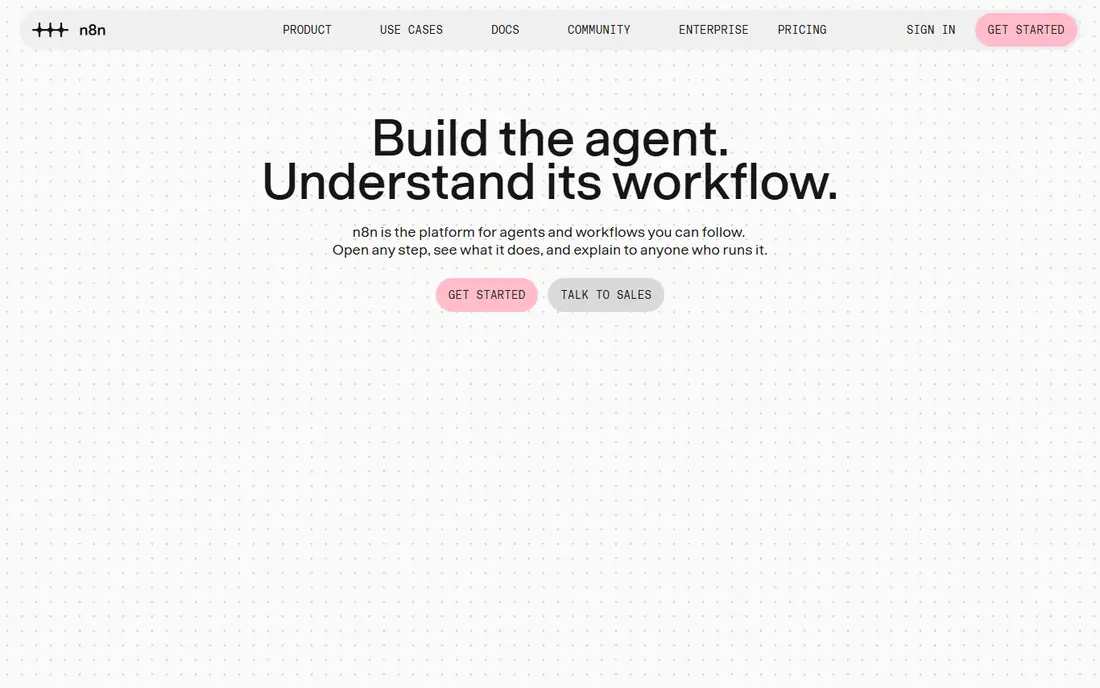
n8n is the tool developers reach for when a workflow needs code, AI agents, or full control over data. The Community edition is free to self-host, with unlimited executions on your own server, and cloud plans start at 20 euros per month billed annually for 2,500 executions. Cloud billing counts one execution for a whole workflow run, however many steps it contains, which makes complex workflows far cheaper than per-step billing.
The trade is effort. Self-hosting means you handle updates, security, and uptime, and the editor assumes more technical comfort than Zapier. Cloud Starter's execution cap also bites fast for workflows that run every few minutes, since each scheduled run counts. n8n fits teams with technical skills, or a developer-led project, far better than a non-technical team that wants templates and hand-holding.
What we like- Self-hosted Community edition is free with unlimited executions
- Cloud billing counts a full workflow run, not each step
- JavaScript and Python code nodes plus AI agent nodes
Watch out for- Self-hosting needs server setup and maintenance
- Cloud Starter caps at 2,500 executions a month
- Interface is less polished than Zapier or Make
#4UiPath
Best for: Enterprise RPA with AI agents4.6/5 on
G2 (7,734 reviews, checked Oct 2026)
Visit uipath.com
Starting price$25 per month
Free planNo
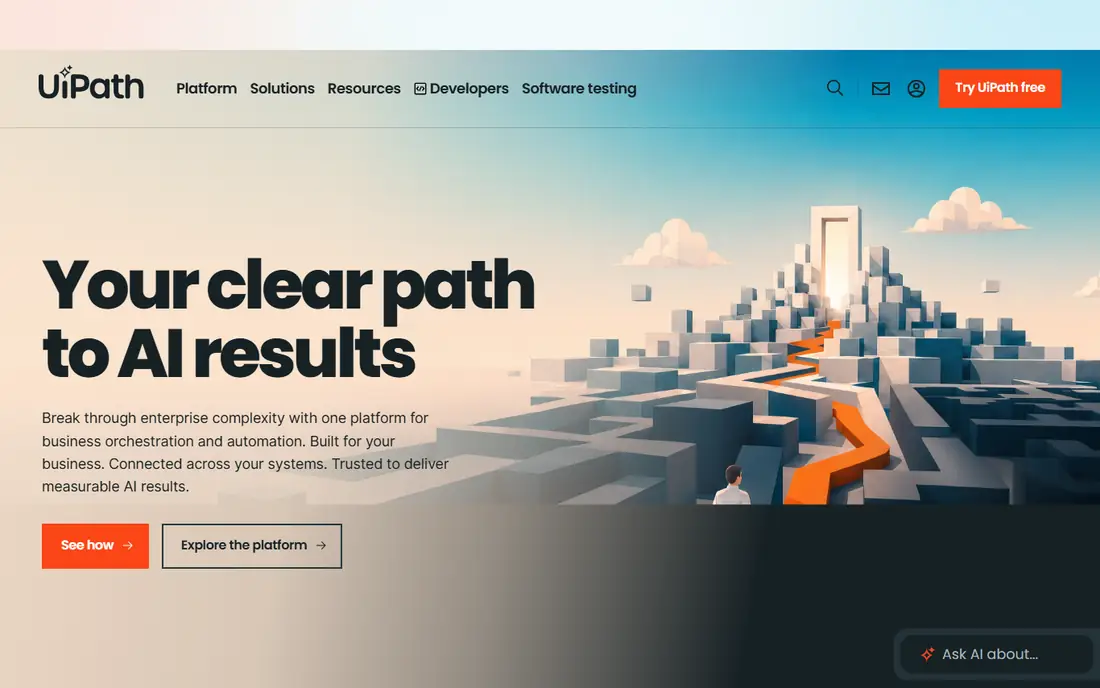
UiPath is a different kind of automation tool from Zapier. Where Zapier connects cloud apps through APIs, UiPath robots can drive desktop applications, read documents, and run attended or unattended automations across an enterprise. The Basic plan starts at $25 per month, with limited users and robots, while Standard and Enterprise plans require contacting sales and add agents, orchestration, governance, and self-healing automation.
That power comes with weight. UiPath needs more planning, testing, and governance than a small team usually wants for connecting two SaaS apps, and total cost rises with robots, AI units, and add-ons. A free Community edition exists for non-commercial learning use, but commercial teams should budget for implementation time as well as licenses. UiPath fits large organizations standardizing on RPA and adding AI agents, not a small team automating a handful of app connections.
What we like- Mature robotic process automation for desktop and legacy apps
- AI agents, document understanding, and orchestration on higher tiers
- Strong governance and audit controls
Watch out for- Entry Basic plan is limited in users, robots, and scale
- Standard and Enterprise pricing requires contacting sales
- Implementation takes longer than a simple app connector
#5Microsoft Power Automate
Best for: Microsoft 365 automation and desktop RPA4.4/5 on
G2 (1,092 reviews, checked Oct 2026)
Visit microsoft.com
Starting price$15 per user/month (billed annually)
Free planYes
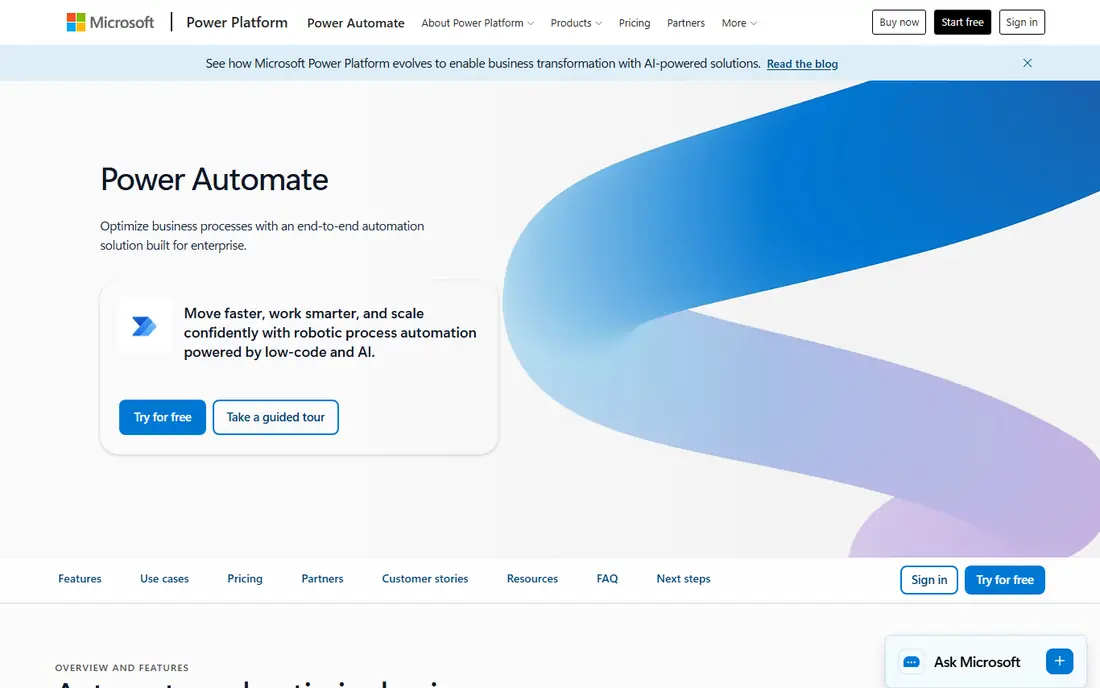
Power Automate is the natural pick inside a Microsoft 365 organization. Cloud flows move data between Outlook, Teams, SharePoint, Excel, and Dynamics, while desktop flows automate legacy Windows applications that have no API. Premium costs $15 per user per month billed annually, Process costs $150 per bot per month for unattended automation, and Hosted Process costs $215 per bot per month with a Microsoft-hosted machine.
The limits sit in licensing. Basic Power Automate use is included with many Microsoft 365 licenses for standard connectors only, while premium connectors, AI features, and unattended bots need a subscription plan. That means a workflow that looks free during a trial can require paid licenses once it touches Salesforce, SAP, or another premium system. Check connector types before building a critical workflow, and compare a per-bot Process license against buying Premium seats for everyone when a flow serves many people.
What we like- Deep links to Outlook, Teams, SharePoint, and Dynamics
- Premium plan adds premium connectors and attended desktop RPA
- Process plan licenses a bot for shared use
Watch out for- Premium connectors require a subscription plan
- Licensing is complex, with per-user and per-bot models
- Free tier is limited to standard connectors
#6Workato
Best for: Enterprise integration and AI agents4.7/5 on
G2 (843 reviews, checked Oct 2026)
Visit workato.com
Starting price$75 per month
Free planYes
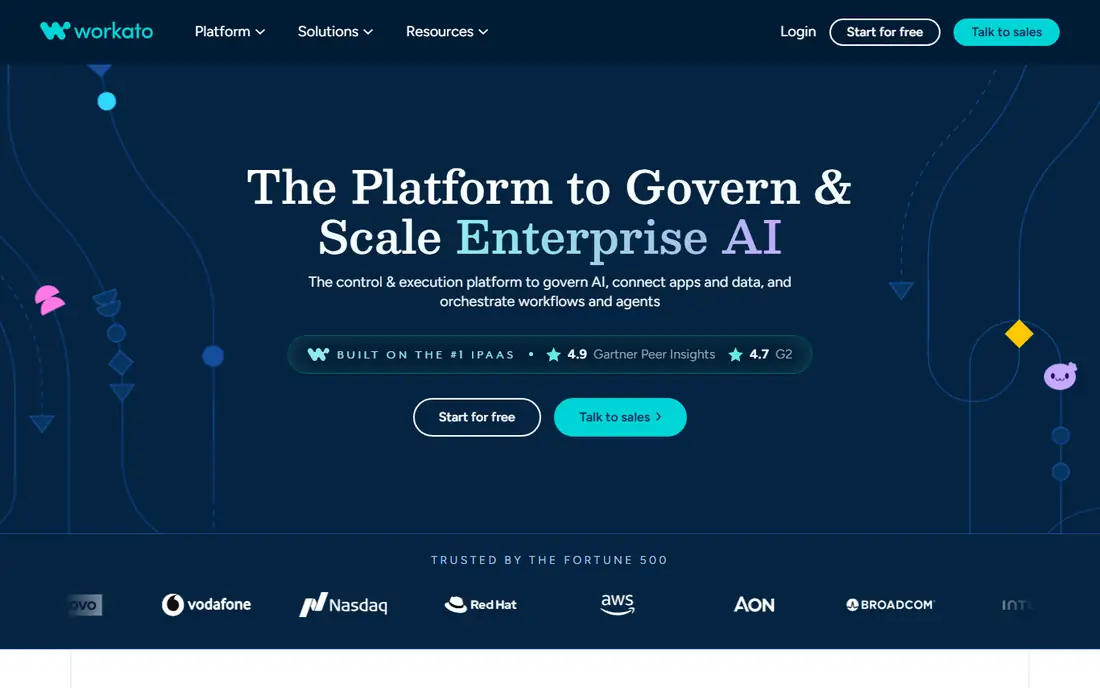
Workato is an enterprise integration platform that added self-serve plans for smaller teams. The Free plan includes a one-time grant of 50,000 credits, and Pro starts at $75 per month for 2,500 credits a month, with higher tiers at $100, $275, $780, and $1,275 per month for larger credit volumes. Credits cover workflows, API calls, data operations, and AI agent actions, so different jobs draw from the same balance at different rates.
The self-serve plans give real access to the same platform capabilities as larger editions, which is unusual for an enterprise tool. The limits are credit expiry, since unused monthly credits do not roll over, and the learning curve, since Workato assumes integration experience. Enterprise editions add environments, security controls, and data pipelines through sales. Workato fits IT-led teams that need governed integration plus AI agents, and small teams that want to grow into that platform.
What we like- Self-serve Free and Pro plans with a shared credit model
- Enterprise governance, environments, and on-prem connectivity
- AI agents and API management on the platform
Watch out for- Monthly credits expire and do not roll over
- Enterprise pricing requires a sales conversation
- Platform assumes IT or integration skills
#7Bardeen
Best for: Browser automation for sales and research4.8/5 on
G2 (36 reviews, checked Oct 2026)
Visit bardeen.ai
Starting priceSee website
Free planYes
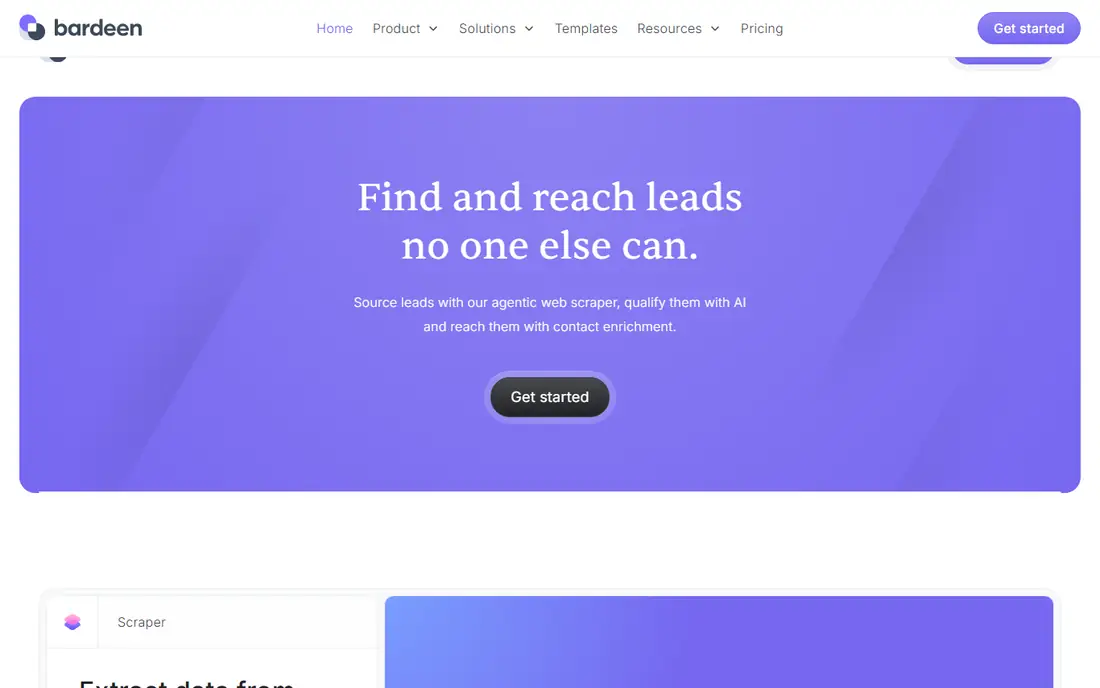
Bardeen works where you work: in the browser. Instead of connecting apps through APIs alone, it can scrape a list from a website, enrich contacts, qualify leads with AI, and push results to a sheet, Airtable, Notion, or a CRM. Playbooks cover common jobs such as building a prospect list or copying meeting notes, and a natural-language builder can draft a workflow from a description for you to review.
The limits are browser dependence and credits. Bardeen needs Chrome or a Chromium-based browser, and scraping and enrichment use credits, with enrichment costing more per row than a simple scrape. Recent pricing pages show different plan prices, so confirm the live price and credit allowance before relying on Bardeen for a large list. For sales, recruiting, and research teams who live in the browser, Bardeen fills a gap that API-only tools leave open.
What we like- Browser-first automation with playbooks for common tasks
- AI-assisted scraping, enrichment, and qualification
- Exports to Google Sheets, Airtable, and Notion
Watch out for- Runs in Chrome or Chromium-based browsers
- Credit pricing can rise fast with heavy scraping
- Recent pricing pages show different plan prices
#8IFTTT
Best for: Simple personal and smart home automation4.5/5 on
G2 (117 reviews, checked Oct 2026)
Visit ifttt.com
Starting price$2.99 per month (billed annually)
Free planYes
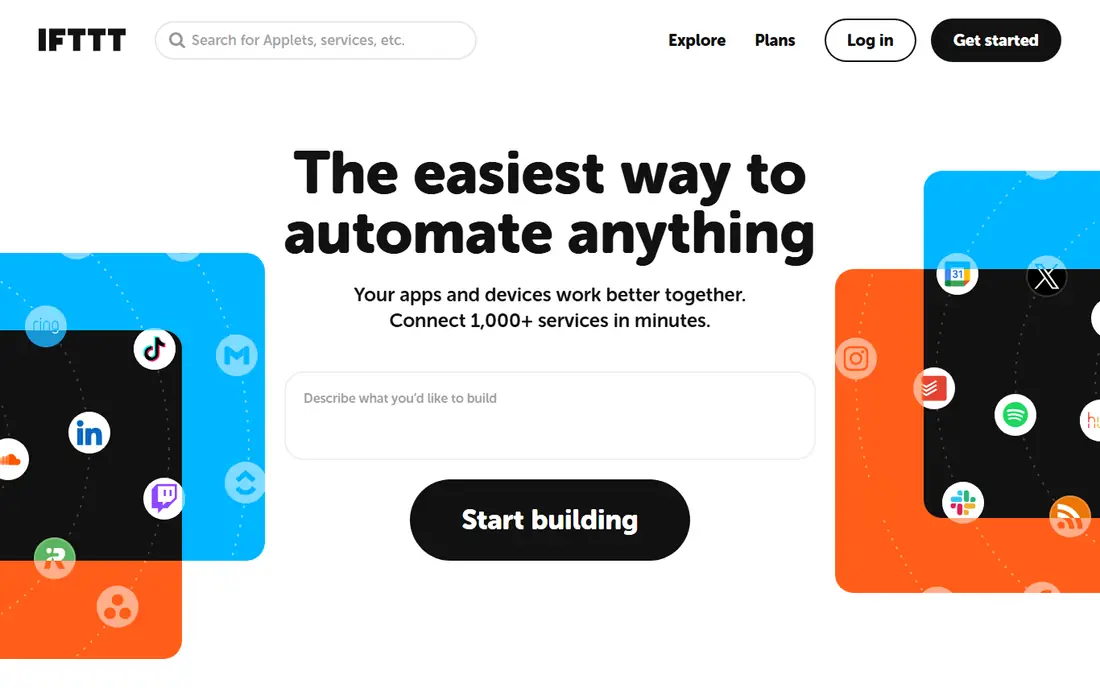
IFTTT, short for If This Then That, is the simplest tool in this list, and that is its strength. You build an Applet from a trigger and an action, such as saving a photo to Drive, logging work hours to a sheet, or turning on a light at sunset. The free plan includes 2 Applets with unlimited runs, Pro costs $2.99 per month billed annually for 20 Applets with multi-action support, and Pro+ costs $8.99 per month billed annually for unlimited Applets and AI services.
The simplicity is also the ceiling. Conditional logic, branching, and complex data handling are limited next to Zapier, Make, or n8n, and business teams will outgrow IFTTT quickly. For personal routines, smart home links, and a handful of productivity automations, though, IFTTT is cheap, fast to set up, and easy to maintain. It is best seen as a personal automation tool that complements a business platform, not a replacement for one.
What we like- Very simple trigger-and-action model
- Strong smart home and consumer app coverage
- Free plan includes 2 Applets with unlimited runs
Watch out for- Limited logic compared with Zapier, Make, or n8n
- Free plan caps at 2 Applets
- Business workflows quickly outgrow it
How we chose
We compared vendor pricing pages, documentation, and public reviews on G2, Capterra, and Reddit, and we weighed app coverage, billing units, AI features, governance, and fit for individuals, small teams, and enterprises. Tools made the list only if they exist today and genuinely cover AI-assisted automation, not just scheduled posting or a single app feature. We did not claim hands-on testing, and we left out a well-known tool that shut down in August 2026 rather than list a product readers can no longer buy. Where pricing pages conflicted, we listed the price as See website instead of repeating a figure we could not verify.
How to size your automation bill
Start with one real workflow, not a plan page. Write down each step, how often the workflow runs, and how the vendor counts that run. A Zapier workflow with ten action steps running 100 times a month uses 1,000 tasks, while the same workflow on n8n cloud uses 100 executions. On Make, count modules, not workflows, since each module that runs uses a credit.
Run a one-month count before annual billing
Track runs for a month on a free plan or trial, then multiply by twelve only after checking for seasonal spikes. Annual billing saves money on most tools here, but it locks you into a tier that may not fit a quiet month or a busy quarter. Let overage or a credit top-up absorb spikes where the vendor offers that option, rather than buying a tier for your busiest week.
Keep a human step where errors cost money
AI steps can draft, summarize, and classify well, but they can also misread a document or send the wrong reply. Keep an approval step for refunds, contract changes, customer messages, and any action that moves money or personal data. That single check prevents most automation embarrassments, and tools such as Power Automate, UiPath, and Workato all support approval and governance features for exactly this reason.
Check data handling and exit options
Confirm where your data runs, whether the vendor stores it, and how you export workflows and logs if you leave. Self-hosted n8n gives the most control, while cloud tools trade control for convenience. Export a workflow, check the format, and confirm that a replacement tool can rebuild it without starting from scratch.
Frequently asked questions
What is the best AI automation tool for a small business?
Zapier is the easiest starting point for most small businesses, with the largest app library and guided setup. Make is a strong alternative if your workflows need branching logic or higher volume at a lower cost. Pick Zapier for speed of setup, and Make or n8n if volume or workflow complexity drives your bill.
How does AI automation billing actually work?
It depends on the vendor. Zapier bills per successful action step, Make bills per module that runs, n8n cloud bills per full workflow run, and Workato and Bardeen bill in credits that different actions draw at different rates. Always model your bill from steps per run times runs per month, and check how AI steps are counted, since some cost more than a standard step.
Do I need coding skills to use these tools?
No, for Zapier, Make, IFTTT, and Bardeen, which are built for non-developers. n8n is friendlier with code skills, since its code nodes and self-hosting assume technical comfort. UiPath, Power Automate, and Workato sit in the middle: business users can build simple flows, while complex enterprise workflows usually need IT or integration help.
Can AI automation replace manual work completely?
No, not safely. AI automation handles repetitive, well-defined work well, such as moving data, drafting summaries, and flagging exceptions. It still needs human review for judgment calls, customer communication, and anything involving money or personal data. The best setups automate the routine steps and keep a person in the loop for decisions.
Which tool is best for automating browser tasks?
Bardeen is the best pick here, since it runs in the browser and can scrape, enrich, and move web data into sheets and CRMs. Zapier and Make handle API-based app connections better, but they do not scrape a website in the same way. If your work starts on a web page rather than in an app, start with Bardeen.
Sources we checked (8)
- https://zapier.com
- https://www.make.com
- https://n8n.io
- https://www.uipath.com/pricing
- https://www.microsoft.com/en-us/power-platform/products/power-automate
- https://www.workato.com
- https://www.bardeen.ai
- https://ifttt.com
Is your product missing or out of date?
We review this list regularly. Vendors can request a listing, send updated pricing or ask about featured placement.

Shihab Mia · Founder, Rankite
Shihab has 5+ years in B2B and SaaS SEO. He writes Rankite's software buying guides from pricing pages, documentation and public user reviews. More about Shihab.