How we make this list: we compare pricing pages, product documentation and public user reviews. Ratings come from G2, Capterra or Trustpilot, with the date we checked them.
Key takeaways
- AI product design tools turn prompts, sketches, and screenshots into wireframes, screens, and prototypes in minutes.
- Figma suits teams that want AI inside an established collaborative design system workflow, with Figma Make generating prototypes inside files designers already use.
- Galileo AI is now Google Stitch: the standalone Galileo product is dead, and Stitch is its free Gemini powered successor in Google Labs.
- Uizard leads for prompt to wireframe generation for non designers, while Framer leads for turning designs into live published websites.
- AI output is a starting point, not a finished product: verify outputs, run accessibility checks, check AI use policies, and test with real users before shipping.
Quick comparison
Is your product missing or out of date?
We review this list regularly. Vendors can request a listing, send updated pricing or ask about featured placement.

#1Figma
Best for: Team design with AI4.7/5 on
G2 (1,593 reviews, checked Oct 2026)
Visit figma.com
Starting priceFree
Free planYes
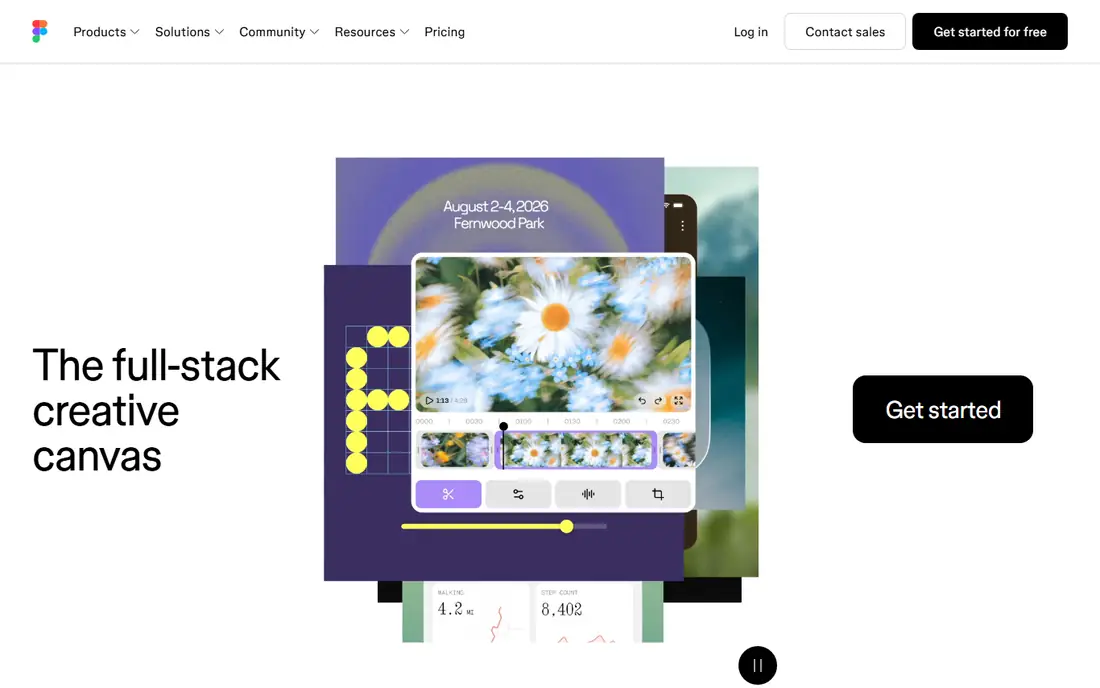
What we like- Figma offers the most mature AI inside an existing workflow: Figma AI speeds up everyday tasks such as renaming layers, generating placeholder copy, creating prototype links, and editing images, while Figma Make turns a prompt or existing design into a working prototype or app inside Figma files, reusing the team's designs. AI features are included in paid plans with AI credits per seat, and the collaborative design system workflow is unmatched for team product design. Reported paid pricing ranges from 15 to 20 dollars per seat per month depending on plan, with Organization at 75 dollars per editor.
Watch out for- AI features require paid plans, so free users get limited access. Credit based AI usage adds cost unpredictability for heavy generation teams. Figma only covers design and prototyping, so publishing and production code need other tools.

#2Uizard
Best for: Prompt to wireframe4.5/5 on
G2 (46 reviews, checked Oct 2026)
Visit uizard.io
Starting priceFree
Free planYes
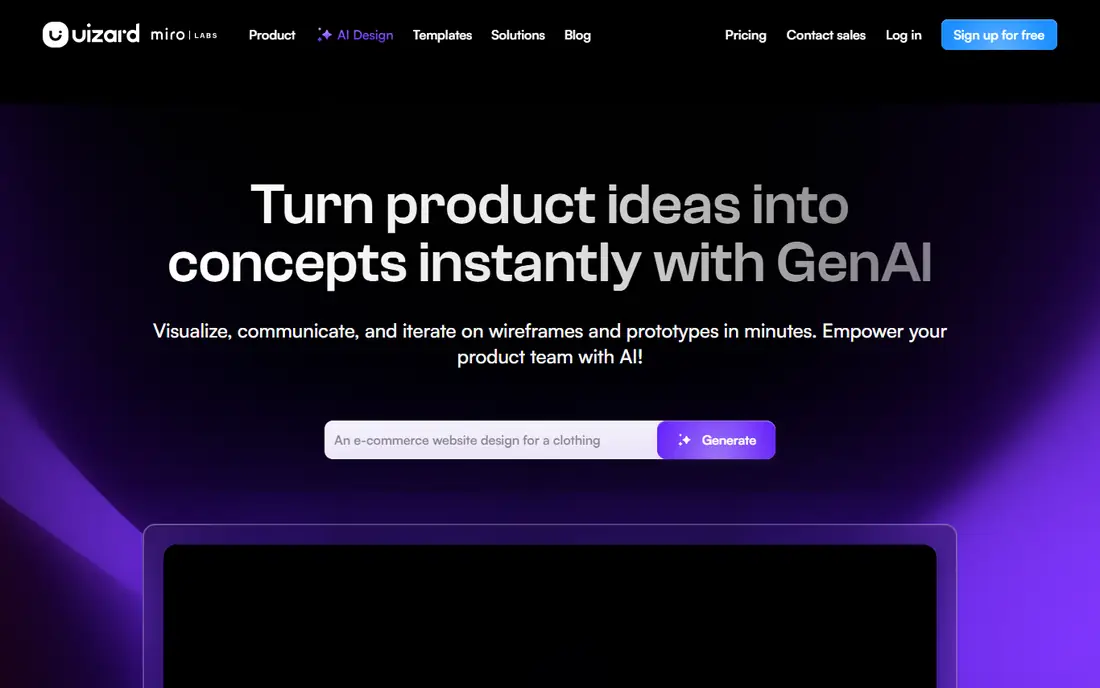
What we like- Uizard turns sketches, screenshots, and text prompts into editable wireframes and mockups, making it the easiest starting point for product managers and non designers. It offers a free tier, with paid plans reported from 12 to 19 dollars per month depending on source, and Figma integration for handoff. Text to UI generation is its standout feature, and it suits early ideation and startup teams.
Watch out for- High fidelity output is limited compared with Figma, so designs usually need refinement in a full design tool. Paid pricing reports conflict across sources, so confirm the current plan before budgeting. Uizard is now owned by Miro, which may shift its roadmap toward the Miro ecosystem.
Starting priceFree
Free planYes
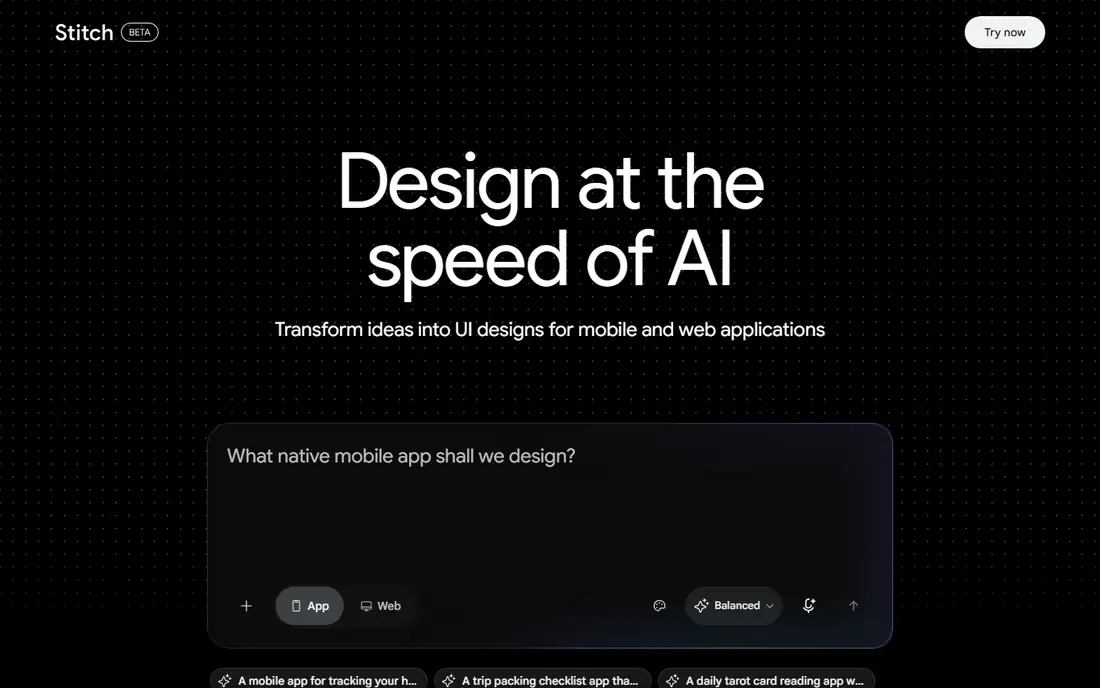
What we like- Google Stitch, formerly Galileo AI, generates UI designs from text, sketches, or screenshots, with multi screen flows, design systems from a prompt, and code export in HTML and Tailwind. It is free in Google Labs with usage limits, and Gemini powering gives strong prompt understanding. It suits rapid ideation and developers who want editable designs plus code.
Watch out for- Stitch is a Labs product, so availability and limits can change without the stability guarantees of a paid tool. The standalone Galileo AI product is dead, so older Galileo guides and pricing are out of date. Export quality needs human refinement before production use.
Starting priceFree
Free planYes
What we like- Framer AI generates a full marketing site from a prompt and ships live with custom domains, with AI sitemap and copy, instant responsive layouts, AI translation and copy rewriting, and one click publish. It offers a free tier, with paid plans reported from 5 dollars per seat for the editor plus per site publish pricing, or from 10 dollars per month in other sources. It suits designers and marketers who need a real publish layer, not just mockups.
Watch out for- It is less general than Figma, tied to the Framer ecosystem, and it suits marketing sites better than complex product interfaces. Per site publish pricing adds cost for multi site teams. Code export is limited compared with v0 for engineering led teams.

#5Visily
Best for: Fast wireframes4.4/5 on
G2 (36 reviews, checked Oct 2026)
Visit visily.ai
Starting priceFree
Free planYes
What we like- Visily turns screenshots, sketches, and text prompts into editable wireframes, with a free tier and Pro at 19 dollars per month for advanced exports. It suits product managers and early stage teams co designing with designers, since wireframes are editable rather than static images. Screenshot to wireframe is its standout feature.
Watch out for- High fidelity output is limited, so Visily suits wireframes rather than finished visual design. Advanced exports sit on the Pro plan, and the tool lacks the design system depth of Figma. Teams needing production ready visuals must refine elsewhere.

#6Relume
Best for: Sitemaps and wireframes3.3/5 on
G2 (8 reviews, checked Oct 2026)
Visit relume.io
Starting priceFree
Free planYes
What we like- Relume plans the structure of a site with an AI sitemap and wireframe generator, a large component library, and export to Figma or Webflow. It offers a free tier, with paid plans reported from 16 dollars per month. It suits web projects that need structure before visual design, and the Figma export keeps the workflow connected.
Watch out for- Relume covers structure, not finished visual design, so it pairs with a design tool rather than replacing one. The component library suits marketing sites better than complex product interfaces. Paid pricing varies by plan, so confirm current terms.

#7Adobe Firefly
Best for: Commercially safe image generation4.4/5 on
G2 (373 reviews, checked Oct 2026)
Visit firefly.adobe.com
Starting price$9.99 per month
Free planYes
What we like- Adobe Firefly generates and edits images designed to be safe for commercial use, with text to image and generative fill, and it is the only tool in this list with enterprise indemnification in comparison reporting. Standard pricing is 9.99 dollars per month, with Pro reported at 19.99 to 29.99 dollars per month depending on source, and Adobe Suite integration suits professional teams. It suits product teams needing hero images, mood boards, and marketing visuals with IP compliance.
Watch out for- Firefly covers images, not interface generation, so it pairs with a UI tool rather than replacing one. Paid pricing reports conflict across sources, so confirm the current plan. Generation quality for distinctive styles lags Midjourney in comparison reporting.

#8v0 by Vercel
Best for: Prompt to React UI code4.5/5 on
G2 (28 reviews, checked Oct 2026)
Visit v0.dev
Starting priceFree
Free planYes
What we like- V0 by Vercel turns prompts into React and Next.js UI code with Tailwind components that teams can edit and deploy, offering the best return for engineering forward teams in comparison reporting. It offers a free tier, with paid plans reported at 20 dollars per month. It suits product teams building with AI, since output is working code rather than mockups.
Watch out for- Output needs engineering review, since generated code can carry accessibility and security issues. It suits React and Next.js stacks, limiting teams on other frameworks. The free tier is limited, and heavy generation consumes credits quickly.
How we chose
We ranked tools on generation quality, workflow fit, export and publish capability, pricing transparency, and maintenance status. Tools earned credit for editable output rather than static images, Figma or code export, and active maintenance, since this market turns over fast. We excluded dead tools such as standalone Galileo AI and Tome, and we excluded pure image generators without product design workflow fit, except Firefly for commercially safe visuals. Figures come from published pricing and 2026 comparison reporting, and readers should confirm current terms directly, since prices and AI credit models change frequently.
Start with the job, not the tool. Teams needing wireframes fast should pick Uizard or Visily, teams needing structure should pick Relume, and teams needing a live site should pick Framer. Next, check where your team already works: Figma teams should use Figma AI and Figma Make inside their existing files, while engineering led teams should use v0 for working code. Then check output quality honestly, since AI output is a starting point, not a finished product: verify layouts, run accessibility checks, review AI use policies for training data and IP, and test with real users before shipping. Then check export paths before committing, since a tool that traps designs inside its own format costs more in handoff time than any subscription saving. Confirm Figma export, HTML and Tailwind code export, or a live publish path depending on the job, and test the export with a real screen, not just the demo. Finally, check pricing models, since credit based AI usage adds unpredictability, and confirm the tool is actively maintained, since design specific AI tools shut down or get acquired regularly.
Frequently asked questions
What is the best AI tool for product design?
Figma suits teams that want AI inside an established collaborative workflow, Uizard suits non designers needing wireframes fast, and Framer suits teams needing a live website. The best pick depends on whether the job is wireframing, team design, publishing, or code.
Is Galileo AI still available?
No. The standalone Galileo AI product is dead, and Google Stitch is its successor, free in Google Labs with Gemini powered prompt to UI generation and code export. Older Galileo pricing guides are out of date.
Can AI tools replace product designers?
No. AI output is a starting point, not a finished product. Human review, accessibility checks, user testing, and design judgment still decide quality, and AI generated layouts often need refinement before production.
Which AI design tool is best for non designers?
Uizard and Visily suit non designers best, turning text prompts, sketches, and screenshots into editable wireframes. Both offer free tiers, making them low risk starting points for product managers and founders.
Are AI generated designs safe for commercial use?
Adobe Firefly is designed for commercial use with enterprise indemnification in comparison reporting. Other tools vary by training data and terms, so check AI use policies and licensing before commercial use.
How much do AI product design tools cost?
Most tools offer free tiers, with paid plans from around 10 to 20 dollars per month for individuals and 75 dollars per editor for Figma Organization. Credit based AI usage can add cost for heavy generation teams.
Sources we checked (0)
Is your product missing or out of date?
We review this list regularly. Vendors can request a listing, send updated pricing or ask about featured placement.

Shihab Mia · Founder, Rankite
Shihab has 5+ years in B2B and SaaS SEO. He writes Rankite's software buying guides from pricing pages, documentation and public user reviews. More about Shihab.
 Google Stitch
 Framer AI