How we make this list: we compare pricing pages, product documentation and public user reviews. Ratings come from G2, Capterra or Trustpilot, with the date we checked them.
Key takeaways
- No single tool does everything well: one model nails poster text and mangles faces, while another makes gorgeous scenes but cannot spell a headline.
- Most creators need a small stack: one generator for images plus one editor to finish designs with text, brand colors and correct sizes.
- Commercial safety is the key question: Adobe Firefly offers meaningful commercial indemnification, while most rivals shift copyright risk to the user.
- Free images on some tools are public by default, and Recraft does not license its free images for commercial use, so check terms before publishing client work.
Quick comparison
| Tool | Best for | Starting price | Free plan |
|---|
 Canva AI Canva AI | Everyday graphics in one editor | $18 per month | Yes |
 Adobe Firefly Adobe Firefly | Commercially safe generation | $9.99 per month | Yes |
 Midjourney Midjourney | Artistic and cinematic stills | $10 per month | No |
 Ideogram Ideogram | Posters and logos with readable text | $15 per month | Yes |
 Leonardo AI Leonardo AI | Creator production volume | $12 per month | Yes |
 Recraft Recraft | Logos and editable vector graphics | $10 per month | Yes |
 Adobe Express Adobe Express | Free everyday design with AI | $9.99 per month | Yes |
 ChatGPT Images ChatGPT Images | Conversational image edits | $20 per month | Yes |
Is your product missing or out of date?
We review this list regularly. Vendors can request a listing, send updated pricing or ask about featured placement.
Starting price$18 per month
Free planYes
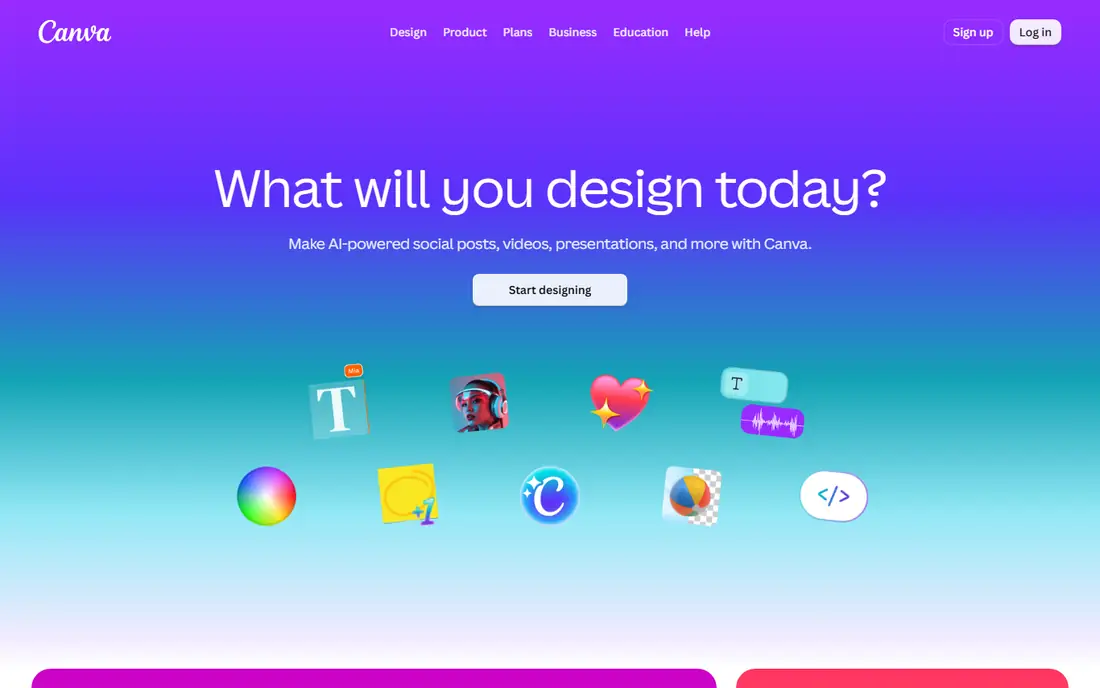
Canva AI leads for everyday graphics because the AI lands inside an editor, not a bare image generator. Magic Design builds complete layouts from a prompt, Magic Write drafts headlines and captions, background remover cuts subjects in one click, and Magic Resize adapts one design to dozens of formats. When an AI headline misspells a word, you fix the text box directly instead of regenerating the whole image.
The catch is metering. Canva shows AI usage as a percentage of the month, and a handful of requests can consume a large share on a trial allowance, though paid Pro gets more. Pro costs 18 dollars a month or 144 dollars a year, and the free plan includes about 20 AI uses a month. For a marketer or small business making social posts, flyers and slides weekly, Canva is the best all rounder.
What we like- AI lands inside a full editor with templates and brand kits
- Magic Studio covers design, text and background removal
- Free plan includes about 20 AI uses
Watch out for- AI usage is metered as a monthly percentage
- Heavy AI use needs an AI Pass allowance
- Pro costs 18 dollars a month or 144 dollars a year
Starting price$9.99 per month
Free planYes
Adobe Firefly is the safest choice for commercial work. Its models are trained on licensed Adobe content, which supports commercial indemnification that most rivals do not offer, and the tool integrates with Photoshop, Illustrator and Express through Generative Fill and Boards. Standard starts around 9.99 dollars a month, with Pro at 19.99 dollars, and a free tier offers limited generations.
The output is a flat image, so finishing a design still needs an editor, and the live plans page should be reconfirmed before buying, since Adobe adjusts credit tiers often. For a professional designer or brand team where copyright liability matters, Firefly is the responsible pick.
What we like- Commercially safe Adobe trained models
- Indemnification for commercial use
- Deep Creative Cloud integration
Watch out for- Standard plan needs reconfirmation on the live pricing page
- Pro costs 19.99 dollars a month
- Flat images need an editor to finish
#3Midjourney
Best for: Artistic and cinematic stills4.4/5 on
G2 (102 reviews, checked Oct 2026)
Visit midjourney.com
Starting price$10 per month
Free planNo
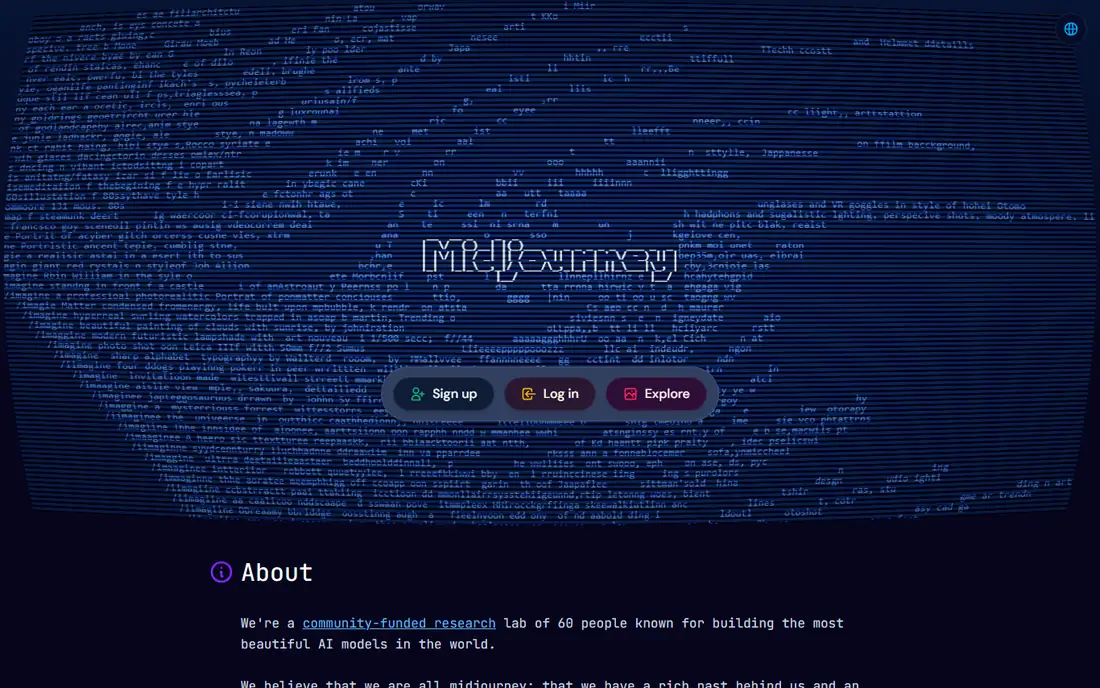
Midjourney remains the go to for stylized, cinematic stills, from concept art and mood boards to campaign hero images and editorial illustration. Generations run through Midjourney web and Discord workflows, with Fast GPU allotments by plan and unlimited Relax generations on Standard and above. Basic costs 10 dollars a month, Standard 30 dollars, Pro 60 dollars and Mega 120 dollars, with annual billing about 20 percent less.
There is no free tier, Fast time is metered with extra hours at 4 dollars, and large companies need Pro or Mega for commercial use. Midjourney also gives flat images, not editable designs. For creators who prioritize look and feel over in app layout tools, it still leads on raw image quality.
What we like- Distinctive aesthetic range for concept art and editorial illustration
- Transparent plan ladder
- Unlimited Relax generations on Standard and up
Watch out for- No free tier
- Fast GPU time is metered
- Companies over 1 million dollars revenue need Pro or Mega for commercial use
Starting price$15 per month
Free planYes
Ideogram solves the problem every other generator still struggles with: readable text inside an image. Posters, banners, thumbnails and logos built around words come out spelled correctly far more often than with rivals, which makes Ideogram the pick for text heavy graphics. The free tier offers weekly slow credits, and Plus costs 15 dollars a month billed annually, with commercial use allowed on free and paid tiers.
Priority credits expire monthly, so unused credits do not roll over, and layout finishing tools are thinner than Canva. Pair Ideogram with an editor for final polish, and use it whenever words are the design, not just decoration.
What we like- Best typography rendering among generators
- Commercial use on free and paid tiers
- Free weekly slow credits
Watch out for- Plus costs 15 dollars a month billed annually
- Priority credits expire monthly
- Layout tools are thinner than Canva
#5Leonardo AI
Best for: Creator production volume4.5/5 on
G2 (32 reviews, checked Oct 2026)
Visit leonardo.ai
Starting price$12 per month
Free planYes
Leonardo AI suits creators who generate in volume, with a free tier of 150 tokens a day and Essential at 12 dollars a month. The token bank lets you save and spend credits flexibly, and model training lets you teach the system your style for consistent product shots and character work. Private generations come with paid plans, which matters for client work.
Token math takes learning, since different models and sizes cost different token amounts, and free generations are public. For a creator producing many images weekly, Leonardo offers the best volume economics in this list after the free tier.
What we like- Free 150 tokens a day
- Token bank plus model training on your style
- Private generations on paid plans
Watch out for- Token math takes learning
- Product shots need careful prompting
- Free generations are public
#6Recraft
Best for: Logos and editable vector graphics4.7/5 on
G2 (456 reviews, checked Oct 2026)
Visit recraft.ai
Starting price$10 per month
Free planYes
Recraft is unique in this list: it generates native SVG vector graphics rather than raster images, which makes it the only AI tool here suited to logos, icons and scalable brand assets that must resize cleanly. Paid plans start at 10 dollars a month billed annually, with a free tier for experimentation.
The critical limit is licensing: Recraft does not license its free images for commercial use, so client work needs a paid plan. Raster image quality also trails Midjourney for photographic scenes. For a brand designer building vector sets, Recraft is the essential specialist tool.
What we like- Only AI tool here that generates native SVG vectors
- Strong for logos, icons and brand sets
- Paid from 10 dollars billed annually
Watch out for- Free images are not licensed for commercial use
- Raster quality trails Midjourney
- Smaller community than Canva
#7Adobe Express
Best for: Free everyday design with AI4.5/5 on
G2 (855 reviews, checked Oct 2026)
Visit adobe.com
Starting price$9.99 per month
Free planYes
Adobe Express is the free friendly Adobe option for everyday design. The free tier offers daily generations, a full editor with templates, and Adobe stock and font integration, while Premium at 9.99 dollars a month adds more credits and features. It suits a user who wants Adobe quality without a Creative Cloud subscription.
AI depth trails Firefly standalone, and brand kit controls trail Canva Pro for teams. For a solo creator who wants free AI design with an Adobe finish, Express is the best free entry point in the Adobe family.
What we like- Free daily generations on the free tier
- Full editor with templates
- Adobe stock and font integration
Watch out for- Premium costs 9.99 dollars a month for full credits
- AI depth trails Firefly standalone
- Brand kit depth trails Canva Pro
Starting price$20 per month
Free planYes
ChatGPT Images suits creators who think in conversation: describe an image, see it, then ask for changes in plain language, with edits applied in context. Text rendering and placement control are strong, and iteration feels natural for marketers refining a concept. The free tier offers limited images, and Plus costs 20 dollars a month, though some comparisons list a lower entry figure, so confirm current pricing.
Caps vary with demand and OpenAI does not publish the exact limit, which can frustrate heavy users. Output is also flat, so finishing still needs an editor. For a creator who iterates by talking through ideas, ChatGPT Images is the most natural generator here.
What we like- Conversational edits in context
- Readable text and placement control
- Easy iteration by chatting
Watch out for- Plus costs 20 dollars a month
- Image caps vary with demand
- Output is flat, not editable design
How we chose
We compared published prices, free tier terms, commercial licensing and output formats from vendor pages and independent comparisons published in 2026, and we weighed image quality, text accuracy, vector support, editor integration and copyright posture. We noted where prices conflict across sources, since vendors adjust credit tiers often, and we favored tools with clear commercial terms. No tool was credited with hands-on testing, and no user counts, awards or ratings were invented for this guide.
What to check before you publish AI designs
Start with commercial rights. Only Adobe Firefly and a few others provide meaningful commercial indemnification, while most tools shift copyright risk to the user. Free images on Ideogram, Leonardo and Recraft are public by default, and Recraft free images are not licensed for commercial use at all. Read the license for the exact tier you use before publishing client work.
Next, check the meter. AI tools meter by credits, tokens, GPU hours or monthly percentages, and those units are not comparable across tools. A cheap headline price can hide a small allowance, so work out how many finished designs your monthly allowance actually buys. Finally, plan the finishing step: generators produce flat images, so budget time in Canva, Express or a traditional editor for text fixes, brand colors and correct sizes for each channel.
Frequently asked questions
Which AI design tool is best for a non designer?
Canva AI, because the AI lands inside a full editor with templates, brand kits and one click fixes. A non designer can generate a draft, fix text directly, resize for each channel and publish without learning a professional design tool.
Can I use AI generated images for commercial client work?
It depends on the tool and tier. Adobe Firefly offers commercial indemnification, Ideogram allows commercial use on free and paid tiers, and Recraft requires a paid plan for commercial licensing. Midjourney requires Pro or Mega for companies over 1 million dollars in annual revenue. Always read the license for your tier.
Why does AI text in images often misspell words?
Because most image models treat text as visual pattern, not language. Ideogram and ChatGPT Images handle text better than most, and Canva avoids the problem by keeping headlines as editable text boxes. For text heavy designs, generate the image without text and add type in an editor.
What is the difference between raster and vector AI output?
Raster images are pixel grids that blur when enlarged, while vector graphics use math paths that scale cleanly to any size. Recraft is the only tool here generating native SVG vectors, which matters for logos, icons and brand assets that must work from business cards to billboards.
How much do AI design tools really cost per month?
Headline prices run from free to 20 dollars a month, but metering decides the real cost. A 10 dollar plan with a small token allowance can cost more per finished design than an 18 dollar plan with a larger allowance. Count finished designs per month, not credits, when comparing.
Should AI replace a human designer?
For routine social posts, quick concepts and first drafts, AI saves real time. For brand identity, complex layouts and work where copyright or taste carries risk, a human designer still matters. The best workflow in 2026 is AI for drafts and speed, with a human for judgment and finishing.
Sources we checked (4)
- https://news.ssbcrack.com/best-ai-image-generators/
- https://www.learningrevolution.net/best-ai-image-generator-apps/
- https://aialleyway.com/best-ai-design-tools/
- https://axis-intelligence.com/best-ai-graphic-design-tools-2026-tested/
Is your product missing or out of date?
We review this list regularly. Vendors can request a listing, send updated pricing or ask about featured placement.

Shihab Mia · Founder, Rankite
Shihab has 5+ years in B2B and SaaS SEO. He writes Rankite's software buying guides from pricing pages, documentation and public user reviews. More about Shihab.