How we make this list: we compare pricing pages, product documentation and public user reviews. Ratings come from G2, Capterra or Trustpilot, with the date we checked them.

Key takeaways
- AI tools for YouTube videos turn scripts, articles, or prompts into finished videos with stock footage, voiceover, music, and captions, without filming.
- InVideo AI is the best all-rounder for YouTube-style video from a topic or script, with a free tier and paid plans from 20 dollars per month billed annually.
- Pictory leads turning blog posts into video, while Synthesia and HeyGen lead avatar presenter videos for training and marketing.
- Runway leads generative cinematic clips, while OpusClip leads turning long videos into vertical shorts for Shorts, TikTok, and Reels.
- AI output accuracy limits apply: fact-check scripts, verify claims, and get consent before generating likeness or voice content, since face and voice raise legal and ethical issues.
Quick comparison
| Tool | Best for | Starting price | Free plan |
|---|
 InVideo AI InVideo AI | YouTube-style video from topic or script | $20 per month | Yes |
 Pictory Pictory | Articles and scripts to video | $25 per month | No |
 Synthesia Synthesia | Training scripts to presenter video | $18 per month | Yes |
 HeyGen HeyGen | Marketing scripts to avatar video | $24 per month | Yes |
 Fliki Fliki | Scripts to voiceover video | $21 per month | Yes |
 Lumen5 Lumen5 | Blog posts to social video | $19 per month | Yes |
 Runway Runway | Text prompts to generative footage | $12 per month | Yes |
 OpusClip OpusClip | Long video to vertical shorts | $15 per month | Yes |
Is your product missing or out of date?
We review this list regularly. Vendors can request a listing, send updated pricing or ask about featured placement.
#1
InVideo AI
Best for: YouTube-style video from topic or script
Visit invideo.io
Starting price$20 per month
Free planYes
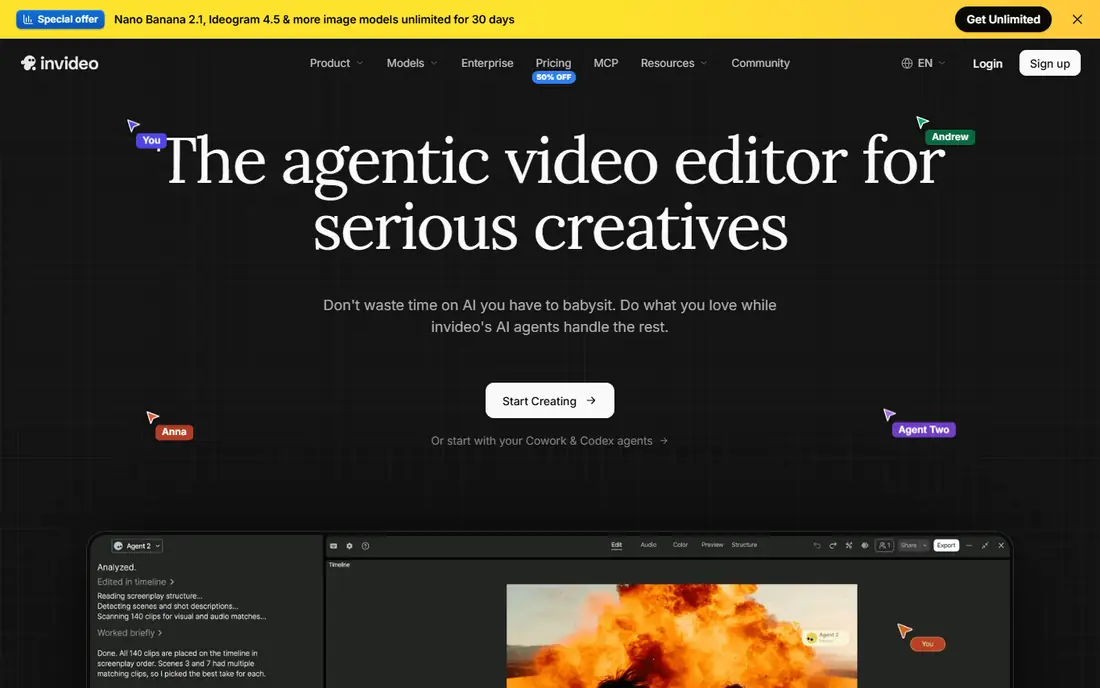
InVideo AI suits creators who want YouTube-style video from a topic or script, assembling stock footage and narration around a script without recording anything. A practical workflow combines scriptwriting elsewhere with InVideo free tier assembly, producing a publishable video within free plan limits, and paid plans from 20 dollars per month billed annually remove watermarks and add capacity. Its automation and speed suit solo creators running faceless channels, where typing a prompt produces a script, footage, voiceover, and music automatically.
The drawbacks are watermark limits and control depth. Free exports are watermarked, with weekly export limits varying by source, and creative control trails full editors such as Runway or Kapwing. InVideo AI suits creators who publish often and want script-to-video with stock footage and voices.
What we like- Free tier with weekly exports
- Paid from 20 dollars per month billed annually
- Script-to-video with stock footage, voiceover, and music
- Lowest-cost finished video in one comparison at 204 dollars per year for the test job
Watch out for- Free exports watermarked
- Creative control less than full editors
- Monthly pricing varies by source at 17 to 25 dollars
- Output needs human review for accuracy
#2Pictory
Best for: Articles and scripts to video4.6/5 on
G2 (81 reviews, checked Oct 2026)
Visit pictory.ai
Starting price$25 per month
Free planNo

Pictory is built for turning articles into social videos, with stronger repurposing features than Lumen5, and it suits creators whose source material is blog posts. Its workflow converts text into scenes with stock footage, voiceover, and captions, which helps bloggers extend written content to YouTube without filming. Pricing runs 25 dollars per month billed annually in one comparison, with other sources citing 19 to 29 dollars per month, and a 14-day trial covers evaluation.
The drawbacks are free-tier absence and scope limits. There is no free plan beyond the trial, and Pictory is less suited for avatar presenting or generative footage than Synthesia, HeyGen, or Runway. Pictory suits creators who repurpose blog posts and articles into YouTube videos.
What we like- 25 dollars per month billed annually
- Strongest repurposing features for articles into video
- Blog-to-video workflow
- 4.6 rating in one comparison
- 14-day trial
Watch out for- No free plan, trial only
- Monthly pricing cited from 19 to 29 dollars across sources
- Less suited for avatar presenting or generative footage
#3Synthesia
Best for: Training scripts to presenter video4.6/5 on
G2 (2,804 reviews, checked Oct 2026)
Visit synthesia.io
Starting price$18 per month
Free planYes
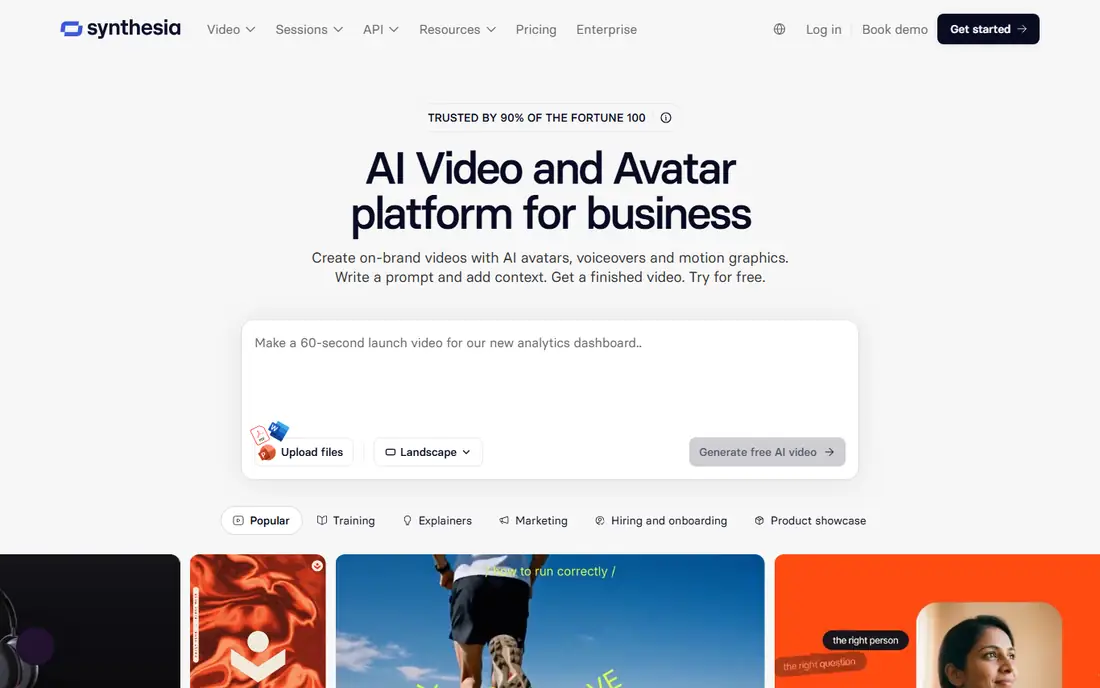
Synthesia is the best pick when your text is a training script and you want a presenter video without filming, with structured templates for course and training video. Its avatar presenters deliver scripts in multiple languages, which suits corporate training and explainer teams that need consistent presenters without studio costs. Pricing runs 18 dollars per month billed annually, with a free tier covering limited minutes with watermark.
The drawbacks are free limits and avatar realism. Free minutes are limited, monthly pricing varies across sources, and avatar realism trails HeyGen for marketing use. Synthesia suits corporate training and explainer teams that want avatar presenter video from scripts.
What we like- 18 dollars per month billed annually
- Free tier with limited minutes and watermark
- Best pick when text is a training script and you want a presenter video without filming
- Corporate training templates
Watch out for- Free minutes limited
- Monthly pricing cited from 18 to 29 dollars across sources
- Avatar realism trails HeyGen for marketing
- Less suited for faceless stock-footage videos
#4HeyGen
Best for: Marketing scripts to avatar video4.8/5 on
G2 (1,973 reviews, checked Oct 2026)
Visit heygen.com
Starting price$24 per month
Free planYes
HeyGen wins for marketing and multilingual video, with more lifelike avatars and translation with lip sync, scoring 8.9 out of 10 in an October 2026 comparison that priced twelve 90-second scripted videos per month at 1080p without watermark. Its free tier covers 3 videos per month with watermark, and paid plans from 24 dollars per month billed annually add capacity and remove watermarks. For marketing teams that need presenter video across languages, HeyGen realism and translation lead.
The drawbacks are free watermark limits and job cost. Free videos carry watermarks, and the test job cost near 588 dollars per year shows that high-volume avatar video adds up. HeyGen suits marketing teams that want lifelike avatar video with translation.
What we like- 24 dollars per month billed annually
- Free tier with 3 videos per month and watermark
- 8.9 score in one October 2026 comparison, highest on this list
- More lifelike avatars with translation and lip sync
Watch out for- Free videos watermarked
- Job cost near 588 dollars per year for a test workload of twelve 90-second videos per month
- Avatar videos need consent for likeness use
#5Fliki
Best for: Scripts to voiceover video4.7/5 on
G2 (179 reviews, checked Oct 2026)
Visit fliki.ai
Starting price$21 per month
Free planYes
Fliki wins on voice quality and value for solo creators, with text-to-video plus realistic AI voices and a large voice library that suits faceless channels and voiceover-heavy content. Its free tier covers 5 minutes per month watermarked, while paid plans from 21 dollars per month billed annually add minutes and remove watermarks. For creators who prioritize narration quality over generative visuals, Fliki voice library is a real advantage.
The drawbacks are free minute limits and visual control. Free minutes are limited to 5 per month, month-to-month pricing runs 28 dollars, and visual control trails generative tools such as Runway. Fliki suits solo creators who want budget voiceover video for faceless YouTube channels.
What we like- 21 dollars per month billed annually
- Free tier with 5 minutes per month watermarked
- Realistic AI voices with large voice library
- 4.2 rating in one comparison
- Budget pick for faceless channels
Watch out for- Free minutes limited to 5 per month
- Monthly pricing cited at 28 dollars month-to-month
- Voiceover focus means less visual control than Runway
#6Lumen5
Best for: Blog posts to social video4.5/5 on
G2 (69 reviews, checked Oct 2026)
Visit lumen5.com
Starting price$19 per month
Free planYes
Lumen5 wins on simplicity for quick blog-to-video, turning blog posts into social video with a straightforward workflow that suits beginners. Its free plan covers limited features for testing, while paid plans from 19 dollars per month billed annually add capacity and remove limits. For creators who want the simplest path from article to video, Lumen5 low learning curve appeals.
The drawbacks are feature depth and free limits. Repurposing features trail Pictory, the free plan is limited, and avatar or generative depth trails Synthesia, HeyGen, and Runway. Lumen5 suits beginners who want quick blog-to-video with minimal setup.
What we like- 19 dollars per month billed annually
- Free plan with limited features
- Quick blog-to-video workflow
- Simplicity for beginners
Watch out for- Free plan limited
- Repurposing features trail Pictory
- Monthly pricing cited from 15 to 29 dollars across sources
- Less avatar or generative depth
#7Runway
Best for: Text prompts to generative footage4.1/5 on
G2 (105 reviews, checked Oct 2026)
Visit runwayml.com
Starting price$12 per month
Free planYes
Runway offers the highest quality generative clips for cinematic footage, with text prompts producing original video rather than stock footage assembly. Its free tier covers 125 one-time credits, while paid plans from 12 dollars per month billed annually add credits and capacity. For creators who want original cinematic visuals and full editing control over the final cut, Runway generative quality leads.
The drawbacks are job cost and clip length. The test job cost near 3,110 dollars per year shows that generative video at volume is expensive, and a model that renders a stunning 8-second clip still leaves creators stitching clips together and recording narration for a 90-second script. Runway suits creators who want generative footage and editing control, not fully automated finished videos.
What we like- 12 dollars per month billed annually
- Free tier with 125 one-time credits
- Highest quality generative clips in some comparisons
- Editing real footage plus generation
- Cinematic footage strength
Watch out for- Job cost near 3,110 dollars per year for a test workload of twelve 90-second videos per month
- Generative clips are short, so full videos need stitching
- Less suited for script-to-finished-video automation
#8OpusClip
Best for: Long video to vertical shorts4.6/5 on
G2 (123 reviews, checked Oct 2026)
Visit opusclip.com
Starting price$15 per month
Free planYes
OpusClip wins for turning long videos into shorts, using AI to detect highlights and produce vertical clips with captions for Shorts, TikTok, and Reels. Its free tier covers testing, while paid plans from 15 dollars per month add capacity for creators who publish shorts regularly. For YouTubers with long-form archives, OpusClip repurposing turns one video into many shorts without manual trimming.
The drawbacks are source limits and AI variance. It needs existing long videos rather than creating video from a script, AI highlight quality varies by content, and some plans gate output. OpusClip suits creators who already publish long videos and want vertical shorts from them.
What we like- 15 dollars per month
- Free tier available
- Turns long videos into vertical shorts with captions
- Suits Shorts, TikTok, and Reels repurposing
- AI highlight detection
Watch out for- Needs existing long videos, not script-to-video from scratch
- AI highlight quality varies by content
- Output gating on some plans
How we chose
We compared AI video tools on workflow fit, including script-to-video, article repurposing, avatar presenting, generative footage, and short-form clipping, plus published October 2026 pricing and free tiers. We favored tools with clear YouTube workflow positioning, while noting where monthly pricing varies across sources, since pricing changes fast in this space. We also weighed free-tier testing, since output quality varies by video type and free tiers let creators test before committing.
Start by naming your video type: script-to-finished-video needs InVideo, article repurposing needs Pictory or Lumen5, avatar presenting needs Synthesia or HeyGen, generative footage needs Runway, and shorts from long videos need OpusClip. Next, test your specific prompt across two or three tools using free tiers before committing to a paid plan, since a tool that renders a stunning short clip may still leave you stitching clips for a full video. Then check accuracy and consent: fact-check scripts, verify claims, and get consent before generating likeness or voice content. Finally, confirm current pricing on the vendor page before buying, since pricing changes fast in this space.
Frequently asked questions
Can AI tools create a complete YouTube video?
Yes, tools such as InVideo AI assemble script, stock footage, voiceover, and music into a finished video, while avatar tools such as Synthesia and HeyGen present scripts without filming. Generative tools such as Runway produce short clips that need stitching and narration for a full video.
Which AI tool is best for faceless YouTube channels?
InVideo AI leads for pure automation and speed, Fliki leads for voice quality and value on a budget, and Runway leads for cinematic generative visuals. Pick by workflow: automation, voice, or visuals.
Are there free AI tools for YouTube videos?
Yes, InVideo, HeyGen, Fliki, Lumen5, Runway, and OpusClip offer free tiers with watermarks or limits, while Pictory offers a 14-day trial. Free tiers suit testing, but paid plans remove watermarks and add capacity.
How much do AI YouTube video tools cost?
Paid plans run 12 to 25 dollars per month billed annually, with InVideo at 20 dollars, Pictory at 25 dollars, Synthesia at 18 dollars, HeyGen at 24 dollars, Fliki at 21 dollars, Lumen5 at 19 dollars, Runway at 12 dollars, and OpusClip at 15 dollars. High-volume generative workloads cost far more.
Do I need consent for AI avatar or voice videos?
Yes, get consent before generating content using someone likeness or voice, since face and voice are personal data with legal and ethical implications. Check platform and jurisdiction rules before publishing AI avatar or voice videos, especially for real people.
Can AI video tools replace filming?
For scripted, avatar, and stock-footage videos, yes, but for original footage and nuanced performance, no. Generative clips are short, avatar videos suit training and marketing, and original filming still wins for authentic, high-production content.
Sources we checked (0)
Is your product missing or out of date?
We review this list regularly. Vendors can request a listing, send updated pricing or ask about featured placement.

Shihab Mia · Founder, Rankite
Shihab has 5+ years in B2B and SaaS SEO. He writes Rankite's software buying guides from pricing pages, documentation and public user reviews. More about Shihab.