How we make this list: we compare pricing pages, product documentation and public user reviews. Ratings come from G2, Capterra or Trustpilot, with the date we checked them.
Key takeaways
- Gamma is the fastest prompt-to-deck tool, with a free tier of 400 one-time credits and Plus from $9 per seat per month billed annually.
- Beautiful.ai suits design-consistent teams, with Smart Slides that auto-reformat when content changes, at $14.50 per month billed annually.
- Plus AI is the best pick for editing inside PowerPoint or Google Slides, at $10 per user per month billed annually.
- Tome is deliberately excluded: it shut down in April 2025 and its decks were deleted, so it is not a usable tool.
- Free tiers here are mostly one-time credits or limited generations, not unlimited free use, so check credit rules before committing.
Quick comparison
| Tool | Best for | Starting price | Free plan |
|---|
 Gamma Gamma | Fastest prompt-to-deck | $9/seat/month | Yes |
 Beautiful.ai Beautiful.ai | Design-consistent teams | $14.50/month | No |
 Pitch Pitch | Collaborative sales decks | €10/month | Yes |
 Plus AI Plus AI | Editing inside PowerPoint/Slides | $10/user/month | No |
 SlidesAI SlidesAI | Budget drafts in Google Slides | $10/month | Yes |
 Canva Canva | Visual storytelling and brand assets | $12/month | Yes |
 Prezi Prezi | Nonlinear zoomable talks | $19/month | No |
 Presentations.AI Presentations.AI | Business deck automation | $20/month | No |
Is your product missing or out of date?
We review this list regularly. Vendors can request a listing, send updated pricing or ask about featured placement.
#1Gamma
Best for: Fastest prompt-to-deck3.9/5 on
G2 (39 reviews, checked Oct 2026)
Visit gamma.app
Starting price$9/seat/month
Free planYes
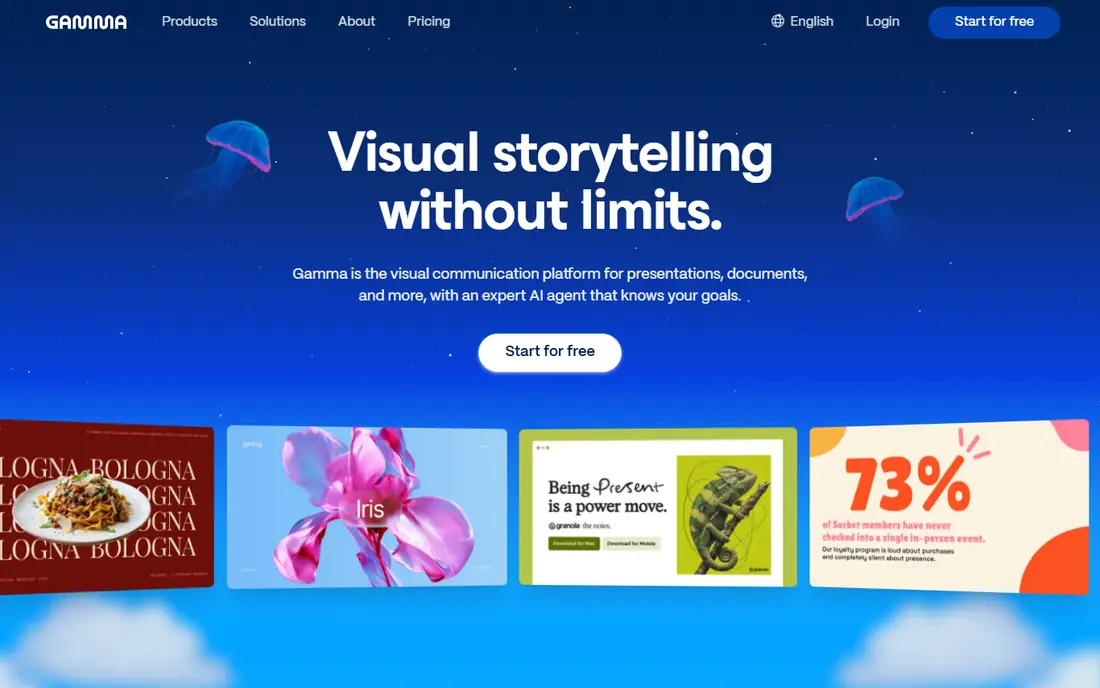
Gamma popularized prompt-to-deck: type a topic, get a polished web-native deck in under a minute, with smart layouts applied automatically. Its free tier offers 400 one-time credits with 10 slides per prompt, while Plus starts from $9 per seat per month billed annually, or about $10 billed monthly, in October 2026 pricing checks. Gamma also handles document-to-deck conversion and webpage creation, making it a versatile content tool beyond slides.
The free tier is not a recurring free plan: once the 400 credits run out, generation stops until you pay, and exports need a paid plan. Teams that need decks inside PowerPoint, Google Slides or an existing design system should compare Plus AI or SlidesAI, while speed-first creators will find Gamma unmatched.
What we like- Fastest prompt-to-deck
- Web-native sharing
- Document-to-deck workflow
- Exports to PDF and PPTX
Watch out for- Free tier runs on one-time credits only
- Exports need a paid plan
- Web-first format differs from native slides
#2Beautiful.ai
Best for: Design-consistent teams4.6/5 on
G2 (196 reviews, checked Oct 2026)
Visit beautiful.ai
Starting price$14.50/month
Free planNo
Beautiful.ai automates professional design principles through Smart Slides that auto-reformat when you add or remove content, keeping every slide consistent without manual layout work. Pro pricing lists $14.50 per month billed annually in October 2026 checks, with a separate $45 one-off monthly option in one guide, and Team at $40 per user per month annual. Brand guardrails lock colors, fonts and logos, making it strong for enterprise teams with strict template requirements.
There is no free plan, only a 14-day trial that requires a card, so test thoroughly before paying. Design-conscious teams that value consistency over freeform creativity will find Beautiful.ai the best design pick, while visual storytellers who want maximum flexibility should compare Canva.
What we like- Smart Slides auto-rebalance layouts
- Brand guardrails
- Consistent professional design on every slide
Watch out for- No free plan, only a 14-day trial with card required
- Less flexible than Canva for freeform design
#3Pitch
Best for: Collaborative sales decks4.4/5 on
G2 (67 reviews, checked Oct 2026)
Visit pitch.com
Starting price€10/month
Free planYes
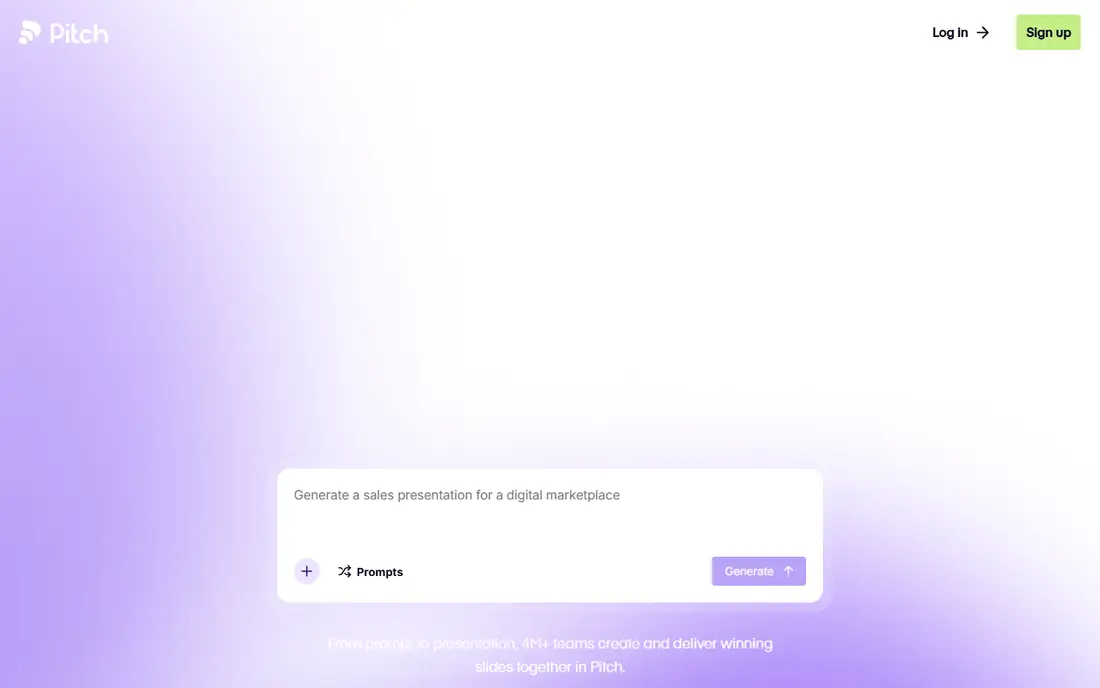
Pitch is a collaborative presentation platform with AI assist, built for teams sending sales and investor decks with link sharing, engagement analytics and audience metrics. Its free tier covers 5 members and 100 one-time AI credits, while Plus starts at €10 per month billed yearly, with Team at €15 and Business at €20. Features include approval gates, slide ownership, version management, AI rewrite for different audiences, 30 or more language translation, CRM integration and data visualization from spreadsheet input.
AI generation quality lags dedicated AI tools like Gamma in some guides, and the full workflow has a steeper learning curve. Startup founders and sales teams who need collaboration, analytics and sharing will find Pitch the best team pick, while solo creators wanting fastest generation should choose Gamma.
What we like- Team collaboration
- Link sharing with analytics
- Data connectors
- Approval gates and slide ownership
Watch out for- AI generation quality lags dedicated AI tools in some guides
- Pricing in euros
- Steeper learning curve for full features
#4Plus AI
Best for: Editing inside PowerPoint/Slides3.2/5 on
G2 (5 reviews, checked Oct 2026)
Visit plusdocs.com
Starting price$10/user/month
Free planNo
Plus AI is the best pick for teams that need decks inside PowerPoint or Google Slides, editing natively in the tools they already use rather than learning a new web platform. Basic pricing lists $10 per user per month billed annually, or $15 billed monthly, in October 2026 checks, with a 7-day trial offering 1,000 credits, while another guide lists Pro at $20 per user per month billed annually, so confirm the current tier before buying. It generates decks from prompts and documents inside existing slide editors, preserving corporate templates and workflows.
There is no free plan, only a trial, and generation inside older editors can feel slower than Gamma web-native speed. Enterprise teams with strict template requirements, live Excel data or macro needs will find Plus AI the safest AI pick, since it keeps PowerPoint compliance while adding generation.
What we like- Native Google Slides and PowerPoint editing
- No new tool to learn
- Keeps existing design system
Watch out for- No free plan, only a 7-day trial
- Pricing varies across guides
- Generation inside older editors can feel slower
Starting price$10/month
Free planYes
SlidesAI converts text into slides directly inside Google Slides, making it the budget AI draft option for Google Workspace users, educators and researchers. Its free Basic tier covers 12 presentations per year, while Pro starts at $10 per month billed annually, or $12 billed monthly, in October 2026 checks. Document-to-slides conversion turns outlines and notes into structured decks quickly, with native Google Slides editing for follow-up changes.
Google Slides is the only editor, so PowerPoint-first teams should choose Plus AI, and design polish trails Gamma and Beautiful.ai. Google Workspace loyalists who want cheap AI drafts inside their existing workflow will find SlidesAI the best value pick.
What we like- Text-to-slides inside Google Slides
- Document-to-slides conversion
- Cheapest AI draft option
Watch out for- Google Slides only
- Free tier limited to 12 presentations per year
- Less design polish than Gamma or Beautiful.ai
#6Canva
Best for: Visual storytelling and brand assets4.7/5 on
G2 (7,678 reviews, checked Oct 2026)
Visit canva.com
Starting price$12/month
Free planYes
Canva combines Magic Design AI with a huge template library and brand assets, making it the visual storytelling pick for teams that need presentations plus social posts, ads and one-pagers in one tool. Pro pricing lists $12 per month equivalent, or $144 per year for one person, in October 2026 checks, with another guide listing $18 per month or $180 per year, so confirm the current plan. A generous free plan covers many templates, and PPTX export is free, unlike Gamma paid export.
Canva AI generation is partial, working within the editor only, and its presentation workflow requires selecting a template, customizing slide by slide, manually resizing when content overflows, and re-exporting every time something changes. For a single presentation that overhead is manageable, but teams producing 5 to 10 presentations per month will feel it. Visual-first teams that already use Canva for design will find it the best all-in-one pick, while speed-first creators should choose Gamma.
What we like- Generous free plan
- Huge template library
- PPTX export free
- Brand assets and visual design in one tool
Watch out for- AI generation is partial, within editor only
- Manual resizing when content overflows
- Presentation workflow is template-first
#7Prezi
Best for: Nonlinear zoomable talks4.2/5 on
G2 (5,725 reviews, checked Oct 2026)
Visit prezi.com
Starting price$19/month
Free planNo
Prezi AI Plus lists $19 per month equivalent billed annually, or $228 per year, in a June 2026 vendor comparison, making it the nonlinear zoomable talk pick for educators and presenters who want a distinctive style. Its canvas lets presenters zoom between overview and detail, creating talks that feel different from linear slide decks, and AI tools help build that structure from prompts.
There is no free plan listed in recent guides, and the $19 price is steep for solo use compared with Gamma or SlidesAI. Standard corporate decks with strict templates suit PowerPoint or Beautiful.ai better, while educators and keynote presenters who want a memorable nonlinear format will find Prezi distinctive.
What we like- Nonlinear zoomable canvas
- Strong for education and talks
- Distinctive presentation style
Watch out for- No free plan listed in recent guides
- $19 monthly is steep for solo use
- Less suited to standard corporate decks
Starting price$20/month
Free planNo
Presentations.AI Pro lists $20 per month equivalent billed annually, or $240 per year, with 5,000 AI credits per annual billing cycle in October 2026 checks. It automates business deck creation with branded outputs, and voice-to-slide creation suits mobile and hands-free users. Business teams that produce regular branded decks will find its automation and credit model predictable, since the annual credit allowance covers a known number of generations.
There is no free plan, and the $20 entry is steep compared with Gamma or SlidesAI free tiers. Smaller teams should start free elsewhere, while business teams needing branded automation at volume will find Presentations.AI a solid enterprise alternative.
What we like- Business deck automation
- Branded outputs
- 5,000 AI credits per annual billing cycle
- Voice-to-slide creation
Watch out for- No free plan
- $20 entry is steep
- Less known than Gamma or Canva
How we chose
We compared October 2026 pricing checks from official pricing pages, covering entry price, free tier, export fidelity and what each tool is genuinely best at. We weighed generation speed, design consistency, native editor support, collaboration and export options, and we excluded tools that no longer exist. Tome is the key exclusion: it shut down in April 2025, with decks deleted, so it appears in older guides but is not a usable tool in 2026, and listing it would mislead readers.
Choosing by workflow
Speed-first creators should choose Gamma for fastest prompt-to-deck. Design-consistent teams should choose Beautiful.ai for Smart Slides and brand guardrails. PowerPoint and Google Slides loyalists should choose Plus AI or SlidesAI respectively, to keep native editing. Collaborative sales teams should choose Pitch for sharing, analytics and approval workflows. Visual-first teams already using Canva should stay with Canva for brand assets plus slides. Educators and keynote presenters wanting a distinctive format should choose Prezi. Business teams needing branded automation at volume should compare Presentations.AI.
AI accuracy and editing warning
AI decks need editing for investor-grade polish, especially numbers, claims and narrative, since AI can invent facts, prices and citations. Verify every number shown to investors or clients before presenting, and check that charts match source data. An invented metric in a pitch deck can end a fundraising conversation permanently, so treat AI output as a draft, not a finished deck.
Frequently asked questions
What is the best AI tool for creating presentations overall?
Gamma, for fastest prompt-to-deck with a free tier of 400 one-time credits and Plus from $9 per seat per month billed annually. Beautiful.ai and Plus AI round out the top picks for design consistency and native editor support respectively.
Is there a free AI presentation tool?
Yes, with limits: Gamma offers 400 one-time credits, SlidesAI covers 12 presentations per year, Pitch covers 100 one-time AI credits, and Canva has a generous free plan. None offers unlimited free generation, so check credit rules before committing.
What happened to Tome?
Tome shut down in April 2025, with decks deleted, so it is not a usable tool in 2026. Older guides still list it at $16 per month, but those prices are out of date and the product no longer exists.
Which AI presentation tool works inside PowerPoint?
Plus AI, at $10 per user per month billed annually, edits natively inside PowerPoint and Google Slides, preserving corporate templates. Microsoft 365 Copilot is the alternative for corporate IT, at $21 per user per month as an add-on requiring an eligible Microsoft 365 plan.
Can AI presentation tools export to PowerPoint?
Yes, most export to PPTX and PDF, but Gamma exports need a paid plan, while Canva PPTX export is free. Check export rules on the free tier before building a deck you need in PowerPoint format.
Do I still need to edit AI-generated decks?
Yes, always. AI decks need editing for numbers, claims and narrative, since AI can invent facts and citations. Verify every number before presenting to investors or clients, and check charts against source data.
Sources we checked (8)
- https://dev.to/stimlau/best-gamma-alternatives-in-2026-37dm
- https://asumetech.com/2026/10/16/best-ai-presentation-makers-of-2026/
- https://is4.ai/blog/our-blog-1/top-10-ai-presentation-tools-2026-176
- https://www.smashingapps.com/best-canva-alternative-for-presentations/
- https://gamma.app
- https://www.beautiful.ai
- https://pitch.com
- https://www.plusdocs.com
Is your product missing or out of date?
We review this list regularly. Vendors can request a listing, send updated pricing or ask about featured placement.

Shihab Mia · Founder, Rankite
Shihab has 5+ years in B2B and SaaS SEO. He writes Rankite's software buying guides from pricing pages, documentation and public user reviews. More about Shihab.