How we make this list: we compare pricing pages, product documentation and public user reviews. Ratings come from G2, Capterra or Trustpilot, with the date we checked them.
Key takeaways
- AI recoloring tools add plausible color to black-and-white photos and recolor existing images with new palettes.
- Palette.fm leads for creative recoloring with text prompts and palette control, while VanceAI suits restoration work.
- Hotpot and Cutout.pro suit quick, no-signup recoloring for social and casual use.
- AI color is an educated guess, not a record of true colors, so restored family photos should be labeled as colorized.
- Free tiers usually watermark, limit resolution, or cap monthly images, so check limits before a large project.
Quick comparison
Is your product missing or out of date?
We review this list regularly. Vendors can request a listing, send updated pricing or ask about featured placement.
Starting priceFree
Free planYes
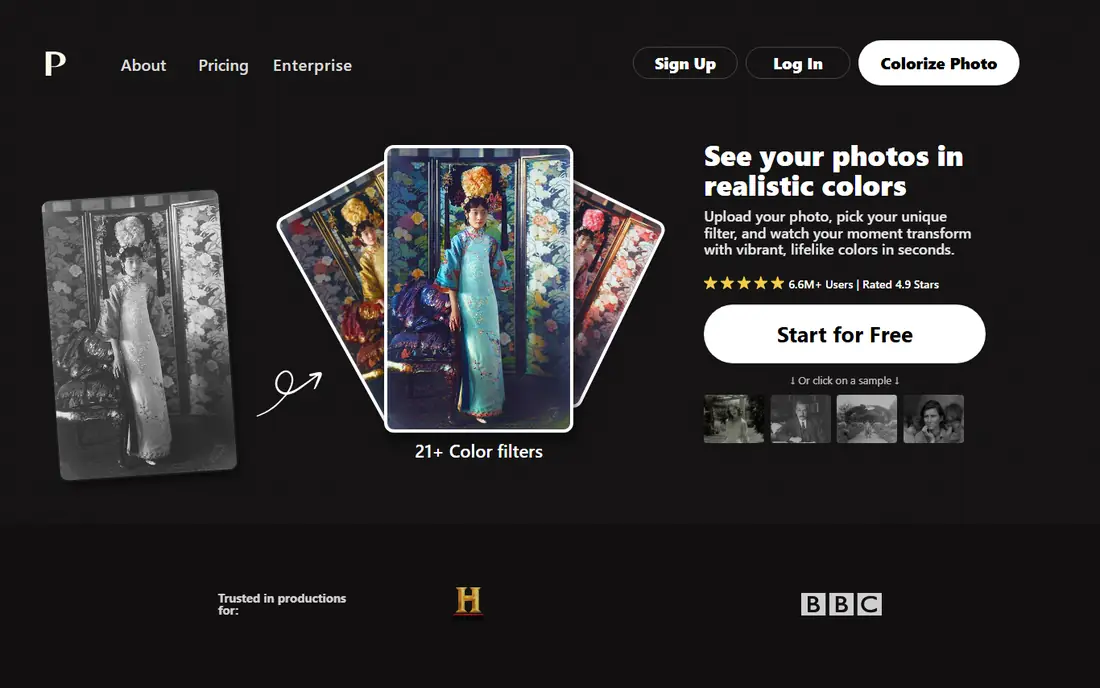
Palette.fm is the leading creative recoloring tool, letting users colorize black-and-white photos with text prompts, such as a sunset palette or a vintage film look, or with custom palettes. Its color quality is strong for portraits and outdoor scenes, and the web interface is simple: upload, pick a palette or write a prompt, and download. The tool suits artists and creators who want control over mood, not only automatic color.
The trade-offs are limits and variation. The free tier limits resolution and features, subscriptions open full quality, and output varies by image, especially with unusual lighting. Even so, Palette.fm suits users who want creative, controllable recoloring with the best color quality in the category.
What we like- Text-prompt and palette control
- Strong color quality
- Easy web interface
Watch out for- Free tier limits resolution
- Some features need a subscription
- Output varies by image
Starting priceSee website
Free planYes
VanceAI Photo Colorizer is built for photo restoration, adding color to old black-and-white photos with quality that suits family archives and print projects. It pairs with VanceAI upscaling, denoising, and repair tools, so a damaged old photo can be cleaned and colorized in one workflow. Batch processing helps users restore many photos at once.
The limits are credits and color depth. Pricing runs on credits, the free tier watermarks output, and some colors look flat on very old or damaged photos. Even so, VanceAI suits restoration projects where quality, batch work, and repair tools matter more than free use.
What we like- Strong restoration quality
- Batch processing
- Pairs with upscaling and repair tools
Watch out for- Credits-based pricing
- Free tier watermarks
- Some colors look flat on old photos
Starting priceFree
Free planYes
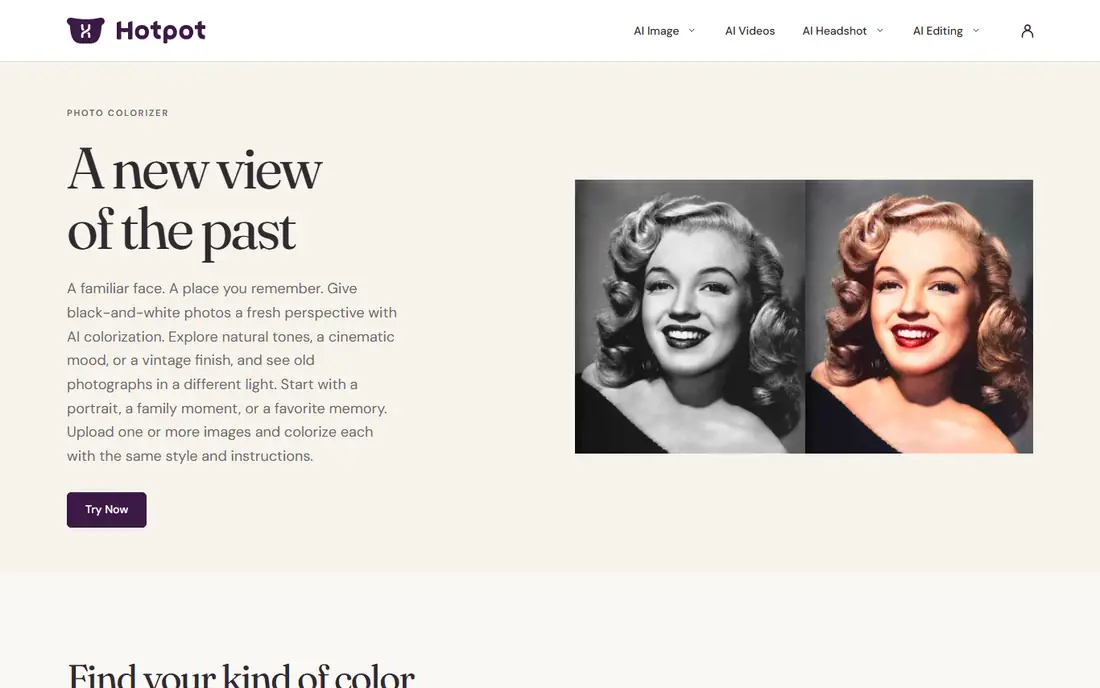
Hotpot.ai Colorizer is a fast, simple web tool for colorizing black-and-white photos without an account for basic use. Upload a photo, wait seconds, and download a colorized version that suits social sharing and casual projects. Hotpot also offers other AI image tools, so users can restore, upscale, and edit in one place.
The trade-offs are control and limits. Color control is limited compared with Palette.fm, resolution is capped on free use, and some features need credits. Even so, Hotpot suits users who want quick, no-fuss recoloring for a few photos without signing up.
What we like- Fast and simple
- No account needed for basic use
- Good for social sharing
Watch out for- Limited control
- Resolution limits
- Some features need credits
Starting priceFree
Free planYes
Cutout.pro Colorizer offers fast online colorizing with batch support, plus background removal, upscaling, and other image tools in the same suite. It suits users who process many photos and want colorizing alongside editing, since the suite covers the full workflow. The interface is simple and results arrive quickly.
The limits are accuracy and cost. Color accuracy varies by photo, the free tier limits resolution and volume, and full quality needs a subscription. Even so, Cutout.pro suits users who want fast batch colorizing plus editing tools in one platform.
What we like- Fast batch colorizing
- Background removal in same suite
- Simple interface
Watch out for- Color accuracy varies
- Free tier limits
- Subscription needed for full quality
Starting priceFree
Free planYes
Fotor is a full online photo editor whose AI Colorizer adds color to black-and-white photos inside a wider editing workflow. Users can colorize, then crop, retouch, add text, and apply filters without switching tools, which suits creators making social content. Templates and batch editing help small businesses produce consistent images.
The trade-offs are focus and cost. Colorizing is one feature among many, so depth trails Palette.fm, the free tier watermarks some output, and full tools need a subscription. Even so, Fotor suits creators who want recoloring inside a full editor rather than a single-purpose tool.
What we like- Full photo editor plus colorizer
- Templates and filters
- Good for creators
Watch out for- Colorizer is one feature among many
- Free tier watermarks
- Subscription for full tools
Starting priceFree
Free planYes
ImageColorizer is a simple web tool that colorizes black-and-white photos with one upload and no settings, which suits users who want a result without learning a new app. Results arrive fast and suit casual sharing, and the interface has almost nothing to learn. The tool is free for basic use with limits.
The limits are control and quality. There is no palette or prompt control, resolution is limited on free use, and quality on complex photos trails Palette.fm and VanceAI. Even so, ImageColorizer suits users who want the simplest possible colorizing for a few photos.
What we like- Very simple interface
- Fast results
- No learning curve
Watch out for- No palette control
- Resolution limits
- Basic quality on complex photos
Starting priceFree
Free planYes
DeepAI Colorizer offers a machine learning colorizer through a web demo and an API, which suits developers who want to add colorizing to an app or workflow without building a model. The web demo is free for testing, and the API covers colorizing alongside other image models. Documentation is straightforward for basic integration.
The trade-offs are quality and scale. Color quality trails Palette.fm and VanceAI, API pricing grows with volume, and the web tool is basic compared with dedicated colorizers. Even so, DeepAI suits developers who want a simple colorizing API for apps and automation.
What we like- API for developers
- Simple web demo
- Free tier for testing
Watch out for- Quality trails leaders
- API pricing grows with volume
- Web tool is basic
Starting priceSee website
Free planNo
MyHeritage In Color colorizes and enhances old family photos inside the MyHeritage genealogy platform, which suits users building family trees who want to restore ancestor photos alongside records. The tool pairs colorizing with enhancement and repair, and its large genealogy user base means many users already have accounts. Restored photos can sit directly in family tree profiles.
The limits are account and cost. Colorization needs a MyHeritage account, full use needs a subscription, and colorizing is one feature inside a genealogy platform rather than a dedicated tool. Even so, MyHeritage In Color suits family historians who want colorized ancestor photos inside their family tree.
What we like- Built for family history
- Pairs with photo enhancement
- Large genealogy user base
Watch out for- Needs a MyHeritage account
- Subscription for full use
- Colorizing is one feature
How we chose
We compared recoloring tools on color quality, control options, resolution, batch support, and pricing, favoring tools with proven results on portraits and outdoor scenes. We excluded tools that only apply filters without AI color prediction. AI color is an interpretation, not a record of true colors, so we note that limit throughout, and prices mix free tiers and credits, so we wrote See website where a vendor does not publish a clear starting price.
Buying guide
Start by deciding your goal: creative recoloring, family restoration, or bulk processing. Creative users should pick Palette.fm for prompt and palette control, restoration users should pick VanceAI or MyHeritage for repair plus color, and bulk users should pick Cutout.pro for batch work. Next, test with your hardest photo, not your easiest, since skin tones, foliage, and skies reveal quality differences fast. Try the same photo in two tools side by side, since color style differs a lot between tools and the best choice is often a matter of taste rather than a single quality score.
Then check resolution and watermark rules before a large project, since free tiers often cap output size or add watermarks that ruin prints. If you plan to print restored photos, test one print at full size first, since screen colors and print colors differ and low-resolution output looks soft on paper. Finally, label restored photos honestly: AI color is a guess, so family archives and publications should note that a colorized photo shows plausible colors, not the original scene. That honesty matters most for historical photos, where invented colors can mislead viewers about the past. Keep the original black-and-white file alongside the colorized version too, so future viewers can compare and judge for themselves. For commercial work, check licensing as well, since some free tiers limit commercial use and require a paid plan for client projects and advertising.
Frequently asked questions
What is AI image recoloring?
It uses machine learning to add plausible color to black-and-white photos or to change colors in an existing image, guessing hues from shapes, textures, lighting, and context rather than recovering true colors.
Are AI colors accurate?
No, not in the sense of true colors. AI color is an educated guess that looks plausible, but it cannot know the real color of a dress or a car in an old photo. Label colorized photos as colorized, especially for history and publication.
Which tool is best for old family photos?
VanceAI suits restoration with repair and upscaling, while MyHeritage In Color suits family historians who want colorized photos inside a family tree. Palette.fm suits users who want creative control over the palette and mood of the final image.
Can I recolor images for free?
Yes for basic use, since Palette.fm, Hotpot, Cutout.pro, Fotor, ImageColorizer, and DeepAI all offer free tiers. Free output usually limits resolution, adds watermarks, or caps monthly images, so check the limits before starting a large batch.
Do recoloring tools work on any photo?
They work best on clear portraits and outdoor scenes with distinct shapes and good contrast. Very damaged, blurry, or unusual photos produce weaker colors, and results vary by tool and image, so test before committing to a paid plan.
Sources we checked (0)
Is your product missing or out of date?
We review this list regularly. Vendors can request a listing, send updated pricing or ask about featured placement.

Shihab Mia · Founder, Rankite
Shihab has 5+ years in B2B and SaaS SEO. He writes Rankite's software buying guides from pricing pages, documentation and public user reviews. More about Shihab.
 Palette.fm
 VanceAI Photo Colorizer
 Hotpot.ai Colorizer
 Cutout.pro Colorizer
 Fotor AI Colorizer
 ImageColorizer
 DeepAI Colorizer
 MyHeritage In Color