How we make this list: we compare pricing pages, product documentation and public user reviews. Ratings come from G2, Capterra or Trustpilot, with the date we checked them.
Key takeaways
- AI app builders turn prompts into working web apps, prototypes, and mobile apps in minutes, but output quality varies by tool and task.
- Vercel v0 and Bolt lead for prompt-to-web-app generation, while Lovable leads for full-stack apps with databases and auth.
- Replit suits coding with AI assistance in one browser workspace, while Cursor suits developers who want AI inside a real editor.
- Bubble and Glide suit no-code apps, while FlutterFlow suits cross-platform mobile apps.
- AI builds are starting points: security, testing, and production readiness still need human work.
Quick comparison
| Tool | Best for | Starting price | Free plan |
|---|
 Vercel v0 Vercel v0 | Prompt to web app | Free | Yes |
 Bolt.new Bolt.new | Prompt to full-stack app | Free | Yes |
 Lovable Lovable | Full-stack apps with data | Free | Yes |
 Replit Replit | AI-assisted coding workspace | Free | Yes |
 Cursor Cursor | AI code editor | Free | Yes |
 Bubble Bubble | No-code web apps | Free | Yes |
 Glide Glide | No-code apps from data | Free | Yes |
 FlutterFlow FlutterFlow | Cross-platform mobile apps | Free | Yes |
Is your product missing or out of date?
We review this list regularly. Vendors can request a listing, send updated pricing or ask about featured placement.
Starting priceFree
Free planYes
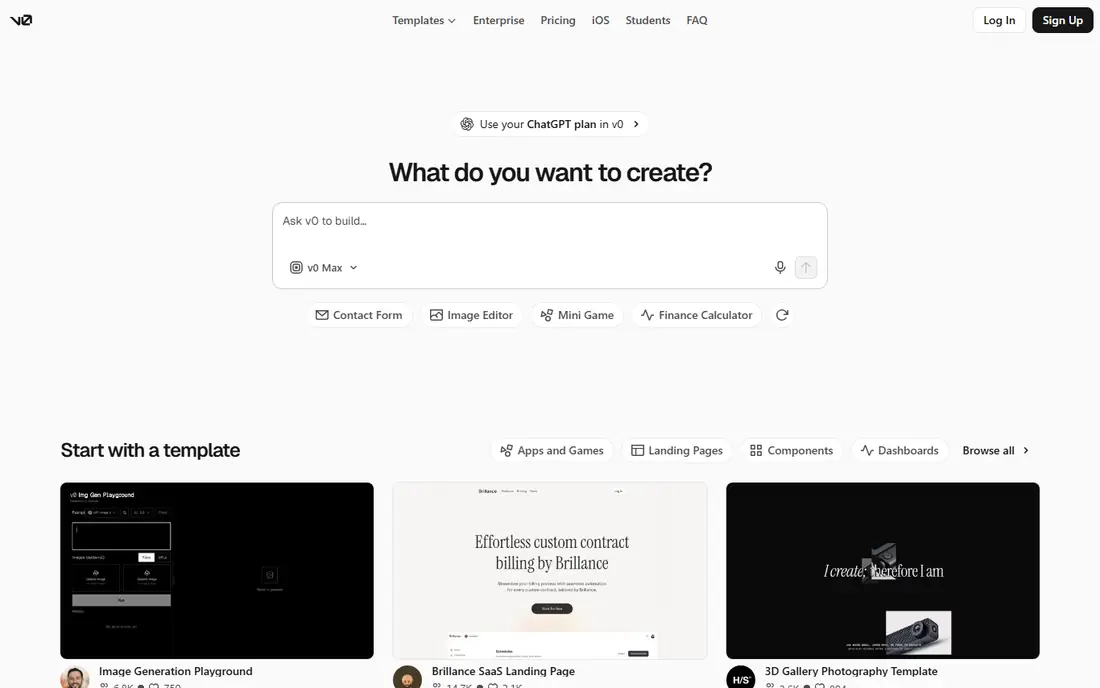
Vercel v0 generates React interfaces and web apps from text prompts, producing editable code that deploys to Vercel in one click. It suits designers, founders, and developers who want a polished front-end fast, with components, layouts, and interactions generated from a description. The free tier covers small projects, and paid plans add more generations and features.
The trade-offs are back-end scope and credits. v0 focuses on front-end generation, back-end logic and databases need extra work, and free credits limit how many generations you can run. Even so, v0 suits teams that want fast, deployable web app front-ends from prompts.
What we like- Fast prompt to React UI
- Vercel deployment built in
- Editable code output
Watch out for- Front-end focus
- Back-end needs extra work
- Credits limit free use
#2Bolt.new
Best for: Prompt to full-stack app4.3/5 on
G2 (94 reviews, checked Oct 2026)
Visit bolt.new
Starting priceFree
Free planYes
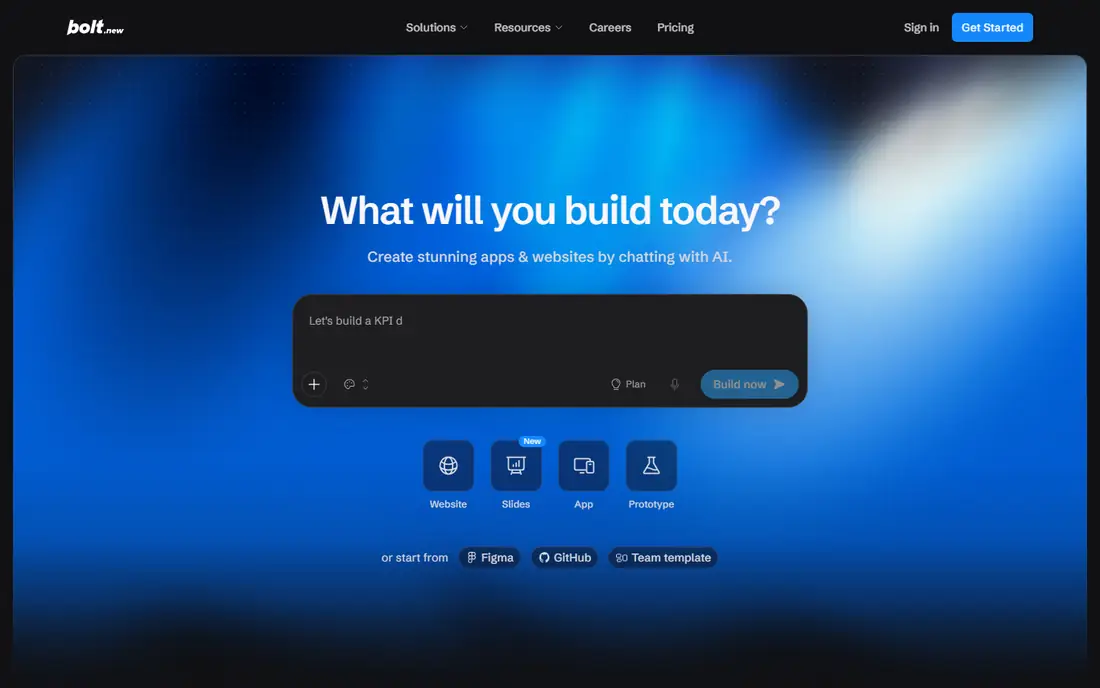
Bolt.new, from StackBlitz, generates full-stack web apps in the browser from prompts, with no local setup, letting users describe an app and get a running prototype with front-end, back-end, and database pieces. It suits founders and product teams who want a working demo in minutes to test an idea or show investors. The interface is simple: prompt, preview, and iterate.
The limits are tokens and complexity. Free tokens run out fast on larger apps, complex apps need manual fixes, and generated code quality varies. Even so, Bolt suits rapid full-stack prototypes that can be refined by developers afterward.
What we like- Full-stack generation in browser
- No setup needed
- Fast prototypes
Watch out for- Free tokens run out fast
- Complex apps need fixes
- Code quality varies
#3Lovable
Best for: Full-stack apps with data4.6/5 on
G2 (456 reviews, checked Oct 2026)
Visit lovable.dev
Starting priceFree
Free planYes
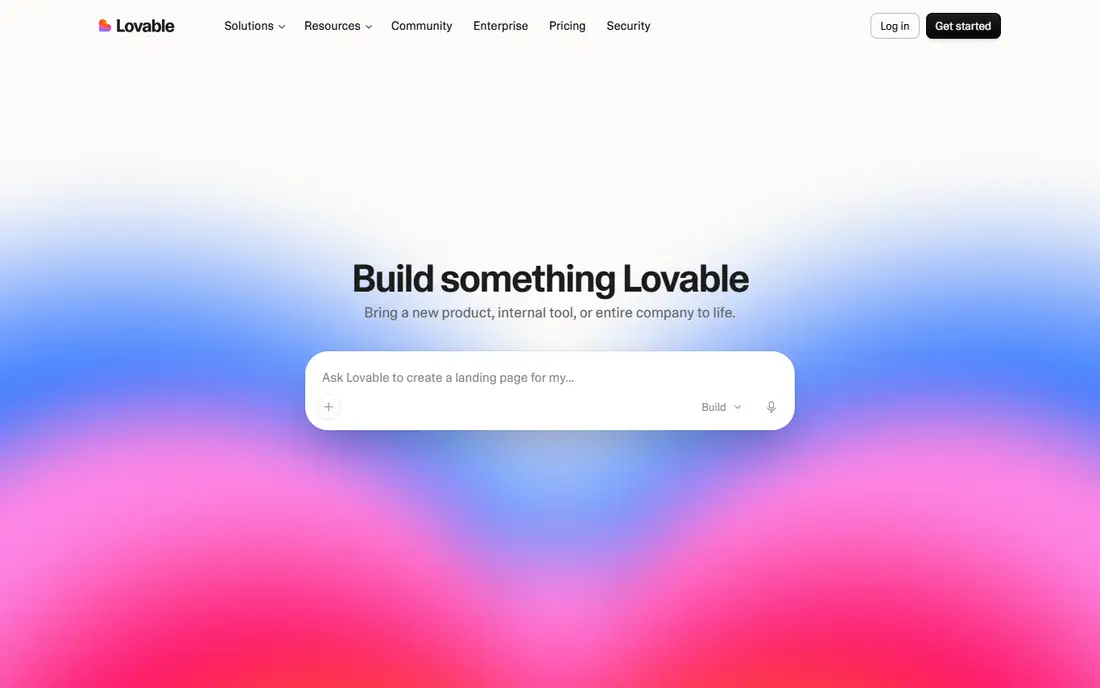
Lovable generates full-stack web apps from prompts, with databases, authentication, and hosting through Supabase integration, letting non-developers and startups ship working apps with real data. It suits founders who want a functional product, not just a mockup, since users can sign up, store data, and use features. The free tier covers small projects, and paid plans add more credits and features.
The trade-offs are credits and review. Free credits limit how much you can build, generated code needs review for security and quality, and scaling a Lovable app needs care. Even so, Lovable suits startups that want full-stack apps with data from prompts.
What we like- Full-stack apps with databases
- Supabase integration
- Good for startups
Watch out for- Free credits limit use
- Generated code needs review
- Scaling needs care
#4Replit
Best for: AI-assisted coding workspace4.4/5 on
G2 (417 reviews, checked Oct 2026)
Visit replit.com
Starting priceFree
Free planYes
Replit is a browser-based coding workspace whose AI agent builds and edits apps from prompts, covering many languages and frameworks with deployment built in. It suits learners, hobbyists, and developers who want to code with AI help in one place, without local setup. The free tier covers small projects, and paid plans add more resources and agent use.
The limits are review and resources. Agent output needs review for bugs and security, free tier resources are limited, and complex apps still need coding skill to finish. Even so, Replit suits AI-assisted coding in a complete browser workspace.
What we like- Browser workspace with AI agent
- Many languages
- Deploy built in
Watch out for- Agent output needs review
- Free tier limits resources
- Complex apps need skill
#5Cursor
Best for: AI code editor4.6/5 on
G2 (326 reviews, checked Oct 2026)
Visit cursor.com
Starting priceFree
Free planYes
Cursor is an AI-powered code editor built on VS Code, letting developers generate, edit, and explain code with AI that understands the whole codebase. It suits professional developers who want AI assistance without giving up control, since every change is editable code in a familiar editor. The free tier covers basic use, and Pro adds more AI requests and models.
The trade-offs are skill and scope. Cursor needs coding skill, it is not a no-code builder for non-developers, and full use needs a subscription. Even so, Cursor suits developers who want the strongest AI assistance inside a real editor.
What we like- AI inside a real code editor
- Strong for developers
- Codebase-aware help
Watch out for- Needs coding skill
- Not a no-code builder
- Subscription for full use
#6Bubble
Best for: No-code web apps4.4/5 on
G2 (166 reviews, checked Oct 2026)
Visit bubble.io
Starting priceFree
Free planYes
Bubble is a no-code platform for building web apps visually, with databases, workflows, user accounts, and payments, plus a large plugin ecosystem. Its newer AI features help generate pages and workflows, but the core strength is visual building without code. The free tier covers learning and small projects, and paid plans add capacity and custom domains.
The limits are learning curve and scale. Bubble takes time to learn well, performance at very large scale needs care, and AI features are newer than prompt-first tools. Even so, Bubble suits non-developers who want powerful no-code web apps with real databases and workflows.
What we like- Powerful no-code builder
- Databases and workflows
- Large plugin ecosystem
Watch out for- Learning curve
- Performance limits at scale
- AI features are newer
Starting priceFree
Free planYes
Glide turns spreadsheets and databases into mobile and web apps in minutes, letting non-developers build internal tools, directories, and simple customer apps from data they already have. Its AI helps generate apps from descriptions and data, and the interface is simple enough for business users. The free tier covers small apps, and paid plans add users, data, and features.
The trade-offs are complexity and design. Glide suits internal and data-driven apps better than complex consumer apps, design flexibility is limited compared with FlutterFlow, and scale needs paid plans. Even so, Glide suits businesses that want fast no-code apps from spreadsheets and databases.
What we like- Turns spreadsheets into apps fast
- Easy for non-developers
- Good for internal tools
Watch out for- Less suited to complex consumer apps
- Design flexibility limited
- Premium for scale
#8FlutterFlow
Best for: Cross-platform mobile apps4.5/5 on
G2 (30 reviews, checked Oct 2026)
Visit flutterflow.io
Starting priceFree
Free planYes
FlutterFlow is a visual builder for cross-platform mobile apps, generating Flutter code for iOS and Android from drag-and-drop designs, with Firebase integration for databases, authentication, and push notifications. Its AI features help generate screens and logic, and the ability to export Flutter code gives developers an exit path. The free tier covers learning, and paid plans add features and downloads.
The limits are learning curve and AI maturity. FlutterFlow takes time to learn, AI features are newer than prompt-first web tools, and complex apps still benefit from Flutter knowledge. Even so, FlutterFlow suits teams that want visual cross-platform mobile apps with real code output.
What we like- Visual builder for iOS and Android
- Firebase integration
- Exports Flutter code
Watch out for- Learning curve
- AI features newer
- Complex apps need Flutter knowledge
How we chose
We compared AI app builders on generation quality, full-stack support, editability, deployment, database and authentication support, and pricing, favoring tools with proven shipped apps. We also weighed export and ownership, since a builder that traps your app costs far more to leave than one that exports clean code. We excluded generic chatbots without app output and tools that only generate images or text. Prices mix free tiers and subscriptions, so we wrote See website where a vendor does not publish a clear starting price, though most tools here are free to start.
Buying guide
Start by deciding who will build and maintain the app. Non-developers should pick Lovable, Bolt, Bubble, or Glide, while developers should pick Cursor, Replit, or v0, and mobile teams should pick FlutterFlow. Consider your timeline too: a weekend prototype suits prompt-first tools, while a product you plan to run for years needs exportable code and a maintenance plan. Next, test with your real idea, not a demo prompt, since generation quality varies sharply by app type, data needs, and complexity.
Then check ownership and exit: confirm you can export code or data, since a tool that traps your app is costly to leave. Test export early with a small project, since export promises often hide limits on databases, workflows, or design assets. Review security too, since AI-generated code often has flaws in authentication, input handling, and data access, and a security review before launch is essential. Finally, plan for maintenance: AI builds are starting points, and real apps need testing, bug fixes, performance work, and updates, so budget developer time after the first prototype, not just for the prompt that created it.
Frequently asked questions
Can AI really build a complete app?
It can build working prototypes and simple full-stack apps, but complex, production-ready apps still need human development, testing, and security review. Treat AI output as a strong starting point, not a finished product, and budget time for fixes.
Which AI tool is best for non-developers?
Lovable and Bolt suit non-developers who want full-stack apps from prompts, while Bubble and Glide suit no-code building with more control. Lovable is best for apps with real data and user accounts, while Glide is best for data-driven internal tools.
Do I own the code AI generates?
It depends on the tool. v0, Cursor, Replit, and FlutterFlow produce editable code you can export, while no-code tools such as Bubble and Glide hold your app in their platform. Check export terms before building something critical, and test export with a small project first.
Is AI-generated code secure?
Not automatically. AI code often has security flaws in authentication, input validation, and data access, so review code, test inputs, and audit permissions before launching to real users. Pay special attention to admin routes and user data access, since those flaws cause the worst breaches.
Can AI build mobile apps too?
Yes. FlutterFlow builds cross-platform mobile apps visually with AI help, while Glide builds mobile apps from data. Web-first tools such as v0 and Bolt suit web apps, with mobile versions needing extra work and native features.
Sources we checked (0)
Is your product missing or out of date?
We review this list regularly. Vendors can request a listing, send updated pricing or ask about featured placement.

Shihab Mia · Founder, Rankite
Shihab has 5+ years in B2B and SaaS SEO. He writes Rankite's software buying guides from pricing pages, documentation and public user reviews. More about Shihab.