How we make this list: we compare pricing pages, product documentation and public user reviews. Ratings come from G2, Capterra or Trustpilot, with the date we checked them.
Key takeaways
- For meetings, start with a dedicated recorder such as Fathom, Otter, Fireflies, or Granola, then keep decisions, owners, and open questions in a workspace where they turn into project work.
- Fathom offers the best free meeting plan with unlimited recordings and transcripts, though advanced AI summaries cover only 5 calls per month free.
- Granola is best if you do not want a bot in the call, capturing audio from your device with no recording bot joining.
- Otter is best for live transcripts and lectures, with 300 free transcription minutes per month and searchable archives.
- AI accuracy note: verify summaries before acting on them, since most people struggle not to get a transcript but to trust the summary, and recording rules vary by jurisdiction and company policy.
Quick comparison
| Tool | Best for | Starting price | Free plan |
|---|
 Notion AI Notion AI | All-in-one workspace with AI | Free | Yes |
 Otter.ai Otter.ai | Live transcription | Free | Yes |
 Fireflies.ai Fireflies.ai | Teams and sales calls | Free | Yes |
 Granola Granola | Bot-free meeting notes | Free | Yes |
 Fathom Fathom | Best free meeting recorder | Free | Yes |
 Mem Mem | Personal knowledge capture | Free | Yes |
 Obsidian Obsidian | Privacy and local notes | Free | Yes |
 NotebookLM NotebookLM | Research and study | Free | Yes |
Is your product missing or out of date?
We review this list regularly. Vendors can request a listing, send updated pricing or ask about featured placement.
The best AI notetaking software
Starting priceFree
Free planYes
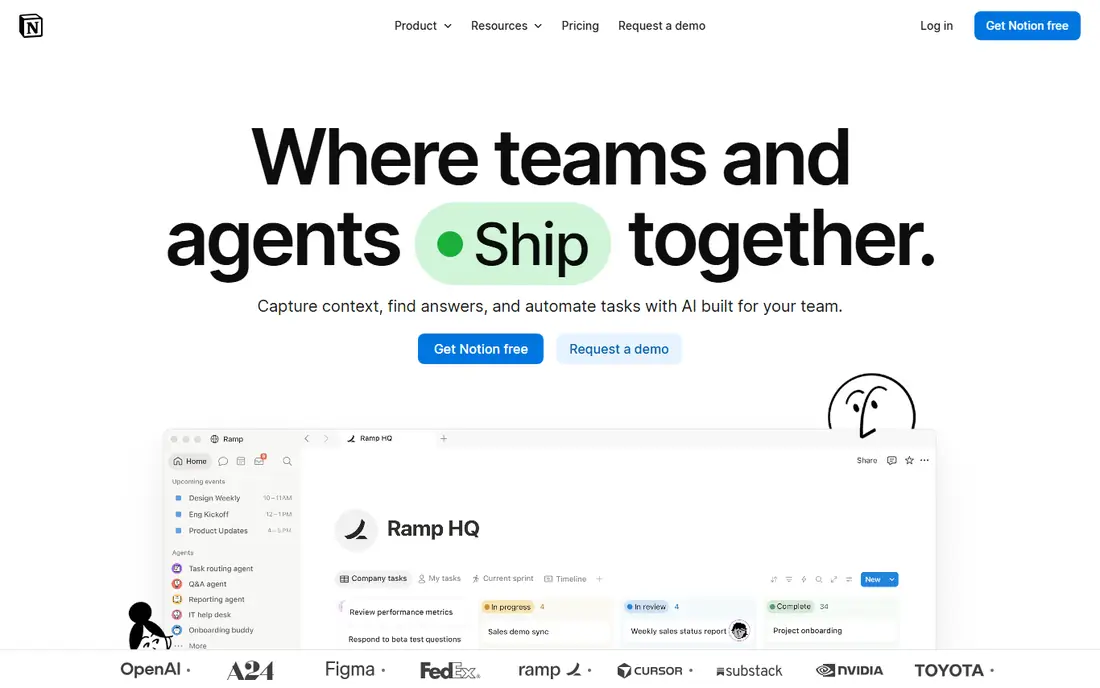
What we like- Notion AI offers an all-in-one workspace where AI summarizes, drafts, and answers questions across notes, docs, and wikis, plus meeting notes captured from device audio inside a Notion page. The free plan includes an AI trial only, Plus costs 10 dollars per user per month billed annually, and full AI is included on Business at 20 dollars per user per month billed annually. It suits teams that already run their wiki in Notion, turning notes directly into structured, actionable workspace content.
Watch out for- Notion AI is not a meeting recorder in the Fathom or Otter sense, since it lacks bot joining and live transcription depth. Full AI needs the Business plan, and AI credits apply on some plans, with 10 dollars per 1,000 monthly credits reported in some comparisons. Privacy depends on cloud storage, unlike local tools such as Obsidian.
#2Otter.ai
Best for: Live transcription4.4/5 on
G2 (505 reviews, checked Oct 2026)
Visit otter.ai
Starting priceFree
Free planYes
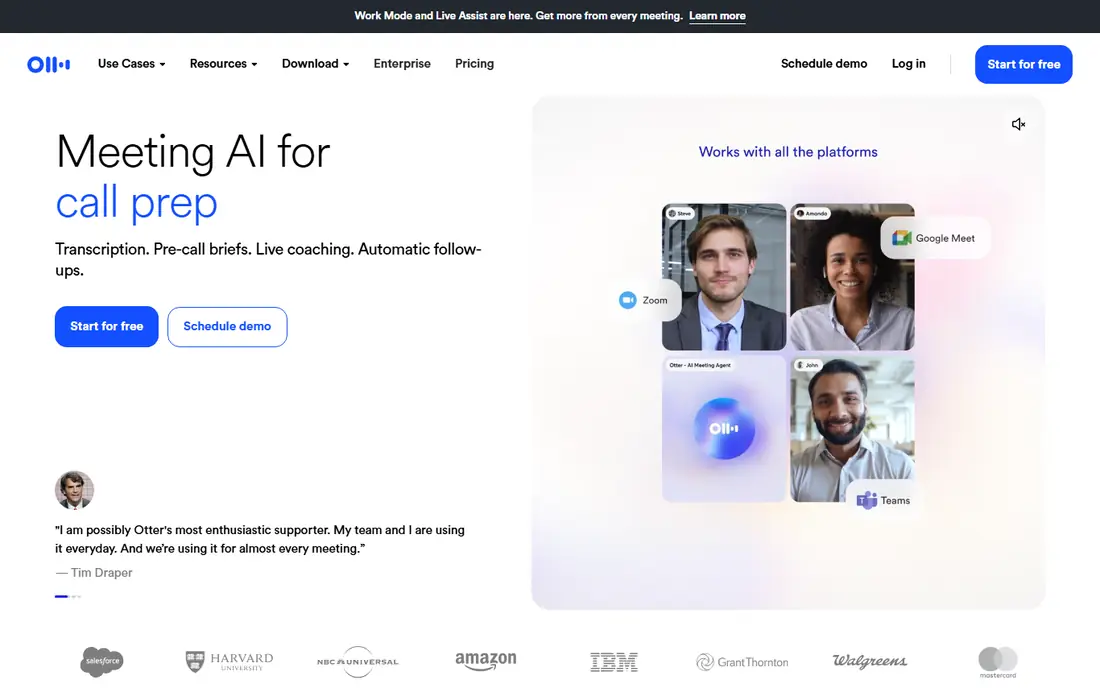
What we like- Otter.ai offers a meeting assistant that joins calls and produces live, searchable transcripts with speaker labels and summaries, plus live captions and in-person recording via desktop and mobile apps. The free Basic plan covers 300 transcription minutes per month with 30 minutes per conversation, while Pro costs 8.33 dollars per user per month billed annually. It suits lectures, interviews, and meetings needing a searchable archive across months of calls.
Watch out for- The free minute cap is tight for heavy users, and Pro minutes were cut from 6,000 to 1,200 in comparison reporting, so check current limits. A bot joins the call on most plans, which some participants dislike, and transcription covers English, Spanish, French, German, Japanese, and Chinese, narrower than Fireflies 100-plus languages. Trust the summary only after verifying key decisions.
#3Fireflies.ai
Best for: Teams and sales calls4.7/5 on
G2 (754 reviews, checked Oct 2026)
Visit fireflies.ai
Starting priceFree
Free planYes
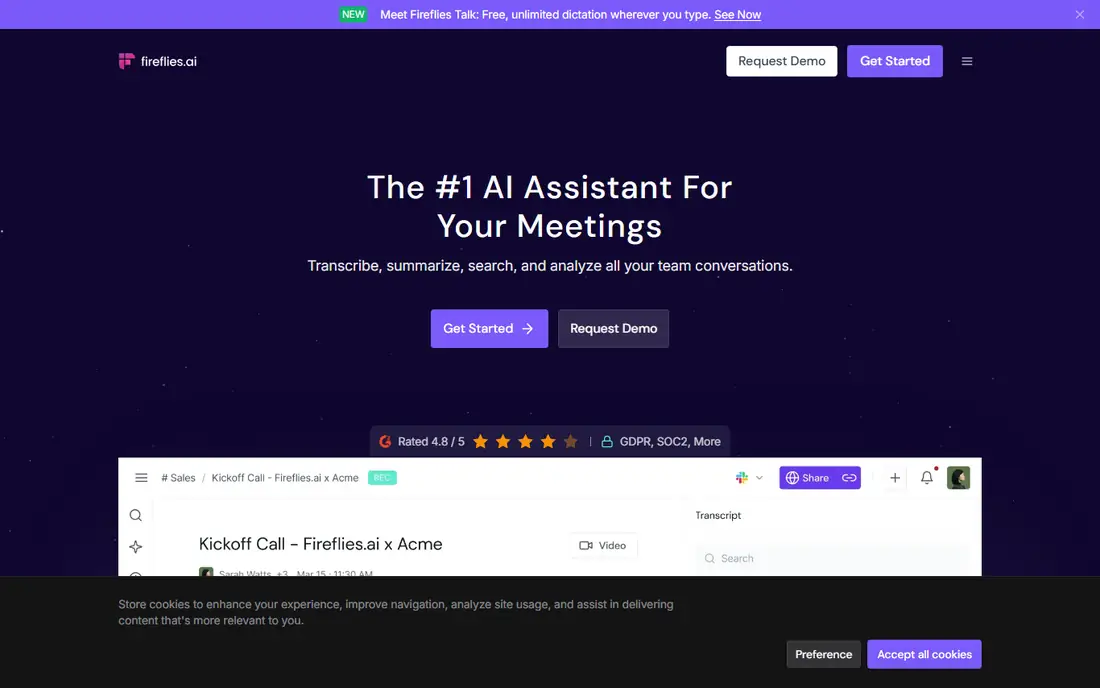
What we like- Fireflies.ai offers a meeting notetaker with unlimited transcription, conversation intelligence, and deep CRM integrations for teams, covering Salesforce, HubSpot, and Pipedrive. The free plan covers unlimited transcription with limited AI summaries and 400 minutes of storage per team, while Pro costs 10 dollars per seat per month billed annually. It supports more than 100 languages, the widest coverage on this list, and suits sales and operations teams needing meeting data in the CRM automatically.
Watch out for- A bot joins the call, and free AI summaries are limited, so full value needs Pro or Business at 19 dollars per seat per month annually. Storage limits on the free plan constrain long-term archives. Privacy review matters, since transcripts live in the Fireflies cloud and sync to CRM systems.
Starting priceFree
Free planYes
What we like- Granola offers a calm AI notepad that captures meeting audio from your device, with no recording bot joining the call, and notes built from your own typed notes plus meeting context. The Basic plan is free with unlimited meetings and 30-day history, while Business costs 14 dollars per user per month and Enterprise starts from 35 dollars. Audio is not saved in some descriptions, which suits confidential and client-facing meetings, and MCP connectors for Claude and ChatGPT add workflow power.
Watch out for- Free history lasts only 30 days, so long-term archives need Business. Language support is listed as multi-language without a firm count, narrower than Fireflies in reporting. Notes depend on your own typed input plus audio context, so passive users get thinner notes than bot recorders produce.
#5Fathom
Best for: Best free meeting recorder5.0/5 on
G2 (7,076 reviews, checked Oct 2026)
Visit fathom.video
Starting priceFree
Free planYes
What we like- Fathom offers the best free AI meeting note taker, with unlimited recordings and transcripts, instant summaries, and 30-second summaries in comparison reporting. Advanced AI summaries cover about 5 calls per month on the free plan, with Premium at 16 dollars per month billed annually and Team at 15 dollars billed annually with a 2-user minimum. It supports Zoom, Google Meet, Teams, and Slack Huddles, with CRM logging to HubSpot and Salesforce.
Watch out for- A bot joins the call on most plans, though bot-free capture is in beta on Mac. Advanced summaries are capped free, so heavy users need Premium. Language coverage is not stated on the pricing page in some comparisons, so multilingual teams should confirm support before adopting.
Starting priceFree
Free planYes
What we like- Mem offers a folderless AI notes app that organizes itself and resurfaces the right note at the right moment, with device audio Voice Mode and no bot joining calls. The free plan covers 25 notes and 25 agent messages per month, with 3 hours of Voice Mode in some comparisons, while Plus costs 9 dollars per month and Pro costs 29 dollars per month, with higher-usage Pro tiers up to 199 dollars. It suits personal knowledge capture and follow-up assistance.
Watch out for- Free limits are tight at 25 notes per month, so active users need Plus quickly. Pro pricing up to 199 dollars per month for high-usage tiers is steep for individuals. Meeting depth lags dedicated recorders, since Mem is a personal notes assistant first.
#7Obsidian
Best for: Privacy and local notes4.5/5 on
G2 (13 reviews, checked Oct 2026)
Visit obsidian.md
Starting priceFree
Free planYes
What we like- Obsidian offers the best privacy option, with a full app free and local notes stored on your device, plus Sync at about 4 dollars per month for cross-device access. It suits privacy-focused users and researchers who want AI-free or plugin-based AI without cloud dependence. The local-first model means notes stay yours, with no vendor cloud required for core use.
Watch out for- AI features come via plugins and community tools rather than built-in AI, so setup needs effort. There is no meeting recorder, bot, or transcription built in, so it pairs with a recorder rather than replacing one. Sync costs extra, and mobile setup needs configuration.
Starting priceFree
Free planYes
What we like- NotebookLM offers the best research and study tool, letting users ground AI answers in their own documents, with a free tier and paid access reported near 5 to 8 dollars per month via Google AI plans. It suits students and researchers who want cited answers across uploaded sources, with audio overviews and study guides. It pairs well with meeting transcripts imported as sources.
Watch out for- NotebookLM does not record meetings itself, so it needs transcripts from another tool. Paid pricing varies by Google AI plan, so confirm current terms. Cloud processing means source documents leave the device, unlike Obsidian local notes.
How we chose
We ranked tools on transcription accuracy, summary quality, capture method, free plan honesty, privacy, and published pricing. Tools earned credit for unlimited free recording, bot-free capture, live transcription, CRM integrations, and local storage. We excluded pure transcription services without note organization, since notetaking means turning captures into usable notes. Figures come from published pricing and 2026 comparison reporting, and readers should confirm current terms directly, since Otter minute limits and Notion AI credit models change.
How to choose the right AI notetaking software
Start with the job: meetings point to Fathom, Otter, Fireflies, or Granola, while personal knowledge points to Notion AI, Mem, or Obsidian, and research points to NotebookLM. Next, check capture method: bot joining suits teams that accept a visible recorder, while Granola bot-free capture suits confidential meetings where a bot would distract or alarm participants. Then check free plan honesty: Fathom free offers unlimited recordings, Otter free offers 300 minutes, Fireflies free offers unlimited transcription with limited AI, and Granola free offers 30-day history. Then check privacy and consent: tell participants when recording, check company policy and local rules, and prefer local tools such as Obsidian for sensitive notes. Finally, verify AI outputs before acting, since summaries can miss decisions, misattribute owners, and invent action items, so review the transcript for anything that drives a commitment.
Frequently asked questions
What is the best free AI notetaking app?
Fathom offers the best free meeting plan with unlimited recordings and transcripts, while Otter free covers 300 minutes per month and Granola free covers unlimited meetings with 30-day history. For personal notes, Obsidian is fully free locally.
Do I need to tell people when an AI notetaker joins a meeting?
Yes, in most cases. Tell participants when recording, check company policy and local consent rules, and note that bot recorders announce themselves while bot-free tools do not, making disclosure your responsibility with Granola-style capture.
Can AI summaries be trusted?
Verify summaries before acting on them. AI summaries can miss decisions, misattribute owners, and invent action items, so review the transcript for anything driving a commitment, deadline, or payment.
What is the difference between bot and bot-free capture?
Bot capture joins the call as a visible participant and records from the meeting platform, while bot-free capture records audio from your own device without joining. Bot-free capture suits confidential meetings, while bot capture suits teams wanting automatic transcripts for everyone.
Which tool is best for sales teams?
Fireflies.ai suits sales teams best, with unlimited transcription, conversation intelligence, and deep Salesforce and HubSpot integrations. Fathom also logs AI summaries as CRM activities for sales workflows.
Is Obsidian really private?
Obsidian stores notes locally on your device, with no vendor cloud required for core use, making it the most private option here. Sync at about 4 dollars per month adds encrypted cross-device access, while plugins should be reviewed for their own data handling.
Sources we checked (0)
Is your product missing or out of date?
We review this list regularly. Vendors can request a listing, send updated pricing or ask about featured placement.

Shihab Mia · Founder, Rankite
Shihab has 5+ years in B2B and SaaS SEO. He writes Rankite's software buying guides from pricing pages, documentation and public user reviews. More about Shihab.